# html-to-pdf
**Repository Path**: 900526/html-to-pdf
## Basic Information
- **Project Name**: html-to-pdf
- **Description**: Egg + Puppeteer 实现Html转PDF
- **Primary Language**: Unknown
- **License**: Not specified
- **Default Branch**: main
- **Homepage**: None
- **GVP Project**: No
## Statistics
- **Stars**: 1
- **Forks**: 1
- **Created**: 2021-11-09
- **Last Updated**: 2021-11-09
## Categories & Tags
**Categories**: Uncategorized
**Tags**: None
## README
# html-to-pdf
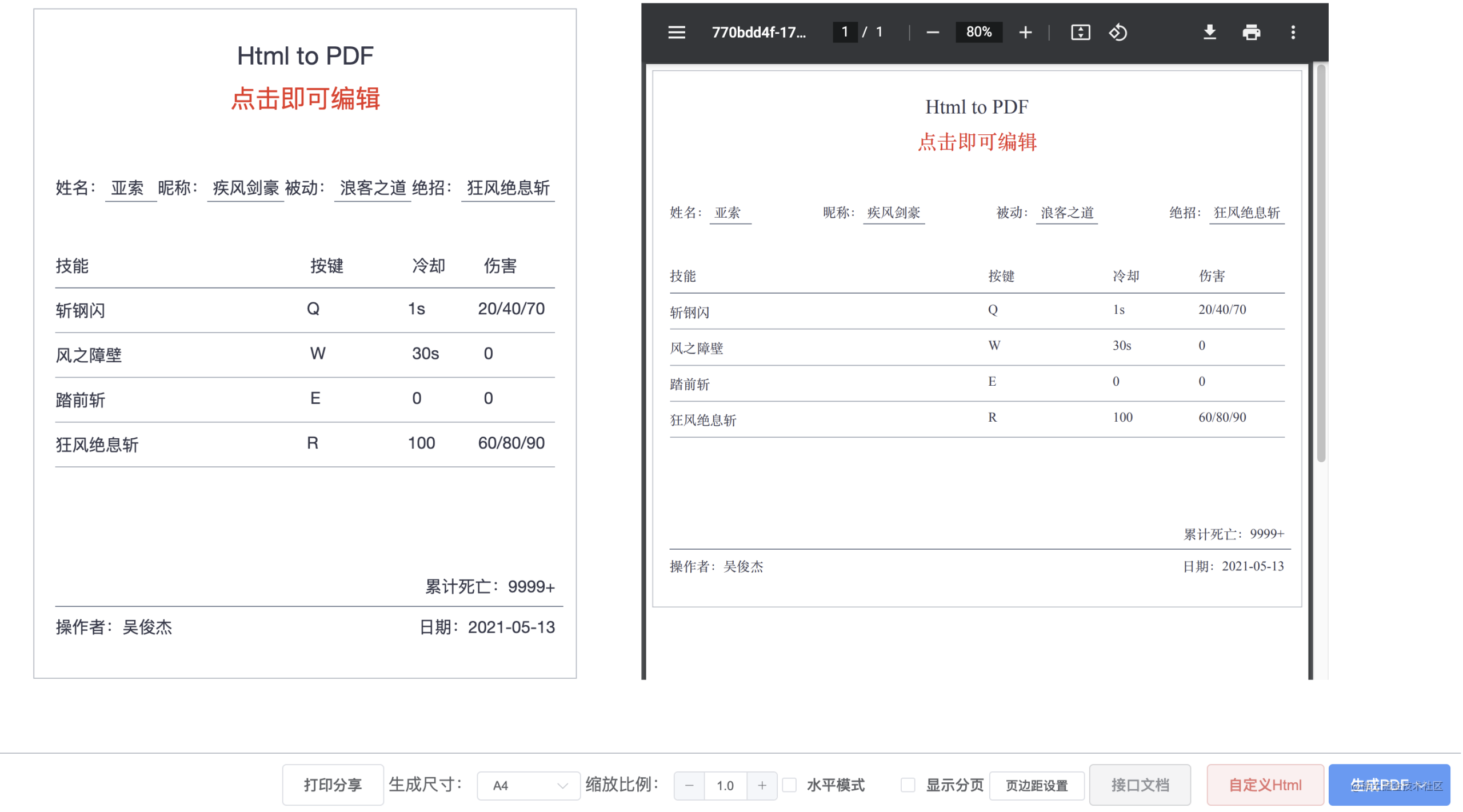
## 预览
## demo源码
root/app/view/index.html
## 教程
写了一下从头到尾实现的过程~ 有很多坑
掘金地址:[Egg + Puppeteer 实现Html转PDF](https://juejin.cn/post/6907500437134376974)
个人博客:[https://alexwjj.github.io/](https://alexwjj.github.io/)
### Development
```bash
$ npm i
$ npm run dev
```
### Deploy
```bash
$ npm start
$ npm stop
```
## 获取pdf文件流api
```
method: post,
url: /getPdf,
参数:
// html文档
htmlStr: {
type: 'string',
required: true,
allowEmpty: false,
},
// 纸张
format: {
type: 'string',
required: false,
default: 'A4'
},
// 页面空白白边配置,默认是都为0
margin: {
type: 'object',
required: false,
},
eg:margin: {
top: '15px',
right: '15px',
bottom: '15px',
left: '15px'
}
// 页面渲染的缩放。默认是1。缩放值必须介于0.1到2之间
scale: {
type: 'number',
required: false,
},
// 是否显示页码 eg:1/4
displayPageNumber: {
type: 'boolean',
required: false,
},
// 是否水平打印
landscape: {
type: 'boolean',
required: false,
},
```