 [](https://github.com/sponsors/fonoster) [](https://discord.com/invite/4QWgSz4hTC)  
Routr is a lightweight sip proxy, location server, and registrar that provides a reliable and scalable SIP infrastructure for telephony carriers, communication service providers, and integrators.
## Table of content
* [Community](#community)
* [Should you try Routr?](#should-you-try-routr)
* [Contact us](#contact-us)
* [Features](#features)
* [The official handbook](#the-official-handbook)
* [Deployment](#deployment)
* [Docker](#instant-server-deployment-with-docker-and-compose)
* [Kubernetes](#kubernetes)
* [Gitpod](#development-mode-with-gitpod)
* [Getting started with the CTL](#getting-started-with-the-ctl)
* [First steps with the NodeSDK](#first-steps-with-the-nodesdk)
* [Custom Processors and Middleware](#building-custom-processors-and-middleware)
* [Documentation](https://routr.io/docs)
* [Bugs and feedback](#bugs-and-feedback)
* [Sponsors](#sponsors)
* [Contributing](#contributing)
* [License](#license)
## Community
We are building Routr in the open. The best to communicate with us is via [GitHub Discussions.](https://github.com/fonoster/routr/discussions)
---
[](https://github.com/sponsors/fonoster) [](https://discord.com/invite/4QWgSz4hTC)  
Routr is a lightweight sip proxy, location server, and registrar that provides a reliable and scalable SIP infrastructure for telephony carriers, communication service providers, and integrators.
## Table of content
* [Community](#community)
* [Should you try Routr?](#should-you-try-routr)
* [Contact us](#contact-us)
* [Features](#features)
* [The official handbook](#the-official-handbook)
* [Deployment](#deployment)
* [Docker](#instant-server-deployment-with-docker-and-compose)
* [Kubernetes](#kubernetes)
* [Gitpod](#development-mode-with-gitpod)
* [Getting started with the CTL](#getting-started-with-the-ctl)
* [First steps with the NodeSDK](#first-steps-with-the-nodesdk)
* [Custom Processors and Middleware](#building-custom-processors-and-middleware)
* [Documentation](https://routr.io/docs)
* [Bugs and feedback](#bugs-and-feedback)
* [Sponsors](#sponsors)
* [Contributing](#contributing)
* [License](#license)
## Community
We are building Routr in the open. The best to communicate with us is via [GitHub Discussions.](https://github.com/fonoster/routr/discussions)
---
Special Announcement:

We now have a Discord Channel
There we plan to discuss roadmaps, feature requests, and more
Join us today
 ## Features
Routr's main features are:
- [x] Common SIP Server functions; Proxy, Registrar, Location Service
- [x] Programmable routing
- [x] Load balancing strategies against Media Servers like Asterisk and FreeSWITCH
- [x] Session Affinity
- [x] Multi-Tenant/Multi-Domain with Domain level Access Control List
- [ ] Region-based routing
- [x] Configurable routing strategies; Intra-Domain, Domain Ingress, Domain Egress, and Peer Egress
- [x] No single point of failure
- [x] Transport: TCP, UDP, TLS, WS, WSS
- [x] In-memory and Redis Location Service
- [x] JSON and YAML files as a data source
- [x] Postgres as a data source
- [x] Server management with the gRPC API
- [x] NodeSDK
- [x] Command-Line Tool
- [x] RTPEngine Middleware
- [x] Helm Chart for Kubernetes Deployments
- [x] Endpoint Authentication with JWT (For web phones)
- [ ] Support for STIR/SHAKEN
- [ ] Web Application
To learn more, read the [documentation](https://routr.io/docs) :books:
## The official handbook
## Features
Routr's main features are:
- [x] Common SIP Server functions; Proxy, Registrar, Location Service
- [x] Programmable routing
- [x] Load balancing strategies against Media Servers like Asterisk and FreeSWITCH
- [x] Session Affinity
- [x] Multi-Tenant/Multi-Domain with Domain level Access Control List
- [ ] Region-based routing
- [x] Configurable routing strategies; Intra-Domain, Domain Ingress, Domain Egress, and Peer Egress
- [x] No single point of failure
- [x] Transport: TCP, UDP, TLS, WS, WSS
- [x] In-memory and Redis Location Service
- [x] JSON and YAML files as a data source
- [x] Postgres as a data source
- [x] Server management with the gRPC API
- [x] NodeSDK
- [x] Command-Line Tool
- [x] RTPEngine Middleware
- [x] Helm Chart for Kubernetes Deployments
- [x] Endpoint Authentication with JWT (For web phones)
- [ ] Support for STIR/SHAKEN
- [ ] Web Application
To learn more, read the [documentation](https://routr.io/docs) :books:
## The official handbook
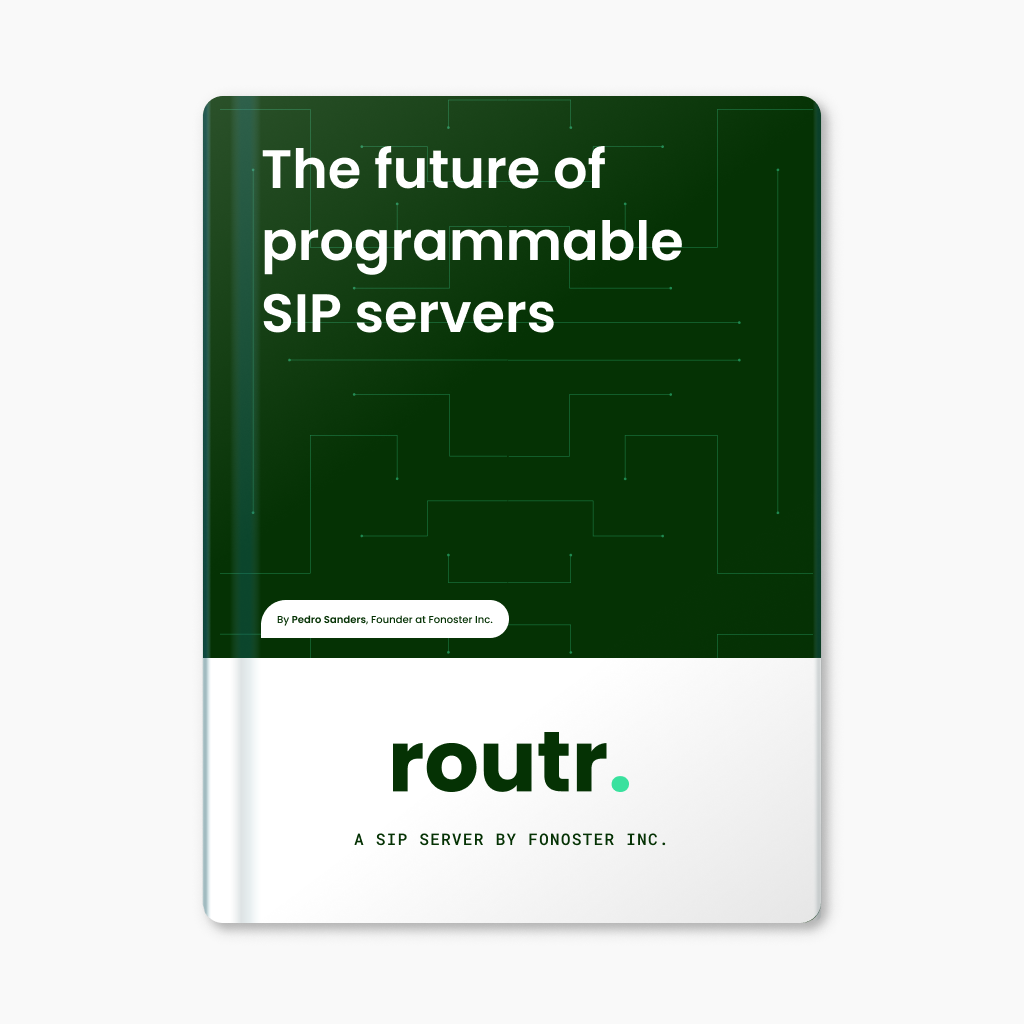 This handbook offers a detailed information about of the innovative features, challenges, and opportunities associated with using Routr.
Get the eBook.
* [Programmable, cloud-ready, open source](https://fonoster.gumroad.com/l/the-future-of-programmable-sip-servers)
## Give a star! ⭐
If you want to support this project, please give it a star. Thanks 🙏
## Deployment
### Instant server deployment with Docker and Compose
First, create a directory named "routr". Navigate into the new folder, and then copy the content below:
Filename: _compose.yaml_
```yaml
version: "3"
services:
routr:
image: fonoster/routr-one:latest
environment:
EXTERNAL_ADDRS: ${DOCKER_HOST_ADDRESS}
ports:
- 51908:51908
- 5060:5060/udp
volumes:
- shared:/var/lib/postgresql/data
volumes:
shared:
```
Then, start the server with:
```bash
# Be sure to replace with your IP address
DOCKER_HOST_ADDRESS=192.168.1.3 docker-compose up
```
Alternatively, you can use the following command:
```bash
# Be sure to replace with your IP address
docker run \
-p 51908:51908 \
-p 5060:5060/udp \
-e EXTERNAL_ADDRS=192.168.1.3 \
fonoster/routr-one:latest
```
Wait a few seconds for the containers to initialize. Afterward, you can verify the status of the containers using:
```bash
docker ps -a --format 'table {{.ID}}\t{{.Image}}\t{{.Status}}'
```
You should see a container with the status "Up." It should look like the one below:
```bash
CONTAINER ID IMAGE STATUS
6c63fd573768 fonoster/routr-one:latest Up About a minute
```
If the status of your services is "Up," you are ready to go.
### Kubernetes
Routr can be installed in Kubernetes using Helm. The following instructions assume that you have a Kubernetes cluster up and running.
> You can use Minikube or Docker Desktop to create a local Kubernetes cluster.
First, add the Helm repository:
```bash
helm repo add routr https://routr.io/charts
helm repo update
```
Then, create a namespace for Routr:
```bash
kubectl create namespace routr
```
Next, install Routr with the following command:
```bash
helm install my-release routr/routr-connect --namespace routr
```
Finally, wait a few minutes for the pods to start. You can check the status of the pods with the following command:
```bash
kubectl get pods -n routr
```
You should see a list of pods and their status. If the status is Running, then you are ready to go.
For more details, please refer to the chart's [README](https://github.com/fonoster/routr/blob/main/ops/charts/connect/README.md).
### Development mode with Gitpod
Routr's one-click interactive deployment will familiarize you with the server in development mode.
[](https://gitpod.io/#https://github.com/fonoster/routr)
To connect to your instance, follow these steps:
First, add your public SSH keys to your Gitpod account by going to [Gitpod account keys](https://gitpod.io/user/keys) and adding your public key.
Next, find your [Gitpod workspace](https://gitpod.io/workspaces) and click on the "More" button. Then, select "Connect via SSH."
Finally, copy the SSH Command and run it in your terminal by pasting it and pressing Enter. The command should look like this:
```bash
ssh -L 5060:localhost:5060
This handbook offers a detailed information about of the innovative features, challenges, and opportunities associated with using Routr.
Get the eBook.
* [Programmable, cloud-ready, open source](https://fonoster.gumroad.com/l/the-future-of-programmable-sip-servers)
## Give a star! ⭐
If you want to support this project, please give it a star. Thanks 🙏
## Deployment
### Instant server deployment with Docker and Compose
First, create a directory named "routr". Navigate into the new folder, and then copy the content below:
Filename: _compose.yaml_
```yaml
version: "3"
services:
routr:
image: fonoster/routr-one:latest
environment:
EXTERNAL_ADDRS: ${DOCKER_HOST_ADDRESS}
ports:
- 51908:51908
- 5060:5060/udp
volumes:
- shared:/var/lib/postgresql/data
volumes:
shared:
```
Then, start the server with:
```bash
# Be sure to replace with your IP address
DOCKER_HOST_ADDRESS=192.168.1.3 docker-compose up
```
Alternatively, you can use the following command:
```bash
# Be sure to replace with your IP address
docker run \
-p 51908:51908 \
-p 5060:5060/udp \
-e EXTERNAL_ADDRS=192.168.1.3 \
fonoster/routr-one:latest
```
Wait a few seconds for the containers to initialize. Afterward, you can verify the status of the containers using:
```bash
docker ps -a --format 'table {{.ID}}\t{{.Image}}\t{{.Status}}'
```
You should see a container with the status "Up." It should look like the one below:
```bash
CONTAINER ID IMAGE STATUS
6c63fd573768 fonoster/routr-one:latest Up About a minute
```
If the status of your services is "Up," you are ready to go.
### Kubernetes
Routr can be installed in Kubernetes using Helm. The following instructions assume that you have a Kubernetes cluster up and running.
> You can use Minikube or Docker Desktop to create a local Kubernetes cluster.
First, add the Helm repository:
```bash
helm repo add routr https://routr.io/charts
helm repo update
```
Then, create a namespace for Routr:
```bash
kubectl create namespace routr
```
Next, install Routr with the following command:
```bash
helm install my-release routr/routr-connect --namespace routr
```
Finally, wait a few minutes for the pods to start. You can check the status of the pods with the following command:
```bash
kubectl get pods -n routr
```
You should see a list of pods and their status. If the status is Running, then you are ready to go.
For more details, please refer to the chart's [README](https://github.com/fonoster/routr/blob/main/ops/charts/connect/README.md).
### Development mode with Gitpod
Routr's one-click interactive deployment will familiarize you with the server in development mode.
[](https://gitpod.io/#https://github.com/fonoster/routr)
To connect to your instance, follow these steps:
First, add your public SSH keys to your Gitpod account by going to [Gitpod account keys](https://gitpod.io/user/keys) and adding your public key.
Next, find your [Gitpod workspace](https://gitpod.io/workspaces) and click on the "More" button. Then, select "Connect via SSH."
Finally, copy the SSH Command and run it in your terminal by pasting it and pressing Enter. The command should look like this:
```bash
ssh -L 5060:localhost:5060 |
Pedro Sanders |
Hannarong Klinjan |
Efrain Peralta |
vitalyster |
Kani |
Timmy |
|
luzpaz |
 Find all our supporters [here](https://github.com/sponsors/fonoster)
> [Become a Github Sponsor](https://github.com/sponsors/fonoster)
## Authors
- [Pedro Sanders](https://github.com/psanders)
## License
Copyright (C) 2024 by [Fonoster Inc](https://fonoster.com). MIT License (see [LICENSE](https://github.com/fonoster/fonoster/blob/master/LICENSE) for details).
Find all our supporters [here](https://github.com/sponsors/fonoster)
> [Become a Github Sponsor](https://github.com/sponsors/fonoster)
## Authors
- [Pedro Sanders](https://github.com/psanders)
## License
Copyright (C) 2024 by [Fonoster Inc](https://fonoster.com). MIT License (see [LICENSE](https://github.com/fonoster/fonoster/blob/master/LICENSE) for details).


