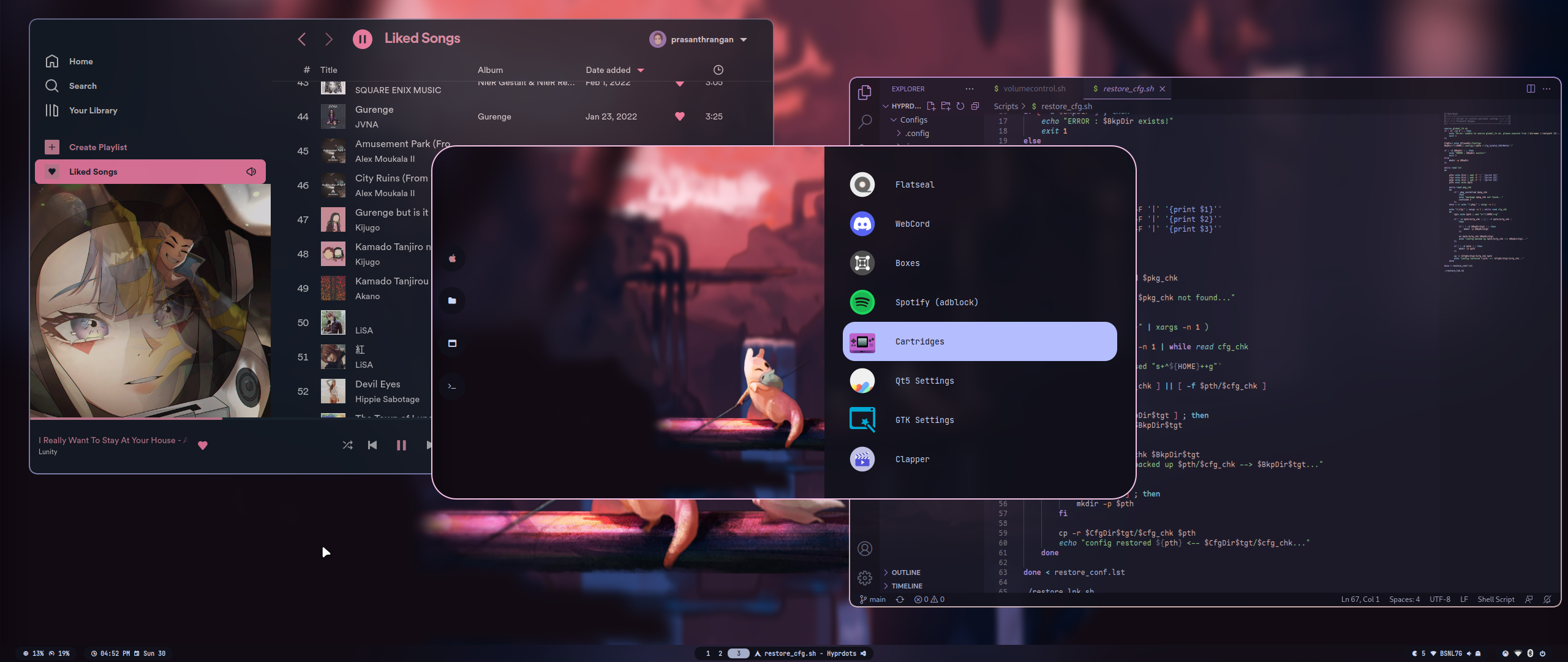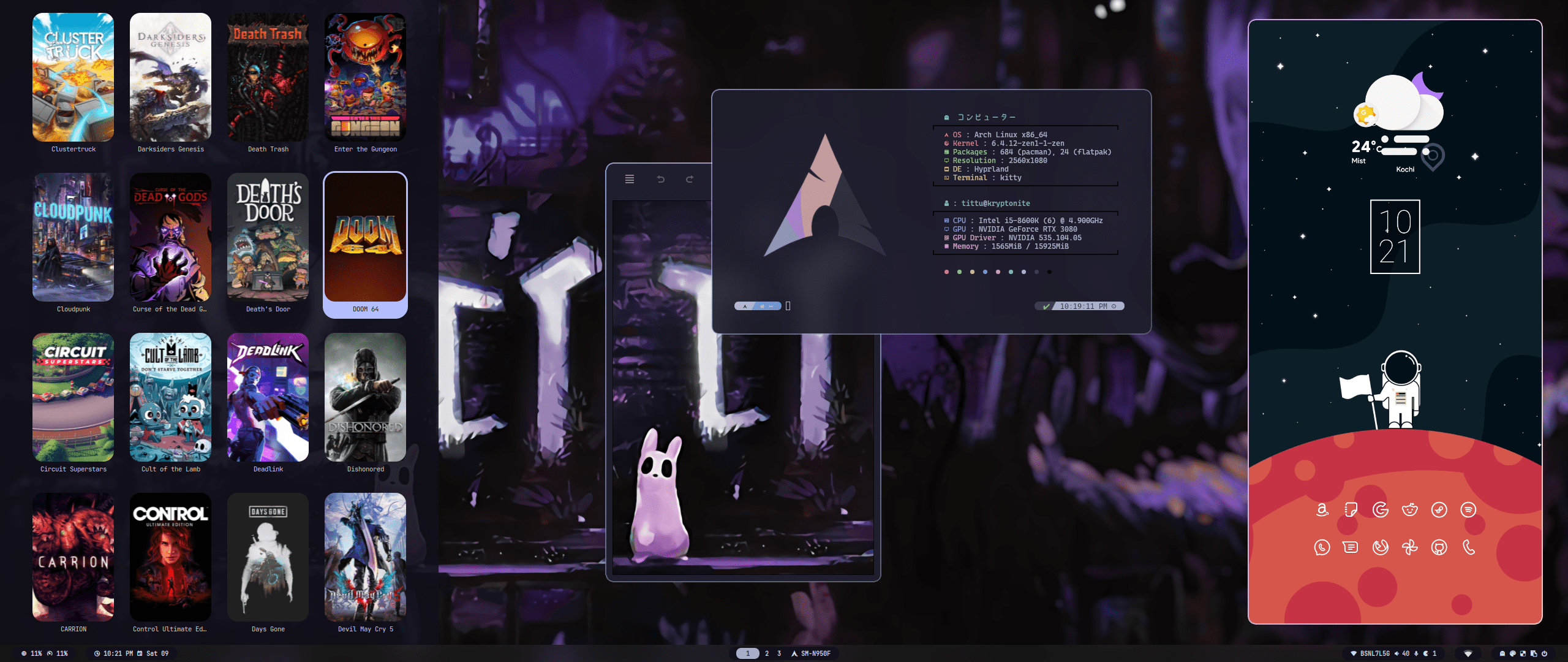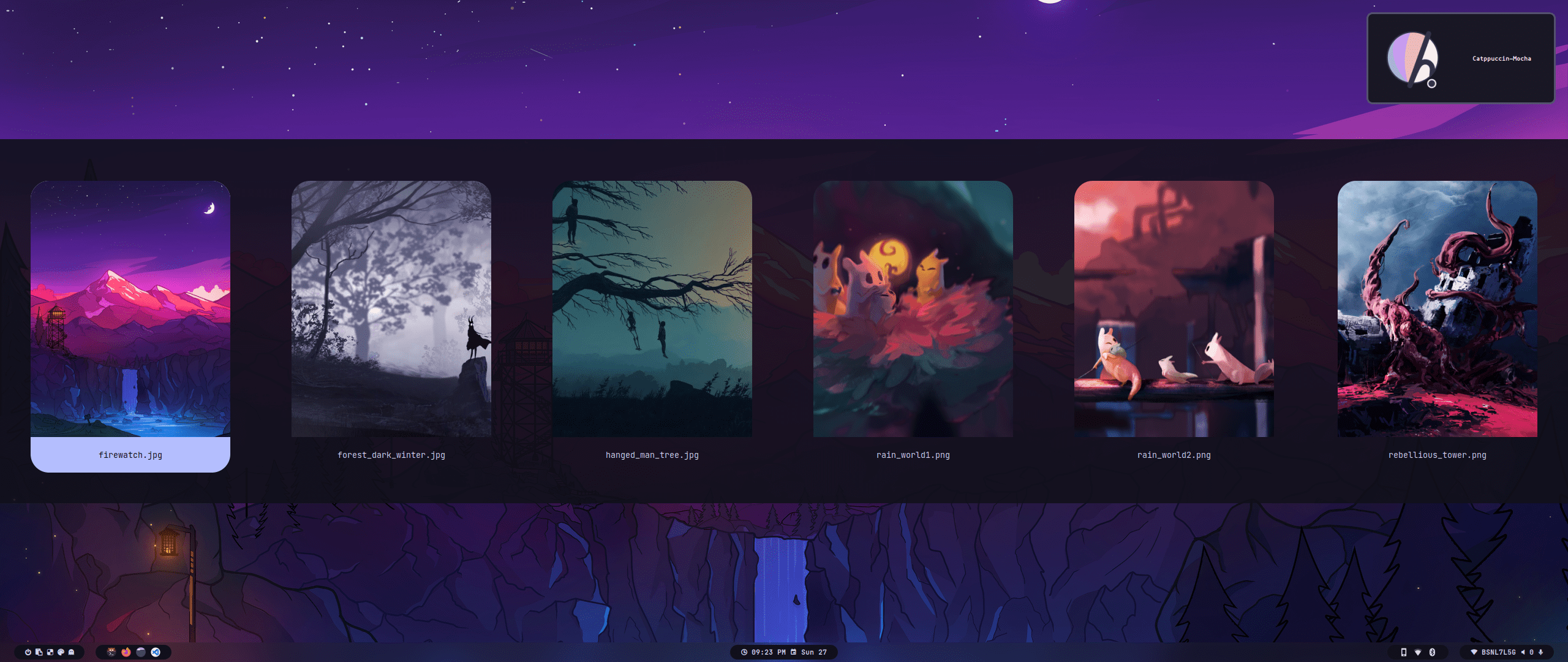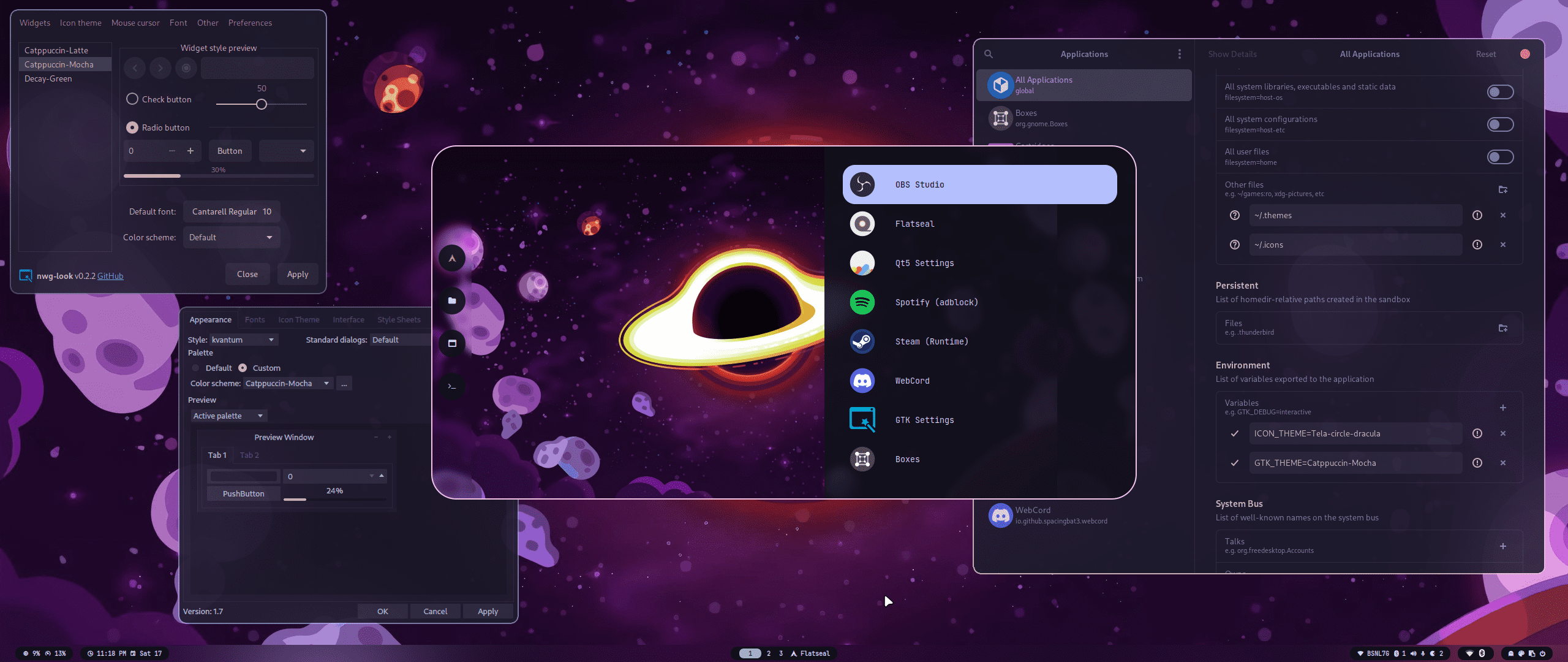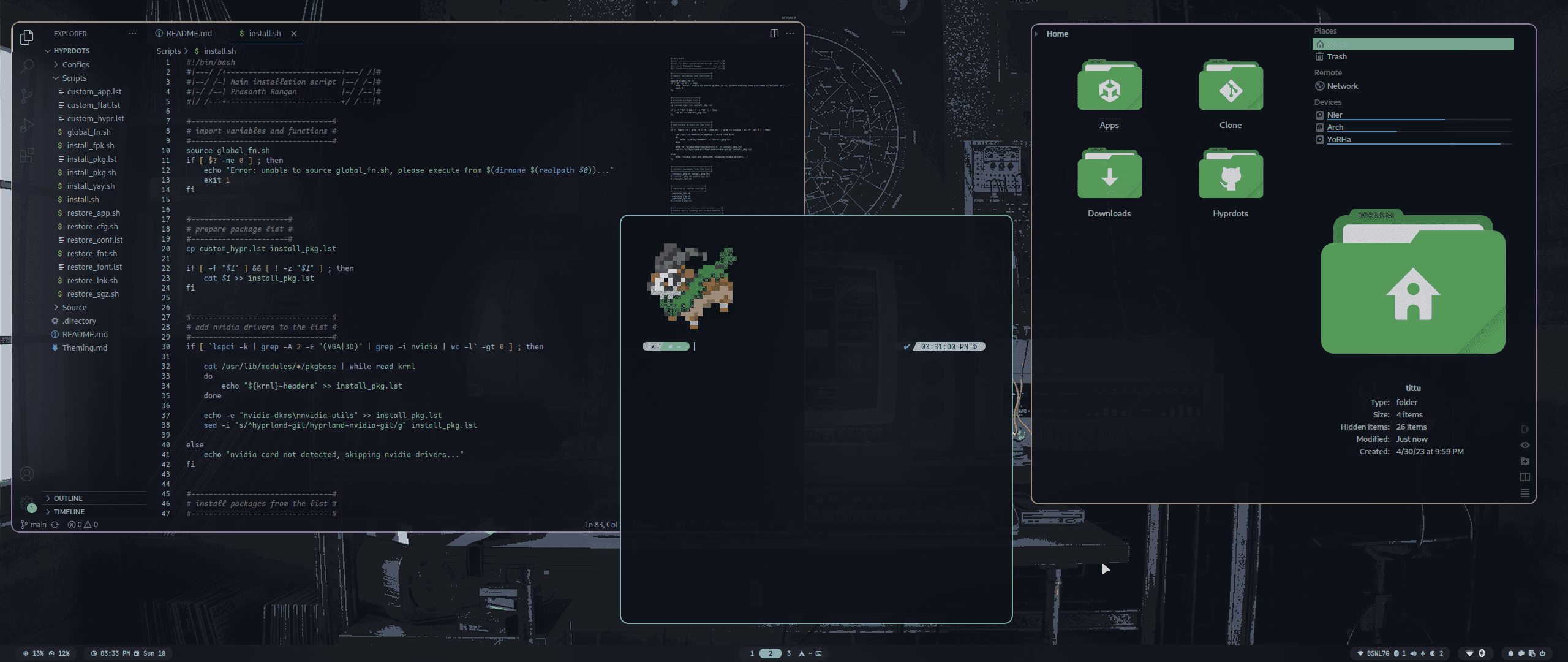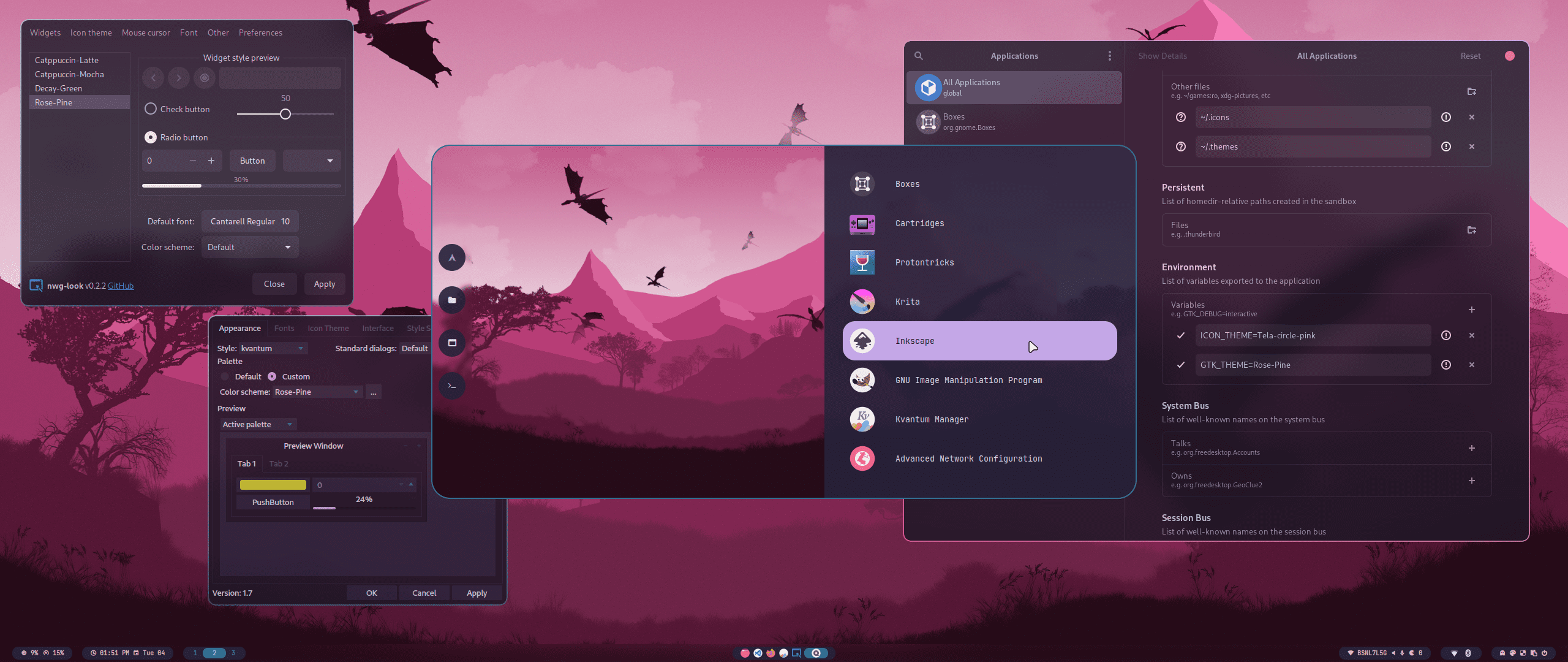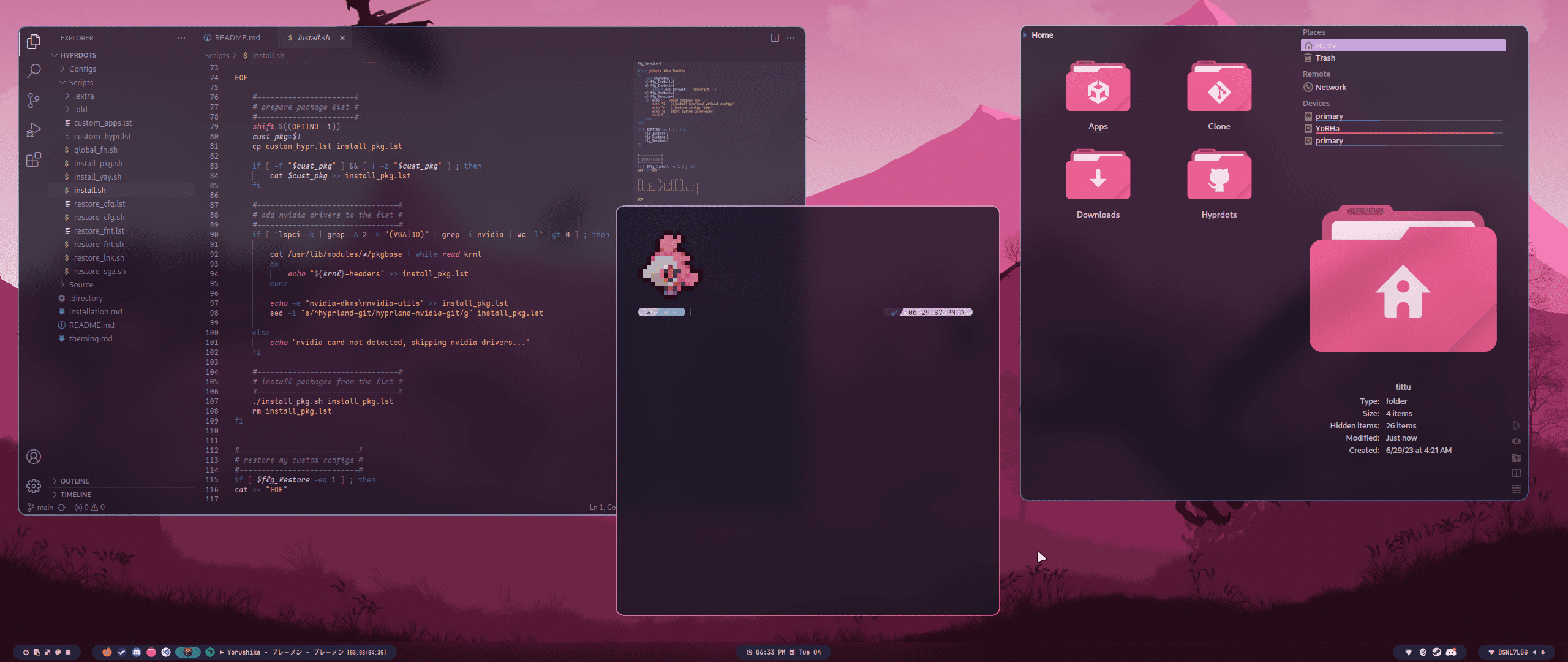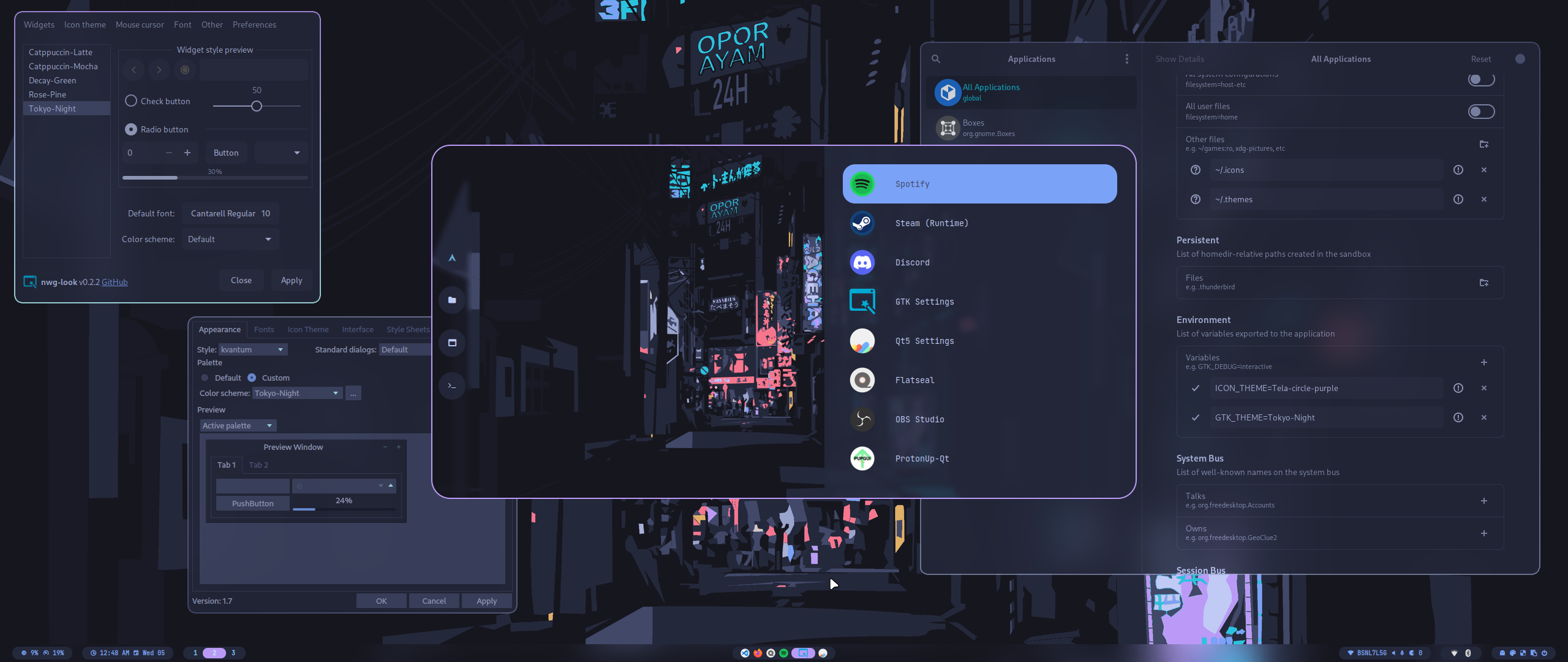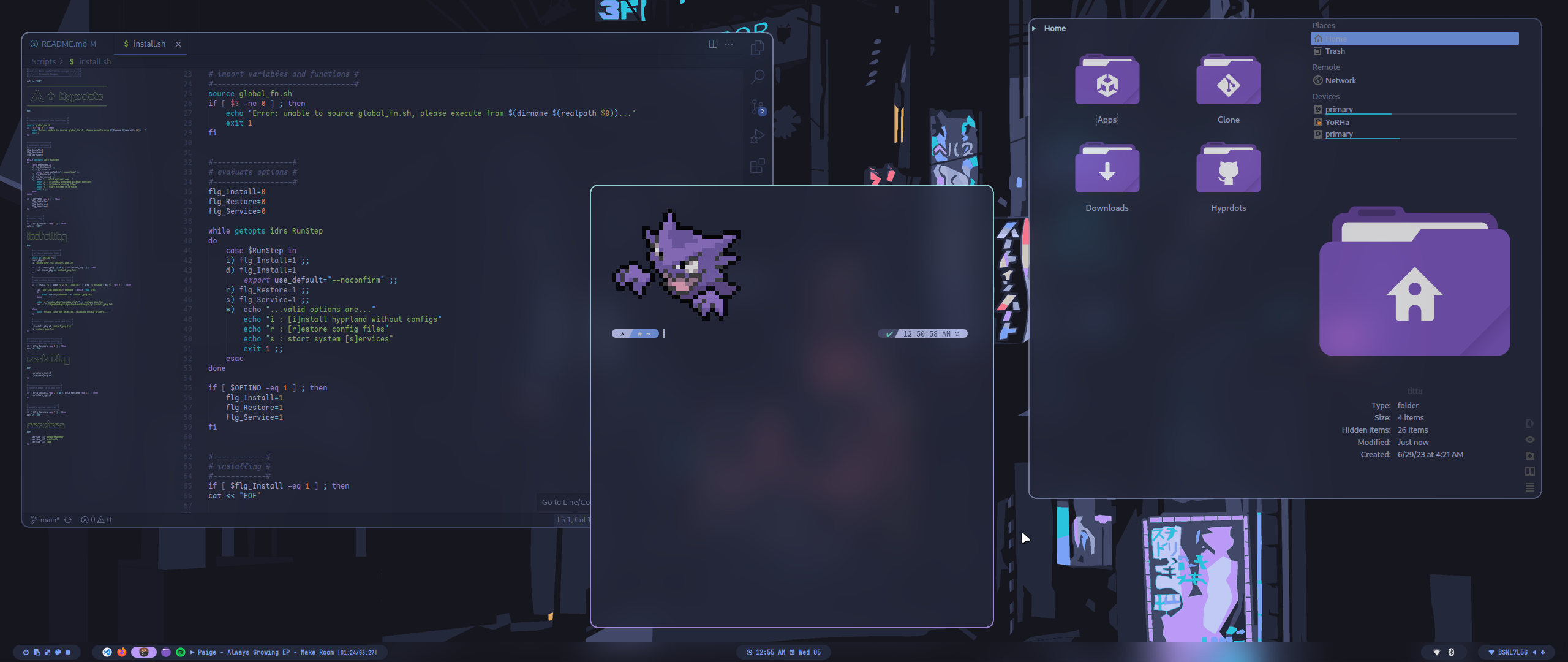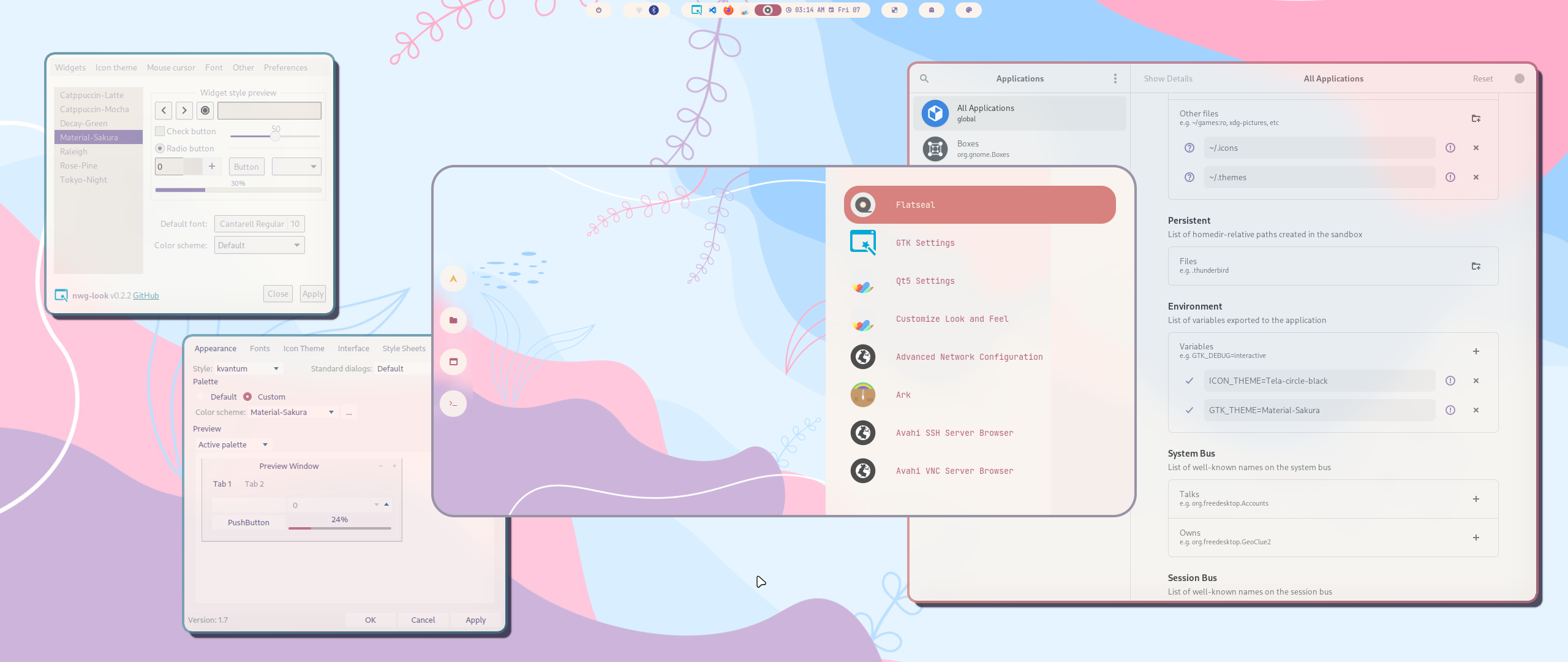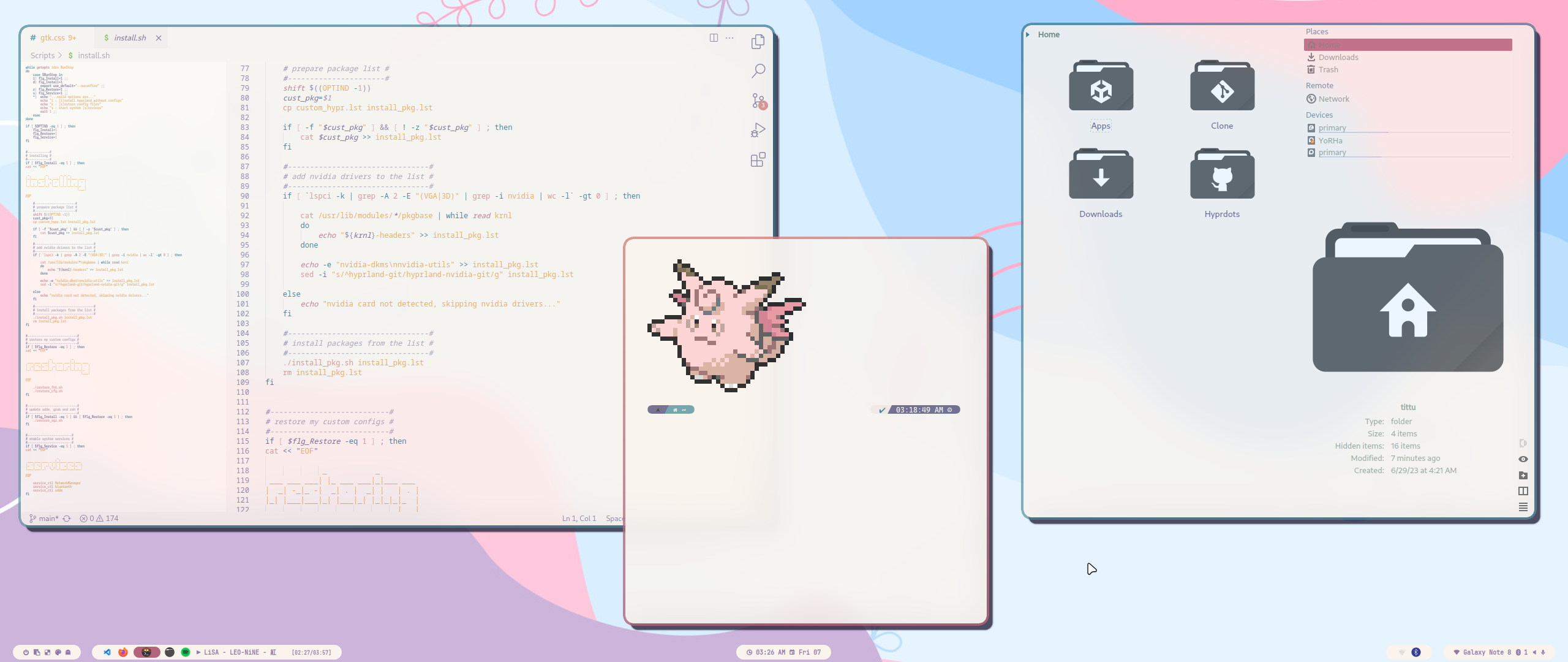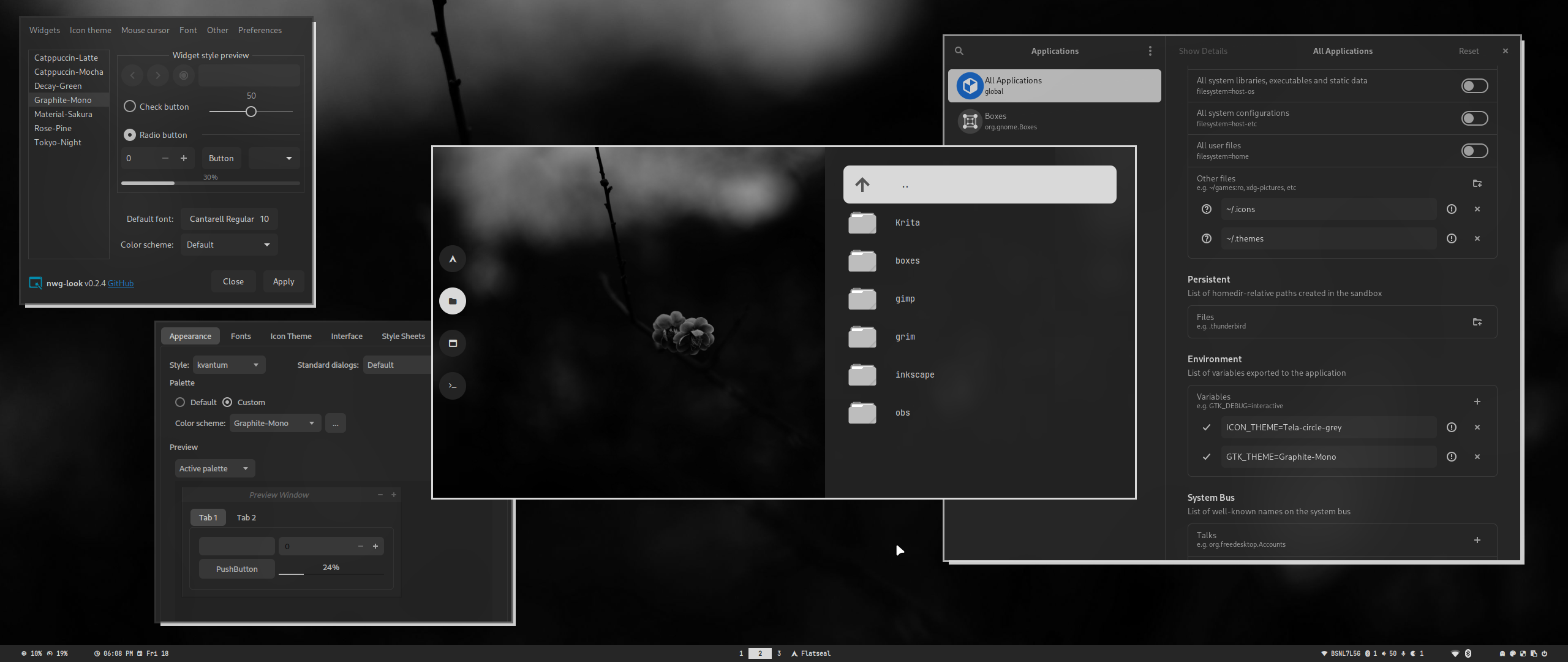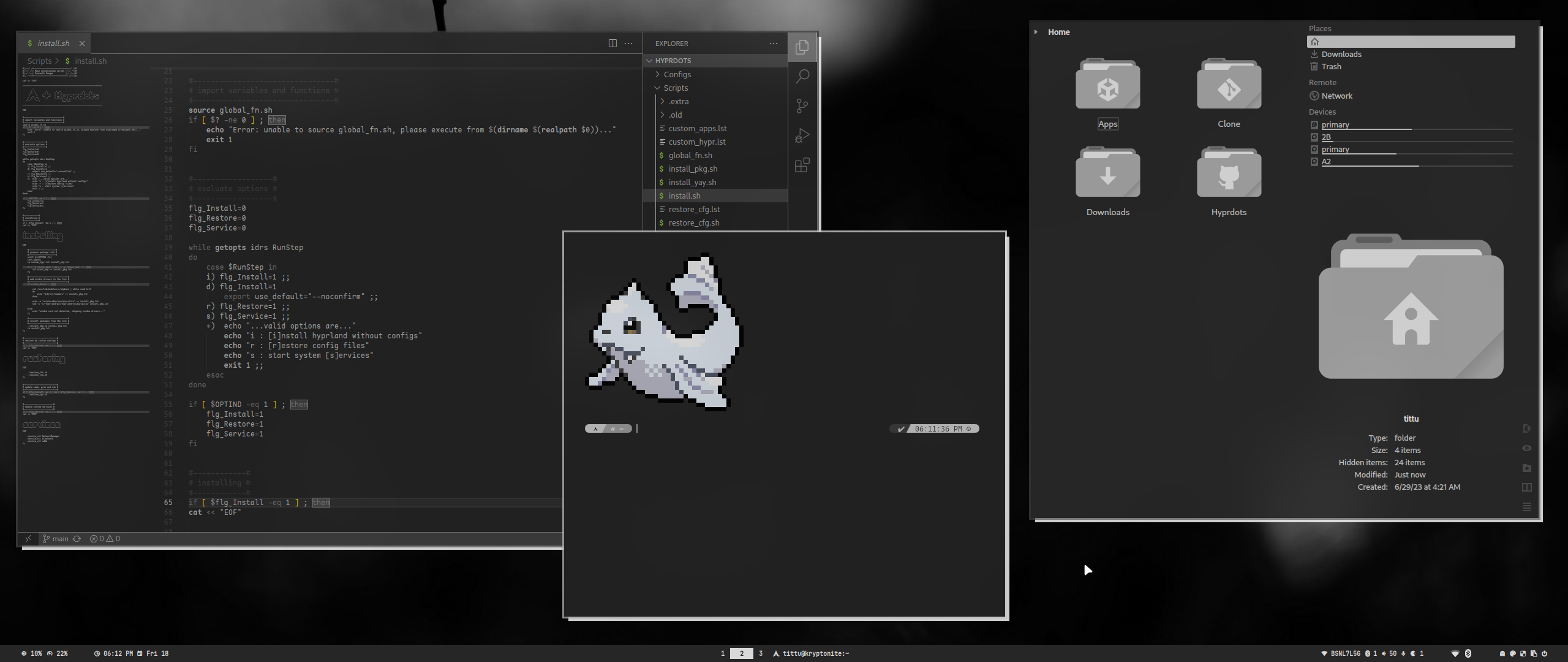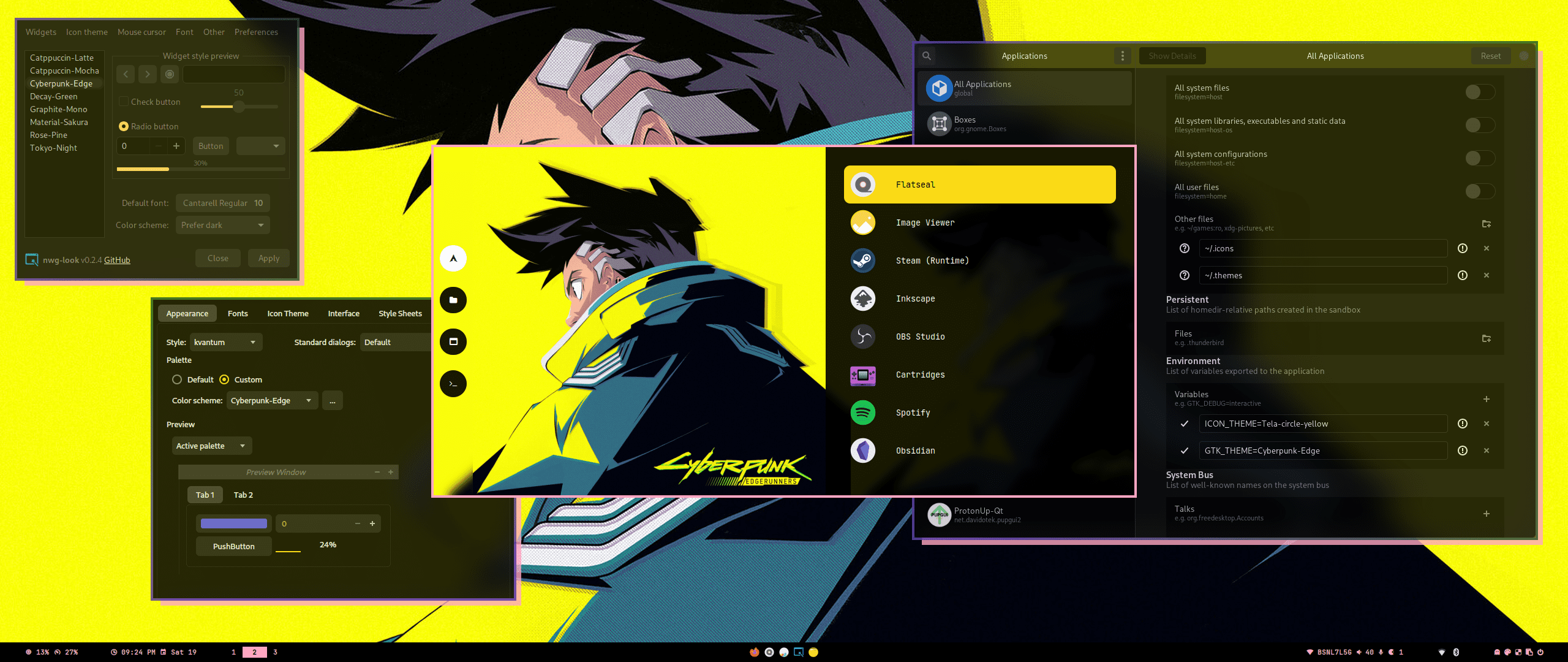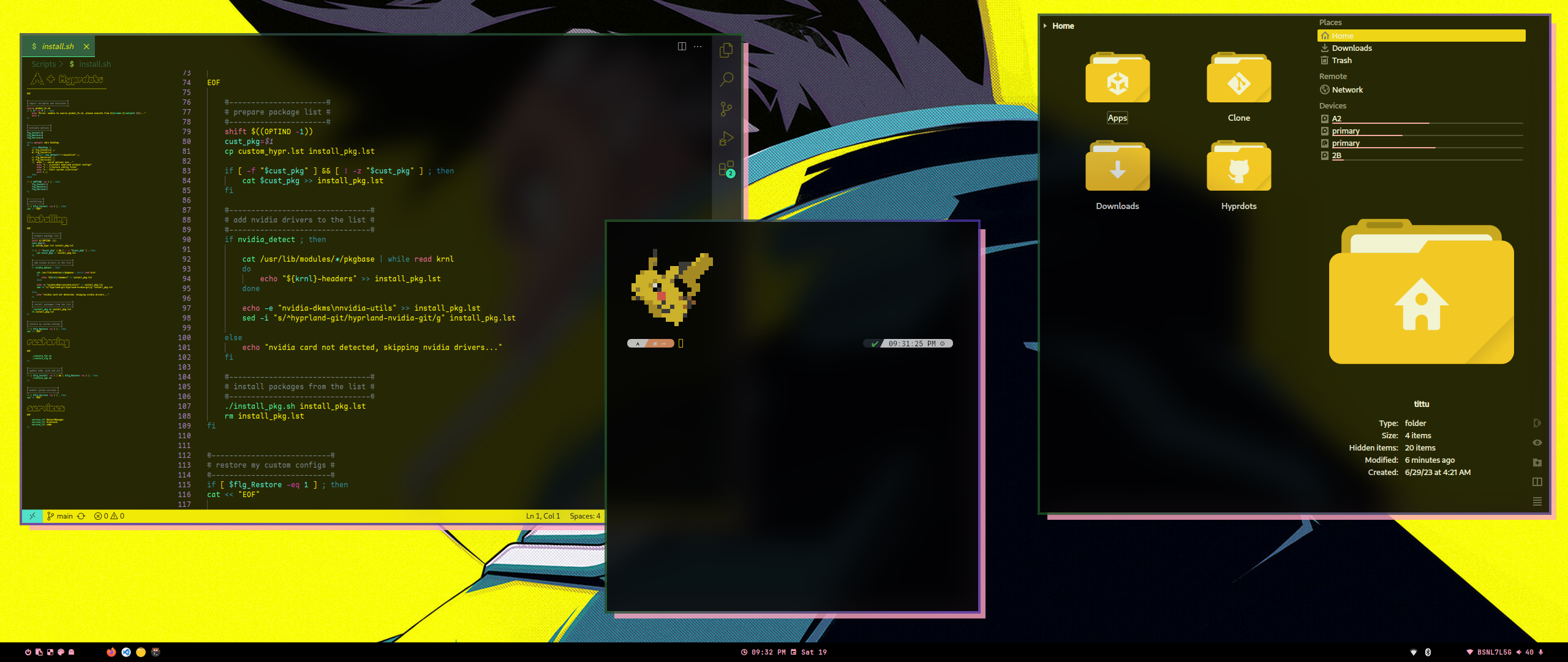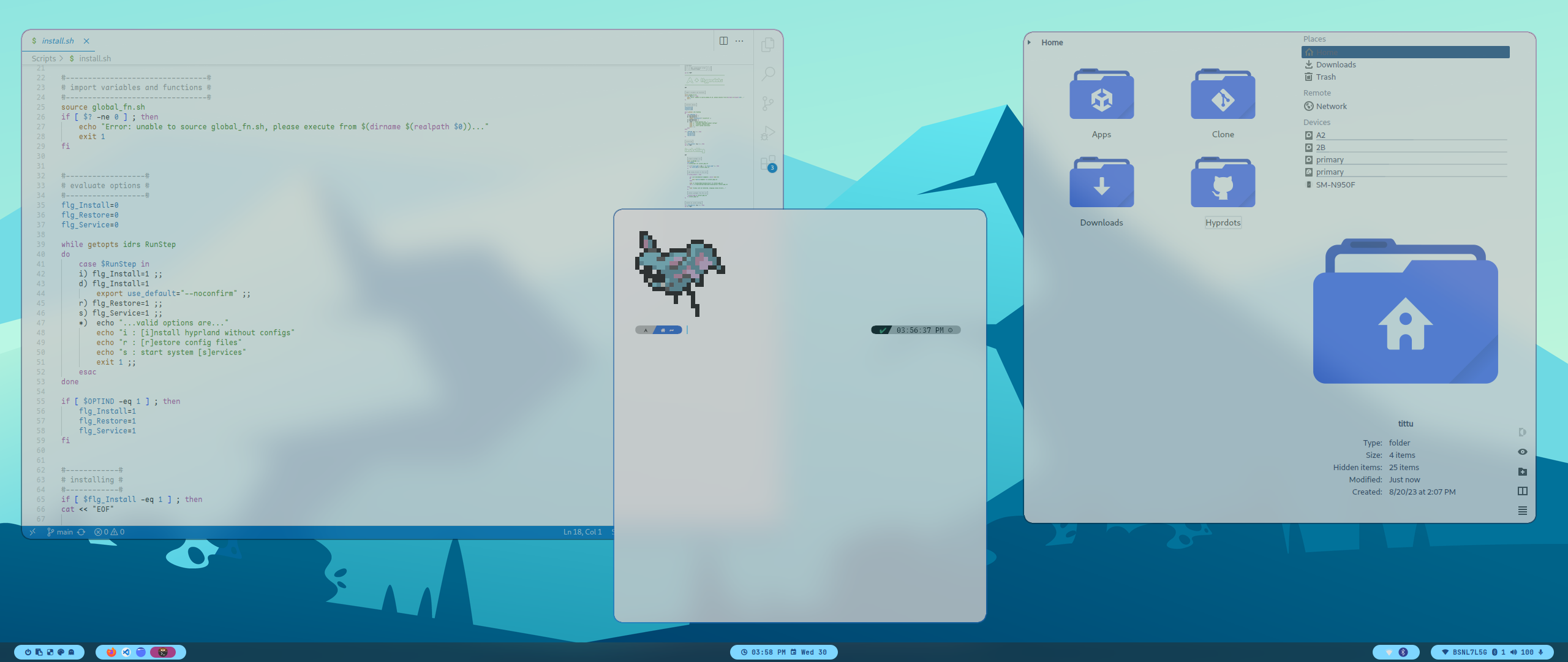
# hyprdots1 **Repository Path**: NhanDzi/hyprdots1 ## Basic Information - **Project Name**: hyprdots1 - **Description**: No description available - **Primary Language**: Unknown - **License**: GPL-3.0 - **Default Branch**: master - **Homepage**: None - **GVP Project**: No ## Statistics - **Stars**: 1 - **Forks**: 0 - **Created**: 2023-12-29 - **Last Updated**: 2024-01-02 ## Categories & Tags **Categories**: Uncategorized **Tags**: None ## README ###### *
// design by t2
*


 [
 Install 
](#Installation)   [
 Themes 
](#Themes)   [
 Styles 
](#Styles)   [
 Packages 
](#Packages)   [
 Keybindings 
](#Keybindings)   [
 Youtube 
](#Youtube)   [
 Wiki 
](https://github.com/prasanthrangan/hyprdots/wiki) 
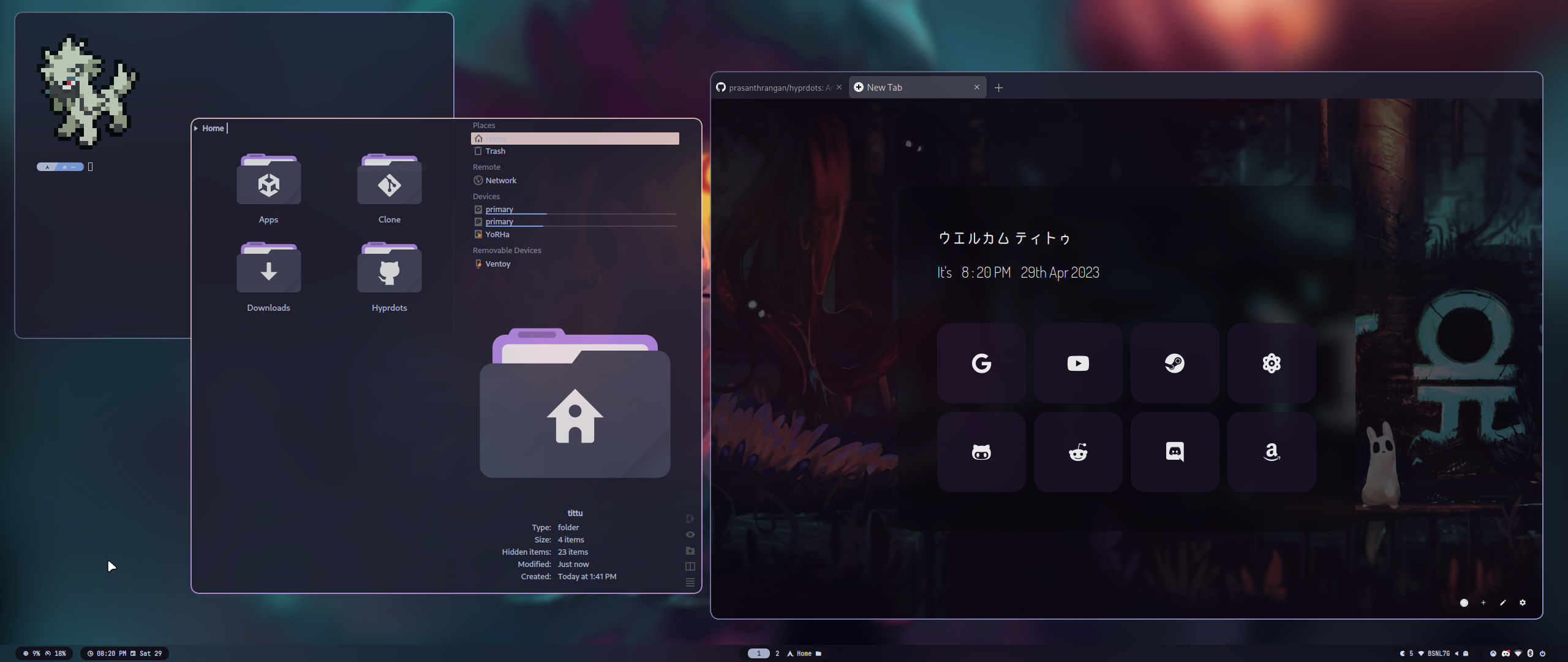


https://github.com/prasanthrangan/hyprdots/assets/106020512/c995699a-299c-4a8e-99d4-71aa3d68eb93


[
 🡅 
](#-design-by-t2)
## Installation The installation script is made for Arch, but **may** work on some Arch based distros with **systemd**. For Debian, please refer **Senshi111**'s version [here](https://github.com/Senshi111/debian-hyprland-hyprdots). Checkout **Ksk**'s [video](https://www.youtube.com/watch?v=mb8h1-LB9K0) for full installation walkthrough. > [!IMPORTANT] > Install script will auto-detect nvidia card and install nvidia-dkms drivers for your kernel. > So please ensure that your Nvidia card supports [dkms](https://wiki.archlinux.org/title/NVIDIA) drivers and hyprland. > [!CAUTION] > The script modifies your grub config to enable Nvidia drm and theme. > This script is also designed to be done after a minimal arch installation, using it on previously installed desktop should work but will change whatever you currently have (gtk/qt theming, shell, sddm, grub, etc) and is at your own risk. After a minimal Arch install (with grub and systemd), clone and execute - ```shell pacman -Sy git git clone --depth 1 https://github.com/prasanthrangan/hyprdots ~/Hyprdots cd ~/Hyprdots/Scripts ./install.sh ``` > [!TIP] > You can also create your own list (for ex. `custom_apps.lst`) with all your favorite apps and pass the file as a parameter to install it - >```shell >./install.sh custom_apps.lst >``` Please reboot after the install script completes and takes you to sddm login screen (or black screen) for the first time. For more details, please refer [installation wiki](https://github.com/prasanthrangan/hyprdots/wiki/Installation) ### Updating To update Hyprdots you will need to pull the latest changes from github and restore the configs by doing - ```shell cd ~/Hyprdots/Scripts git pull ./install.sh -r ``` > [!IMPORTANT] > This backs up and overwrites all configs as setup by `restore_cfg.lst` in ~/Hyprdots/Scripts. > So please note that any configurations you made may be overwritten if listed to be done so, but can be recovered in ~/.config/cfg_backups.


[
 🡅 
](#-design-by-t2)
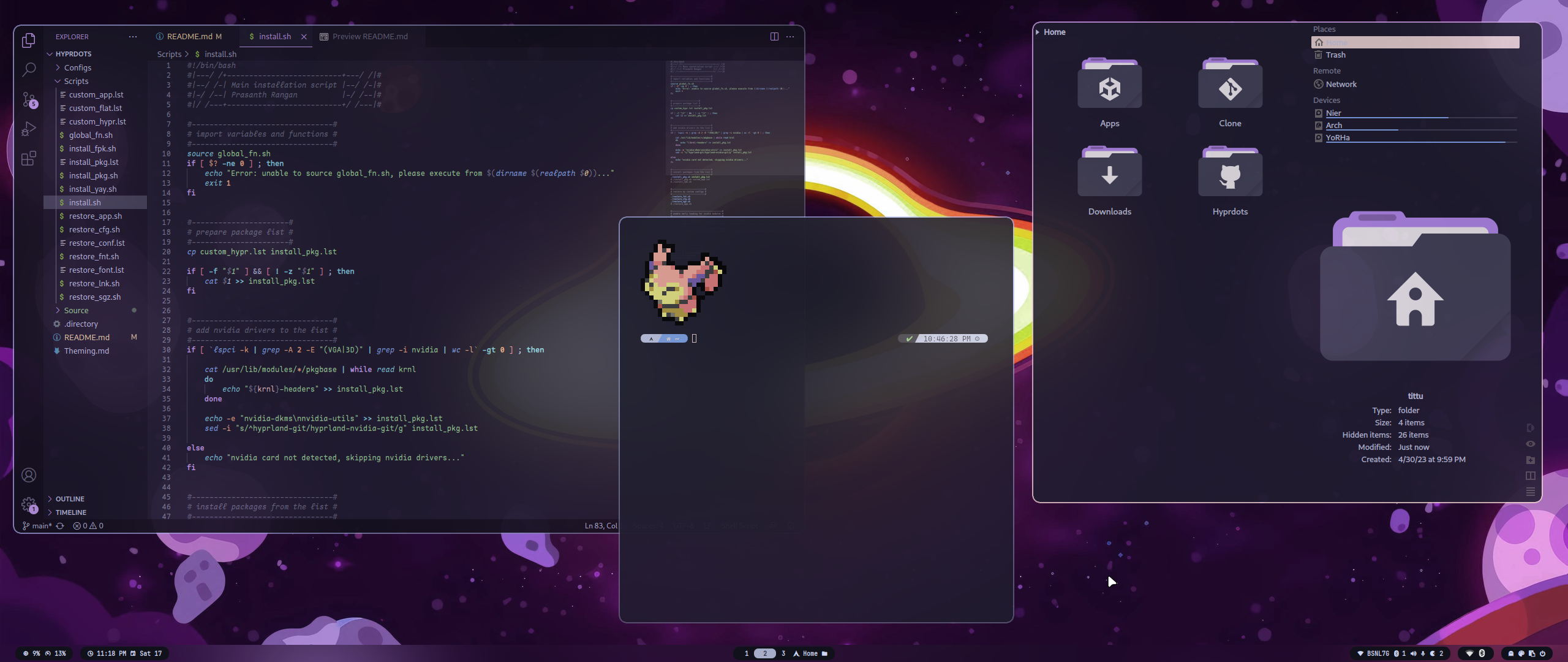
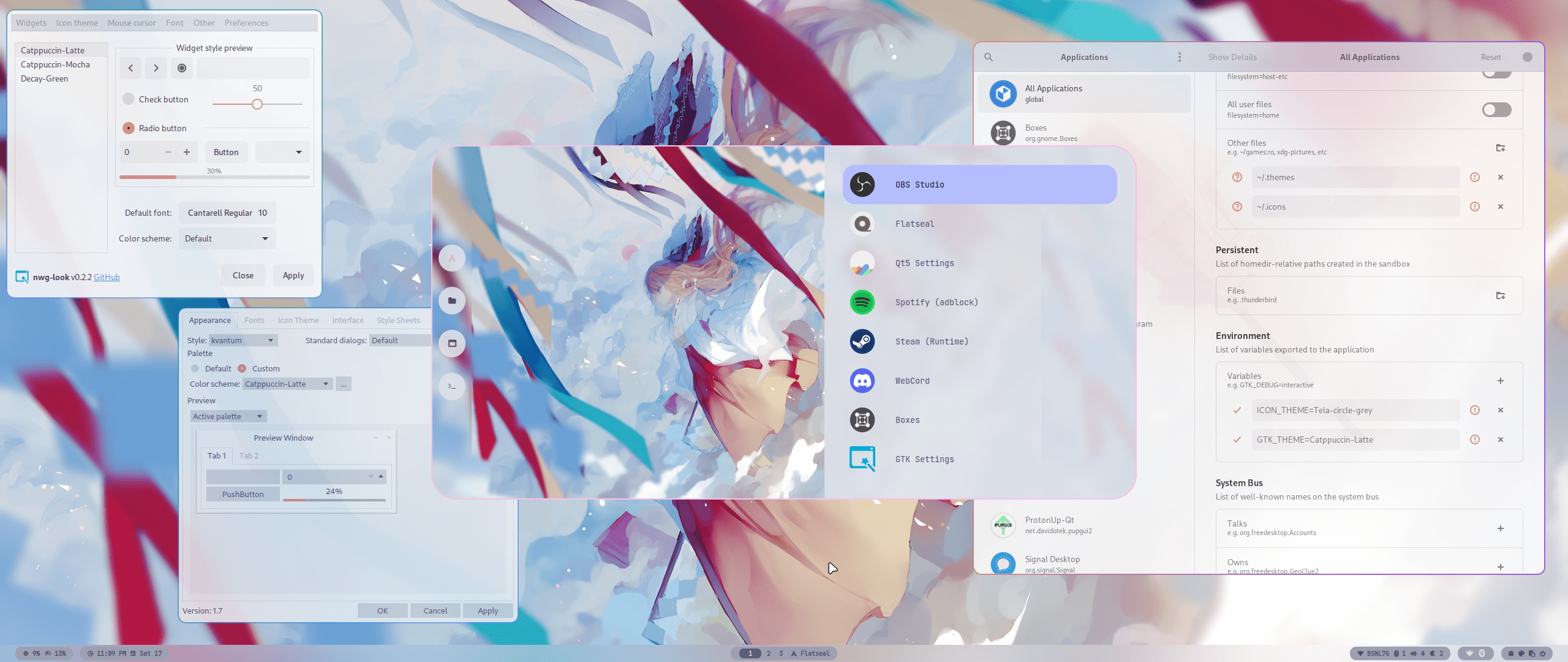
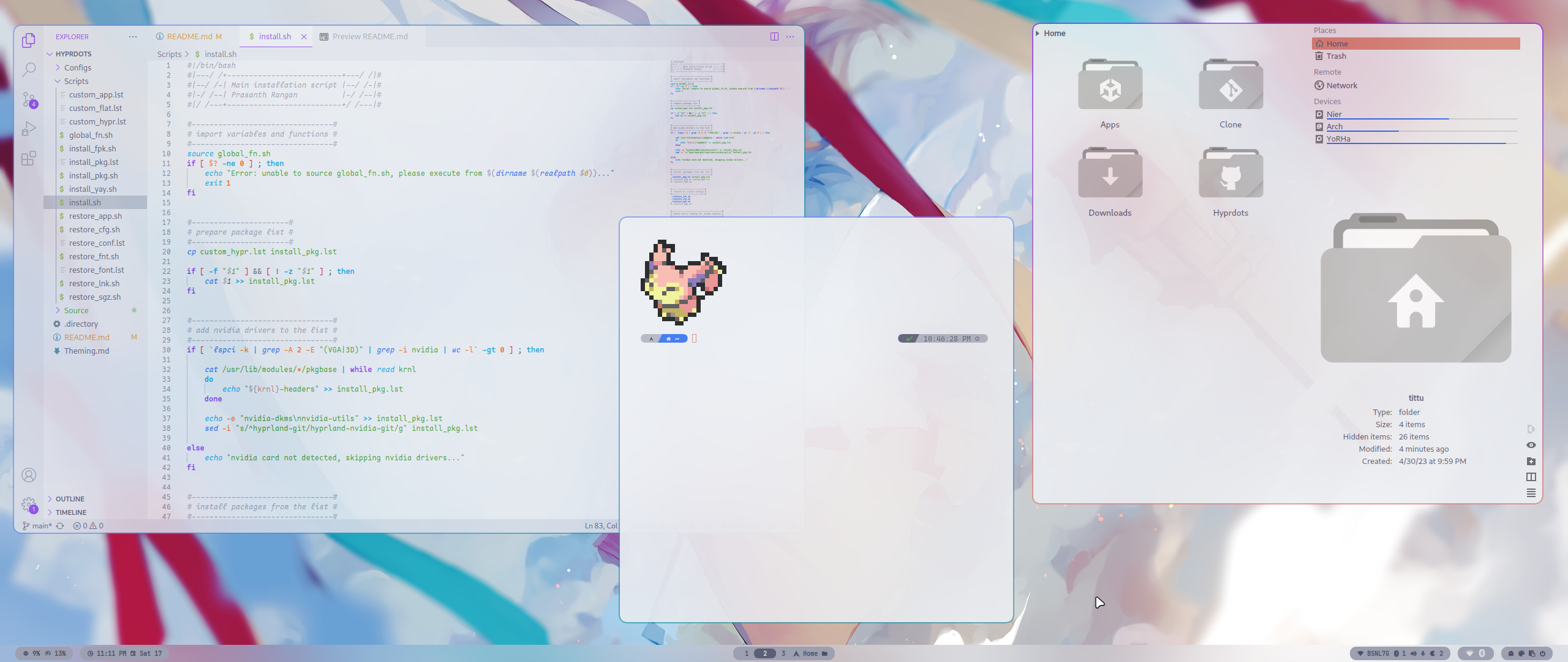
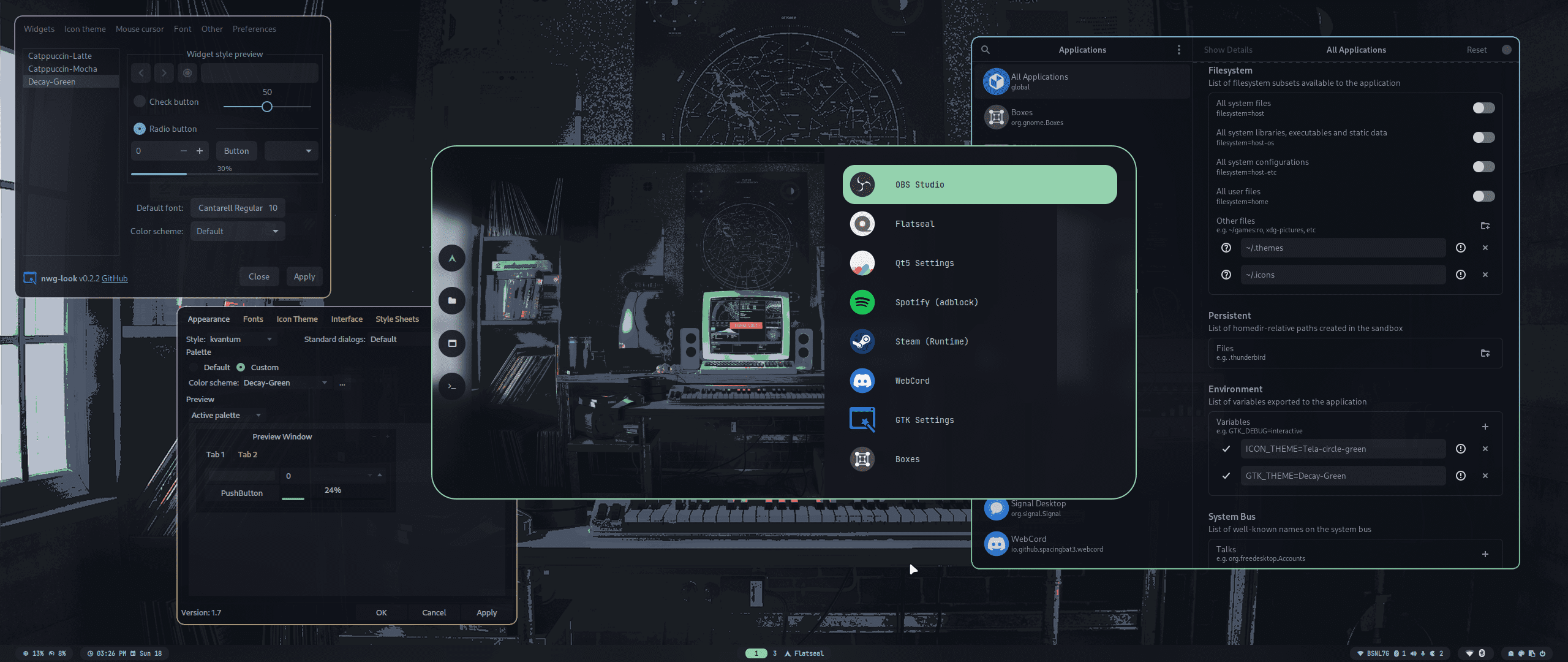
## Themes To create your own custom theme, please refer [theming wiki](https://github.com/prasanthrangan/hyprdots/wiki/Theming) > [!TIP] > You can install/browse/create/maintain/share additional themes (ex. [Synth-Wave](https://github.com/prasanthrangan/hyprdots-mod)) using themepatcher. > For more details please refer [themepatcher wiki](https://github.com/prasanthrangan/hyprdots/wiki/Themepatcher).
[![Catppuccin-Mocha](https://placehold.co/130x30/b4befe/11111b?text=Catppuccin-Mocha&font=Oswald)](#-Catppuccin-Mocha) [![Catppuccin-Latte](https://placehold.co/130x30/dd7878/eff1f5?text=Catppuccin-Latte&font=Oswald)](#-Catppuccin-Latte) [![Decay-Green](https://placehold.co/130x30/90ceaa/151720?text=Decay-Green&font=Oswald)](#-Decay-Green) [![Rosé-Pine](https://placehold.co/130x30/c4a7e7/191724?text=Rosé-Pine&font=Oswald)](#-Rosé-Pine) [![Tokyo-Night](https://placehold.co/130x30/7aa2f7/24283b?text=Tokyo-Night&font=Oswald)](#-Tokyo-Night)
[![Material-Sakura](https://placehold.co/130x30/f2e9e1/b4637a?text=Material-Sakura&font=Oswald)](#-Material-Sakura) [![Graphite-Mono](https://placehold.co/130x30/a6a6a6/262626?text=Graphite-Mono&font=Oswald)](#-Graphite-Mono) [![Cyberpunk-Edge](https://placehold.co/130x30/fada16/000000?text=Cyberpunk-Edge&font=Oswald)](#-Cyberpunk-Edge) [![Frosted-Glass](https://placehold.co/130x30/7ed6ff/1e4c84?text=Frosted-Glass&font=Oswald)](#-Frosted-Glass-by-T-crypt) [![Gruvbox-Retro](https://placehold.co/130x30/475437/B5CC97?text=Gruvbox-Retro&font=Oswald)](#-Gruvbox-Retro-by-T-crypt)


> #### ***
// Catppuccin-Mocha
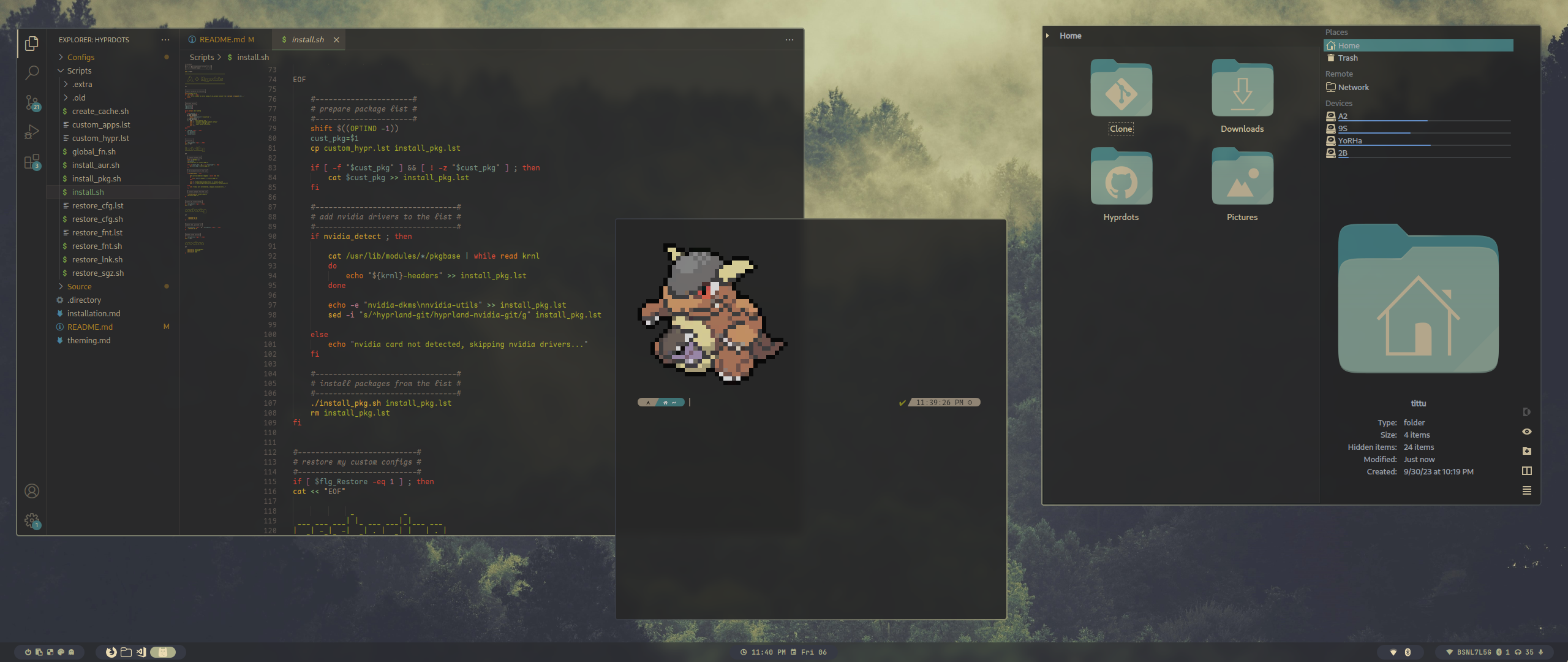
*** ![Catppuccin-Mocha#1](https://raw.githubusercontent.com/prasanthrangan/hyprdots/main/Source/assets/theme_mocha_1.png) ![Catppuccin-Mocha#2](https://raw.githubusercontent.com/prasanthrangan/hyprdots/main/Source/assets/theme_mocha_2.png)

> #### ***
// Catppuccin-Latte
*** ![Catppuccin-Latte#1](https://raw.githubusercontent.com/prasanthrangan/hyprdots/main/Source/assets/theme_latte_1.png) ![Catppuccin-Latte#2](https://raw.githubusercontent.com/prasanthrangan/hyprdots/main/Source/assets/theme_latte_2.png)

> #### ***
// Decay-Green
*** ![Decay-Green#1](https://raw.githubusercontent.com/prasanthrangan/hyprdots/main/Source/assets/theme_decay_1.png) ![Decay-Green#2](https://raw.githubusercontent.com/prasanthrangan/hyprdots/main/Source/assets/theme_decay_2.png)

> #### ***
// Rosé-Pine
*** ![Rosé-Pine#1](https://raw.githubusercontent.com/prasanthrangan/hyprdots/main/Source/assets/theme_rosine_1.png) ![Rosé-Pine#2](https://raw.githubusercontent.com/prasanthrangan/hyprdots/main/Source/assets/theme_rosine_2.png)

> #### ***
// Tokyo-Night
*** ![Tokyo-Night#1](https://raw.githubusercontent.com/prasanthrangan/hyprdots/main/Source/assets/theme_tokyo_1.png) ![Tokyo-Night#2](https://raw.githubusercontent.com/prasanthrangan/hyprdots/main/Source/assets/theme_tokyo_2.png)

> #### ***
// Material-Sakura
*** ![Material-Sakura#1](https://raw.githubusercontent.com/prasanthrangan/hyprdots/main/Source/assets/theme_maura_1.png) ![Material-Sakura#2](https://raw.githubusercontent.com/prasanthrangan/hyprdots/main/Source/assets/theme_maura_2.png)

> #### ***
// Graphite-Mono
*** ![Graphite-Mono#1](https://raw.githubusercontent.com/prasanthrangan/hyprdots/main/Source/assets/theme_graph_1.png) ![Graphite-Mono#2](https://raw.githubusercontent.com/prasanthrangan/hyprdots/main/Source/assets/theme_graph_2.png)

> #### ***
// Cyberpunk-Edge
*** ![Cyberpunk-Edge#1](https://raw.githubusercontent.com/prasanthrangan/hyprdots/main/Source/assets/theme_cedge_1.png) ![Cyberpunk-Edge#2](https://raw.githubusercontent.com/prasanthrangan/hyprdots/main/Source/assets/theme_cedge_2.png)

> #### ***
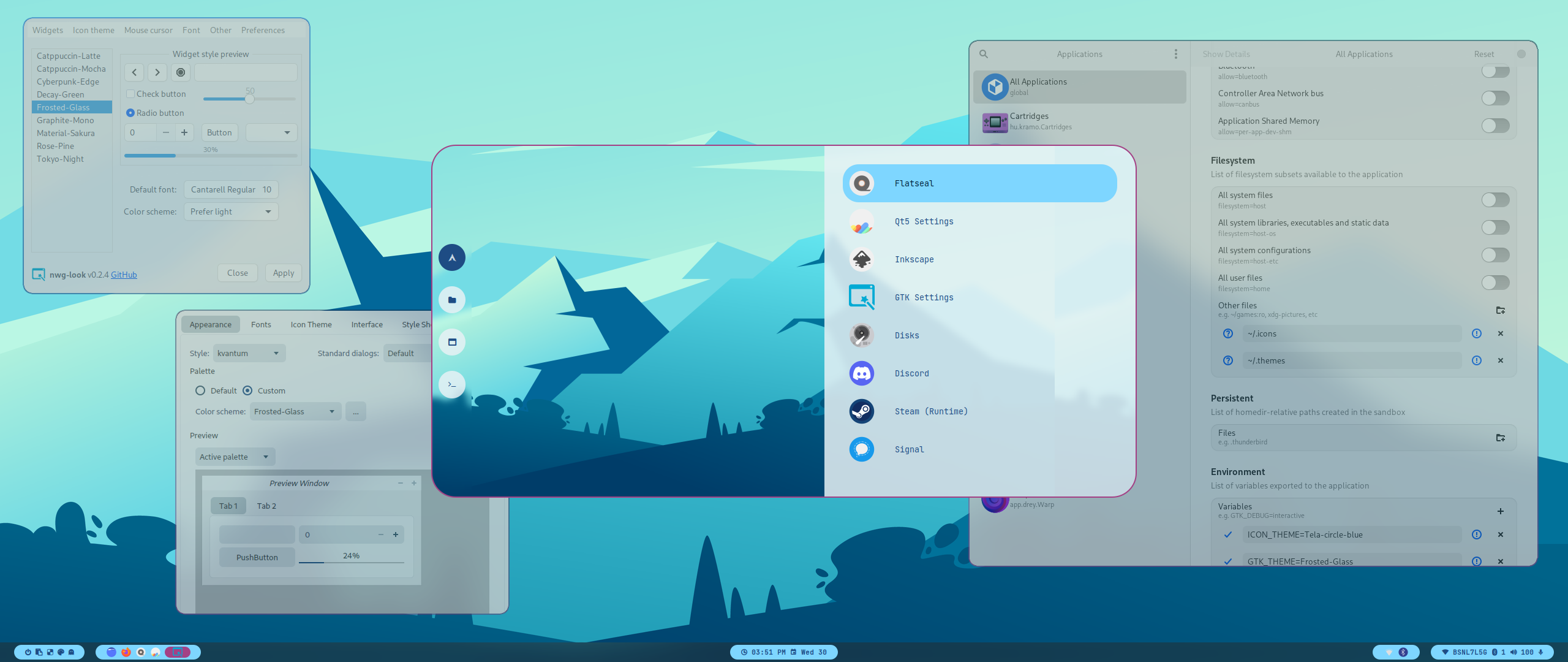
// Frosted-Glass by T-crypt
*** ![Frosted-Glass#1](https://raw.githubusercontent.com/prasanthrangan/hyprdots/main/Source/assets/theme_frosted_1.png) ![Frosted-Glass#2](https://raw.githubusercontent.com/prasanthrangan/hyprdots/main/Source/assets/theme_frosted_2.png)
> #### ***
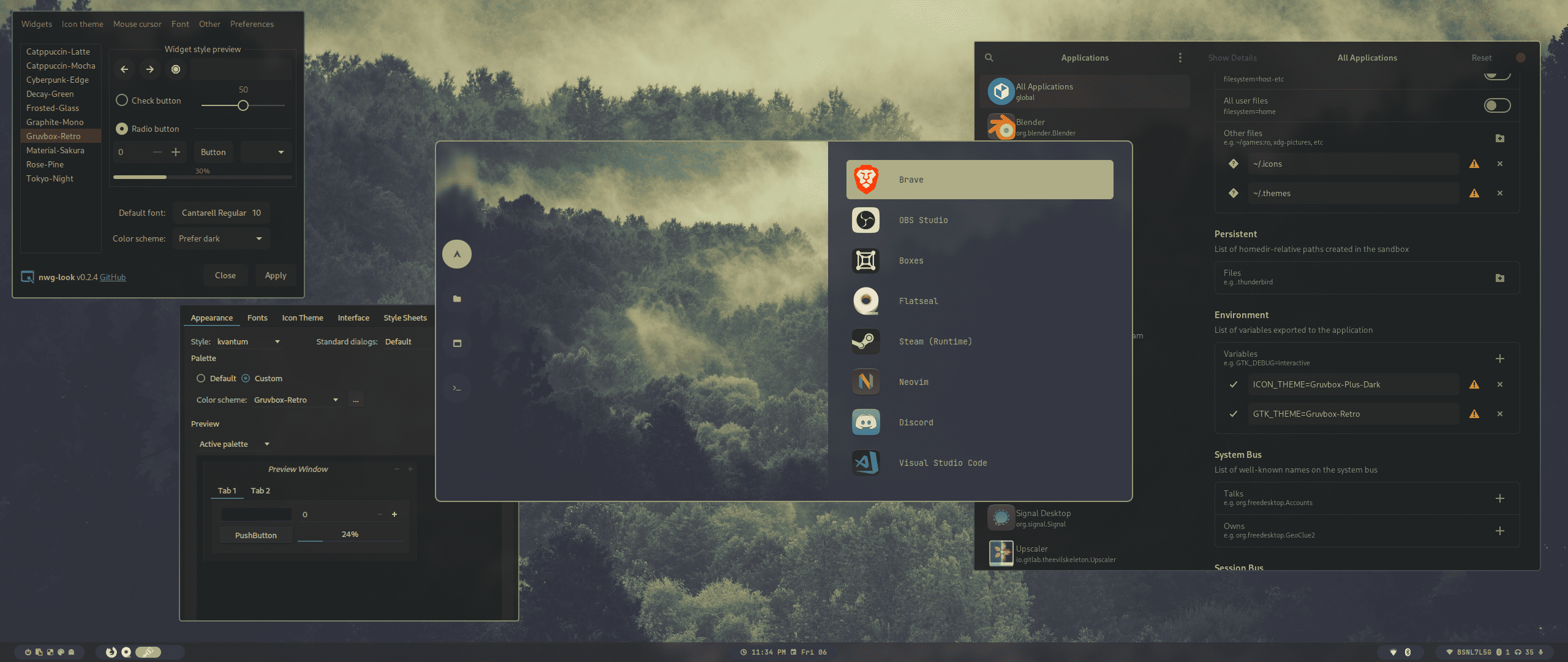
// Gruvbox-Retro by T-crypt
*** ![Gruvbox-Retro#1](https://raw.githubusercontent.com/prasanthrangan/hyprdots/main/Source/assets/theme_gruvbox_1.png) ![Gruvbox-Retro#2](https://raw.githubusercontent.com/prasanthrangan/hyprdots/main/Source/assets/theme_gruvbox_2.png)

[
 🡅 
](#-design-by-t2)
## Styles | Theme Select | | :-: | | ![Theme Select](https://raw.githubusercontent.com/prasanthrangan/hyprdots/main/Source/assets/theme_select.png) | | Wallpaper Select | | :-: | | ![Wallpaper Select](https://raw.githubusercontent.com/prasanthrangan/hyprdots/main/Source/assets/walls_select.png) | | Launcher Style Select | | :-: | | ![Launcher Style Select](https://raw.githubusercontent.com/prasanthrangan/hyprdots/main/Source/assets/rofi_style_sel.png) | | Launcher Styles | | :-: | | ![rofi style#1](https://raw.githubusercontent.com/prasanthrangan/hyprdots/main/Source/assets/rofi_style_1.png) | | ![rofi style#2](https://raw.githubusercontent.com/prasanthrangan/hyprdots/main/Source/assets/rofi_style_2.png) | | ![rofi style#3](https://raw.githubusercontent.com/prasanthrangan/hyprdots/main/Source/assets/rofi_style_3.png) | | ![rofi style#4](https://raw.githubusercontent.com/prasanthrangan/hyprdots/main/Source/assets/rofi_style_4.png) | | ![rofi style#5](https://raw.githubusercontent.com/prasanthrangan/hyprdots/main/Source/assets/rofi_style_5.png) | | ![rofi style#6](https://raw.githubusercontent.com/prasanthrangan/hyprdots/main/Source/assets/rofi_style_6.png) | | ![rofi style#7](https://raw.githubusercontent.com/prasanthrangan/hyprdots/main/Source/assets/rofi_style_7.png) | | ![rofi style#8](https://raw.githubusercontent.com/prasanthrangan/hyprdots/main/Source/assets/rofi_style_8.png) | | Wlogout Menu | | :-: | | ![Wlogout Menu#1](https://raw.githubusercontent.com/prasanthrangan/hyprdots/main/Source/assets/wlog_style_1.png) | | ![Wlogout Menu#2](https://raw.githubusercontent.com/prasanthrangan/hyprdots/main/Source/assets/wlog_style_2.png) | | Game Launchers | | :-: | | ![Game Launchers#1](https://raw.githubusercontent.com/prasanthrangan/hyprdots/main/Source/assets/game_launch_1.png) | | ![Game Launchers#2](https://raw.githubusercontent.com/prasanthrangan/hyprdots/main/Source/assets/game_launch_2.png) | | ![Game Launchers#3](https://raw.githubusercontent.com/prasanthrangan/hyprdots/main/Source/assets/game_launch_3.png) | | ![Game Launchers#4](https://raw.githubusercontent.com/prasanthrangan/hyprdots/main/Source/assets/game_launch_4.png) | | ![Game Launchers#5](https://raw.githubusercontent.com/prasanthrangan/hyprdots/main/Source/assets/game_launch_5.png) |


[
 🡅 
](#-design-by-t2)
## Packages
n
v
i
d
i
a
linux-headersfor main kernel (script will auto detect from /usr/lib/modules/)
linux-zen-headersfor zen kernel (script will auto detect from /usr/lib/modules/)
linux-lts-headersfor lts kernel (script will auto detect from /usr/lib/modules/)
nvidia-dkmsnvidia drivers (script will auto detect from lspci -k | grep -A 2 -E "(VGA|3D)")
nvidia-utilsnvidia utils (script will auto detect from lspci -k | grep -A 2 -E "(VGA|3D)")
u
t
i
l
s
pipewireaudio and video server
pipewire-alsafor audio
pipewire-audiofor audio
pipewire-jackfor audio
pipewire-pulsefor audio
gst-plugin-pipewirefor audio
wireplumberaudio and video server
networkmanagernetwork manager
network-manager-appletnm tray
bluezfor bluetooth
bluez-utilsfor bluetooth
bluemanbt tray
l
o
g
i
n
sddm-gitdisplay manager for login
qt5-waylandfor QT wayland XDP
qt6-waylandfor QT wayland XDP
qt5-quickcontrolsfor sddm theme
qt5-quickcontrols2for sddm theme
qt5-graphicaleffectsfor sddm theme
h
y
p
r
hyprland-gitmain window manager (hyprland-nvidia-git if nvidia card is detected)
dunstgraphical notification daemon
rofi-lbonn-wayland-gitapp launcher
waybar-hyprland-gitstatus bar
swwwwallpaper app
swaylock-effects-gitlockscreen
wlogoutlogout screen
grimblast-gitscreenshot tool
slurpselects region for screenshot/screenshare
swappyscreenshot editor
cliphistclipboard manager
d
e
p
e
n
d
e
n
c
y
polkit-kde-agentauthentication agent
xdg-desktop-portal-hyprlandXDG Desktop Portal
pacman-contribfor system update check
python-pyamdgpuinfofor amd gpu info
parallelfor parallel processing
jqto read json
imagemagickfor image processing
qt5-imageformatsfor dolphin image thumbnails
ffmpegthumbsfor dolphin video thumbnails
kde-cli-toolsfor dolphin open with option
brightnessctlbrightness control for laptop
pavucontrolaudio settings gui
pamixerfor waybar audio
t
h
e
m
e
nwg-looktheming GTK apps
kvantumtheming QT apps
qt5cttheming QT5 apps
a
p
p
s
firefoxbrowser
kittyterminal
neofetchfetch tool
dolphinkde file manager
visual-studio-code-bingui code editor
vimtext editor
arkkde file archiver
s
h
e
l
l
zshmain shell
ezacolorful file lister
oh-my-zsh-gitfor zsh plugins
zsh-theme-powerlevel10k-gittheme for zsh
pokemon-colorscripts-gitdisplay pokemon sprites


[
 🡅 
](#-design-by-t2)
## Keybindings | Keys | Action | | :-- | :-- | | Super + Q | quit active/focused window | Alt + F4 | quit active/focused window | Super + Del | quit hyprland session | Super + W | toggle window on focus to float | Alt + Enter | toggle window on focus to fullscreen | Super + J | toggle layout | Super + G | toggle window group | Super + T | launch kitty terminal | Super + E | launch dolphin file explorer | Super + C | launch vscode | Super + F | launch firefox | Super + A | launch desktop applications (rofi) | Super + Tab | switch open applications (rofi) | Super + R | browse system files (rofi) | F10 | mute audio output (toggle) | F11 | decrease volume (hold) | F12 | increase volume (hold) | Super + V | clipboard history paste | Super + L | lock screen | Super + Backspace | logout menu | Super + K | switch keyboard layout | Super + P | drag to select area or click on a window to print | Super + Alt + P | print current screen | Super + Ctrl + P | print current screen (frozen) | Super + RightClick | resize the window | Super + LeftClick | change the window position | Super + MouseScroll | cycle through workspaces | Super + Shift + | resize windows (hold) | Super + Shift + Ctrl + | move active window within the current workspace | Super + [0-9] | switch to workspace [0-9] | Super + Shift + [0-9] | move active window to workspace [0-9] | Super + Alt + [0-9] | move active window to workspace [0-9] (silently) | Super + Alt + S | move window to special workspace | Super + S | toogle to special workspace | Super + Alt + G | disable hypr effects for gamemode | Super + Alt + | next wallpaper | Super + Alt + | previous wallpaper | Super + Alt + | next waybar mode | Super + Alt + | previous waybar mode | Super + Shift + D | toggle (theme wall) based colors | Super + Shift + T | theme select menu | Super + Shift + W | wallpaper select menu | Super + Shift + A | rofi style select menu


[
 🡅 
](#-design-by-t2)
## Youtube
p
l
a
y
l
i
s
t
[![YouTube playlist thumbnail](https://raw.githubusercontent.com/prasanthrangan/hyprdots/main/Source/assets/yt_playlist.png)](https://www.youtube.com/watch?v=_nyStxAI75s&list=PLt8rU_ebLsc5yEHUVsAQTqokIBMtx3RFY)