
Beautiful Cloud Drive Markdown NoteBook Desktop App




Mysterious Dark:crescent_moon: & Cute Light:high_brightness:
| Dark :crescent_moon:| Light :high_brightness: | |:-------:|:-----:| |  | 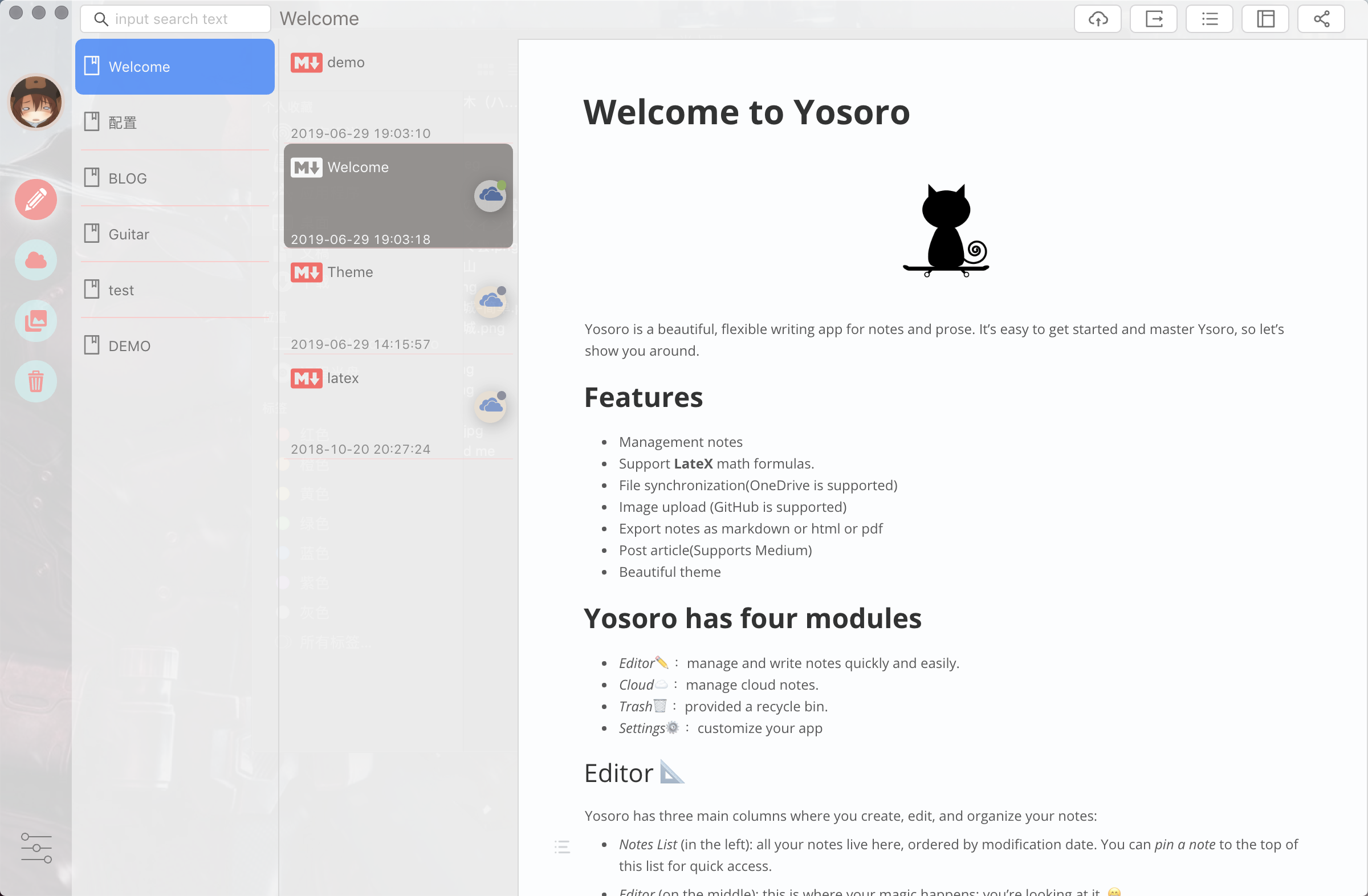 | ## Software Manuals Please read the [wiki](https://github.com/IceEnd/Yosoro/wiki) for more content. ## Contributing Guide ### Install ```shell yarn ``` The installation failed in `Windows`, can try this command: ```shell yarn --ignore-platform ``` ### Dev Tools Extension ```shell cp ./config/devconfig.example.json ./config/devconfig.json ``` Edit `./config/devconfig.json`, add Chrome extensions, for example: ```json { "extensions": [ "/Users/xxx/Library/Application Support/Google/Chrome/Default/Extensions/lmhkpmbekcpmknklioeibfkpmmfibljd/2.15.3_0", "/Users/xxx/Library/Application Support/Google/Chrome/Default/Extensions/fmkadmapgofadopljbjfkapdkoienihi/3.4.0_0" ] } ``` ### Run Main Process ```shell npm run dev:main ``` ### Run Renderer Process ```shell npm run dev:renderer ``` ### Build ```shell npm run build:all|main|renderer ``` ### Package ``` npm run packager:mac|win|win:64|linux ``` ### Thanks Thanks [muya](https://github.com/marktext/marktext), this is a great editor! ## Contributors [](#contributors) Thanks goes to these wonderful people ([emoji key](https://github.com/kentcdodds/all-contributors#emoji-key)): | [


