# PopBounceButton
**Repository Path**: WWDC14/PopBounceButton
## Basic Information
- **Project Name**: PopBounceButton
- **Description**: No description available
- **Primary Language**: Unknown
- **License**: MIT
- **Default Branch**: master
- **Homepage**: None
- **GVP Project**: No
## Statistics
- **Stars**: 0
- **Forks**: 0
- **Created**: 2020-03-14
- **Last Updated**: 2020-12-19
## Categories & Tags
**Categories**: Uncategorized
**Tags**: None
## README
# PopBounceButton


# About
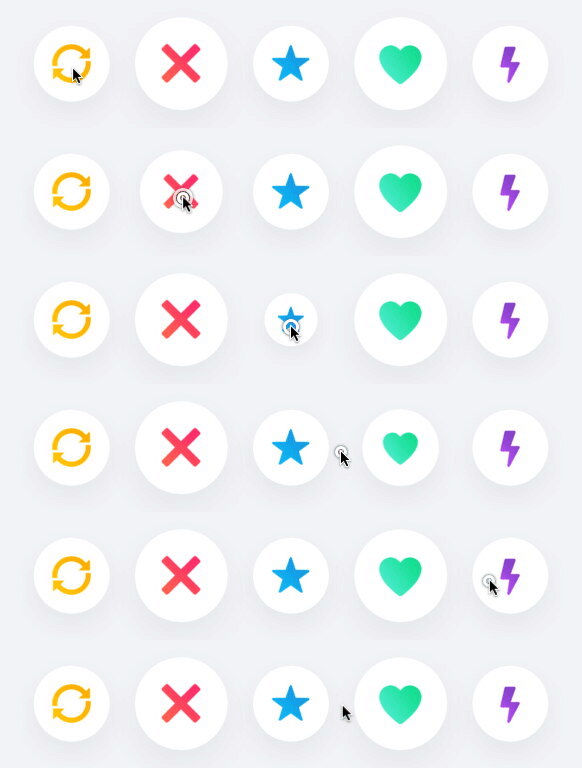
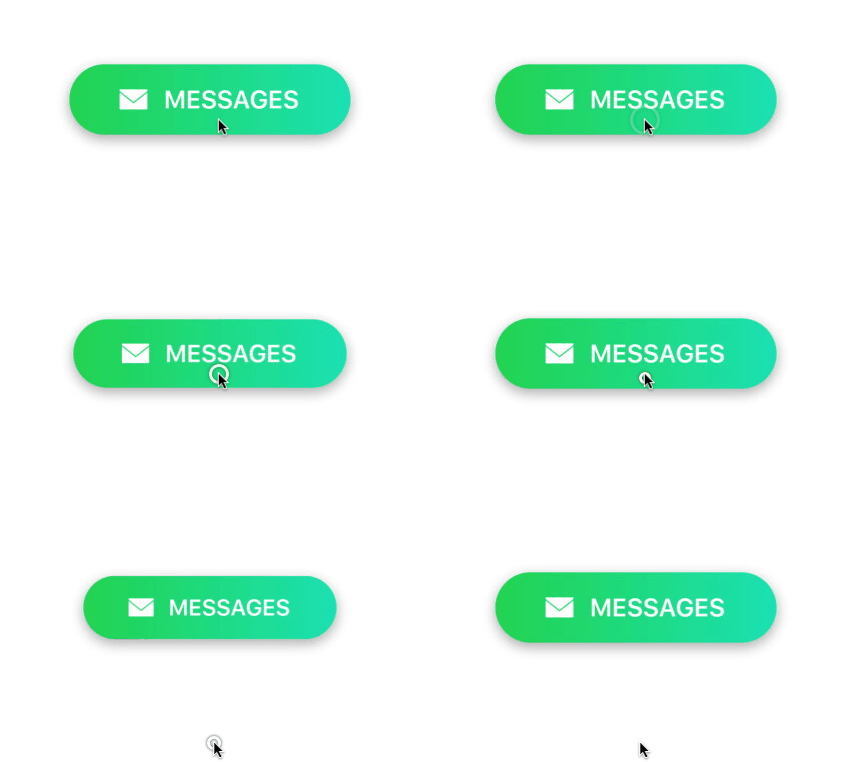
A customizable animated button built with Facebook's Pop animation library. Inspired by the familiar button stack from Tinder.
# Features
- [x] Lightweight and highly customizable
- [x] Animations for multiple UIControlEvents
- [x] Pure Swift 4
# Example
To run the example project, clone the repo and run the `PopBounceButton-Example` target.
# Requirements
* iOS 9.0+
* Xcode 9.0+
* Swift 4.0+
# Installation
### CocoaPods
PopBounceButton is available through [CocoaPods](). To install it, simply add the following line to your `Podfile`:
pod 'PopBounceButton'
### Manual
1. Download and drop the `PopBounceButton` directory into your project.
2. Install Facebook's [Pop]() library.
# Contributing
- If you **found a bug**, open an issue and tag as bug.
- If you **have a feature request**, open an issue and tag as feature.
- If you **want to contribute**, submit a pull request.
- In order to submit a pull request, please fork this repo and submit a pull request from your forked repo.
- Have a detailed message as to what your pull request fixes/enhances/adds.
# Quick Start
1. Add a `PopBounceButton` to your view.
```swift
let frame = CGRect(origin: .zero, size: CGSize(width: 100, height: 100))
let button = PopBounceButton(frame: frame)
view.addSubview(button)
```
2. Attach a target to your button to handle any events.
```swift
button.addTarget(self, action: #selector(handleTap), for: .touchUpInside)
```
```swift
@objc func handleTap(_ sender: PopBounceButton) {
//do something
}
```
# Customization
Because PopBounceButton is a subclass of UIButton, it can be customized in the same way. The button's animations can be changed by modifying the following variables exposed by `PopBounceButton`:
```swift
var springBounciness: CGFloat = 19.0
var springSpeed: CGFloat = 10.0
var springVelocity: CGFloat = 6.0
var cancelTapScaleDuration: TimeInterval = 0.3
var longPressScaleFactor: CGFloat = 0.7
var longPressScaleDuration: TimeInterval = 0.1
var minimumPressDuration: TimeInterval = 0.2
```
# Sources
* [Pop](): Facebook's iOS animation framework.
# Author
Mac Gallagher, jmgallagher36@gmail.com
# License
PopBounceButton is available under the [MIT License](LICENSE), see LICENSE for more infomation.