# Tickeys
**Repository Path**: ZeroBlock0/Tickeys
## Basic Information
- **Project Name**: Tickeys
- **Description**: Instant audio feedback for typing. macOS version. (Rust)
- **Primary Language**: Unknown
- **License**: MIT
- **Default Branch**: master
- **Homepage**: None
- **GVP Project**: No
## Statistics
- **Stars**: 0
- **Forks**: 0
- **Created**: 2021-01-26
- **Last Updated**: 2021-01-26
## Categories & Tags
**Categories**: Uncategorized
**Tags**: None
## README
# Tickeys


(An alternative icon designed by [@WillStark](https://github.com/WillStark) )
Instant audio feedback for typing. For macOS.
A demo for learning [Rust](https://www.rust-lang.org).
### Other versions:
- Linux: [Tickeys-linux](https://github.com/BillBillBillBill/Tickeys-linux)
- Windows: [Download](https://www.yingdev.com/Content/Projects/Tickeys_Win/Release/1.1.1/Tickeys1.1.1.rar)
# Install
- brew cask
```sh
brew cask install tickeys && open /Applications/Tickeys.app
```
- or download the [dmg](https://github.com/yingDev/Tickeys/releases/download/0.5.0/Tickeys-0.5.0-yosemite.dmg)
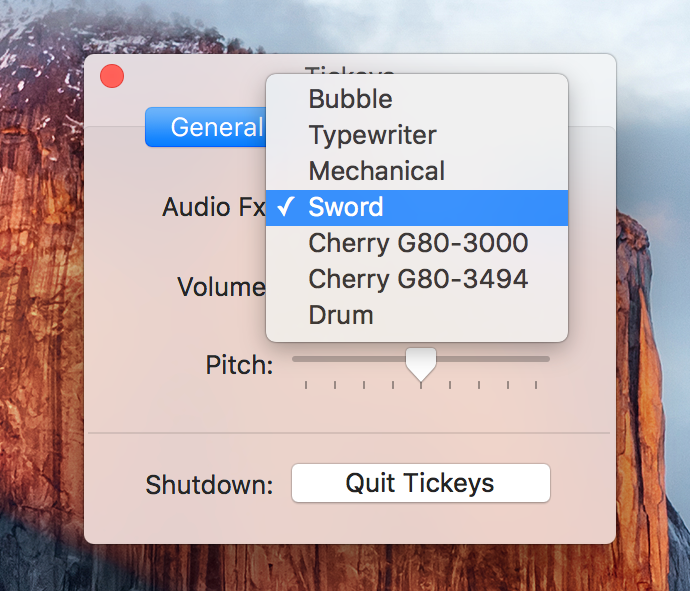
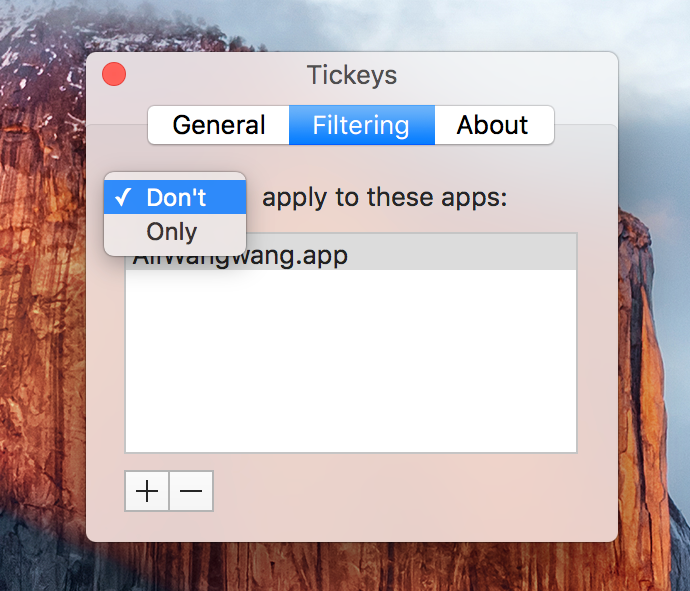
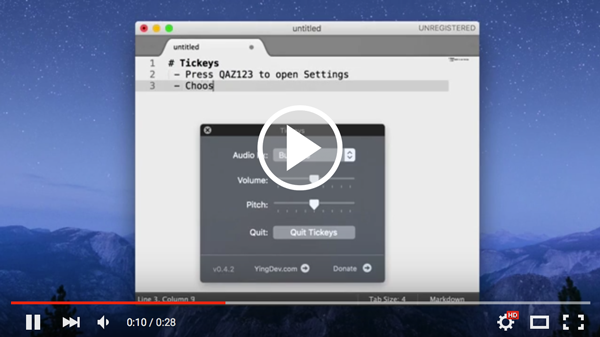
# Screenshots
 # Add custom schemes
0. locate the `data` directory in Finder: `Tickeys.app/Content/Resources/data/`
1. copy & paste an effect directory and rename the copy, eg.`drum` -> `myDrum`
2. open `schemes.json` and edit it by copy & paste the corresponding scheme entry; change the `name` and `display_name` as needed. eg:
```json
,{
"name": "myDrum",
"display_name": "My Drum",
"files": ["1.wav", "2.wav", "3.wav", "4.wav", "space.wav", "backspace.wav", "enter.wav"],
"non_unique_count": 4,
"key_audio_map":{"36": 6, "49": 4, "51": 5}
},
```
- note:
* "name": value must be the same as your directory name
* "files": sound file list
* "non_unique_count": first N items in `files` are auto mapped to keys
* "key_audio_map": mappings of keyCode to sound index in "files". eg. 36 == `enter`
3. add/replace your `.wav` files; update & save the json file
4. re-launch Tickeys. ("qaz123")
## Deps (for development)
* alut
* openssl
```sh
brew install freealut openssl
```
## License
* MIT
# Add custom schemes
0. locate the `data` directory in Finder: `Tickeys.app/Content/Resources/data/`
1. copy & paste an effect directory and rename the copy, eg.`drum` -> `myDrum`
2. open `schemes.json` and edit it by copy & paste the corresponding scheme entry; change the `name` and `display_name` as needed. eg:
```json
,{
"name": "myDrum",
"display_name": "My Drum",
"files": ["1.wav", "2.wav", "3.wav", "4.wav", "space.wav", "backspace.wav", "enter.wav"],
"non_unique_count": 4,
"key_audio_map":{"36": 6, "49": 4, "51": 5}
},
```
- note:
* "name": value must be the same as your directory name
* "files": sound file list
* "non_unique_count": first N items in `files` are auto mapped to keys
* "key_audio_map": mappings of keyCode to sound index in "files". eg. 36 == `enter`
3. add/replace your `.wav` files; update & save the json file
4. re-launch Tickeys. ("qaz123")
## Deps (for development)
* alut
* openssl
```sh
brew install freealut openssl
```
## License
* MIT