# esp_video
**Repository Path**: aleeshadow/esp_video
## Basic Information
- **Project Name**: esp_video
- **Description**: No description available
- **Primary Language**: Unknown
- **License**: MIT-0
- **Default Branch**: master
- **Homepage**: None
- **GVP Project**: No
## Statistics
- **Stars**: 0
- **Forks**: 0
- **Created**: 2024-02-29
- **Last Updated**: 2024-05-06
## Categories & Tags
**Categories**: Uncategorized
**Tags**: None
## README
## Videoplayer for ESP32
This is a proof of concept videoplayer which plays raw RGB565 and MJPG video files from the SD card. You can convert any video file to to both formats with ffmpeg. Currently videos are played without sound.
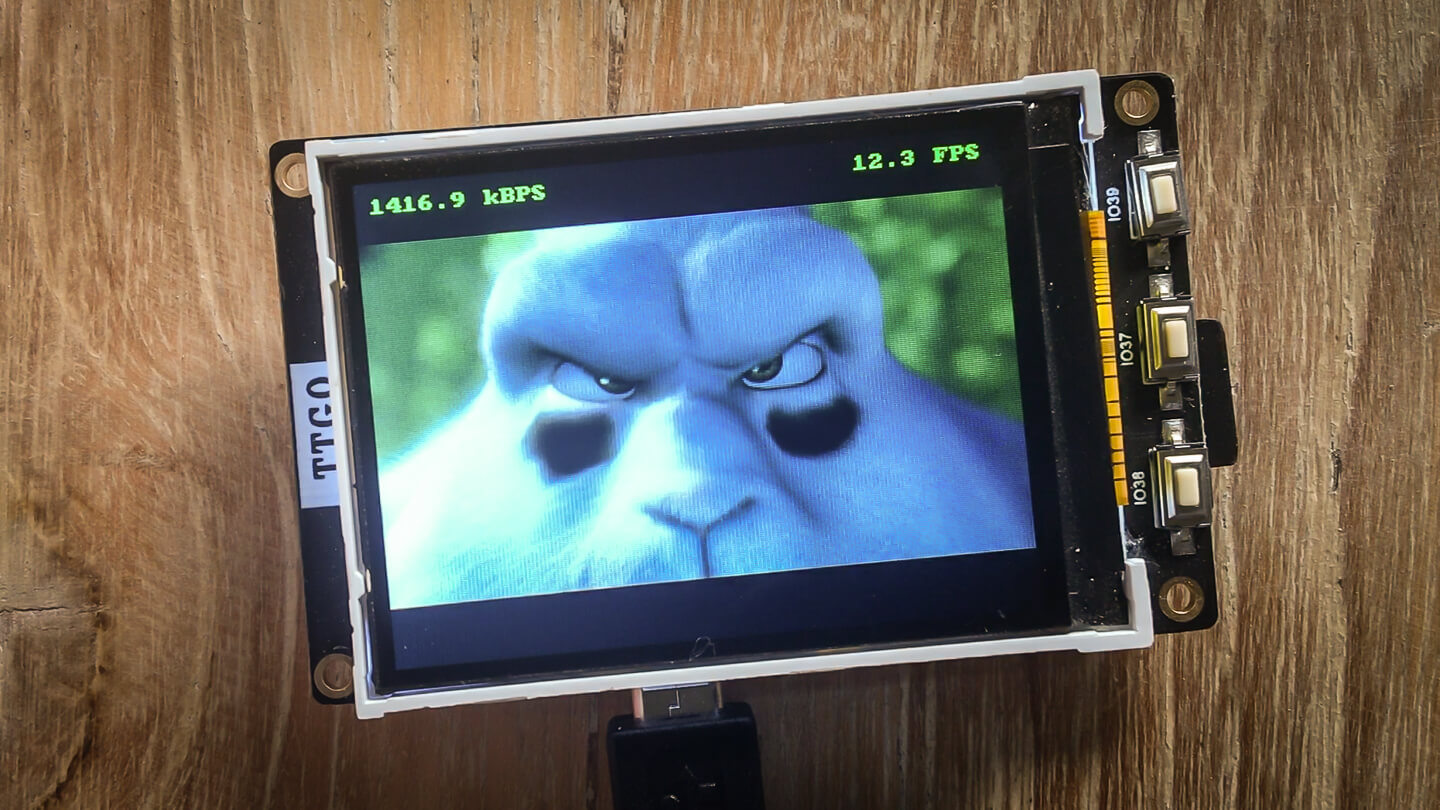
You can also see how it works in [Vimeo](https://vimeo.com/409435420).
### Configure and compile
```
$ git clone git clone https://github.com/tuupola/esp_video.git --recursive
$ cd esp_video
$ cp sdkconfig.ttgo-t4-v13 sdkconfig
$ make -j8 flash
```
If you have some other board or display run menuconfig yourself.
```
$ git clone git clone https://github.com/tuupola/esp_video.git --recursive
$ cd esp_video
$ make menuconfig
$ make -j8 flash
```
### Download and convert video
I used [Big Buck Bunny](https://peach.blender.org/download/) in the examples. Converted video should be copied to a FAT formatted SD card. Note that by default ESP-IDF does not support long filenames. Either enable them from `menuconfig` or use short 8.3 filenames.
```
$ wget https://download.blender.org/peach/bigbuckbunny_movies/BigBuckBunny_320x180.mp4 -O bbb.mp4
$ ffmpeg -i BigBuckBunny_320x180.mp4 -f rawvideo -pix_fmt rgb565be -vcodec rawvideo bbb24.raw
```
The original video is 24 fps. With SPI interface the SD card reading speed seems to be the bottleneck. You can create 12 fps raw video version with the following.
```
$ ffmpeg -i BigBuckBunny_320x180.mp4 -f rawvideo -pix_fmt rgb565be -vcodec rawvideo -r 12 bbb12.raw
```
With motion jpeg video ESP32 itself is the bottleneck. With my testing I
was able to decode at approximately 8 fps. You can create a 8 fps MJPG video with the following.
```
$ ffmpeg -i BigBuckBunny_320x180.mp4 -r 8 -an -f mjpeg -q:v 1 -pix_fmt yuvj420p -vcodec mjpeg -force_duplicated_matrix 1 -huffman 0 bbb08.mjp
```
There is a reasonable size difference between raw and motion jpeg files.
```
$ du -h bbb12.raw
798M bbb12.raw
$ du -h bbb12.mjp
117M bbb12.mjp
$ du -h bbb08.mjp
80M bbb08.mjp
```
Code expects to find files `bbb12.raw` and `bbb08.mjp` in the sdcard. You can change which file is played via menuconfig `Component config -> Video demo configuration`.
## Big Buck Bunny
Copyright (C) 2008 Blender Foundation | peach.blender.org
Some Rights Reserved. Creative Commons Attribution 3.0 license.
http://www.bigbuckbunny.org/