# canvas-ui
**Repository Path**: alibaba/canvas-ui
## Basic Information
- **Project Name**: canvas-ui
- **Description**: UI Renderer runs on top of the HTML5 Canvas
- **Primary Language**: Unknown
- **License**: MIT
- **Default Branch**: main
- **Homepage**: None
- **GVP Project**: No
## Statistics
- **Stars**: 0
- **Forks**: 0
- **Created**: 2024-10-31
- **Last Updated**: 2026-01-04
## Categories & Tags
**Categories**: Uncategorized
**Tags**: None
## README
 Canvas UI is a general UI renderer runs on HTML Canvas. https://alibaba.github.io/canvas-ui/
It provides a series of React components, allowing developers to quickly build Canvas-based applications using their existing knowledge.
It also features a DOM-like scene tree, enabling developers to manipulate elements drawn in Canvas just like they would manipulate DOM elements.
```tsx
import React from 'react'
import { Canvas, Text, Flex } from '@canvas-ui/react'
export default () => {
const containerStyle = {
width: 250,
flexDirection: 'column'
}
const textStyle = {
maxWidth: containerStyle.width,
maxLines: 1,
}
return (
)
}
```
# Demo
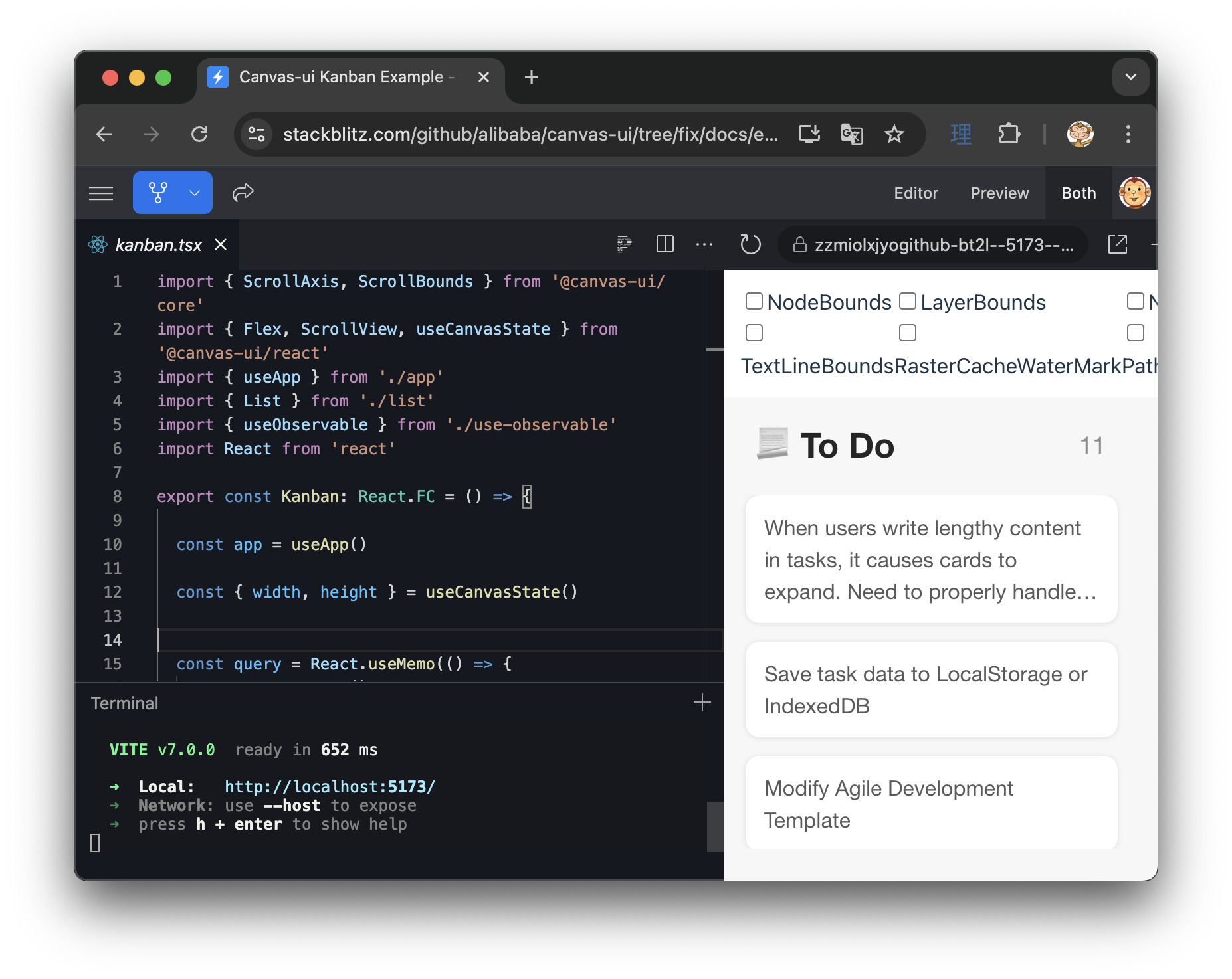
https://stackblitz.com/github/alibaba/canvas-ui/tree/main/examples/kanban
# Features
- Manipulate elements in Canvas just like DOM elements
- Seamlessly integrating with React applications
- Flex layout
- Animation based on [motion](https://motion.dev/)
- Basic text typography capabilities: automatic word wrapping, alignment, text overflow
- CSS styles through the style attribute
- Interaction events: PointerEvents and WheelEvent
- Convenient layering capabilities
- Fully written in TypeScript with complete type definitions
- Rendering in WebWorker (WIP)
# Project Structure
- packages/core
The core of the renderer, providing capabilities such as createElement, events, rendering pipeline, etc.
- packages/react
Canvas UI's official React binding, providing components like ``, ``, etc.
- packages/examples
Component development and testing environment based on Storybook
- tools/
scripts
# Development
```
# Start development mode for core and react
$ pnpm dev
# Start Storybook
$ pnpm dev:storybook
# Run unit tests
$ pnpm test
# Build umd, esm versions
$ pnpm build
```