# pal_wbc_utils
**Repository Path**: alreal/pal_wbc_utils
## Basic Information
- **Project Name**: pal_wbc_utils
- **Description**: No description available
- **Primary Language**: Unknown
- **License**: Not specified
- **Default Branch**: master
- **Homepage**: None
- **GVP Project**: No
## Statistics
- **Stars**: 0
- **Forks**: 0
- **Created**: 2024-01-22
- **Last Updated**: 2024-01-22
## Categories & Tags
**Categories**: Uncategorized
**Tags**: None
## README
# PAL WBC Utils
This package contains all the generic utilities of the *PAL Whole Body Control*, as well as a set of documented examples to be used as tutorial.
1. [ PAL Whole Body Control ](#pal_wbc)
2. [ WBC Tasks ](#wbc_tasks)
3. [ Examples ](#examples)
4. [ Media ](#media)
## PAL Whole Body Control
The *PAL Whole Body Control* (WBC) is PAL’s implementation of the Stack of Tasks[1](http://homepages.laas.fr/ostasse/mansard_icar09.pdf). It includes a hierarchical
quadratic solver that runs at 100 Hz, that is able to accomplish different tasks with different priorities assigned to each of them. To accomplish the tasks, the WBC can take control of all the joints of the robot.
When WBC starts an already predefined stack with a set of task is started. By default, in all the robots, the set of task includes (from highest to lowest priority):
- Joint limit avoidance: to ensure joint limits are never reached.
- Foot constraints (only humanoids): for the non-fixed base robots, to set constraints of the position of the feet according to the actual pose.
- Stabilizer (only humanoids): to ensure the projection onto the ground of the center of mass of the robot lies between both feet.
- Self-collision avoidance: to prevent the robot from colliding with itself while moving.
These tasks are automatically managed by the WBC, and should be always active with the highest priority. Not enforcing them may be potentially dangerous for the robot as, in particular, it could damage itself.
Once the WBC is running new tasks can be pushed. For example, to move the end-effectors to any spatial configuration and/or to make the robot look to any point in the space. These goals can be changed dynamically as will be seen in the following subsection. Other types of tasks that do not include concrete motions of the robot can also be pushed. For instance, setting a default configuration in joint space, or controlling the robot using admittance control.
The difference between using WBC and other inverse kinematic solvers is that the WBC finds online solutions that prevent self-collisions automatically and ensure the avoidance of reaching any joint limit.
The following is the list of packages related to WBC.
- **wbc_tasks** contains all the implemented wbc_tasks
- [**pal_wbc_tutorials**](https://github.com/pal-robotics/pal_wbc_tutorials) contains tutorials on how tasks can be implemented. Two examples are provided.
- **talos_wbc / tiago_wbc / reemc_wbc** contains the launch files and the default stacks.
- **smach_c_wbc_states** contains the implementation of some wbc_tasks in smach_c to use them in a smach_c state machine.
## WBC Tasks
The following us the list of tasks that are documented and maintained.
Task | Description | Configurable from Property Bag |
-------- | ---------------- | ------------ |
**GazePointKinematicMetaTask** | Makes the robot look at a certain point in the space[1](#gaze)| Yes |
**GoToPositionMetaTask** | Sends a link to a desired position | Yes |
**GoToOrientationMetaTask** | Sends a link to a desired orientation | Yes |
**GoToPoseMetaTask** | Sends a link to a desired pose (position + orientation) | Yes |
**GoToLocalVirtualAdmitancePositionMetaTask** | Sends a link to a desired position with admittance control | Yes |
**GoToLocalVirtualAdmitanceOrientationMetaTask** | Sends a link to a desired orientation with admittance control | Yes |
**GoToLocalVirtualAdmitancePoseMetaTask** | Sends a link to a desired pose with admittance control | Yes |
**GoToPointRayAngleGazeKinematicMetatask** | Makes the robot look at a certain point in the space (avoiding singularity) [2](#gaze) | Yes |
**GoToRelativePositionMetaTask** | Constraints the position of with respect to another one | Yes |
**GoToRelativeOrientationMetaTask** | Constraints the orientation of a link with respect to another one | Yes |
**GoToRelativePoseMetaTask** | Constraints the pose of a link with respect another one | Yes |
**ReferenceKinematicTask** | Sets a target configuration for a set of joints | Yes |
**ConstraintFIXCOMMetaTask** | Constrains the COM at the current position | No |
**GoToCOMMetaTask** | Moves the COM at the specified objective | No |
**GoToCOMXYMetaTask** | Controls the X, Y coordinates of the COM | No |
**GoToCOMHeightZMetaTask** | Controls the COM height | No |
**ReferenceKinematicTaskAllJointsMetaTask** | Helper class to configure the ReferenceKinematicTask task | No |
**SelfCollisionSafetyKinematicTask** | Avoids robot self collision and damps the relative velocity when capsules gets close | No |
**SelfCollisionKinematicTask** | Avoids robot self collision | No |
**JointPositionLimitTask** | Enforces position and velocity joint limits | No |
**JointPositionLimitKinematicAllJointsMetaTask** | Helper class to configure the JointPositionLimitTask task | No |
**COMStabilizerKinematicTask** | Control the COM of the robot and uses the FT to generate a zero moment | No |
**ConstraintStabilizedFIXCOMMetaTask** | Helper class to configure the COMStabilizerKinematicTask task | No |
> Note: The GazePointKinematicTask has a singularity if the specified point is behind the camera plane. This is fixed in the GoToPointRayAngleGazeKinematicMetatask task.
## Create Tasks
There are two different ways to configure and push a task in the stack:
- Creating a specific stack and loading it when WBC starts
- Pushing it online from a Property Bag
These two options are outlined in the following subsections.
### Create a specific stack
The stack is the set of tasks pushed and configured once the controller starts. The WBC can be started with a user-defined stack of tasks.
The outline of the procedure to create a custom stack to start the controller with is the following:
1. Create the stack and export it as a plugin.
2. Define the stack in the specific config file that is loaded by the controller. See, for instance, the following excerpt of the *talos_stack_both_hands_head.yaml* file:
```sh
type: pal_wbc/WholeBodyControlKinematicController
dt: 0.005
floating_base: XYZ_Quaternion
formulation: velocity
stack_configuration: talos_stack_both_hands_head
solver_type: QpReductionuEqualitiesQuadprogHeapAllocation
use_stabilizer: true
use_admitance: false
use_home_posture: true
initialize_bfp_tf: false
use_odom: false
robot_model_chains:
[gripper_left_base_link,
gripper_right_base_link,
left_sole_link,
right_sole_link,
rgbd_rgb_optical_frame]
...
```
The stack configuration parameter defines the name of the stack that the controller will load. In the previous example the stack *talos_stack_both_hands_head* is loaded, see line 6.
3. Load the parameters and launch the WBC controller. An example of launch file for this task is
```sh
```
where the previously defined *talos_stack_both_hands_head.yaml* file is loaded to the param server. Note that this is just a simplified example. The reader is referred to the handbook, where the procedure to launch the is detailed.
Once the controller starts, the stack is loaded and the tasks start.
> Note: All the classes have their own related *struct* object that should contain the necessary parameters to configure the task.
> Note: All the tasks can be configured from the *SetUpTask* where the *struct* with the parameters should be passed as an argument. This can also be done in the constructor, as can be seen in some of the example tasks described before. By default, only the tasks with an empty constructor should be configured from the SetUpTask method.
### Configure a task from Property Bag
Once the stack is created, new tasks can be pushed and removed from it by an adequate service call.
The tasks that can be loaded online need to be exported as a plugin. In the list of stacks above, the ones that can be loaded from the Property Bag are indicated in the third column.
The procedure to create and push a task from property bag is the following:
1. Implement the *configureConstraintsFromPropertyBag* method in the task.
2. Export the task as a pal_wbc plugin:
2.1. Create a cpp file with all the plugins. See, for instance, an excerpt of the *wbc_task_plugins.cpp* file
```sh
#include
PLUGINLIB_EXPORT_CLASS(pal_wbc::GoToPositionMetaTask, pal_wbc::TaskAbstract);
```
2.2. Add it in the *CMakeLists.txt* file of the project
```sh
add_library(plugins src/wbc_tasks_plugins.cpp)
target_link_libraries(my_wbc_plugins ${catkin_LIBRARIES})
...
install(TARGETS my_wbc_plugins
ARCHIVE DESTINATION ${CATKIN_PACKAGE_LIB_DESTINATION}
LIBRARY DESTINATION ${CATKIN_PACKAGE_LIB_DESTINATION}
RUNTIME DESTINATION ${CATKIN_PACKAGE_BIN_DESTINATION}
)
```
2.3. Create a plugin file that exports all of them as a library. See, for instance, the file *my_wbc_plugins.xml*
```sh
GoToPositionMetaTask task
```
2.4. Export the *my_wbc_plugins_xml* in the package.xml file
```sh
```
3. Push the task in the stack
**It is very dangerous to stop and restart Whole Body Controller in ROS control without previously unloading and reloading it. The reason is that it will start with the stack there was at the moment it was stopped. This will likely lead to a discontinuity in most of the joints and a very abrupt motion as consequence. Also, all the tasks pushed online will be lost the next time the WBC is loaded and started.**
> Note: See [pluginlib](http://wiki.ros.org/pluginlib) documentation to learn with more detail how plugins are created and exported.
### Push / Remove tasks from the stack
There are two ways to push and remove tasks from the stack once the controller is loaded,
1. Using the [WBC Service Helper class](#wbc_service_helper). This is the recommended way to deal with tasks: to create a node that pushes the desired tasks in the stack. This package contains many examples of nodes that push the most common tasks in the stack, that are thoroughly documented.
2. Using the WBC rosservices. This handled by command line calls. The main ones among them are:
- Print the stack description
```sh
$ rosservice call /whole_body_kinematic_controller/get_stack_description "{}"
```
- Remove a specific task from the stack
```sh
$ rosservice call /whole_body_kinematic_controller/pop_task "name: 'task_id'
blend: false
blending_duration:
data:
secs: 0
nsecs: 0"
```
- Get the task error of a specific task
```sh
$ rosservice call /whole_body_kinematic_controller/get_task_error "id: 'task_id'"
```
- Push a new task in the stack
```sh
$ rosservice call /whole_body_kinematic_controller/push_task "push_task_params:
params: ''
respect_task_id: ''
order: {order: 0}
blend: false
blending_duration:
data: {secs: 0, nsecs: 0}"
```
In the output of this last excerpt, *params* contain the list of params for the property to be configured. The pushed task is pushed with respect to another task; *respect_task_id* is the id of the task the new one is pushed with respect to. Finally, the *order* refers to the way the task is pushed, that can be *before*, *after*, *same* and *replace*. **This method is not recommended because passing the parameters manually is extremely error prone**.
> Note: In fact the WBC Service Helper class is a wrapper that uses the rosservices to push and pop the different tasks.
> Note: The blend parameter allows to push and remove tasks interpolating from the current position of the robot which will reduce discontinuities and smooth things. Although still under development.
> attention Don't remove tasks such as self_collision, joint_limits, foot_constraints... Removing this tasks may be potentially dangerous for the robot.
## Examples
#### Push Gaze task
The push_interactive_marker_gaze_task node pushes a **GoToPointRayAngleGazeKinematicMetatask** in the stack.
This task allows the robot to look at a certain point in the space.
Some of the node properties are read as a rosparam and can be modified.
Property name | Type | Description | Default
------------- | ---- | ------------ | -------
source_data | std::string | Reference type. Defines how the target pose is specified (topic, pointer, interactive_marker). | interactive_marker |
camera_frame | std::string | Name of the camera frame. The camera frame has to be one of the optical frames. | xtion_optical_frame |
respect_task_id | std::string | The gaze_task is gonna be pushed after this specific task in the stack. | self_collision |
ns | std::string | Controller namespace. | /whole_body_kinematic_controller
#### Push Pose task
The push_interactive_marker_pose_task node pushes a task to control in position and orientation a specific link of the robot.
First it pushes a **GoToPositionMetaTask** / **GoToLocalVirtualAdmitancePositionMetaTask** task to control the position. And after this task it pushes a
**GoToOrientationMetaTask** / **GoToLocalVirtualAdmitanceOrientationMetaTask** task to control the orientation.
Some of his properties are read as a rosparam and can be modified.
Property name | Type | Description | Default
------------- | ---- | ------------ | -------
source_data | std::string | Reference type. Defines how the target position is controlled (topic, pointer, interactive_marker). | interactive_marker_reflexx_typeII |
reference_frame | std::string | If source_data is pointer / pointer_reflexx_typeII, the reference frame is the frame for the reference | base_link. In the humanoids this param should be odom |
target_position | geometry_msgs::PointStamped | If source_data is pointer / pointer_reflexx_typeII, this param represents the target_position | This param is mandatory |
target_orientation | geometry_msgs::QuaternionStamped | If source_data is pointer / pointer_reflexx_typeII, this param represents the target_orientation | This param is mandatory |
tip_name | std::string | Controlled link name. | arm_tool_link |
respect_task_id | std::string | The position task is gonna be pushed after this specific task in the stack. | self_collision |
ns | std::string | Controller namespace. | /whole_body_kinematic_controller
damping | double | Damping to avoid local minima. | By default is set to 0.2
admitance_ft | std::string | FT name related to the controlled link. If ft name specified, it uses admitance control | By default is empty
orientation_task_activated | boolean | The orientation task is not pushed inside the stack. Useful to avoid an over-constrained problem | By default is set to true
> Warning: If the damping parameter is set to zero, the robot will start vibrating.
> Note: If admitance_ft the tasks pushed are of type **GoToLocalVirtualAdmitancePositionMetaTask** and **GoToLocalVirtualAdmitanceOrientationMetaTask**. Otherwise it pushes **GoToPositionMetaTask** and **GoToOrientationMetaTask**.
#### Push Relative task
The push_interactive_marker_relative_task node pushes relative task that constrains a link respect another one.
First it pushes a task to control a specific link in position and orientation. If an ft is specified, this link is controlled via admittance control.
Then it pushes a relative task that constrains another link (slave) respect the controlled link (master).
This implies that the user controls one link, but another link moves at the same time to keep its position and orientation with respect to the controlled link.
Property name | Type | Description | Default
------------- | ---- | ------------ | -------
source_data | std::string | Reference type. Defines how the master link is controlled (topic, pointer, interactive_marker). | interactive_marker_reflexx_typeII |
tip_name | std::string | Controlled link / Master link | arm_left_tool_link |
constrained_link | std::string | Constrained link / Slave link from the relative task | arm_right_tool_link |
respect_task_id | std::string | The position task is gonna be pushed after this specific task in the stack. | self_collision |
ns | std::string | Controller namespace. | /whole_body_kinematic_controller |
admitance_ft | std::string | FT name related to the controlled link. If ft name specified, it uses admitance control | By default is empty |
target_position | geometry_msgs::PointStamped | Relative position constraint from the master link to the constrained link | This param is mandatory |
target_orientation | geometry_msgs::QuaternionStamped | Relative orientation constraint from the master link to the constrained link | This param is mandatory
#### Push Torso height task
The push_torso_height_ref node pushes a position task that constrains the torso at a specific height.
It pushes a position task with some extra properties that constrain the $`z`$ coordinate of the torso frame at a specific height with respect to the base frame.
Property name | Type | Description | Default
------------- | ---- | ------------ | -------
link_name | std::string | Link to be constrained | torso_1_link 1
base_frame | std::string | Reference link which respect the height is specified | odom |
reference_height | double | Height | 0.0 |
ns | std::string | Controller namespace. | /whole_body_kinematic_controller |
before_task_id | std::string | The position task is gonna be pushed before this specific task in the stack. | default_reference
#### Push Reference task
The push_topic_reference_task node pushes a reference task that can be modified by topic.
> Attention! When pushing the task, if the reference configuration is different from the default one, this will cause discontinuity in position, that will make the robot abruptly move from one configuration to the other one.
Property name | Type | Description | Default
------------- | ---- | ------------ | -------
source_data | std::string | Reference type. Defines how the reference configuration is defined (vector_topic, vector_pointer). | vector_topic |
topic_name | std::string | Name of the topic where the new configurations needs to be published | "/whole_body_kinematic_controller/vector_topic" |
position_gain | double | Position gain to reduce the position error in the task | 3.0 |
joint_names | std::vector | Joint names controlled by the reference | The head, torso and arm joint names |
ns | std::string | Controller namespace. | /whole_body_kinematic_controller |
reference | std::vector | Reference configuration | Reads the default configuration of the WBC |
respect_task_id | std::string | The reference task is gonna be pushed replacing this specific task in the stack. | default_reference
### References
The problem of specifying a position, an orientation or a pose in Cartesian space in order to set the position of a specific link of the robot, or to make it look to a specific point is done by specifying a *reference*. *References* allow to store a desired pose, velocity and acceleration. The whole body controller requires references in every update loop to calculate the error in terms of position, orientation, velocity and acceleration between the actual and desired states of the reference.
There are many kinds of reference, meaning that the information they store is different. In particular, there are references that contain a set of position, velocities and accelerations for a set of joints to specify a specific configuration for the robot. As a consequence, there are differently ways to set target poses for the robot dynamically.
### WBC Service helper
One of the main utilities of this package is the [WBCServiceHelper](./classpal_1_1WBCServiceHelper.html) class, that allows to:
- Push a task in the stack
- Remove a task from the stack
- Check if a task exists in the stack
- Get a task error to the target objective
- Print the stack description
- Wait until a certain task has converged to a specific tolerance
> Note: Remember that the only tasks that can be pushed into the stack once the controller has are already started are those that are exported as a plugin.
The following excerpt of code contains an example of node in which a task is pushed:
```sh
int main(int argc, char **argv)
{
ros::init(argc, argv, "push_pose_task");
ros::NodeHandle nh("~");
std::string ns;
nh.param("ns", ns, "/whole_body_kinematic_controller");
pal::WBCServiceHelper srv_helper(nh, ns);
...
property_bag::PropertyBag task;
task.addProperty("taskType", std::string("pal_wbc/GoToPositionMetaTask"));
task.addProperty("task_id", std::string("position_" + tip_name));
task.addProperty("signal_reference", reference_type);
task.addProperty("tip_name", tip_name);
task.addProperty("damping", damping);
...
std::string previous_task_id;
nh.param("respect_task_id", previous_task_id, "self_collision");
pal_wbc_msgs::Order::_order_type order = pal_wbc_msgs::Order::After;
if (!srv_helper.pushTask(task, std::string("position_" + tip_name), order, previous_task_id))
{
ROS_ERROR_STREAM("problem pushing position task");
}
...
```
## Media
[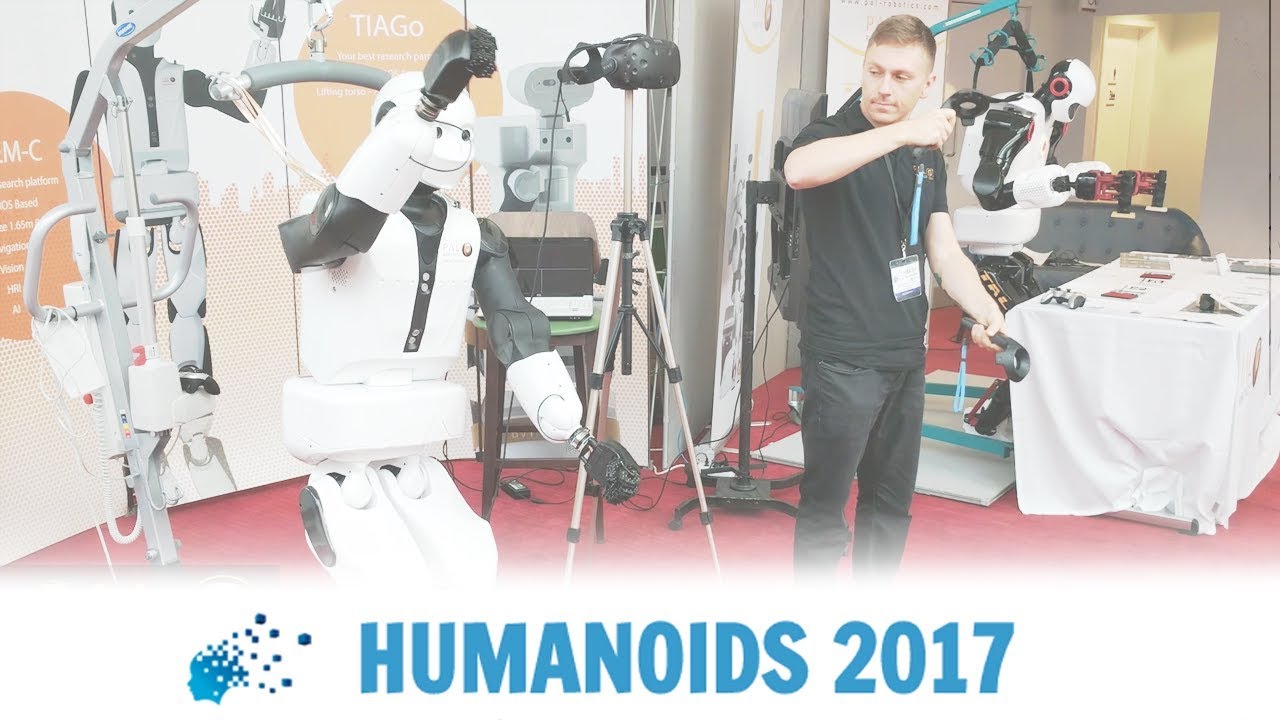](https://youtu.be/MyQcRfTYKWw)
[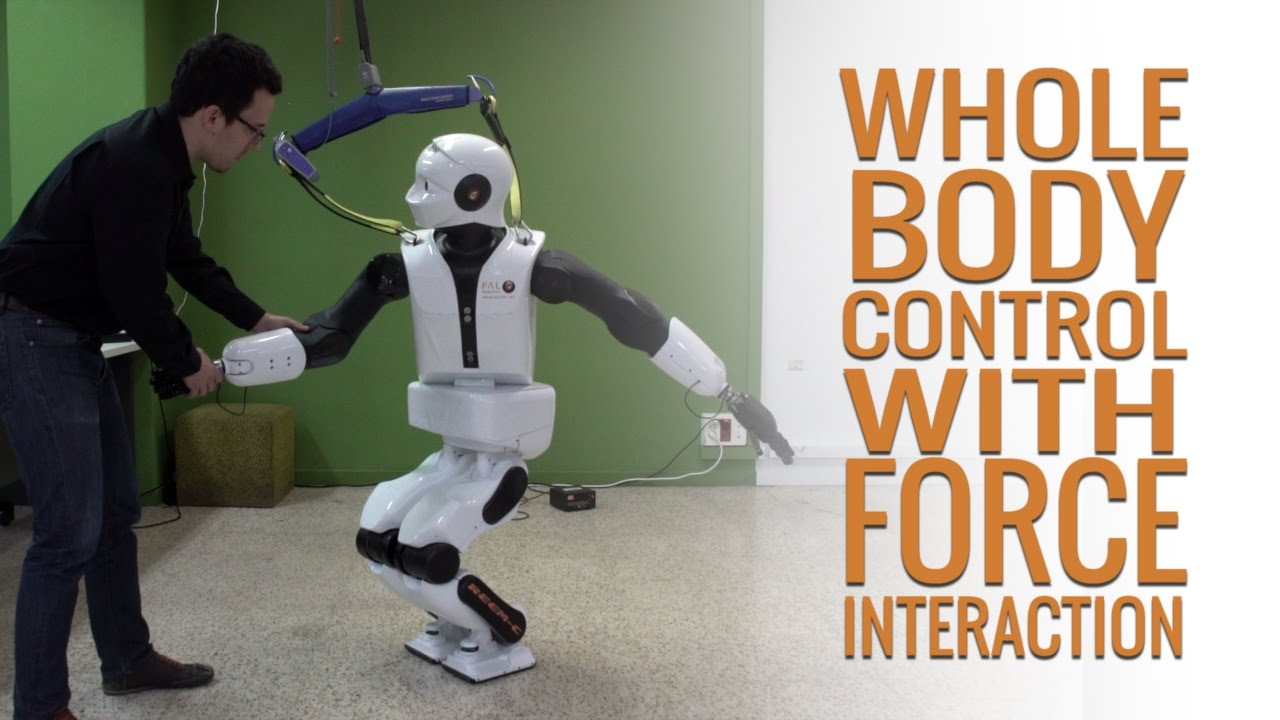](https://youtu.be/lqxTov7isio)
[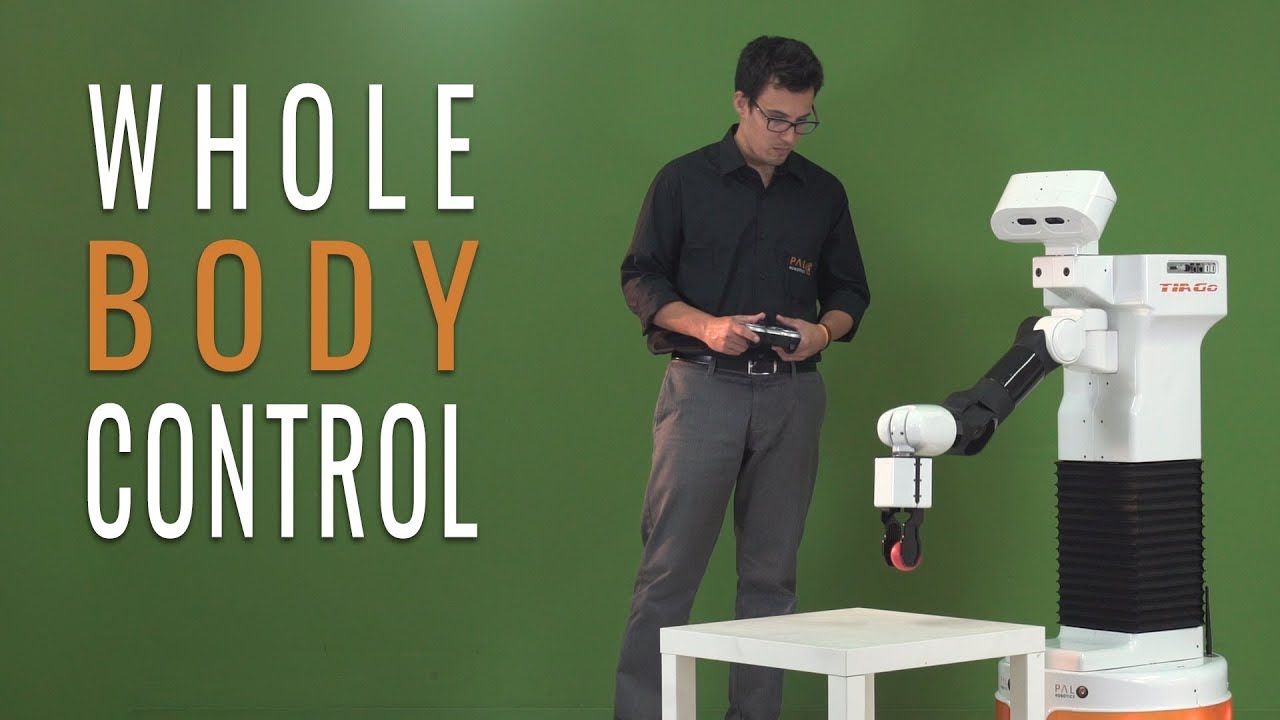](https://youtu.be/kdwShb-YrbA)