# sean-security
**Repository Path**: archiesean/sean-security
## Basic Information
- **Project Name**: sean-security
- **Description**: 使用sa-token实现的后台管理系统,包含前端、后端、日志监控部分
- **Primary Language**: Java
- **License**: MIT
- **Default Branch**: master
- **Homepage**: None
- **GVP Project**: No
## Statistics
- **Stars**: 2
- **Forks**: 0
- **Created**: 2021-11-30
- **Last Updated**: 2023-02-21
## Categories & Tags
**Categories**: Uncategorized
**Tags**: None
## README
# sean-security

 ## 简介
* 此项目,目的是为了熟悉了解sa-token权限框架,相较于shiro和security,sa-token相对更轻量,开箱即用,不需要过多的配置。
* 此开源项目为个人开发,不限制任何商业使用和个人研究。
* 项目中操作日志根功能根据业务需要添加,目前已集成获取ip所在地理位置,已打印在日志当中。
* 项目日志监控使用loki,详细文档请查看文末。
## 技术选型:
* 后端:OpenResty+SpringBoot+docker+sa-token+yapi+mybatisPlus+mysql+redis
* 前端:vue+vuex+vue-router+axios+elementPlus
## 部署环境
* JDK1.8
* MYSQL5.7
* Redis6.2.6
## 项目结构:
```txt
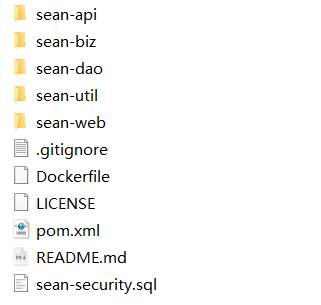
sean-api: 项目入口文件,controller层所在,项目配置所在
sean-biz: service层所在目录
sean-dao: dao层所在目录,包含请求入参、响应结构封装。
sean-util: 各种工具类封装
sean-web: 前端文件
```
## 演示环境:
* 服务器比较拉,演示地址:[演示地址](http://archiesean.top/sean-security/#/login)
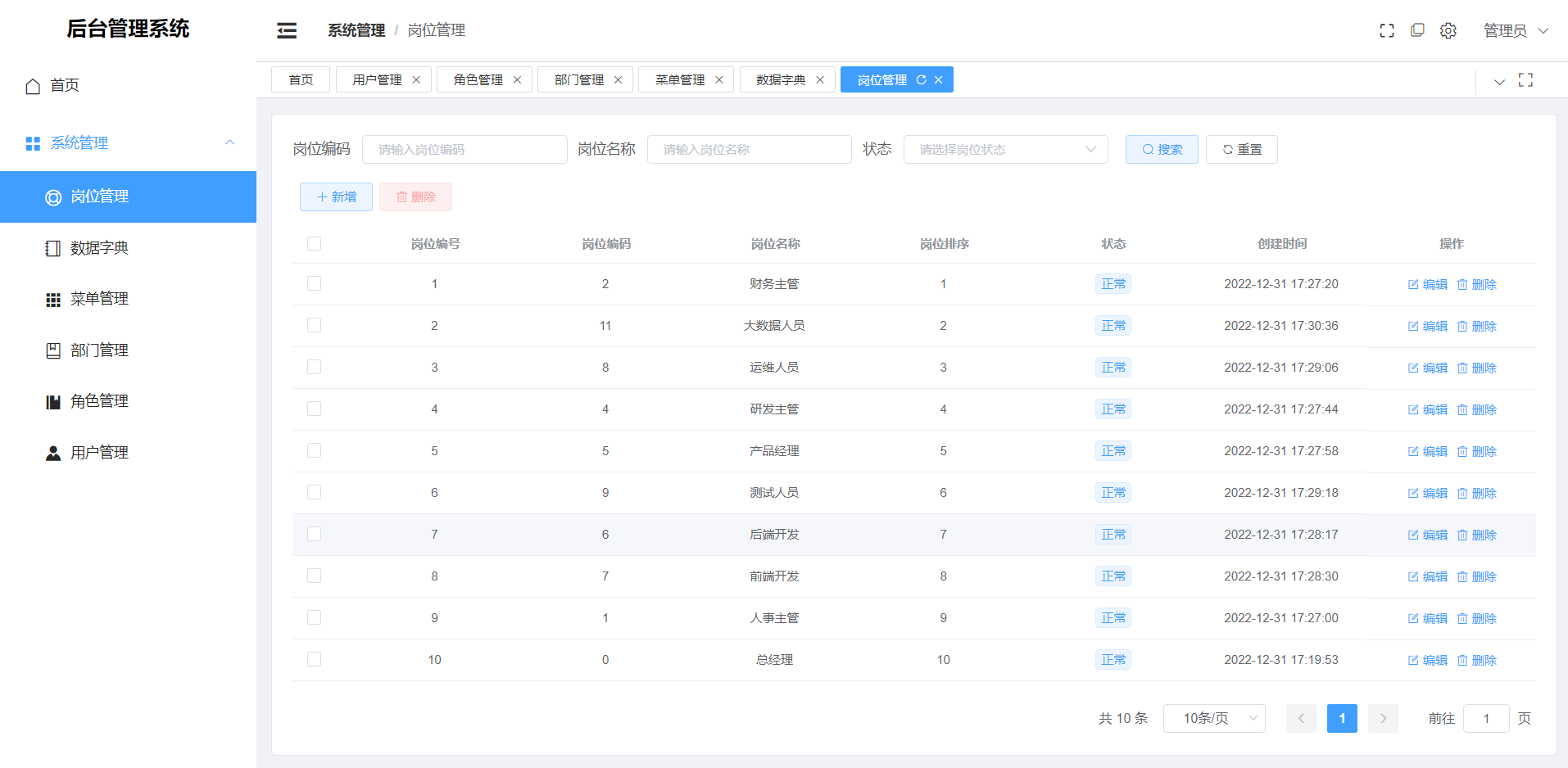
## 效果图:
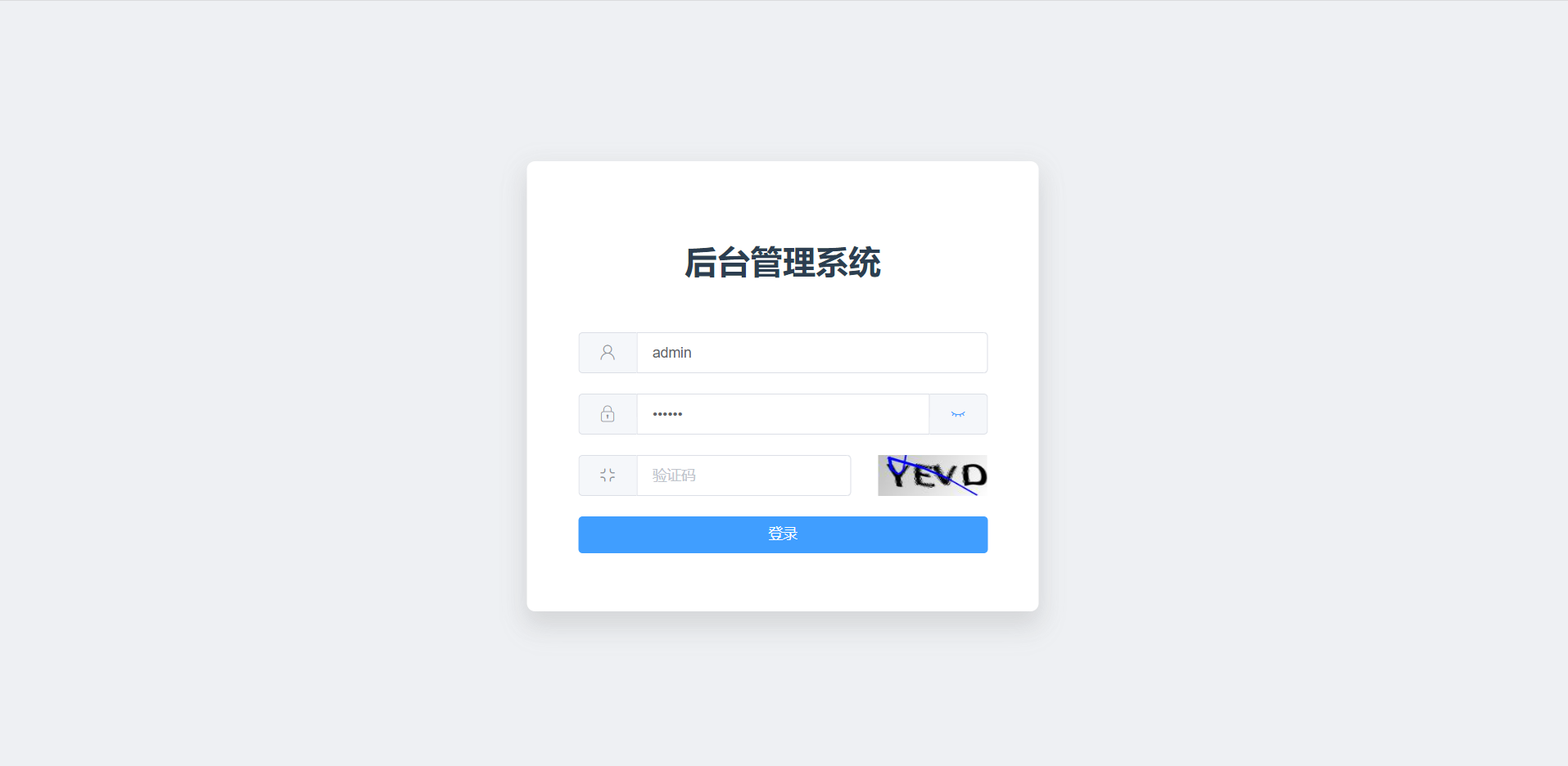
* 登录页面
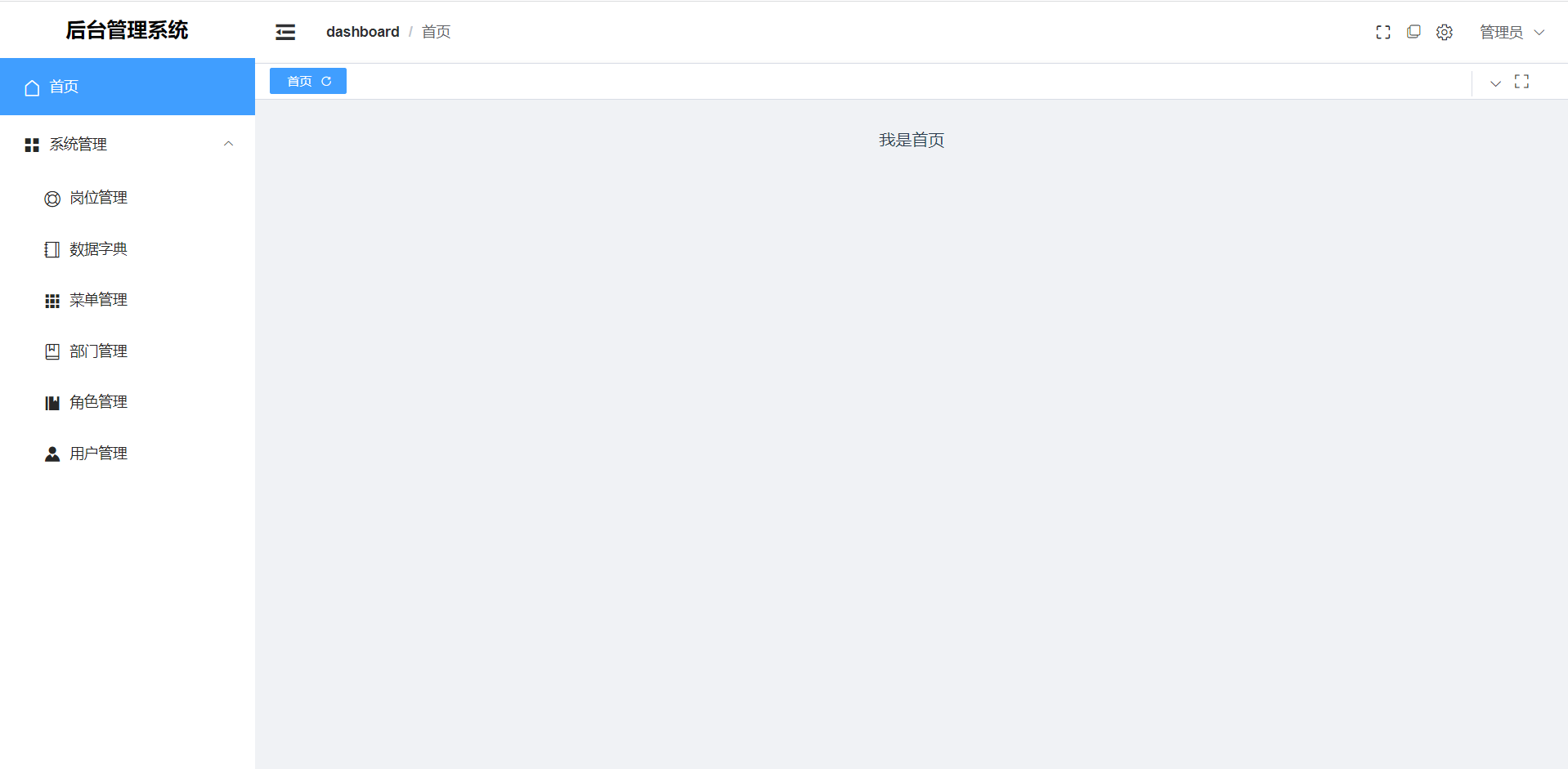
* 主页
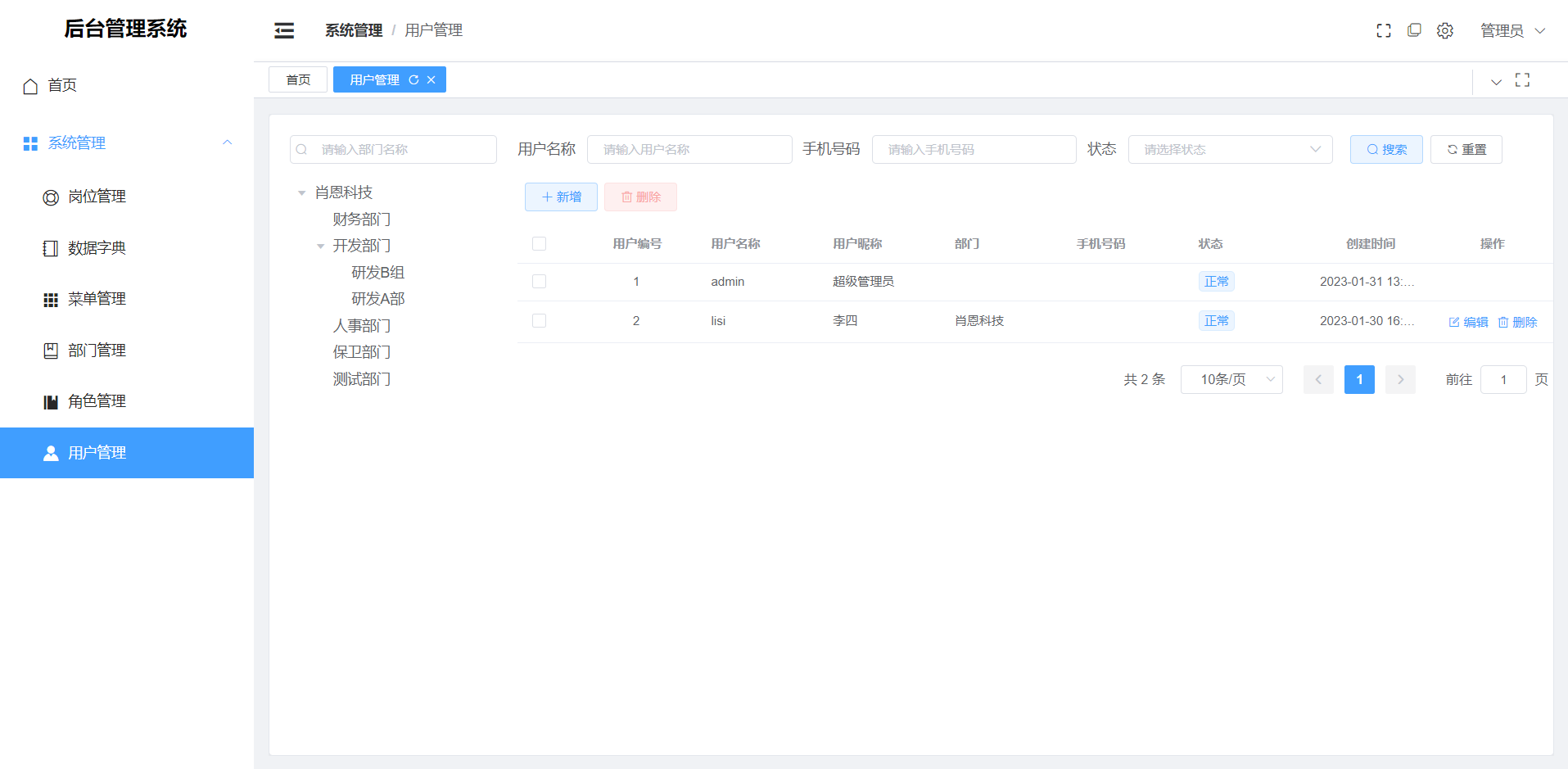
* 用户管理
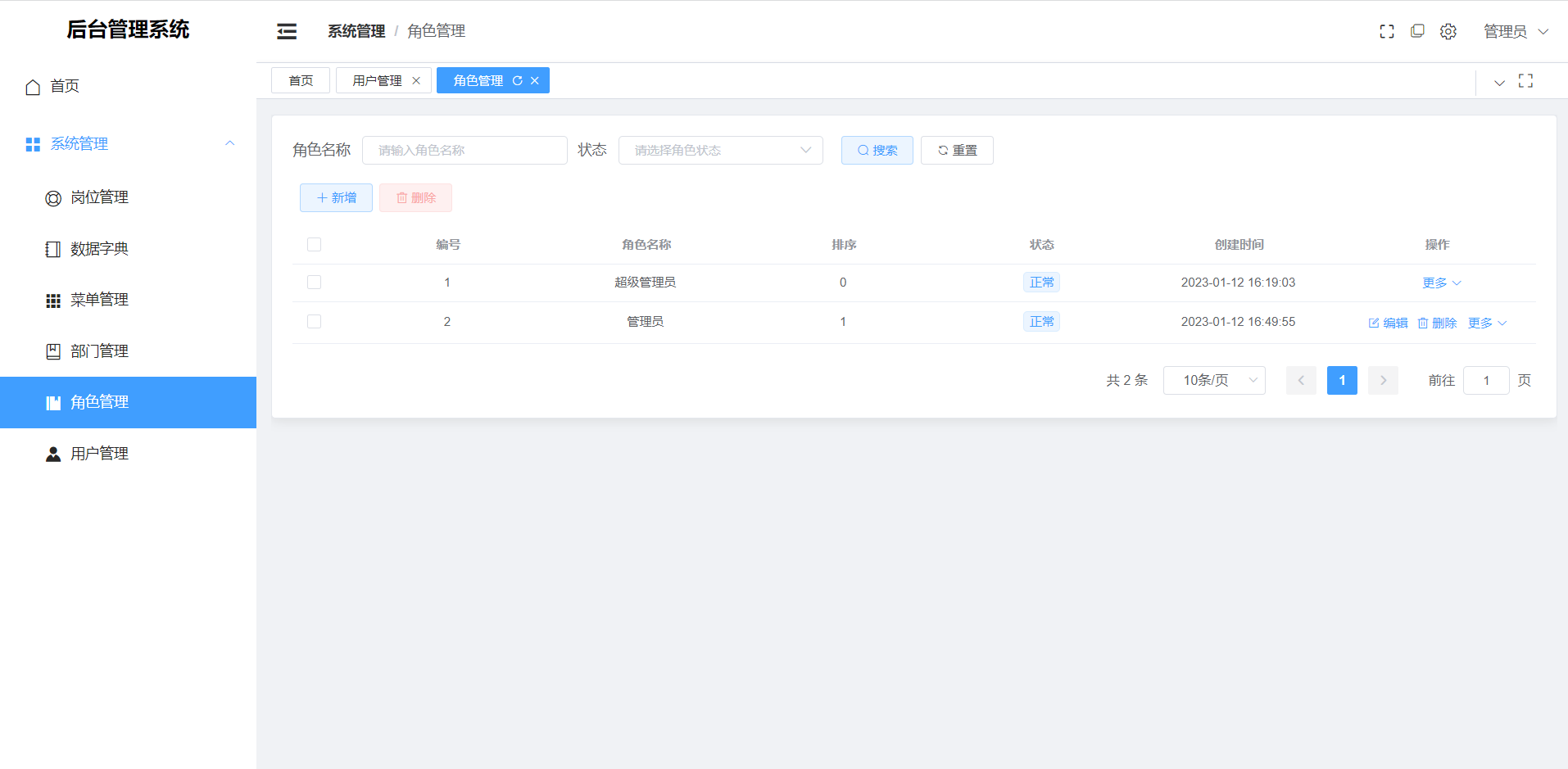
* 角色管理
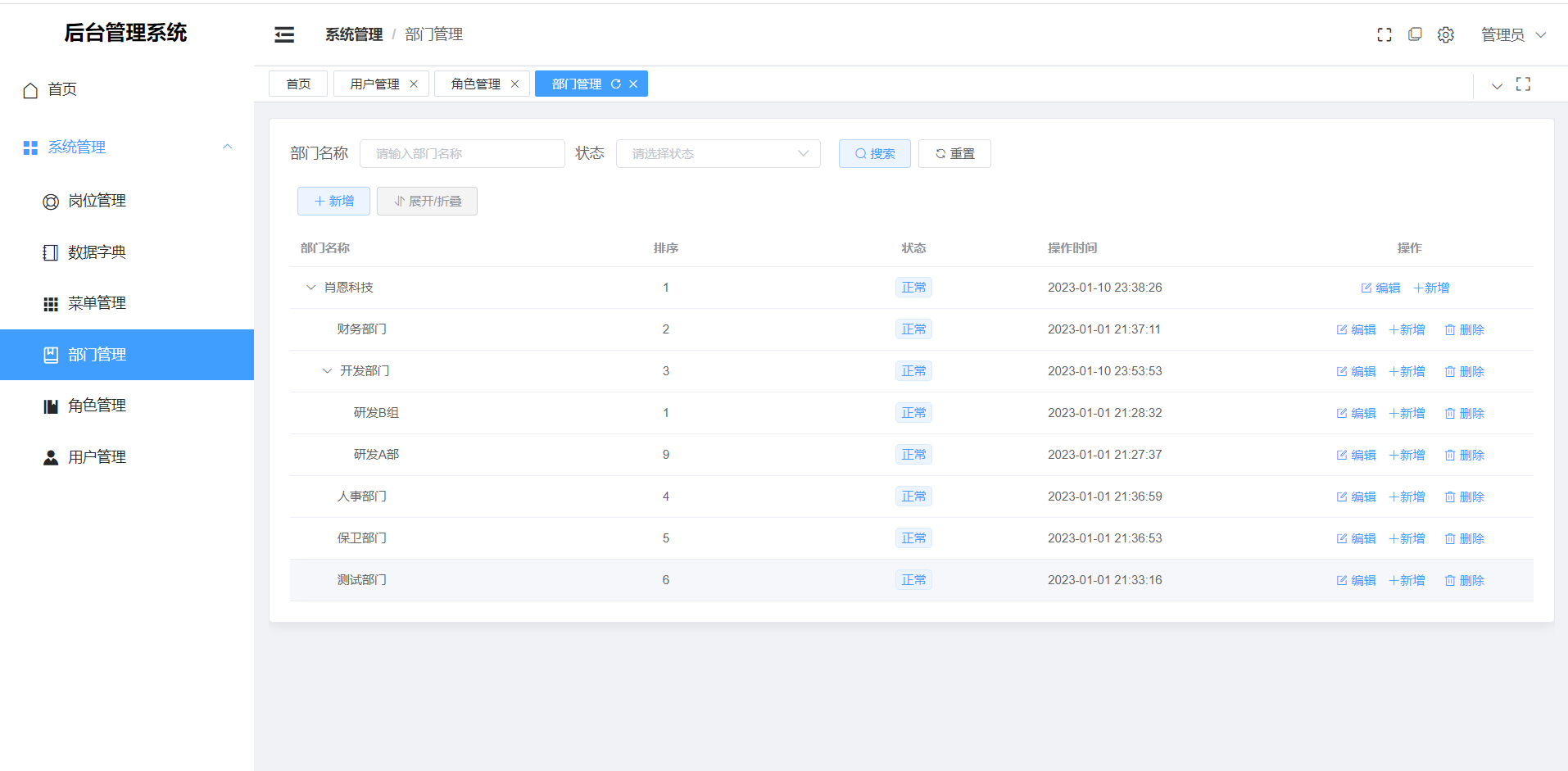
* 部门管理
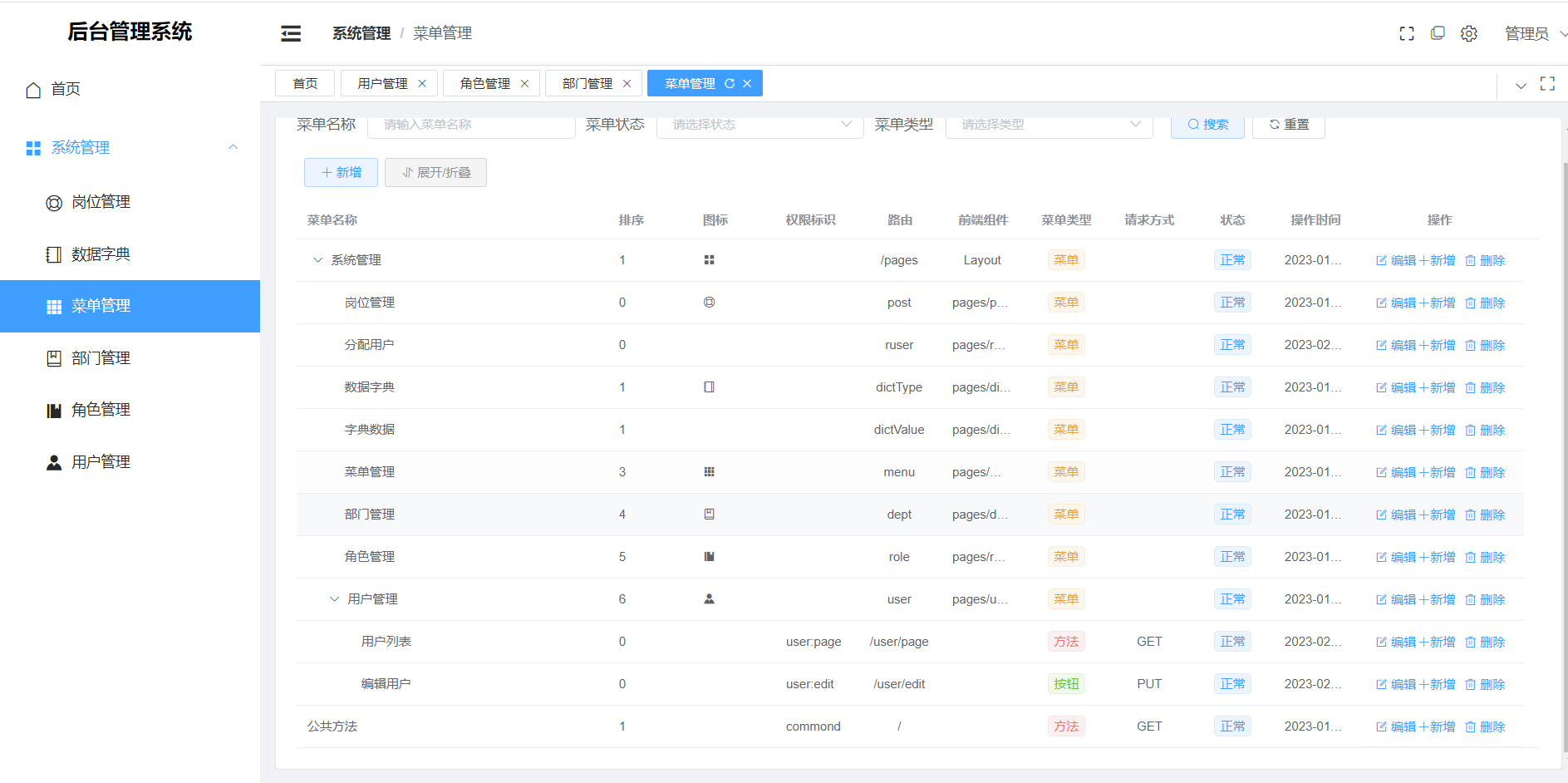
* 菜单管理
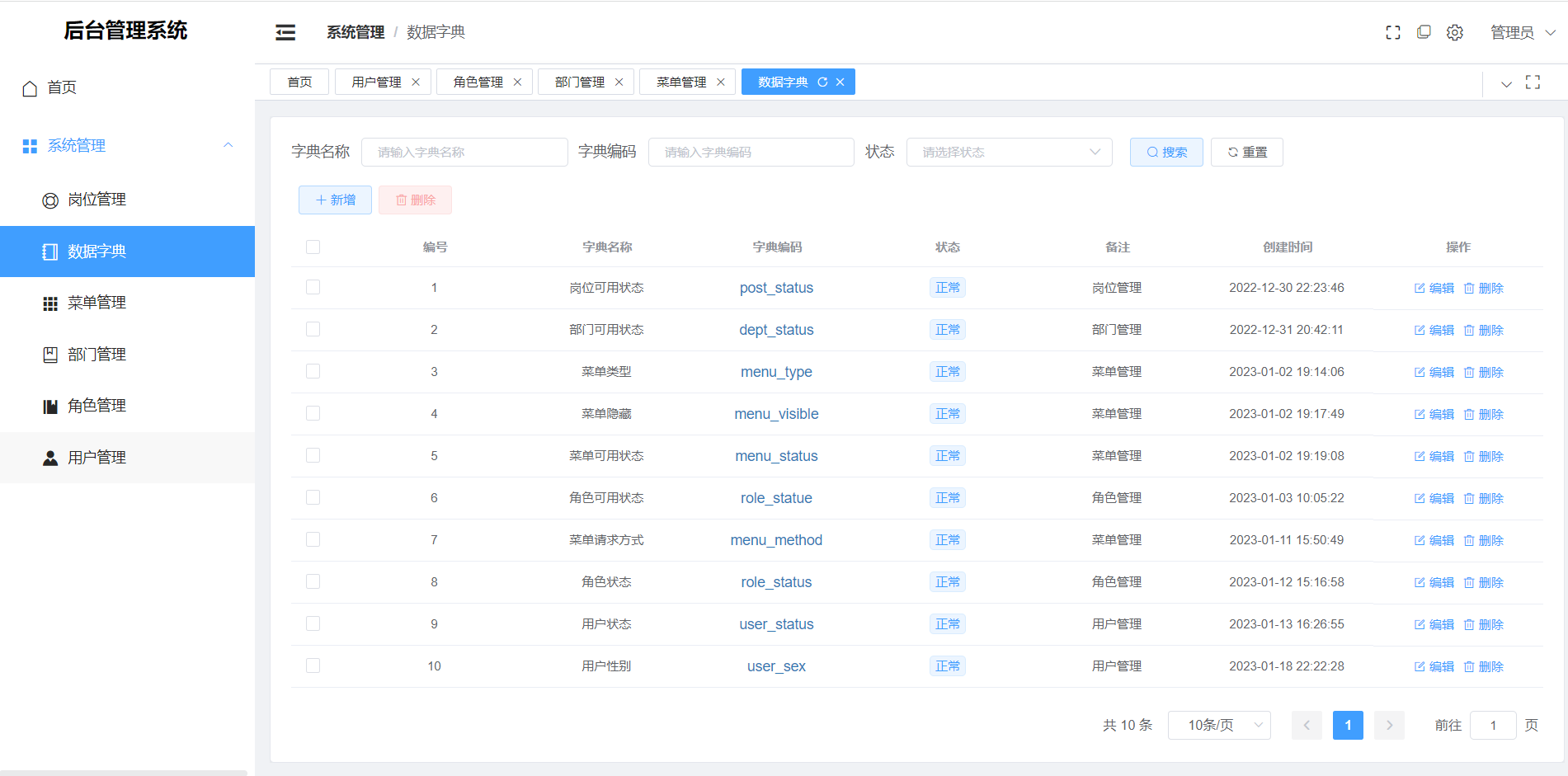
* 数据字典
* 
## 鸣谢
* 前端模板: [前端喵(vue-admin-box)](https://gitee.com/cmdparkour/vue-admin-box/tree/master/),本项目采用的是其中的vue3+js版本。
* 权限框架: [sa-token](https://sa-token.cc/index.html) 本项目权限框架使用的是sa-token,实际业务根据需要使用,各自功能,文档非常详细。
## 日志监控
* 注意: 本项目使用docker部署,根据项目日志目录,将日志文件挂载到了宿主机当中,此处举例为:/app/logs
* 连接:[博客文章](https://blog.csdn.net/qq_41964942/article/details/129002514)
## 简介
* 此项目,目的是为了熟悉了解sa-token权限框架,相较于shiro和security,sa-token相对更轻量,开箱即用,不需要过多的配置。
* 此开源项目为个人开发,不限制任何商业使用和个人研究。
* 项目中操作日志根功能根据业务需要添加,目前已集成获取ip所在地理位置,已打印在日志当中。
* 项目日志监控使用loki,详细文档请查看文末。
## 技术选型:
* 后端:OpenResty+SpringBoot+docker+sa-token+yapi+mybatisPlus+mysql+redis
* 前端:vue+vuex+vue-router+axios+elementPlus
## 部署环境
* JDK1.8
* MYSQL5.7
* Redis6.2.6
## 项目结构:

```txt
sean-api: 项目入口文件,controller层所在,项目配置所在
sean-biz: service层所在目录
sean-dao: dao层所在目录,包含请求入参、响应结构封装。
sean-util: 各种工具类封装
sean-web: 前端文件
```
## 演示环境:
* 服务器比较拉,演示地址:[演示地址](http://archiesean.top/sean-security/#/login)
## 效果图:
* 登录页面

* 主页

* 用户管理

* 角色管理

* 部门管理

* 菜单管理

* 数据字典

* 
## 鸣谢
* 前端模板: [前端喵(vue-admin-box)](https://gitee.com/cmdparkour/vue-admin-box/tree/master/),本项目采用的是其中的vue3+js版本。
* 权限框架: [sa-token](https://sa-token.cc/index.html) 本项目权限框架使用的是sa-token,实际业务根据需要使用,各自功能,文档非常详细。
## 日志监控
* 注意: 本项目使用docker部署,根据项目日志目录,将日志文件挂载到了宿主机当中,此处举例为:/app/logs
* 连接:[博客文章](https://blog.csdn.net/qq_41964942/article/details/129002514)