# apexcharts.js
**Repository Path**: badou119/apexcharts.js
## Basic Information
- **Project Name**: apexcharts.js
- **Description**: Interactive and Modern SVG Charts
- **Primary Language**: JavaScript
- **License**: MIT
- **Default Branch**: master
- **Homepage**: None
- **GVP Project**: No
## Statistics
- **Stars**: 0
- **Forks**: 0
- **Created**: 2020-03-21
- **Last Updated**: 2020-12-19
## Categories & Tags
**Categories**: Uncategorized
**Tags**: None
## README





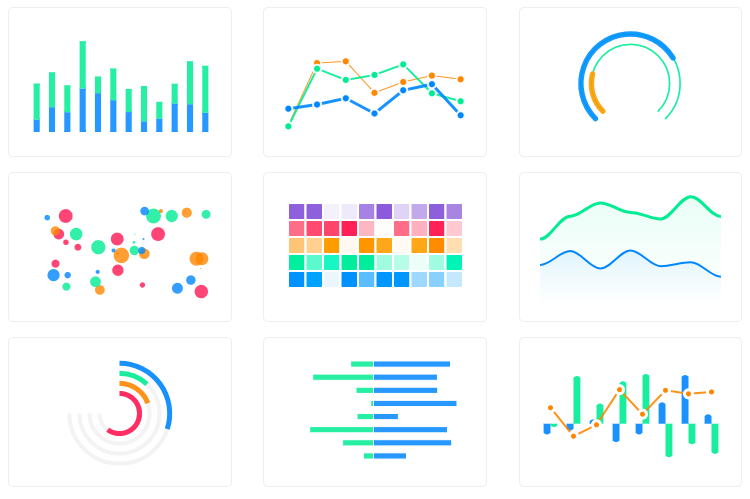
A modern JavaScript charting library to build interactive charts and visualizations with simple API.
## Download and Installation
##### Installing via npm
[](https://npmjs.org/package/apexcharts)
##### Direct <script> include
```html
```
## Wrappers for Vue/React/Angular
Integrate easily with 3rd party frameworks
- [vue-apexcharts](https://github.com/apexcharts/vue-apexcharts)
- [react-apexcharts](https://github.com/apexcharts/react-apexcharts)
- [angular-apexcharts] - (not released yet)
## Usage
```js
import ApexCharts from 'apexcharts'
```
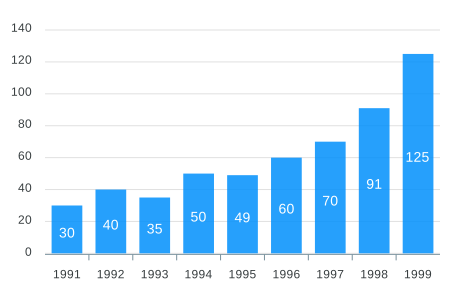
To create a basic bar chart with minimal configuration, write as follows:
```js
var options = {
chart: {
type: 'bar'
},
series: [{
name: 'sales',
data: [30, 40, 35, 50, 49, 60, 70, 91, 125]
}],
xaxis: {
categories: [1991, 1992, 1993, 1994, 1995, 1996, 1997, 1998, 1999]
}
}
var chart = new ApexCharts(document.querySelector("#chart"), options);
chart.render();
```
This will render the following chart
### A little more than the basic
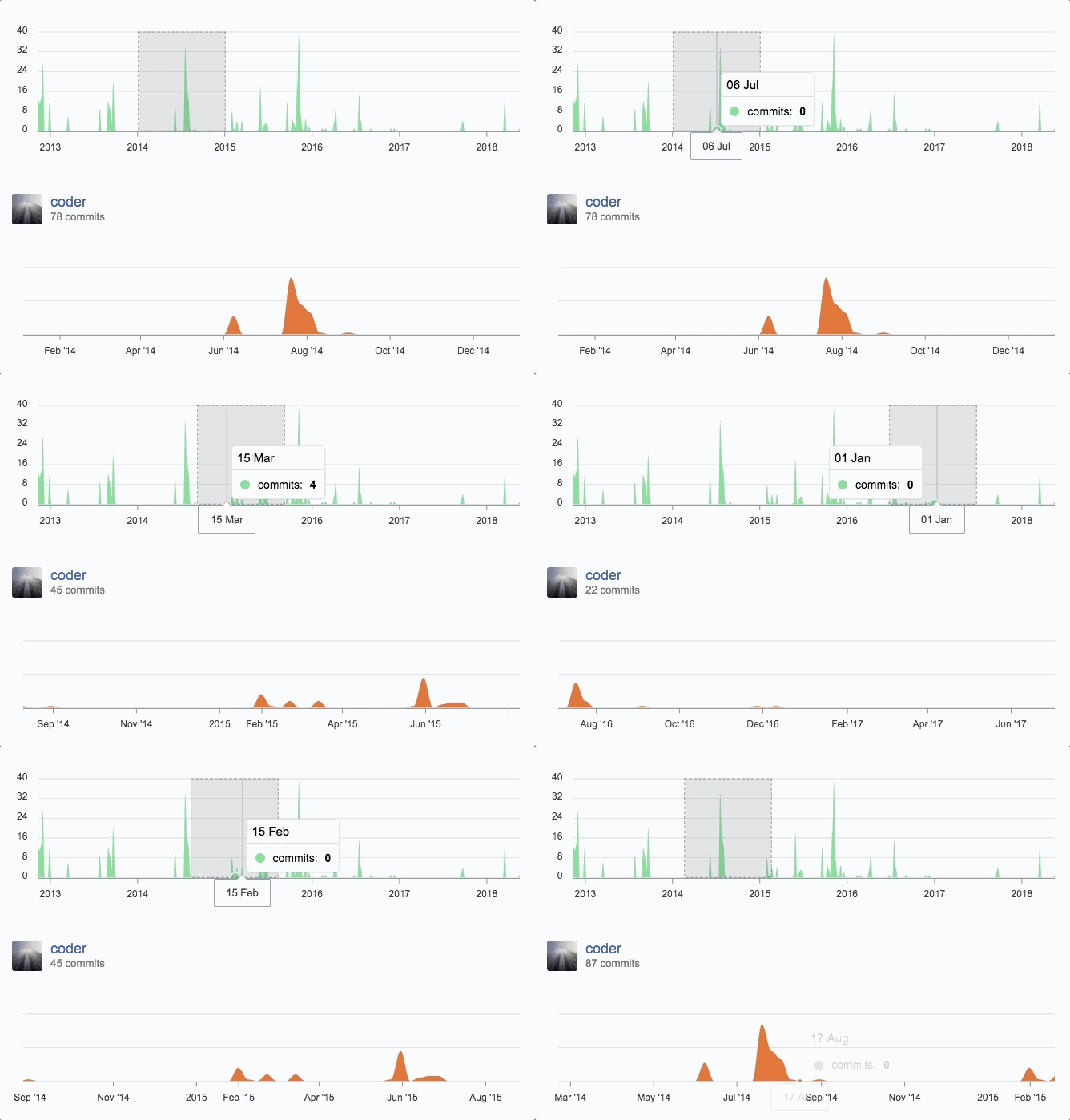
You can create a combination of different charts, sync them and give your desired look with unlimited possibilities.
Below is an example of synchronized charts with github style.
## Interactivity
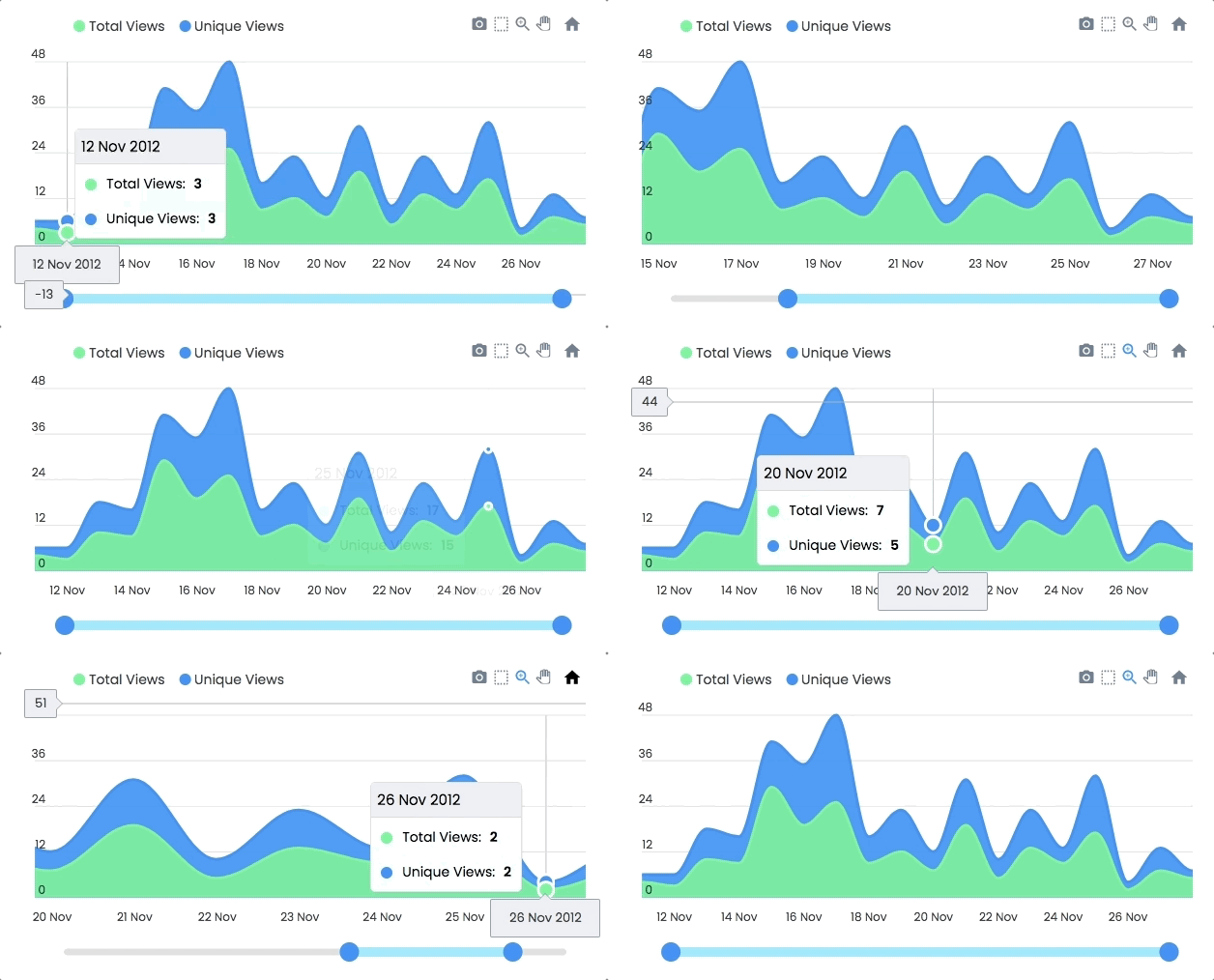
Zoom, Pan, Scroll through data. Make selections and load other charts using those selections.
An example showing some interactivity
## Dynamic Series Update
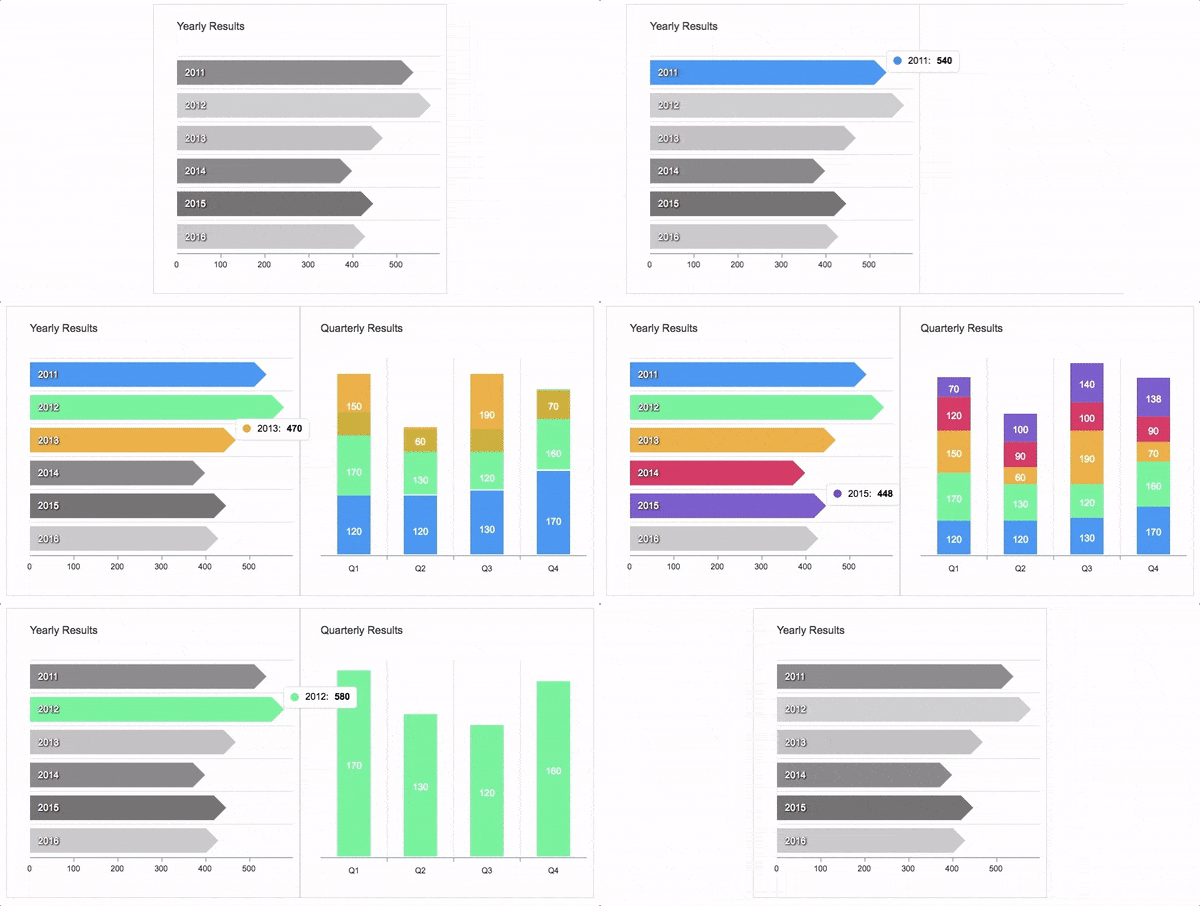
Another approach to Drill down charts where one selection updates the data of other charts.
An example of loading dynamic series into charts is shown below
## Annotations
Annotations allows you to write custom text on specific values or on axes values. Valuable to expand the visual appeal of your chart and make it more informative.

## Mixed Charts
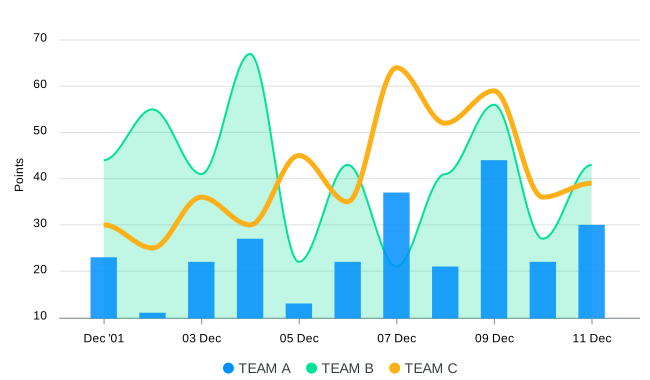
You can combine more than one chart type to create a combo/mixed chart. Possible combinations can be line/area/column together in a single chart. Each chart-type can have it's own y-axis.
## Heatmaps
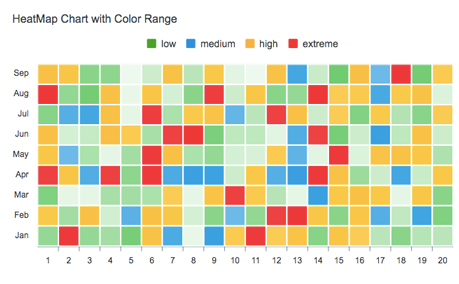
Use Heatmaps to represent data through colors and shades. Frequently used with bigger data collections, they are valuable for recognizing patterns and area of focus.
## Gauges
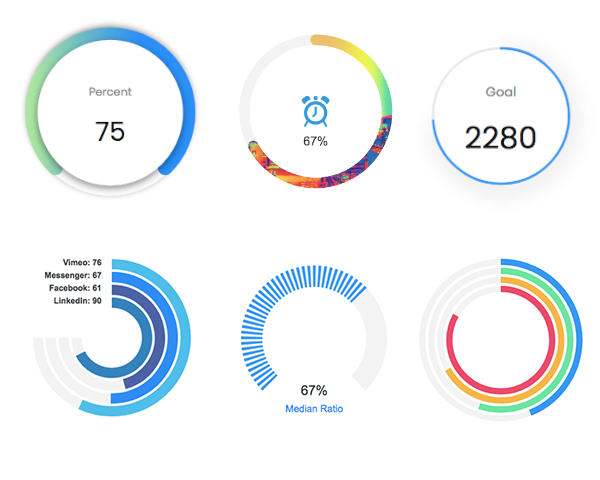
The tiny gauges are an important part of a dashboard and are useful in displaying single series data. A demo of these gauges:
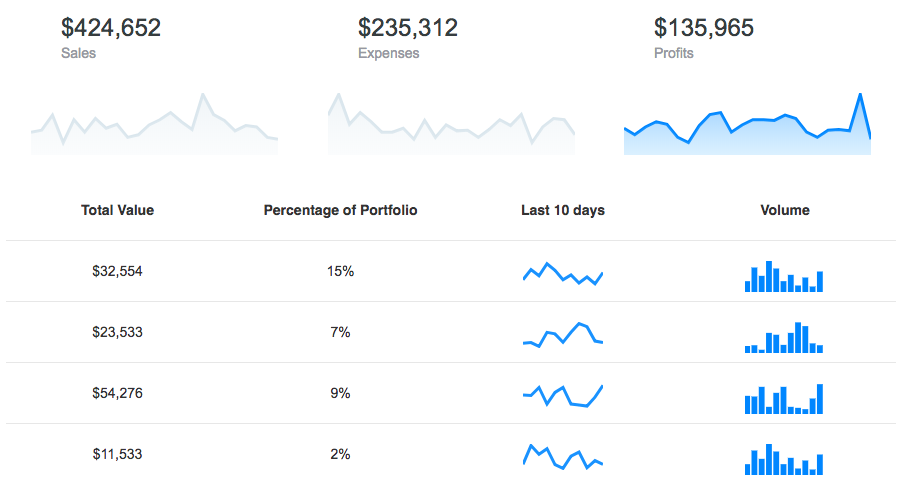
## Sparklines
Utilize sparklines to indicate trends in data, for example, occasional increments or declines, monetary cycles, or to feature most extreme and least values:
## What's included
The download bundle includes the following files and directories providing a minified single file in the dist folder. Every asset including icon/css is bundled in the js itself to avoid loading multiple files.
```
apexcharts/
├── dist/
│ └── apexcharts.min.js
├── src/
│ ├── assets/
│ ├── charts/
│ ├── modules/
│ ├── utils/
│ └── apexcharts.js
└── samples/
```
## Development
#### Install dependencies and run project
```bash
npm install
npm run start
```
This will start the webpack watch and any changes you make to `src` folder will auto-compile and output will be produced in the `dist` folder.
#### Minifying the src
```bash
npm run build
```
## Where do I go next?
Head over to the documentation section to read more about how to use different kinds of charts and explore all options.
## Contacts
Email: info@apexcharts.com
Twitter: @apexcharts
Facebook: fb.com/apexcharts
## Dependency
ApexCharts uses SVG.js for drawing shapes, animations, applying svg filters and a lot more under the hood. The library is bundled in the final build file, so you don't need to include it.
## License
ApexCharts is released under MIT license. You are free to use, modify and distribute this software, as long as the copyright header is left intact.