 # Overview
Command line tool for generating a suite of various types of diagrams, each based on intuitive text DSLs.
Also see [Atom Diagrams Plugin](https://atom.io/packages/diagrams) that integrates this into the [Atom IDE](https://atom.io/)
### Documentation
- [Installation](#installation)
- [Usage](#usage)
- [watch](#watch)
- [build](#build)
- [Diagrams](#diagrams)
- [flowchart](#flowchart)
- [network sequence](#sequence)
- [graphviz's dot](#dot)
- [railroad diagrams](#railroad)
# Overview
Command line tool for generating a suite of various types of diagrams, each based on intuitive text DSLs.
Also see [Atom Diagrams Plugin](https://atom.io/packages/diagrams) that integrates this into the [Atom IDE](https://atom.io/)
### Documentation
- [Installation](#installation)
- [Usage](#usage)
- [watch](#watch)
- [build](#build)
- [Diagrams](#diagrams)
- [flowchart](#flowchart)
- [network sequence](#sequence)
- [graphviz's dot](#dot)
- [railroad diagrams](#railroad)
 # Installation
```bash
npm install -g diagrams
```
# Usage
## watch
The diagrams CLI provides the `watch` command that will automatically generate the .svg visualization of each diagram file format it supports. Run the following:
Generates all of the .svg files, then starts watching the current directory and regenerates any diagram file that changes.
```
diagrams watch
```
Generates all .svg files, but don't start watching after.
```
diagrams build
```
To provide the target directory to watch just pass it as an argument right after the `watch` command.
```
diagrams watch somedirectory --build
```
### Diagrams
#### flowchart
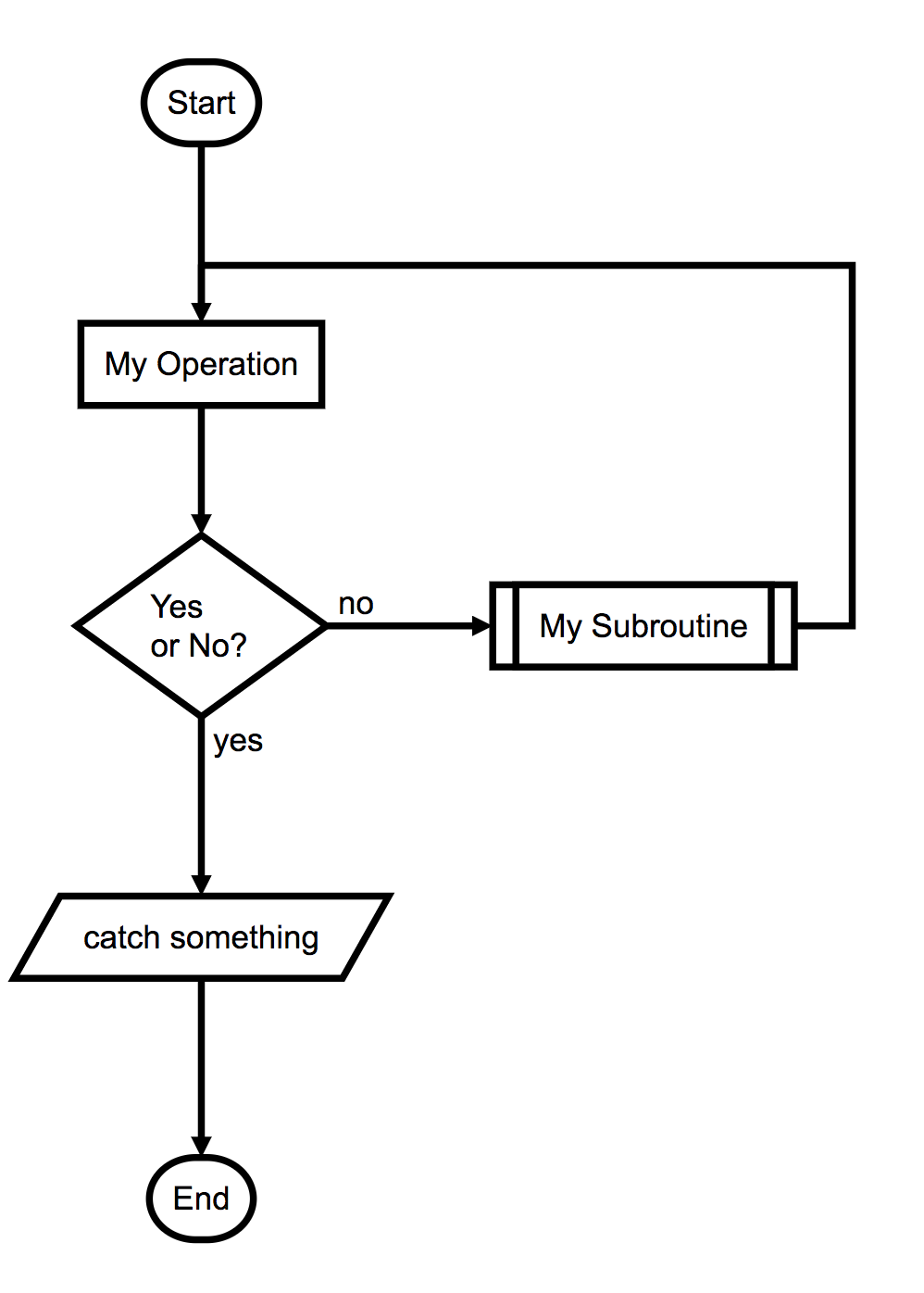
Documentation: [Flowchart.js ](http://flowchart.js.org/).
To generate flowcharts, run:
diagrams flowchart input.flowchart flowchart.svg
# Installation
```bash
npm install -g diagrams
```
# Usage
## watch
The diagrams CLI provides the `watch` command that will automatically generate the .svg visualization of each diagram file format it supports. Run the following:
Generates all of the .svg files, then starts watching the current directory and regenerates any diagram file that changes.
```
diagrams watch
```
Generates all .svg files, but don't start watching after.
```
diagrams build
```
To provide the target directory to watch just pass it as an argument right after the `watch` command.
```
diagrams watch somedirectory --build
```
### Diagrams
#### flowchart
Documentation: [Flowchart.js ](http://flowchart.js.org/).
To generate flowcharts, run:
diagrams flowchart input.flowchart flowchart.svg
| input.flowchart | flowchart.svg |
|
|
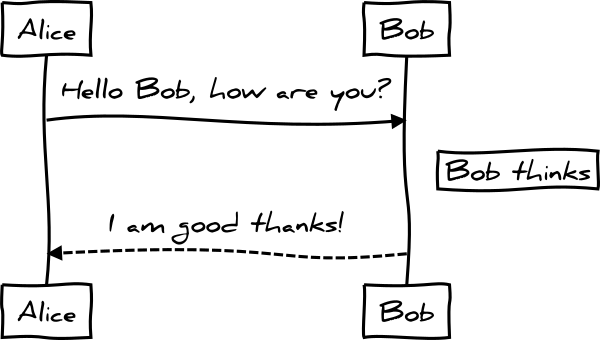
| input.sequence | sequence.svg |
|
|
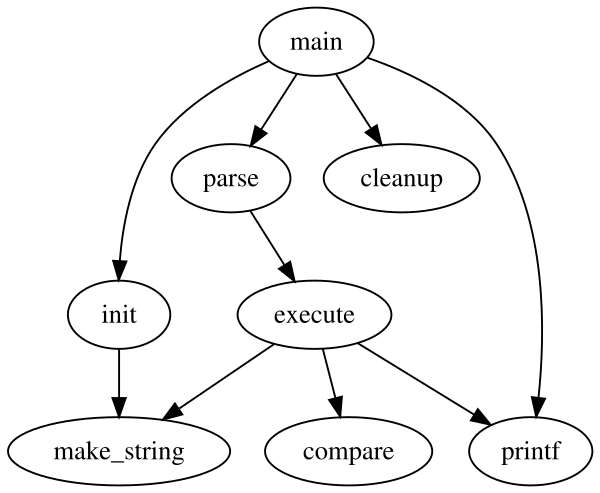
| input.dot | dot.svg |
|
|
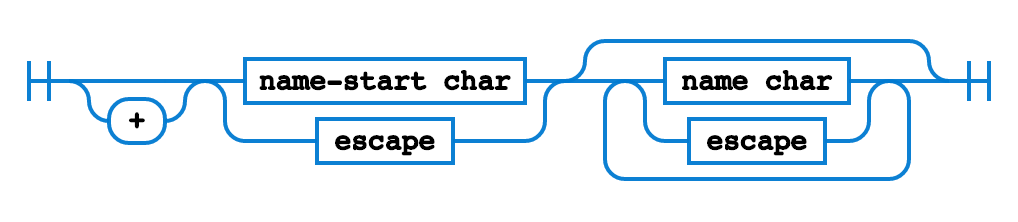
| input.railroad | railroad.svg |
|
|