# ProgressBar
**Repository Path**: caizha/ProgressBar
## Basic Information
- **Project Name**: ProgressBar
- **Description**: No description available
- **Primary Language**: Unknown
- **License**: MIT
- **Default Branch**: master
- **Homepage**: None
- **GVP Project**: No
## Statistics
- **Stars**: 0
- **Forks**: 0
- **Created**: 2025-01-09
- **Last Updated**: 2025-01-09
## Categories & Tags
**Categories**: Uncategorized
**Tags**: None
## README
# ProgressBar



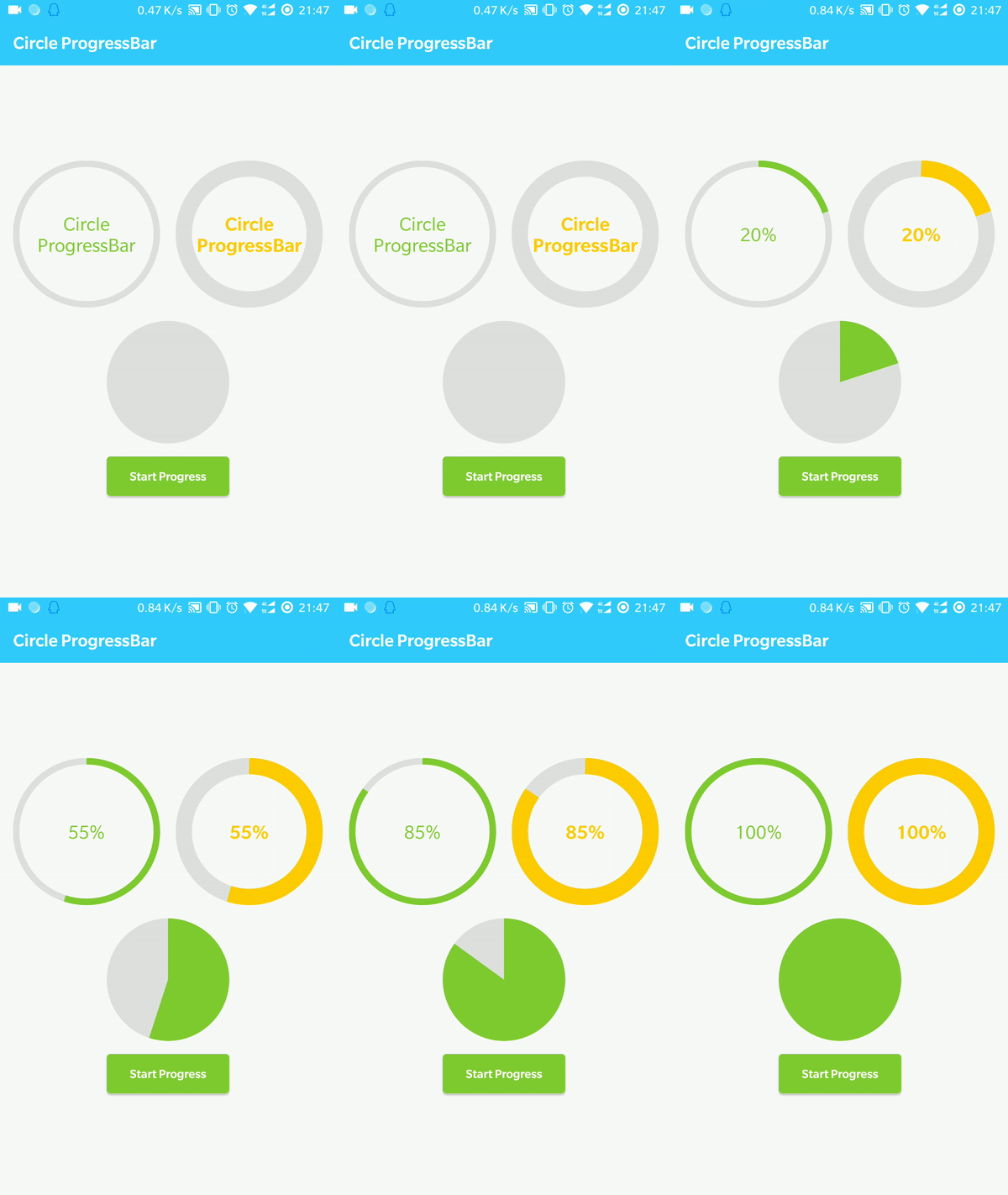
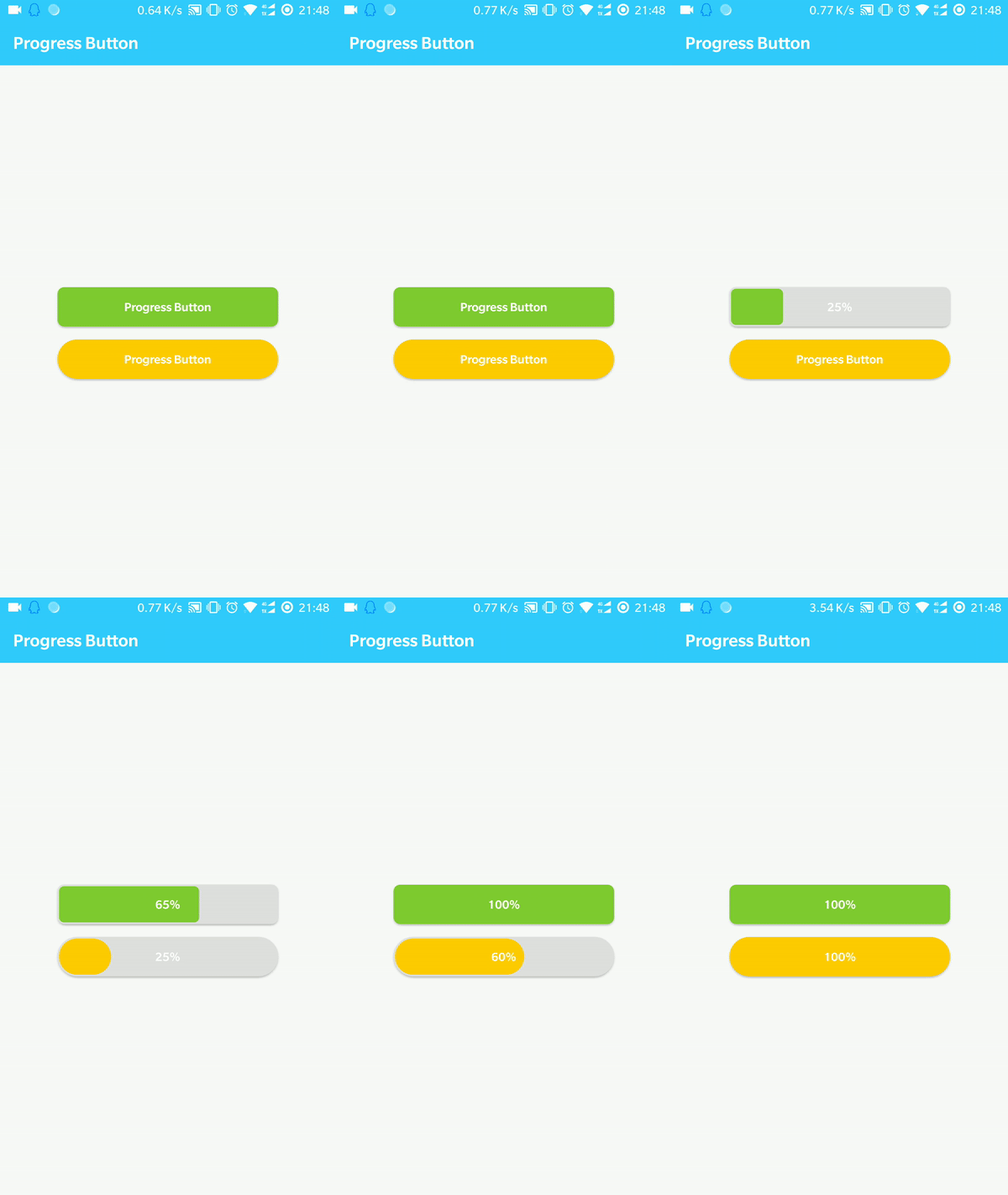
### Contains CircleProgressBar and ProgressButton.
Cirlce ProgressBar|Progress Button|
------------------|---------------|
|
## Gradle:
Add it in your root build.gradle at the end of repositories:
```gradle
allprojects {
repositories {
...
maven { url 'https://jitpack.io' }
}
}
```
Add the dependency
```gradle
dependencies {
implementation 'com.github.imcloudfloating:ProgressBar:1.1'
}
```
## Use Cirlce ProgressBar
```xml
```
If you want a fanshaped progress bar, let progressWidth >= min(layout_width, layout_height)
```java
cirlceProgressBar.setMinProgress(-100) //minProgress can be negative, default is 0
circleProgressBar.setMaxProgress(100) //default value is 100
circleProgressBar.setProgress(20)
```
## Use Progress Button
```xml
```
```java
cirlceProgressBar.setMinProgress(-100) //minProgress can be negative, default is 0
circleProgressBar.setMaxProgress(100) //default value is 100
circleProgressBar.setProgress(20)
```