# xcloud-frontend-quasar
**Repository Path**: ckmbks/xcloud-frontend-quasar
## Basic Information
- **Project Name**: xcloud-frontend-quasar
- **Description**: quasar+vue3
- **Primary Language**: Unknown
- **License**: Not specified
- **Default Branch**: master
- **Homepage**: None
- **GVP Project**: No
## Statistics
- **Stars**: 2
- **Forks**: 0
- **Created**: 2024-04-28
- **Last Updated**: 2024-12-11
## Categories & Tags
**Categories**: Uncategorized
**Tags**: None
## README
# Vue3 Typescript Template With Quasar framework
Using **vue-facing-decorator** allows you to write Vue3 code using class syntax, making the code more structured and object-oriented, and thus easier to read and maintain. Compared to using setup syntax, using class syntax allows you to organize your code more clearly and put related functions together, reducing redundancy and repetition in your code. In addition, using class syntax makes the code more reusable and extensible, which makes it easier to respond to different needs and changes.
In particular, using **vue-facing-decorator** also supports vue multi-page, making it possible to have multiple HTML entries for a vue project. This makes it easy to handle the code of multiple pages without having to write similar code over and over again. Also, using class syntax makes it easier to modularize development and improve code reusability and maintainability.
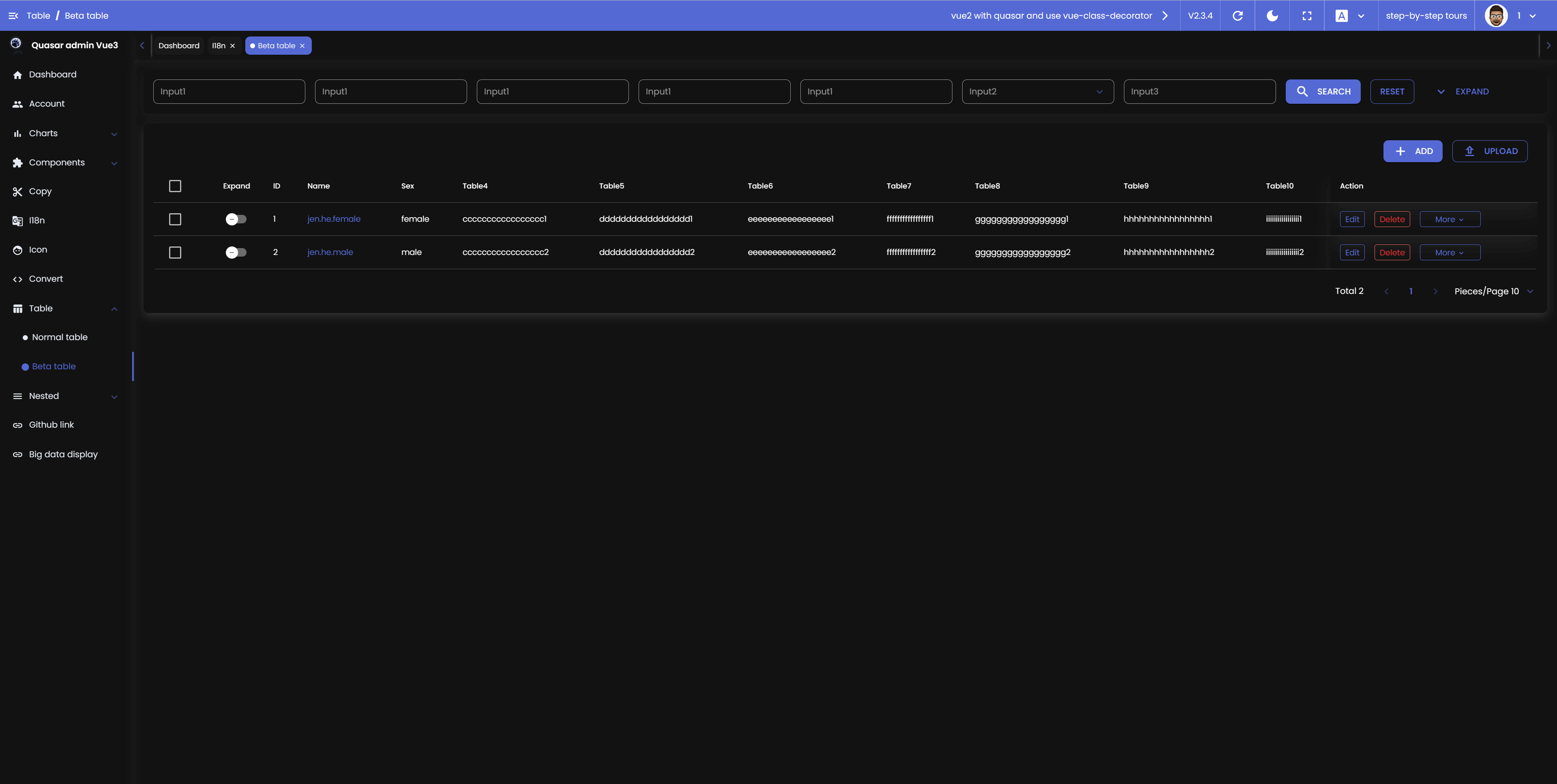
Commonly used components are encapsulated, including text box, time picker, slider, radio box and multi-select box, etc. Blackout mode is also added to allow users to use them comfortably under different visual environments. I continue to work on optimizing and improving these components, and will continue to introduce more new components to meet different needs.
To sum up, using **vue-facing-decorator** to write Vue3 code in class syntax is a much better choice for improving code readability, maintainability, and flexibility.
- Vue3 Class syntax online preview https://dirkhe1051931999.github.io/v3-admin
- multi-page demo https://dirkhe1051931999.github.io/v3-admin/index2.html#/large-display
- Vue2 Class syntax preview https://dirkhe1051931999.github.io/quasar
> Login by typing in any username, code and password
## Preview
- Login
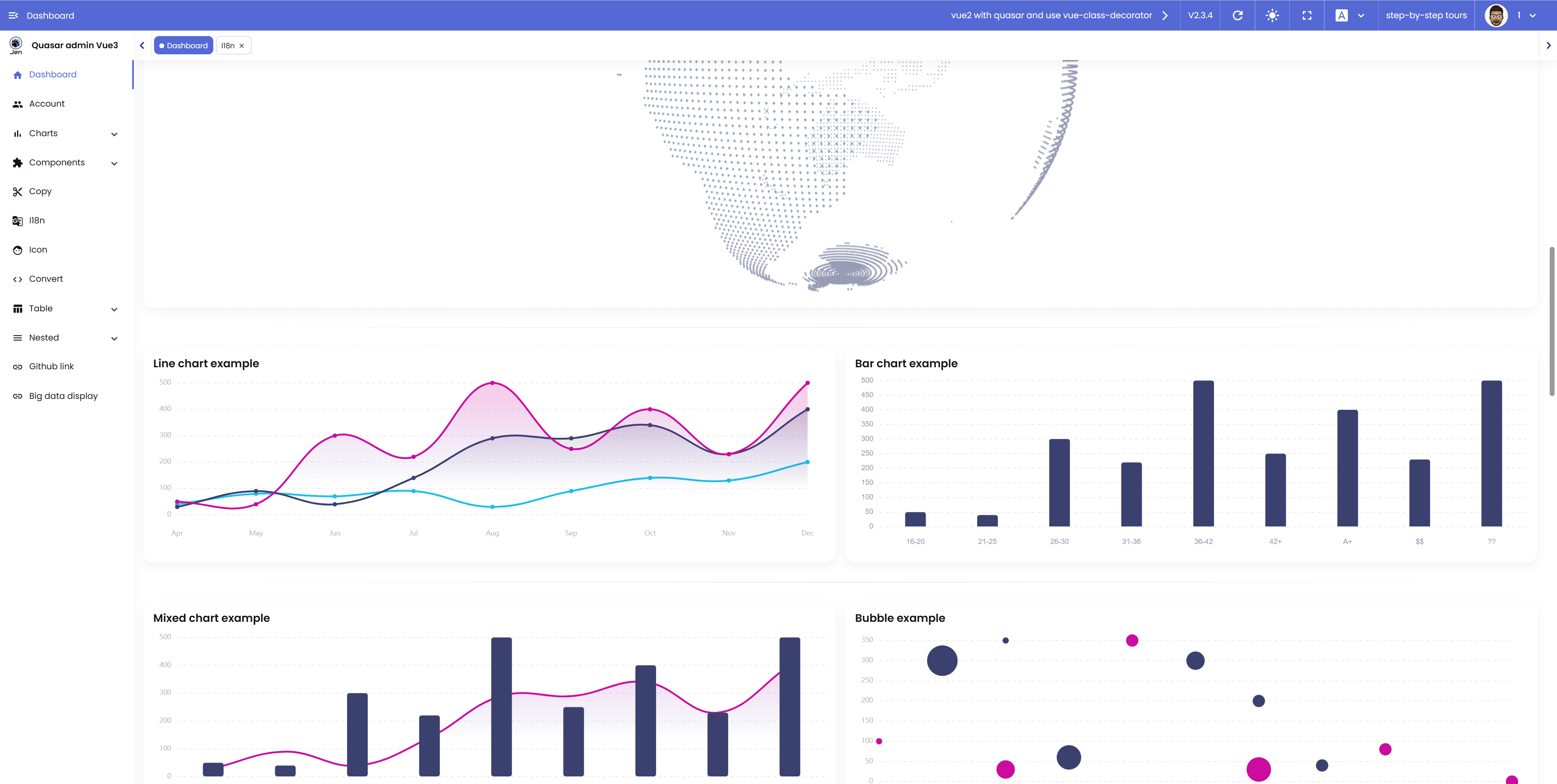
 - Dashboard
 - Table component

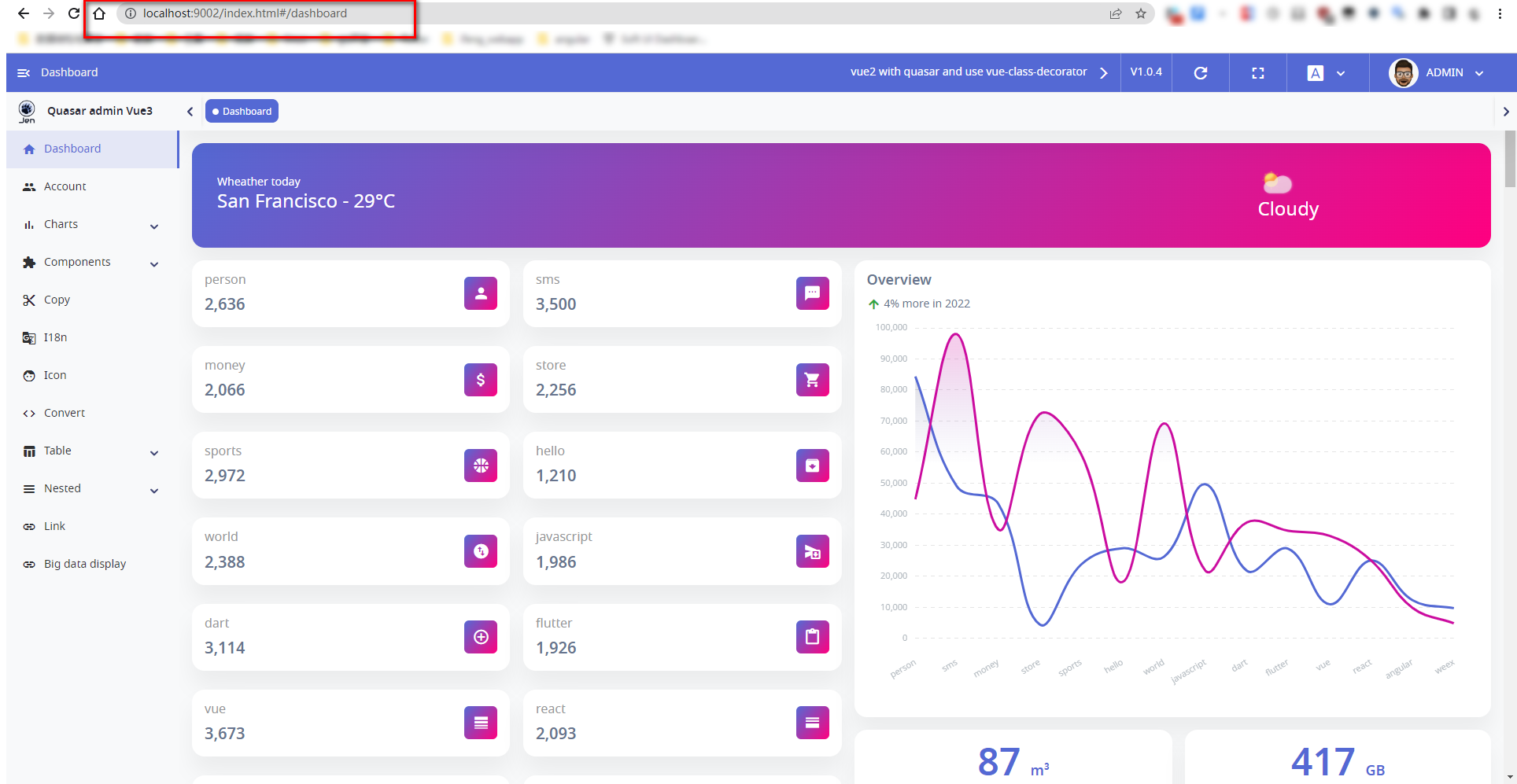
 - multi-page Dashboard (index.html)
[](https://imgse.com/i/pSdf3rV)
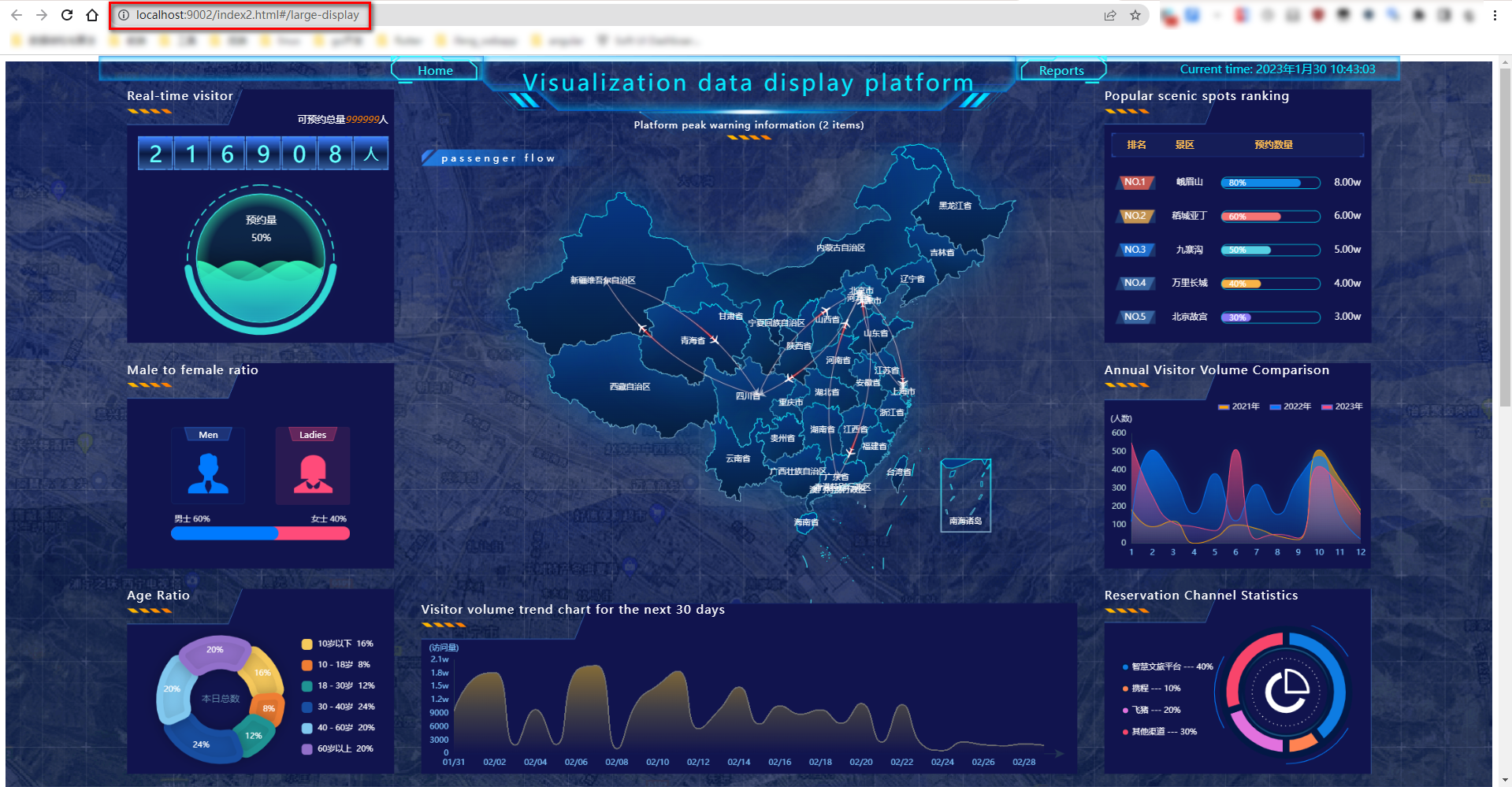
- multi-page large data display (index2.html)
[](https://imgse.com/i/pSdfJVU)
## Install the dependencies
```bash
yarn
# or
npm install
```
### Start the app in development mode (hot-code reloading, error reporting, etc.)
```bash
quasar dev
```
### Lint the files
```bash
yarn lint
# or
npm run lint
```
### Format the files
```bash
yarn format
# or
npm run format
```
### Build the app for production
```bash
quasar build
```
### Customize the configuration
See [Configuring quasar.config.js](http://www.quasarchs.com/quasar-cli-webpack/quasar-config-js).
- multi-page Dashboard (index.html)
[](https://imgse.com/i/pSdf3rV)
- multi-page large data display (index2.html)
[](https://imgse.com/i/pSdfJVU)
## Install the dependencies
```bash
yarn
# or
npm install
```
### Start the app in development mode (hot-code reloading, error reporting, etc.)
```bash
quasar dev
```
### Lint the files
```bash
yarn lint
# or
npm run lint
```
### Format the files
```bash
yarn format
# or
npm run format
```
### Build the app for production
```bash
quasar build
```
### Customize the configuration
See [Configuring quasar.config.js](http://www.quasarchs.com/quasar-cli-webpack/quasar-config-js).