# markmap-vscode
**Repository Path**: delinem/markmap-vscode
## Basic Information
- **Project Name**: markmap-vscode
- **Description**: No description available
- **Primary Language**: Unknown
- **License**: MIT
- **Default Branch**: master
- **Homepage**: None
- **GVP Project**: No
## Statistics
- **Stars**: 0
- **Forks**: 0
- **Created**: 2024-10-11
- **Last Updated**: 2024-10-11
## Categories & Tags
**Categories**: Uncategorized
**Tags**: None
## README
# markmap-vscode
[](https://marketplace.visualstudio.com/items?itemName=gera2ld.markmap-vscode)
[](https://open-vsx.org/extension/gera2ld/markmap-vscode)
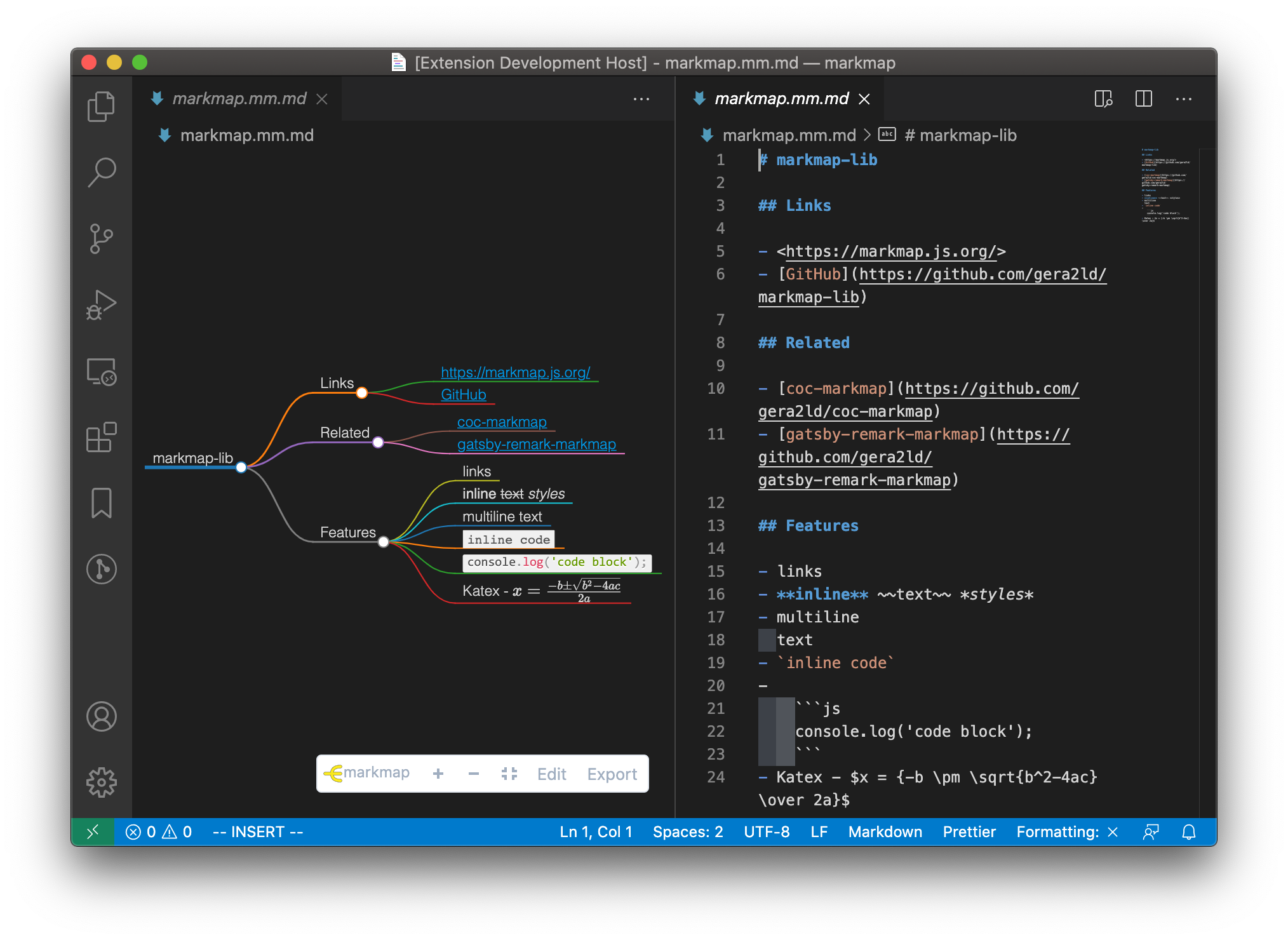
This extension integrates [markmap](https://markmap.js.org/) into VSCode.
## Features
- Preview markdown files as markmap
- Edit markdown files in a text editor and the markmap will update on the fly
- Works offline
 ## Usage
### Command Palette
Open a markdown file. Then open the Command Palette (⇧⌘P) and search `Open as markmap`, press enter.
### Context menu
Right click on a markdown file, then choose `Open as markmap`.
### Button on title-bar
Open a markdown file. Find the markmap icon on the editor title-bar and click it.

## Configuration
### Custom CSS
Extra CSS to customize the style of markmap.
### Default Options
Default options for Markmap, see for more details.
## Usage
### Command Palette
Open a markdown file. Then open the Command Palette (⇧⌘P) and search `Open as markmap`, press enter.
### Context menu
Right click on a markdown file, then choose `Open as markmap`.
### Button on title-bar
Open a markdown file. Find the markmap icon on the editor title-bar and click it.

## Configuration
### Custom CSS
Extra CSS to customize the style of markmap.
### Default Options
Default options for Markmap, see for more details.