



Chinese | English
# Bob Bob is a macOS translation application for text and pictures, and manual input. ## Install ### Prerequisites | Version | Prerequisites | | --- | --- | | 0.1.0 - 0.4.0 | macOS 10.12+ | | 0.5.0+ | macOS 10.13+ | ### Homebrew Cask ```sh brew install --cask bob ``` ### Manual Install | Channel | Suggest | Download | | --- | --- | --- | | [GitHub release](https://github.com/ripperhe/Bob/releases) | Use this in foreign countries | [Download⬇](https://github.com/ripperhe/Bob/releases/latest/download/Bob.zip) | | [Gitee release](https://gitee.com/ripperhe/Bob/releases) | Use this in China | [Download ⬇](https://gitee.com/ripperhe/Bob/attach_files/635221/download/Bob.zip) | After the download is complete, unzip and drag app to your Applications folder. ## Features | Features | Description | Preview | | :---: | :---: | :---: | | Crossword translation | After selecting the text you want to translate, press the crossword translation shortcut (default: `⌥ + D`) | 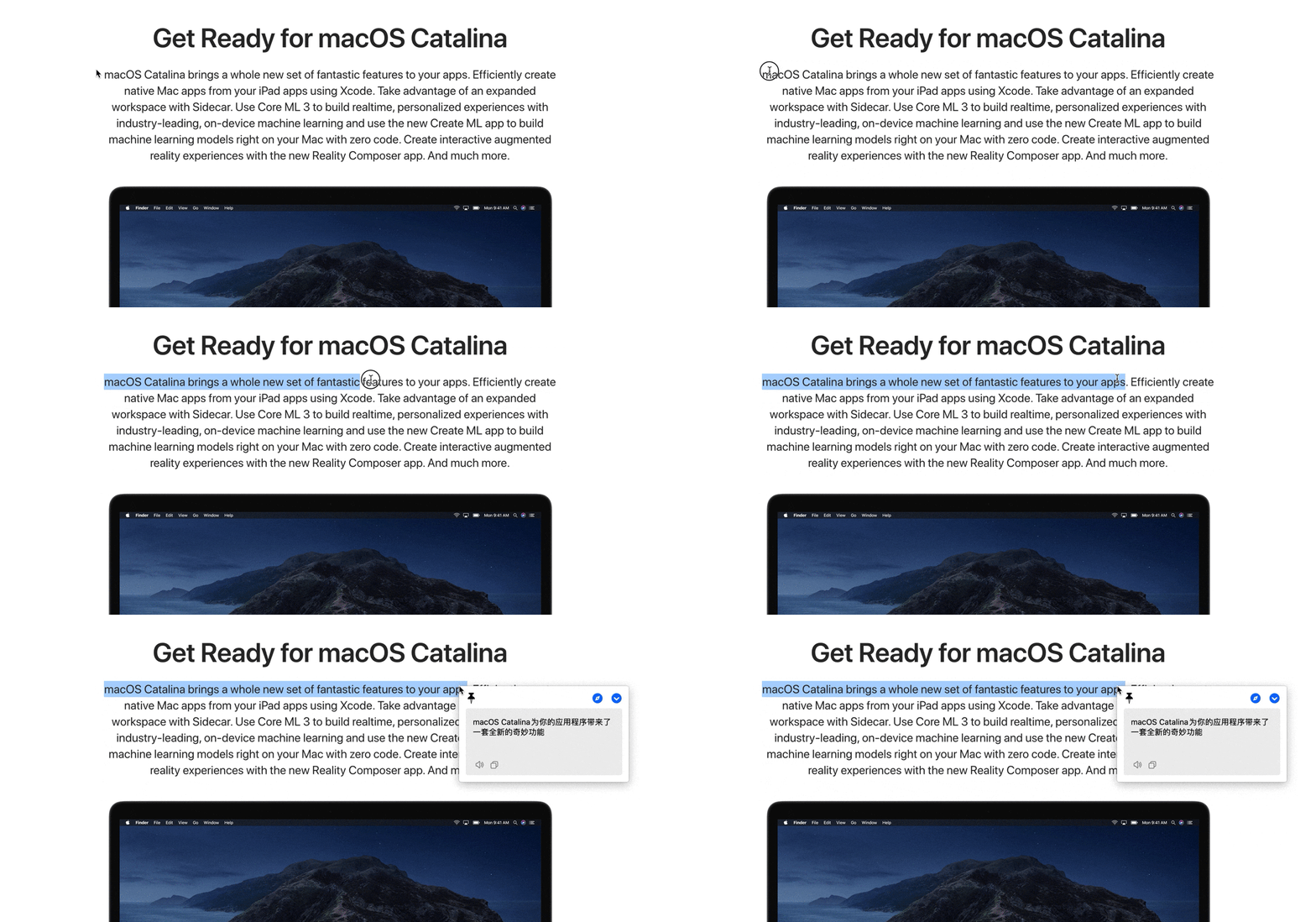 | | Screenshot translation | Press the screenshot translation shortcut (default: `⌥ + S`), to intercept the area that needs to be translated | 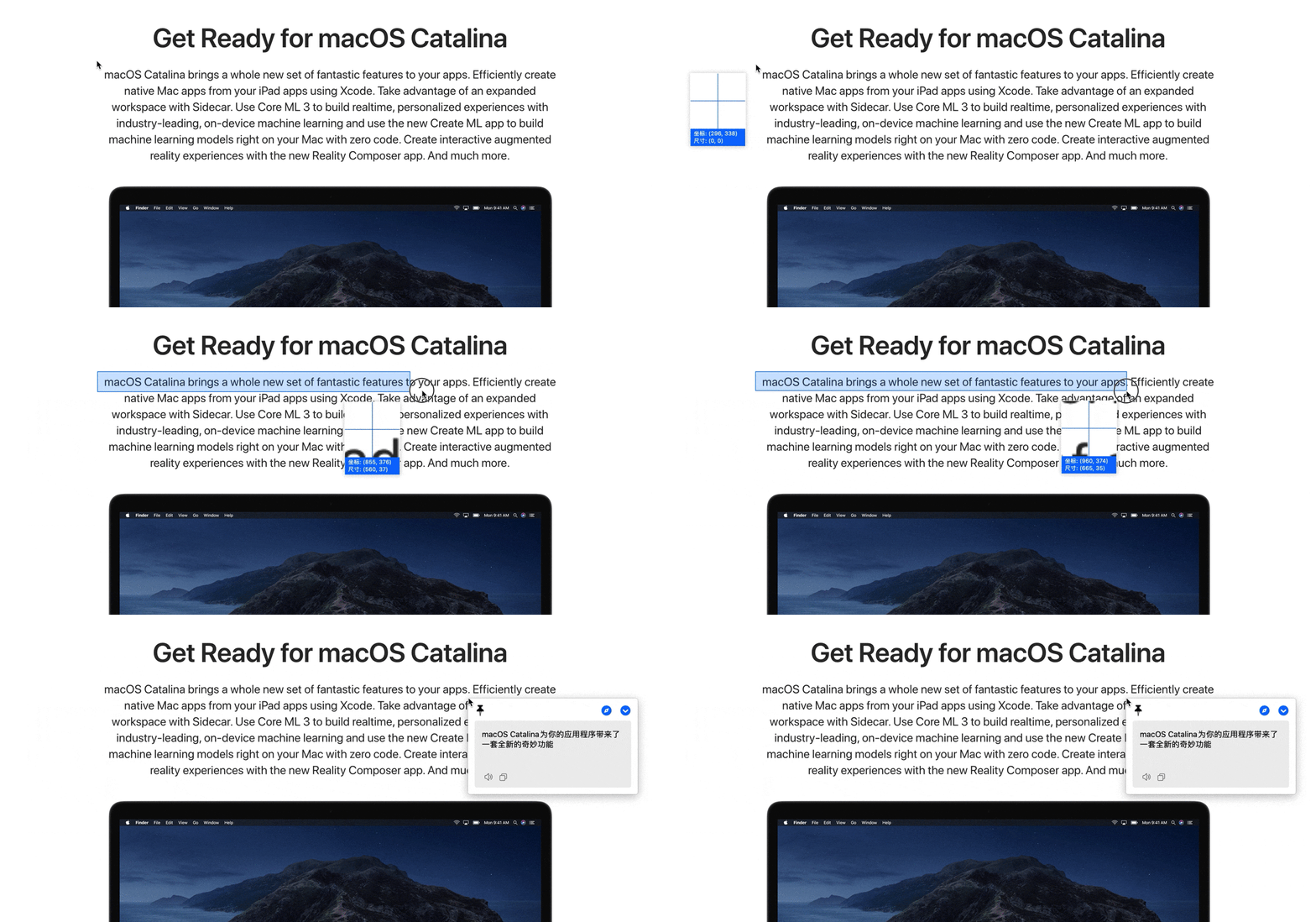 | | Enter translation | Press the Enter Translation Shortcut (default: `⌥ + A`), enter the text to be translated, `Enter` to translate | 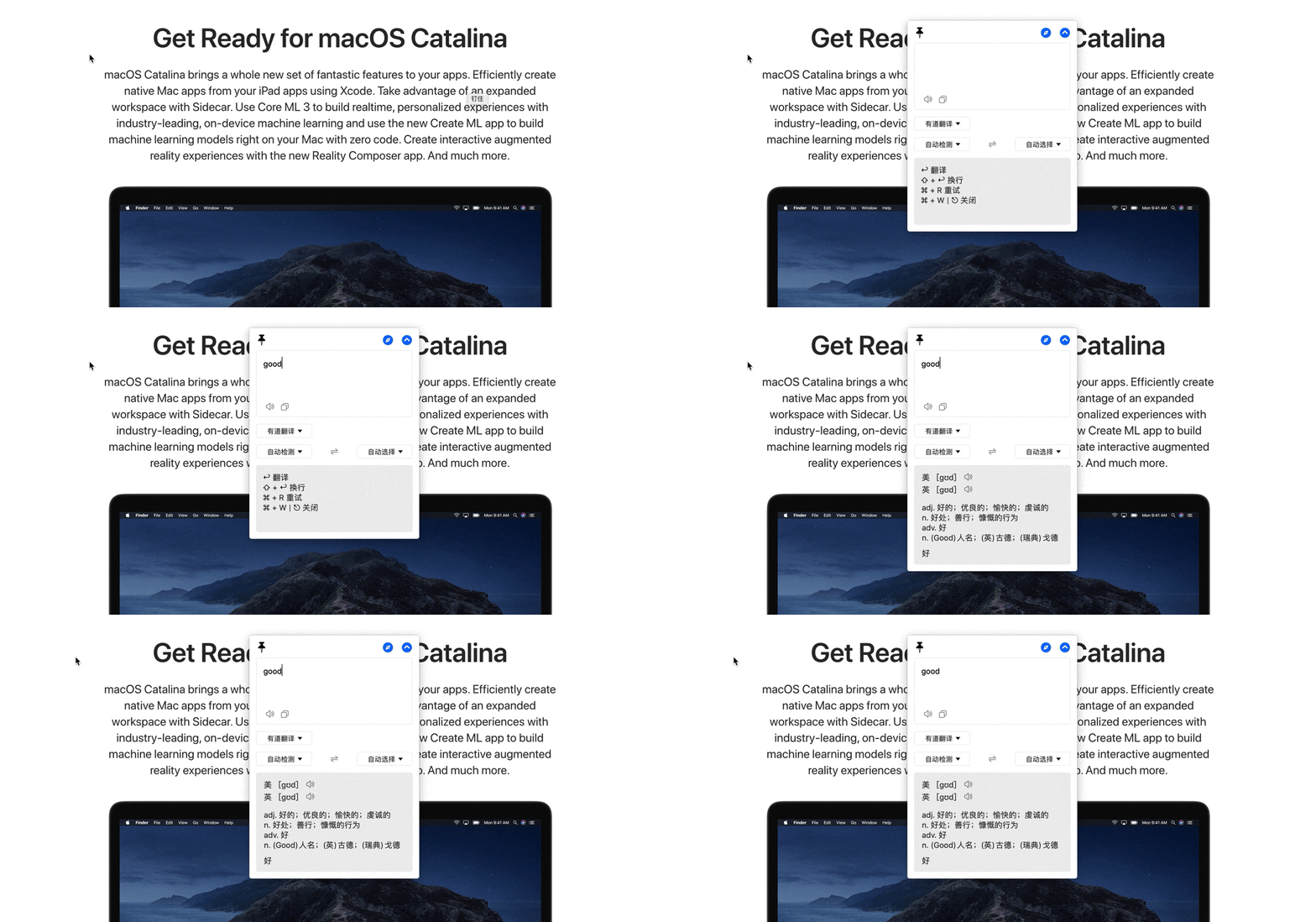 | | PopClip translation | `0.3.0` version is supported. After selecting the text to be translated, click the [PopClip](https://pilotmoon.com/popclip/) plugin icon. See [Bob-PopClip](https://ripperhe.gitee.io/bob/#/general/integration/popclip) for details | 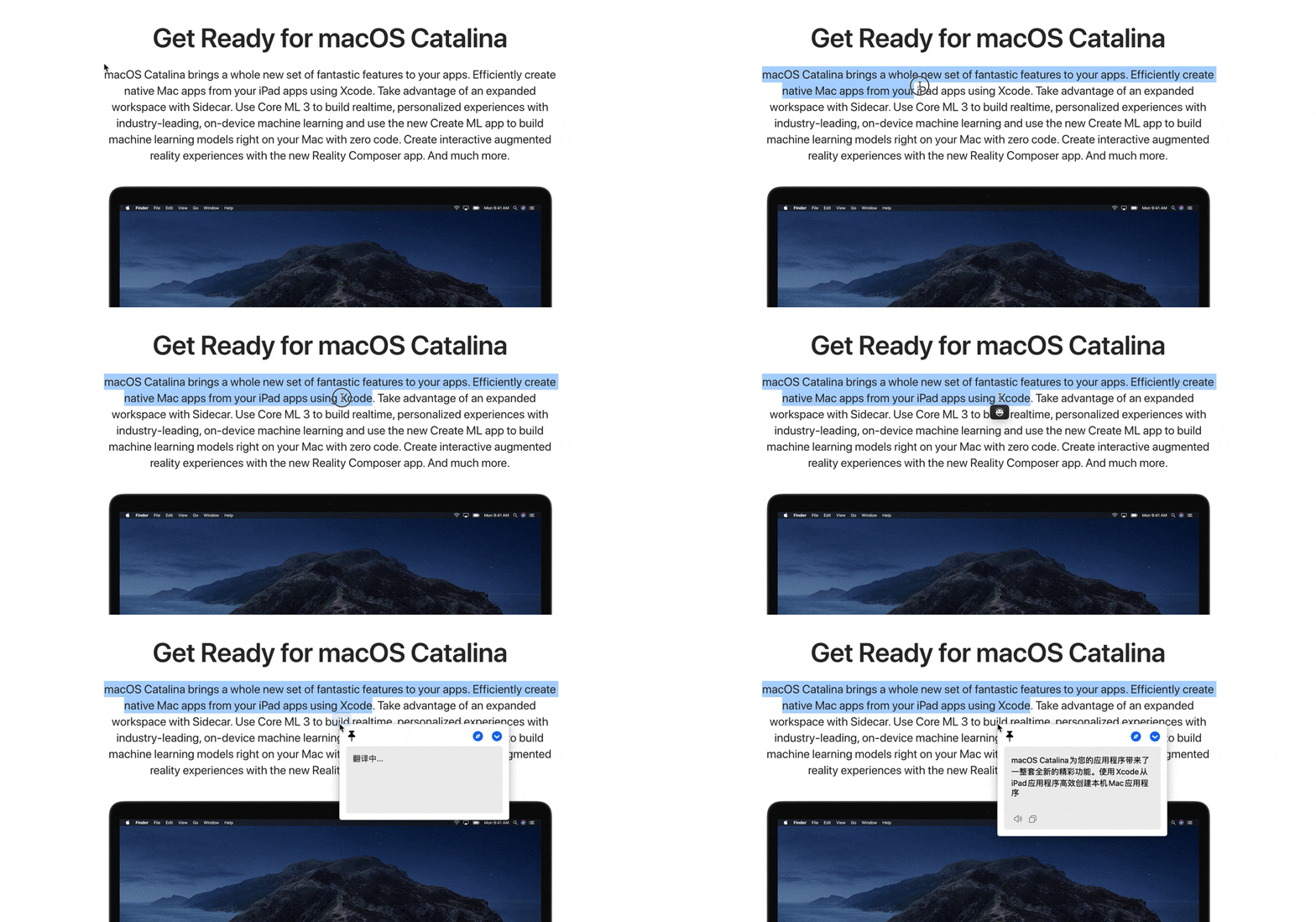 | * Cross-word translation is used when **text can be selected and can be copied** * Screenshot translation is recommended if it cannot be selected or copied * Input translation is usually used when the text obtained by the above method is inaccurate ## Developer

