# vite-vue3-demo
**Repository Path**: dianjinshi/vite-vue3-demo
## Basic Information
- **Project Name**: vite-vue3-demo
- **Description**: 使用vite和vue3开发项目案例
- **Primary Language**: Unknown
- **License**: Not specified
- **Default Branch**: master
- **Homepage**: None
- **GVP Project**: No
## Statistics
- **Stars**: 0
- **Forks**: 0
- **Created**: 2025-06-12
- **Last Updated**: 2025-06-12
## Categories & Tags
**Categories**: Uncategorized
**Tags**: None
## README
# vite
## vite是什么?
## 创建vite项目
```shell
npm create vite@latest
```
### 安装vite
```shell
Need to install the following packages:
create-vite@6.5.0
Ok to proceed? (y) y
```
### 项目名称
```shell
> npx
> create-vite
|
* Project name:
| vite-vue3-hello
—
```
### 选择vue框架

### 选择variant
> 选择javascript


> 完整安装

## 运行vite
### 进入项目文件夹
```shell
cd vite-vue3-hello
```
### 安装
```shell
npm install
```

### 运行
```shell
npm run dev
```


## 查看项目的依赖
> 用户vscode/HBuilder打开项目


## vite项目结构

## 安装axios
> 在项目文件夹运行命令:
>
> npm install axios

## 安装element-plus
> [安装 | Element Plus](https://element-plus.org/zh-CN/guide/installation.html)


```js
import { createApp } from 'vue'
import './style.css'
import App from './App.vue'
//引入element-plus
import ElementPlus from 'element-plus'
import 'element-plus/dist/index.css'
const app = createApp(App);
app.use(ElementPlus);
app.mount('#app');
```
## 安装路由

```shell
npm install vue-router@4
```
### 创建router目录
> src/router/index.js

```js
import { createRouter, createWebHashHistory } from "vue-router";
import HelloWorld from "../components/HelloWorld.vue";
const routes = [
{
path: "/",
name: "home",
component: HelloWorld,
meta: { title: "推荐" },
}
];
const router = createRouter({
history: createWebHashHistory(),
routes,
});
export default router;
```
### 修改main.js
```js
import { createApp } from 'vue'
import './style.css'
import App from './App.vue'
import router from './router'
import ElementPlus from 'element-plus'
import 'element-plus/dist/index.css'
const app = createApp(App);
app.use(router);
app.use(ElementPlus);
app.mount("#app");
```
## 安装vuex
```shell
npm install vuex@next
```

# 封装axios
创建util/request.js文件
> 修改baseURL地址,一般为后端地址。
```js
import axios from 'axios';
const requests = axios.create({
baseURL: 'http://localhost:8888/api',
timeout: 5000,
});
// 请求拦截器
requests.interceptors.request.use(
(config) => {
if (localStorage.getItem("token")) {
config.headers = {
// Authorization:
// "eyJ0eXAiOiJKV1QiLCJhbGciOiJIUzI1NiJ9.eyJzdWIiOiJ1c2VyX3N0YXIiLCJpYXQiOjE2NDYxOTg4MDEsImV4cCI6MTY0NjgwMzYwMSwiaWQiOjIsInVzZXJuYW1lIjoi6ZqP6aOOIiwicm9sZSI6MX0.6hwSp85euG53A-FfvtuH1XNiPmu7iEhbDJjwjhRYuHg",
Authorization: localStorage.getItem("token"), // 携带权限参数
};
}
return config;
},
(error) => {
Promise.reject(error);
}
);
// 响应拦截器
requests.interceptors.response.use(
(res) => {
return res.data;
},
(error) => {
return Promise.reject(new Error("faile"));
}
);
// 对外暴露
export default requests;
```
# 定义前后端交互API
## 定义交互的api文件

## 交互接口
```js
import request from '../util/request.js';
// 全查询部门
export const findAllDeptsApi = () => request.get('/dept/findAll');
```
# 路由配置
## router文件夹下/router.js文件

## 配置路由
```js
import { createRouter, createWebHashHistory } from "vue-router";
const routes = [
{
path: "/",
name: "home",
component: () => import('../views/DeptListView.vue'),
meta: { title: "推荐" },
}
];
const router = createRouter({
history: createWebHashHistory(),
routes,
});
export default router;
```
# vuex
> 定义不同模块的modules
## modules
### 定义业务模块
> 以部门管理为例。
>
> 
```js
import { findAllDeptsApi } from '../../../src/api/dept.js';
export default {
namespaced: true, // 启用命名空间
state: () => ({
deptList: [], // 部门列表数据
loading: false, // 加载状态
error: null // 错误信息
}),
//通过mutations修改state中的内容
mutations: {
SET_DEPT_LIST(state, list) {
state.deptList = list;
},
SET_LOADING(state, isLoading) {
state.loading = isLoading;
},
SET_ERROR(state, error) {
state.error = error;
}
},
//异步后端操作
actions: {
// 异步获取所有部门
async fetchAllDepts({ commit }) {
try {
commit('SET_LOADING', true);
const data = await findAllDeptsApi();
commit('SET_DEPT_LIST', data.results);
commit('SET_ERROR', null);
} catch (err) {
commit('SET_ERROR', '部门数据加载失败');
console.error(err);
} finally {
commit('SET_LOADING', false);
}
}
},
getters: {
// 过滤出有效部门 (示例)
activeDepts: state => state.deptList.filter(dept => dept.status === 1)
}
};
```
## 定义index管理模块
> 注册modules模块。
```js
import { createStore } from 'vuex';
import deptModule from './modules/dept';
export default createStore({
modules: {
dept: deptModule // 注册部门模块
}
});
```
# 页面
## elementplus的UI
```html
Default
点击查询
Success
Info
Warning
Danger
```
## 引入vuex和vue对象
```js
import { computed, onMounted,watch } from 'vue';
import { useStore } from 'vuex';
const store = useStore();
```
## 获取vuex状态
```js
// 从 Vuex 获取状态
const deptList = computed(() => store.state.dept.deptList);
console.log(deptList)
const loading = computed(() => store.state.dept.loading);
const error = computed(() => store.state.dept.error);
```
## 监听数据变化
```js
// 监听数据变化(调试用)
watch(deptList, (newVal) => {
console.log('部门数据已更新:', newVal); // ✅ 数据返回后触发
});
```
## 调用api
```js
const fetchAllDepts =() =>{
store.dispatch('dept/fetchAllDepts');
}
```
## 页面初始化读取数据(可选)
```js
// 生命周期钩子:组件挂载时加载数据
onMounted(() => {
store.dispatch('dept/fetchAllDepts');
});
```
# 其它设置
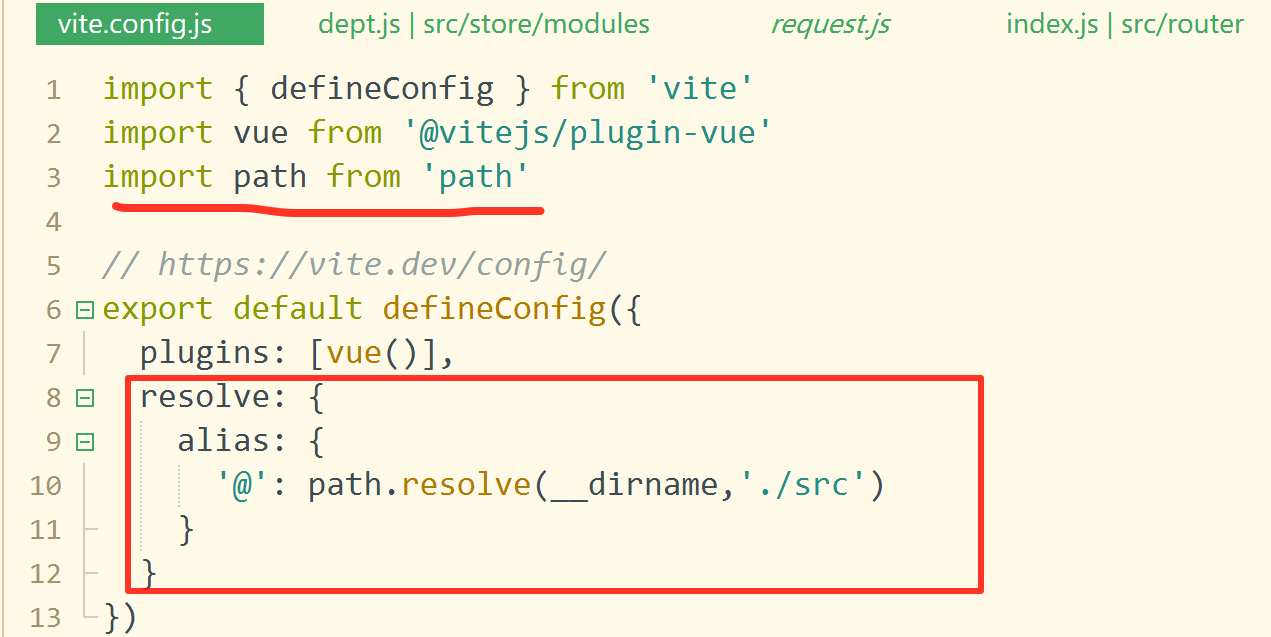
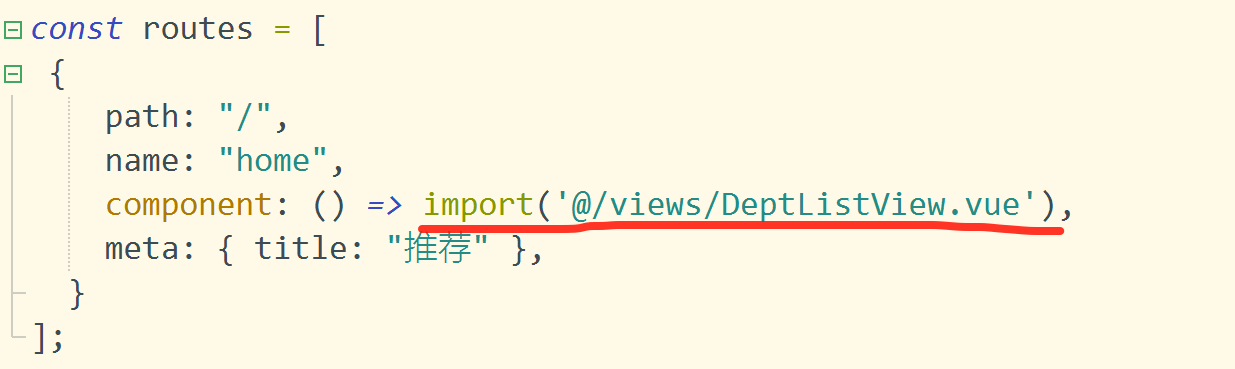
## 设置src别名'@'
### vite.config.js设置
```js
import { defineConfig } from 'vite'
import vue from '@vitejs/plugin-vue'
import path from 'path'
// https://vite.dev/config/
export default defineConfig({
plugins: [vue()],
resolve: {
alias: {
'@': path.resolve(__dirname,'./src')
}
}
})
```
### 应用


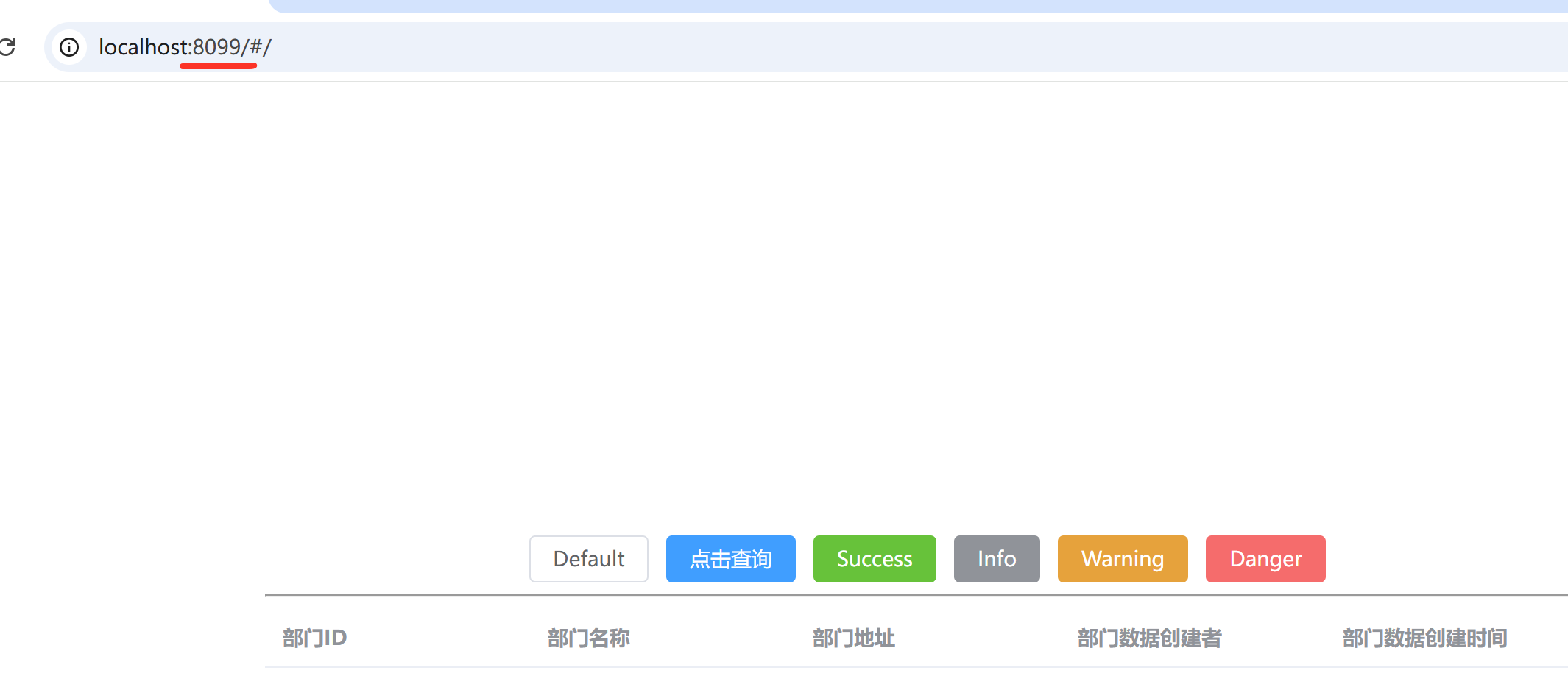
## 修改启动端口
> 添加server字段。
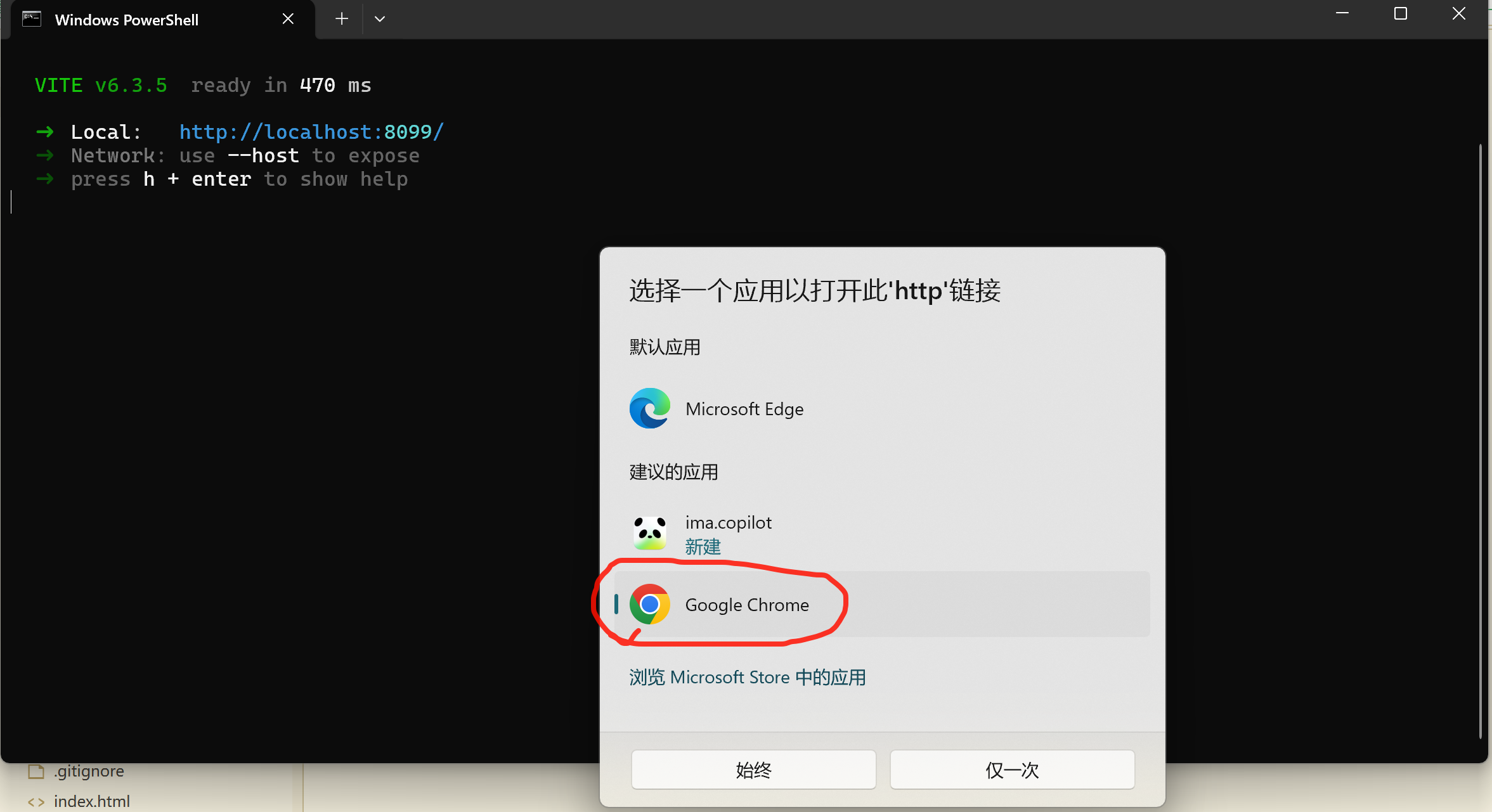
```js
export default defineConfig({
plugins: [vue()],
server:{
port: '8099', //启动端口
open: true //是否打开浏览器
},
resolve: {
alias: {
'@': path.resolve(__dirname,'./src')
}
}
})
```
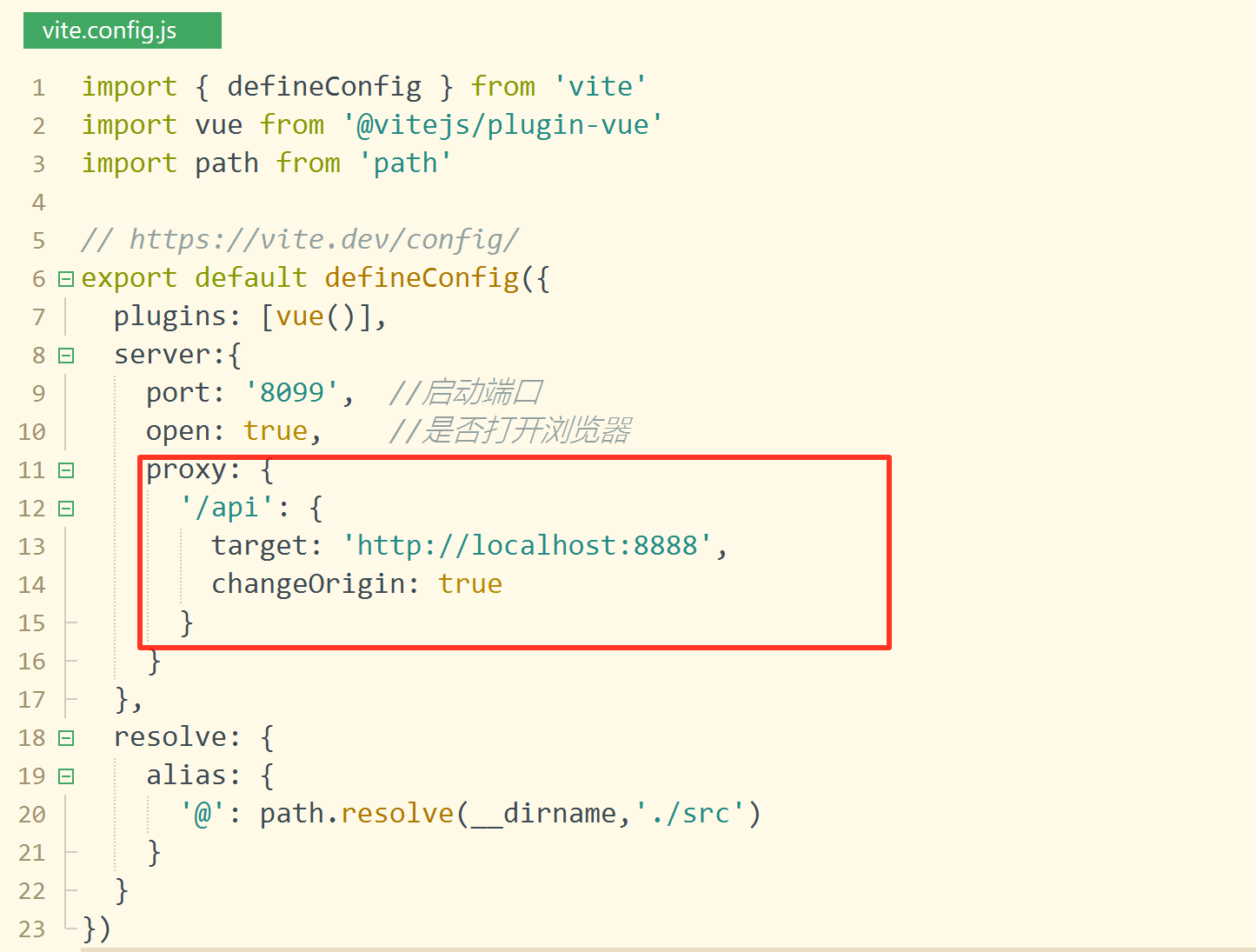
## 设置代理地址
### 在axios中设置baseURL
```js
const requests = axios.create({
baseURL: '/api',
timeout: 5000,
});
```
### 配置vite.config.js
> 当请求地址中有/api时,就代理到后端地址(http://localhost:8888)
```js
proxy: {
'/api': {
target: 'http://localhost:8888',
changeOrigin: true
}
}
```