# homer-theme
**Repository Path**: duchenpaul/homer-theme
## Basic Information
- **Project Name**: homer-theme
- **Description**: Mirror of https://github.com/walkxcode/homer-theme.git
- **Primary Language**: Unknown
- **License**: MIT
- **Default Branch**: main
- **Homepage**: None
- **GVP Project**: No
## Statistics
- **Stars**: 0
- **Forks**: 0
- **Created**: 2022-08-27
- **Last Updated**: 2023-02-10
## Categories & Tags
**Categories**: Uncategorized
**Tags**: None
## README
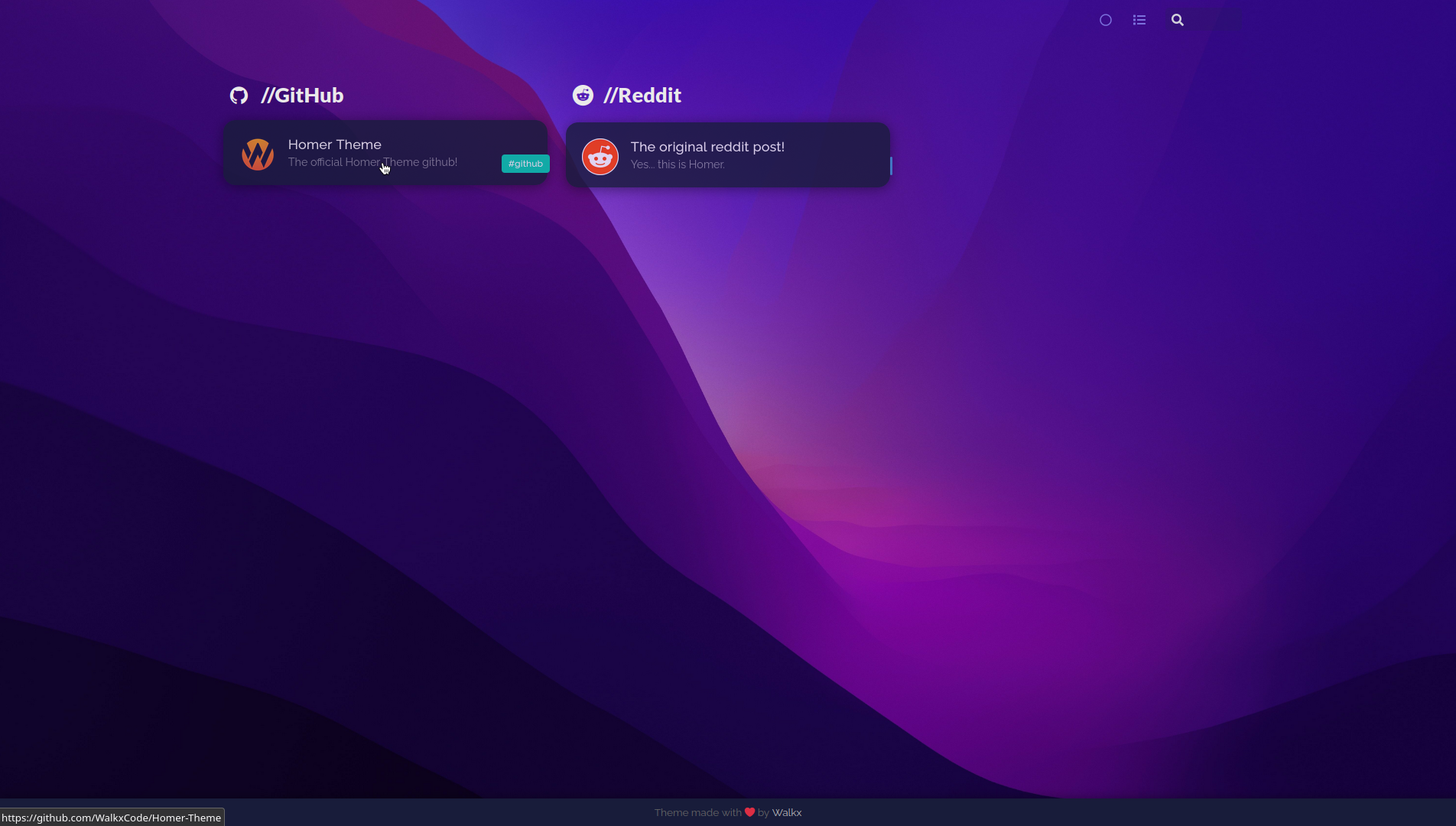
Dark mode preview!
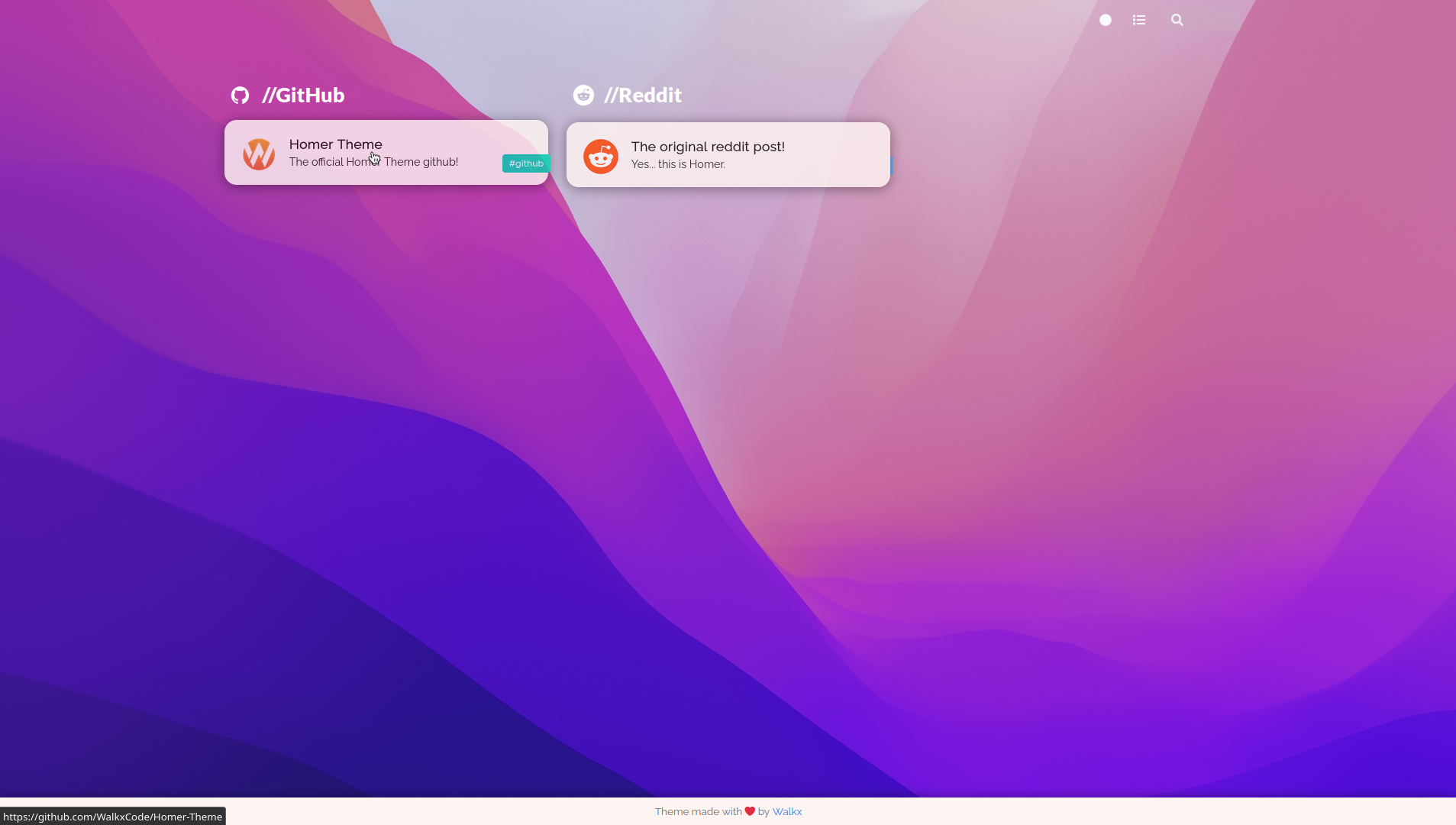
Light mode preview!
This is v2 of Homer Theme, v1 is available here.
Homer Theme v2
•
Demo [Coming Soon]
•
Getting started
•
## Table of Contents
- [All Changes](#all-changes)
- [v2 Changes](#v2-changes)
- [Getting Started](#getting-started)
- [Extra Configuration](docs/extra-configuration.md)
## All changes
- Custom font
- Spacing between cards
- Transparent cards
- Custom tag colors
- Custom wallpaper
- No header
- Offline Fonts
## v2 changes
- Added Light mode
- More rounded corners
- Added settings header
- Changed GitHub Icon
- Offline Fonts
## Getting started!
Homer Theme is a theme for the [Homer Dashboard.](https://github.com/bastienwirtz/homer)
### Getting the assets folder
Clone [this repo](https://github.com/WalkxCode/Homer-Theme). You can do this by running:
```sh
$ git clone https://github.com/WalkxCode/Homer-Theme.git
```
Now cd into the newly created folder.
```sh
$ cd Homer-Theme
```
And now for the final step move the `assets` folder into your Homers `www` folder.
You can find this directory by running
```sh
$ sudo docker inspect -f '{{ .Mounts }}' homer
```
**Before moving the folder, make sure to create a backup. You can do this by running**
```sh
$ sudo mv /homer/www/assets /homer/www/assets-backup
```
_Make sure you replace `/homer/www/assets` with the location of **your homers** www folder._
Move the folder by running
```sh
$ sudo mv assets /homer/www
```
_Make sure you replace `/homer/www` with the location of **your homers** www folder._
#### Go to your Homers IP and port and see the result!
#### If it all works, start adding your services! And for more configuration check the [extra-configuration](docs/extra-configuration.md) page!