



Data visualization tools
light chaser is an open source free data visualization design tool based on React technology stack implementation . Through it you can simply and quickly produce data visualization related content. It can be used for large-screen data visualization display , data reports, data analysis and other scenes This project contains: - A standard component editing panel - An efficient blueprint editor for event interactions - Rich component library light chaser is built for data visualization and will continue to grow and improve! # Catalogs - [Document](#document) - [Example](#example) - [Usage & Deployment](#usage--deployment) - [Contributing](#contributing) - [License](#license) # Document For more information about the designer, please refer to it [Document](https://xiaopujun.github.io/light-chaser-doc/#/) # Example You can visit [LIGHT CHASER online](https://xiaopujun.github.io/light-chaser-app/#) to experience it online, or you can launch it locally with the code to experience it! preview image: 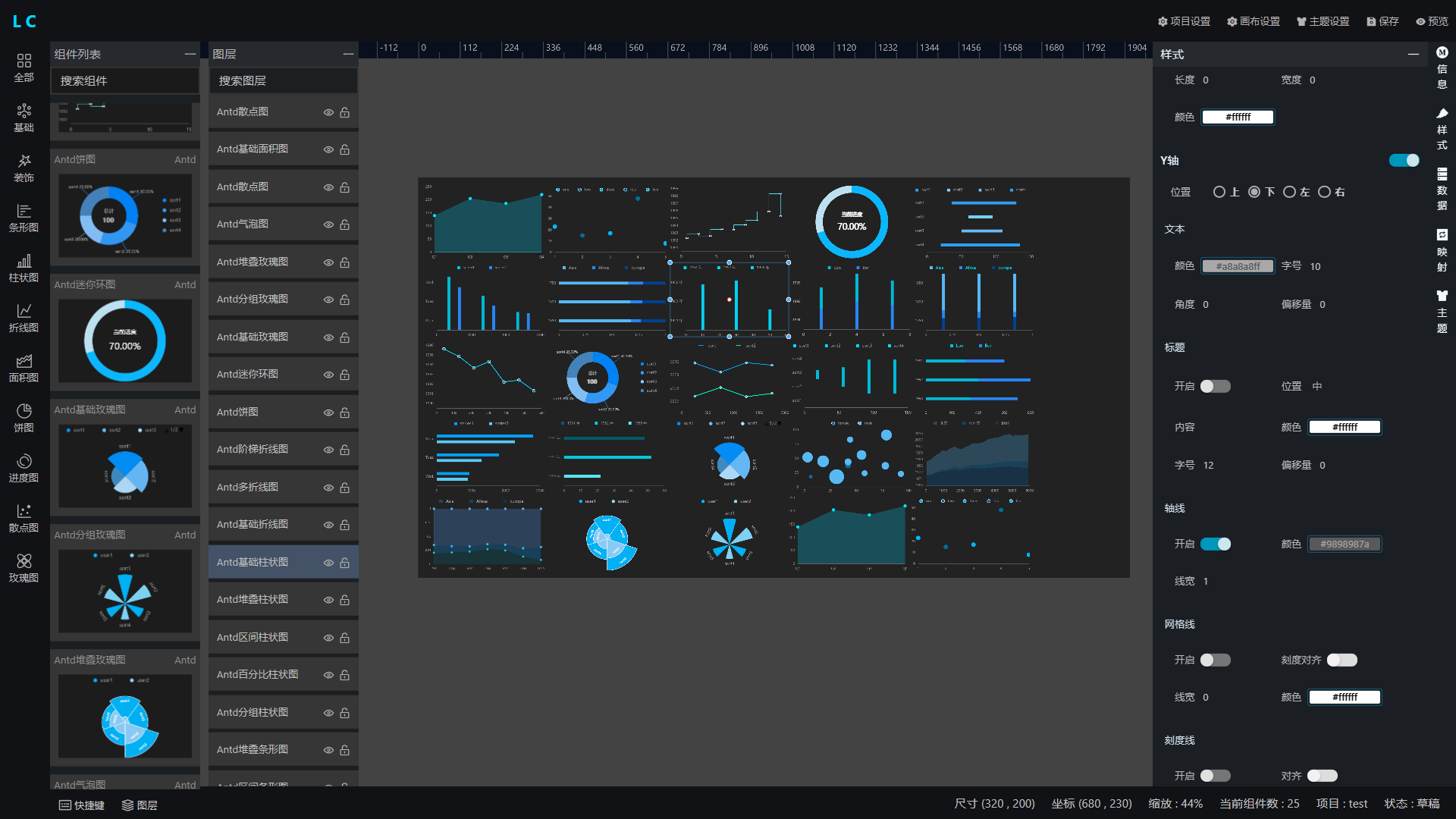 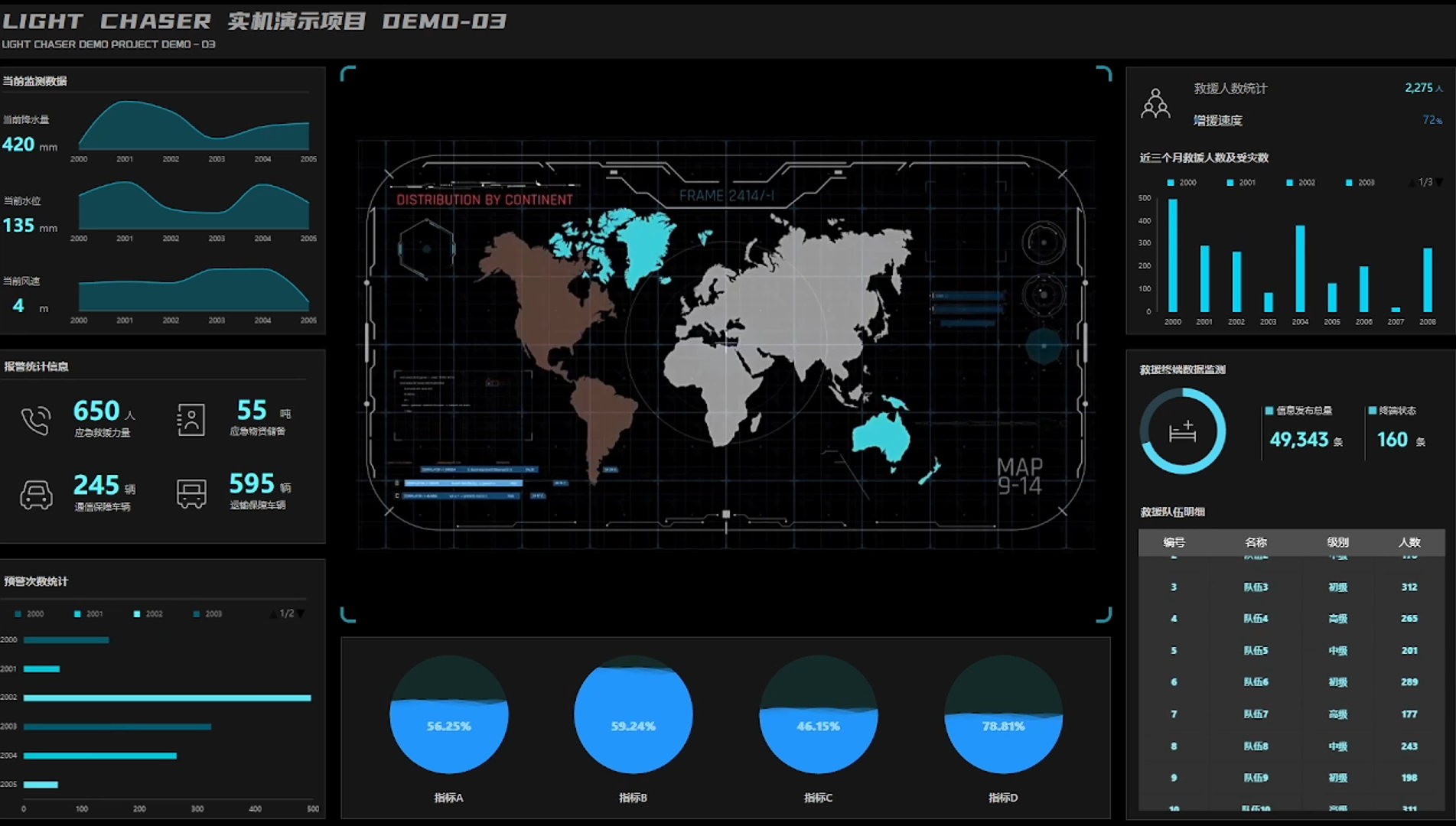 # Usage & Deployment If you need to start this project locally or build and deploy it to your own server, please refer to the following commands: - Clone the project to your local machine ```shell git clone https://gitee.com/xiaopujun/light-chaser.git ``` - Install project dependencies > Note: This project uses pnpm as the package management tool, so you need to install [pnpm](https://pnpm.io/) first > ,if you have installed pnpm, you can skip this step ```shell pnpm install ``` - Start the project ```shell pnpm dev ``` - Access the project ```shell http://localhost:5173 ``` - Build the project ```shell pnpm build ``` # Contributing Feel free to dive in! Open an issue or submit PRs. light chaser follows the Contributor Covenant Code of Conduct. # License [MIT](LICENSE) © xiaopujun Thank you to every developer and person who contributed to this project!