# darkmatter-grub2-theme
**Repository Path**: gaoqinglong/darkmatter-grub2-theme
## Basic Information
- **Project Name**: darkmatter-grub2-theme
- **Description**: No description available
- **Primary Language**: Unknown
- **License**: GPL-3.0
- **Default Branch**: main
- **Homepage**: None
- **GVP Project**: No
## Statistics
- **Stars**: 0
- **Forks**: 0
- **Created**: 2026-09-24
- **Last Updated**: 2026-09-24
## Categories & Tags
**Categories**: Uncategorized
**Tags**: None
## README

This is a collection of GRUB themes, each one tailored for specific distro like Debian, Linux Mint, Arch, and more.
I created it with inspiration from Distro GRUB Themes by adisoncavani.
Consider giving this project a star ⭐ if you liked it 🤗
### ⚙️ Installation
```fish
git clone --depth 1 https://github.com/VandalByte/darkmatter-grub2-theme.git && cd darkmatter-grub2-theme
sudo python3 darkmatter-theme.py --install
```
With a little effort the theme's text colours, progress bar colours, progress bar text, and so on can all be customised in theme.txt to your liking 💕
### Installation ( Manual )
*Click below to view...*
Debian ✨ Ubuntu ✨ Arch
#### 1️⃣ Download your favourite version of the theme from [**Pling**](https://www.pling.com/p/1603282/)
Now extract your downloaded .zip file.
Either manually extract it or use the command below. ( *Here I'm using debian version of my theme as an example* )
```shell
unzip dark-matter-debian.zip
```
The rest of the commands are the same for all theme styles.
#### 2️⃣ Copy the theme directory.
```shell
sudo cp -r darkmatter /boot/grub/themes/
```
#### 3️⃣ Make changes to the GRUB config file.
```shell
sudo nano /etc/default/grub
```
Find the line `GRUB_THEME=` then change it to `GRUB_THEME="/boot/grub/themes/darkmatter/theme.txt"`
Then save the file.
#### 4️⃣ Finally, update the grub.
```shell
sudo grub-mkconfig -o /boot/grub/grub.cfg
```
Now the theme should be installed successfully, enjoy !!
Fedora ✨ Redhat
#### 1️⃣ Download your favourite version of the theme from [**Pling**](https://www.pling.com/p/1603282/)
Now extract your downloaded .zip file.
Either manually extract it or use the command below. ( *Here I'm using debian version of my theme as an example* )
```shell
unzip dark-matter-debian.zip
```
The rest of the commands are the same for all theme styles.
#### 2️⃣ Copy the theme directory.
```shell
sudo cp -r darkmatter /boot/grub2/themes/
```
#### 3️⃣ Make changes to the GRUB config file.
```shell
sudo nano /etc/default/grub
```
Find the line `GRUB_THEME=` then change it to `GRUB_THEME="/boot/grub2/themes/darkmatter/theme.txt"`
Change the line `GRUB_TERMINAL_OUTPUT=console` to this *(comment it out)* `#GRUB_TERMINAL_OUTPUT=console`
Then save the file.
#### 4️⃣ Finally, update the grub.
```shell
sudo grub2-mkconfig -o /boot/grub2/grub.cfg
```
Now restart your computer the grub theme should be installed successfully, enjoy !!
NixOS
#### 1️⃣ Add darkmatter-grub-theme to your flake as nixos module
```nix
{
inputs = {
nixpkgs.url = github:NixOS/nixpkgs/nixos-unstable;
darkmatter-grub-theme = {
url = gitlab:VandalByte/darkmatter-grub-theme;
inputs.nixpkgs.follows = "nixpkgs";
};
};
outputs = inputs @ { self, nixpkgs, darkmatter-grub-theme }: {
nixosConfigurations.mysystem = nixpkgs.lib.nixosSystem {
system = "x86_64-linux";
modules = [
darkmatter-grub-theme.nixosModule
./path/to/your/configuration.nix
];
};
};
}
```
#### 2️⃣ Enable and configure grub theme
```nix
boot = {
# Use the GRUB 2 boot loader.
loader.grub = {
enable = true;
version = 2;
darkmatter-theme = {
enable = true;
style = "nixos";
icon = "color";
resolution = "1080p";
};
};
};
```
#### 3️⃣ Save changes and rebuild your nixos
```fish
sudo nixos-rebuild boot --flake .#mysystem
```
Now the theme should be installed successfully, enjoy !!
> [!NOTE]
> To request a theme for a specific Linux distro, simply open an issue with the `feature request` label. Cheers!
### ❌ Uninstallation
```shell
sudo python3 darkmatter-theme.py --uninstall
```
All installed theme files have now been uninstalled.
### 🖼️ Preview
| | | |
|:-------:|:-------:|:---------:|
|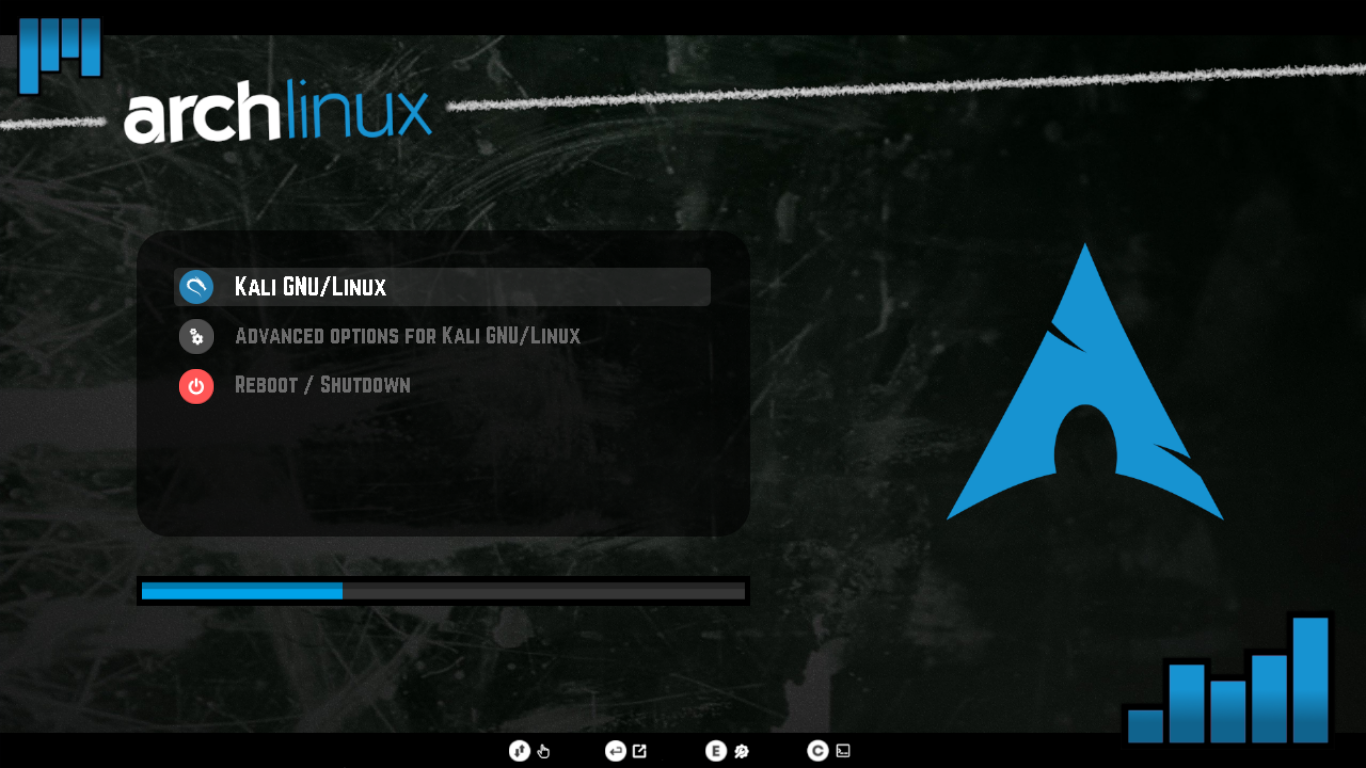|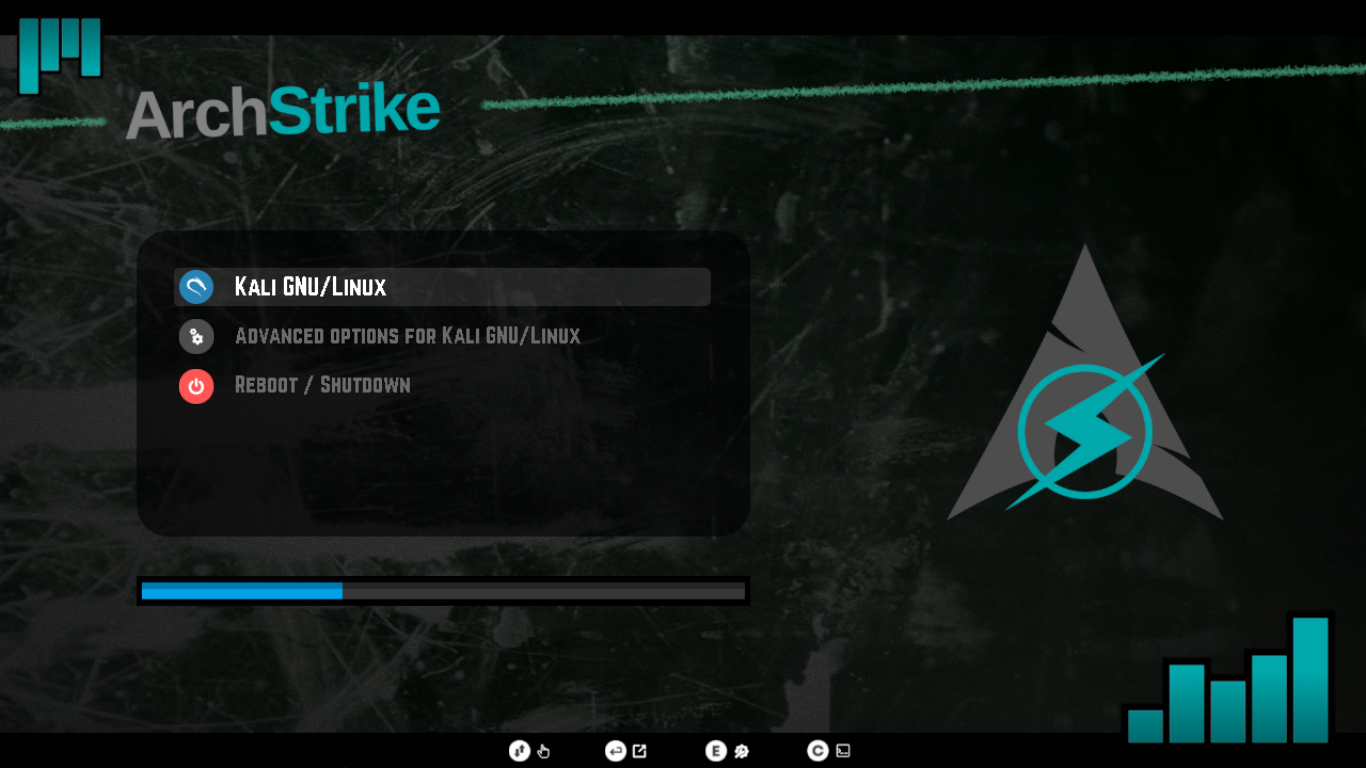|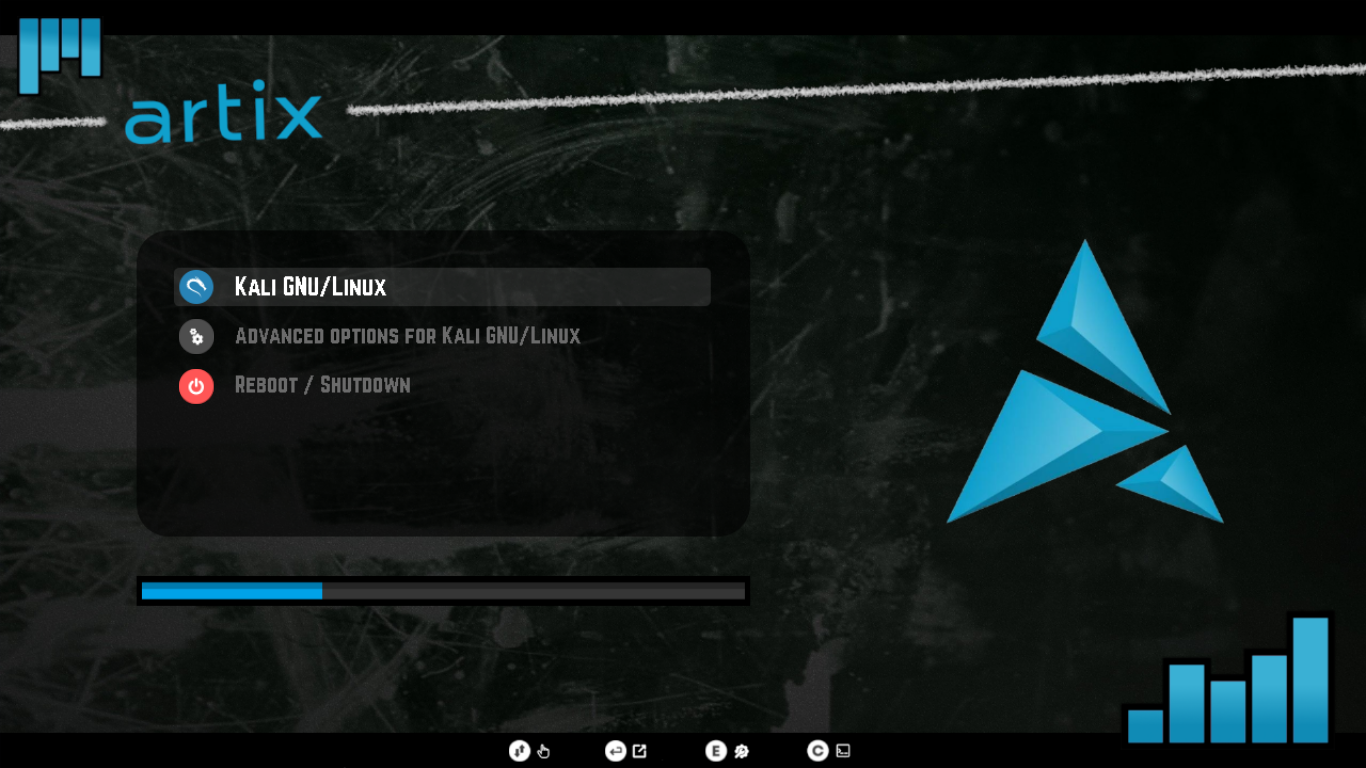|
|**Arch Linux**|**Arch Strike**|**Artix Linux**|
|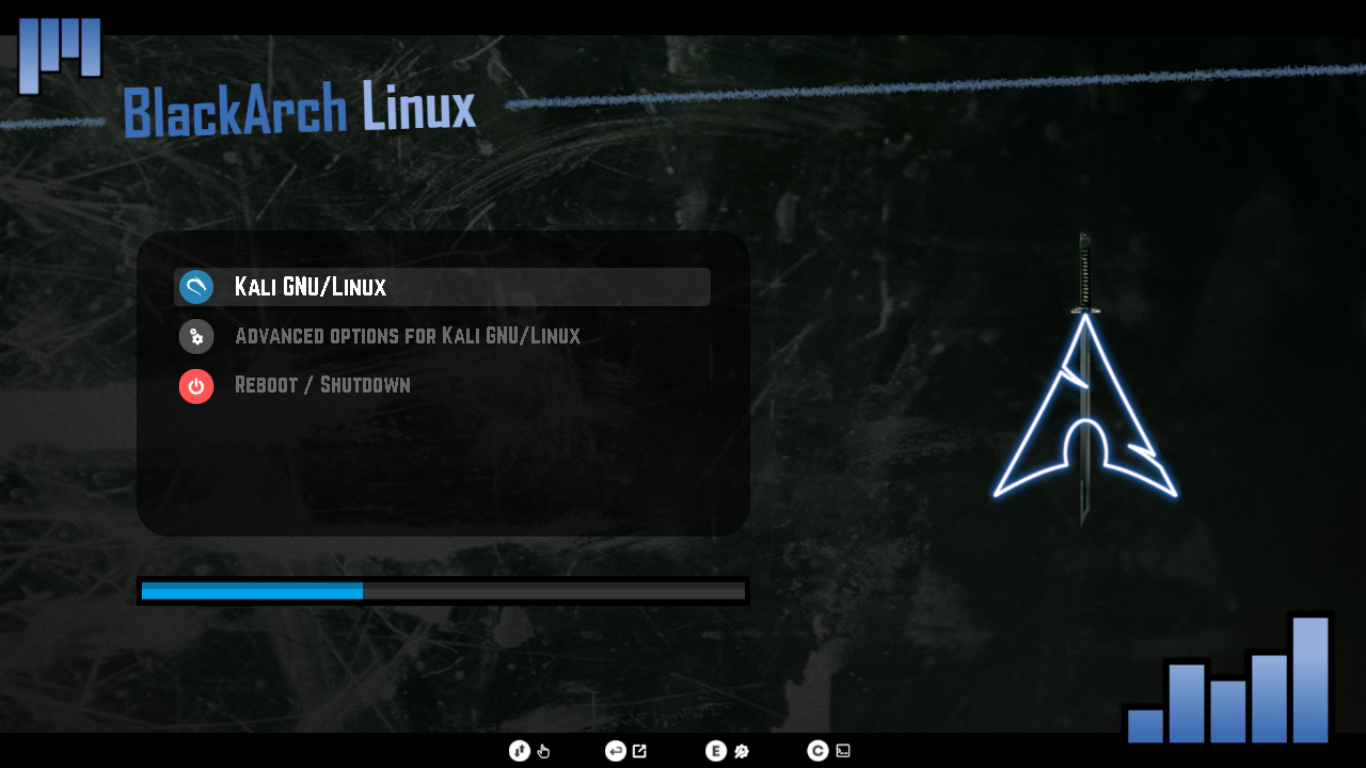|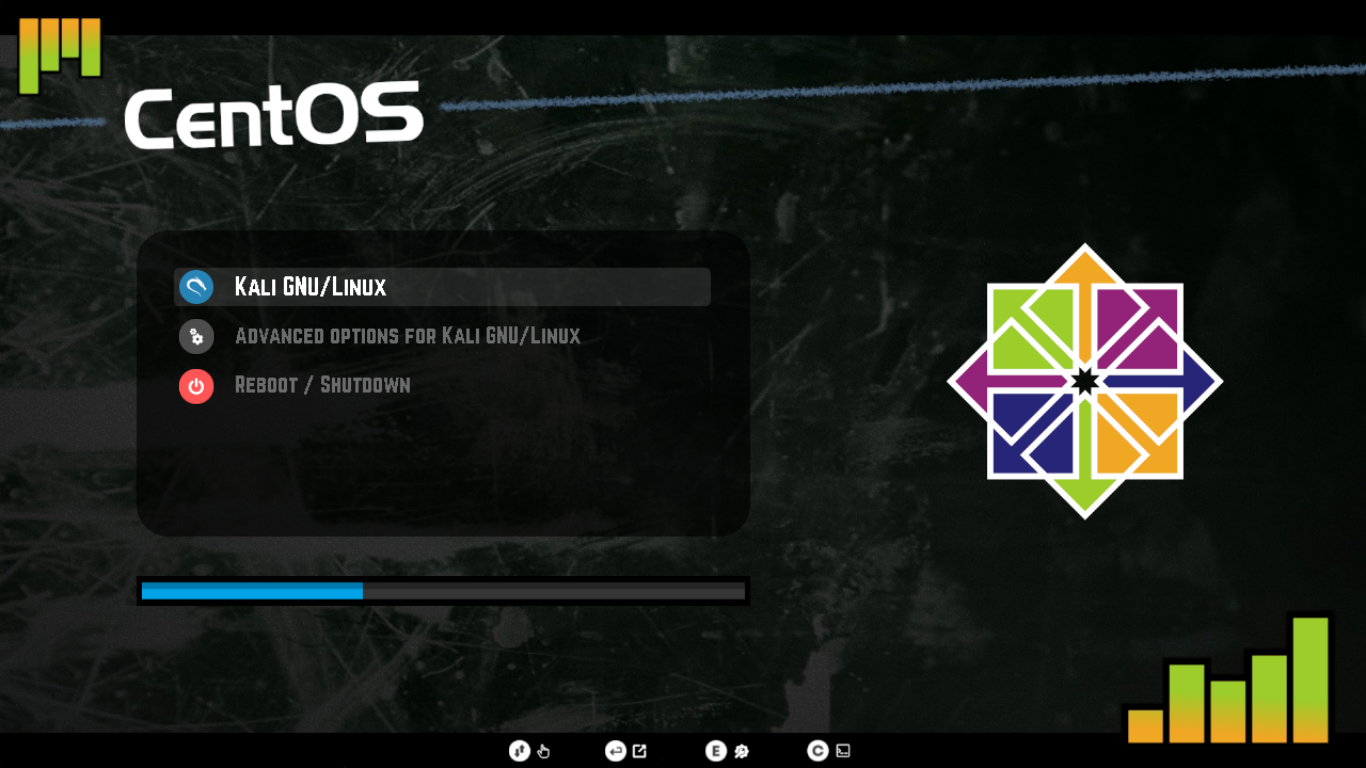|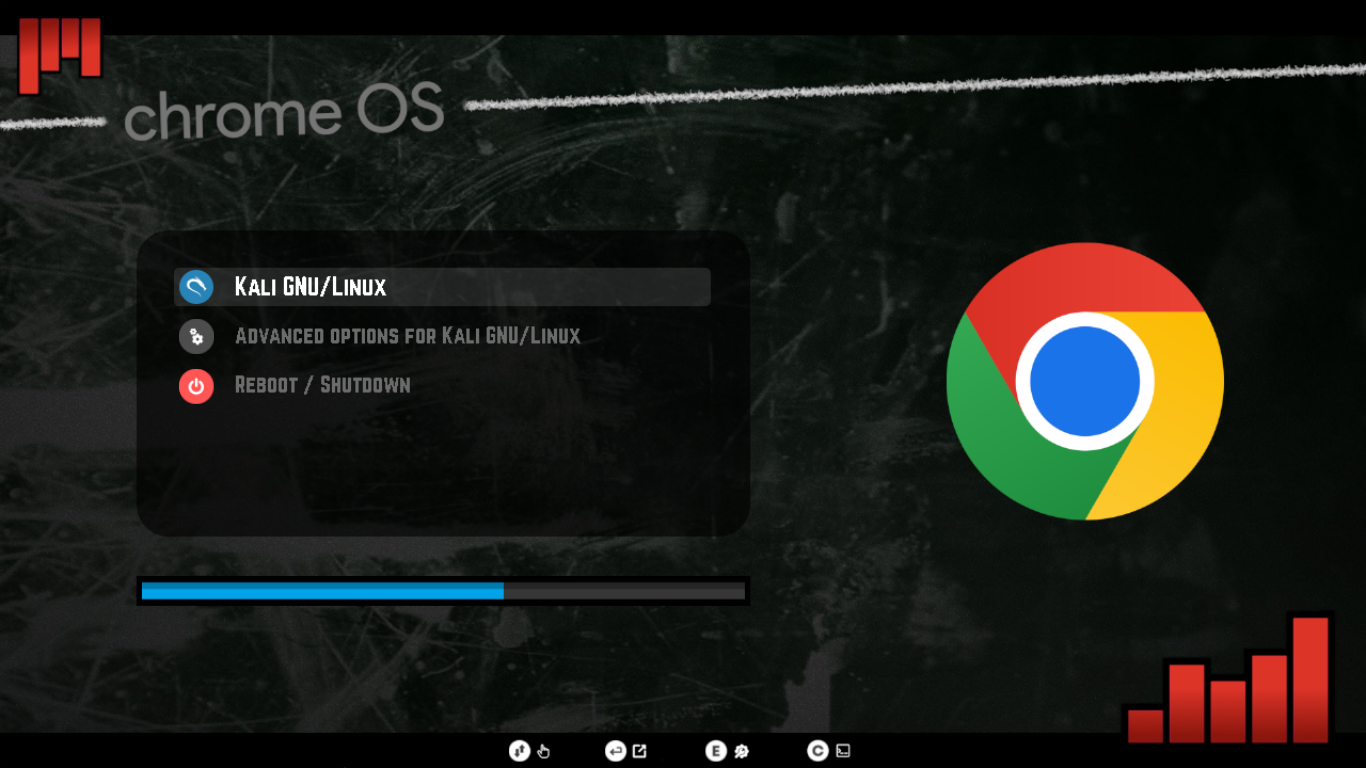|
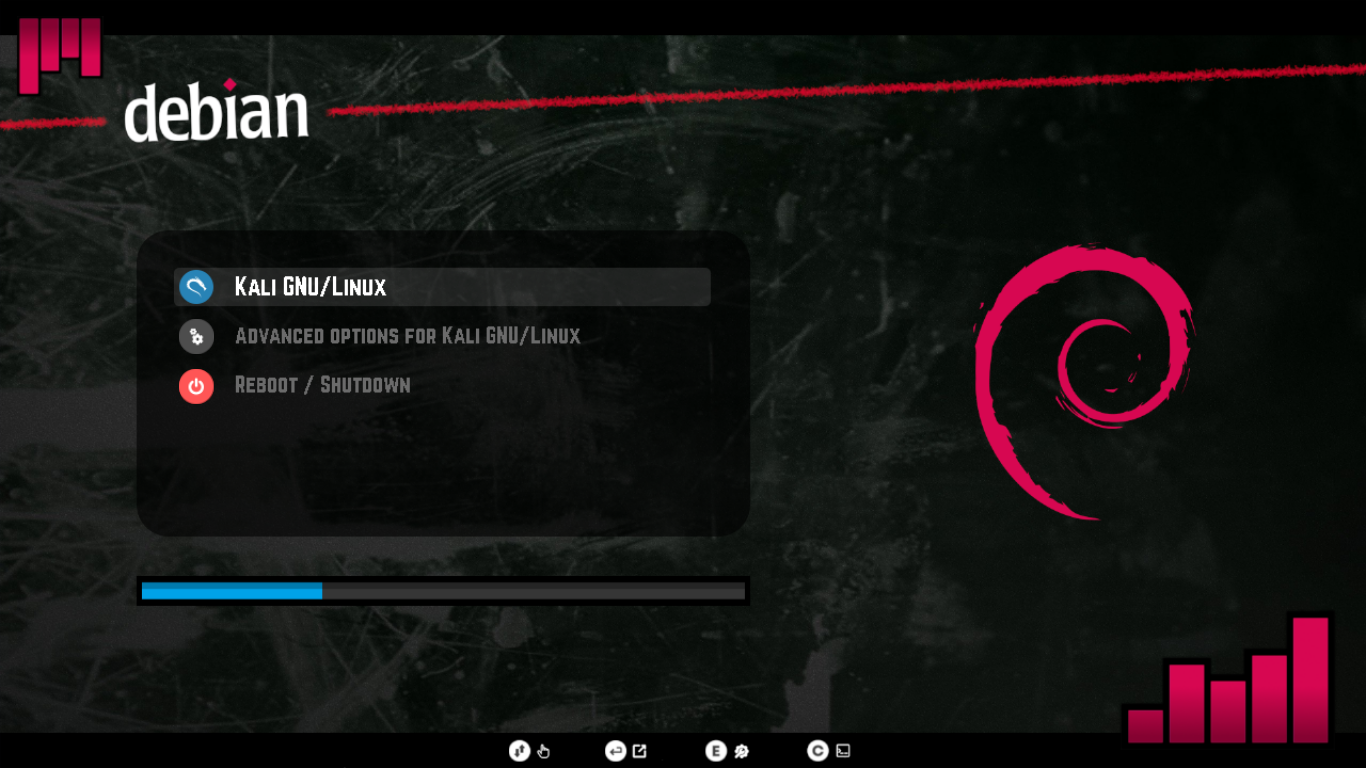
|**Black Arch**|**CentOS**|**Chrome OS**|
||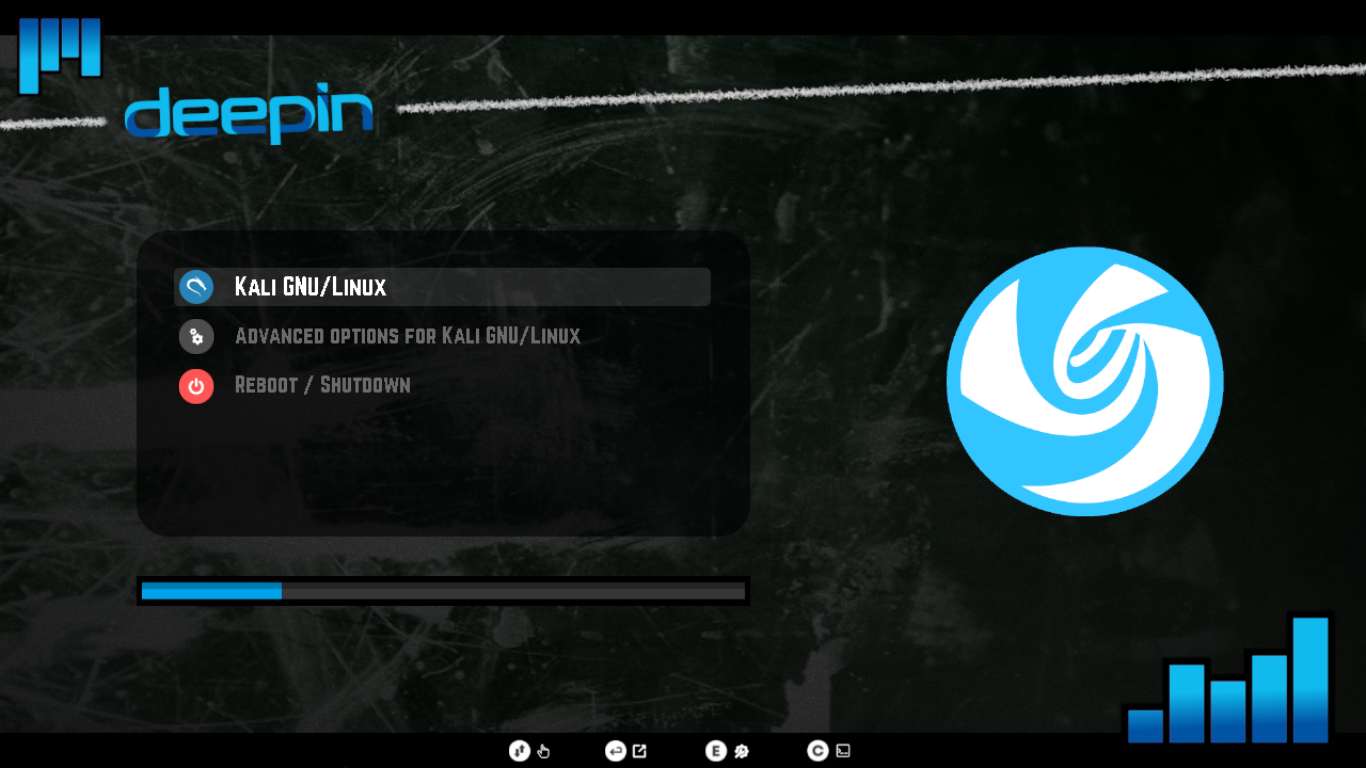|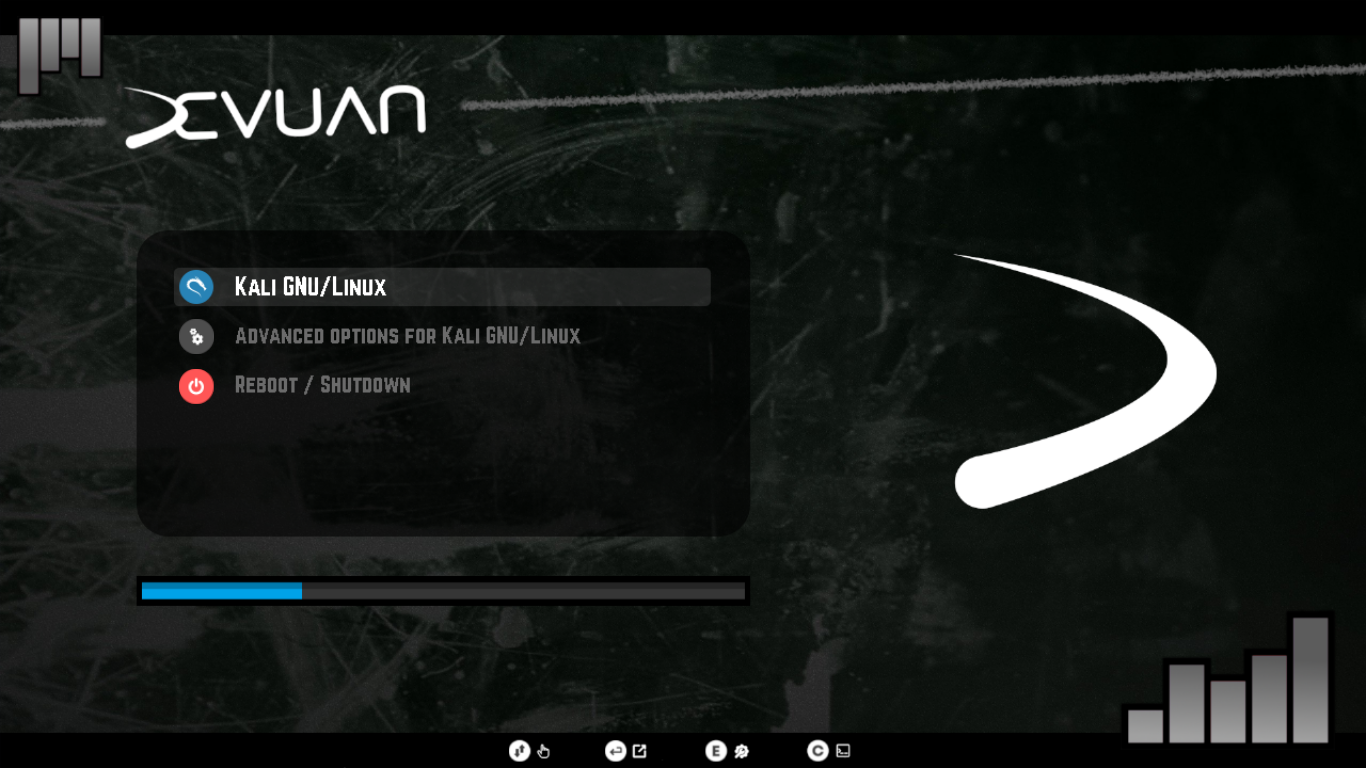|
|**Debian**|**Deepin**|**Devuan**|
|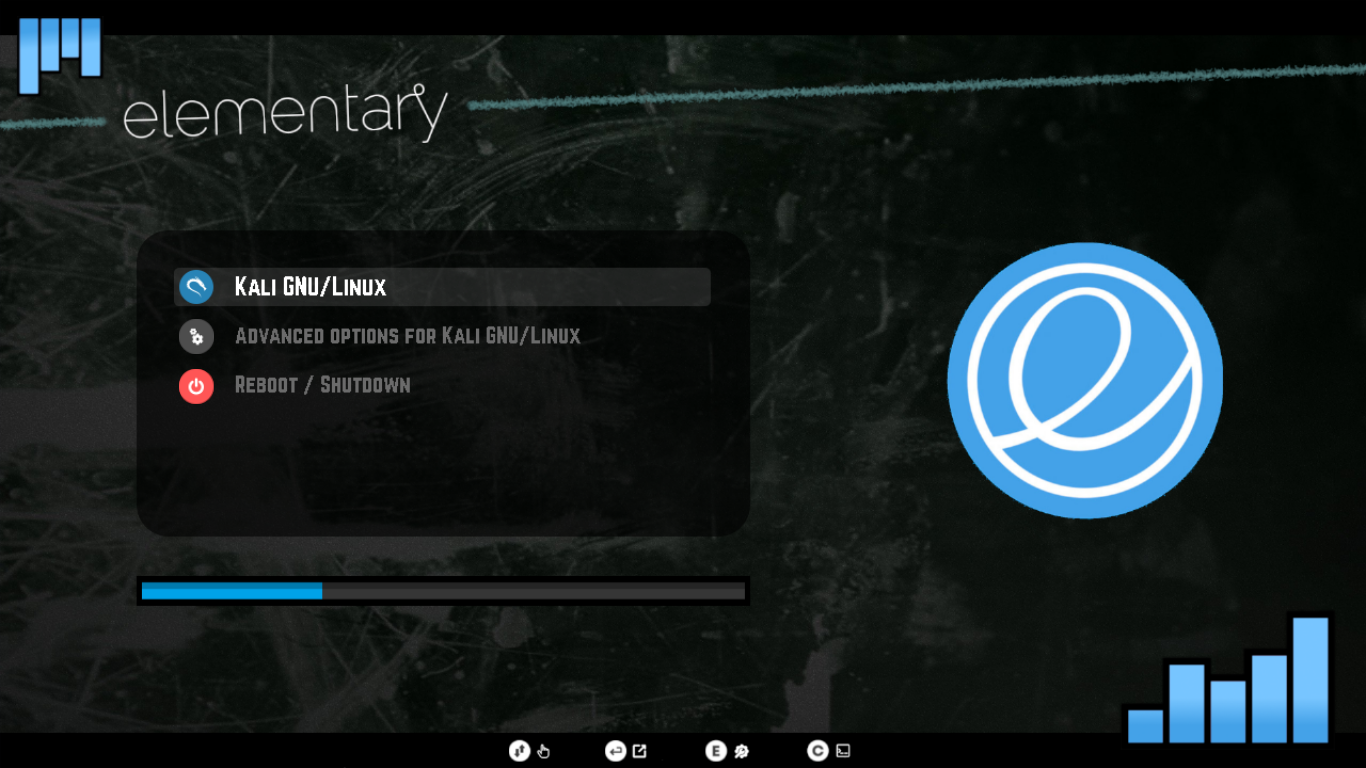|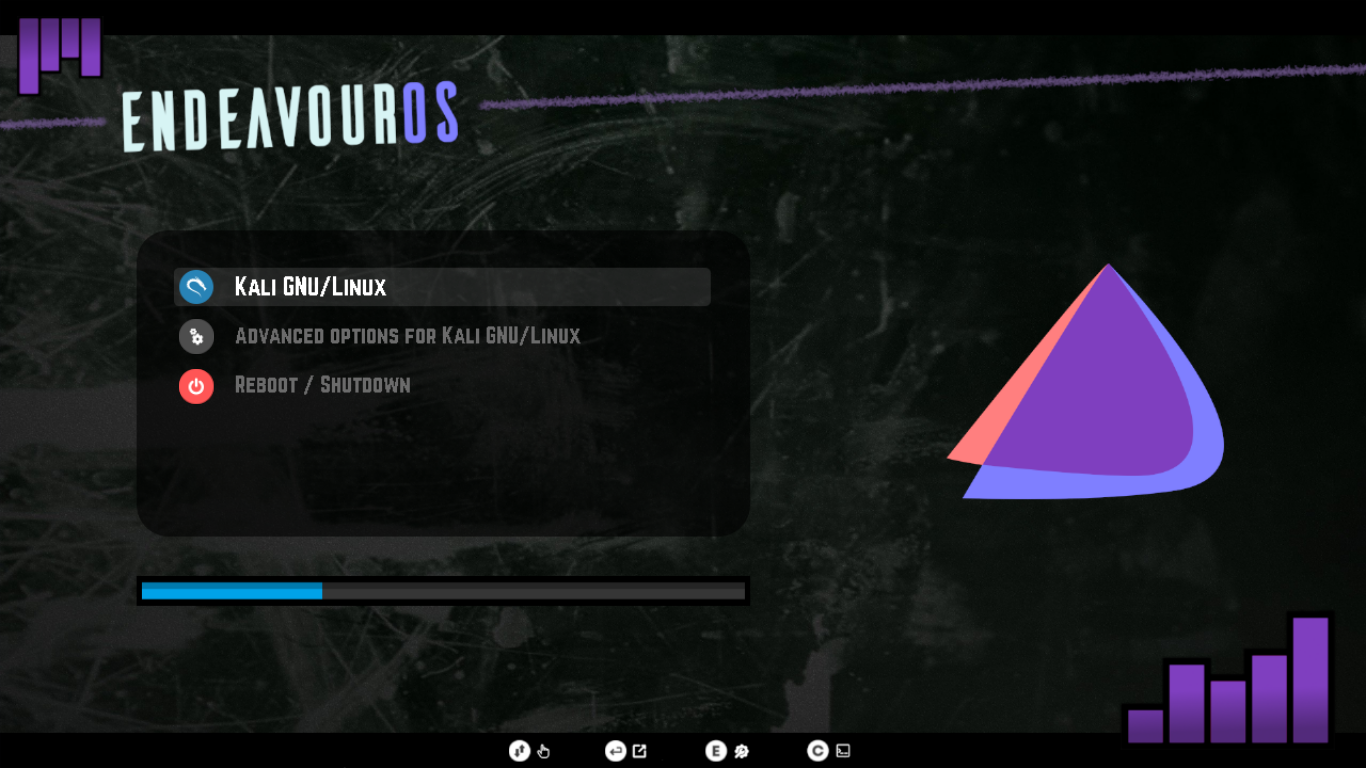|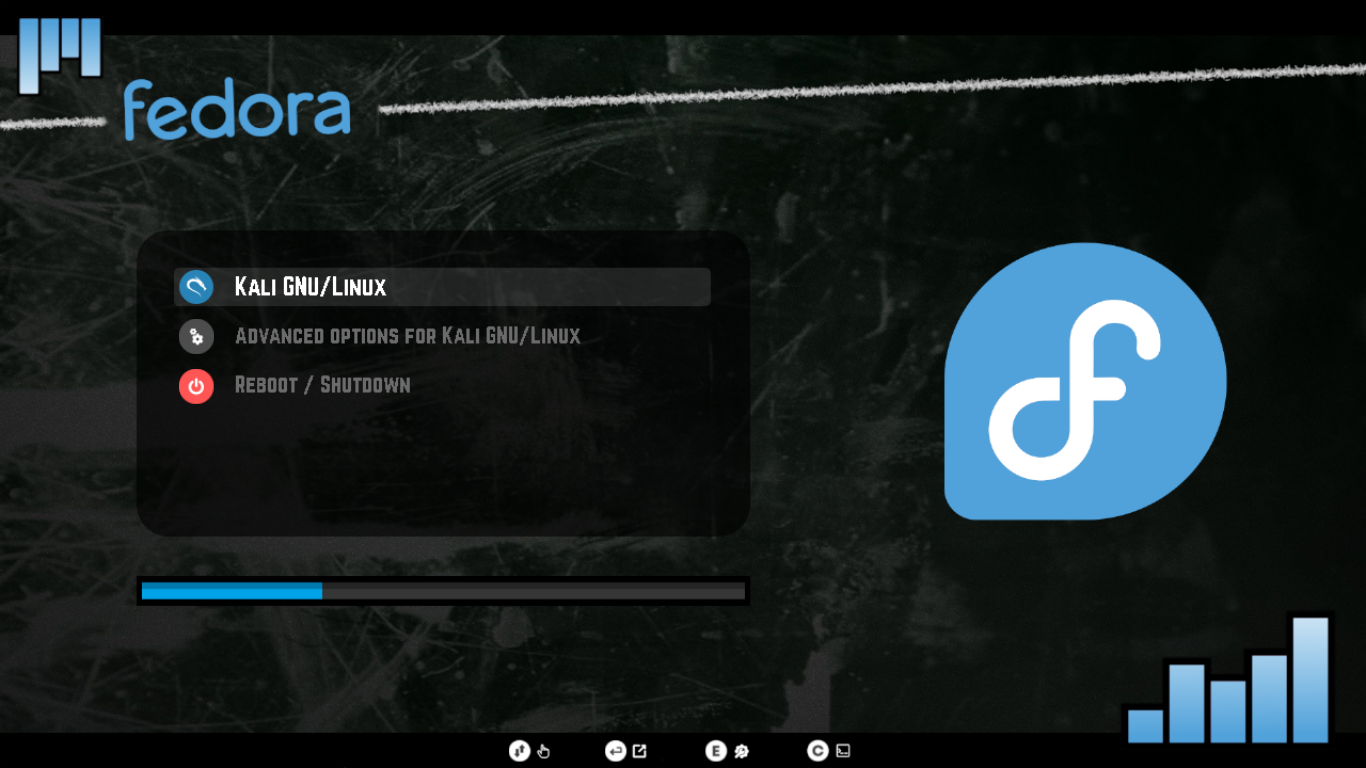|
|**Elementary OS**|**Endeavour OS**|**Fedora**|
|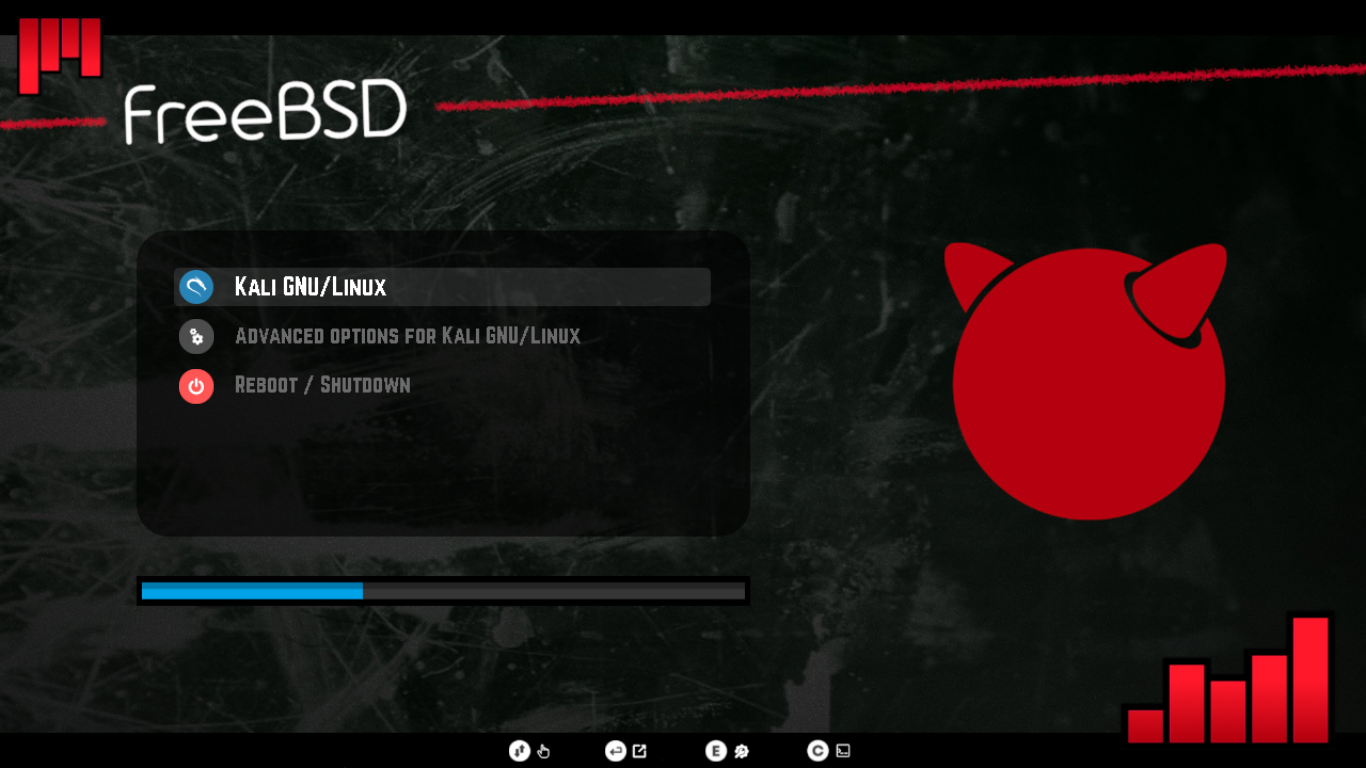|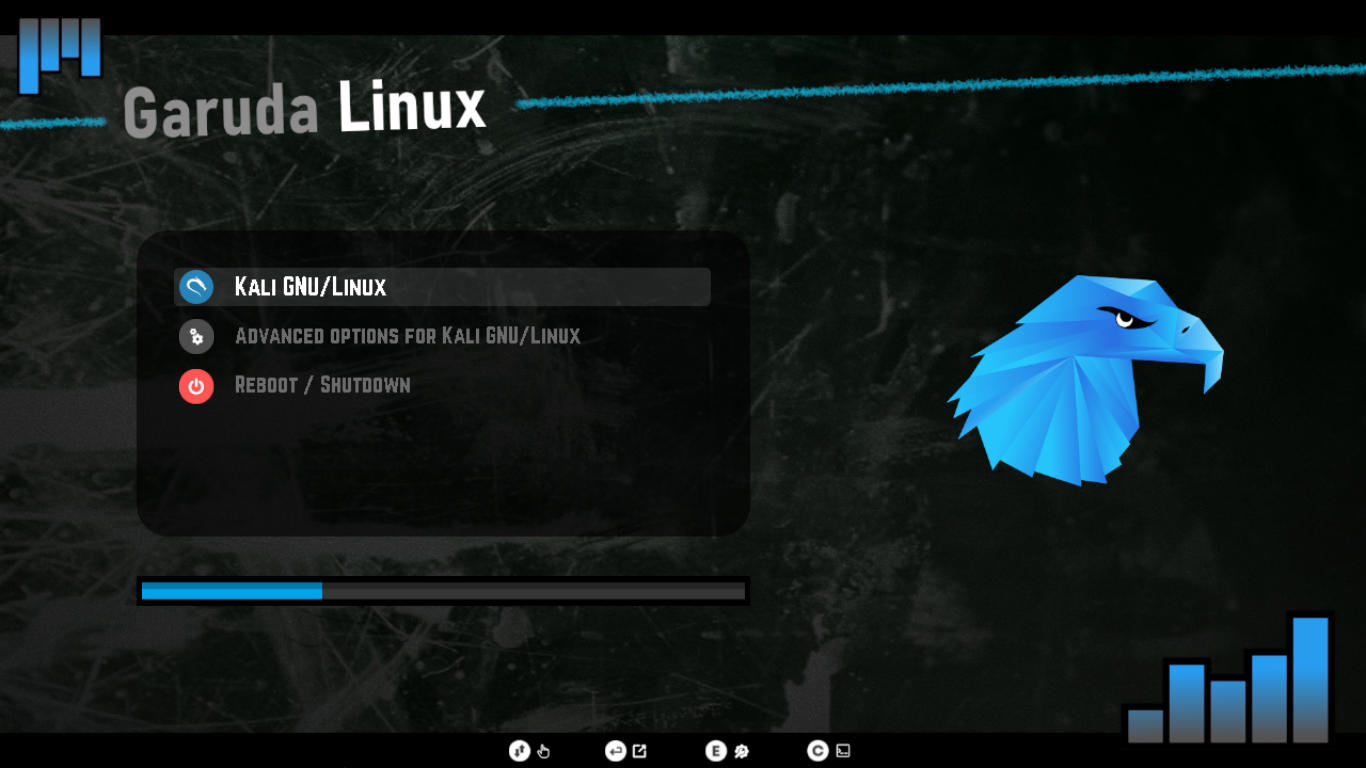|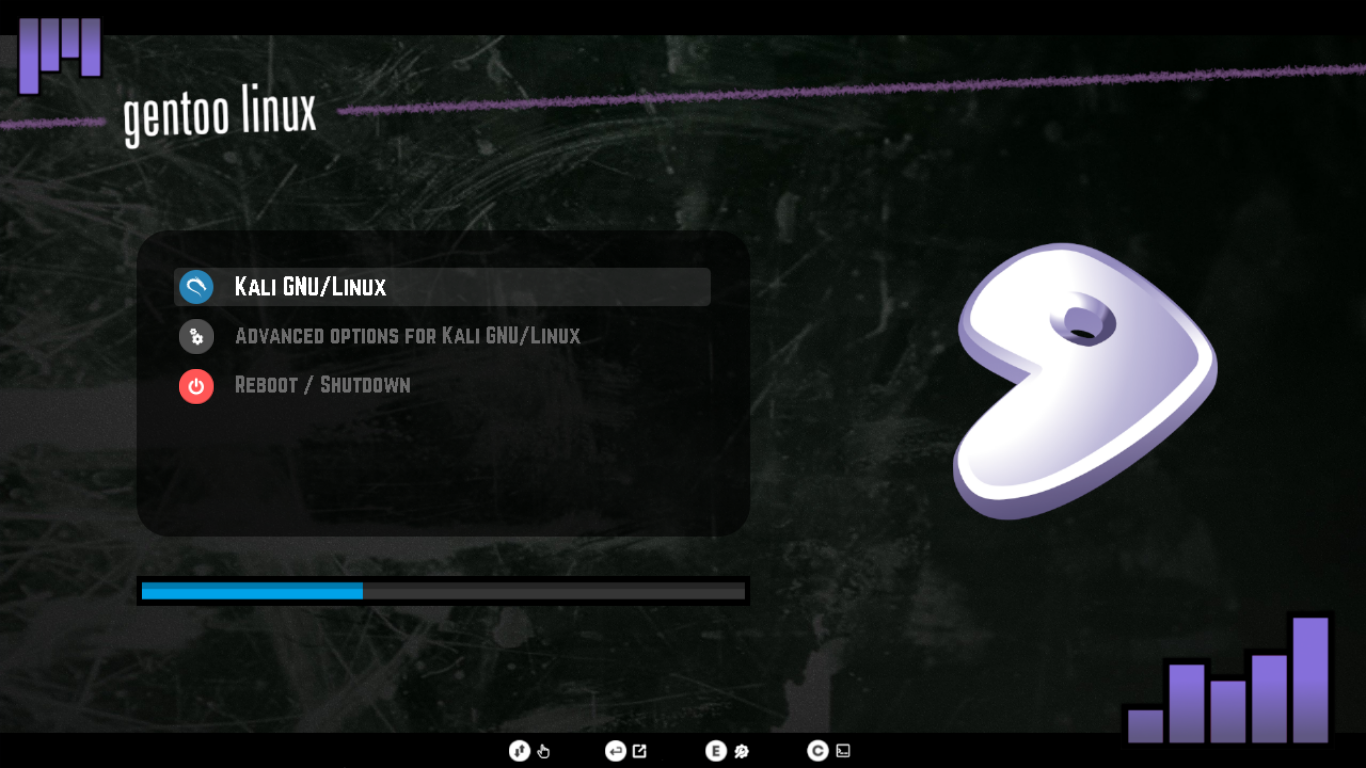|
|**FreeBSD**|**Garuda Linux**|**Gentoo Linux**|
|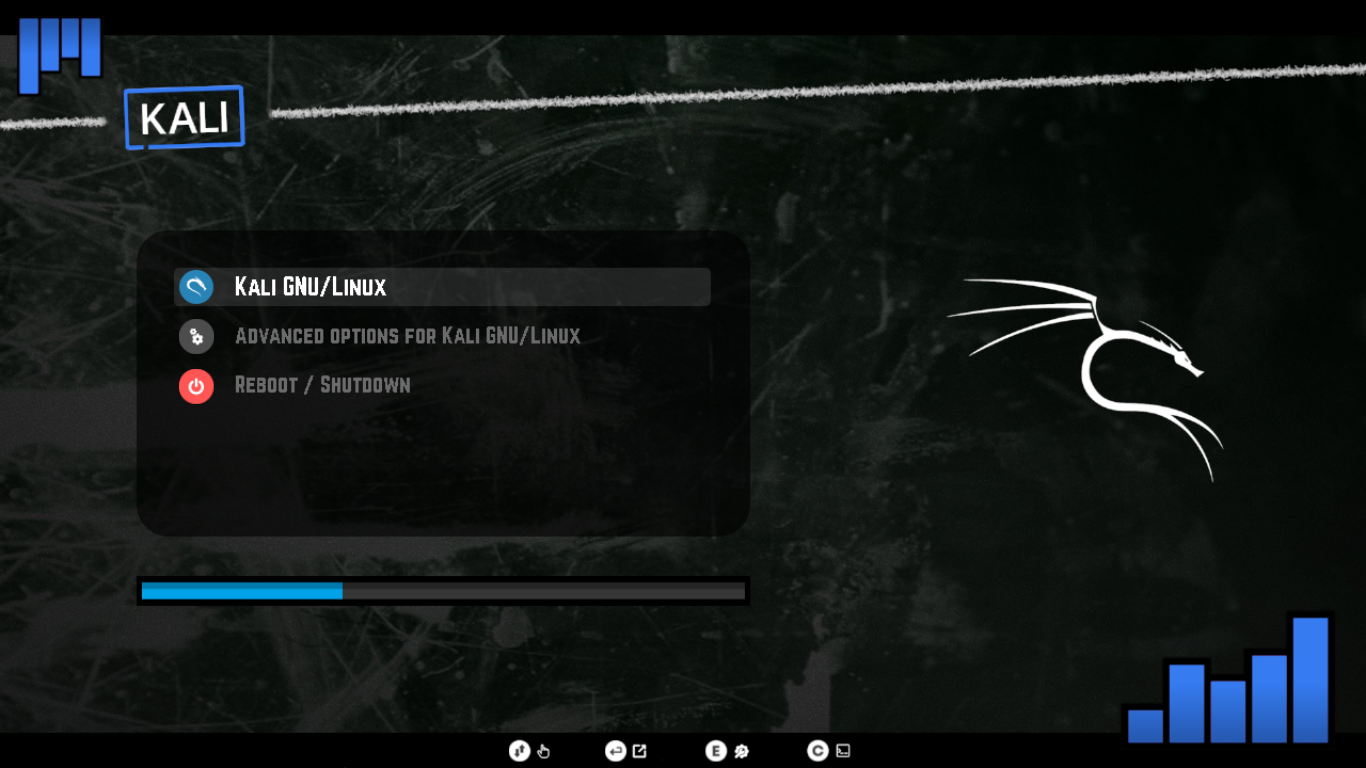|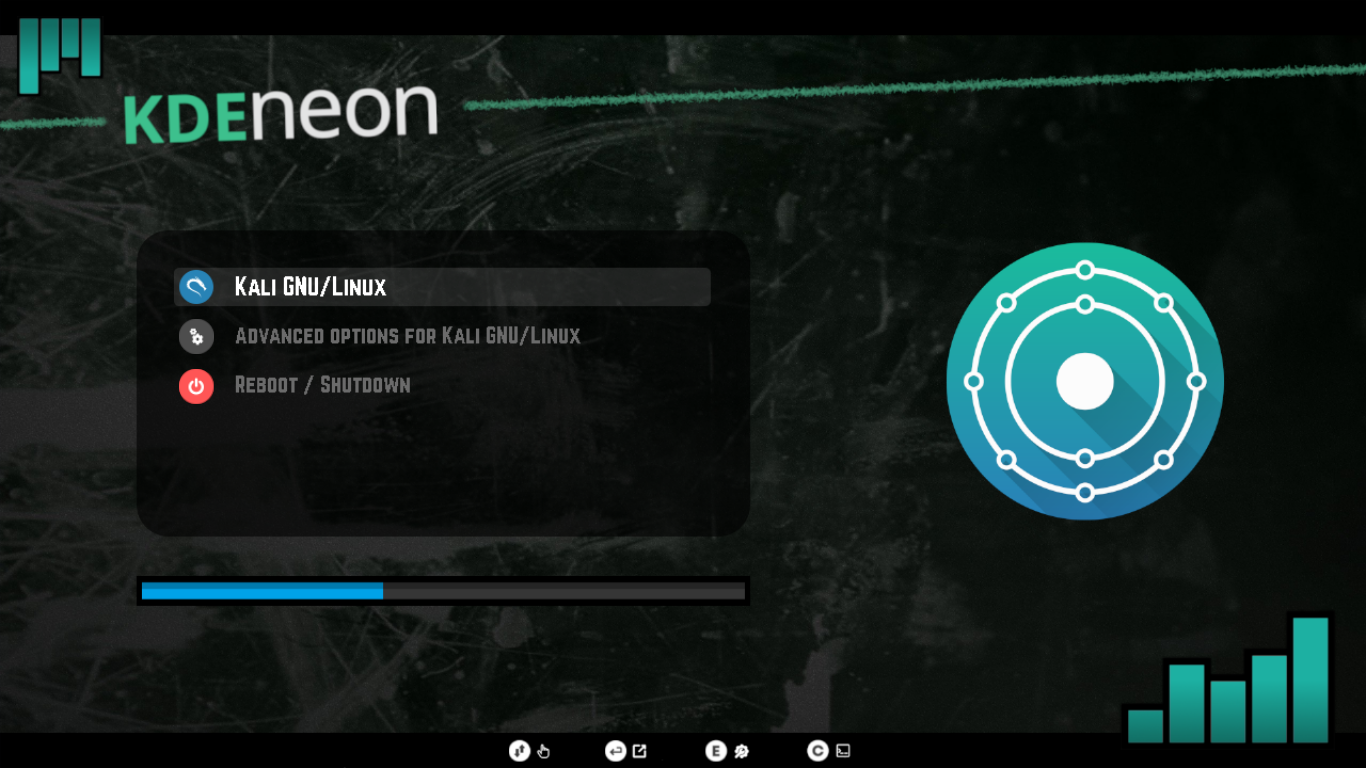|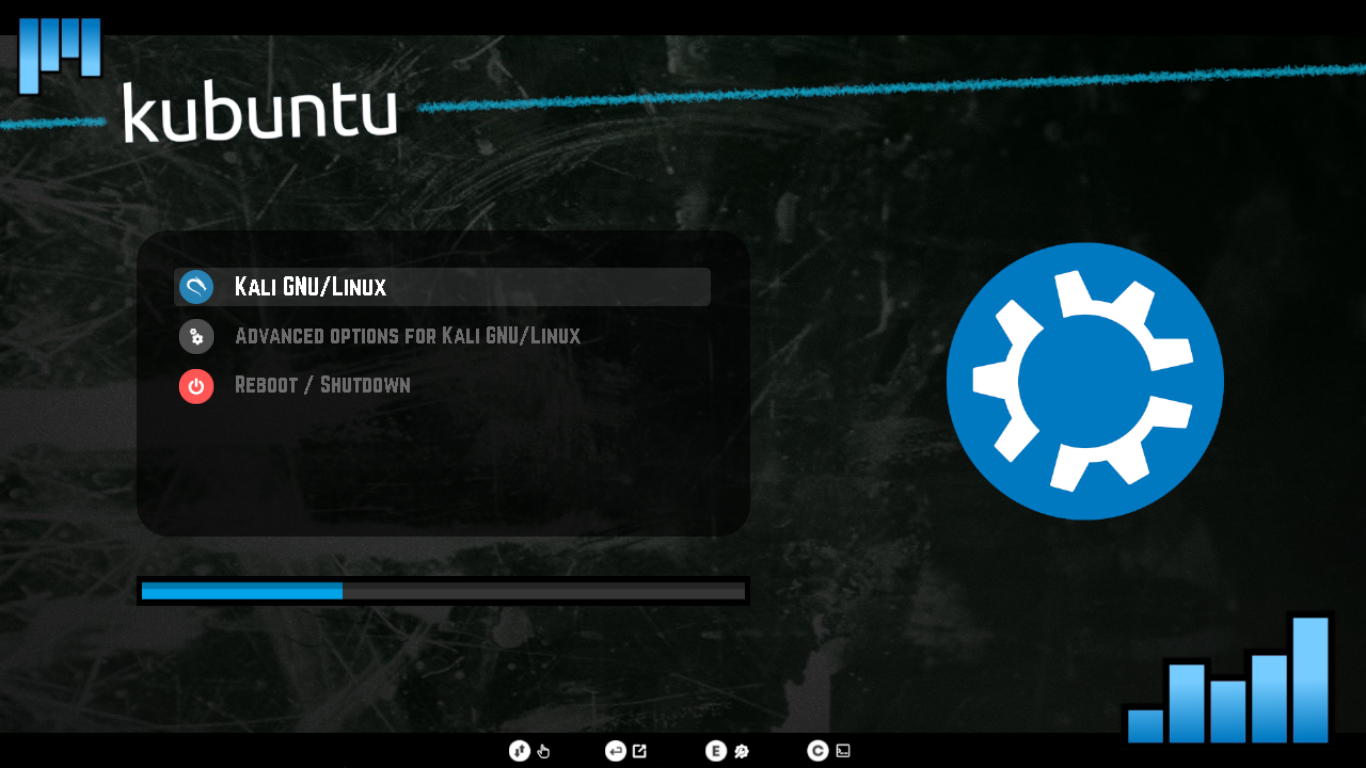|
|**Kali Linux**|**KDE neon**|**Kubuntu**|
|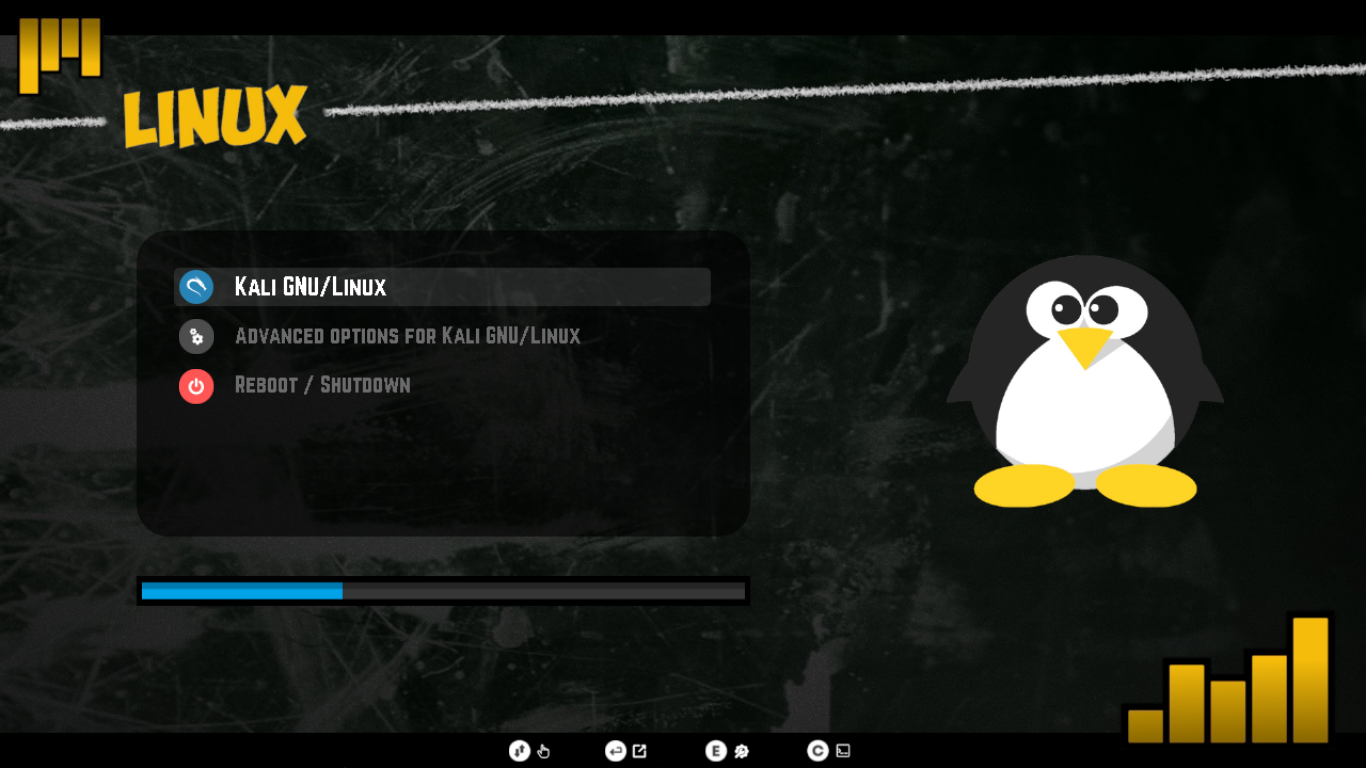|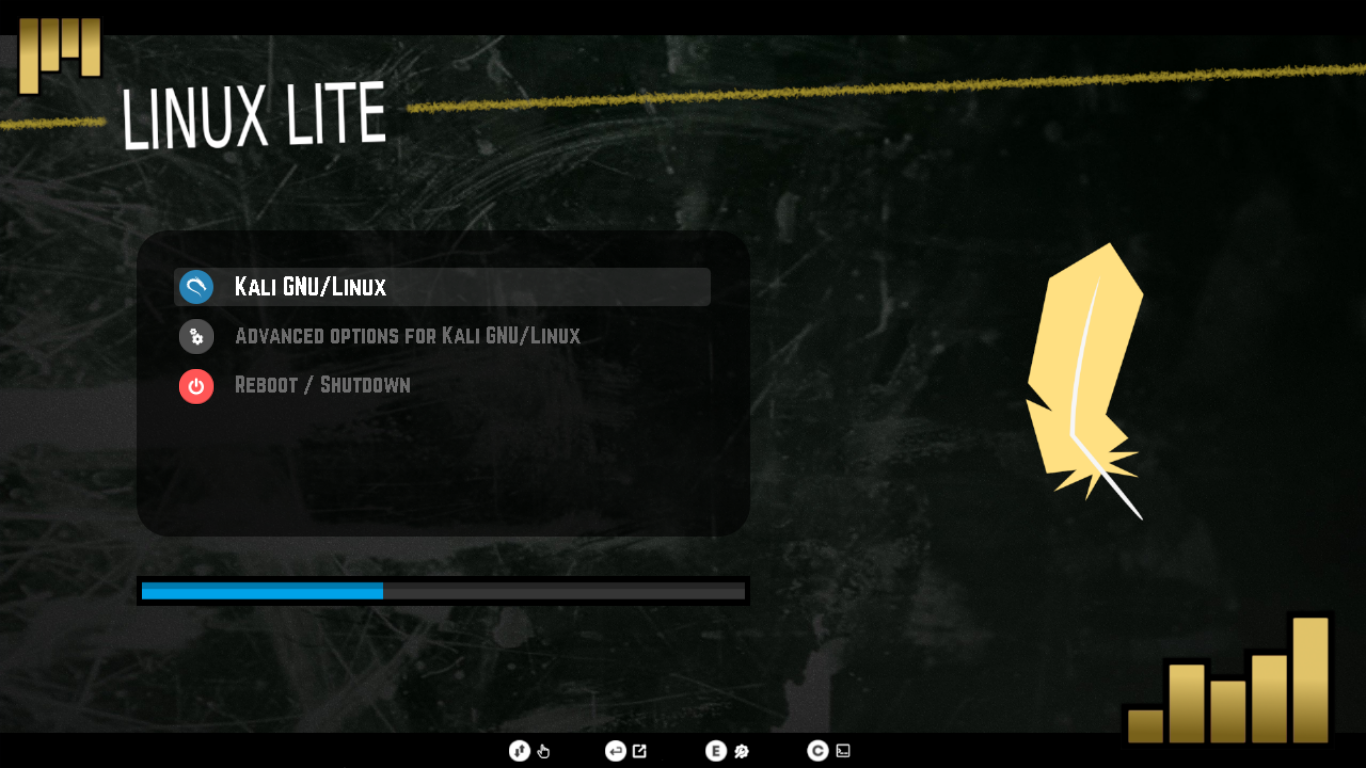|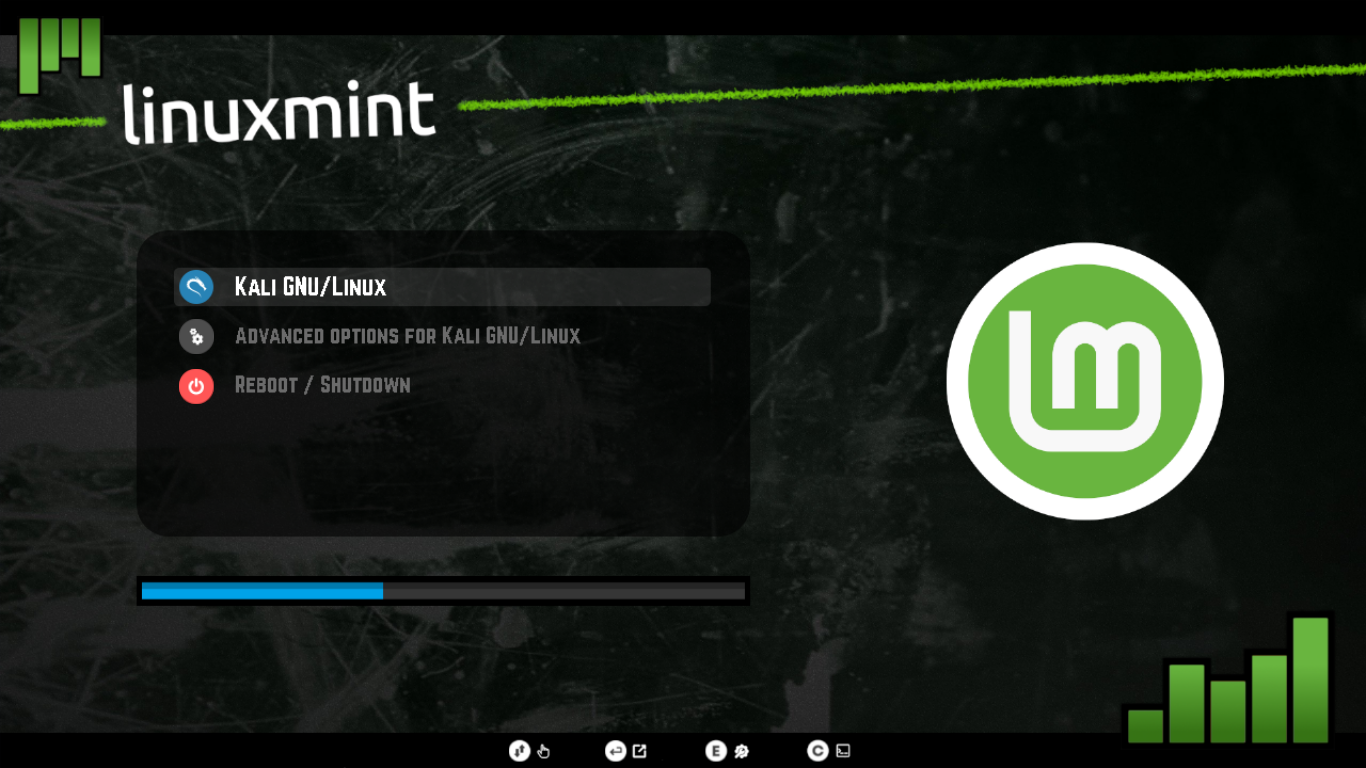|
|**Linux**|**Linux Lite**|**Linux Mint**|
|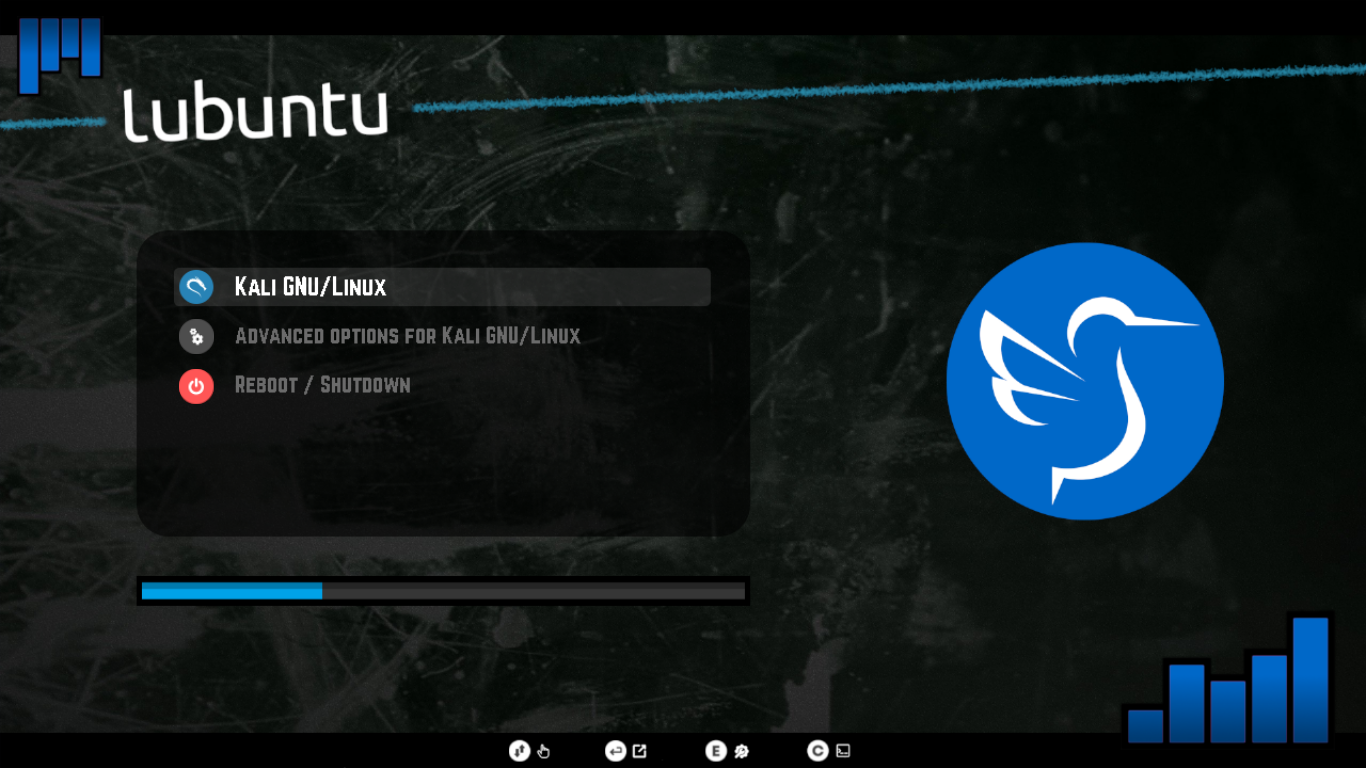|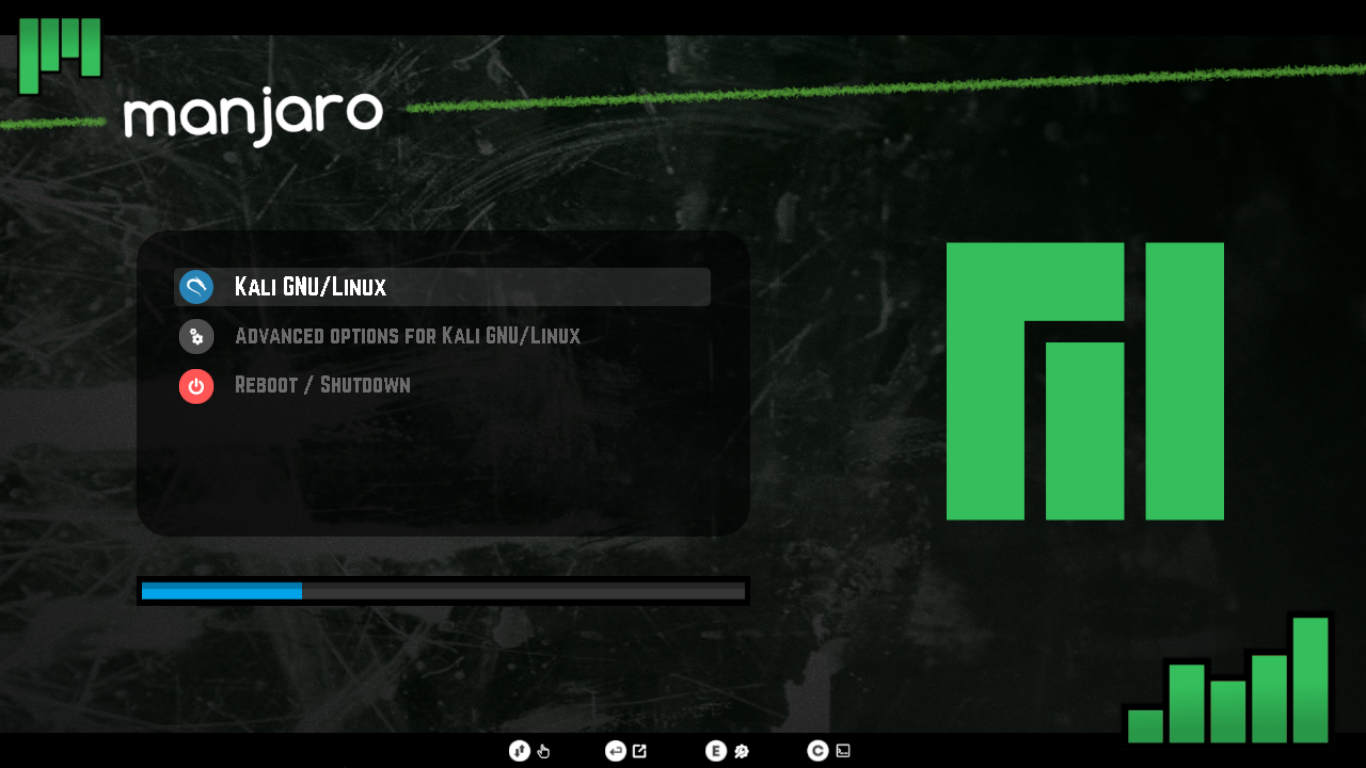|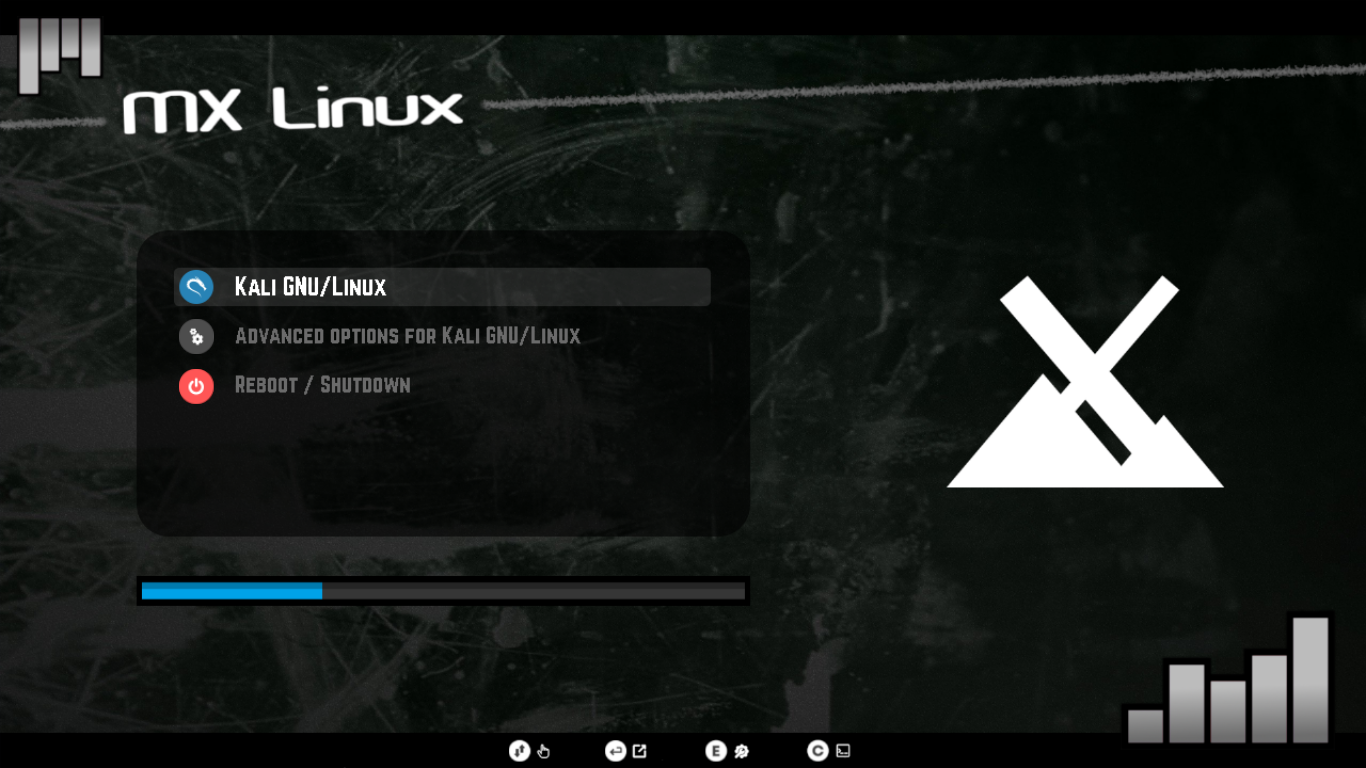|
|**Lubuntu**|**Manjaro**|**MX Linux**|
|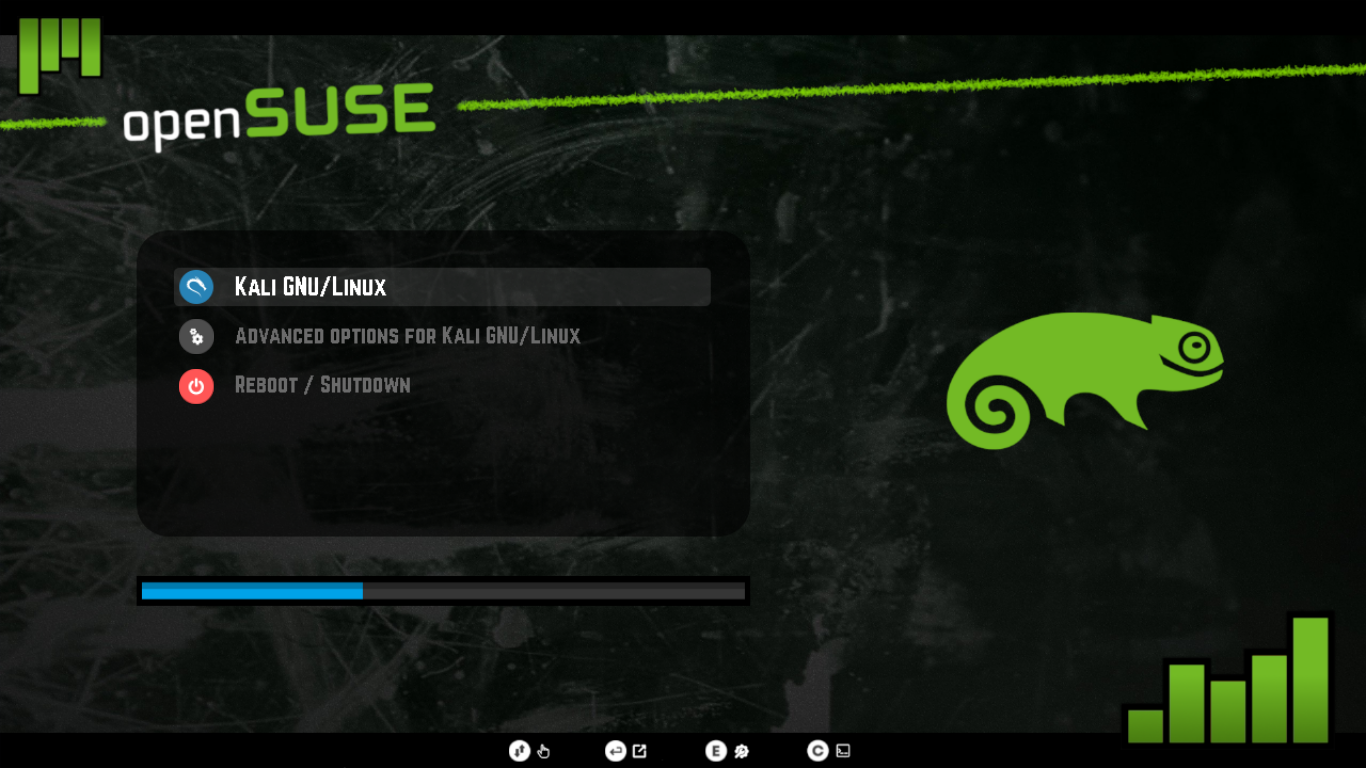|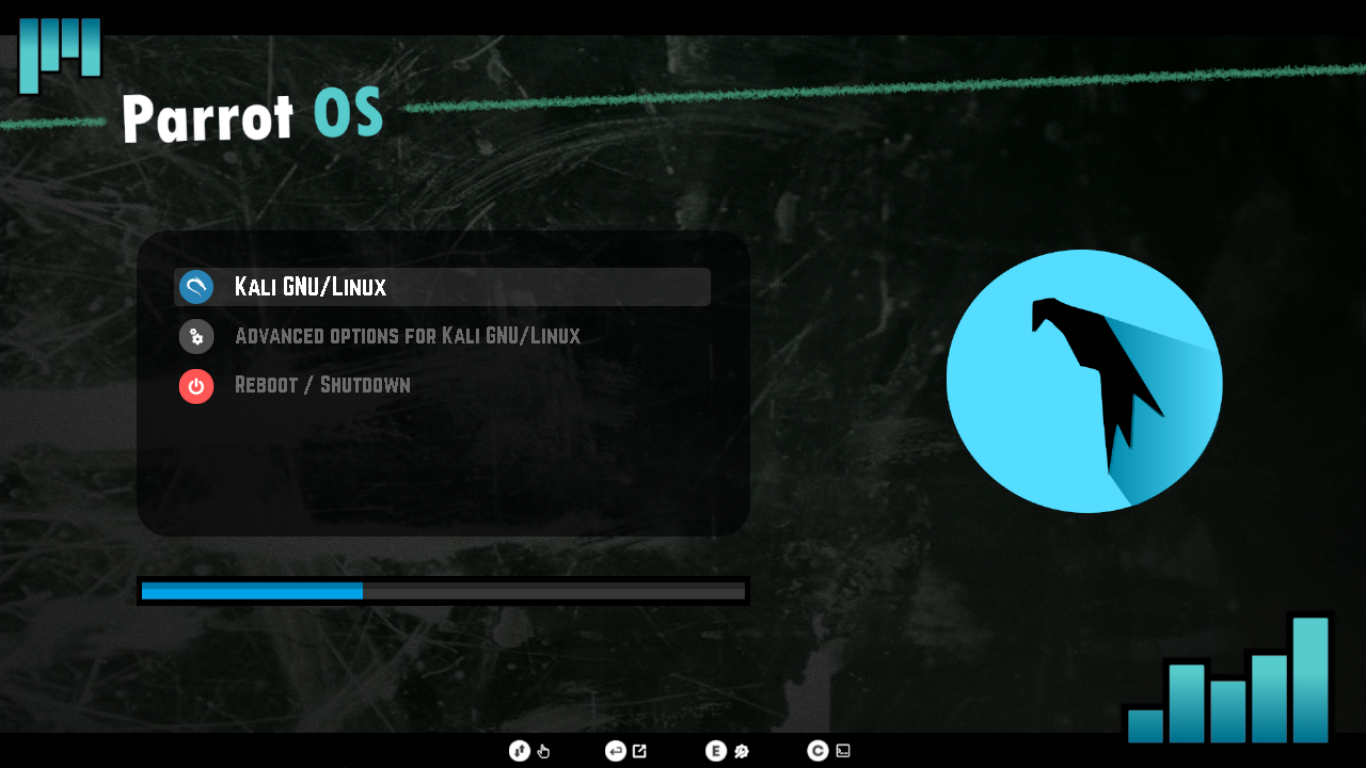|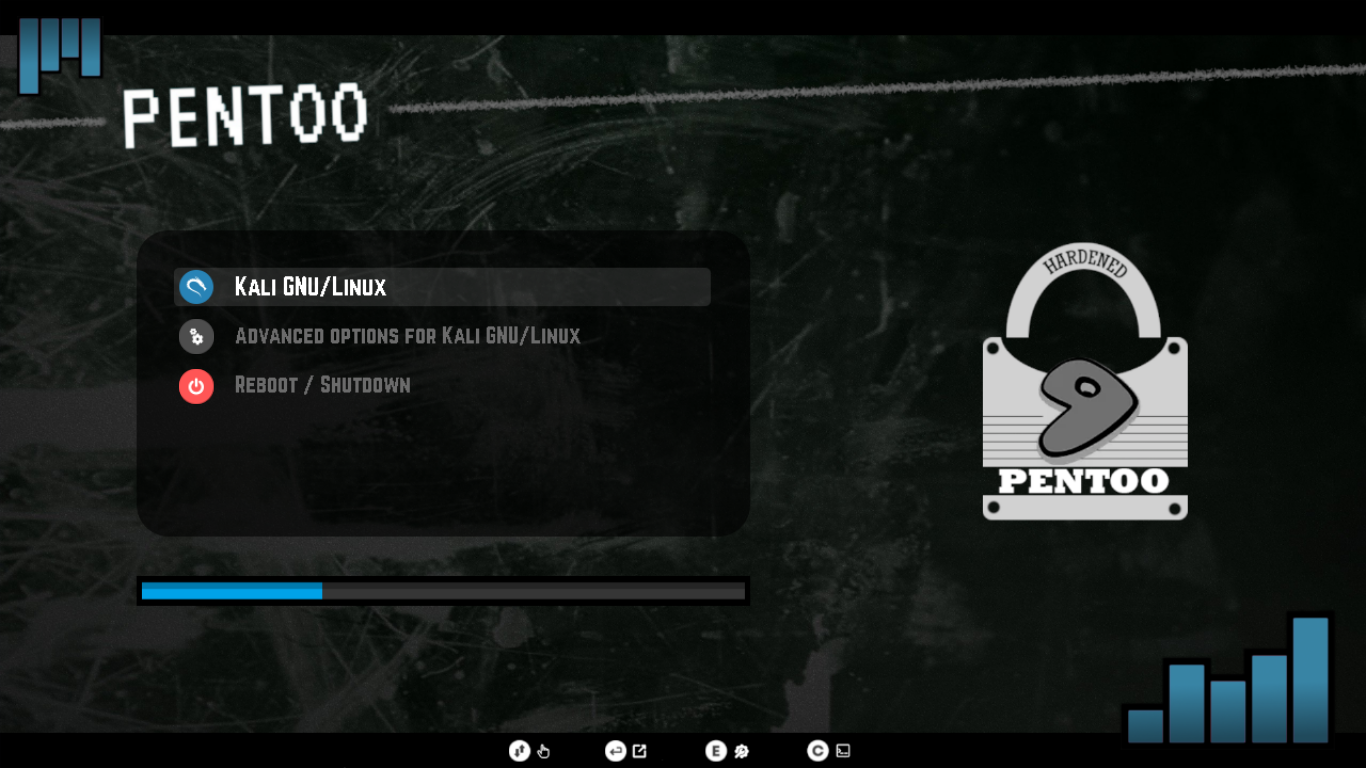|
|**OpenSUSE**|**Parrot OS**|**Pentoo**|
|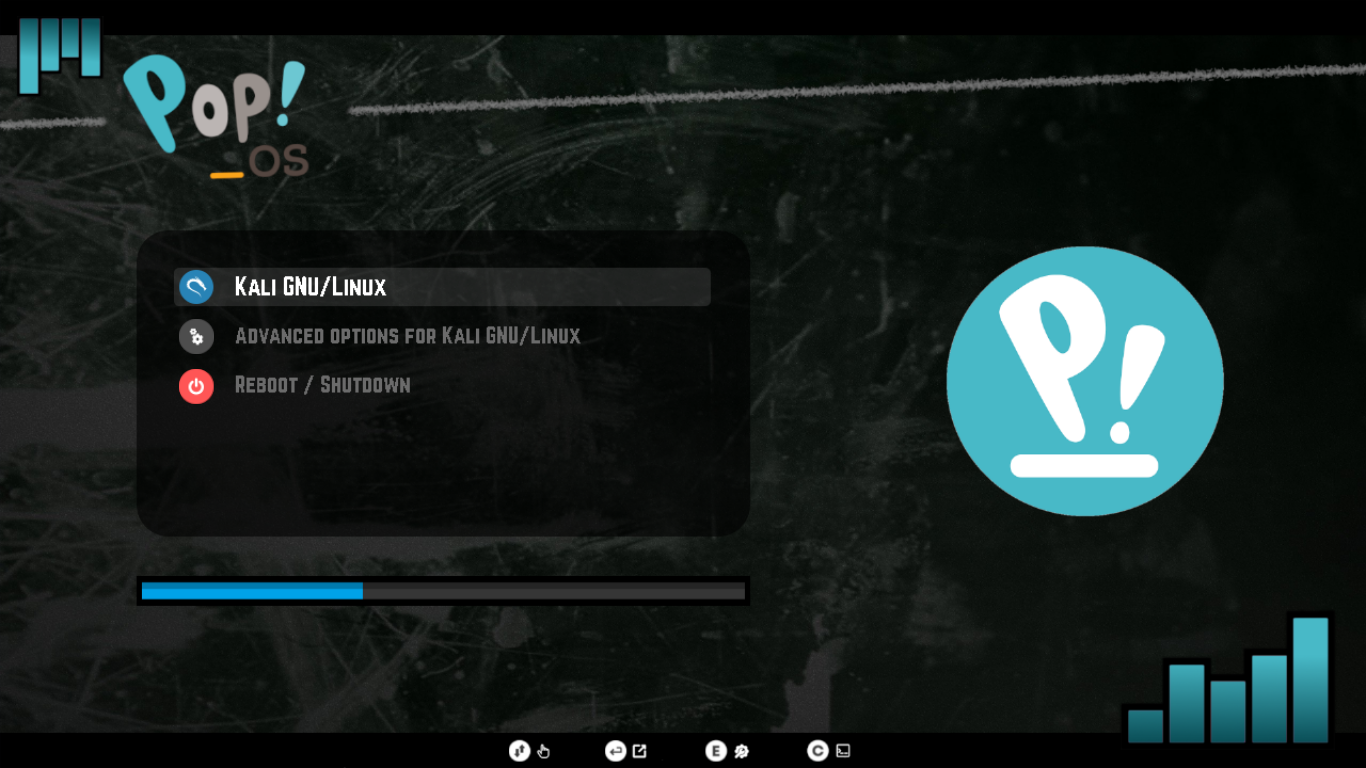|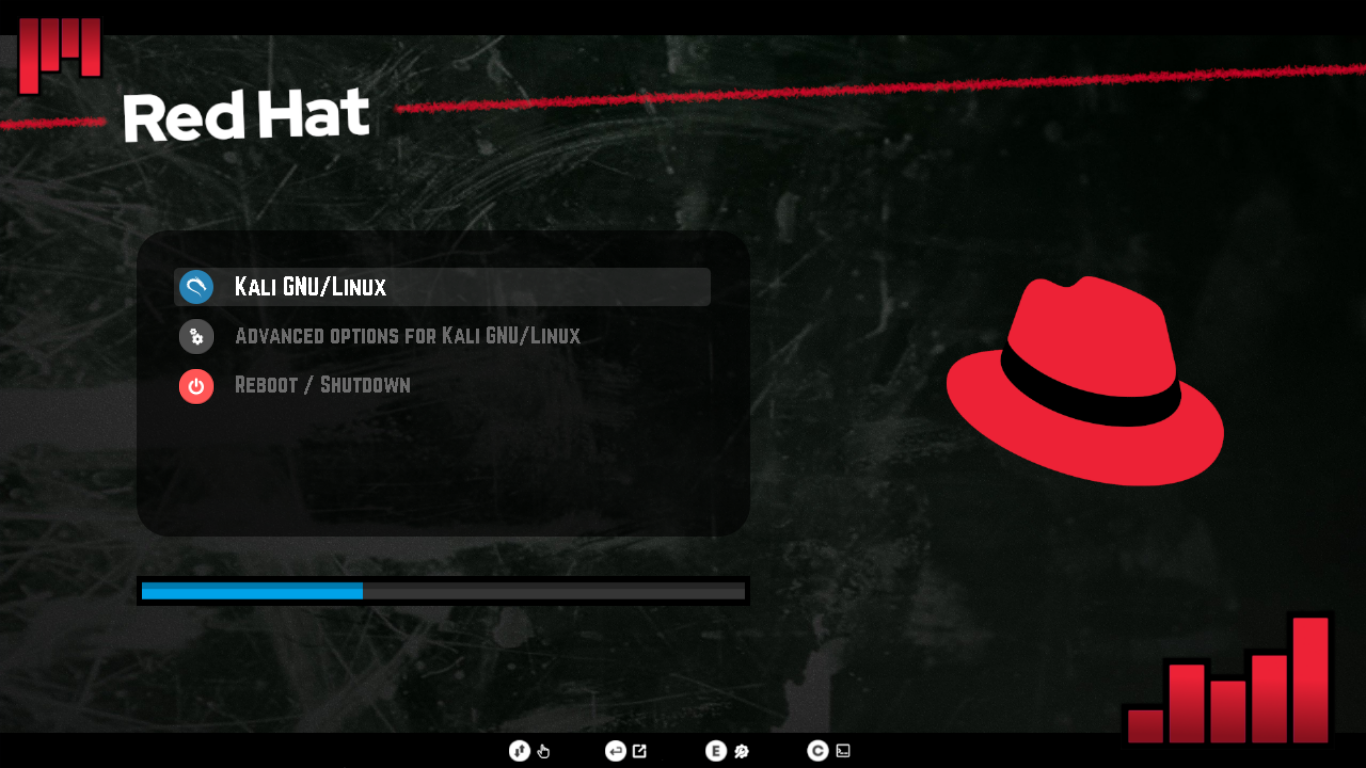|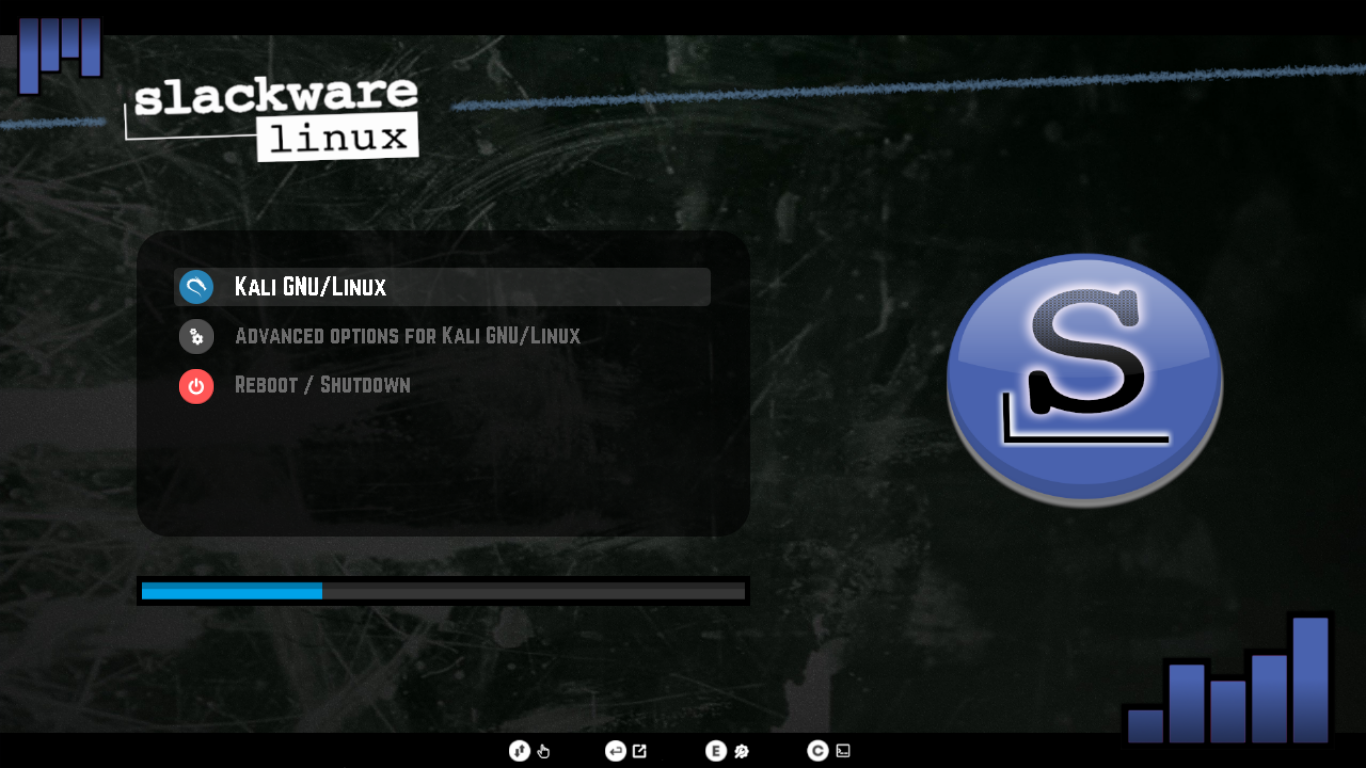|
|**PopOS**|**Red Hat**|**Slackware**|
|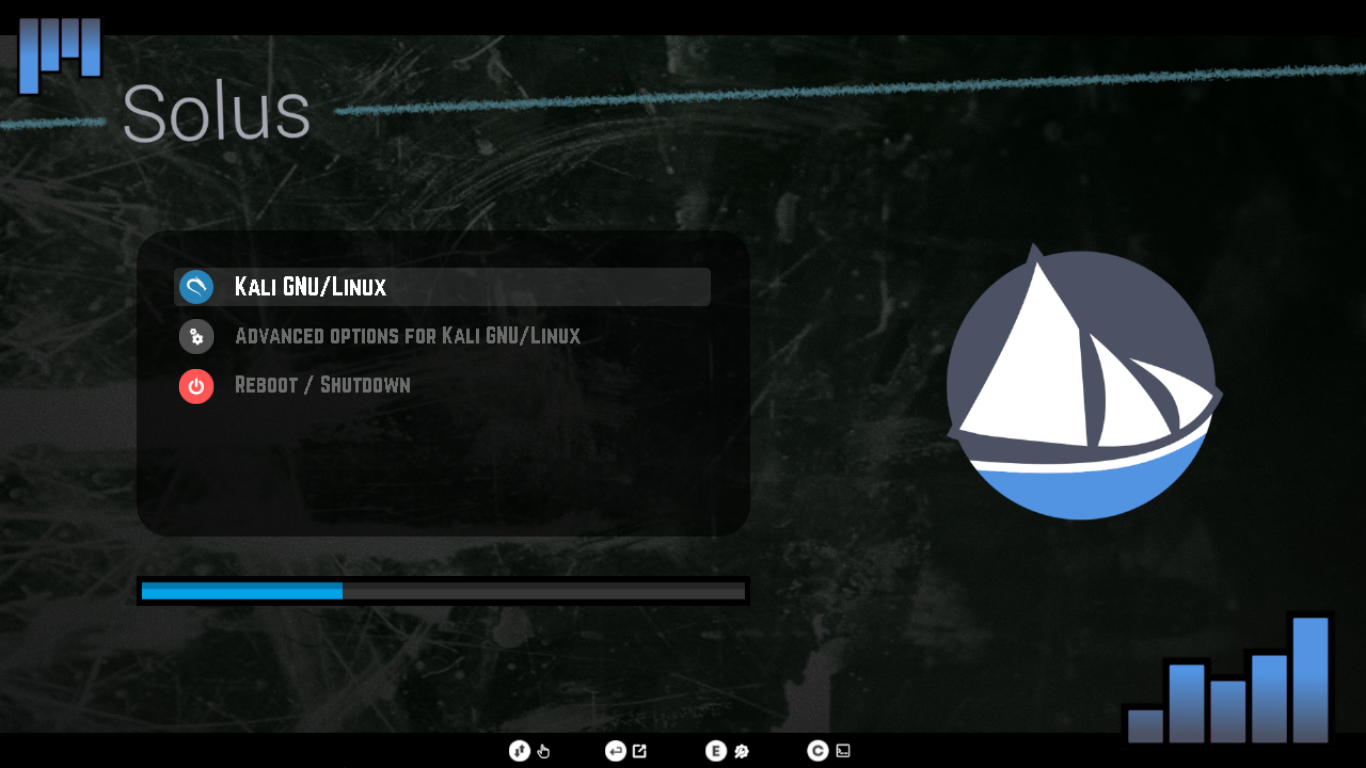|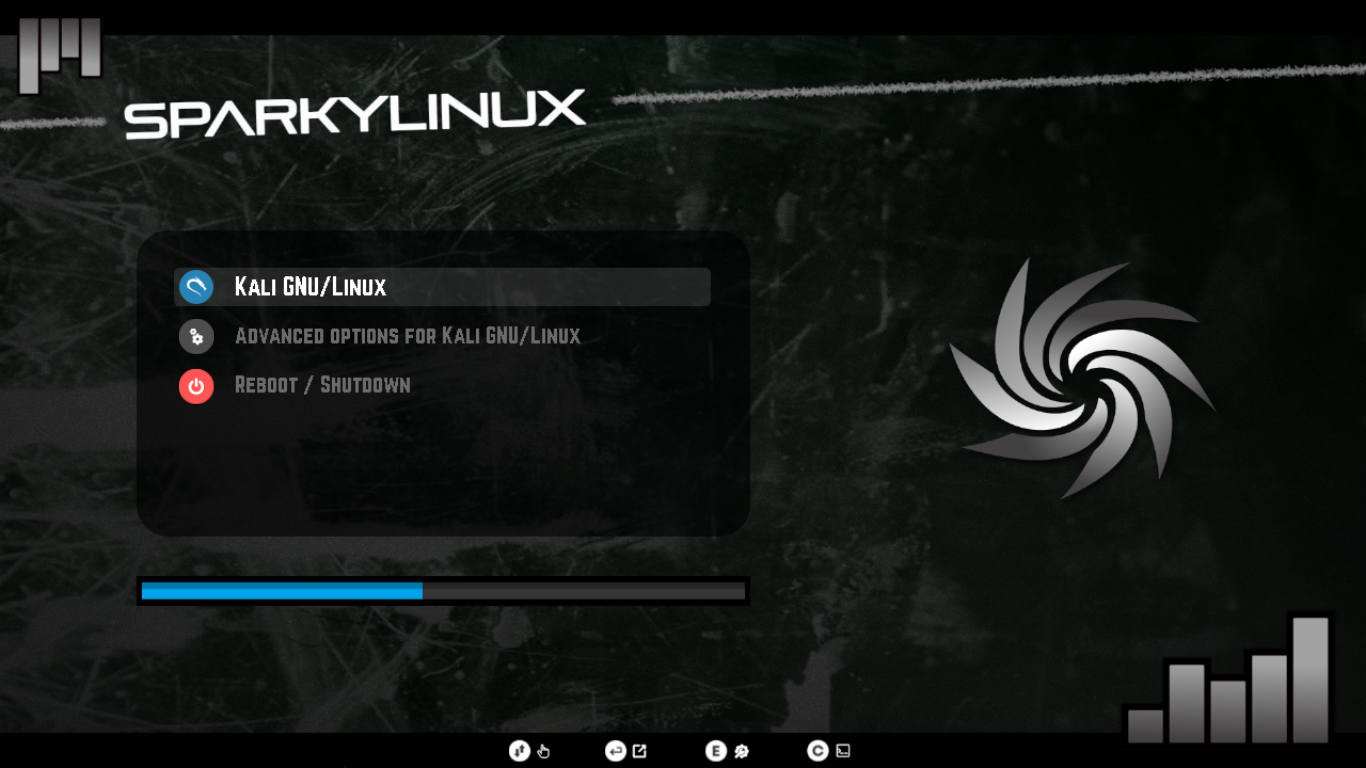|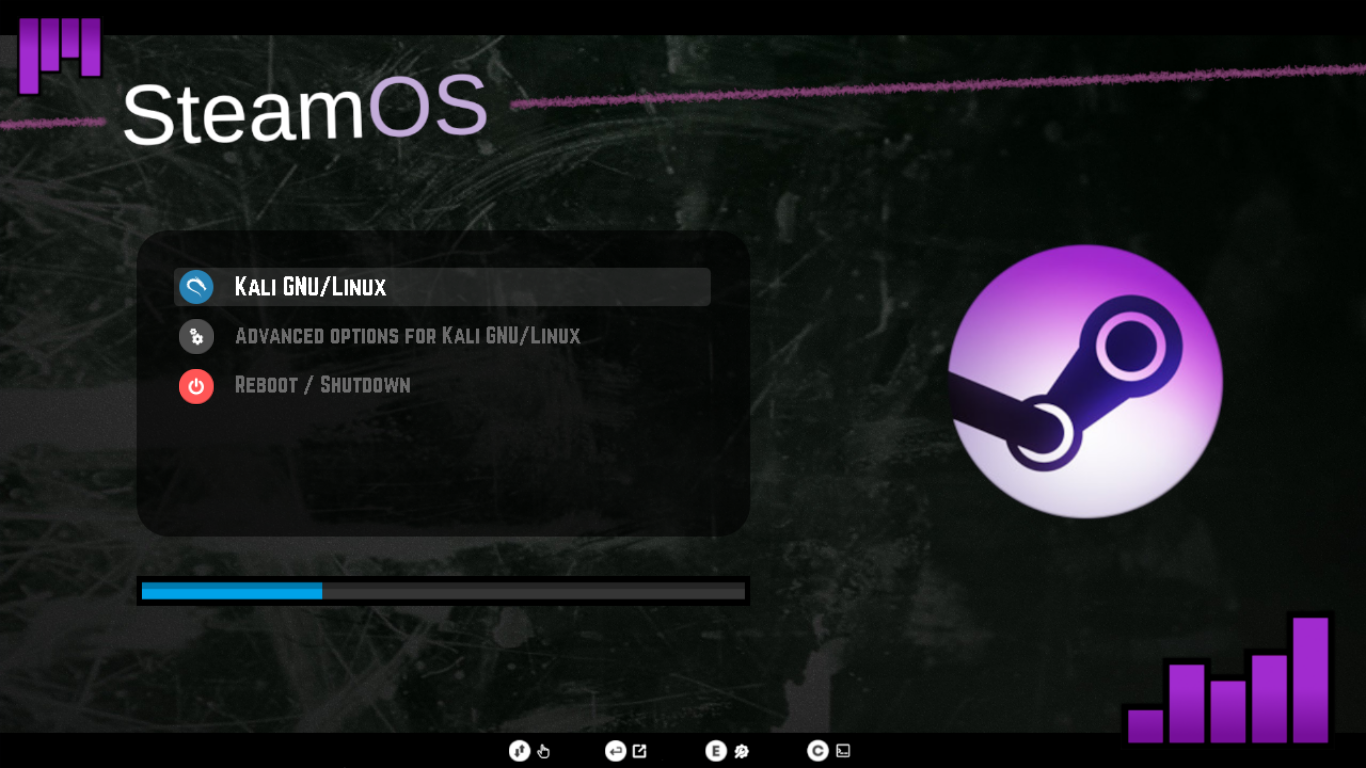|
|**Solus**|**Sparky Linux**|**SteamOS**|
|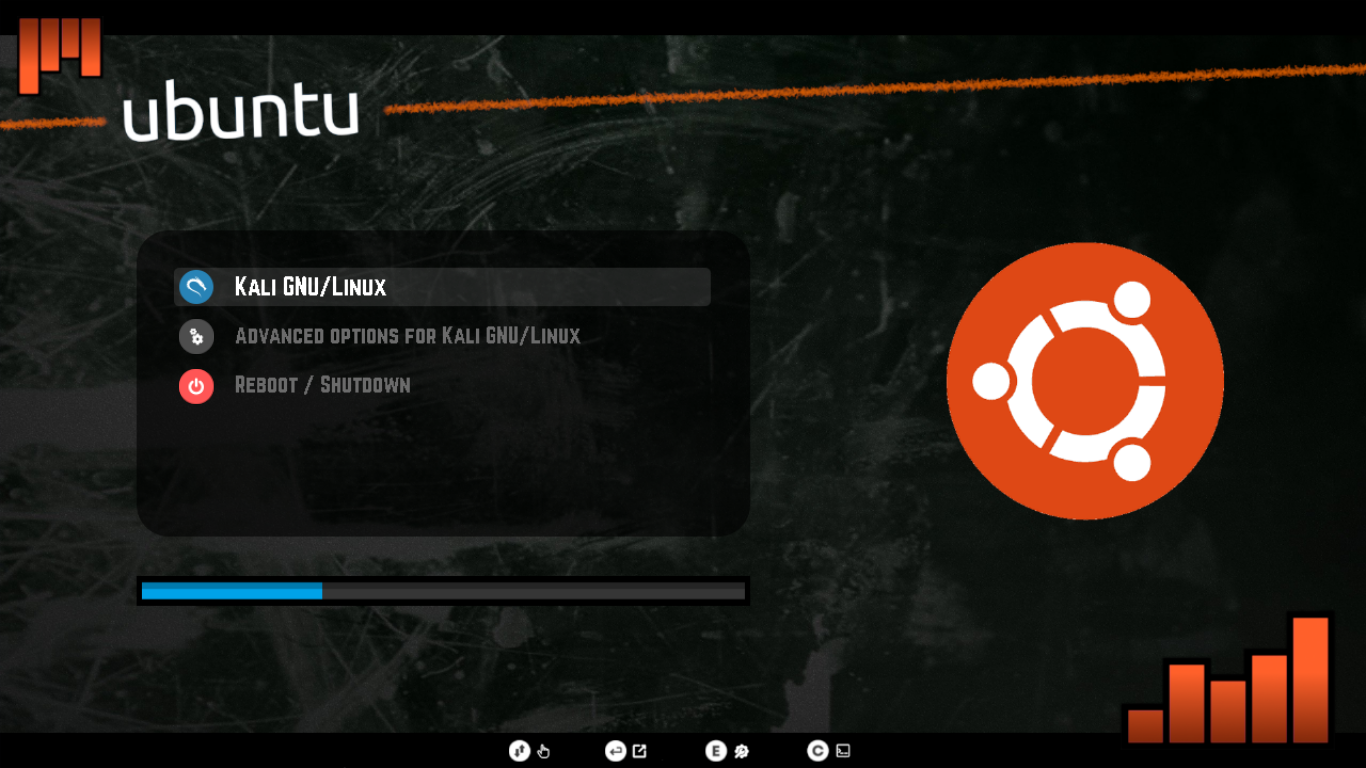|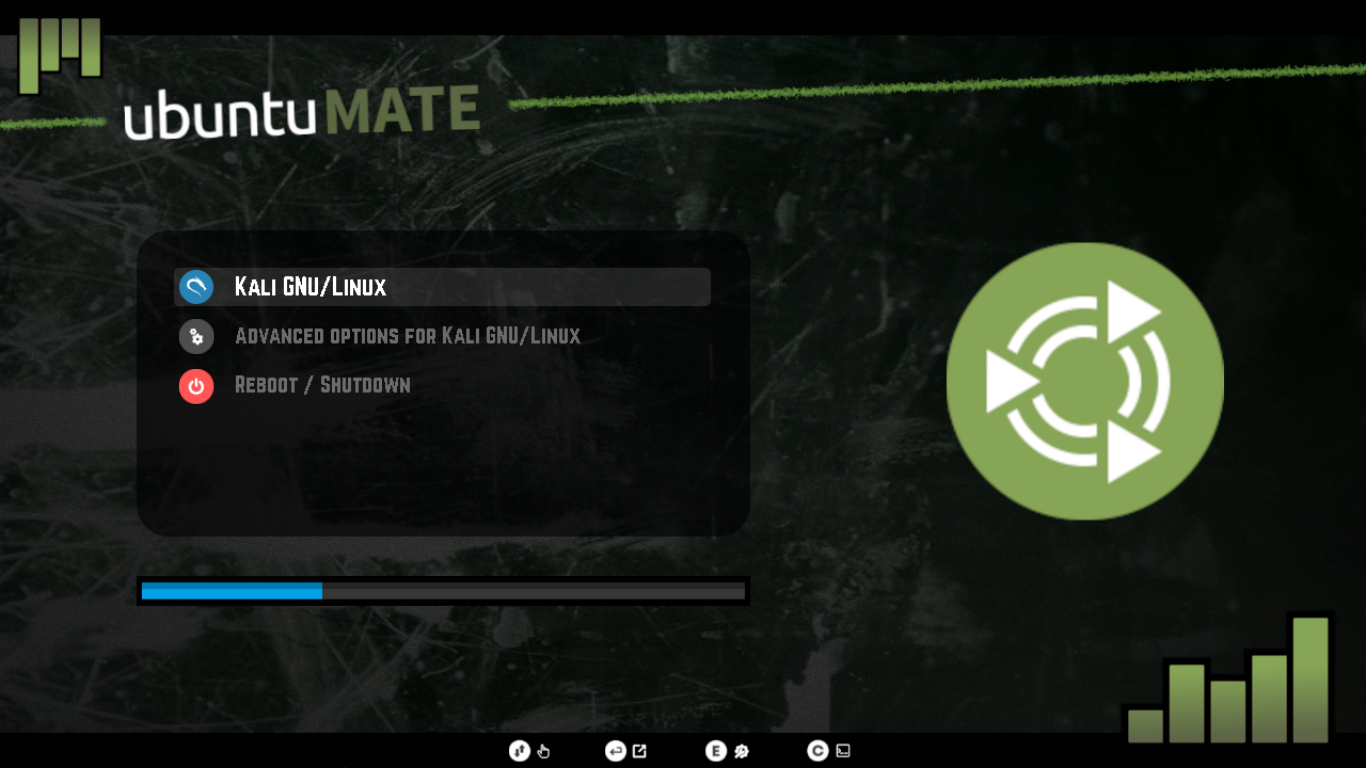|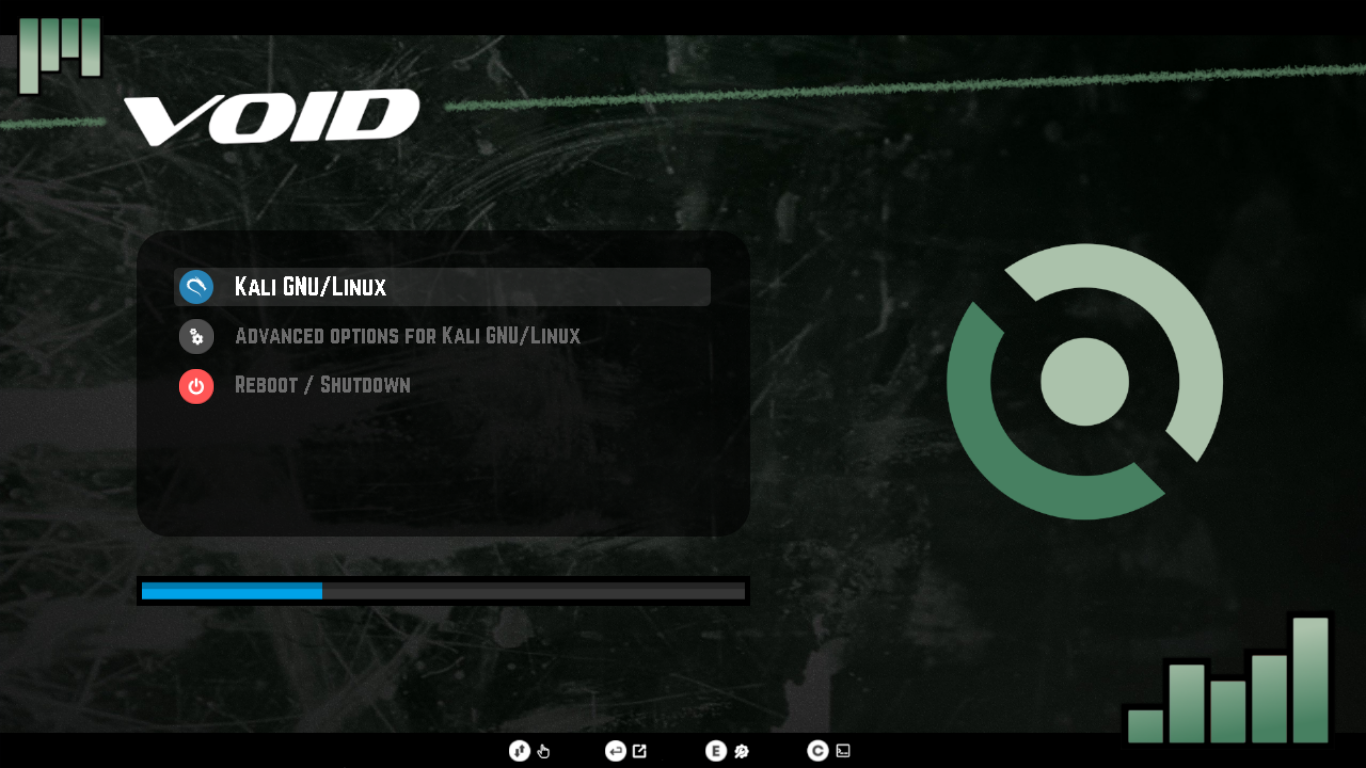|
|**Ubuntu**|**Ubuntu Mate**|**Void Linux**|
|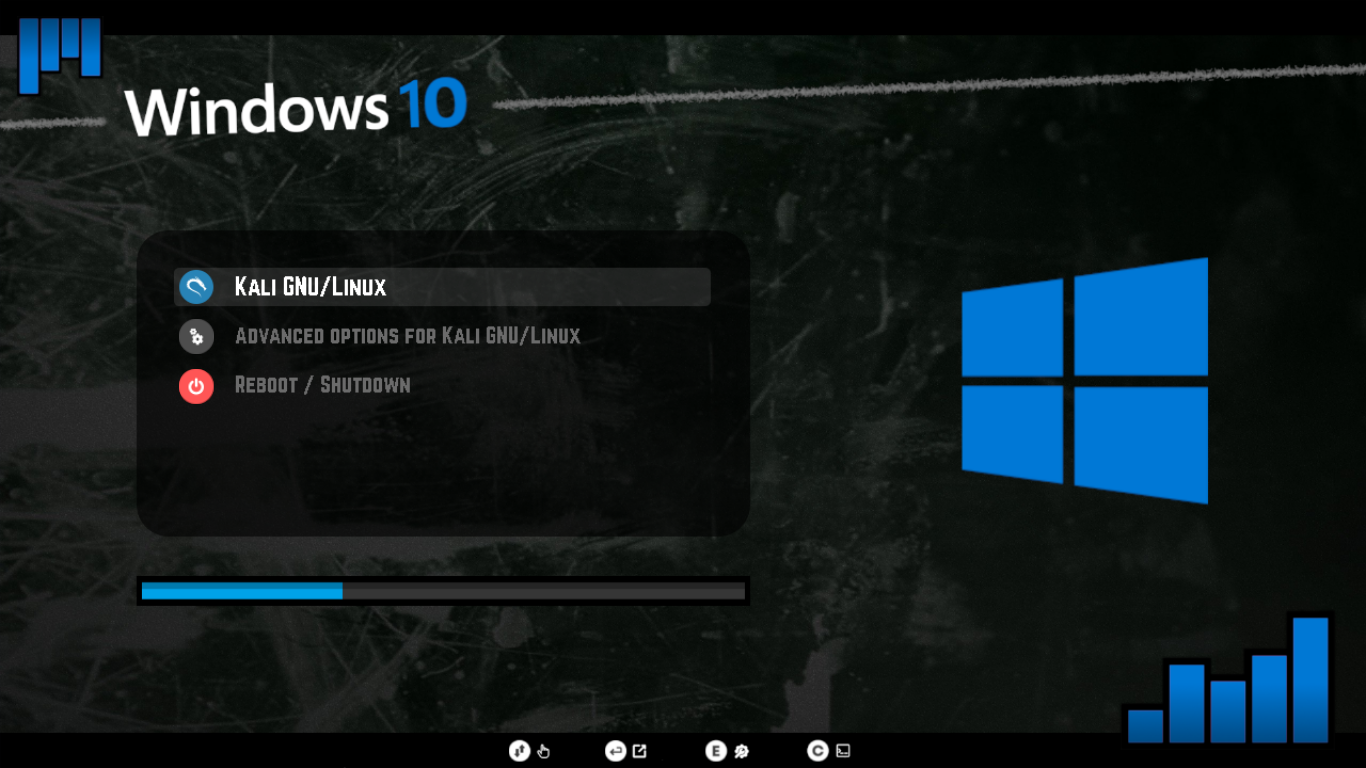|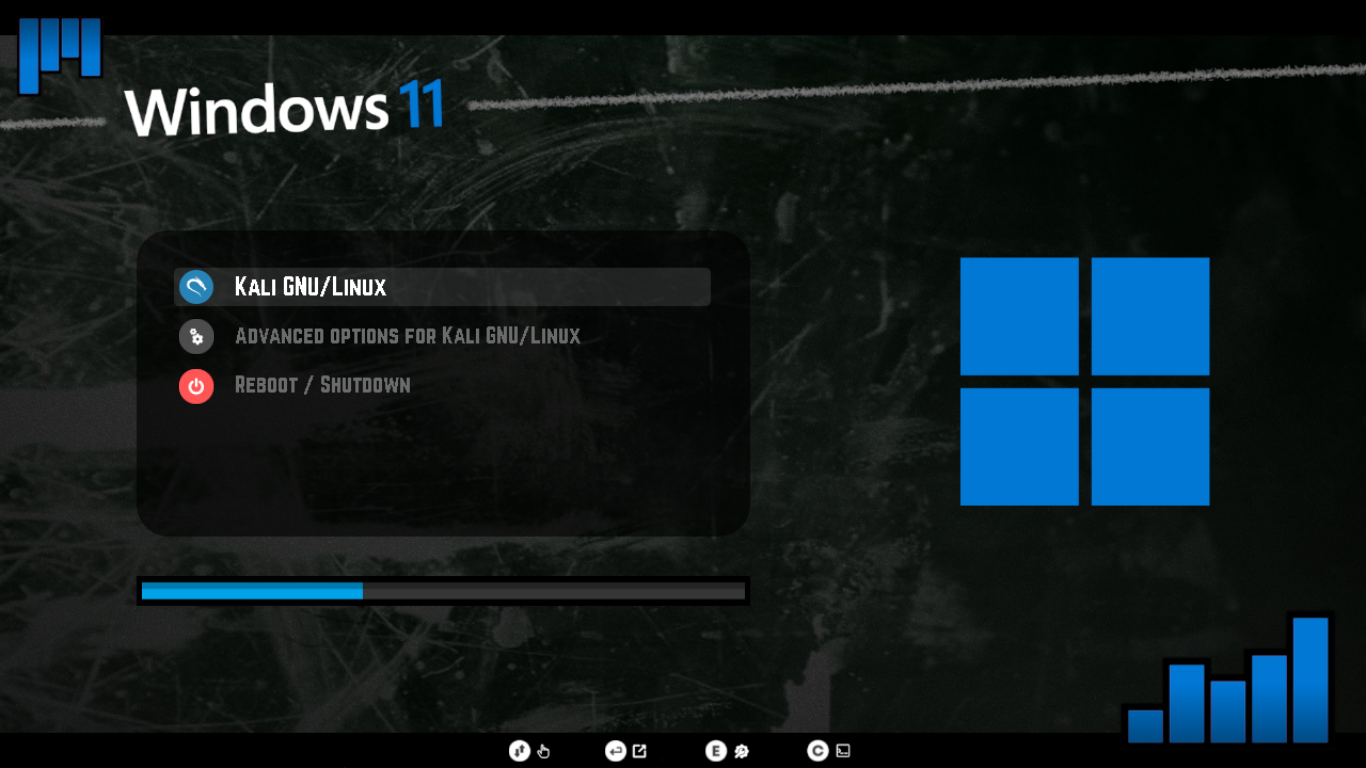|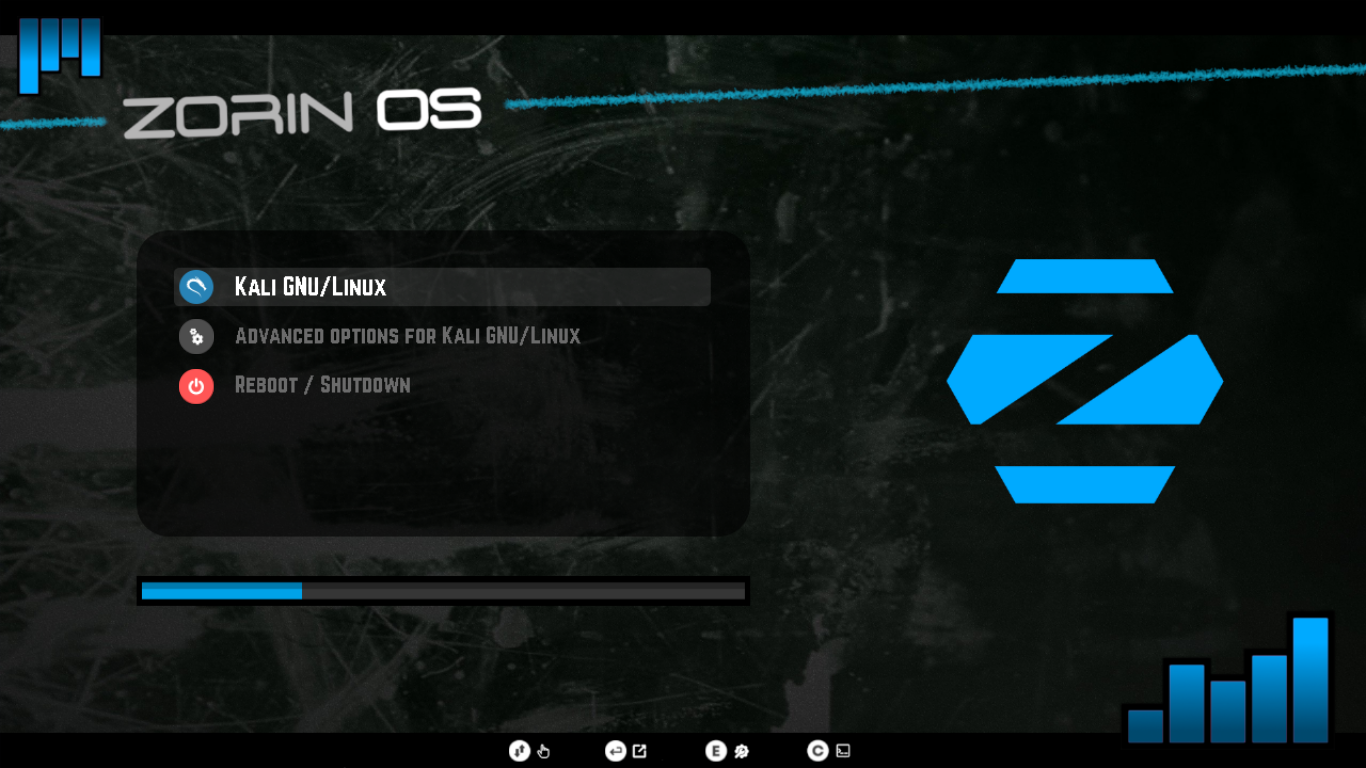|
|**Windows 10**|**Windows 11**|**Zorin OS**|
|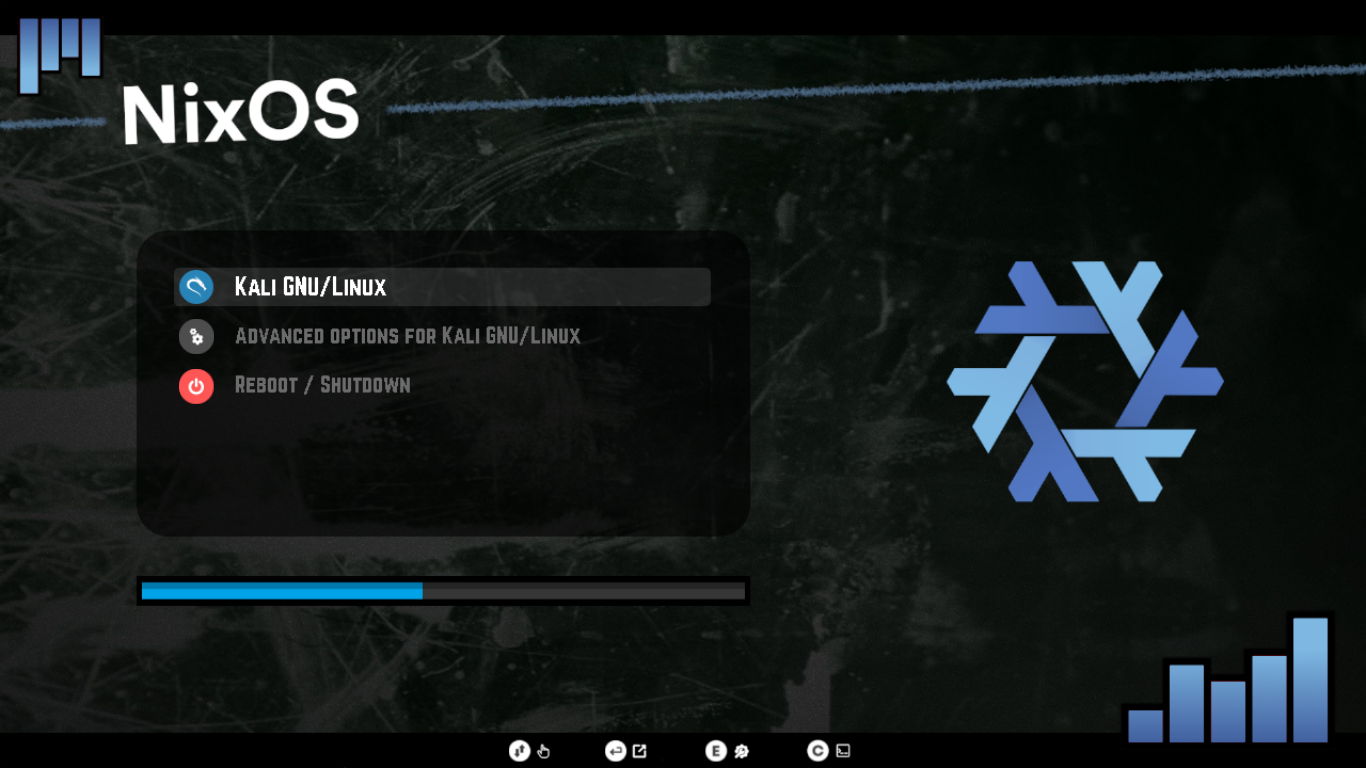|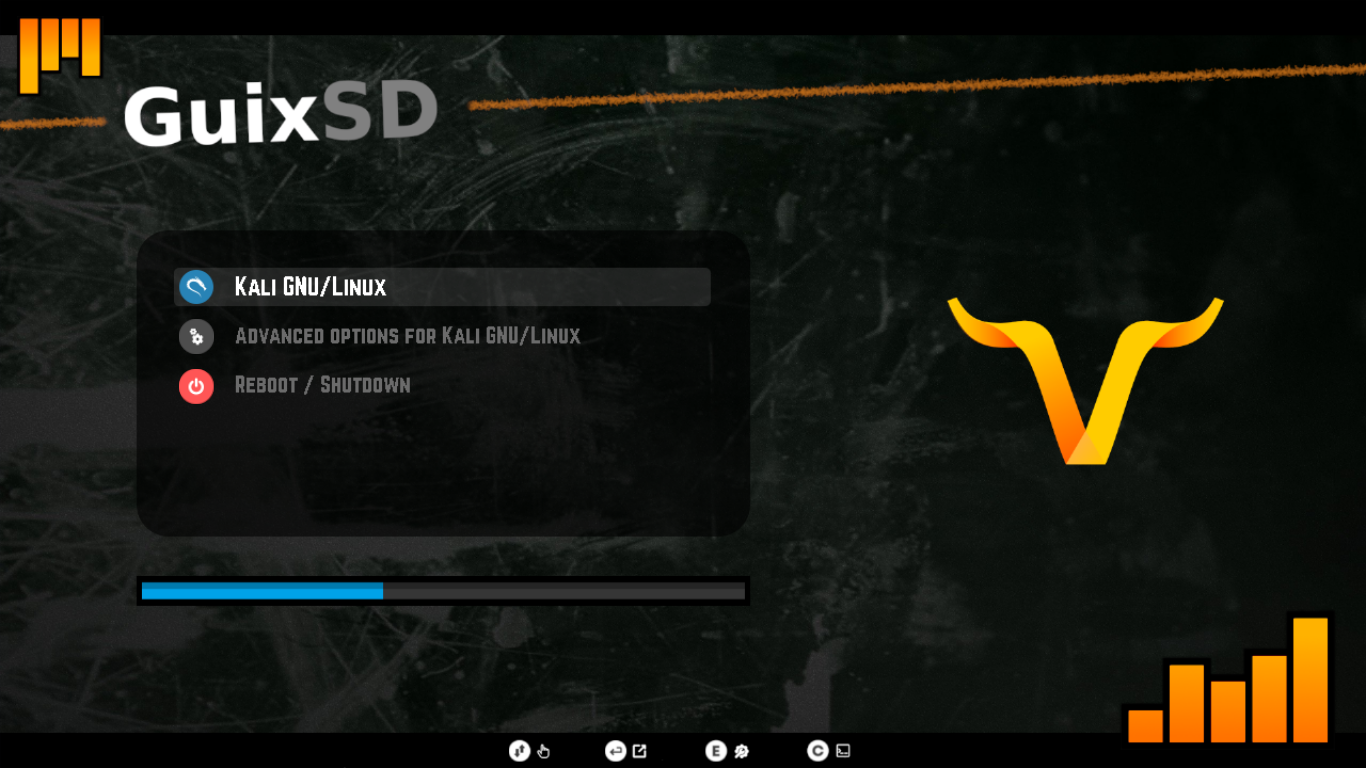|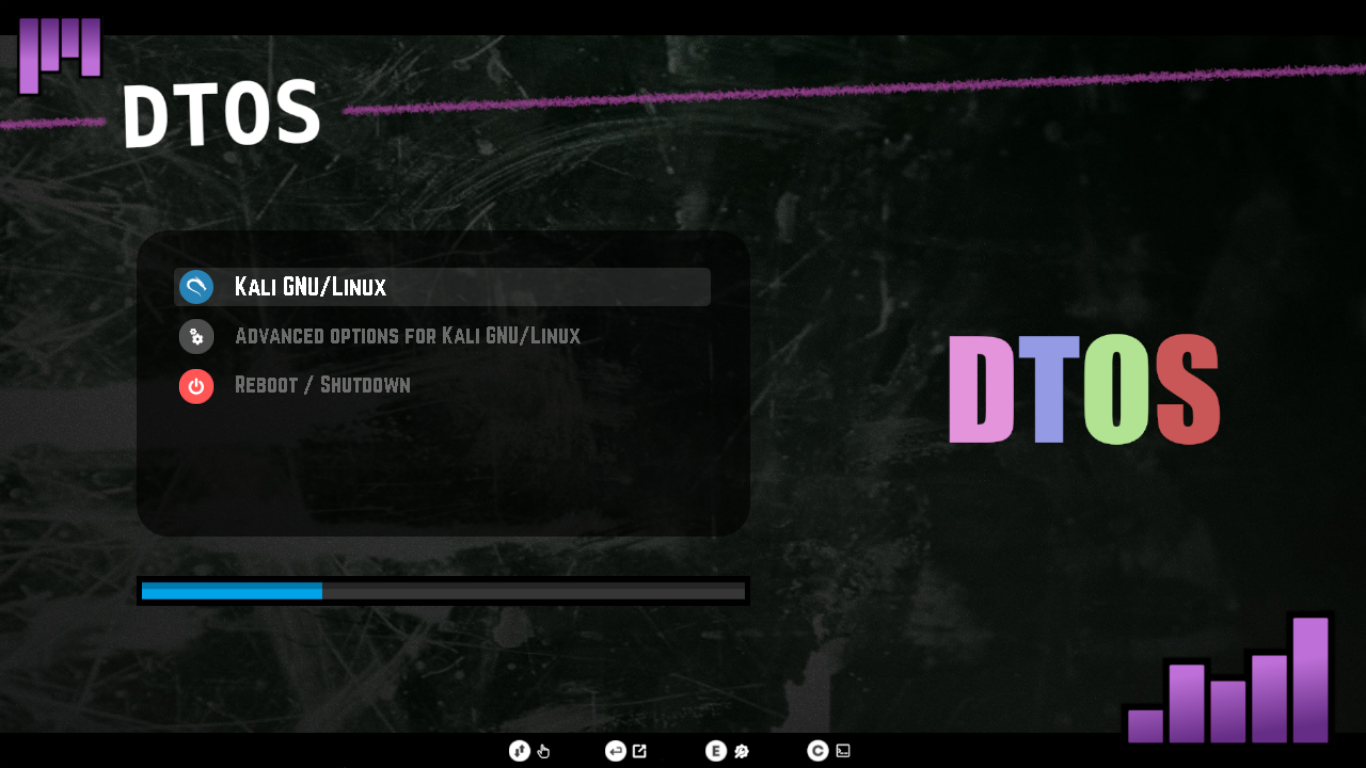|
|**NixOS**|**GuixSD**|**DTOS**|
|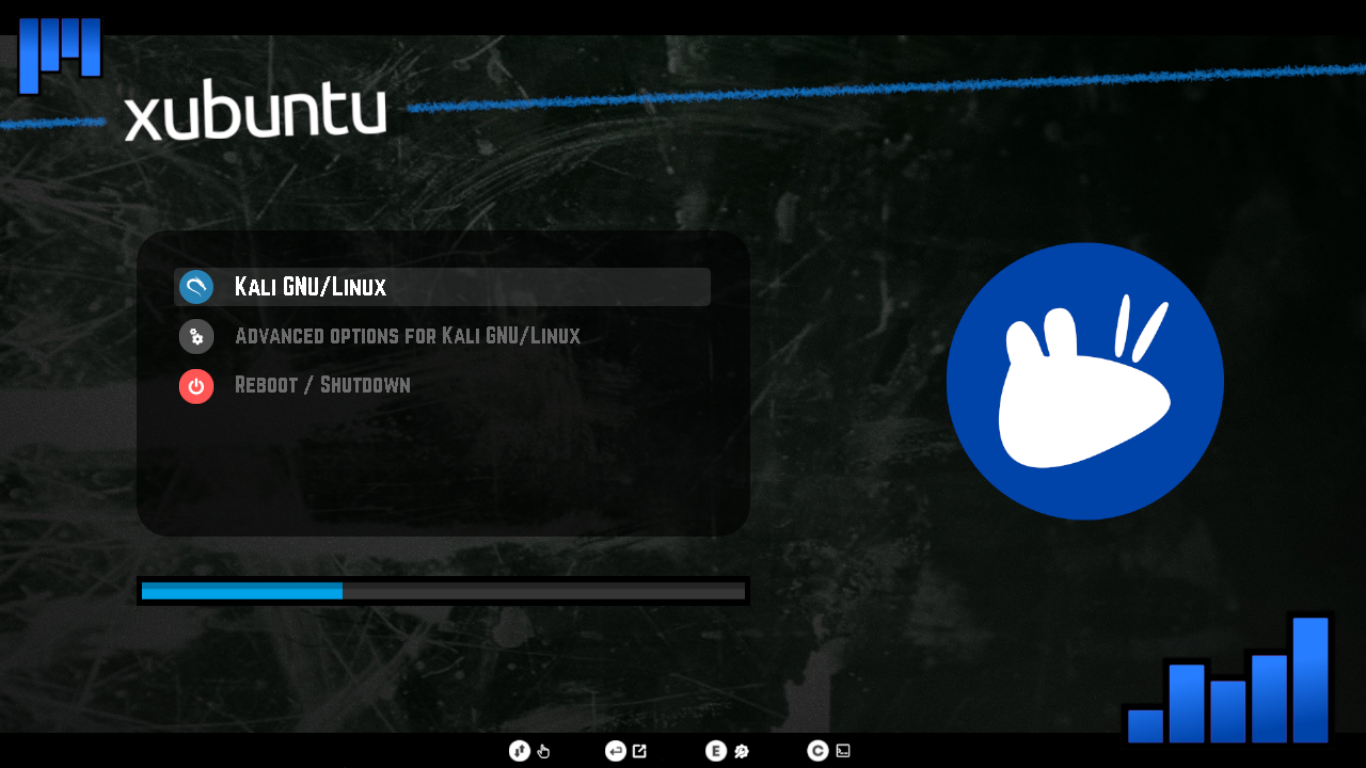|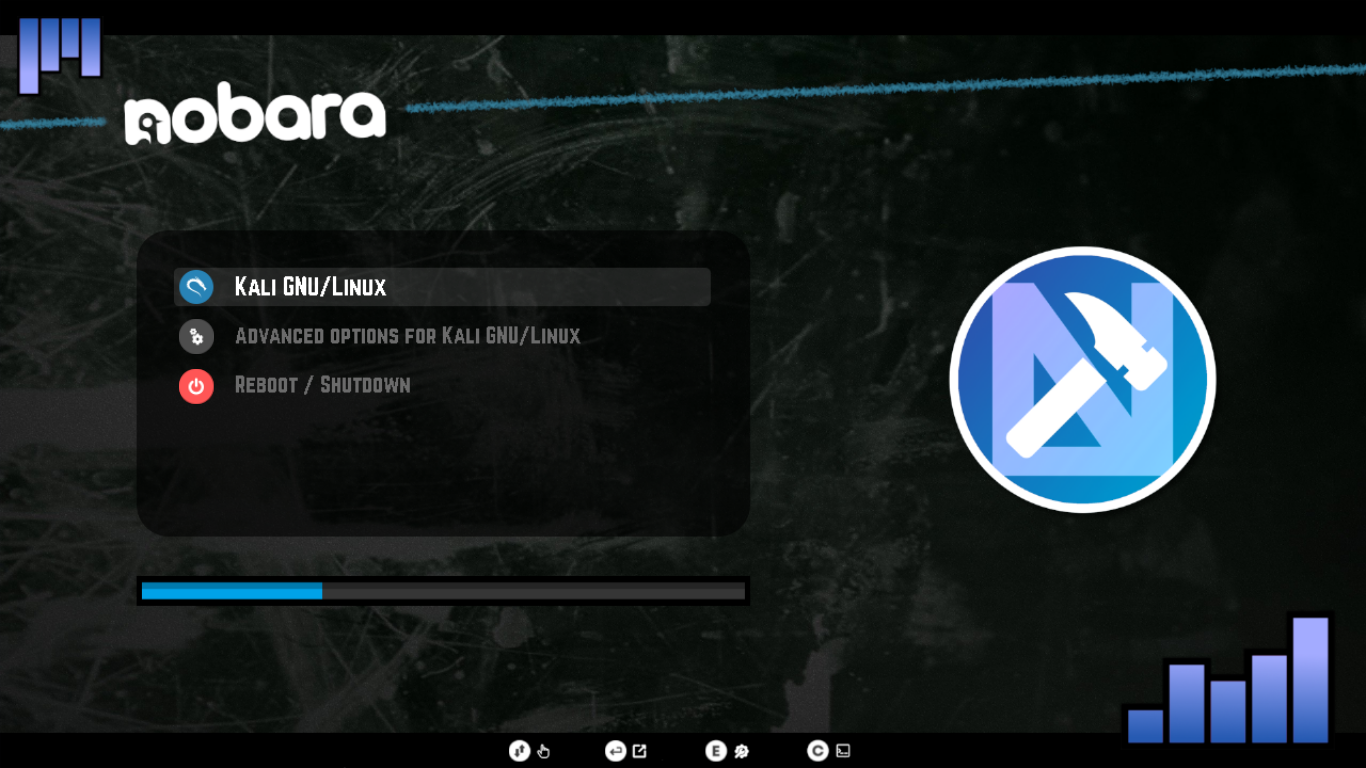|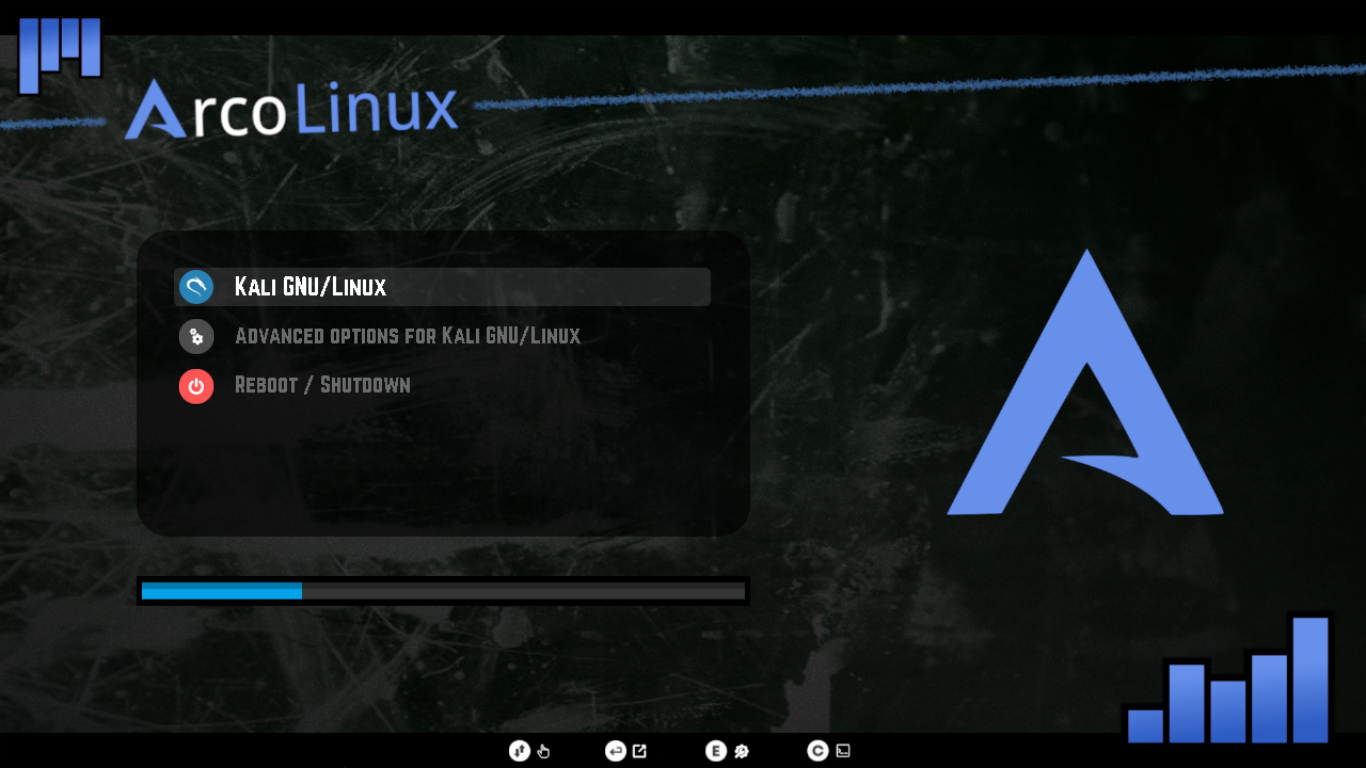|![ArcoLinux]
|**Xubuntu**|**Nobara**|**ArcoLinux**|
|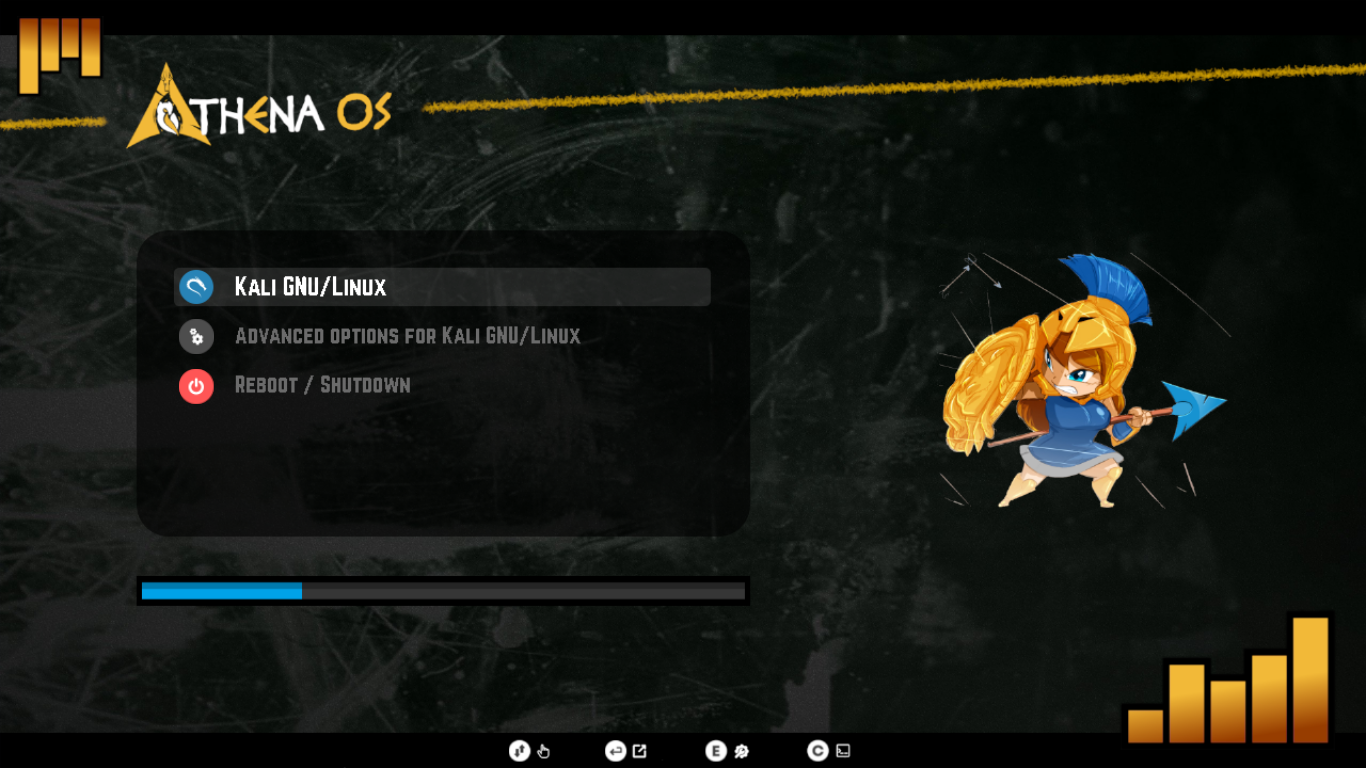|||![PLACEHOLDER]
|**AthenaOS**|**PLACEHOLDER**|**PLACEHOLDER**|