# EndeavourOS-iso-next
**Repository Path**: gaoshann/EndeavourOS-iso-next
## Basic Information
- **Project Name**: EndeavourOS-iso-next
- **Description**: No description available
- **Primary Language**: Unknown
- **License**: GPL-3.0
- **Default Branch**: 08-2021
- **Homepage**: None
- **GVP Project**: No
## Statistics
- **Stars**: 0
- **Forks**: 0
- **Created**: 2021-11-14
- **Last Updated**: 2021-11-14
## Categories & Tags
**Categories**: Uncategorized
**Tags**: None
## README
## EndeavourOS-iso-next
[]()
Developer: [joekamprad](https://github.com/killajoe), [manuel](https://github.com/manuel-192) and our beloved community.
Initial Developer: [fernandomaroto](https://github.com/Portergos)
More info: [EndeavourOS-GitHub-Development](https://endeavouros-team.github.io/EndeavourOS-Development/)
## This ISO is based on Arch-ISO modified hugely to provide Installation Environment for EndeavourOS.
https://endeavouros.com
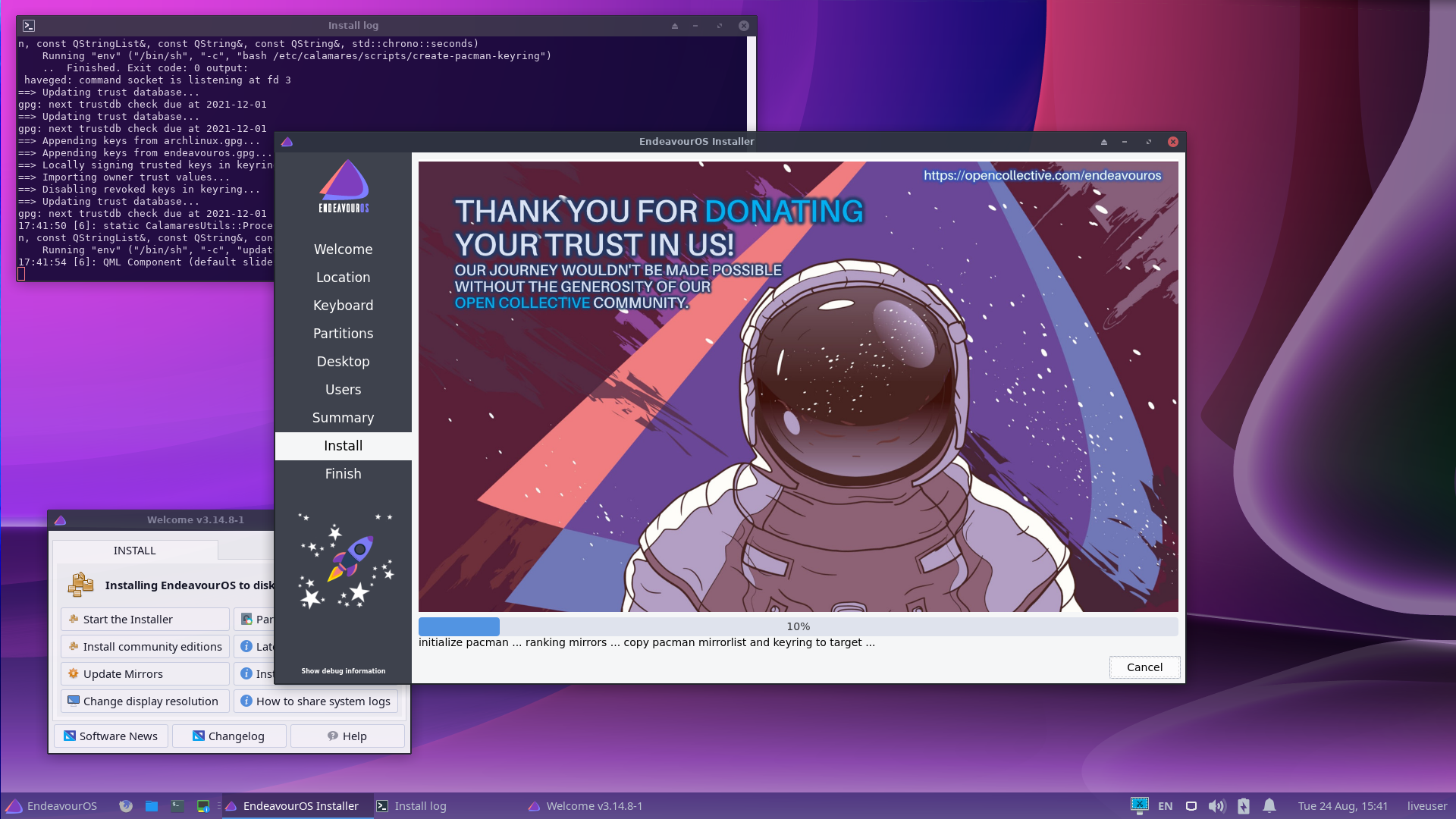 EndeavourOS-archiso Sources:
https://github.com/endeavouros-team/EndeavourOS-iso-next
Arch-ISO Source:
https://gitlab.archlinux.org/archlinux/archiso
Live environment on XFCE4-Desktop with calamares as your installer:
https://github.com/calamares/calamares
Bugs can be reported here:
https://forum.endeavouros.com/c/Arch-based-related-questions/bug-reports
Getting help at the forum: https://forum.endeavouros.com
Help-Chat is available on telegram: https://t.me/Endeavouros
News at reddit: https://www.reddit.com/r/EndeavourOS
News at twitter: https://twitter.com/OsEndeavour
Our journey wouldn't be made possible without the generosity of our open collective community:
https://opencollective.com/endeavouros
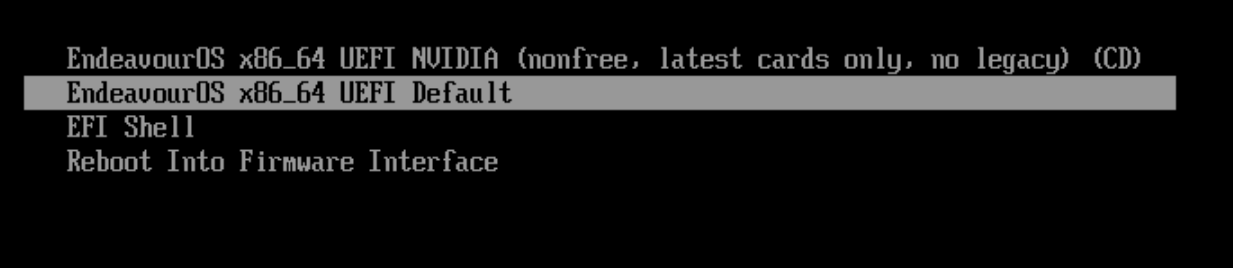
Systemd-boot for UEFI systems:
EndeavourOS-archiso Sources:
https://github.com/endeavouros-team/EndeavourOS-iso-next
Arch-ISO Source:
https://gitlab.archlinux.org/archlinux/archiso
Live environment on XFCE4-Desktop with calamares as your installer:
https://github.com/calamares/calamares
Bugs can be reported here:
https://forum.endeavouros.com/c/Arch-based-related-questions/bug-reports
Getting help at the forum: https://forum.endeavouros.com
Help-Chat is available on telegram: https://t.me/Endeavouros
News at reddit: https://www.reddit.com/r/EndeavourOS
News at twitter: https://twitter.com/OsEndeavour
Our journey wouldn't be made possible without the generosity of our open collective community:
https://opencollective.com/endeavouros
Systemd-boot for UEFI systems:
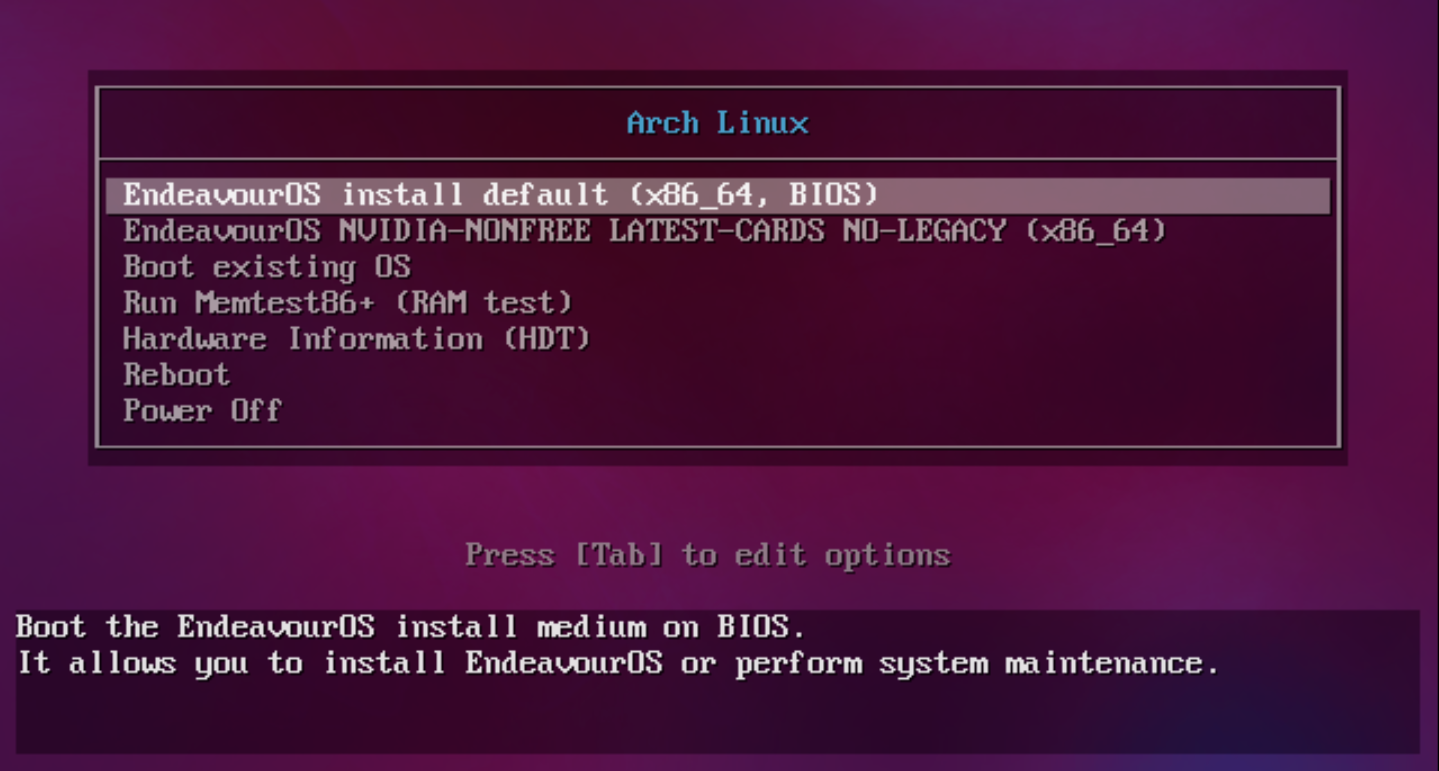
 Bios-boot for legacy systems:
 ## How to build ISO:
To build you need to use installed EndeavourOS system or any archbased system with EndeavourOS repository enabled.
https://github.com/endeavouros-team/mirrors
## Install necessary packages
`sudo pacman -S archiso mkinitcpio-archiso git squashfs-tools --needed`
Clone:\
`git clone -b 08-2021 --single-branch https://github.com/endeavouros-team/EndeavourOS-iso-next.git`
`cd EndeavourOS-iso-next`
## Run fix permissions script
`sudo ./fix_permissions.sh`
## Build
`sudo ./mkarchiso /path/to/profile`
path is where you clone the ISO structure...
## The iso appears at `out` folder
to install locally builded packages on ISO:
you can do so like that putting the packages inside ISO-next/airootfs/root/ and use this lines:
`pacman -U --noconfirm /root/calamares_current-3.2.41.1-5-any.pkg.tar.zst`
`rm /root/calamares_current-3.2.41.1-5-any.pkg.tar.zst`
`pacman -U --noconfirm /root/calamares_config_next-2.0-4-any.pkg.tar.zst`
`rm /root/calamares_config_next-2.0-4-any.pkg.tar.zst`
## How to build ISO:
To build you need to use installed EndeavourOS system or any archbased system with EndeavourOS repository enabled.
https://github.com/endeavouros-team/mirrors
## Install necessary packages
`sudo pacman -S archiso mkinitcpio-archiso git squashfs-tools --needed`
Clone:\
`git clone -b 08-2021 --single-branch https://github.com/endeavouros-team/EndeavourOS-iso-next.git`
`cd EndeavourOS-iso-next`
## Run fix permissions script
`sudo ./fix_permissions.sh`
## Build
`sudo ./mkarchiso /path/to/profile`
path is where you clone the ISO structure...
## The iso appears at `out` folder
to install locally builded packages on ISO:
you can do so like that putting the packages inside ISO-next/airootfs/root/ and use this lines:
`pacman -U --noconfirm /root/calamares_current-3.2.41.1-5-any.pkg.tar.zst`
`rm /root/calamares_current-3.2.41.1-5-any.pkg.tar.zst`
`pacman -U --noconfirm /root/calamares_config_next-2.0-4-any.pkg.tar.zst`
`rm /root/calamares_config_next-2.0-4-any.pkg.tar.zst`