# rosbot_ros
**Repository Path**: gaotengfei7/rosbot_ros
## Basic Information
- **Project Name**: rosbot_ros
- **Description**: No description available
- **Primary Language**: Unknown
- **License**: Apache-2.0
- **Default Branch**: humble
- **Homepage**: None
- **GVP Project**: No
## Statistics
- **Stars**: 0
- **Forks**: 0
- **Created**: 2025-05-13
- **Last Updated**: 2025-05-13
## Categories & Tags
**Categories**: Uncategorized
**Tags**: None
## README
# ROSbot ROS
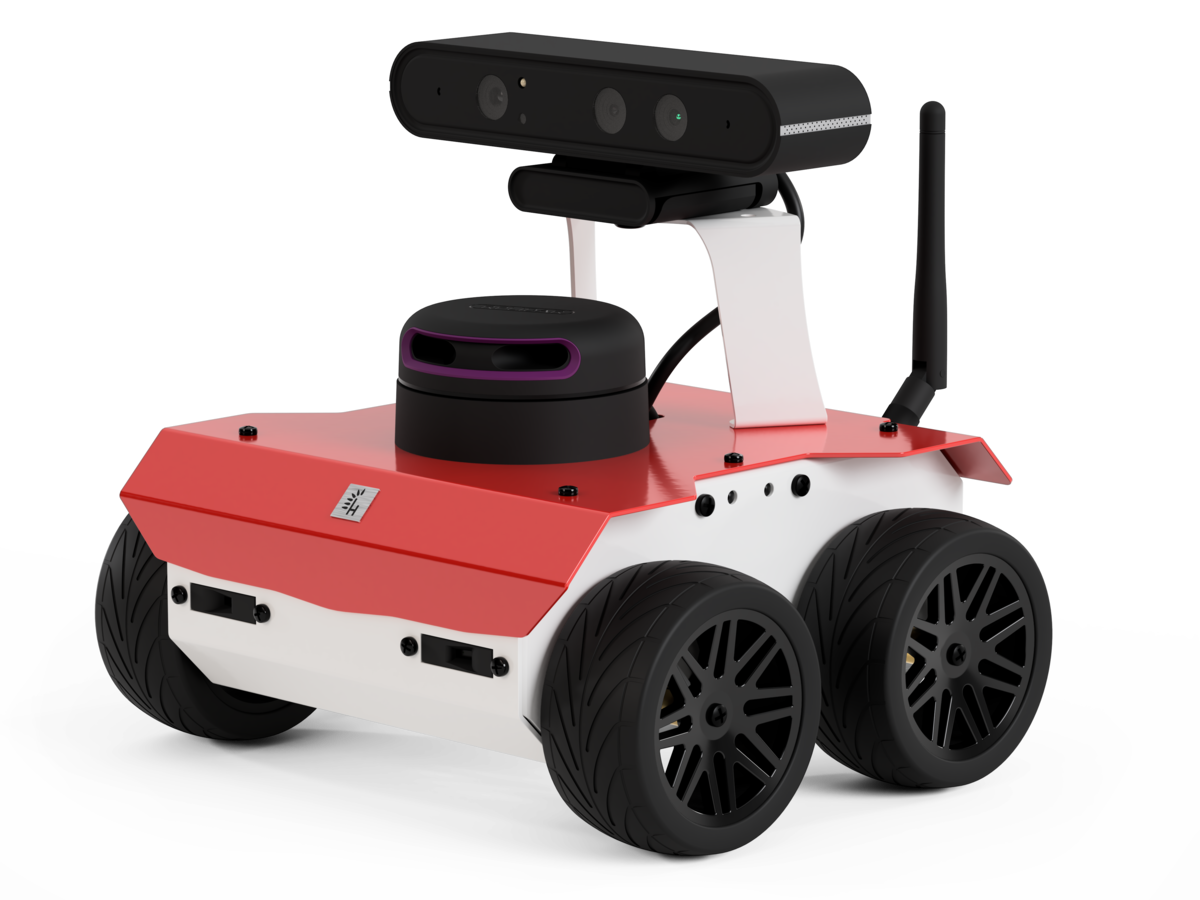
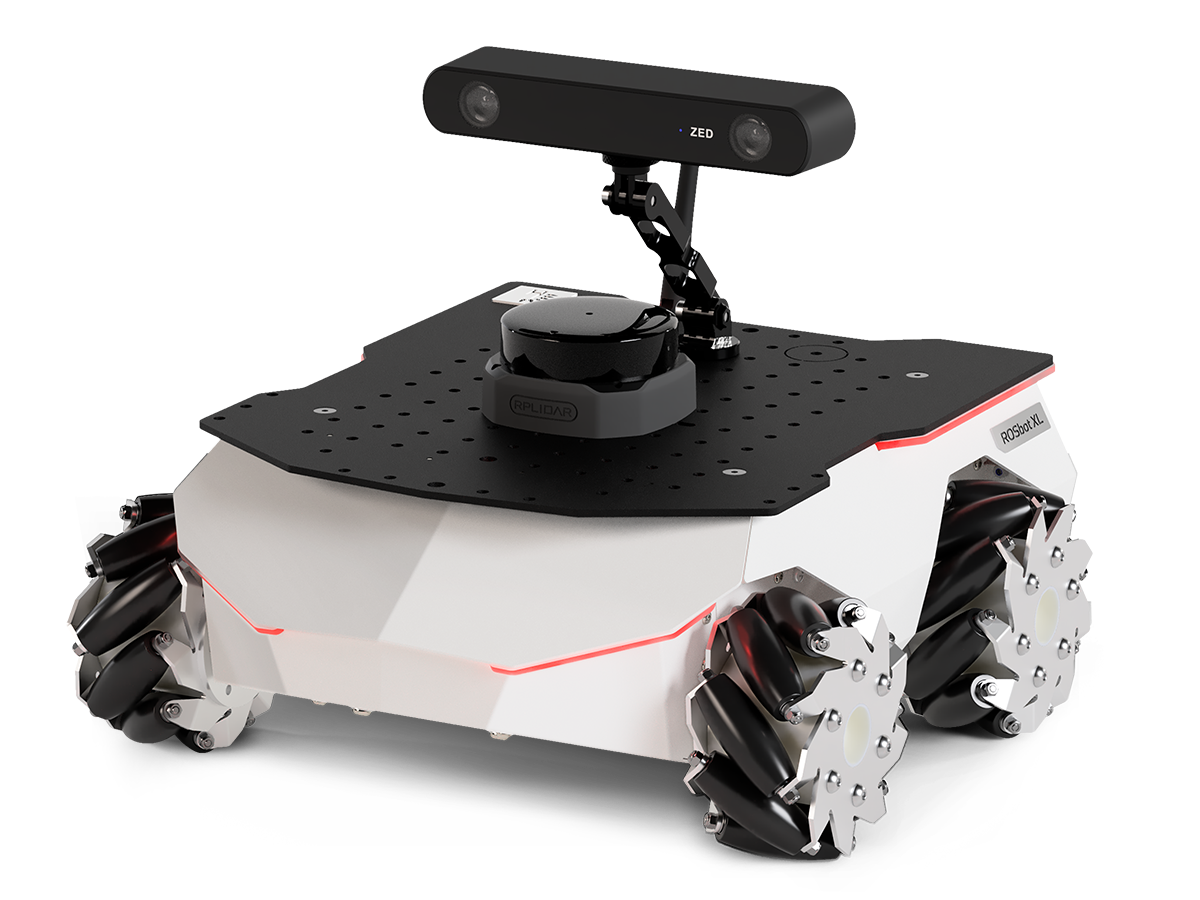
ROS 2 packages for Husarion ROSbot Series.
## 📚 ROS API
Documentation is available in ROS_API.md.
## 🚀 Quick Start
### ⚙️ Prerequisites
1. Install all necessary tools:
```bash
sudo apt-get update
sudo apt-get install -y python3-pip ros-dev-tools stm32flash
```
2. Create a workspace folder and clone the rosbot_ros repository:
```bash
mkdir rosbot_ws
cd rosbot_ws
git clone -b humble https://github.com/husarion/rosbot_ros.git src/rosbot_ros
```
### Configure environment
The repository is used to run the code both on the real robot and in the simulation. Specify `HUSARION_ROS_BUILD_TYPE` the variable according to your needs.
Real robot:
```bash
export HUSARION_ROS_BUILD_TYPE=hardware
```
Simulation:
```bash
export HUSARION_ROS_BUILD_TYPE=simulation
```
### Build
```bash
source /opt/ros/$ROS_DISTRO/setup.bash
vcs import src < src/rosbot_ros/rosbot/rosbot_${HUSARION_ROS_BUILD_TYPE}.repos
vcs import src < src/rosbot_ros/rosbot/manipulator.repos # For ROSbot XL manipulation package
sudo rosdep init
rosdep update --rosdistro $ROS_DISTRO
rosdep install -i --from-path src --rosdistro $ROS_DISTRO -y
colcon build --symlink-install --packages-up-to rosbot --cmake-args -DCMAKE_BUILD_TYPE=Release
```
#### Run the Robot
**Real robot:**
```bash
source install/setup.bash
ros2 launch rosbot_bringup bringup.launch.py robot_model:=
```
> [!NOTE]
> To run the software on real ROSbots, communication with the CORE2 is required. Ensure the firmware is updated before running the micro-ROS agent. For detailed instructions, refer to the rosbot_ros2_firmware repository.
>
> ```bash
> sudo su
> source install/setup.bash
> ros2 run rosbot_utils flash_firmware --robot-model
> exit
> ```
**Simulation:**
```bash
source install/setup.bash
ros2 launch rosbot_gazebo simulation.launch.py robot_model:=
```
### Launch Arguments
| Symbol | Meaning |
| ------ | ---------------------------- |
| 🤖 | Available for physical robot |
| 🖥️ | Available in simulation |
| 🤖 | 🖥️ | Argument | Description
**_Type:_** `Default` |
| --- | --- | ------------------- | -------------------------------------------------------------------------------------------------------------------------------------------------------------------------------------------------- |
| ✅ | ✅ | `components_config` | Specify file which contains components. These components will be included in URDF. Available options can be found in [ros_components_description](https://github.com/husarion/ros_components_description/blob/jazzy/README.md#available-urdf-sensors)
**_string_:** [`components.yaml`](rosbot_description/config/components.yaml) |
| ✅ | ✅ | `configuration` | Specify configuration packages. Currently only ROSbot XL has available packages. Packages: `basic`, `telepresence`, `autonomy`, `manipulation`, `manipulation_pro`.
**_string:_** 'basic' |
| ✅ | ✅ | `controller_config` | Path to controller configuration file.
**_string:_** [`{robot_model}/{mecanum/diff}_drive_controller.yaml`](rosbot_controller/config/) |
| ✅ | ✅ | `mecanum` | Whether to use mecanum drive controller, otherwise use diff drive.
**_bool:_** `False` |
| ✅ | ✅ | `namespace` | Add namespace to all launched nodes.
**_string:_** `env(ROBOT_NAMESPACE)` |
| ✅ | ✅ | `robot_model` | Specify robot model.
**_string:_** `env(ROBOT_MODEL_NAME)` (choices: `rosbot`, `rosbot_xl`) |
| ✅ | ❌ | `manipulator_serial_port` | Port to connect to the manipulator.
**_string:_** `8888` |
| ✅ | ❌ | `microros` | Automatically connect with hardware using microros.
**_bool:_** `True` |
| ✅ | ❌ | `port` | **ROSbot XL only.** UDP4 port for micro-ROS agent.
**_string:_** `8888` |
| ✅ | ❌ | `serial_baudrate` | ROSbot only. Baud rate for serial communication.
**_string:_** `576000` |
| ✅ | ❌ | `serial_port` | ROSbot only. Serial port for micro-ROS agent.
**_string:_** `/dev/ttySERIAL` |
| ✅ | ❌ | `fastrtps_profiles` | Path to the Fast RTPS default profiles file for Micro-ROS agent for localhost only setup.
**_string:_** [`microros_localhost_only.xml`](./rosbot_bringup/config/microros_localhost_only.xml) |
| ❌ | ✅ | `gz_gui` | Run simulation with specific GUI layout.
**_string:_** [`teleop.config`](https://github.com/husarion/husarion_gz_worlds/blob/main/config/teleop.config) |
| ❌ | ✅ | `gz_headless_mode` | Run the simulation in headless mode. Useful when a GUI is not needed or to reduce the number of calculations.
**_bool:_** `False` |
| ❌ | ✅ | `gz_log_level` | Adjust the level of console output.
**_int:_** `1` (choices: `0`, `1`, `2`, `3`, `4`) |
| ❌ | ✅ | `gz_world` | Absolute path to SDF world file.
**_string:_** [`husarion_world.sdf`](https://github.com/husarion/husarion_gz_worlds/blob/main/worlds/husarion_world.sdf) |
| ❌ | ✅ | `x` | Initial robot position in the global 'x' axis.
**_float:_** `0.0` |
| ❌ | ✅ | `y` | Initial robot position in the global 'y' axis.
**_float:_** `2.0` |
| ❌ | ✅ | `z` | Initial robot position in the global 'z' axis.
**_float:_** `0.0` |
| ❌ | ✅ | `roll` | Initial robot 'roll' orientation.
**_float:_** `0.0` |
| ❌ | ✅ | `pitch` | Initial robot 'pitch' orientation.
**_float:_** `0.0` |
| ❌ | ✅ | `yaw` | Initial robot 'yaw' orientation.
**_float:_** `0.0` |
> [!TIP]
>
> To read the arguments for individual packages, add the `-s` flag to the `ros2 launch` command (e.g. `ros2 launch rosbot_bringup bringup.launch.py -s`)
## 🕹️ Demo
Explore demos showcasing the capabilities of ROSbots:
| 📎 Link | 📖 Description |
| ---------------------------------------------------------------------- | ------------------------------------------------------------------------------------------------ |
| [rosbot-telepresence](https://github.com/husarion/rosbot-telepresence) | Stream live video from Orbbec Astra to a PC and control the robot using `teleop-twist-keyboard` |
| [rosbot-autonomy](https://github.com/husarion/rosbot-autonomy) | Enables simultaneous mapping and navigation, allowing the robot to move in unknown environments. |