# hugo-hero-theme
**Repository Path**: holiat/hugo-hero-theme
## Basic Information
- **Project Name**: hugo-hero-theme
- **Description**: No description available
- **Primary Language**: Unknown
- **License**: MIT
- **Default Branch**: master
- **Homepage**: None
- **GVP Project**: No
## Statistics
- **Stars**: 0
- **Forks**: 0
- **Created**: 2025-04-30
- **Last Updated**: 2025-04-30
## Categories & Tags
**Categories**: Uncategorized
**Tags**: None
## README
# Hugo Hero Theme
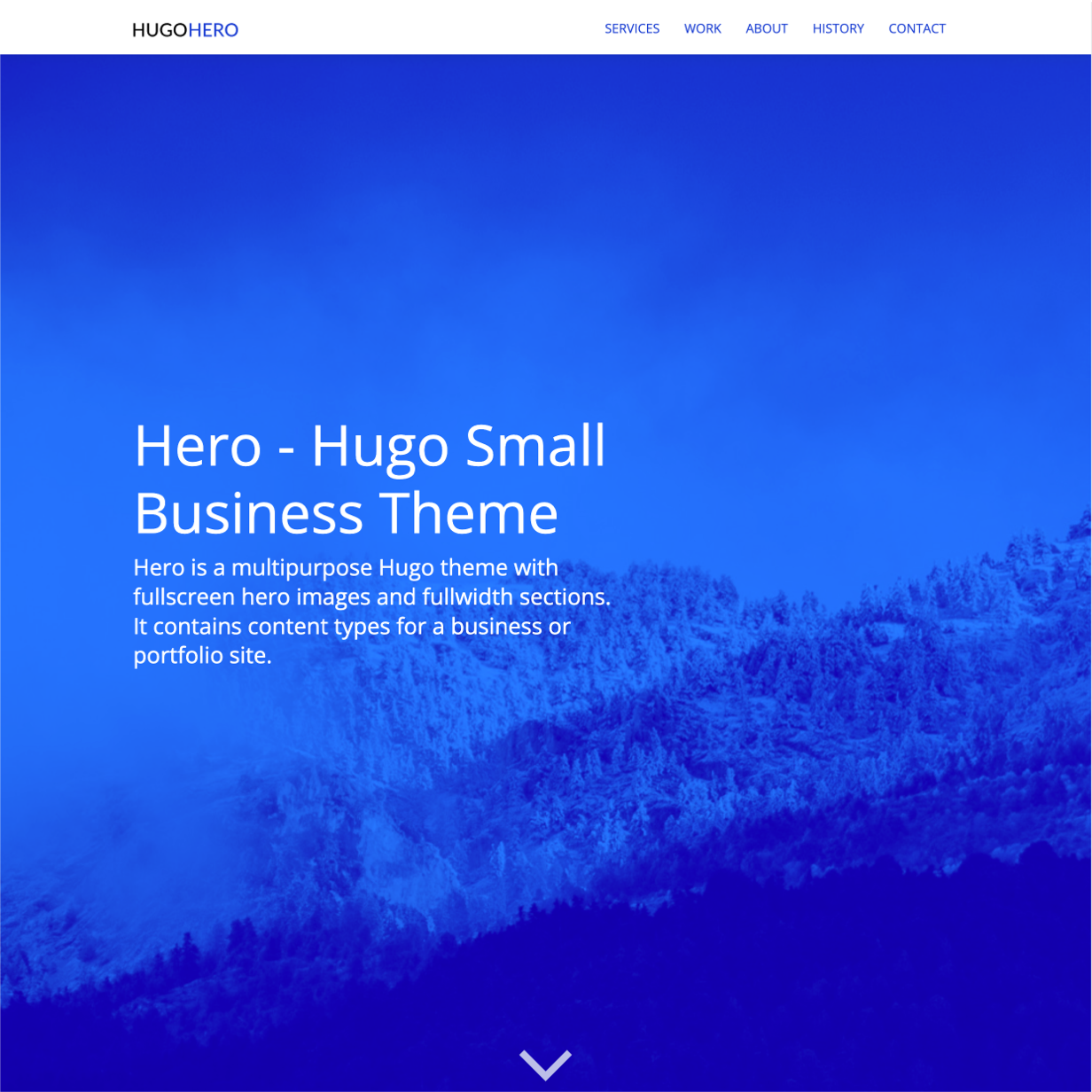
Hero is a multi-page business theme with fullscreen hero images and fullwidth sections.
[Live Demo](https://hugo-hero.netlify.app/) |
[Zerostatic Themes](https://www.zerostatic.io/theme/hugo-hero/)
## Features
**Content Types**
- Services (Markdown)
- Work/Portfolio (Markdown)
- Features (Data)
- About (Markdown, Single Page, Shortcodes)
- Homepage (Markdown, Single Page, multiple .md files in one layout)
**Content Management**
- This theme's content is now all editable via markdown files.
- Includes examples where multiple .md files are sourced in a single layout to create fullwidth sections that have different locations in the HTML.
- The "Home" page uses multiple markdown files for the different homepage sections. It uses **headless bundles**.
- The "About Us" page uses multiple markdown files for its different sections. It uses **leaf bundles** and **shortcodes**.
- "Services" & "Work" use markdown files with layouts for list, single and summary views.
**Features**
- Full-width responsive design
- Full-width/full-height hero image partial
**SCSS**
- SCSS (Hugo Pipes)
- Responsive design
- Bootstrap 4 grid and media queries
- The rest of the Bootstrap library is commented out by default but is ready to be @imported in the `style.scss`
**Speed**
- 100/100 Google Lighthouse speed score
- Vanilla JS only
- Minified CSS under 20KB
- Minified JS under 20KB
**SEO**
- 100/100 Google Lighthouse SEO score
- Configure Google Analytics in `config.toml`
- Configure Google Analytics using env variable `HUGO_GOOGLE_ANALYTICS_ID` compatible with Netlify.
- Configure meta tags and OG meta tags for the homepage in `config.toml`
- Semantic HTML document structure
**Menu**
- Responsive menu managed in `config.toml`
- Animated hamburger menu on mobile
**Content**
- Robust example content included
- Royalty free illustrations included
## Installation
**1. Install Hugo**
To use this theme you will first need to have Hugo installed. Please follow the official [installation guide](https://gohugo.io/getting-started/installing/)
⚠️ **Note:** Check your Hugo version - **Hugo Extended** is required!
This theme uses [Hugo Pipes](https://gohugo.io/hugo-pipes/scss-sass/) to compile SCSS and minify assets which means if you not using the Hugo extended version this theme will not work. To check your version of Hugo, run `hugo version`. Make sure you see __/extended__ after the version number, for example _Hugo Static Site Generator v0.82.0/extended darwin/amd64 BuildDate: unknown_ You do not need to use version v0.82.0 specifically, it just needs to have the _/extended_ part.
**2. Create a new Hugo site**
This will create a fresh Hugo site in the folder `mynewsite`.
```
hugo new site mynewsite
```
**3. Install the theme**
Download or git clone this theme into the sites themes folder `mynewsite/themes`. You should end up with the following folder structure `mynewsite/themes/hugo-hero-theme`
```
cd mynewsite
git clone https://github.com/zerostaticthemes/hugo-hero-theme.git themes/hugo-hero-theme
```
**4. Copy the example content**
Copy the entire contents of the `mynewsite/themes/hugo-hero-theme/exampleSite/` folder to root folder of your Hugo site, ie `mynewsite/`. To copy the files using terminal, make sure you are still in the projects root, ie the `mynewsite` folder.
```
cp -a themes/hugo-hero-theme/exampleSite/. .
```
**65. Run Hugo**
After installing the theme for the first time, generate the Hugo site.
You run this command from the root folder of your Hugo site ie `mynewsite/`
```
hugo
```
For local development run Hugo's built-in local server.
```
hugo server
```
Now enter [`localhost:1313`](http://localhost:1313) in the address bar of your browser.
## Deployment
### Netlify
[](https://app.netlify.com/start/deploy?repository=https://github.com/zerostaticthemes/hugo-hero-theme)
This theme includes a `netlify.toml` which is [configured to deploy to Netlify](https://discourse.gohugo.io/t/deploy-your-theme-to-netlify/15508) from the `exampleSite` folder. If you have installed this theme into a new Hugo site and the exampleSite folder was copied or removed, you should delete the `netlify.toml` file.
## Configuring Theme
### Homepage meta tags
Often a homepage requires special meta tags such as a meta description or og meta data for twitter, facebook etc. You can configure these values in the `config.toml`
```toml
# config.toml
...
[params.homepage_meta_tags]
meta_description = "a description of your website."
meta_og_title = "My Theme"
meta_og_type = "website"
meta_og_url = "https://www.mywebsite.com"
meta_og_image = "https://www.mywebsite.com/images/tn.png"
meta_og_description = "a description of your website."
meta_twitter_card = "summary"
meta_twitter_site = "@mytwitterhandle"
meta_twitter_creator = "@mytwitterhandle"
```
### Set meta tags on a per layout basis
You can set meta tags on a per template basis using a block. For example, you might want to write a custom meta description for the `/services` page. You can insert any valid HTML meta data inside the `{{ define "meta_tags }}` block at the top of a template.
```
// layouts/services/list.html
...
{{ define "meta_tags" }}
{{ end }}
{{ define main }}
...
```
### Google Analytics
Add your google analytics ID to the `config.toml`
```toml
# config.toml
[params]
google_analytics_id="UA-132398315-1"
```
### Menu
You can edit and add main menu links in the `config.toml` under `[[menu.main]]`
## License
- Don't create ports or new versions of this theme without asking me
- You can't re-distribute or re-sell this theme as your own template
## Credits
- Beautiful royalty free Illustrations by Icons8 - https://icons8.com/illustrations/style--pixeltrue
- Stock images by Unsplash - https://unsplash.com/
- Feature icons by Noun Project - https://thenounproject.com/
**More Hugo Themes by Zerostatic**
- [Hugo Hero](https://github.com/zerostaticthemes/hugo-hero-theme) - Open-source business theme
- [Hugo Whisper](https://github.com/zerostaticthemes/hugo-whisper-theme) - Open-source documentation theme
- [Hugo Serif](https://github.com/zerostaticthemes/hugo-serif-theme) - Open-source business theme
- [Hugo Winston](https://github.com/zerostaticthemes/hugo-winston-theme) - Open-source blog theme
- [Hugo Advance](https://www.zerostatic.io/theme/hugo-advance/) - Premium advanced multi page business & marketing theme
- [Hugo Paradigm](https://www.zerostatic.io/theme/hugo-paradigm/) - Premium landing page + site builder theme
- [Hugo Lever](https://www.zerostatic.io/theme/hugo-lever/) - Premium personal / bio theme
- [Hugo Shard](https://www.zerostatic.io/theme/hugo-lever/) - Premium SAAS / landing page theme
**Find hundreds more Hugo themes on Built At Lightspeed**
[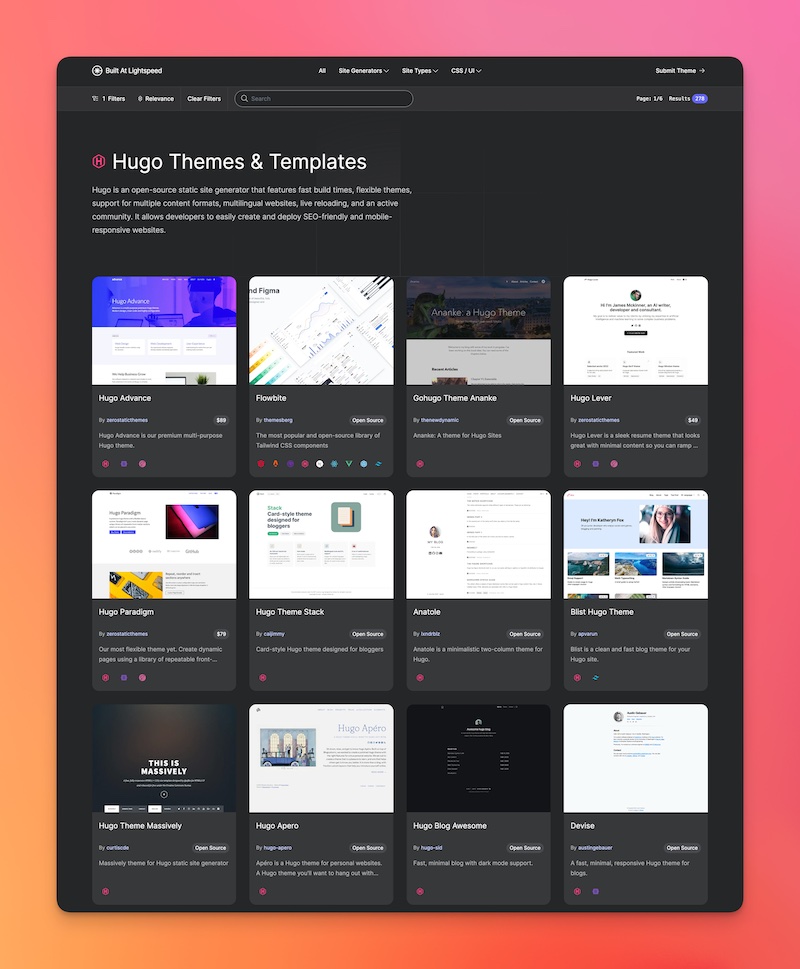 ](https://builtatlightspeed.com/category/hugo)