# WPF-Keyboard-Control
**Repository Path**: jackielaw1990/WPF-Keyboard-Control
## Basic Information
- **Project Name**: WPF-Keyboard-Control
- **Description**: WPF Keyboard Control
- **Primary Language**: Unknown
- **License**: MIT
- **Default Branch**: master
- **Homepage**: None
- **GVP Project**: No
## Statistics
- **Stars**: 0
- **Forks**: 0
- **Created**: 2020-03-12
- **Last Updated**: 2020-12-19
## Categories & Tags
**Categories**: Uncategorized
**Tags**: None
## README
[](https://ci.appveyor.com/project/snmslavk/wpf-on-screen-keyboard)
[](https://badge.fury.io/nu/WPFTouchKeyboard)
## WPF Touch Keyboard Control
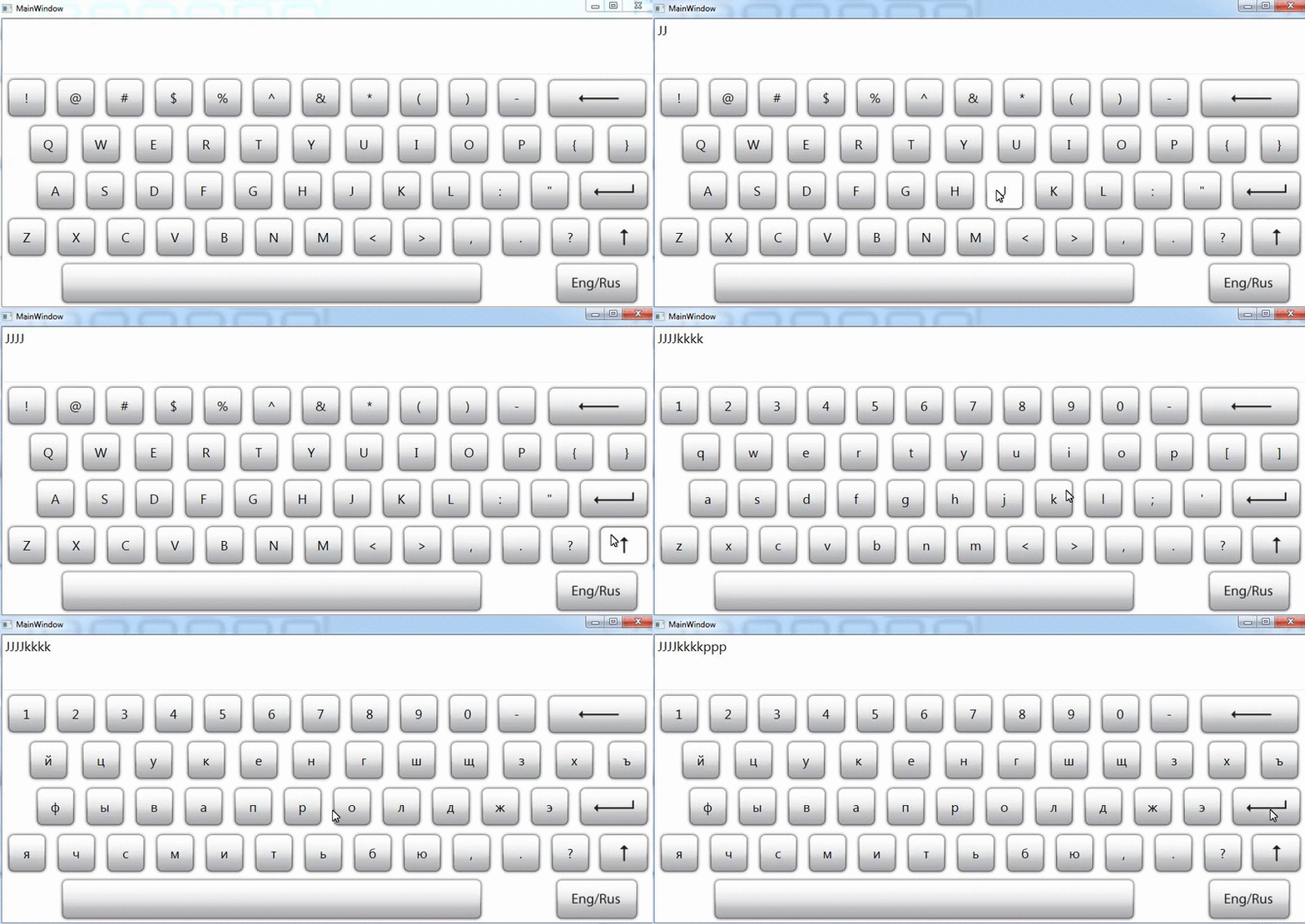
This is a component for WPF applications
### How to use
#### Getting started
Use nuget console
PM> Install-Package WPFTouchKeyboard
Add namespace to your xaml application
xmlns:TermControls="clr-namespace:TermControls;assembly=TermControls"
Then use it like
#### Binding
Also you can bind textbox or others component to this control via standard binding
#### How to use handle EnterKeyPress
where `m` is name of MainWindow
And now add
public ICommand ButtonClickCommand
{
get { return new DelegateCommand(ButtonClick); }
}
private void ButtonClick(object param)
{
System.Windows.MessageBox.Show("EnterClick!");
}
#### Can I help you?
Of course yes! Any pull-request will be considered.
You can take any issue with the label [help wanted](https://github.com/snmslavk/WPF-Keyboard-Control/labels/help%20wanted)