# Copy text 20210518
**Repository Path**: johnjobson/copy-text-20210518
## Basic Information
- **Project Name**: Copy text 20210518
- **Description**: md 复制文字
- **Primary Language**: Unknown
- **License**: Not specified
- **Default Branch**: master
- **Homepage**: None
- **GVP Project**: No
## Statistics
- **Stars**: 0
- **Forks**: 0
- **Created**: 2021-05-18
- **Last Updated**: 2021-05-18
## Categories & Tags
**Categories**: Uncategorized
**Tags**: None
## README
# 网页复制文字
创建时间: 20210518
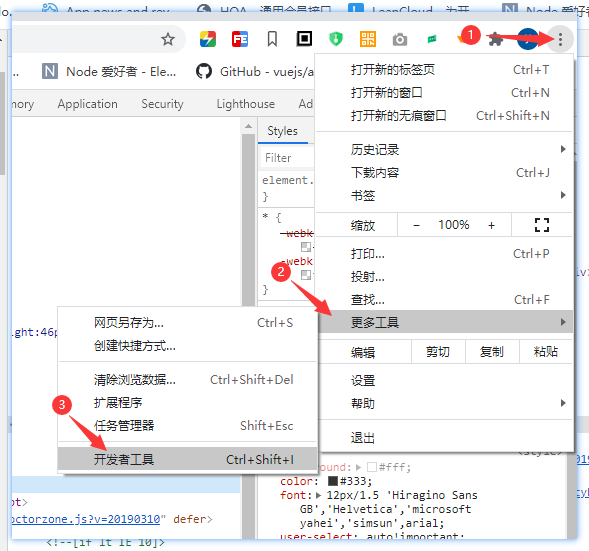
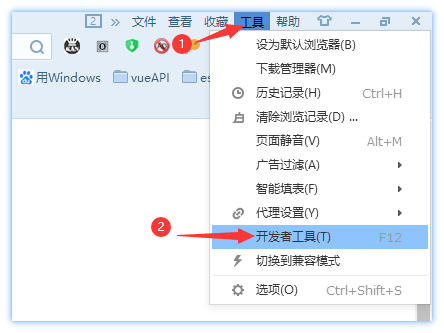
## 步骤一:打开 “开发者工具”
快速打开 “开发者工具”,按【F12】。 `注:` 有的页面被网页开发者禁止,会无效
### 谷歌浏览器
 ### 搜狗浏览器
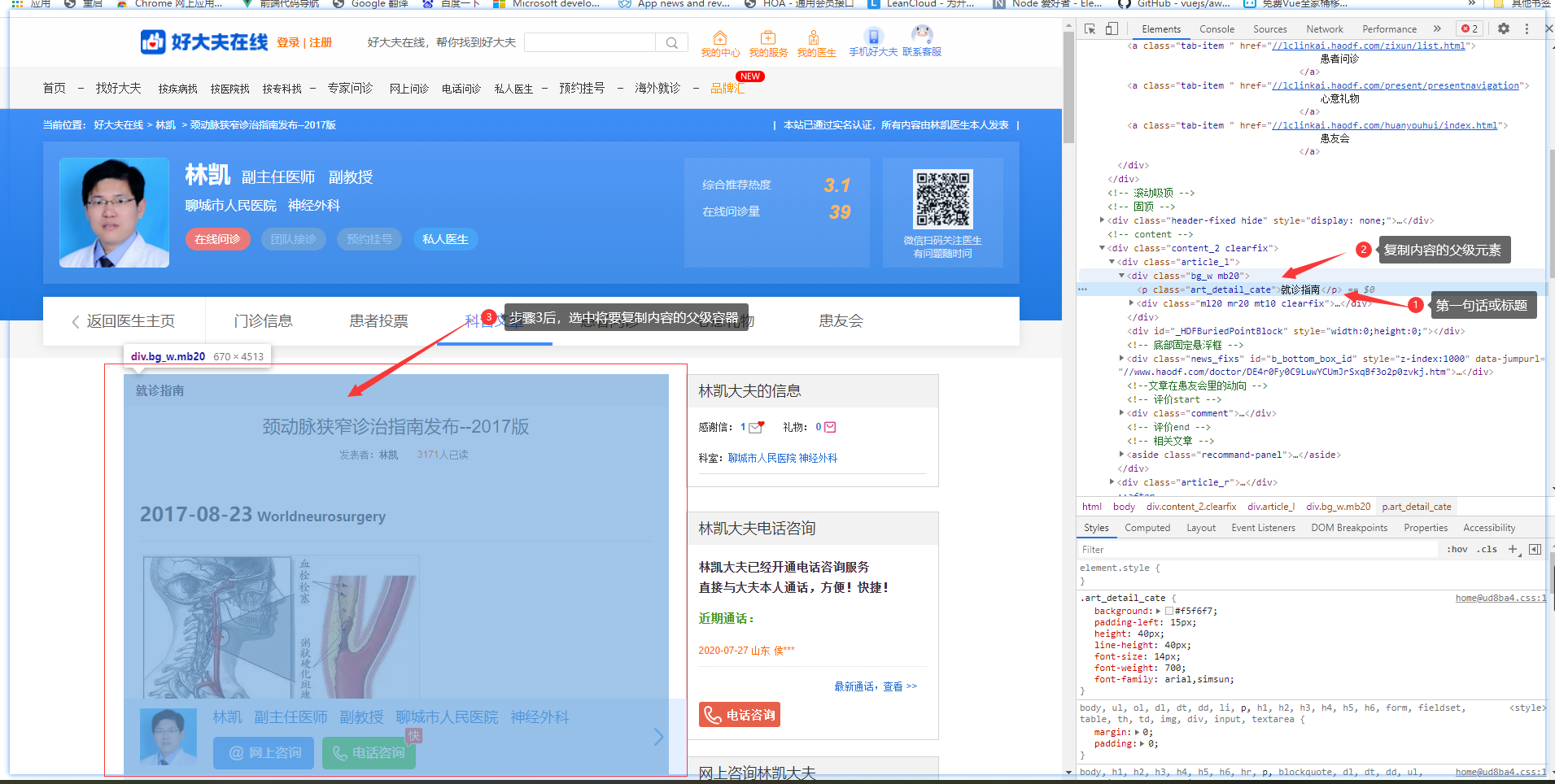
 ## 步骤二:选择元素
快速选择元素: 图标高亮,无法选择时,点击为高亮即可
## 步骤二:选择元素
快速选择元素: 图标高亮,无法选择时,点击为高亮即可
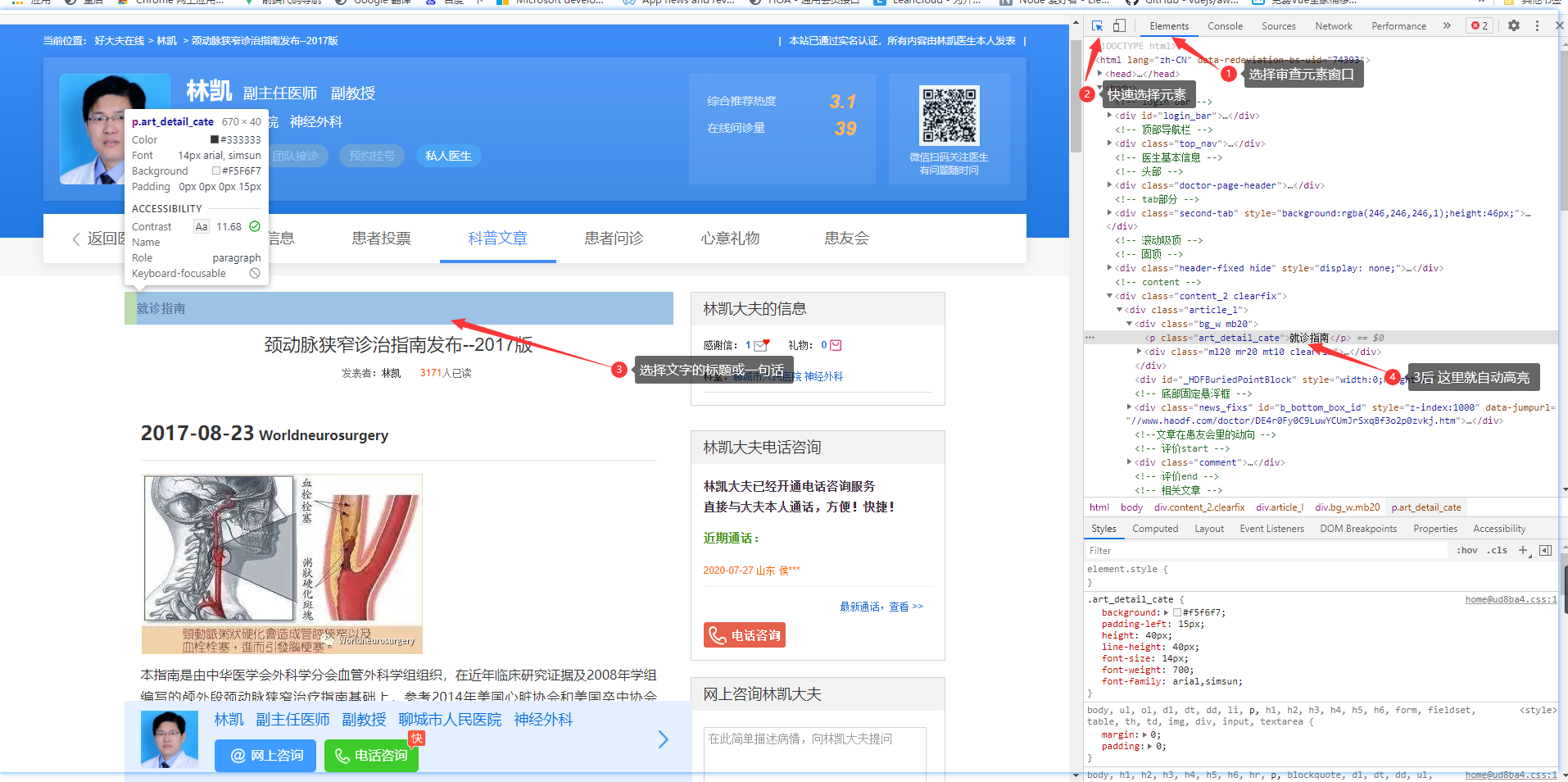 ### 选择文字
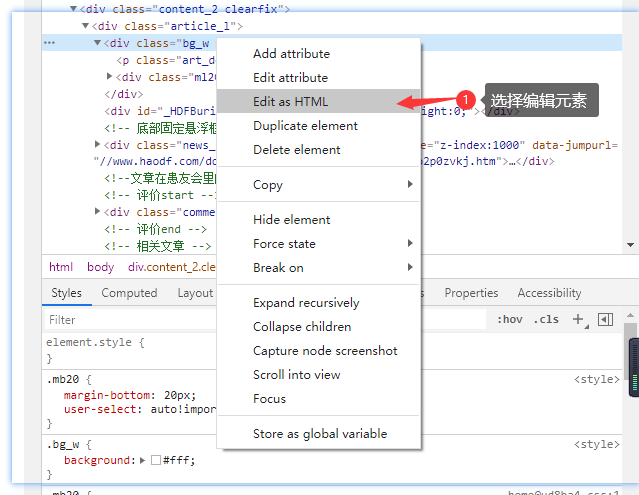
 ### 编辑 html 模式
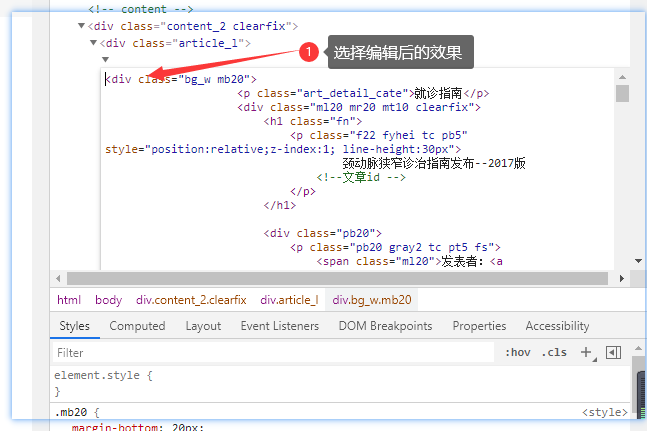
 ### 编辑 html 模式 效果
 ### 复制代码
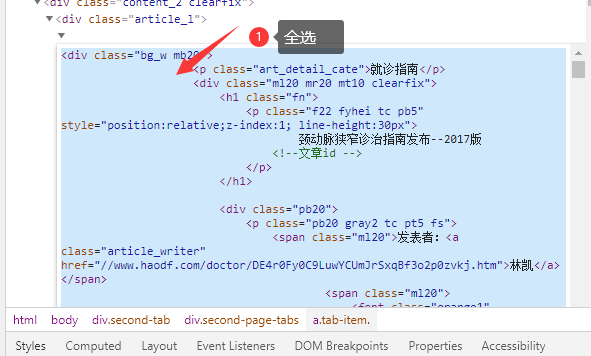
【Ctrl + A】全选 ,然后 【Ctrl + C】 复制
### 复制代码
【Ctrl + A】全选 ,然后 【Ctrl + C】 复制
 ## 步骤三:在线富文本编辑器
[在线UEDITOR富文本编辑器](https://uutool.cn/ueditor/)
## 步骤三:在线富文本编辑器
[在线UEDITOR富文本编辑器](https://uutool.cn/ueditor/)
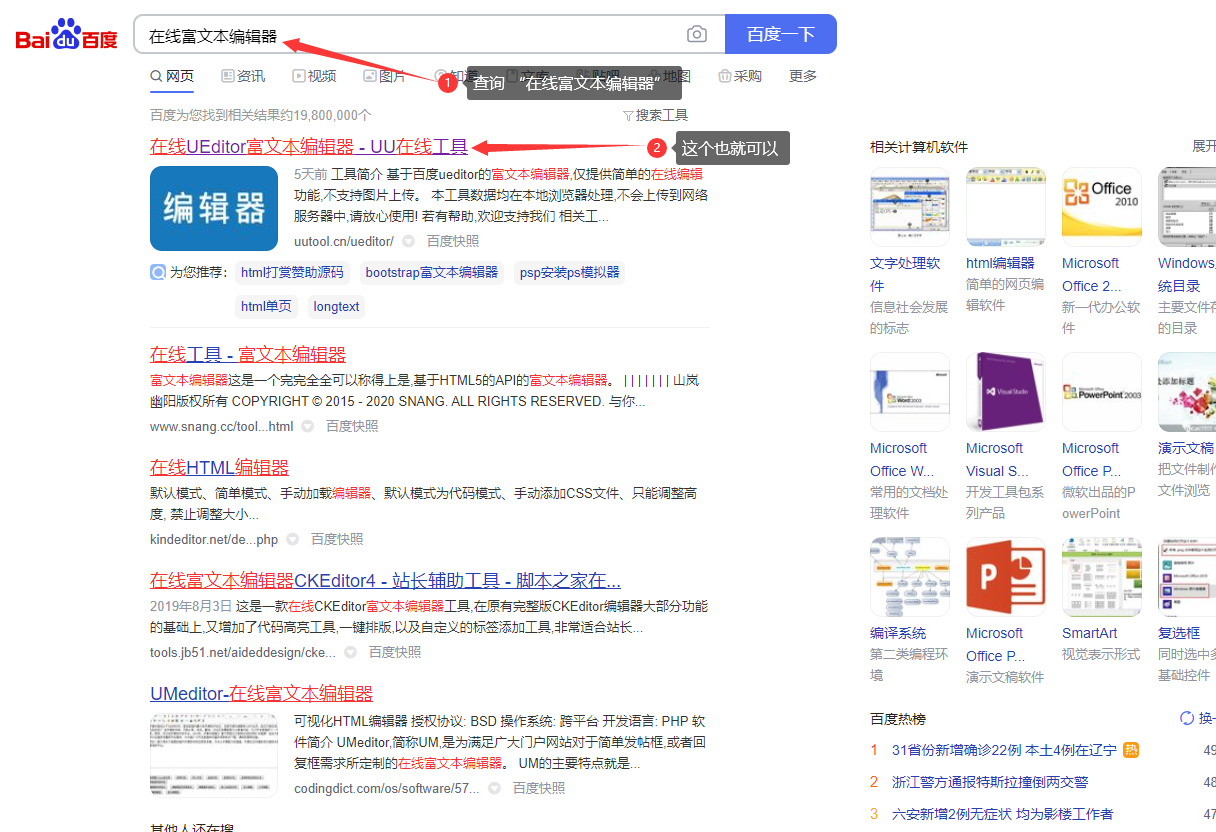 ### 设置富文本编辑的 html 形式输入
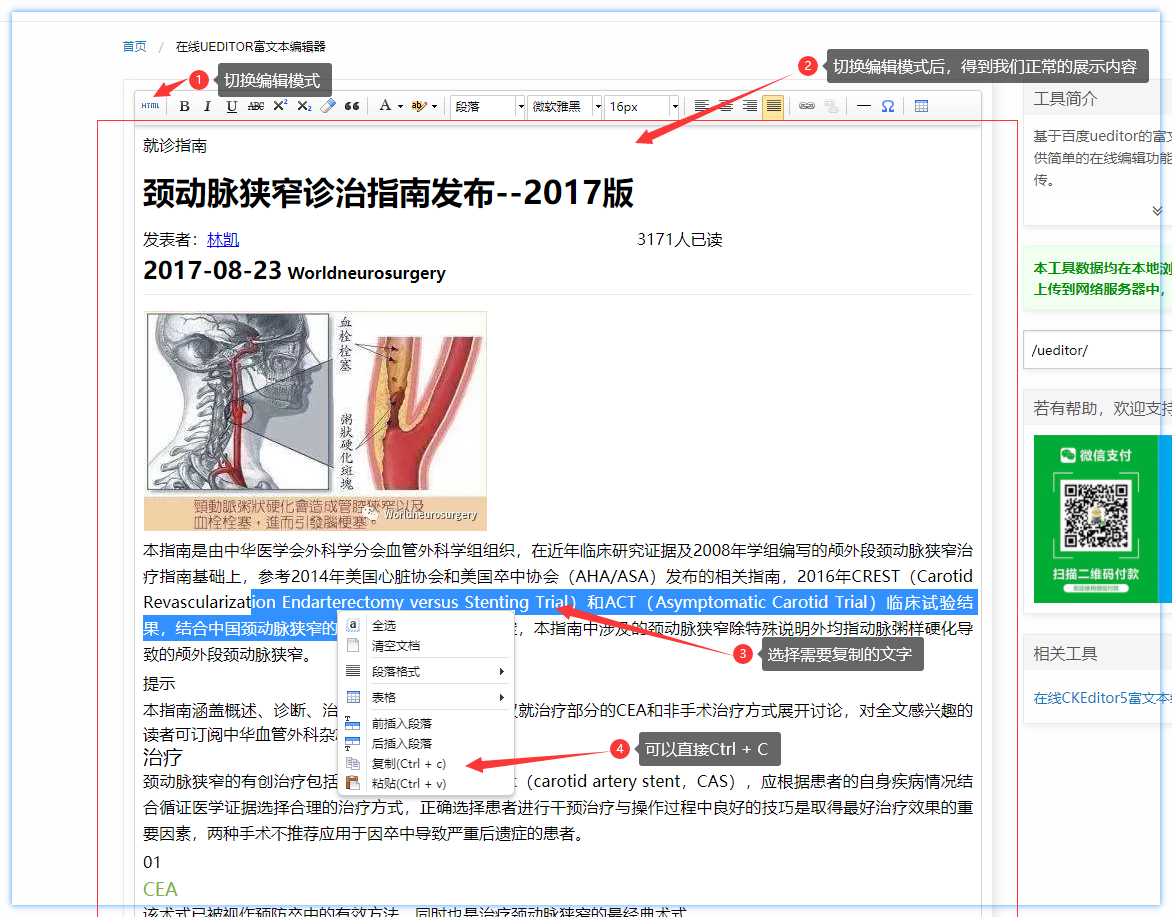
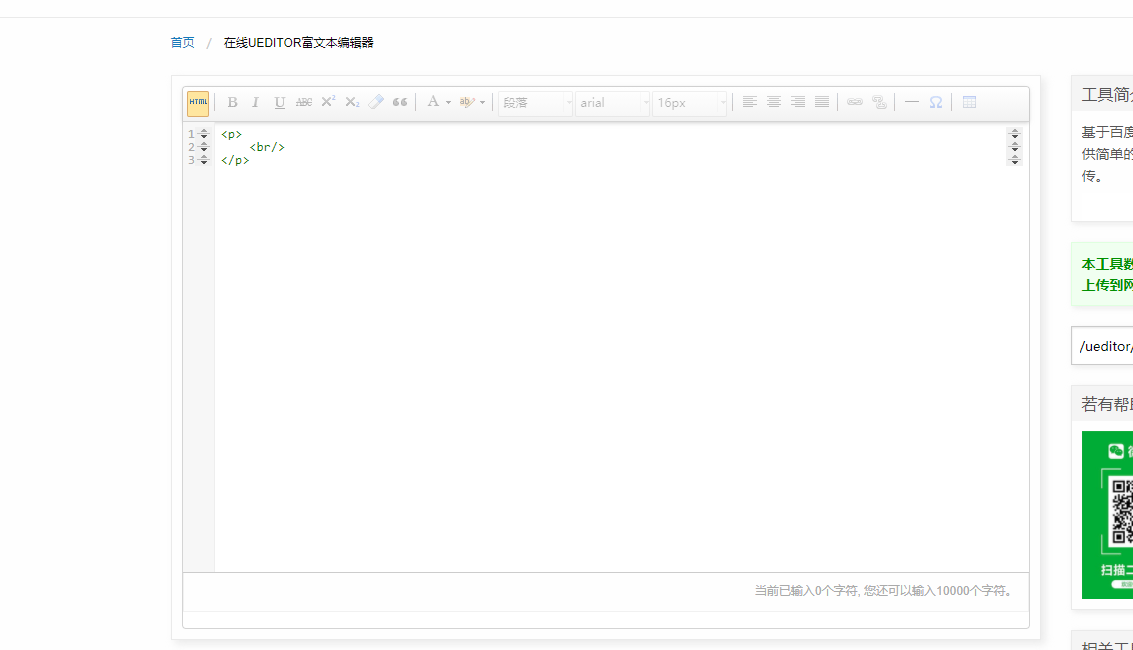
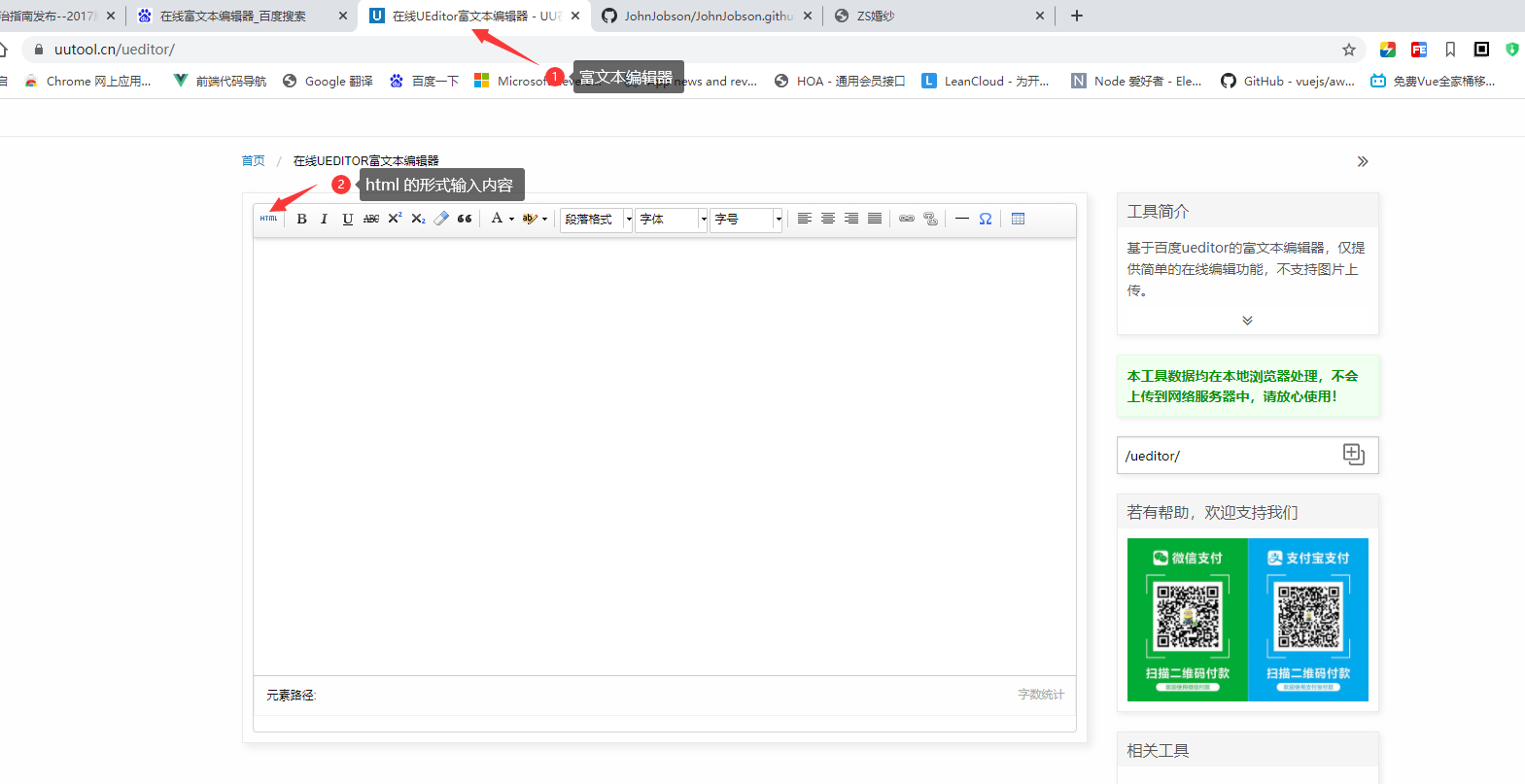 ### 选择编辑模式后
替换富文本编辑器里的内容
### 选择编辑模式后
替换富文本编辑器里的内容
 ### 粘贴复制代码
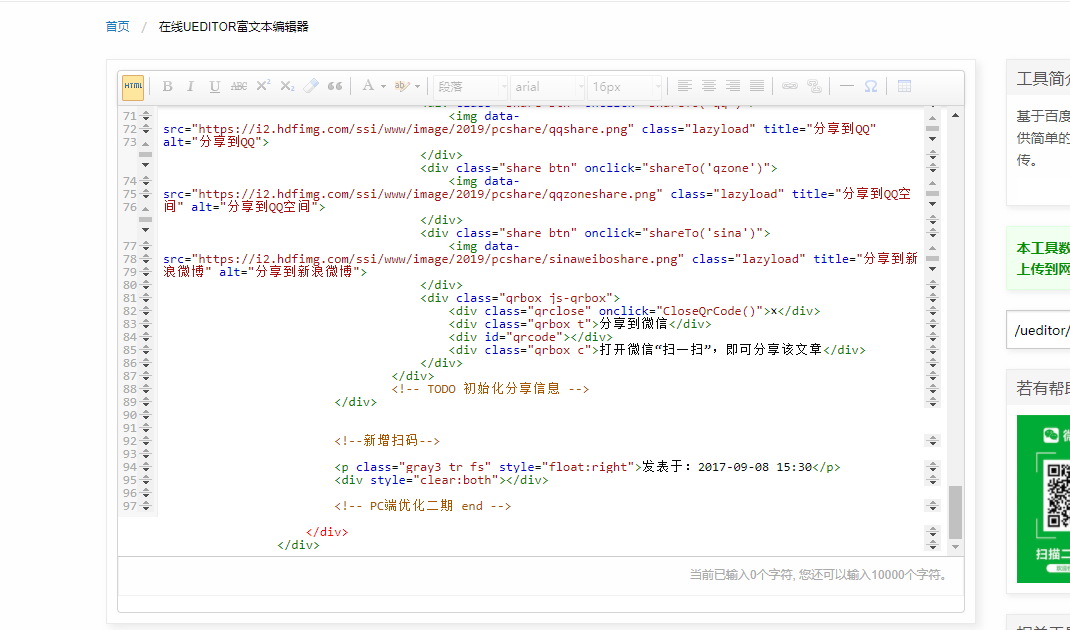 ### 复制文字