# Semi-Design **Repository Path**: lanbin1017/Semi-Design ## Basic Information - **Project Name**: Semi-Design - **Description**: Semi Design 是现代、全面、灵活的设计系统和 UI 库,由字节跳动抖音前端与 UED 团队设计、开发并维护,是一款包含设计语言、React 组件、主题等开箱即用的中后台解 - **Primary Language**: JavaScript - **License**: MIT - **Default Branch**: chore_remove_useless_files_in_@douyinfe/semi-animation - **Homepage**: https://www.oschina.net/p/semi-design - **GVP Project**: No ## Statistics - **Stars**: 0 - **Forks**: 29 - **Created**: 2021-10-28 - **Last Updated**: 2021-10-28 ## Categories & Tags **Categories**: Uncategorized **Tags**: None ## README

Semi-UI

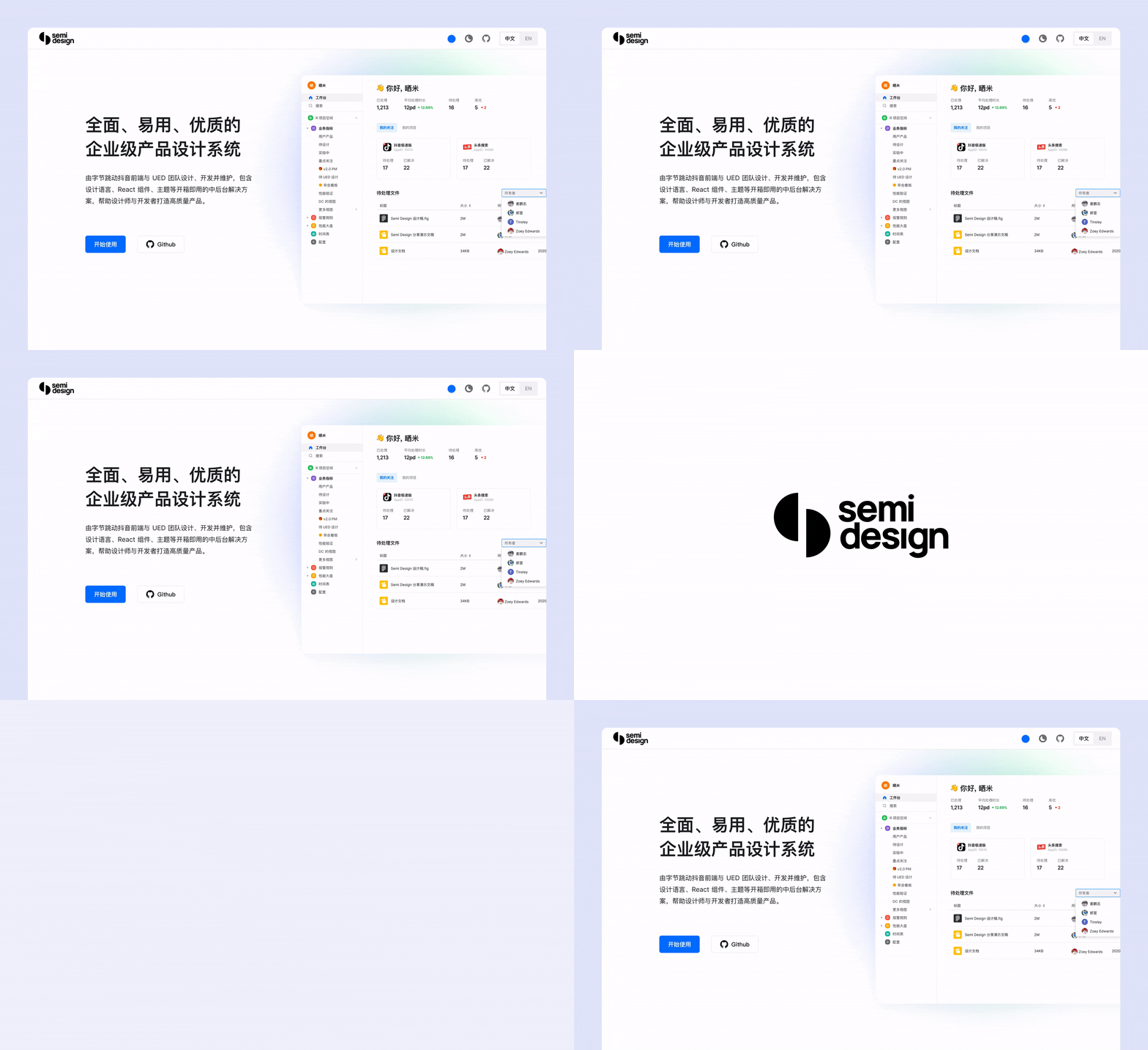
A modern, comprehensive, flexible design system and UI library. Quickly build beautiful React apps.
English | [简体中文](./README-zh_CN.md) # 🎉 Features - 💪 Up to 58 high-quality Components. - 💅 Thousands Design Tokens. Powerful Themes Customizing. - 🌍 Internationalization Support for Dozens of Languages. - 👏 Written in Typescript, Friendly Static Type Support. - 🥳 SSR (Server Side Rendering) Compatible. # 🔥 Install ```sh # with npm npm install @douyinfe/semi-ui # with yarn yarn add @douyinfe/semi-ui ``` # 👍 Usage Here is a quick example to get you started, it's all you need: ```jsx import React from 'react'; import ReactDOM from 'react-dom'; import { Button, Switch } from '@douyinfe/semi-ui'; const App = () => ( <> ); ReactDOM.render(, document.querySelector('#app')); ``` And [Semi UI Doc Site](https://semi.design/en-US/) have hundreds editable examples and live preview, welcome play with those examples. # 📌 Documentation * [Quick Start](https://semi.design/zh-CN/start/getting-started) * [Components Overview](https://semi.design/zh-CN/start/overview) * [Customizing Themes](https://semi.design/zh-CN/start/customize-theme) * [Design Tokens](https://semi.design/zh-CN/basic/tokens) * [Dark Mode](https://semi.design/zh-CN/start/dark-mode) * [Semi Icons](https://semi.design/zh-CN/basic/icon) * [Global Config](https://semi.design/zh-CN/other/configprovider) * [Internationalization](https://semi.design/zh-CN/other/locale) * [FAQ](https://semi.design/zh-CN/start/faq) * [CHANGELOG](https://semi.design/zh-CN/start/changelog) # 👌 Platform Support Semi UI supports all major modern browsers. |[chrome](https://cdnjs.cloudflare.com/ajax/libs/browser-logos/70.4.0/chrome/chrome.png)

chrome|[firefox](https://cdnjs.cloudflare.com/ajax/libs/browser-logos/70.4.0/firefox/firefox.png)
firefox|[safari](https://cdnjs.cloudflare.com/ajax/libs/browser-logos/70.4.0/safari/safari.png)

safari|[IE/Edge](https://cdnjs.cloudflare.com/ajax/libs/browser-logos/70.4.0/edge/edge.png)

IE/Edge|[electron](https://cdnjs.cloudflare.com/ajax/libs/browser-logos/70.4.0/electron/electron.png)
Electron| |--|--|--|--|--| | latest 2 versions | latest 2 versions | latest 2 version | Edge | latest 2 version | # 👐 Contributing Read the contributing guide to learn about our development process, how to propose bugfixes and improvements, and how to build and test your changes to Semi UI. See [CONTRIBUTING](CONTRIBUTING-en-US.md) documentation. # 👨‍👨‍👧‍👦 User Group Join [User Group](https://bytedance.feishu.cn/docs/doccnw93Dujm3UCkHRDTMTm1qwe#). # 🎈 License Semi UI is [MIT Licensed](LICENSE)