# Arduino-FOC
**Repository Path**: li19910513/Arduino-FOC
## Basic Information
- **Project Name**: Arduino-FOC
- **Description**: No description available
- **Primary Language**: Unknown
- **License**: MIT
- **Default Branch**: master
- **Homepage**: None
- **GVP Project**: No
## Statistics
- **Stars**: 0
- **Forks**: 0
- **Created**: 2021-03-13
- **Last Updated**: 2022-06-14
## Categories & Tags
**Categories**: Uncategorized
**Tags**: None
## README
# Arduino Simple Field Oriented Control (FOC) library

[](https://opensource.org/licenses/MIT)
[](https://www.ardu-badge.com/badge/Simple%20FOC.svg)
[](https://joss.theoj.org/papers/4382445f249e064e9f0a7f6c1bb06b1d)
We live in very exciting times 😃! BLDC motors are entering the hobby community more and more and many great projects have already emerged leveraging their far superior dynamics and power capabilities. BLDC motors have numerous advantages over regular DC motors but they have one big disadvantage, the complexity of control. Even though it has become relatively easy to design and manufacture PCBs and create our own hardware solutions for driving BLDC motors the proper low-cost solutions are yet to come. One of the reasons for this is the apparent complexity of writing the BLDC driving algorithms, Field oriented control (FOC) being an example of one of the most efficient ones.
The solutions that can be found on-line are almost exclusively very specific for certain hardware configuration and the microcontroller architecture used.
Additionally, most of the efforts at this moment are still channeled towards the high-power applications of the BLDC motors and proper low-cost and low-power FOC supporting boards are very hard to find today and even may not exist.
Therefore this is an attempt to:
- 🎯 Demystify FOC algorithm and make a robust but simple Arduino library: [Arduino *SimpleFOClibrary*](https://docs.simplefoc.com/arduino_simplefoc_library_showcase)
- Support as many motor + sensor + driver + mcu combinations out there
- 🎯 Develop a modular FOC supporting BLDC driver boards:
- ***NEW*** 📢: *Minimalistic* BLDC driver (<3Amps) : [SimpleFOCMini ](https://github.com/simplefoc/SimpleFOCMini).
- *Low-power* gimbal driver (<5Amps) : [*Arduino Simple**FOC**Shield*](https://docs.simplefoc.com/arduino_simplefoc_shield_showcase).
- *Medium-power* BLDC driver (<30Amps): [Arduino SimpleFOCPowerShield ](https://github.com/simplefoc/Arduino-SimpleFOC-PowerShield).
- See also [@byDagor](https://github.com/byDagor)'s *fully-integrated* ESP32 based board: [Dagor Brushless Controller](https://github.com/byDagor/Dagor-Brushless-Controller)
NEW RELEASE 📢: SimpleFOClibrary v2.2.2 see release
- GenericCurrentSense bugfix and testing
- bugfix leonardo #170
- bugfix - no index search after specifying natural direction
- Low level API restructuring
- Driver API
- Current sense API
- New debugging interface - see in docs
- Static class SimpleFOCDebug
- CurrentSense API change - added method
linkDriver() - see in docs
- Low-side current sensing - see in docs
- ESP32 generic support for multiple motors
- Added low-side current sensing support for stm32 - only one motor
- f1 family
- f4 family
- g4 family
- New appraoch for current estimation for torque control using voltage - see in docs
- Support for motor KV rating - back emf estimation
- Using motor phase resistance
- KV rating and phase resistance used for open-loop current limiting as well - see in docs
## Arduino *SimpleFOClibrary* v2.2
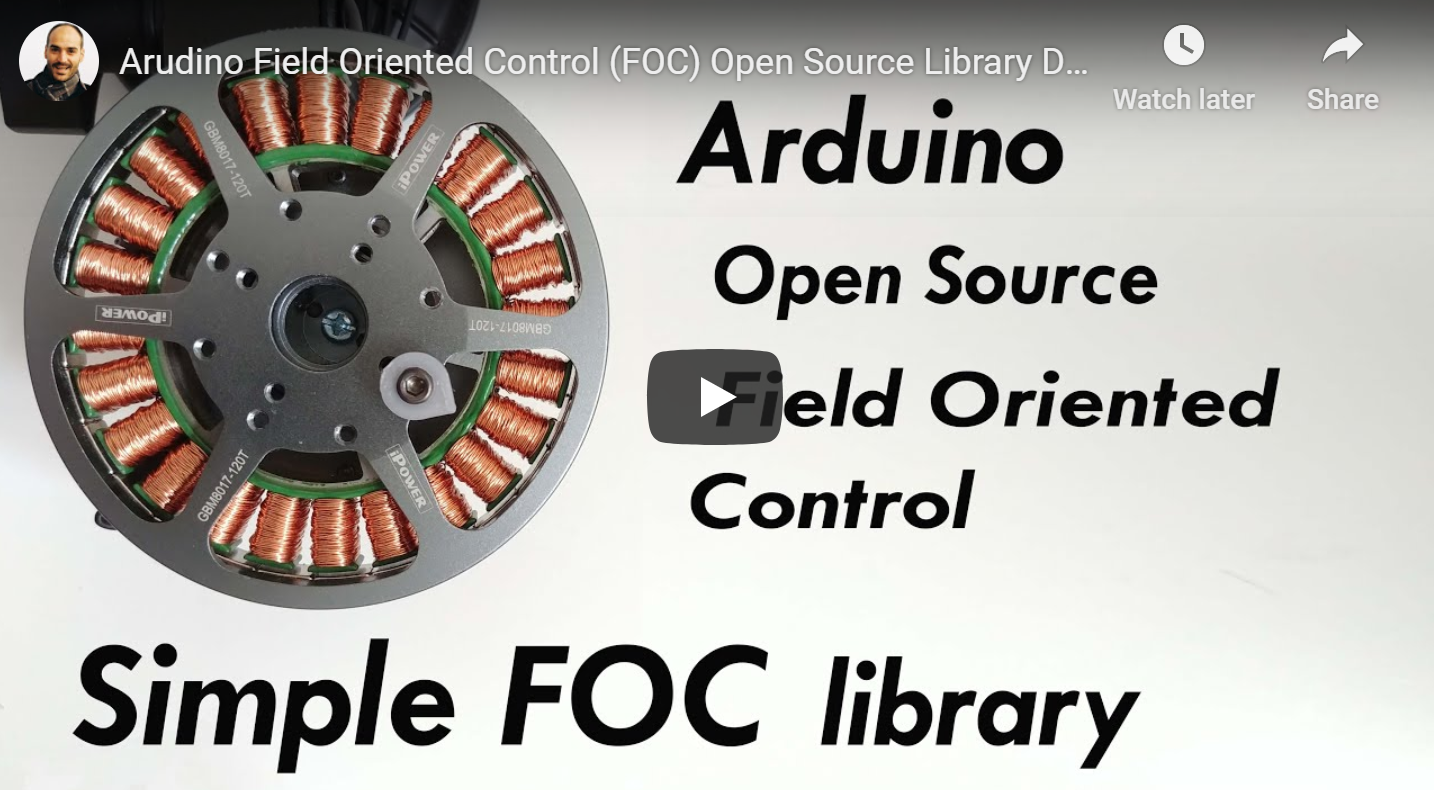
This video demonstrates the *Simple**FOC**library* basic usage, electronic connections and shows its capabilities.
### Features
- **Easy install**:
- Arduino IDE: Arduino Library Manager integration
- PlatformIO
- **Open-Source**: Full code and documentation available on github
- **Goal**:
- Support as many [sensor](https://docs.simplefoc.com/position_sensors) + [motor](https://docs.simplefoc.com/motors) + [driver](https://docs.simplefoc.com/drivers) + [current sense](https://docs.simplefoc.com/current_sense) combination as possible.
- Provide the up-to-date and in-depth documentation with API references and the examples
- **Easy to setup and configure**:
- Easy hardware configuration
- Each hardware component is a C++ object (easy to understand)
- Easy [tuning the control loops](https://docs.simplefoc.com/motion_control)
- [*Simple**FOC**Studio*](https://docs.simplefoc.com/studio) configuration GUI tool
- Built-in communication and monitoring
- **Cross-platform**:
- Seamless code transfer from one microcontroller family to another
- Supports multiple [MCU architectures](https://docs.simplefoc.com/microcontrollers):
- Arduino: UNO, MEGA, DUE, Leonardo ....
- STM32
- ESP32
- Teensy
- many more ...
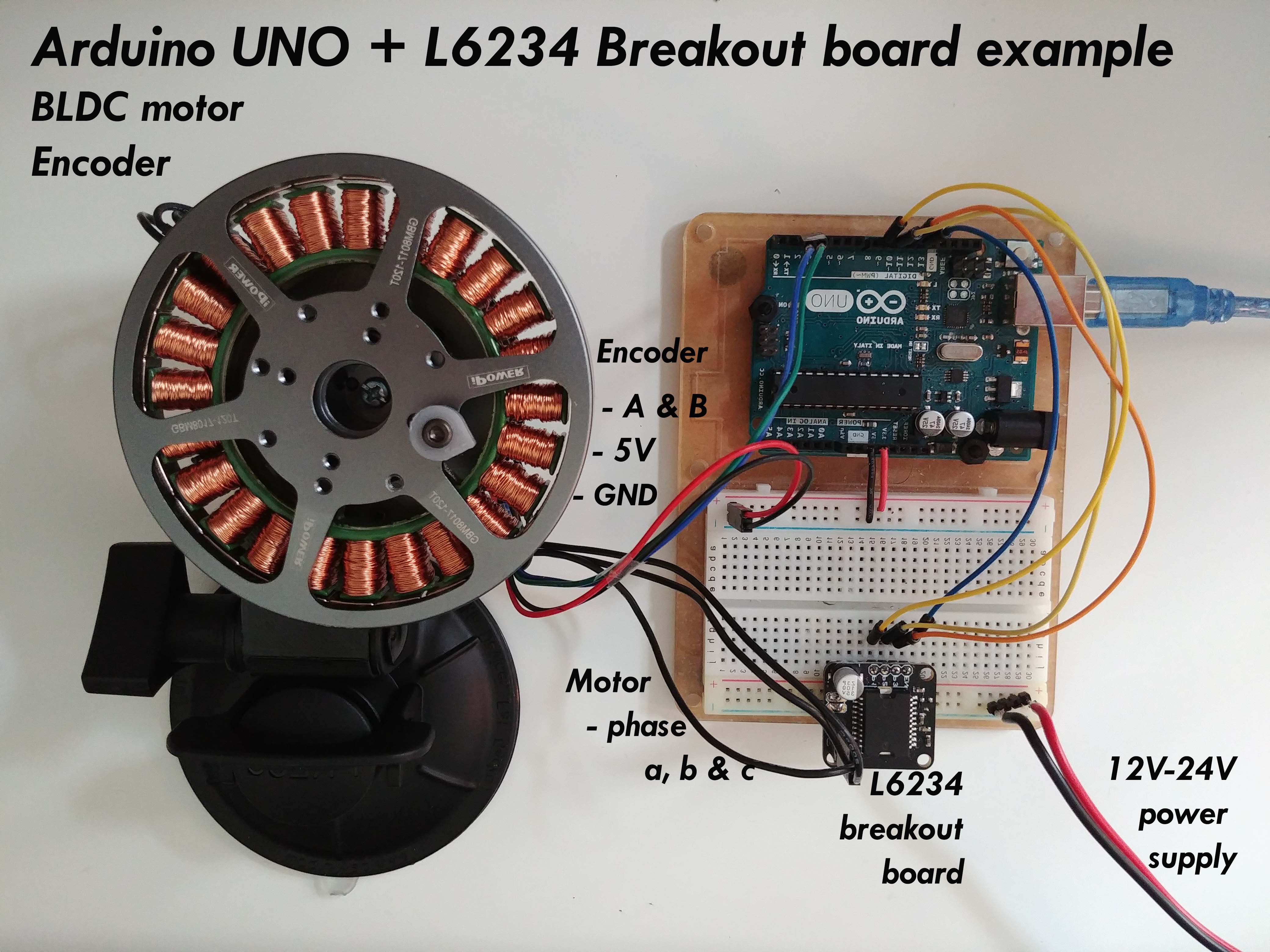
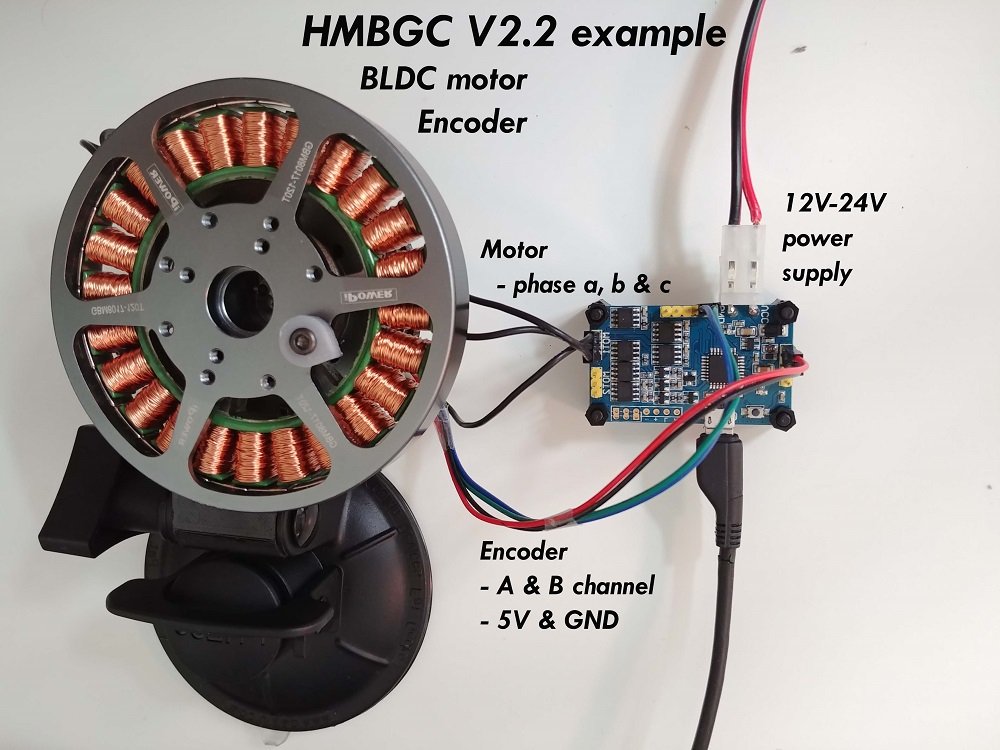
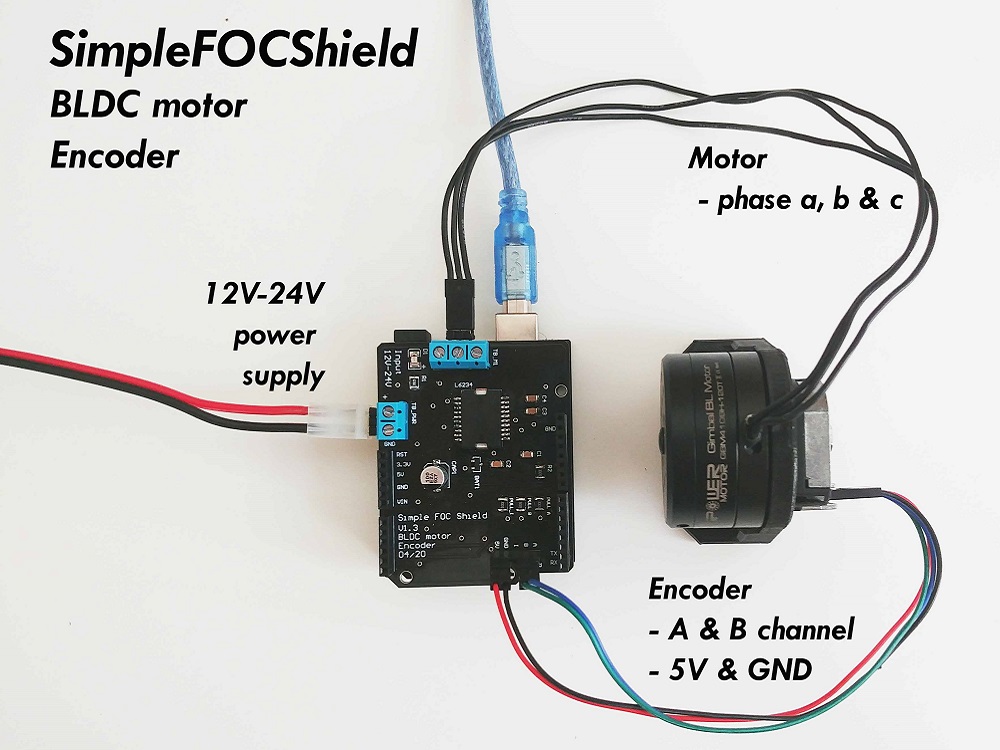
## Documentation
Full API code documentation as well as example projects and step by step guides can be found on our [docs website](https://docs.simplefoc.com/).

## Getting Started
Depending on if you want to use this library as the plug and play Arduino library or you want to get insight in the algorithm and make changes there are two ways to install this code.
- Full library installation [Docs](https://docs.simplefoc.com/library_download)
- PlatformIO [Docs](https://docs.simplefoc.com/library_platformio)
### Arduino *SimpleFOClibrary* installation to Arduino IDE
#### Arduino Library Manager
The simplest way to get hold of the library is directly by using Arduino IDE and its integrated Library Manager.
- Open Arduino IDE and start Arduino Library Manager by clicking: `Tools > Manage Libraries...`.
- Search for `Simple FOC` library and install the latest version.
- Reopen Arduino IDE and you should have the library examples in `File > Examples > Simple FOC`.
#### Using Github website
- Go to the [github repository](https://github.com/simplefoc/Arduino-FOC)
- Click first on `Clone or Download > Download ZIP`.
- Unzip it and place it in `Arduino Libraries` folder. Windows: `Documents > Arduino > libraries`.
- Reopen Arduino IDE and you should have the library examples in `File > Examples > Simple FOC`.
#### Using terminal
- Open terminal and run
```sh
cd #Arduino libraries folder
git clone https://github.com/simplefoc/Arduino-FOC.git
```
- Reopen Arduino IDE and you should have the library examples in `File > Examples > Simple FOC`.
## Community and contributing
For all the questions regarding the potential implementation, applications, supported hardware and similar please visit our [community forum](https://community.simplefoc.com) or our [discord server](https://discord.gg/kWBwuzY32n).
It is always helpful to hear the stories/problems/suggestions of people implementing the code and you might find a lot of answered questions there already!
### Github Issues & Pull requests
Please do not hesitate to leave an issue if you have problems/advices/suggestions regarding the code!
Pull requests are welcome, but let's first discuss them in [community forum](https://community.simplefoc.com)!
If you'd like to contribute to this porject but you are not very familiar with github, don't worry, let us know either by posting at the community forum , by posting a github issue or at our discord server.
## Arduino code example
This is a simple Arduino code example implementing the velocity control program of a BLDC motor with encoder.
NOTE: This program uses all the default control parameters.
```cpp
#include
// BLDCMotor( pole_pairs )
BLDCMotor motor = BLDCMotor(11);
// BLDCDriver( pin_pwmA, pin_pwmB, pin_pwmC, enable (optional) )
BLDCDriver3PWM driver = BLDCDriver3PWM(9, 10, 11, 8);
// Encoder(pin_A, pin_B, CPR)
Encoder encoder = Encoder(2, 3, 2048);
// channel A and B callbacks
void doA(){encoder.handleA();}
void doB(){encoder.handleB();}
void setup() {
// initialize encoder hardware
encoder.init();
// hardware interrupt enable
encoder.enableInterrupts(doA, doB);
// link the motor to the sensor
motor.linkSensor(&encoder);
// power supply voltage [V]
driver.voltage_power_supply = 12;
// initialise driver hardware
driver.init();
// link driver
motor.linkDriver(&driver);
// set control loop type to be used
motor.controller = MotionControlType::velocity;
// initialize motor
motor.init();
// align encoder and start FOC
motor.initFOC();
}
void loop() {
// FOC algorithm function
motor.loopFOC();
// velocity control loop function
// setting the target velocity or 2rad/s
motor.move(2);
}
```
You can find more details in the [SimpleFOC documentation](https://docs.simplefoc.com/).
## Example projects
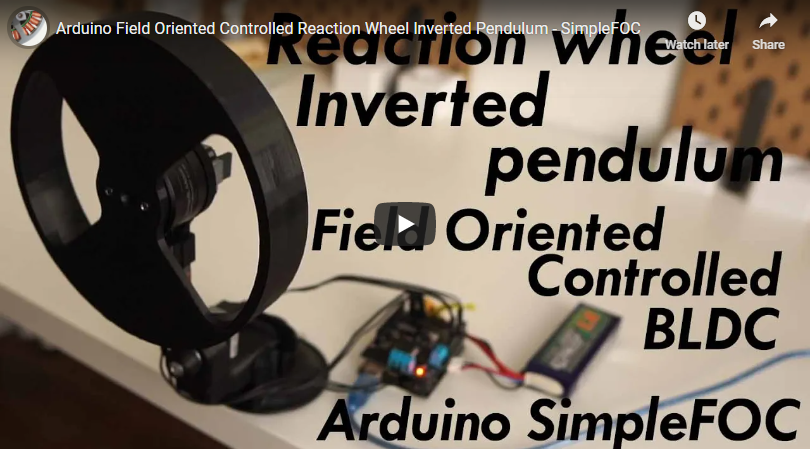
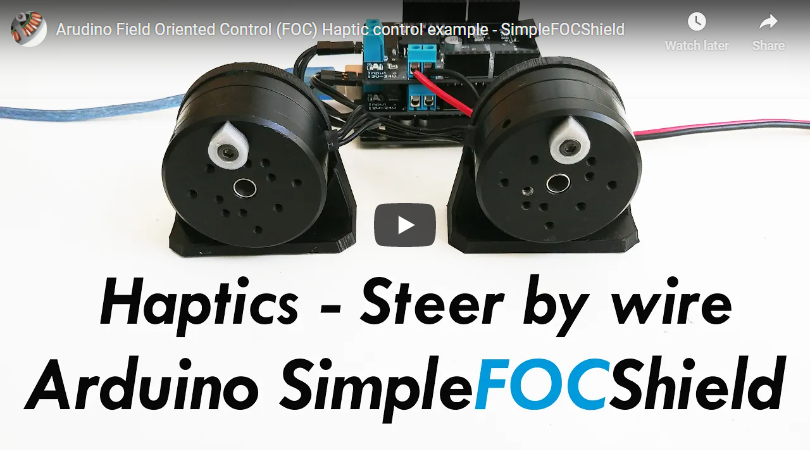
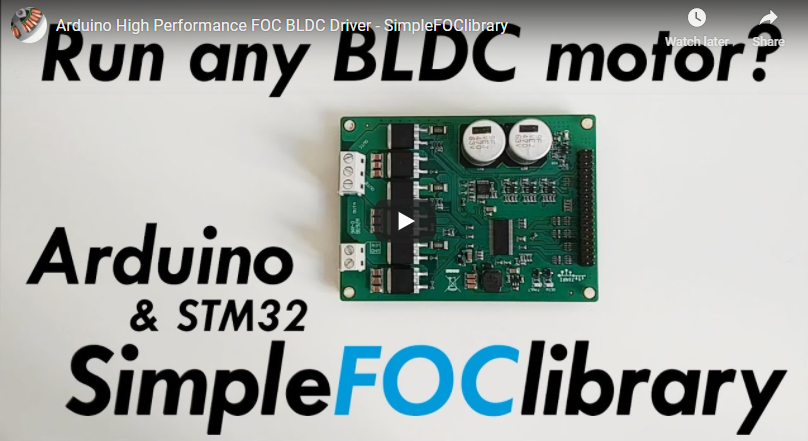
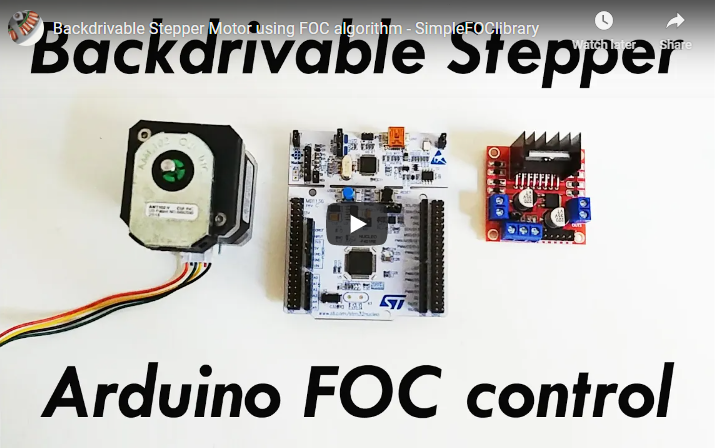
Here are some of the *Simple**FOC**library* and *Simple**FOC**Shield* application examples.
## Arduino FOC repo structure
Branch | Description | Status
------------ | ------------- | ------------
[master](https://github.com/simplefoc/Arduino-FOC) | Stable and tested library version | 
[dev](https://github.com/simplefoc/Arduino-FOC/tree/dev) | Development library version | 
[minimal](https://github.com/simplefoc/Arduino-FOC/tree/minimal) | Minimal Arduino example with integrated library | 