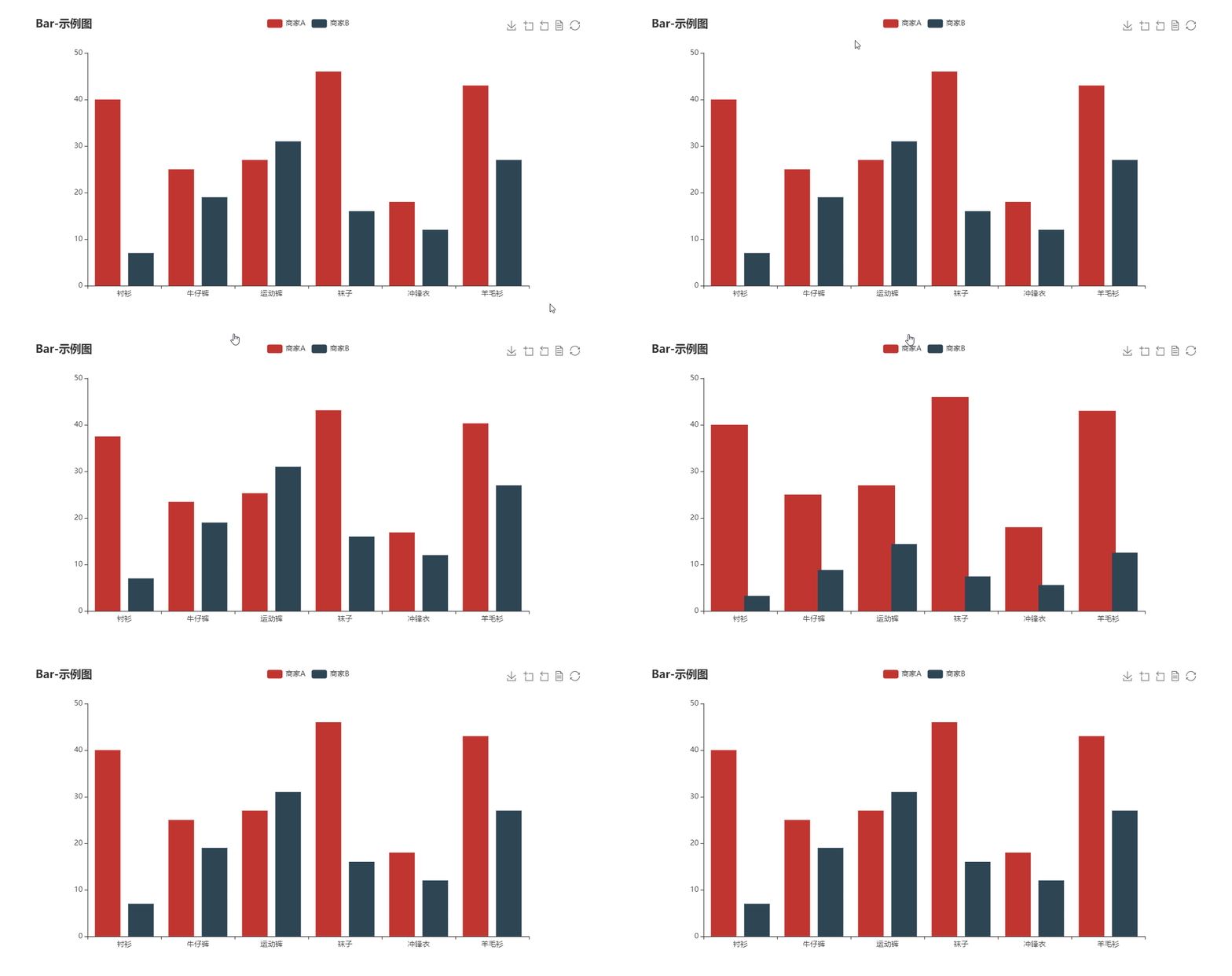
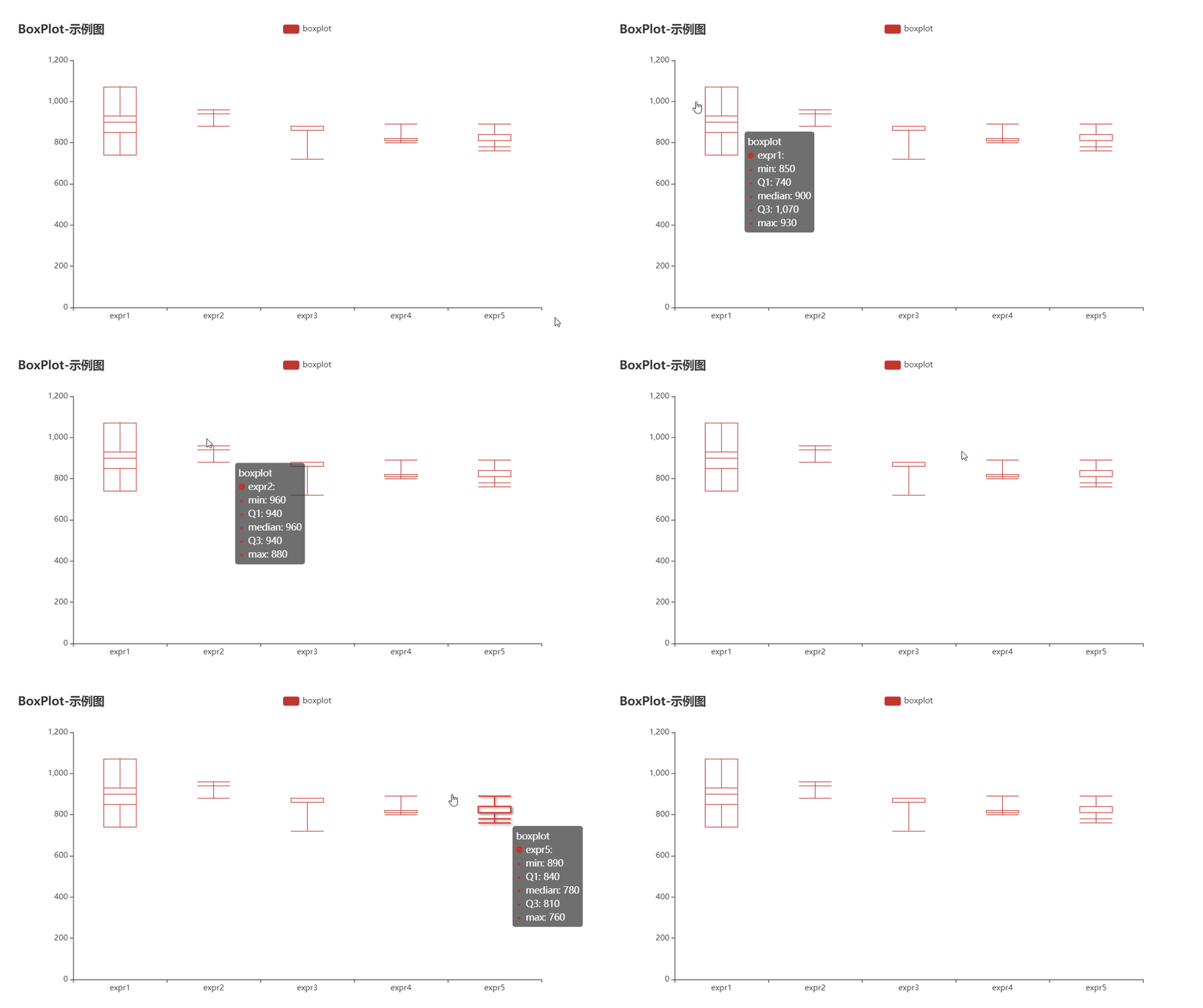
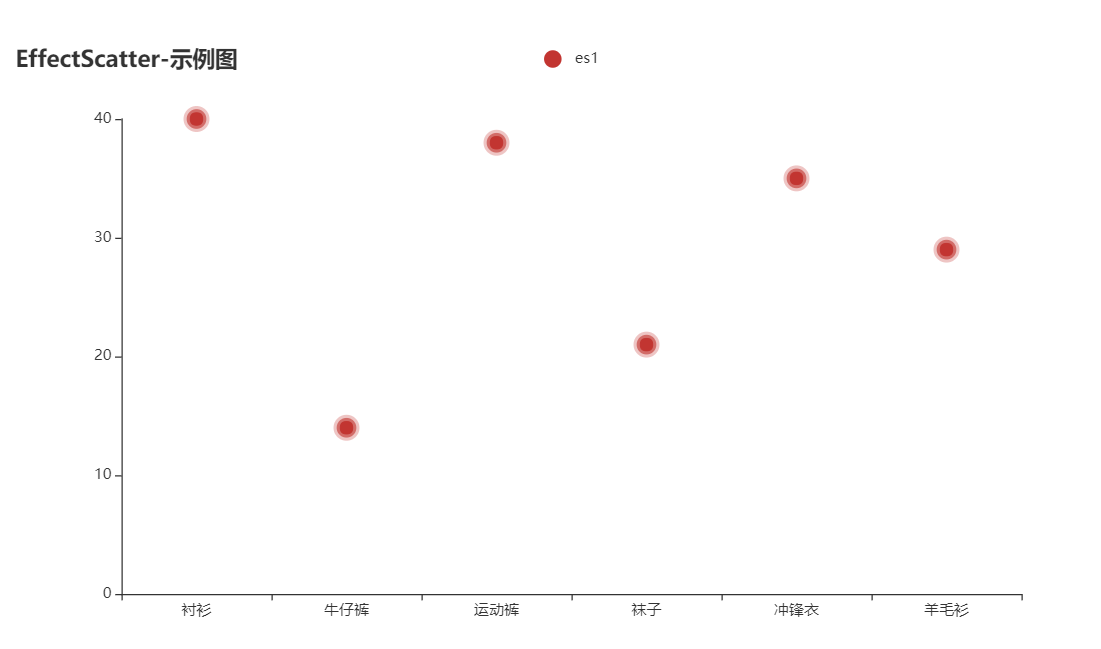
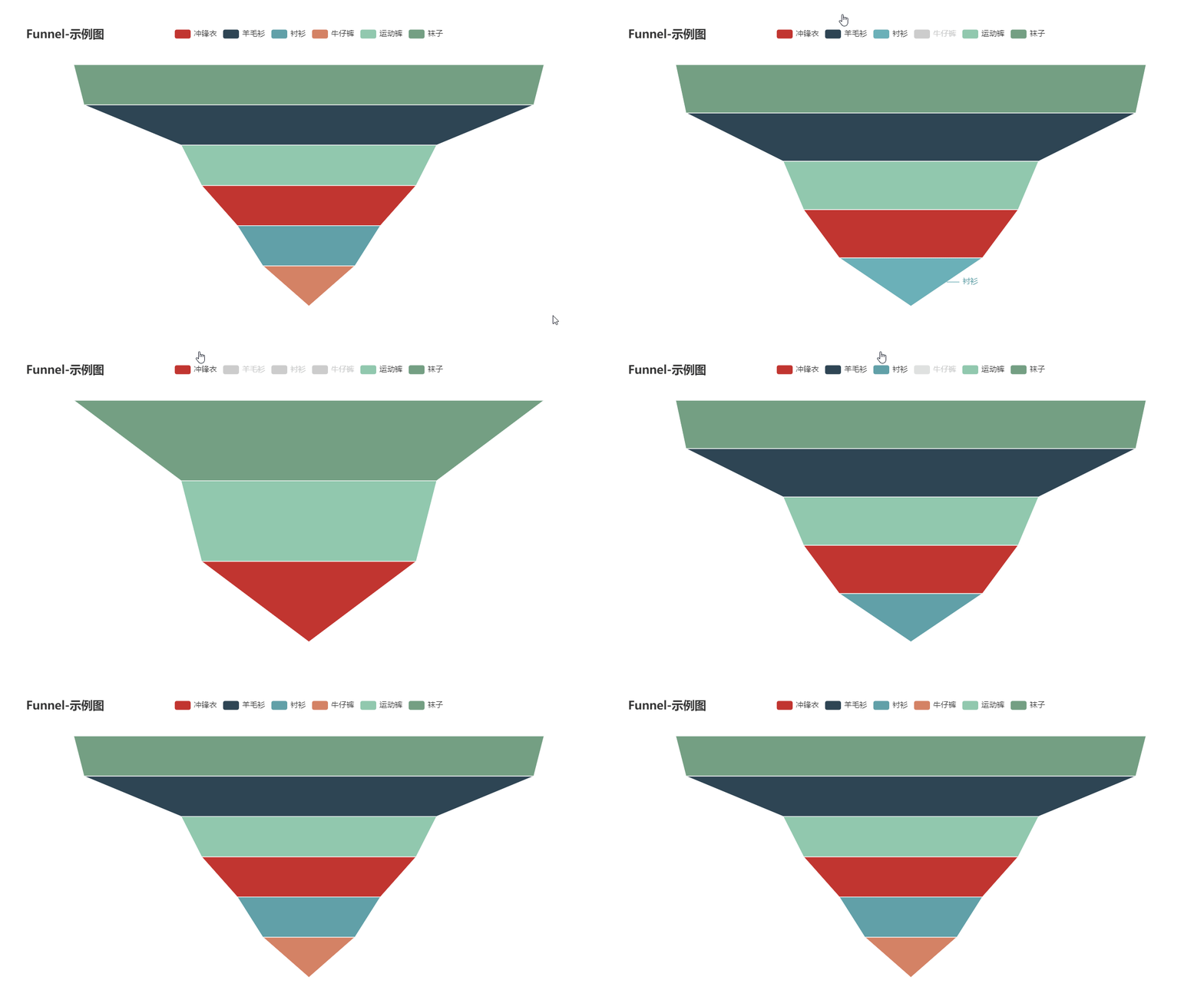
# flutter_echarts
**Repository Path**: lingsuo/flutter_echarts
## Basic Information
- **Project Name**: flutter_echarts
- **Description**: No description available
- **Primary Language**: Unknown
- **License**: BSD-2-Clause
- **Default Branch**: master
- **Homepage**: None
- **GVP Project**: No
## Statistics
- **Stars**: 0
- **Forks**: 0
- **Created**: 2025-08-29
- **Last Updated**: 2025-08-29
## Categories & Tags
**Categories**: Uncategorized
**Tags**: None
## README
## Archiving Note
**After many years, this project, as a transitional solution using Webview, has completed its historical mission and is therefore being archived. We recommend [Graphic](https://github.com/entronad/graphic) or other native chart libraries as alternatives.**
[中文](https://github.com/entronad/flutter_echarts/blob/master/README_CN.md)


*A Flutter widget to use [Apache ECharts](https://github.com/apache/incubator-echarts) in a reactive way.*
# Features
**Reactive Updating**
The most exciting feature of Flutter widgets and React components is that the view can update reactively when data changes. Thanks to ECharts' data driven architecture, `flutter_echarts` implements a reactive way to connect charts with data. The charts automatically re-render when data in the `option` property changes.
**Two Way Communication**
The `onMessage` and `extraScript` properties provide a way to set two-way event communication between Flutter and JavaScript.
**Configurable Extensions**
ECharts has a lot of [extensions](https://echarts.apache.org/en/download-extension.html). The `extensions` property allows you to inject the extension scripts as raw strings. In this way, you can copy these scripts to your source code without being confusing by assets dirs.
# Installing
Add this to your package's pubspec.yaml file:
```yaml
dependencies:
flutter_echarts: #latest version
```
Now in your Dart code, you can use:
```dart
import 'package:flutter_echarts/flutter_echarts.dart';
```
Details see [pub.dev](https://pub.dev/packages/flutter_echarts#-installing-tab-).
# Usage
The `flutter_echarts` package itself is very simple to use, just like a common `statelessWidget`:
> Details about the `option` object is in the [Echarts docs](https://echarts.apache.org/en/option.html) or [Echarts examples](https://echarts.apache.org/examples/en/index.html).
```
Container(
child: Echarts(
option: '''
{
xAxis: {
type: 'category',
data: ['Mon', 'Tue', 'Wed', 'Thu', 'Fri', 'Sat', 'Sun']
},
yAxis: {
type: 'value'
},
series: [{
data: [820, 932, 901, 934, 1290, 1330, 1320],
type: 'line'
}]
}
''',
),
width: 300,
height: 250,
)
```
See the full [flutter_echarts_example](https://github.com/entronad/flutter_echarts/tree/master/example).
# Widget Properties
**option**
*String*
*( required )*
ECharts is mainly configured by passing a string value to the JavaScript `option` property.
You can use `jsonEncode()` function in `dart:convert` to convert data in Dart object form:
```
source: ${jsonEncode(_data1)},
```
Because JavaScript don't have `'''`, you can use this operator to reduce some escape operators for quotas:
```
Echarts(
option: '''
// option string
''',
),
```
To use images in option properties, we suggest the Base64 [Data URL](https://developer.mozilla.org/en-US/docs/Web/HTTP/Basics_of_HTTP/Data_URIs) :
```
image: 'data:image/png;base64,iVBORw0KG...',
```
**extraScript**
*String*
JavaScript which will execute after the `Echarts.init()` and before any `chart.setOption()`. The widget has a Javascript channel named `Messager`, so you can use this identifier to send messages from JavaScript to Flutter:
```
extraScript: '''
chart.on('click', (params) => {
if(params.componentType === 'series') {
Messager.postMessage('anything');
}
});
''',
```
**onMessage**
*void Function(String)?*
Function to handle the message sent by `Messager.postMessage()` in `extraScript` .
**extensions**
*List\*
List of strings are from Echarts extensions, such as themes, components, WebGL, and languages. You can download them [from the official ECharts extension list](https://echarts.apache.org/en/download-extension.html). Insert extensions as raw strings:
```
const liquidPlugin = r'''
// copy from liquid.min.js
''';
```
**theme**
*String*
You can [download built-in ECharts themes](https://echarts.apache.org/en/download-theme.html) or build your own custom themes with [the ECharts theme builder](https://echarts.baidu.com/theme-builder/). Copy the theme script into the `extensions` param and register the theme name with this param.
**captureAllGestures**
*bool*
*( default: false )*
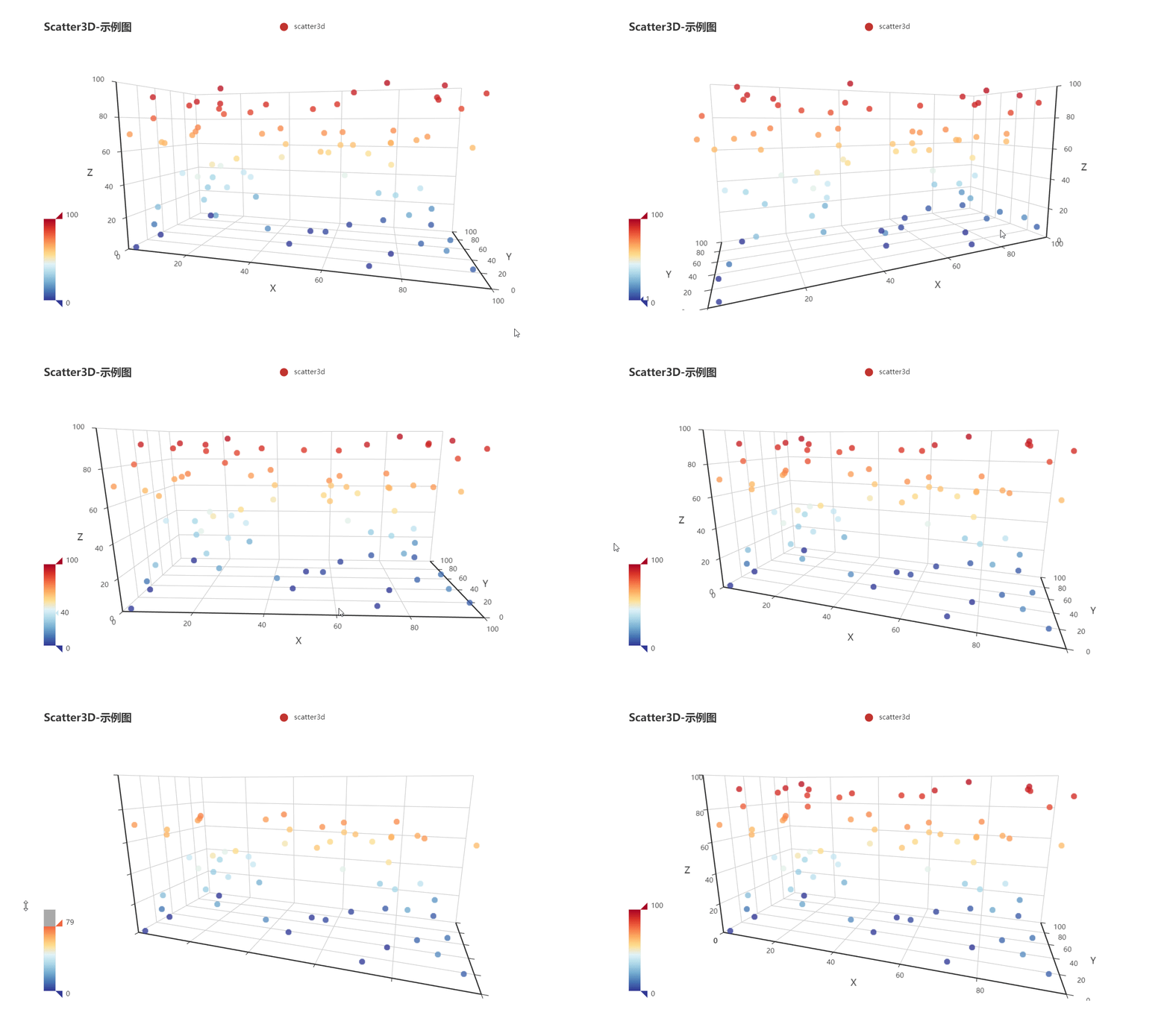
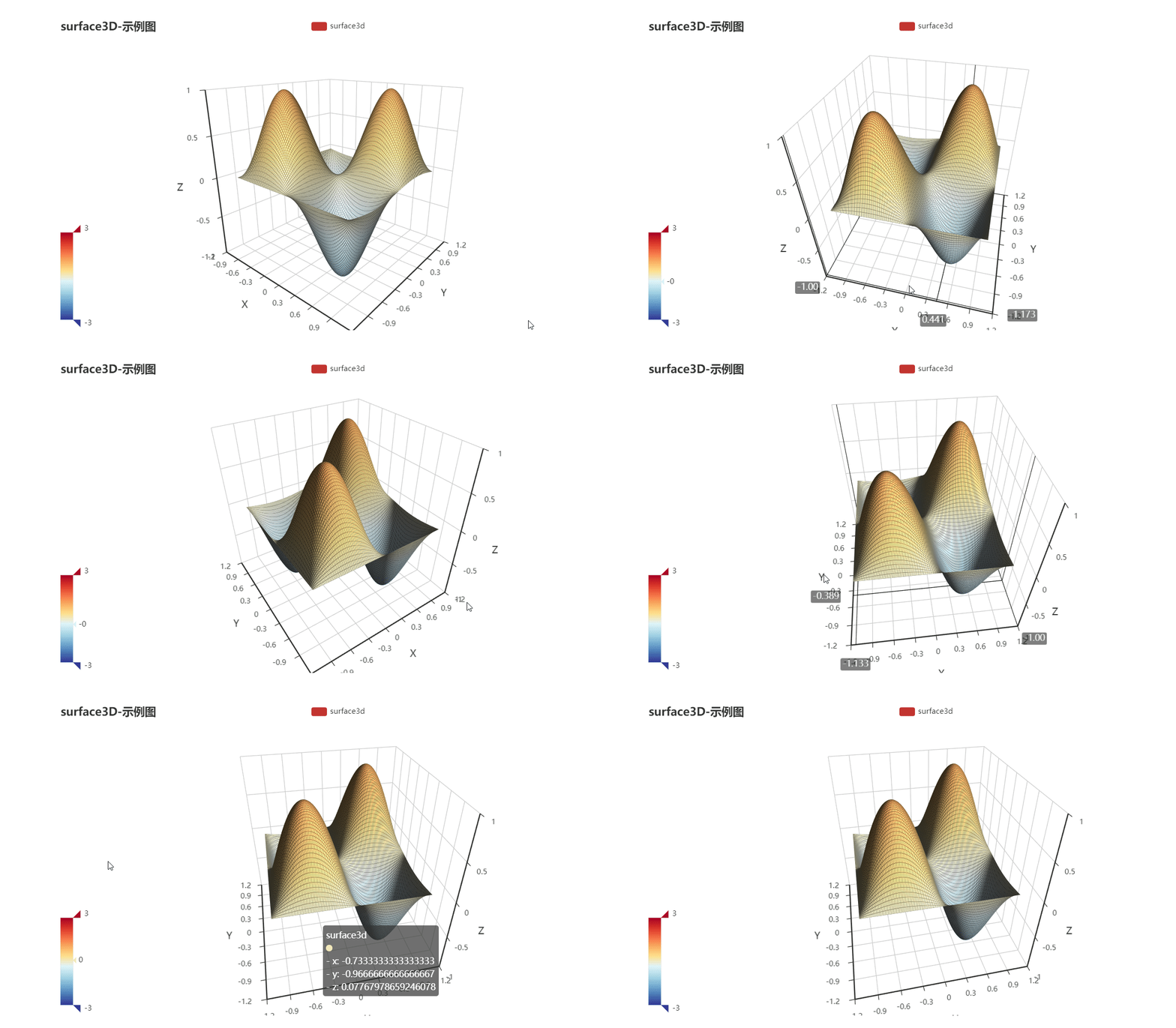
Setting `captureAllGestures` to `true` is useful when handling 3D rotation and data zoom bars. Note that setting prevents containers like ListViews from reacting to gestures on the charts.
If true, `captureHorizontalGestures` and `captureVerticalGestures` are forced true.
**captureHorizontalGestures**
*bool*
*( default: false )*
Only capture horizontal gestures.
**captureVerticalGestures**
*bool*
*( default: false )*
Only capture vertical gestures.
**onLoad**
*void Function(WebViewController)?*
The callback when first time the chart is loaded and rendered. You can get the webview controller from this function to do your magic.
**reloadAfterInit**
*bool*
*( default: false )*
If you have trouble in rendering charts in "Movable Widgets"(ListView, SliverView, PageVIew...) on iOS, try setting `reloadAfterInit` to `true` .
**onWebResourceError**
*void Function(WebViewController, Exception)?*
Handle the web resource error.
# Blog
[Reactive Echarts Flutter Widget](https://medium.com/@entronad/reactive-echarts-flutter-widget-fedab7f3c52f)
[A performance optimization of Flutter WebView](https://levelup.gitconnected.com/a-performance-optimization-of-flutter-webview-6afa1a5b4300?source=your_stories_page---------------------------)
---
If you have any suggestions or requests, please open an [issue](https://github.com/entronad/flutter_echarts/issues).
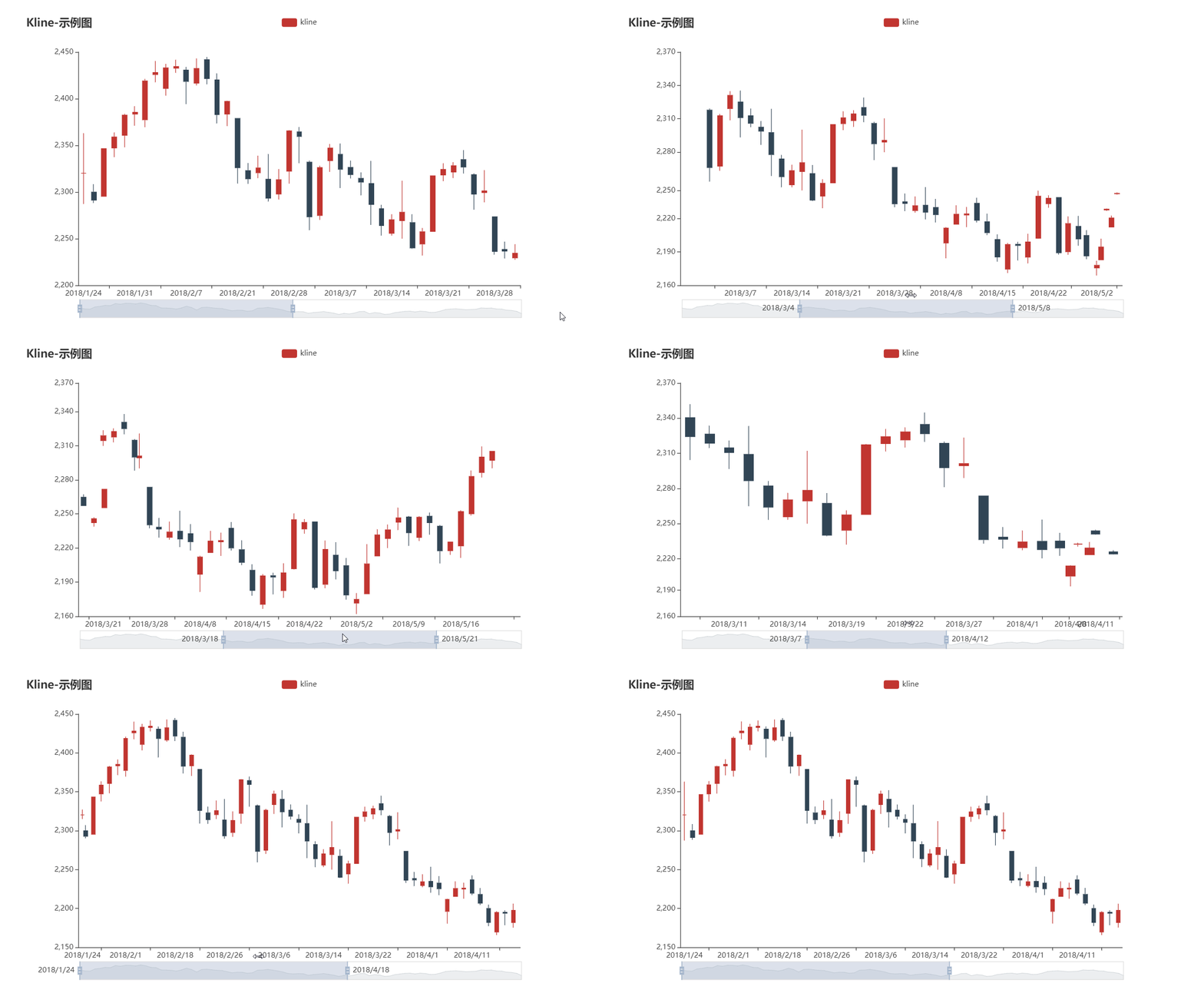
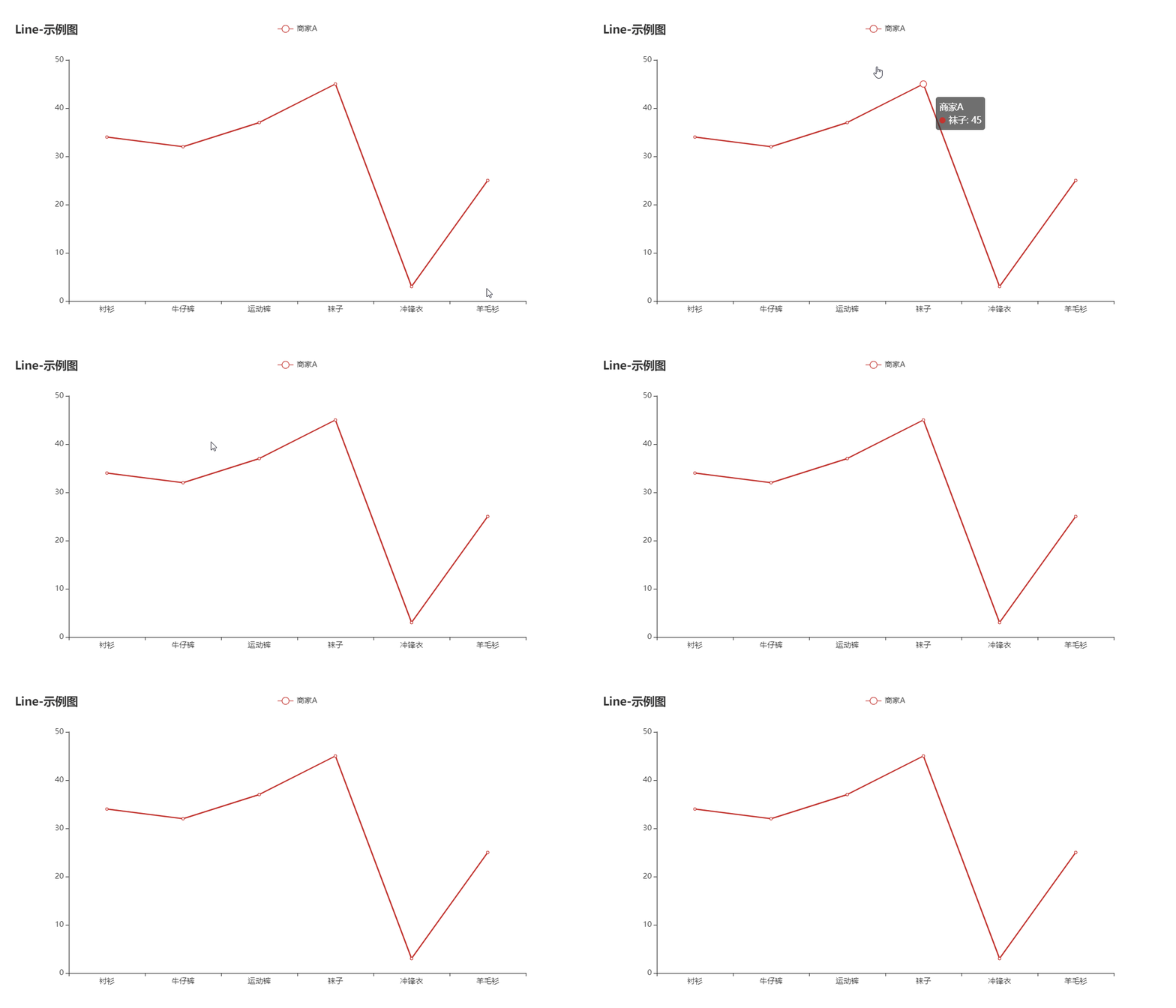
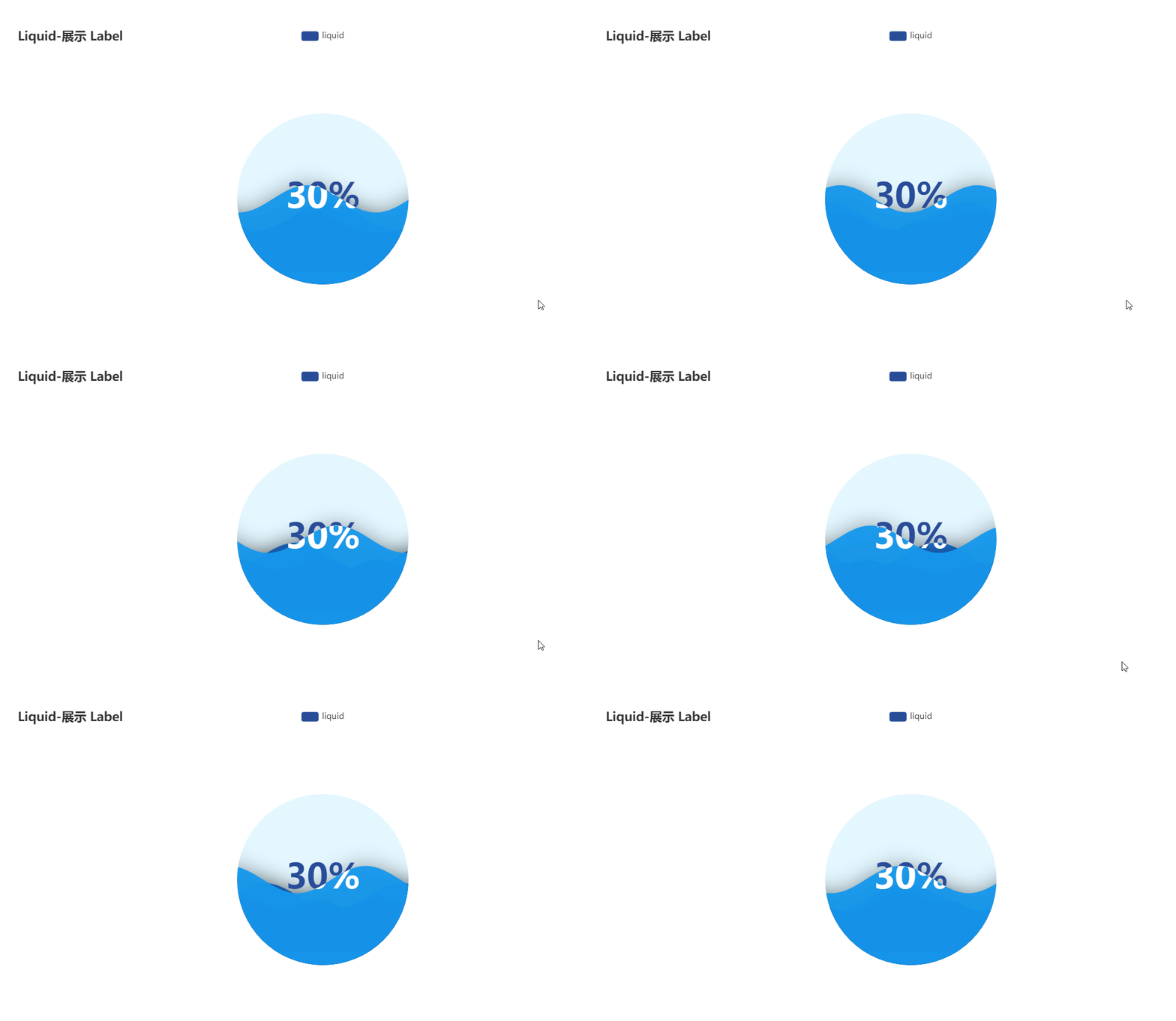
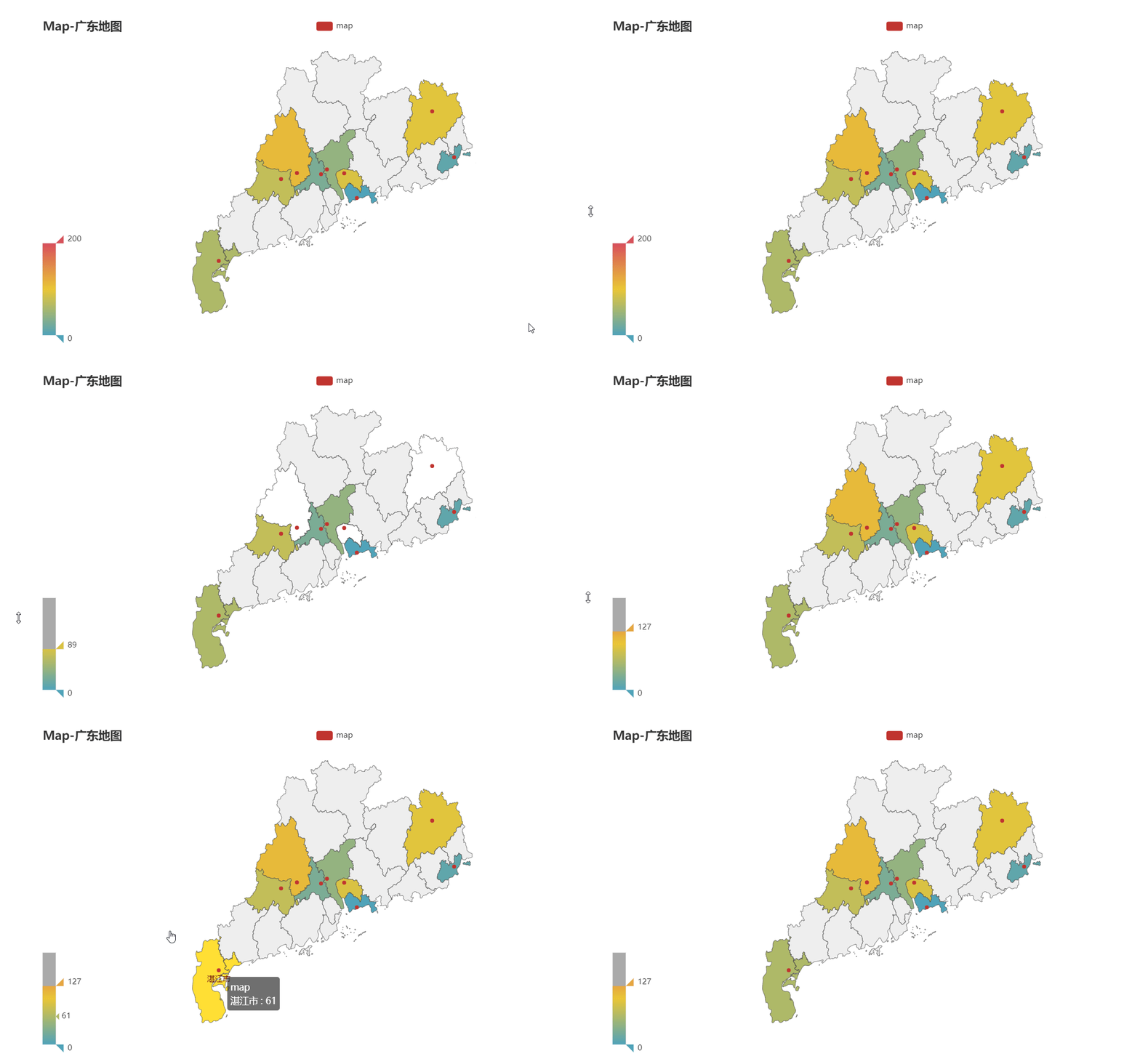
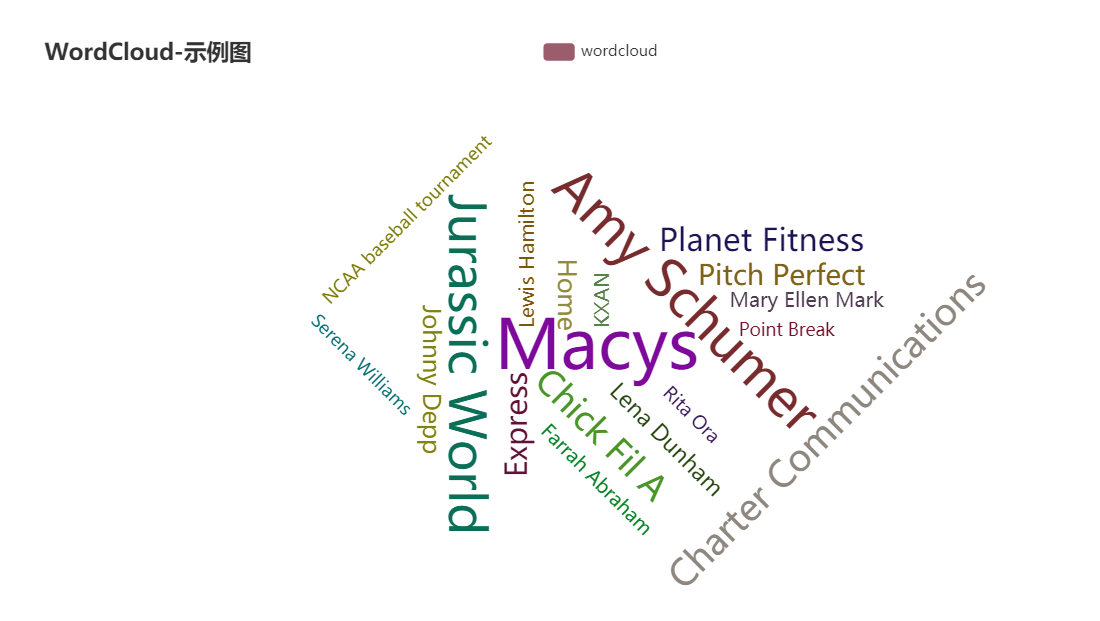
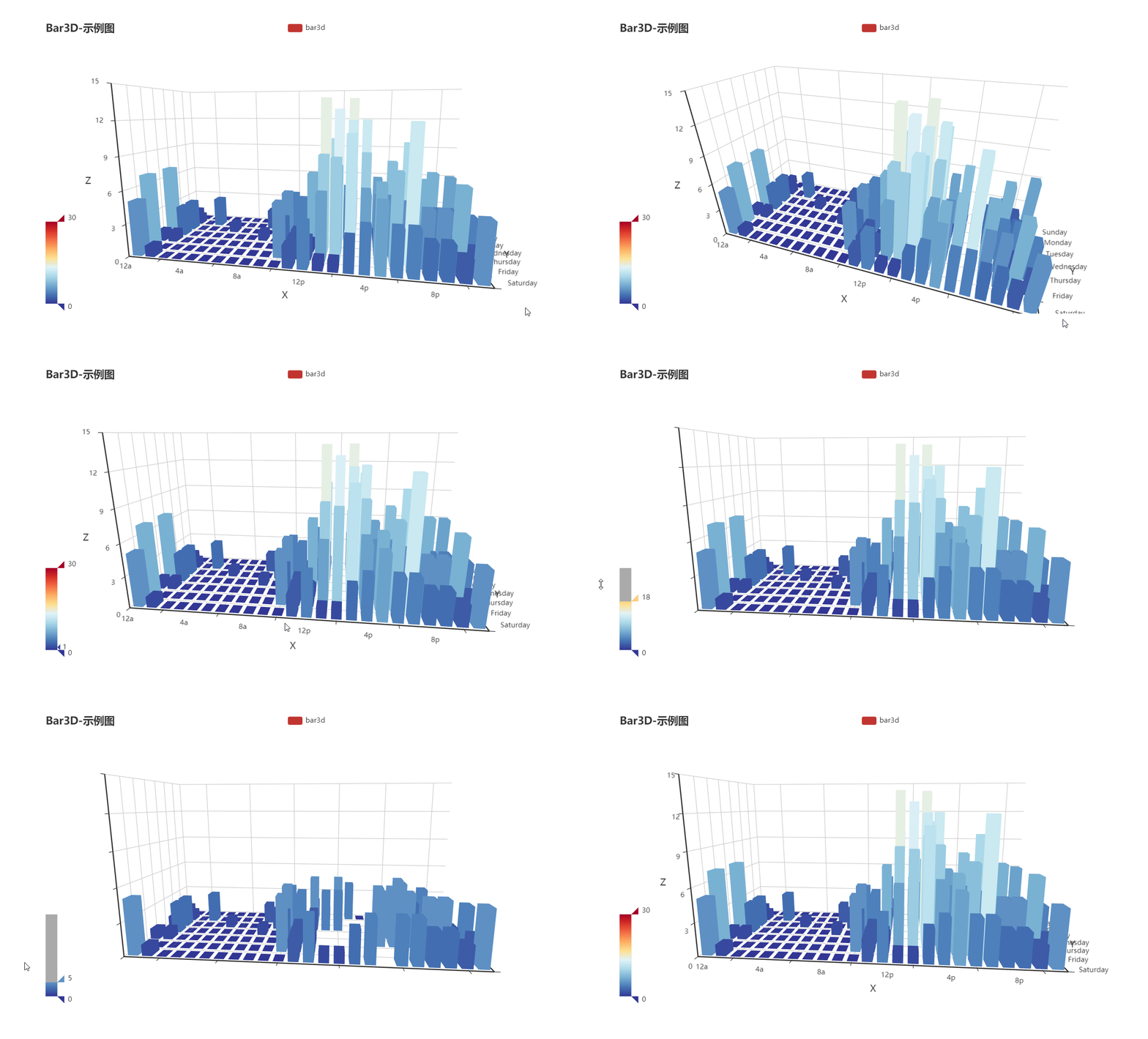
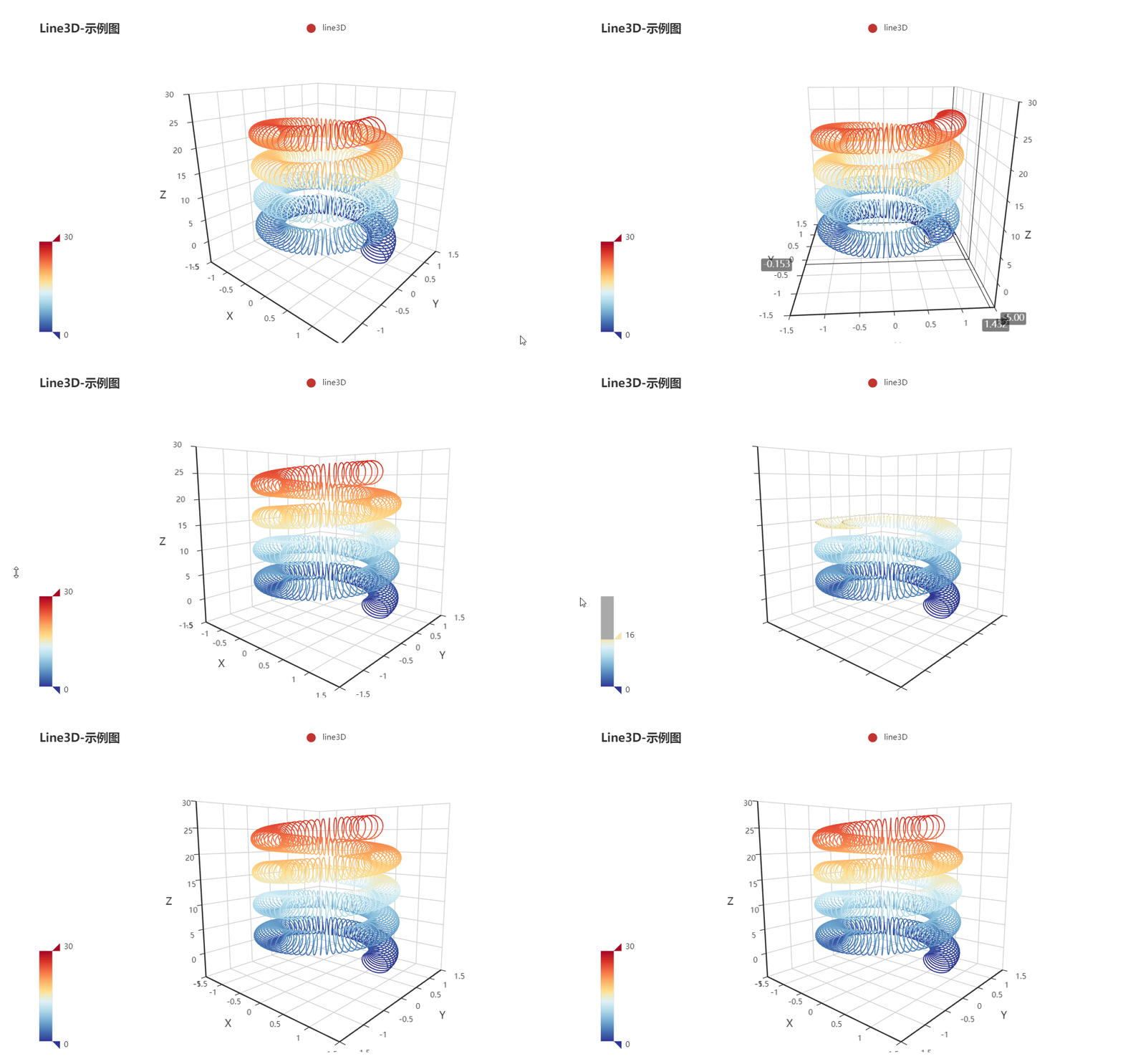
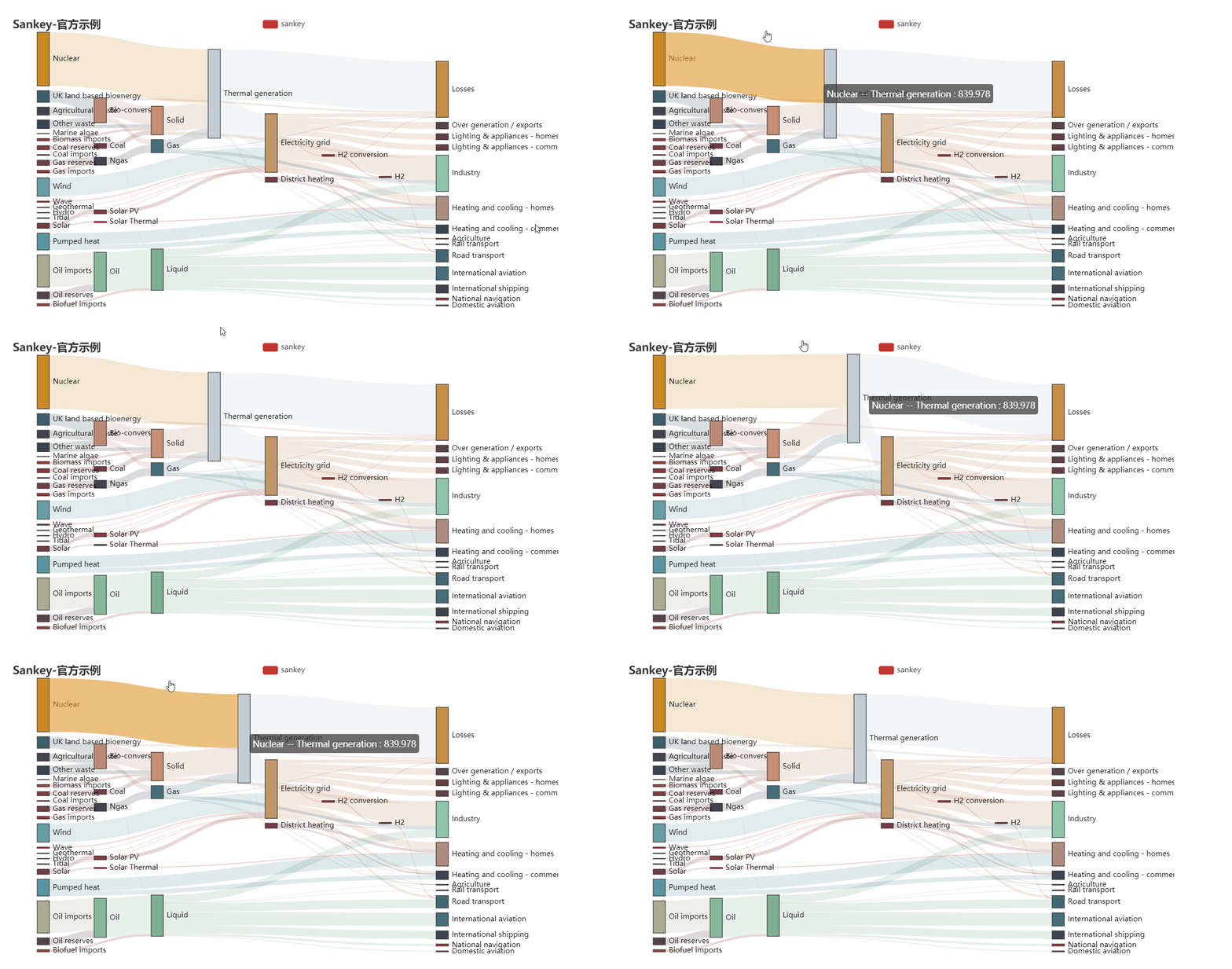
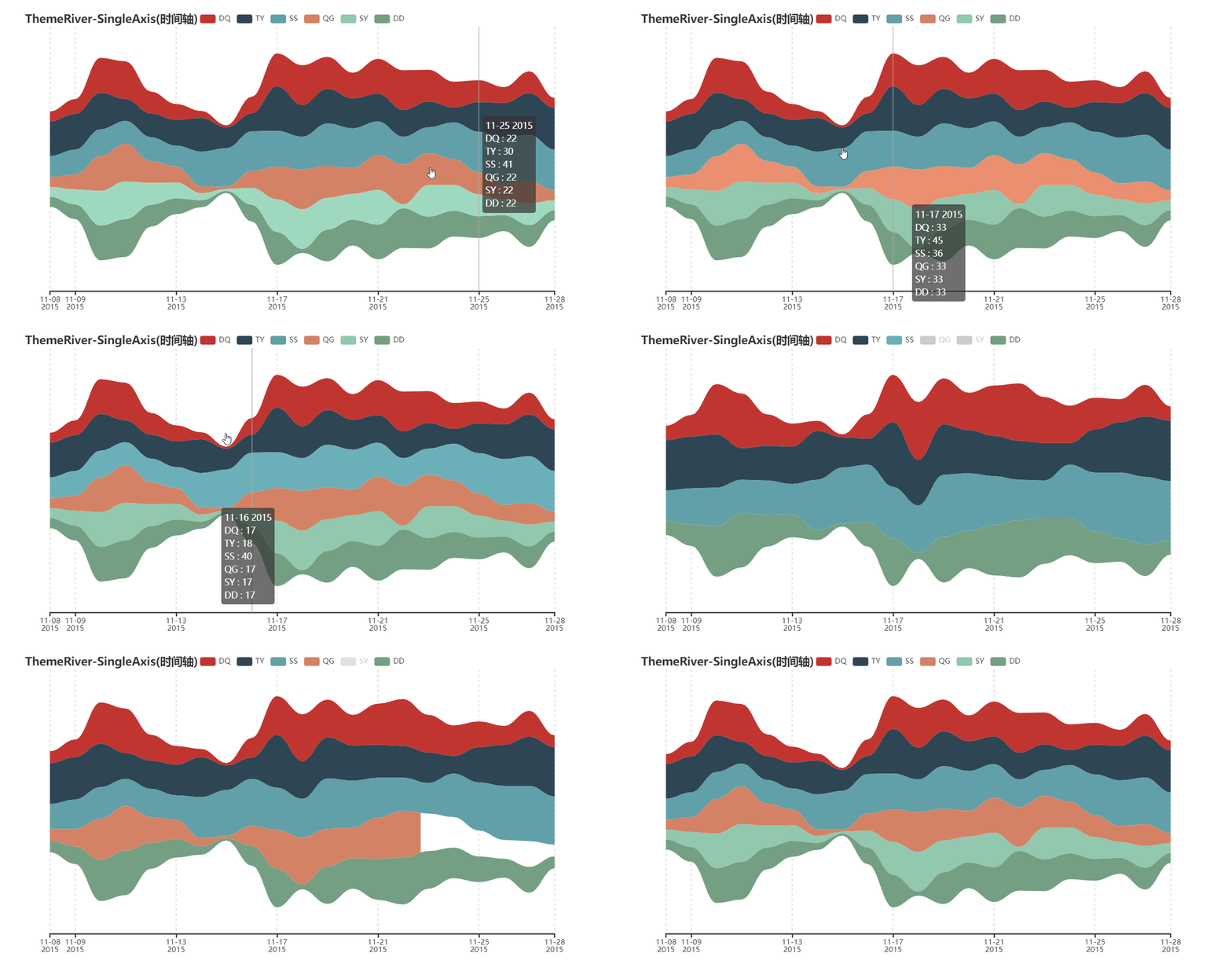
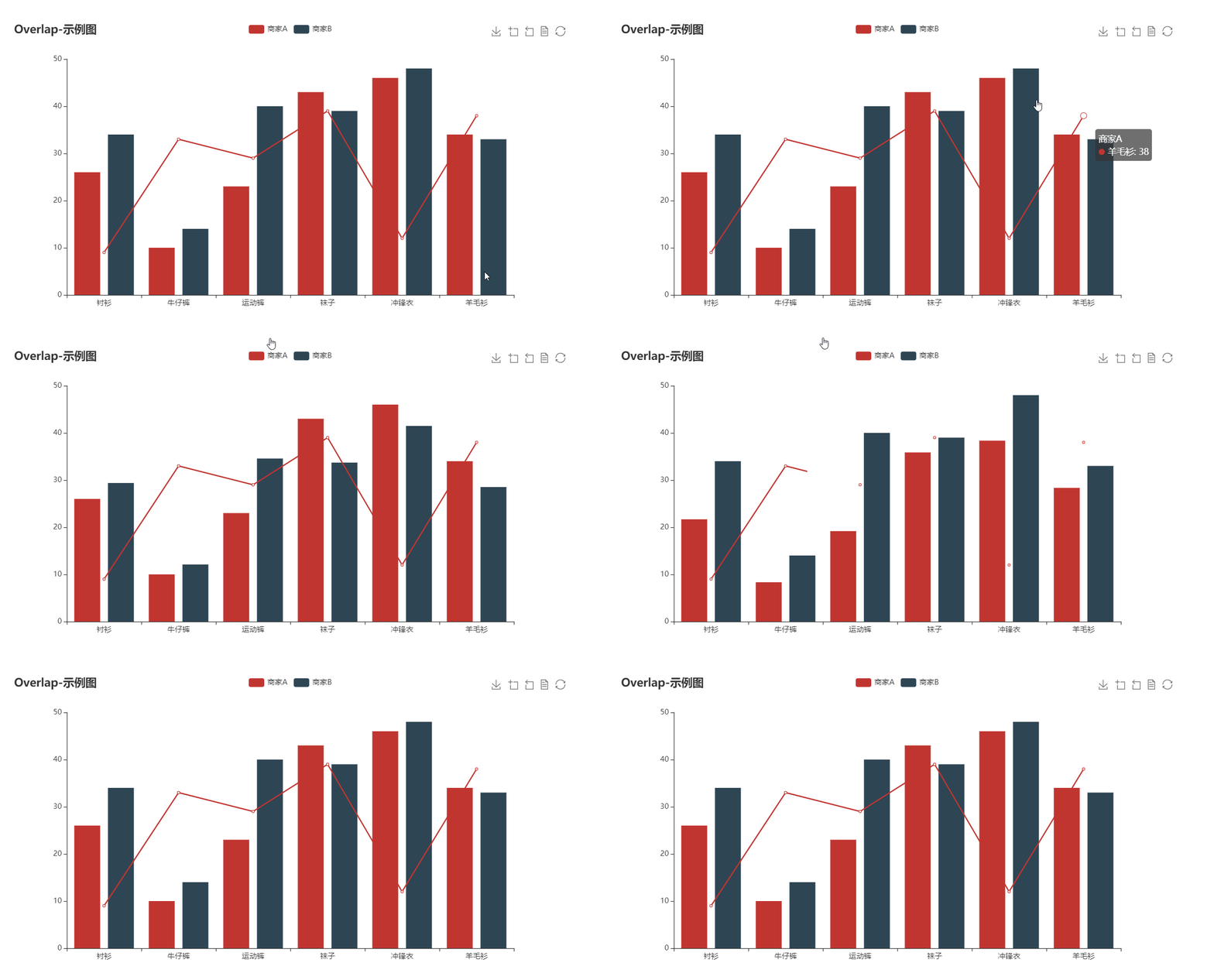
*The gallery GIF is from [chenjiandongx](https://github.com/chenjiandongx)*