





中文 | English
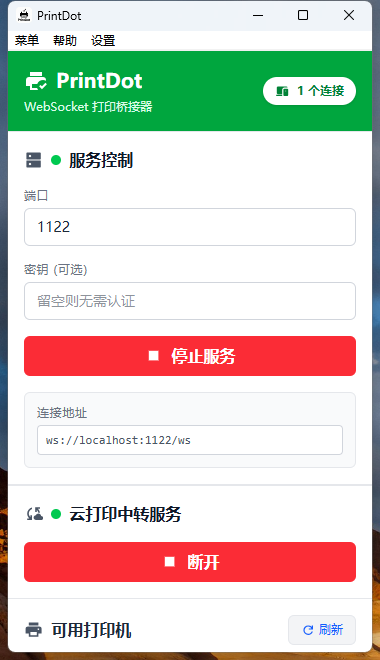
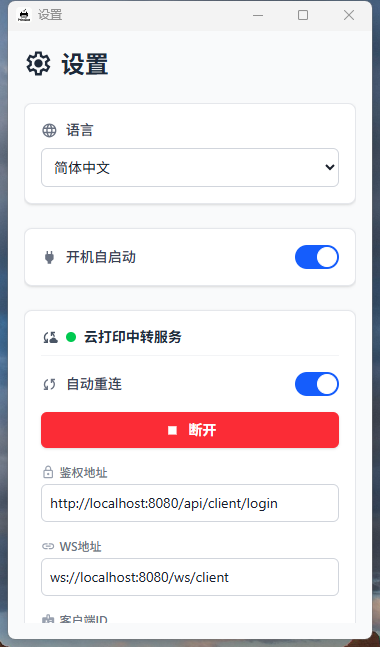
Vue Print Designer 是一款可视化打印设计器,面向业务表单、标签、票据、快递单等场景,支持模板化、变量化,并提供静默打印与云打印能力,同时兼容多种导出/打印方式。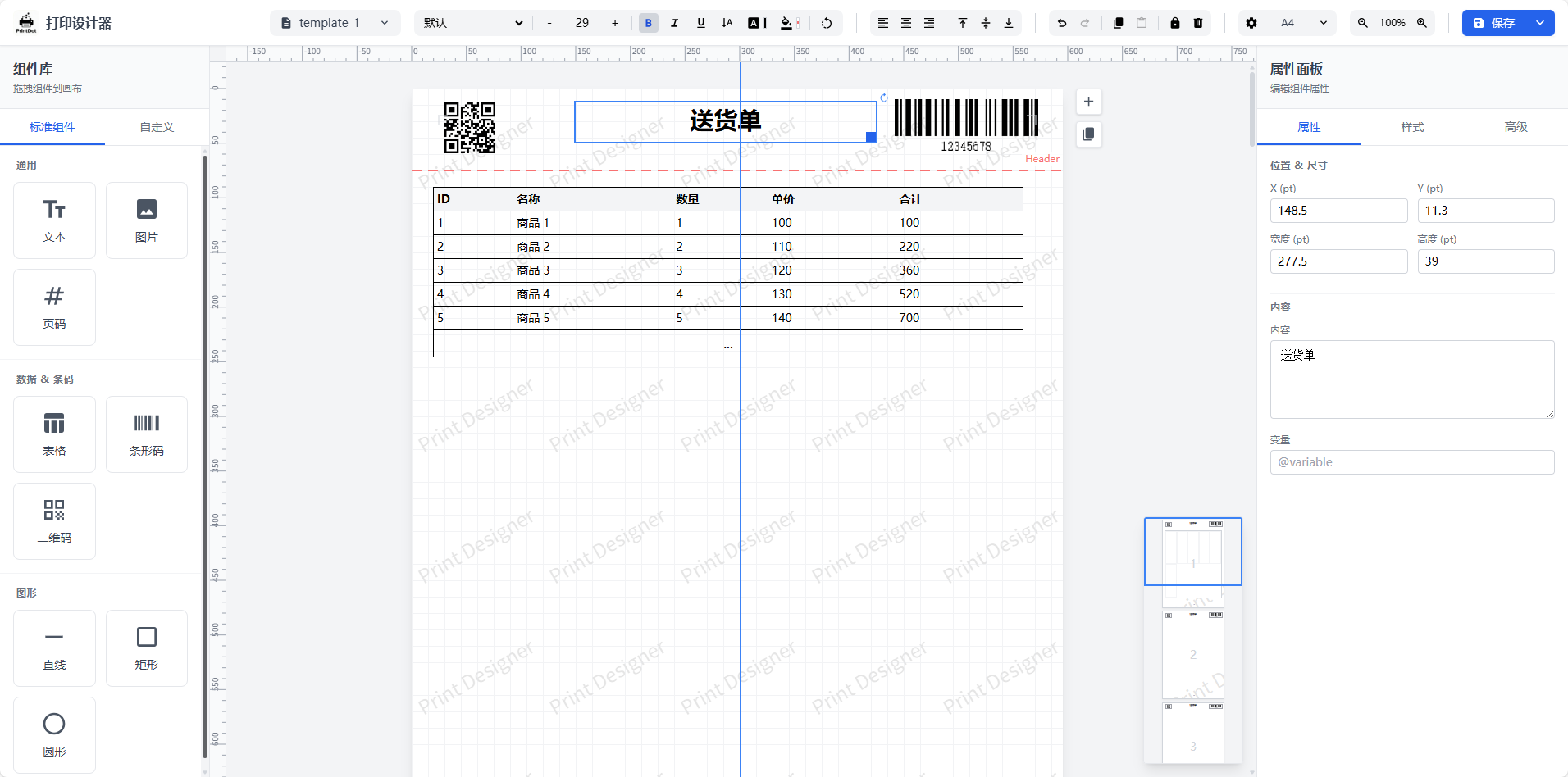 |
| 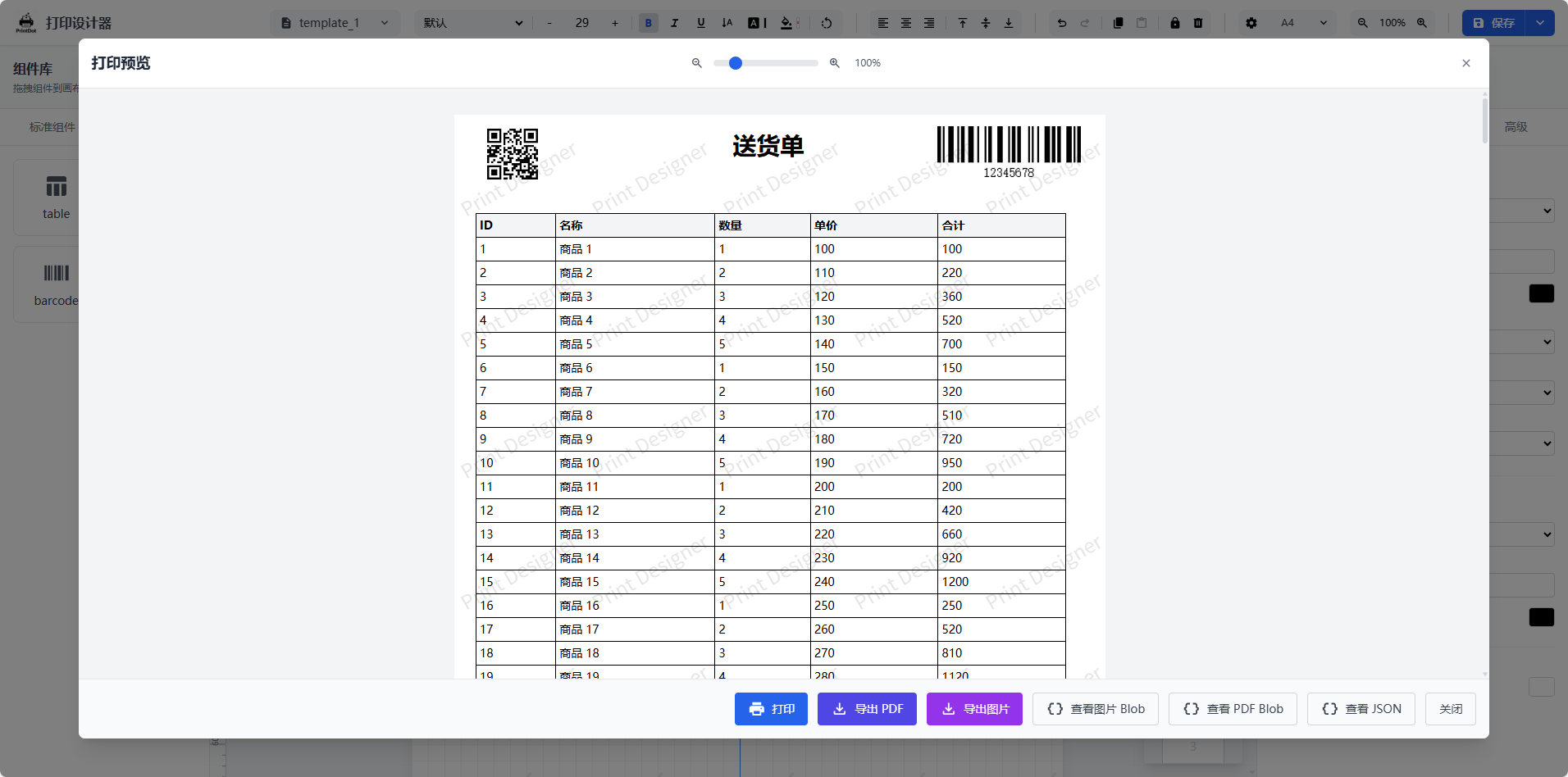 |
| 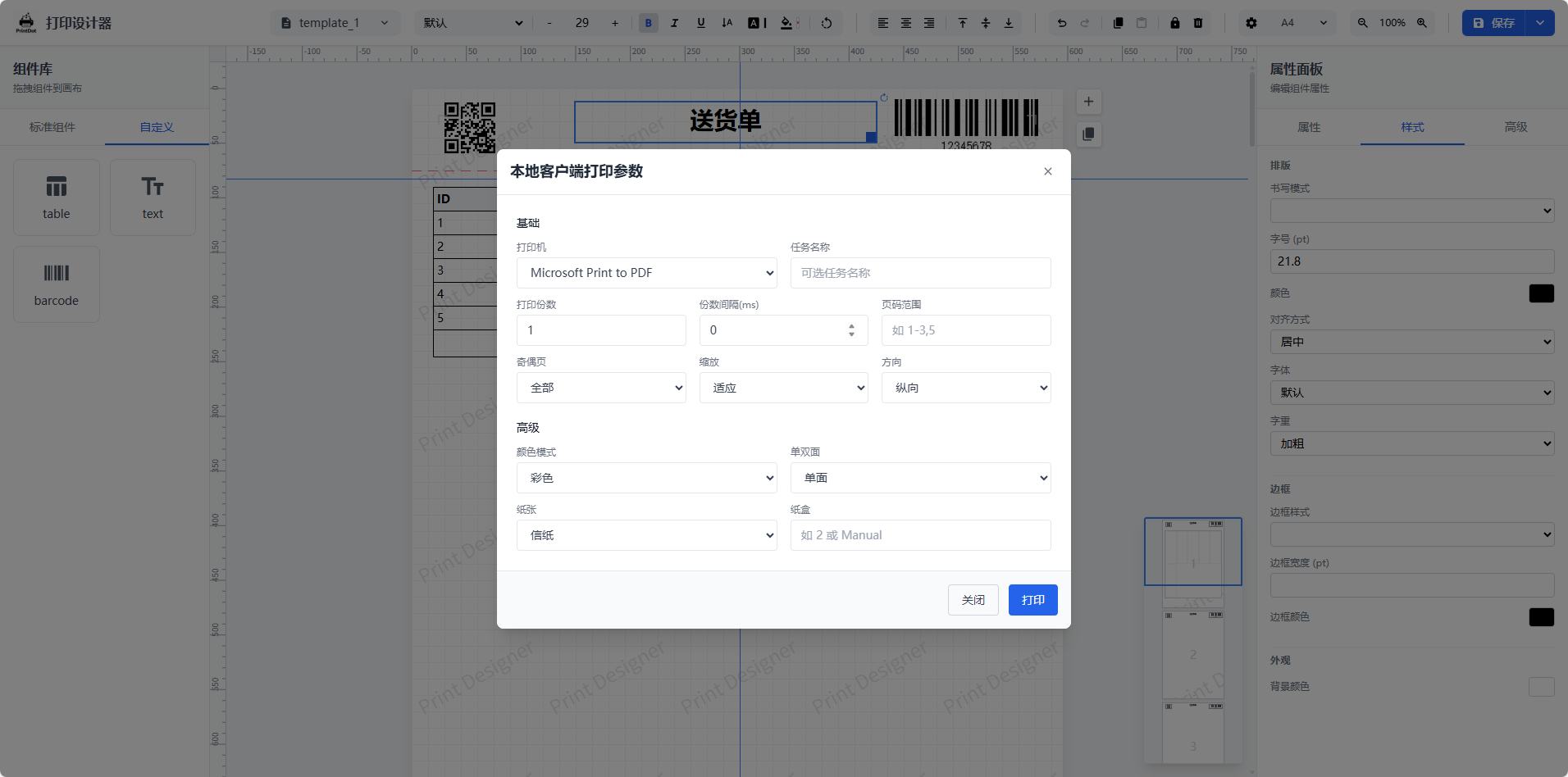 |
| 系统设置与偏好 | 快捷键说明 | 高级表格编辑 |
| --- | --- | --- |
|
|
| 系统设置与偏好 | 快捷键说明 | 高级表格编辑 |
| --- | --- | --- |
| 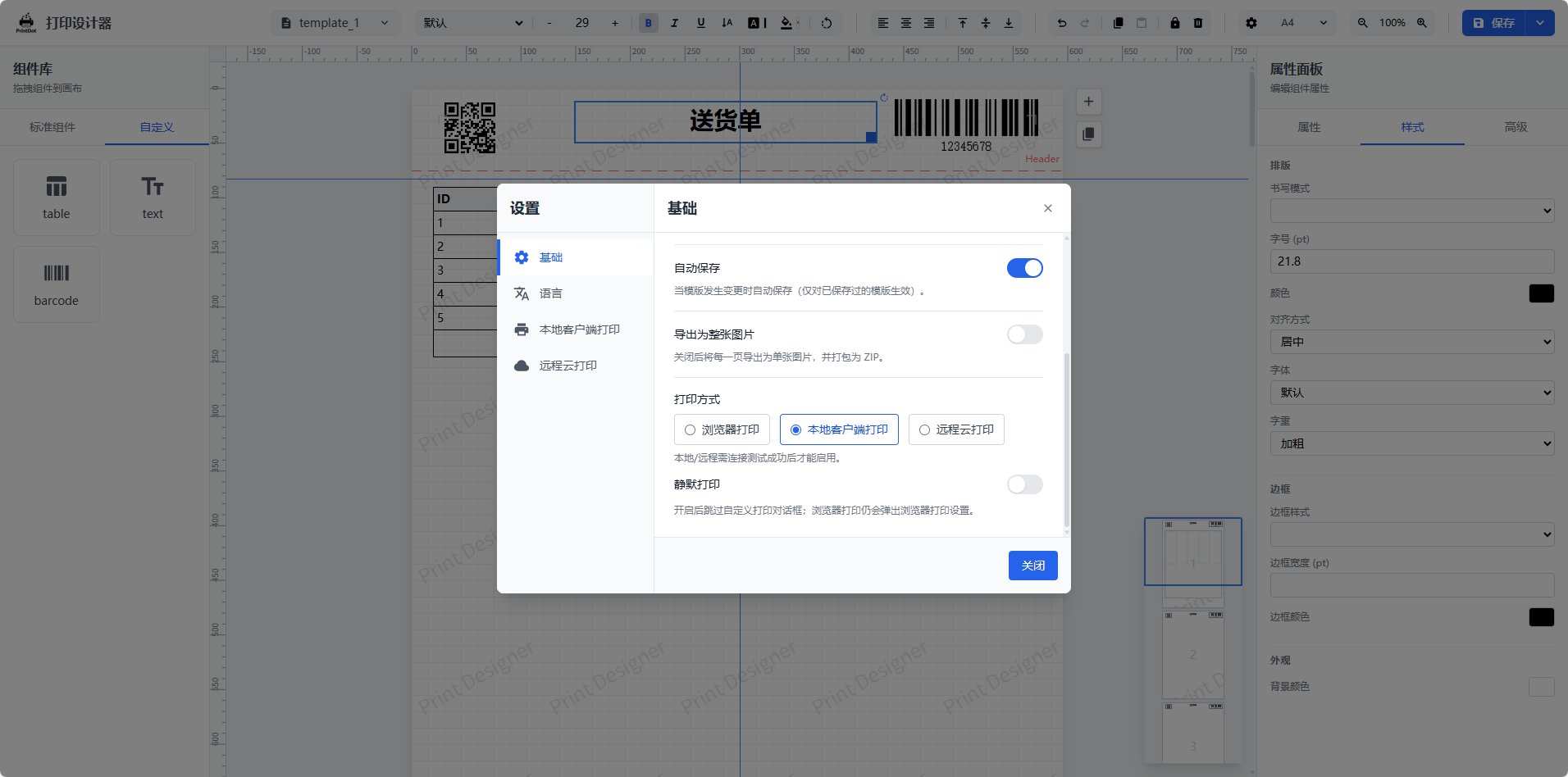 |
| 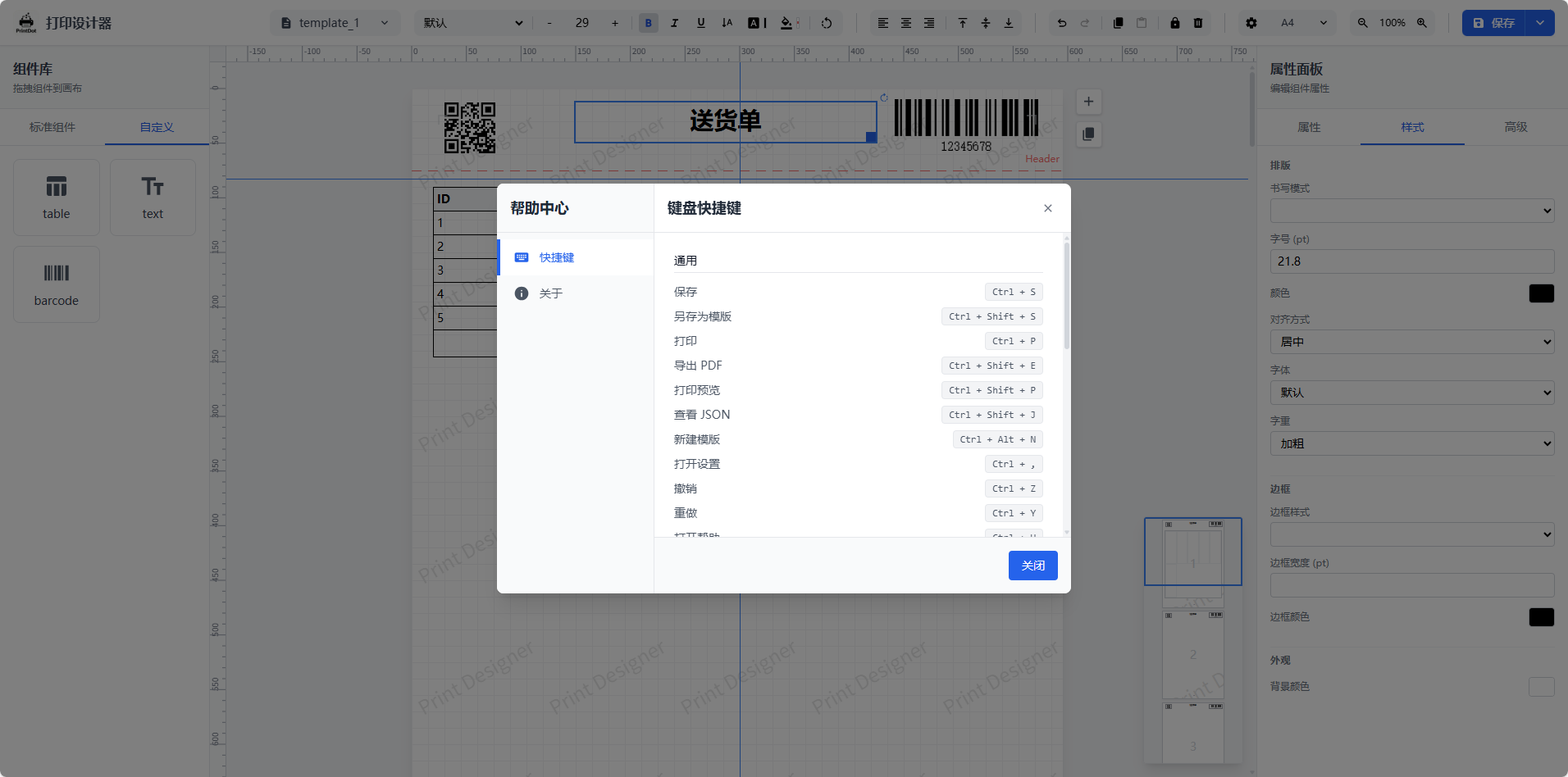 |
| 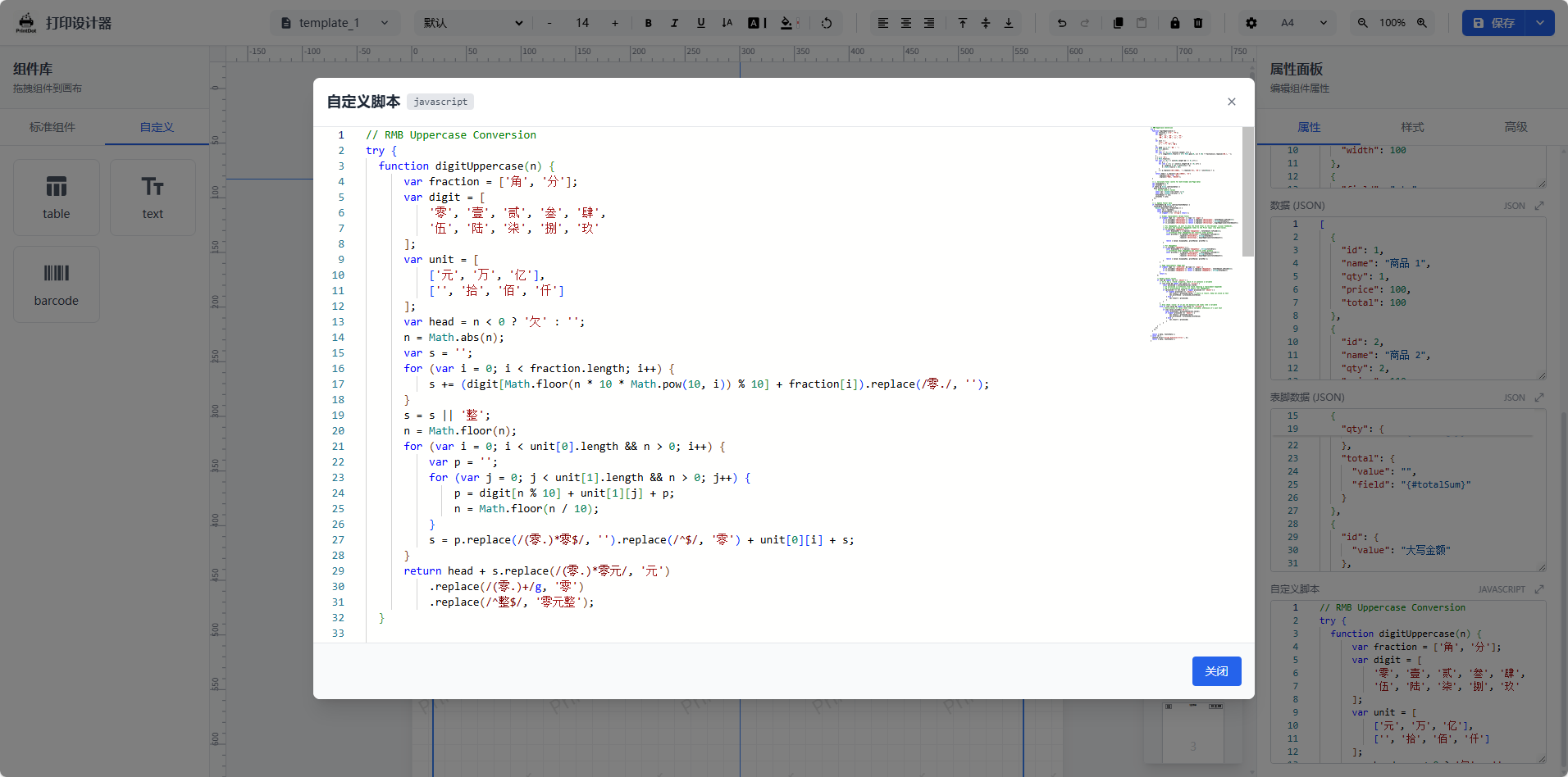 |
## 集成示例
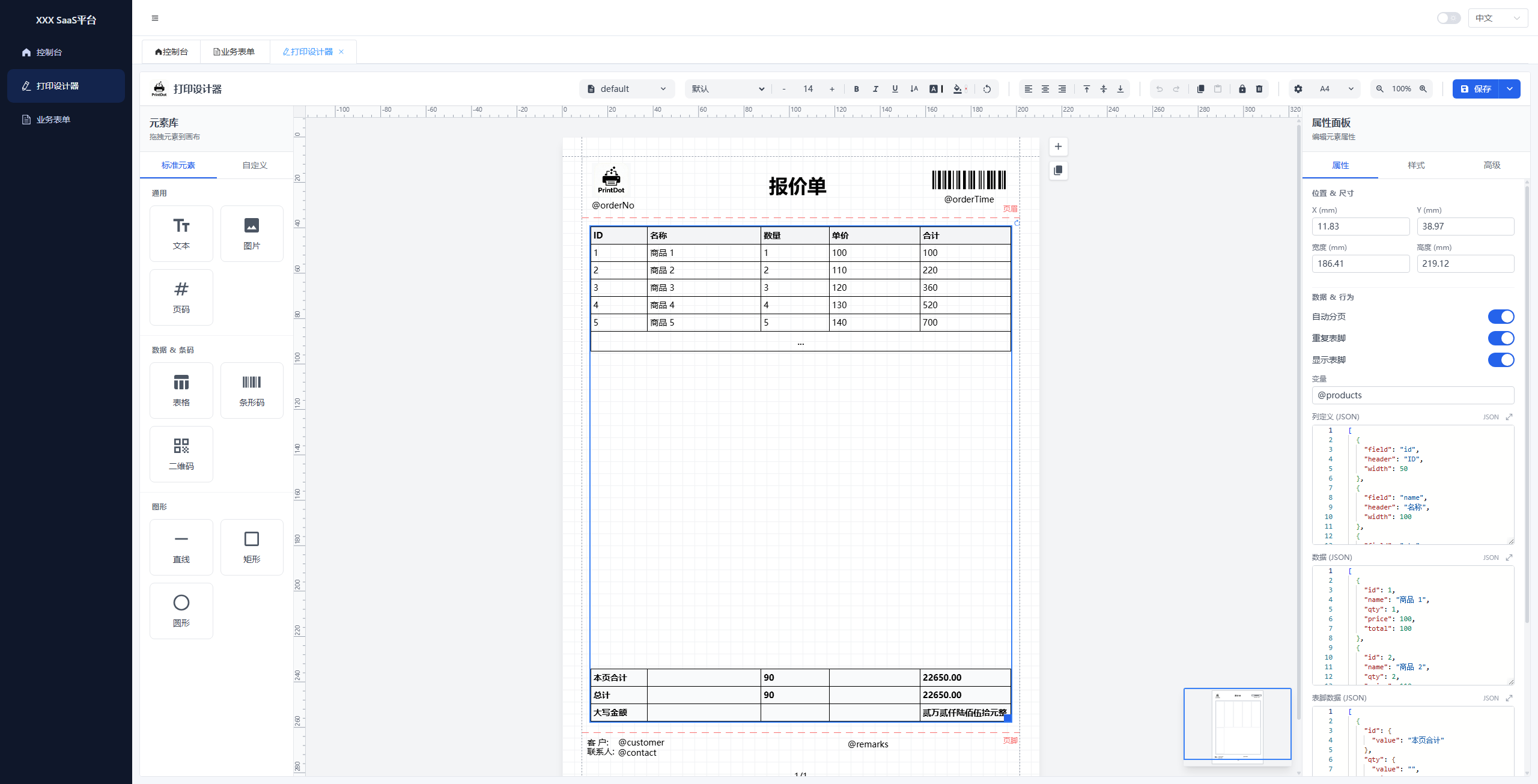
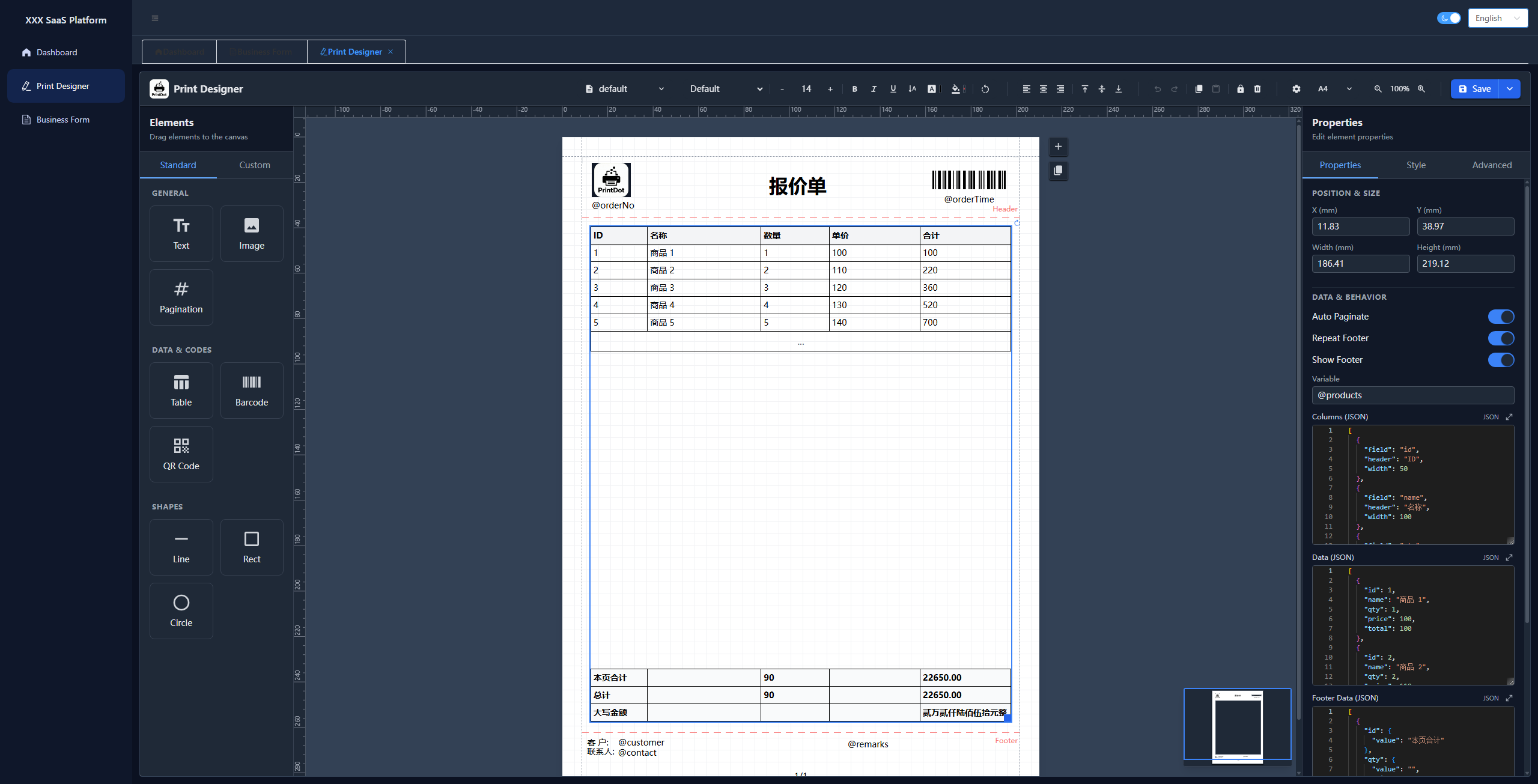
我们提供了一个基于 **Vue 3 + Element Plus** 的完整集成示例项目,演示如何在实际业务系统中嵌入打印设计器。
| 参数调试 | 设计器 | 暗色模式 |
| --- | --- | --- |
|
|
## 集成示例
我们提供了一个基于 **Vue 3 + Element Plus** 的完整集成示例项目,演示如何在实际业务系统中嵌入打印设计器。
| 参数调试 | 设计器 | 暗色模式 |
| --- | --- | --- |
| 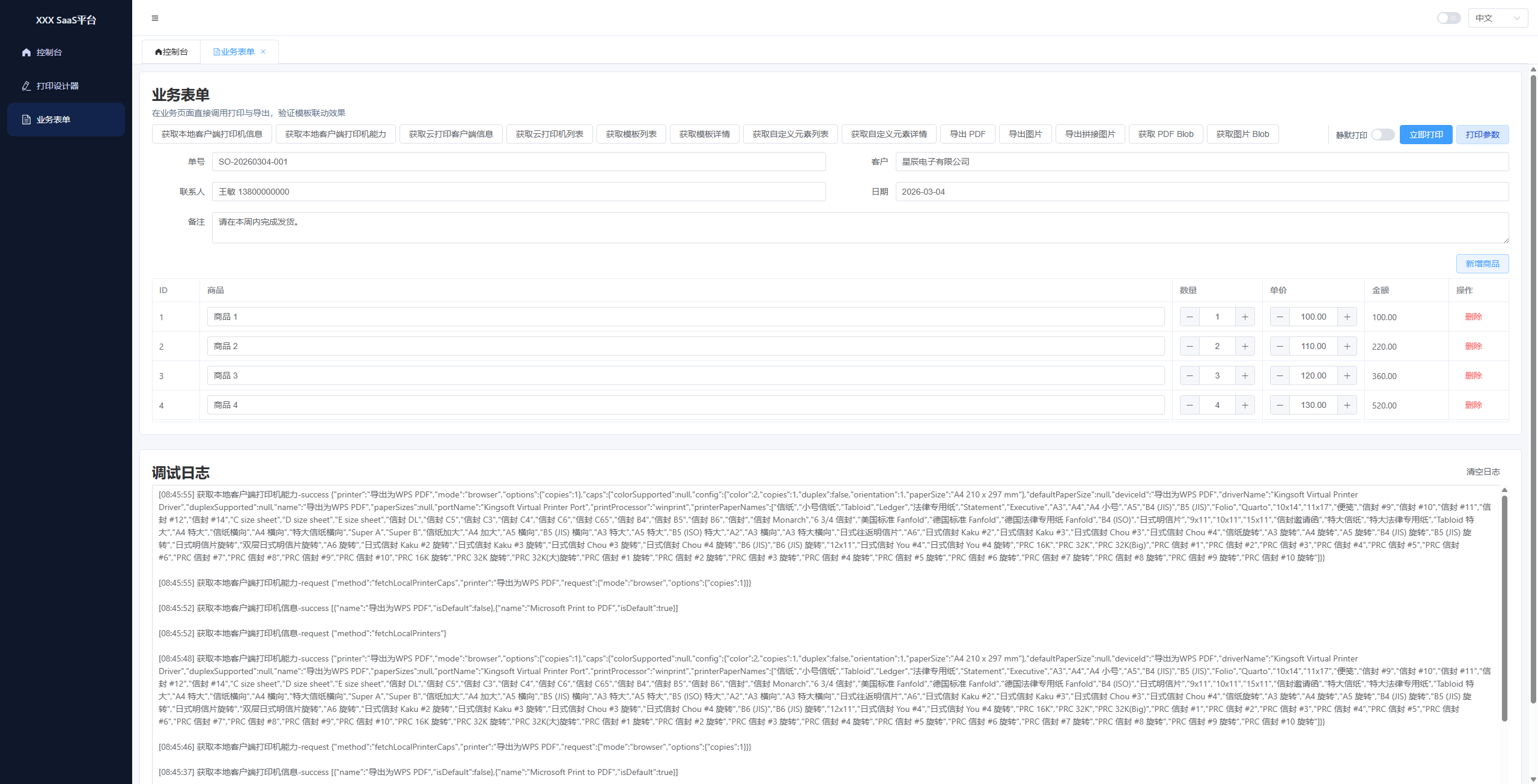 |
|  |
|  |
- **项目地址**:[https://github.com/0ldFive/vue-designer-sample](https://github.com/0ldFive/vue-designer-sample)
- **在线演示**:[https://0ldfive.github.io/vue-designer-sample/#/designer](https://0ldfive.github.io/vue-designer-sample/#/designer)
- **技术栈**:Vue 3, TypeScript, Element Plus, Vite
## 社区交流
欢迎加入 QQ 群一起交流功能使用、二次开发与问题排查。
- QQ 群号:**1038069636**
|
- **项目地址**:[https://github.com/0ldFive/vue-designer-sample](https://github.com/0ldFive/vue-designer-sample)
- **在线演示**:[https://0ldfive.github.io/vue-designer-sample/#/designer](https://0ldfive.github.io/vue-designer-sample/#/designer)
- **技术栈**:Vue 3, TypeScript, Element Plus, Vite
## 社区交流
欢迎加入 QQ 群一起交流功能使用、二次开发与问题排查。
- QQ 群号:**1038069636**

 |
|  |
## 快速开始
### 方式一:下载源码自行改造与集成 API
适合有深度定制需求的团队。
#### 环境要求
- Node.js >= 16.0.0
- npm >= 7.0.0 或 yarn / pnpm
#### 建议接入点
- 模板 CRUD:`useTemplateStore`(可替换为接口读写)
- 自定义元素 CRUD:`useDesignerStore` 中的 `customElements`
- 变量与模板数据:组件实例方法 `setVariables` / `loadTemplateData`
自定义元素扩展请查看:[自定义元素扩展指南](https://printdot.cc/docs)
### 方式二:npm 组件(Web Components)
适合任何技术栈(Vue/React/Angular/原生)。Web Components 方式**支持 Vue 2**(作为自定义元素使用),无需 Vue 2 组件适配。
详细参数、CRUD 与 JSON 示例请查看:[Web Components API 用户手册](https://printdot.cc/docs)
#### 安装依赖
选择任一包管理器安装依赖:
```bash
npm i vue-print-designer
# 或
pnpm add vue-print-designer
# 或
yarn add vue-print-designer
```
#### 1) 使用组件(Vue 3 / Vite)
在入口文件中引入:
```ts
// main.ts
import 'vue-print-designer';
import 'vue-print-designer/style.css';
```
然后在页面里直接使用自定义元素:
```vue
|
## 快速开始
### 方式一:下载源码自行改造与集成 API
适合有深度定制需求的团队。
#### 环境要求
- Node.js >= 16.0.0
- npm >= 7.0.0 或 yarn / pnpm
#### 建议接入点
- 模板 CRUD:`useTemplateStore`(可替换为接口读写)
- 自定义元素 CRUD:`useDesignerStore` 中的 `customElements`
- 变量与模板数据:组件实例方法 `setVariables` / `loadTemplateData`
自定义元素扩展请查看:[自定义元素扩展指南](https://printdot.cc/docs)
### 方式二:npm 组件(Web Components)
适合任何技术栈(Vue/React/Angular/原生)。Web Components 方式**支持 Vue 2**(作为自定义元素使用),无需 Vue 2 组件适配。
详细参数、CRUD 与 JSON 示例请查看:[Web Components API 用户手册](https://printdot.cc/docs)
#### 安装依赖
选择任一包管理器安装依赖:
```bash
npm i vue-print-designer
# 或
pnpm add vue-print-designer
# 或
yarn add vue-print-designer
```
#### 1) 使用组件(Vue 3 / Vite)
在入口文件中引入:
```ts
// main.ts
import 'vue-print-designer';
import 'vue-print-designer/style.css';
```
然后在页面里直接使用自定义元素:
```vue