# hexo-theme-melody
**Repository Path**: mamh-mixed/hexo-theme-melody
## Basic Information
- **Project Name**: hexo-theme-melody
- **Description**: https://github.com/mamh-mixed/hexo-theme-melody
- **Primary Language**: Unknown
- **License**: Not specified
- **Default Branch**: master
- **Homepage**: None
- **GVP Project**: No
## Statistics
- **Stars**: 0
- **Forks**: 0
- **Created**: 2023-07-16
- **Last Updated**: 2023-07-17
## Categories & Tags
**Categories**: Uncategorized
**Tags**: None
## README
# hexo-theme-melody





A simple & beautiful & fast theme for Hexo.
See demo:
- [molunerfinn.com](https://molunerfinn.com)
- [Elody's Blog](https://elody-07.github.io)
- [zouyaoji's Blog](https://zouyaoji.top/)
- [flytreeleft's Blog](https://flytreeleft.org/)
- [霪霖笙箫的博客](https://fridolph.github.io/)
- [upupming 的博客](https://upupming.site/)
- [HibisciDai's blog](https://hibiscidai.com/)
- [李牧羊](https://www.limuyang.cc/)
- [DoubleFJ の Blog](http://putop.top)
- [Inno’s Blog](https://innofang.github.io/)
- [SpiffyEight77's Blog](https://spiffyeight77.github.io/)
- [FoolのGarden](https://gofugui.github.io/)
- [高可用可伸缩微服务架构](https://msainaction.github.io/)
- [Oolong Box](https://www.oolongbox.com/)
- [Kiyoshi's Blog](https://blog.k1yoshi.com/)
- [Sheey的小窝](https://sheey.moe/)
- [Ahuiyo の Blog](https://ahuiyo.cn/)
- [XIAO Blog](https://blog.xiaojianzheng.cn)
- [Moon's Blog](https://loumoon.github.io/)
- [cuteerhas](https://lishoushoua.github.io/)
- [李林林的小站](https://leilinen.github.io/)
- [Sunshine](http://hudongyang.com/)
- [过客别墅](https://zc-apiao.space/)
- [jie wei](http://weijiew.com/)
- [Mandarin的日常](https://liwenhau.github.io/)
and more...
If you are using `theme-melody` and want to be shown to others like above (It will be stopped when the demo sites' number up to 25), please write down your site in this [issue](https://github.com/Molunerfinn/hexo-theme-melody/issues/1)!
# Documentation
Documentation is [here](https://molunerfinn.com/hexo-theme-melody-doc/). Now it supports `en` and `zh-Hans`.
If you meet problems using `hexo-theme-melody`, it's recommended to read [FAQ](https://github.com/Molunerfinn/hexo-theme-melody/blob/dev/FAQ.md) & [Documentation](https://molunerfinn.com/hexo-theme-melody-doc/), most of your problems will be solved!
# Changelogs
See [releases](https://github.com/Molunerfinn/hexo-theme-melody/releases).
# Screenshots


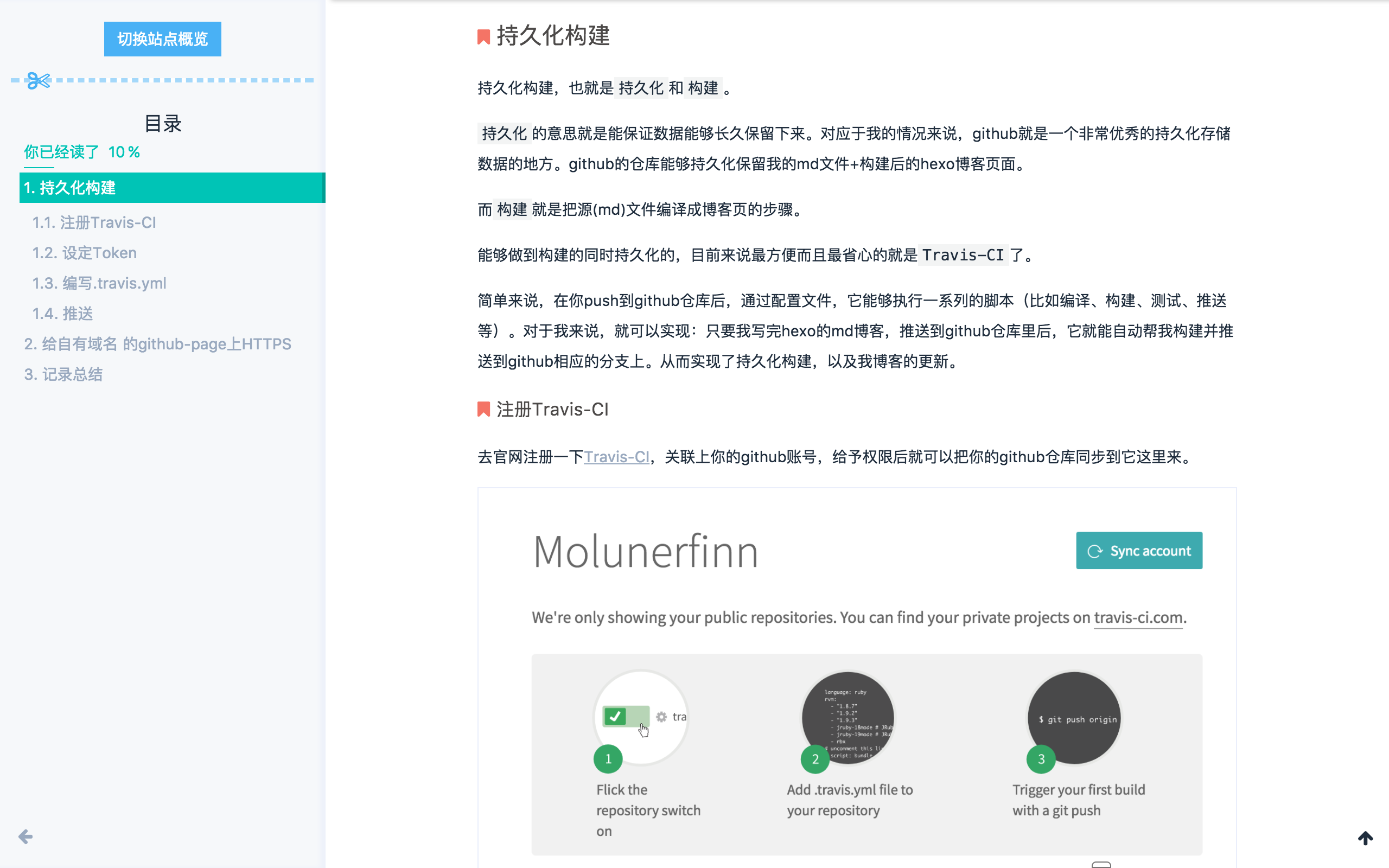

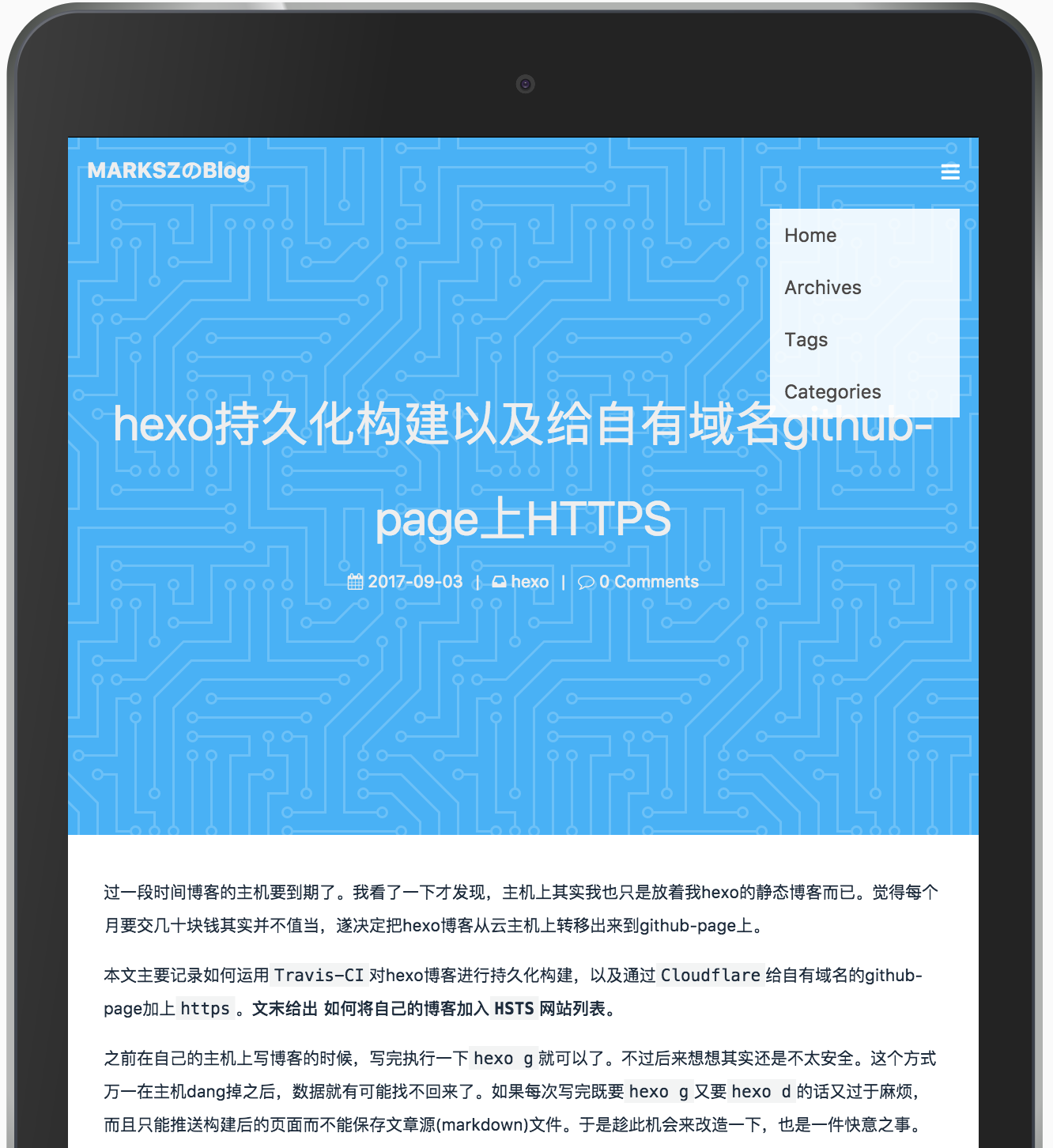
# Installation
**Notice: The installation method before and after hexo 5.0 version is different.**
## Hexo version < 5.0
Find your hexo work folder
```bash
git clone -b master https://github.com/Molunerfinn/hexo-theme-melody themes/melody
```
If you don't have jade & stylus renderer, follow this:
```bash
npm install hexo-renderer-pug hexo-renderer-stylus
```
In your hexo site's `_config.yml`, find the `theme` field, change it to `melody`:
```yaml
theme: melody
```
## Hexo version >= 5.0
```
npm install hexo-theme-melody
```
If you don't have jade & stylus renderer, follow this:
```bash
npm install hexo-renderer-pug hexo-renderer-stylus
```
In your hexo site's `_config.yml`, find the `theme` field, change it to `melody`:
# Configuration
**Notice: The configuration file before and after hexo 5.0 version is different.**
## Hexo version < 5.0
For smoothly updating theme-melody, I recommend to create a config file named `melody.yml` in your hexo work folder's (**Notice: not the theme-melody folder**) `source/_data` folder(If it doesn't exist, create one)
Copy the contents of `_config.yml` to `melody.yml`. Now you can configure it by yourself and you can update theme-melody smoothly.
## Hexo version >= 5.0
1. create a `_config.melody.yml` in your hexo work folder.
2. copy the contents of `./node_modules/hexo-theme-melody/_config.yml` to `_config.melody.yml`
3. If you have used `hexo-theme-melody` for a long time, and has a `melody.yml` above, please copy the contents of `melody.yml` to `_config.melody.yml` & remove `melody.yml` since it will be deprecated.
Now you can configure it by yourself and you can update theme-melody smoothly.
# Update
**Notice: The update method before and after hexo 5.0 version is different.**
## Hexo version < 5.0
Jump into the melody folder, just `git pull` is OK.
## Hexo version >= 5.0
In your hexo work folder, just `npm update hexo-theme-melody` is OK.
> For more details, please check [documentation](https://molunerfinn.com/hexo-theme-melody-doc/)
# Browser Support
IE >= 10
# TODOS
- ~~Doc~~
- ~~Search~~ // Algolia support
- ~~Analysis~~ // Baidu & Google analytics support
- ~~MathJax~~ // MathJax support
- ~~i18n~~ // zh-Hans & en support
- ~~PWA~~ // v1.2 support
- Performance optimization
- ...
# License
[MIT](http://opensource.org/licenses/MIT)
Copyright (c) 2017 Molunerfinn