# Particle
**Repository Path**: mandysss/Particle
## Basic Information
- **Project Name**: Particle
- **Description**: No description available
- **Primary Language**: Unknown
- **License**: Apache-2.0
- **Default Branch**: main
- **Homepage**: None
- **GVP Project**: No
## Statistics
- **Stars**: 0
- **Forks**: 0
- **Created**: 2022-01-11
- **Last Updated**: 2022-01-11
## Categories & Tags
**Categories**: Uncategorized
**Tags**: None
## README
# particle
[](https://jitpack.io/#ultimateHandsomeBoy666/particle)
[中文介绍](https://juejin.cn/post/6986667003884863519)
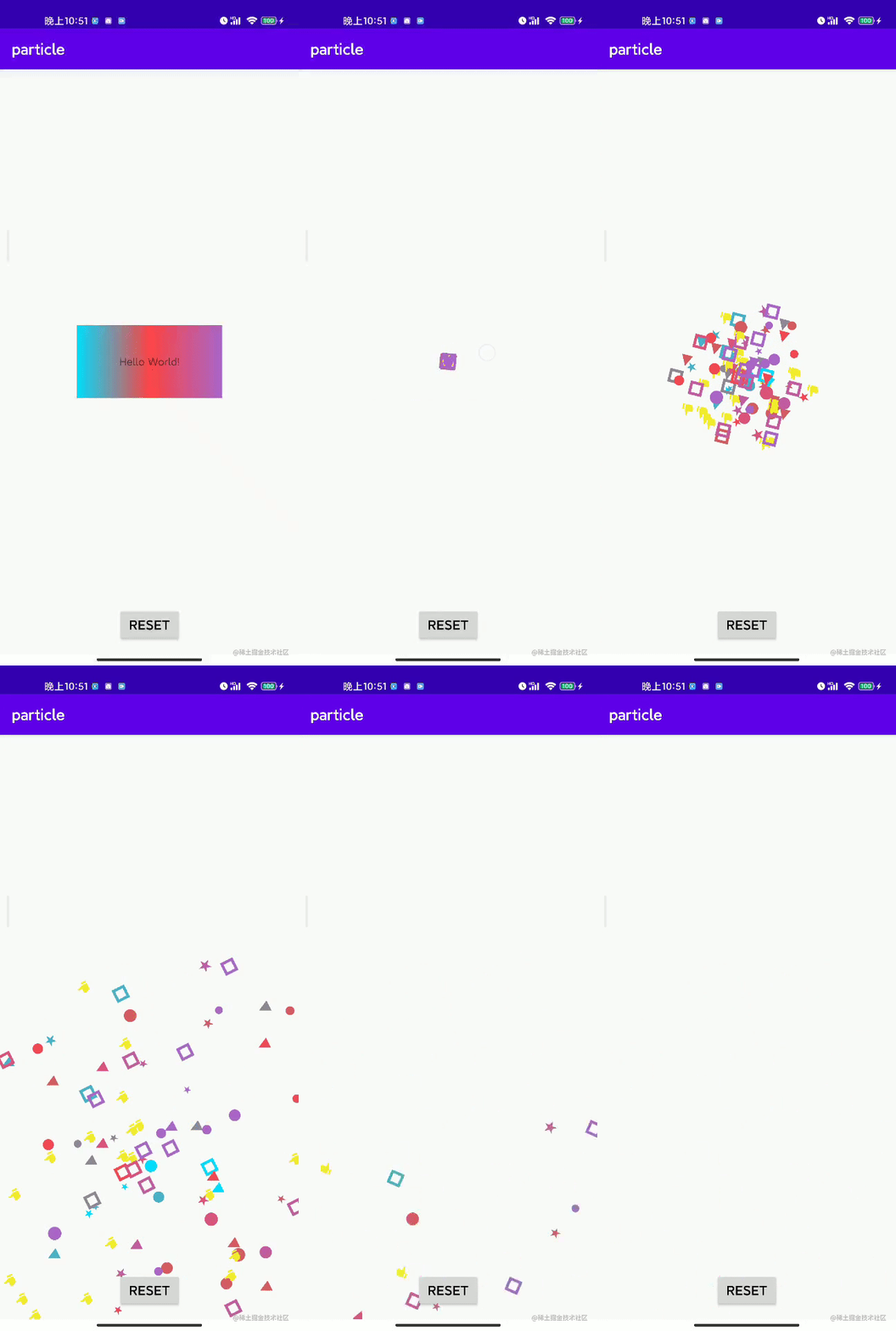
This is a handy android library for particle effect.
To start with, you need to add it in your root build.gradle at the end of repositories:
```groovy
allprojects {
repositories {
...
maven { url 'https://jitpack.io' }
}
}
```
Then add the dependency
```groovy
dependencies {
implementation 'com.github.ultimateHandsomeBoy666:Particle:0.1.2'
}
```
And add the following code:
```kotlin
Particles.with(context, container) // container is the parent ViewGroup for particles
.colorFromView(button)// color sampling from button
.particleNum(200)// how many particles
.anchor(button)// use button as the anchor of the animation
.shape(Shape.CIRCLE)// circle particle
.radius(2, 6)// random circle radius from 2 to 6
.anim(ParticleAnimation.EXPLOSION)// using explosion animation
.start()
```
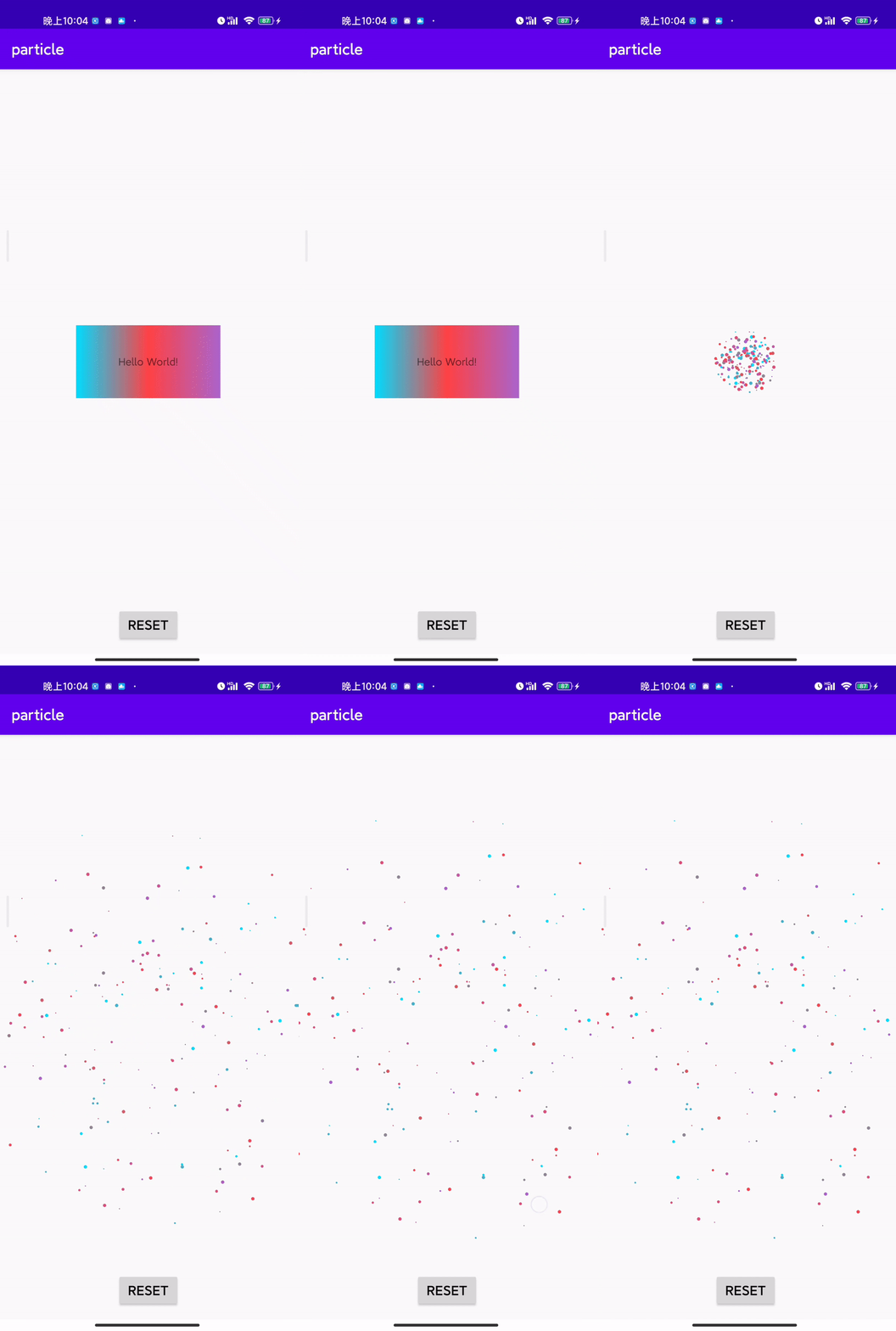
you can get something like this:
 You can have more particle annimations by customizing the particle motion curve. The app module in the project shows how to customize it, check it out.