# foqu
**Repository Path**: maoxiaoyon/foqu
## Basic Information
- **Project Name**: foqu
- **Description**: 这是一个基于微信小程序云开发的校园社交工具类微信小程序。使用了ColorUI 和 vantUI 组件库。
- **Primary Language**: Unknown
- **License**: Not specified
- **Default Branch**: master
- **Homepage**: None
- **GVP Project**: No
## Statistics
- **Stars**: 4
- **Forks**: 0
- **Created**: 2022-04-15
- **Last Updated**: 2022-05-21
## Categories & Tags
**Categories**: Uncategorized
**Tags**: None
## README
# 《佛趣》—— foqu

## 项目简介
这是一个基于[微信小程序云开发](https://developers.weixin.qq.com/miniprogram/dev/wxcloud/basis/getting-started.html)的校园社交工具类微信小程序。使用了[ColorUI](https://github.com/weilanwl/ColorUI)
和 [vantUI](https://youzan.github.io/vant-weapp/#/intro) 组件库。
主要功能:
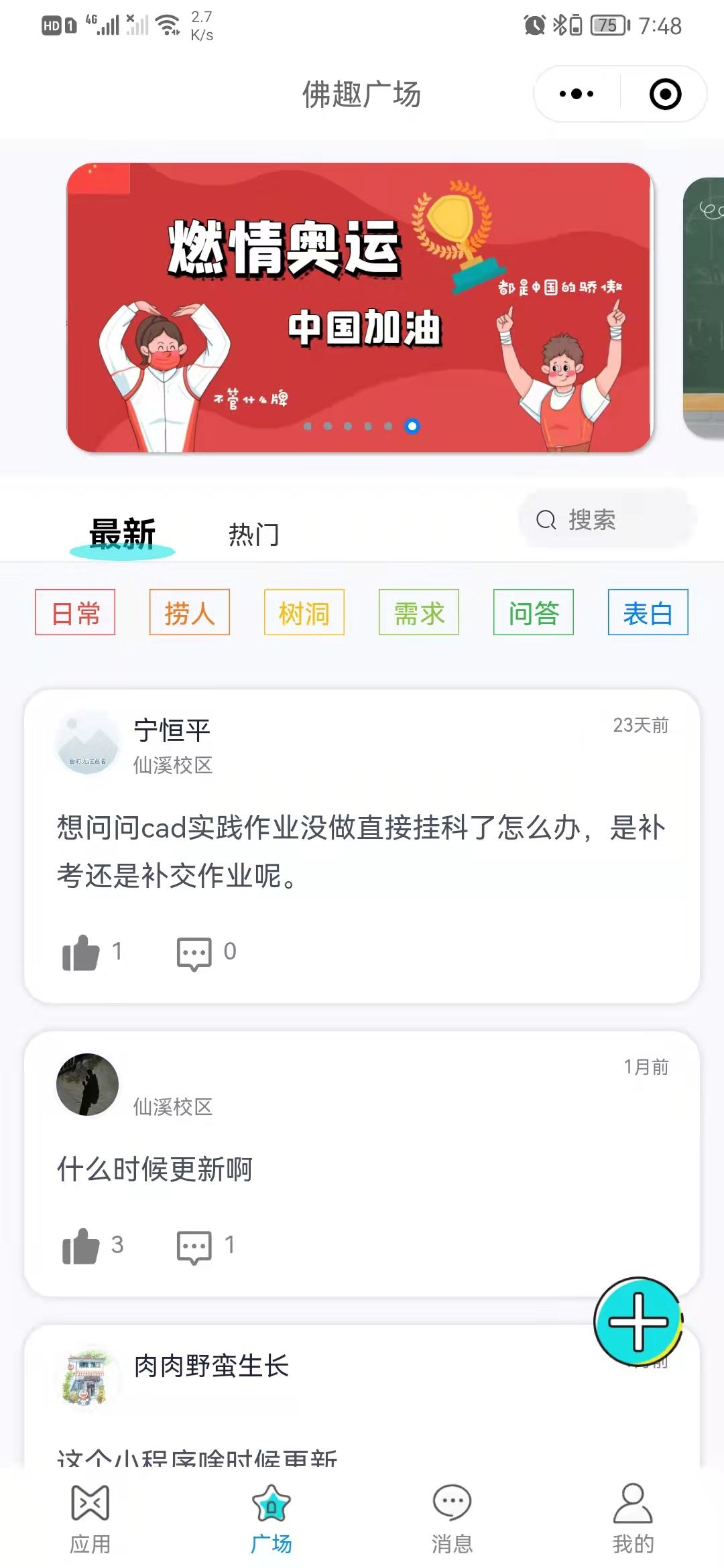
- ### 首页
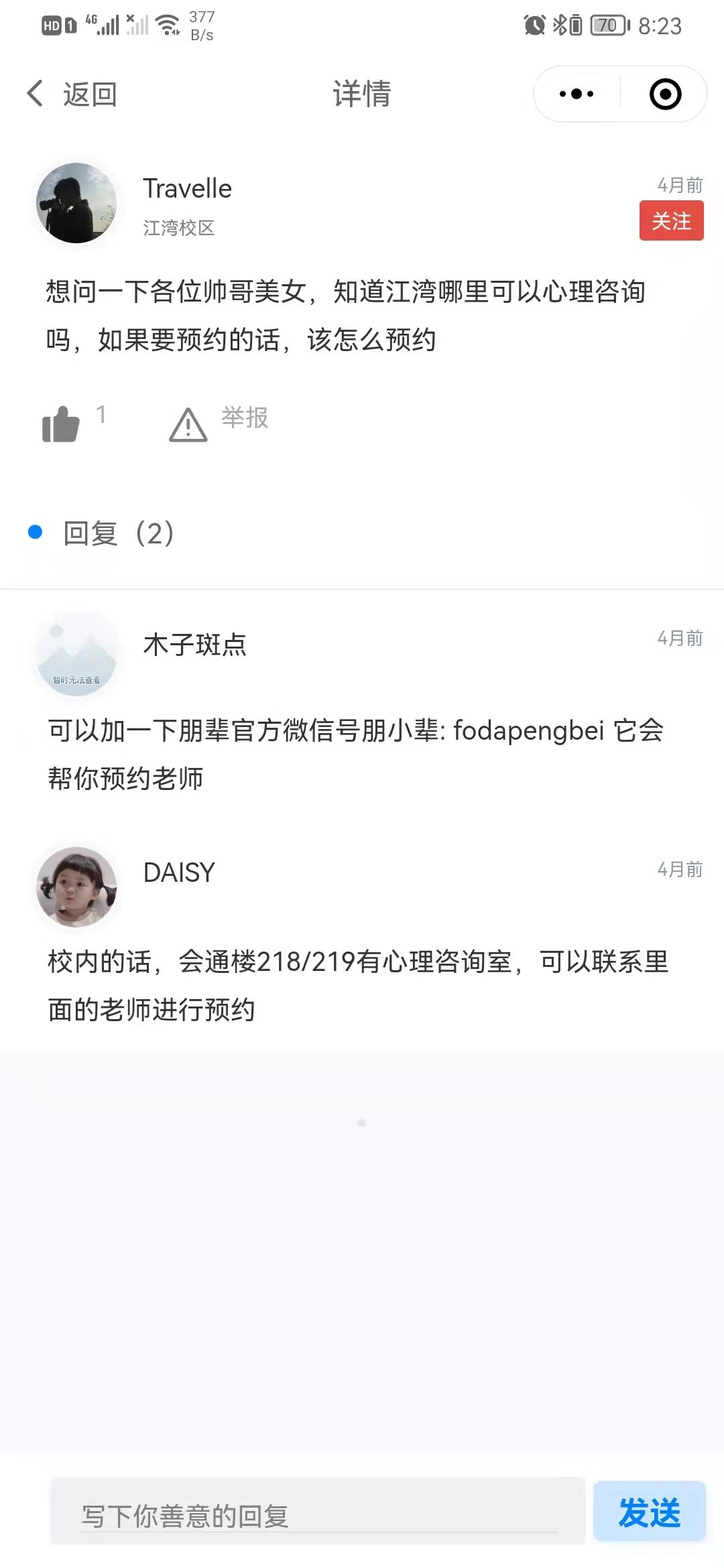
 - ### 详情页
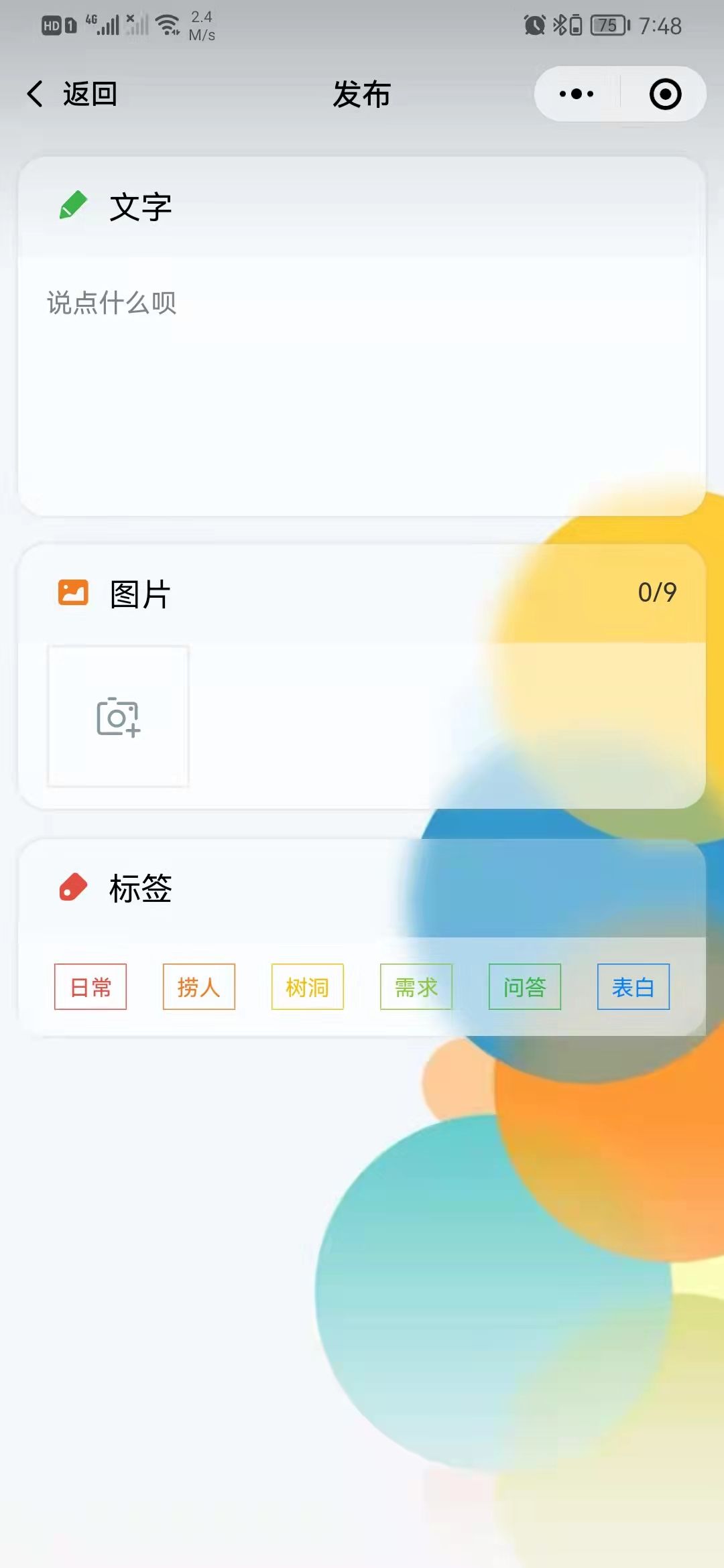
 - ### 动态发布页
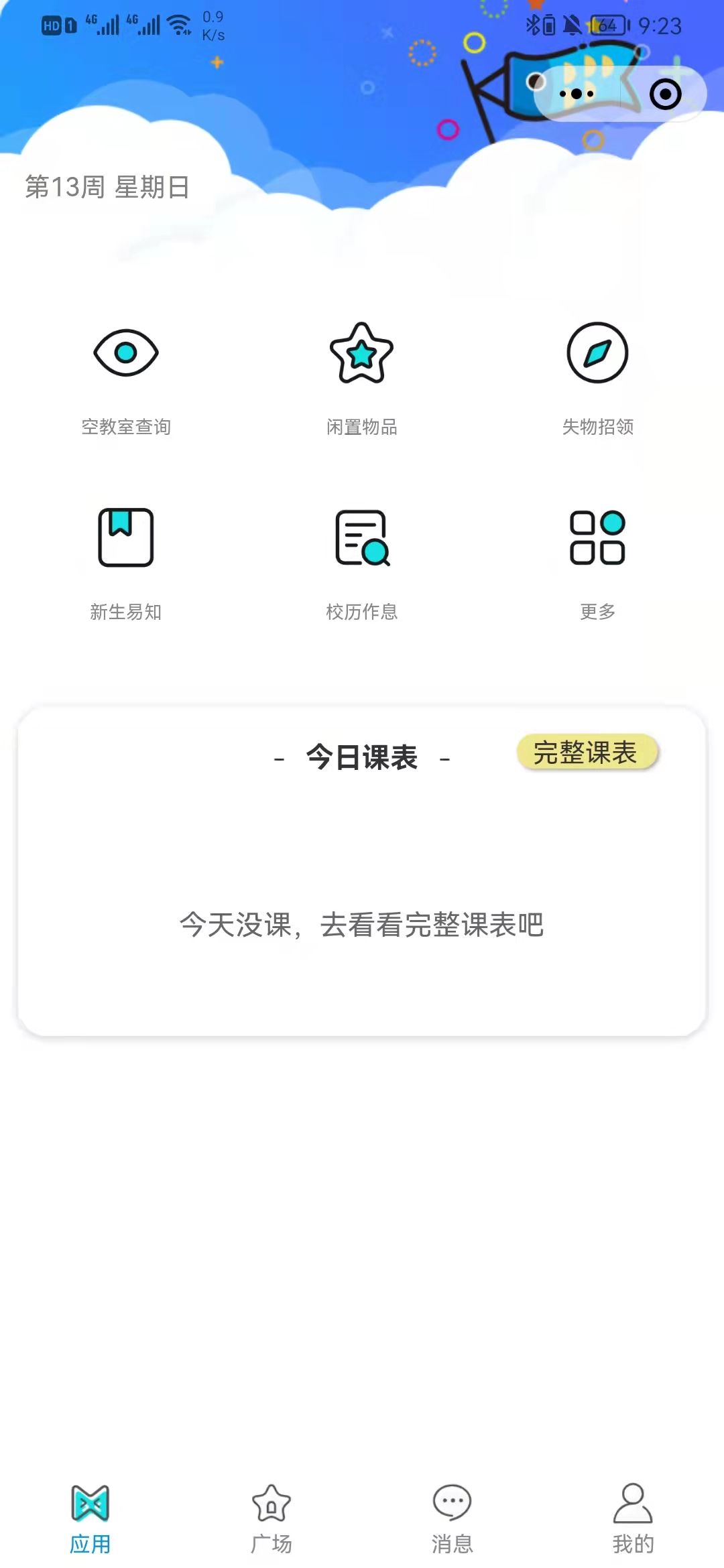
 - ### 工具应用页
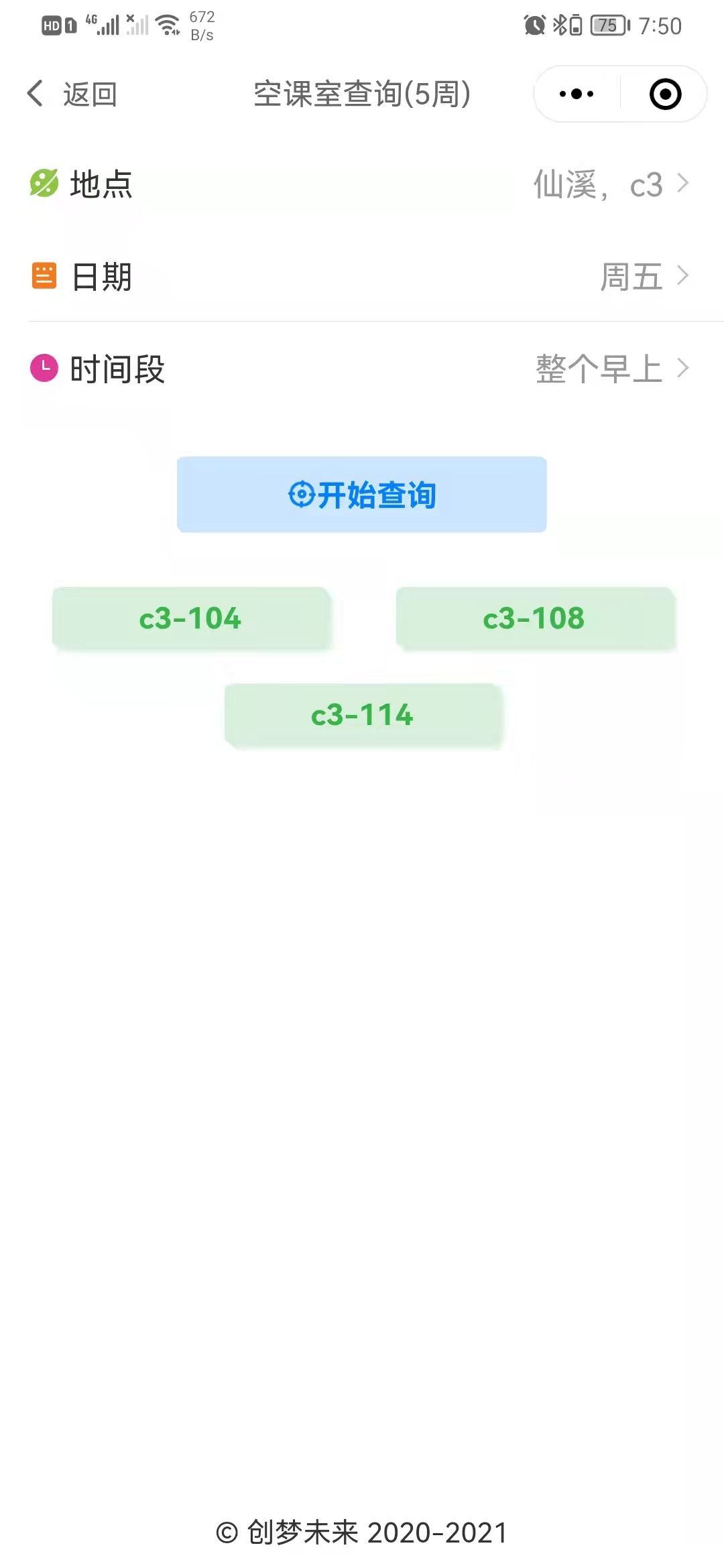
 - ### 空教室查询
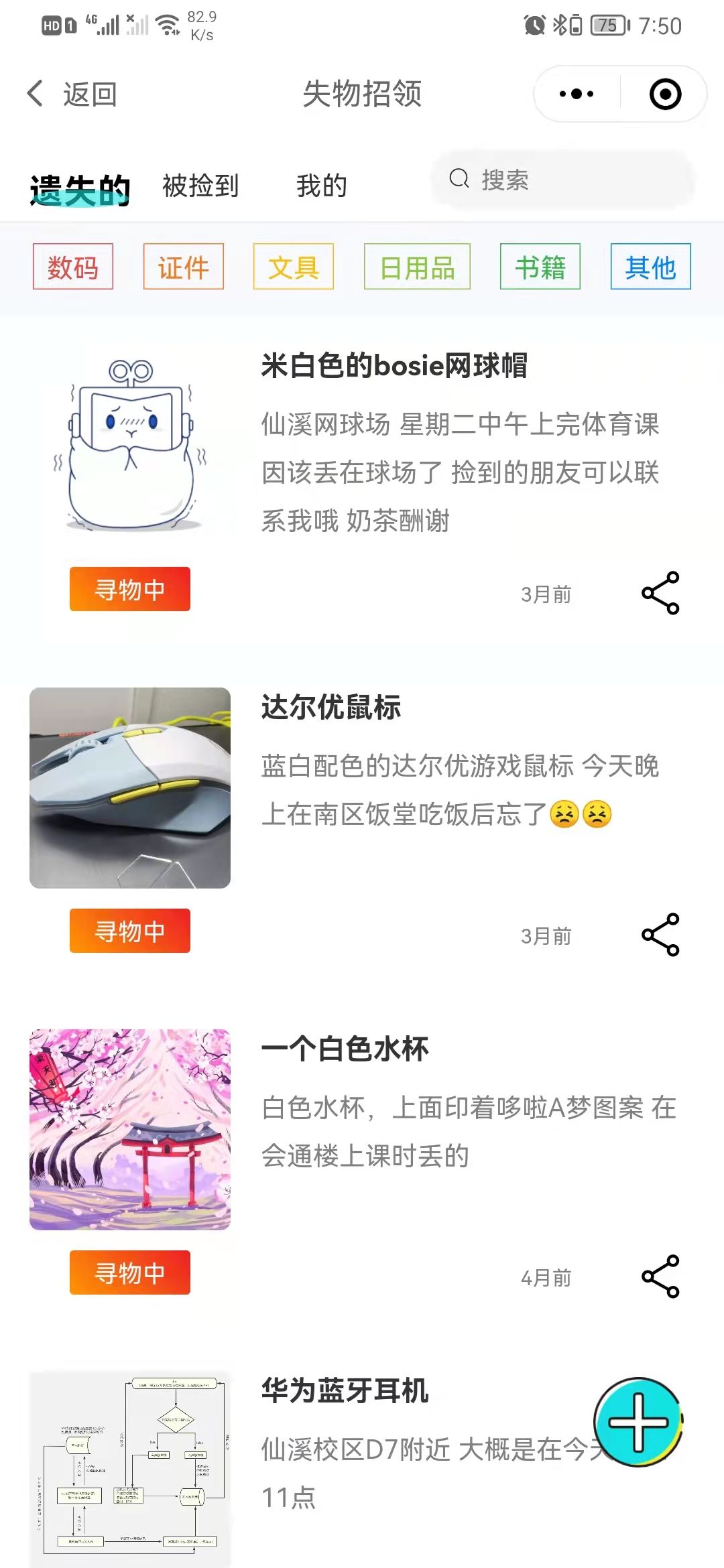
 - ### 失物招领
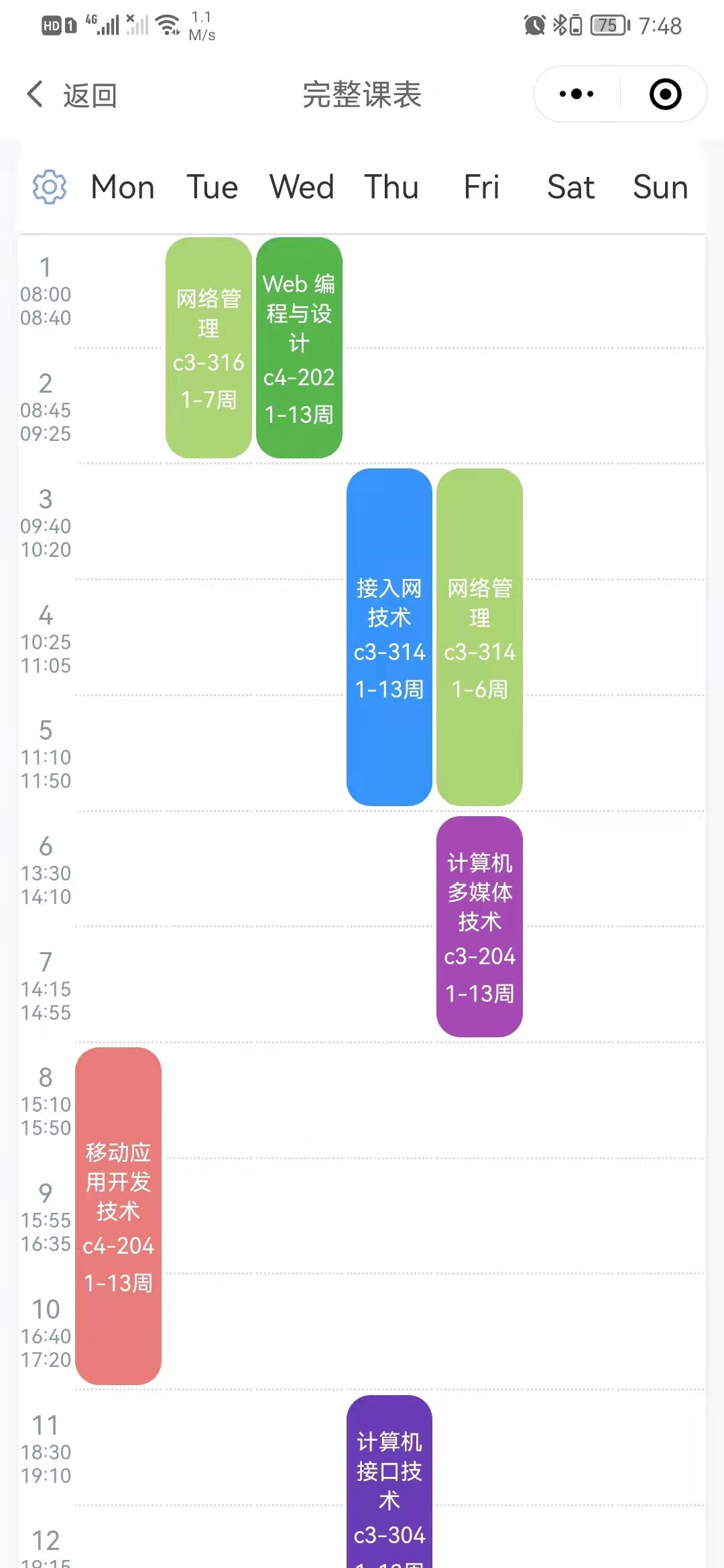
 - ### 查看课表
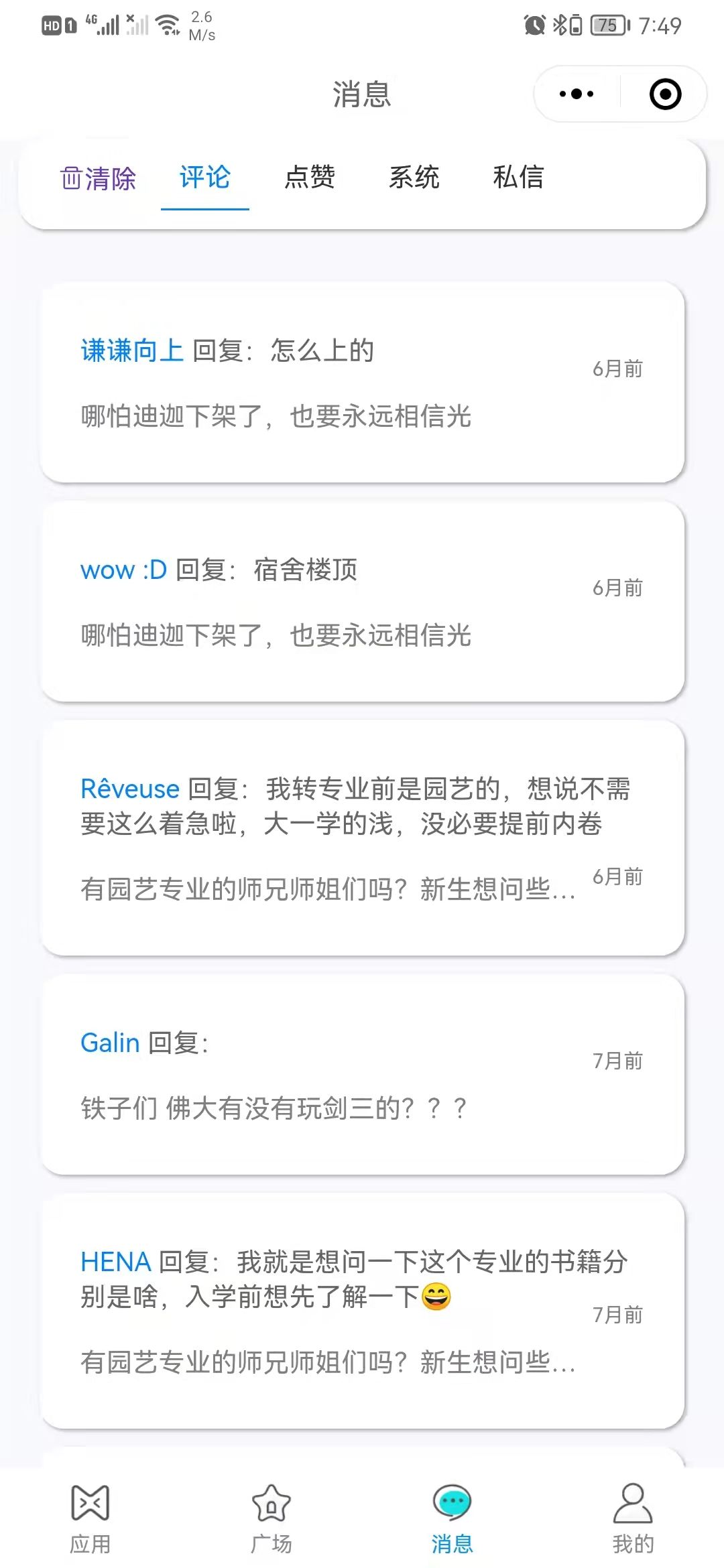
 - ### 消息
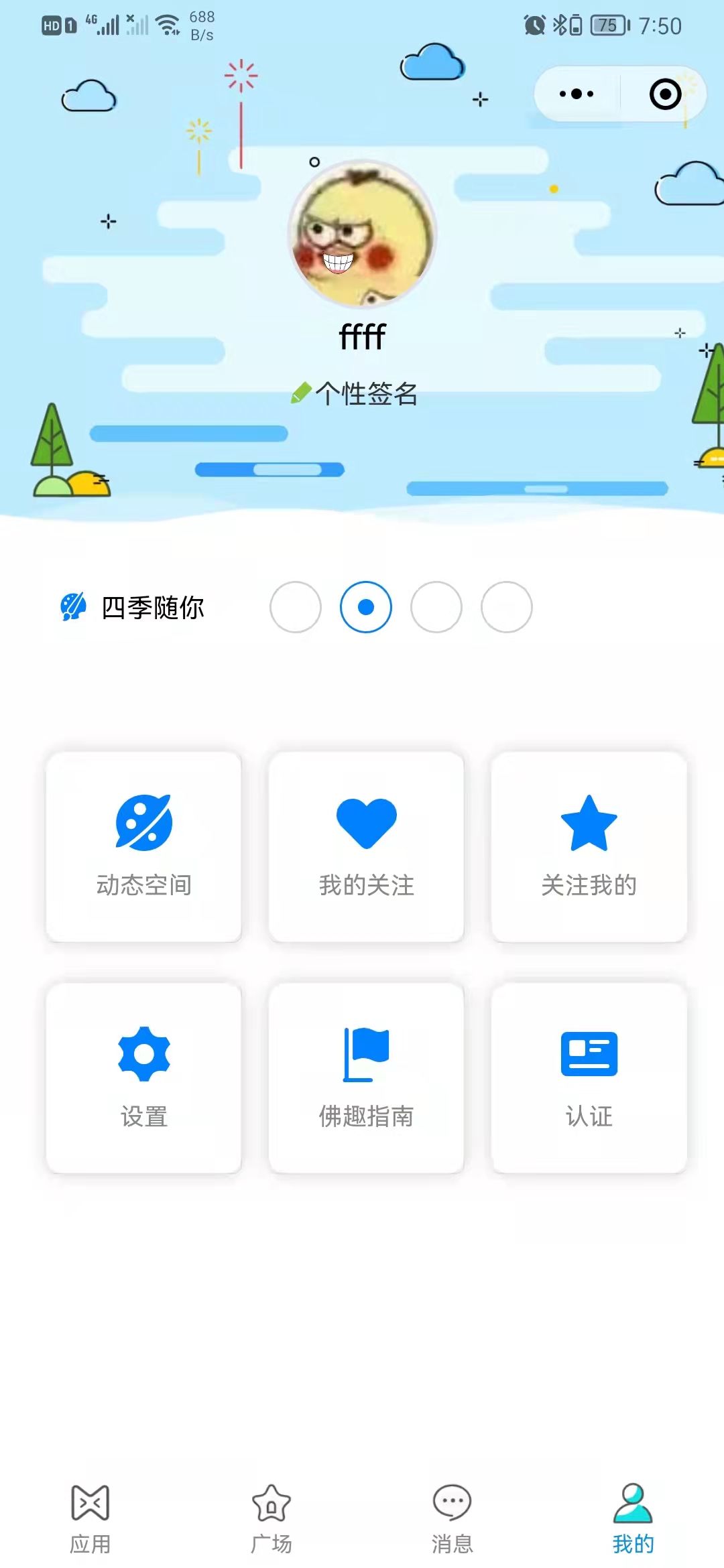
 - ### 我的
 ### 使用方法
1. 在[微信开发者工具](https://developers.weixin.qq.com/miniprogram/dev/devtools/devtools.html)中打开项目
2. 项目目录
```javascript
--cloudfunctions //存放云函数(需要绑定云环境)
--miniprogram //源程序放置文件
--colorui //ColorUI css样式文件
--dist //vantUI 组件文件
--pages //页面文件
--utils //引入的工具类js文件
--app.js //小程序逻辑
--app.json //小程序公共配置
--app.wxss //小程序公共样式表
```
3. 引入 colorUI
```css
/* 在app.css 文件中全局引入 */
/**app.wxss**/
@import "colorui/main.wxss";
@import "colorui/icon.wxss";
@import "colorui/animation.wxss";
@import "style/animate.wxss";
```
4. 引入 vantUI
```javascript
// 在app.json 中添加组件属性,如 "i-icon" 为组件名,该组件对应的路径为"dist/icon/index"
"usingComponents": {
"cu-custom": "/colorui/components/cu-custom",
"i-icon": "dist/icon/index",
"i-load-more": "dist/load-more/index",
"i-button": "dist/button/index"
},
```
5. 绑定云环境
```javascript
// app.js 中绑定云环境id
onLaunch: function () {
if (!wx.cloud) {
console.error('请使用 2.2.3 或以上的基础库以使用云能力')
} else {
wx.cloud.init({
env: 'xxxxxx', //xxxxx为申请的云环境id
traceUser: true
})
}
}
```
6. 关于云数据库、云函数、云存储使用方法,请参考[微信云开发文档](https://developers.weixin.qq.com/miniprogram/dev/wxcloud/basis/getting-started.html)
7. 项目中的云函数、云数据库、云存储由开发者自行创建的,是存储在开发者申请云环境中。本项目提供的是测试环境,如果本项目运行过程中涉及云函数访问,数据库查询
等操作出现报错情况,请开发者另行创建环境。
### 使用方法
1. 在[微信开发者工具](https://developers.weixin.qq.com/miniprogram/dev/devtools/devtools.html)中打开项目
2. 项目目录
```javascript
--cloudfunctions //存放云函数(需要绑定云环境)
--miniprogram //源程序放置文件
--colorui //ColorUI css样式文件
--dist //vantUI 组件文件
--pages //页面文件
--utils //引入的工具类js文件
--app.js //小程序逻辑
--app.json //小程序公共配置
--app.wxss //小程序公共样式表
```
3. 引入 colorUI
```css
/* 在app.css 文件中全局引入 */
/**app.wxss**/
@import "colorui/main.wxss";
@import "colorui/icon.wxss";
@import "colorui/animation.wxss";
@import "style/animate.wxss";
```
4. 引入 vantUI
```javascript
// 在app.json 中添加组件属性,如 "i-icon" 为组件名,该组件对应的路径为"dist/icon/index"
"usingComponents": {
"cu-custom": "/colorui/components/cu-custom",
"i-icon": "dist/icon/index",
"i-load-more": "dist/load-more/index",
"i-button": "dist/button/index"
},
```
5. 绑定云环境
```javascript
// app.js 中绑定云环境id
onLaunch: function () {
if (!wx.cloud) {
console.error('请使用 2.2.3 或以上的基础库以使用云能力')
} else {
wx.cloud.init({
env: 'xxxxxx', //xxxxx为申请的云环境id
traceUser: true
})
}
}
```
6. 关于云数据库、云函数、云存储使用方法,请参考[微信云开发文档](https://developers.weixin.qq.com/miniprogram/dev/wxcloud/basis/getting-started.html)
7. 项目中的云函数、云数据库、云存储由开发者自行创建的,是存储在开发者申请云环境中。本项目提供的是测试环境,如果本项目运行过程中涉及云函数访问,数据库查询
等操作出现报错情况,请开发者另行创建环境。