# react-typeahead
**Repository Path**: mirrors_HubSpot/react-typeahead
## Basic Information
- **Project Name**: react-typeahead
- **Description**: Pure react-based typeahead and typeahead-tokenizer
- **Primary Language**: Unknown
- **License**: ISC
- **Default Branch**: hubspot
- **Homepage**: None
- **GVP Project**: No
## Statistics
- **Stars**: 0
- **Forks**: 0
- **Created**: 2020-09-24
- **Last Updated**: 2026-03-01
## Categories & Tags
**Categories**: Uncategorized
**Tags**: None
## README
# react-typeahead
> A typeahead/autocomplete component for React
react-typeahead is a javascript library that provides a react-based
typeahead, or autocomplete text entry, as well as a "typeahead tokenizer",
a typeahead that allows you to select multiple results.
## Usage
For a typeahead input:
```javascript
var Typeahead = require('react-typeahead').Typeahead;
React.render(
);
```
For a tokenizer typeahead input:
```javascript
var Tokenizer = require('react-typeahead').Tokenizer;
React.render(
);
```
## Examples
* [Basic Typeahead with Topcoat][1]
* [Typeahead Tokenizer with Topcoat][2]
* [Typeahead Tokenizer with simple styling][3]
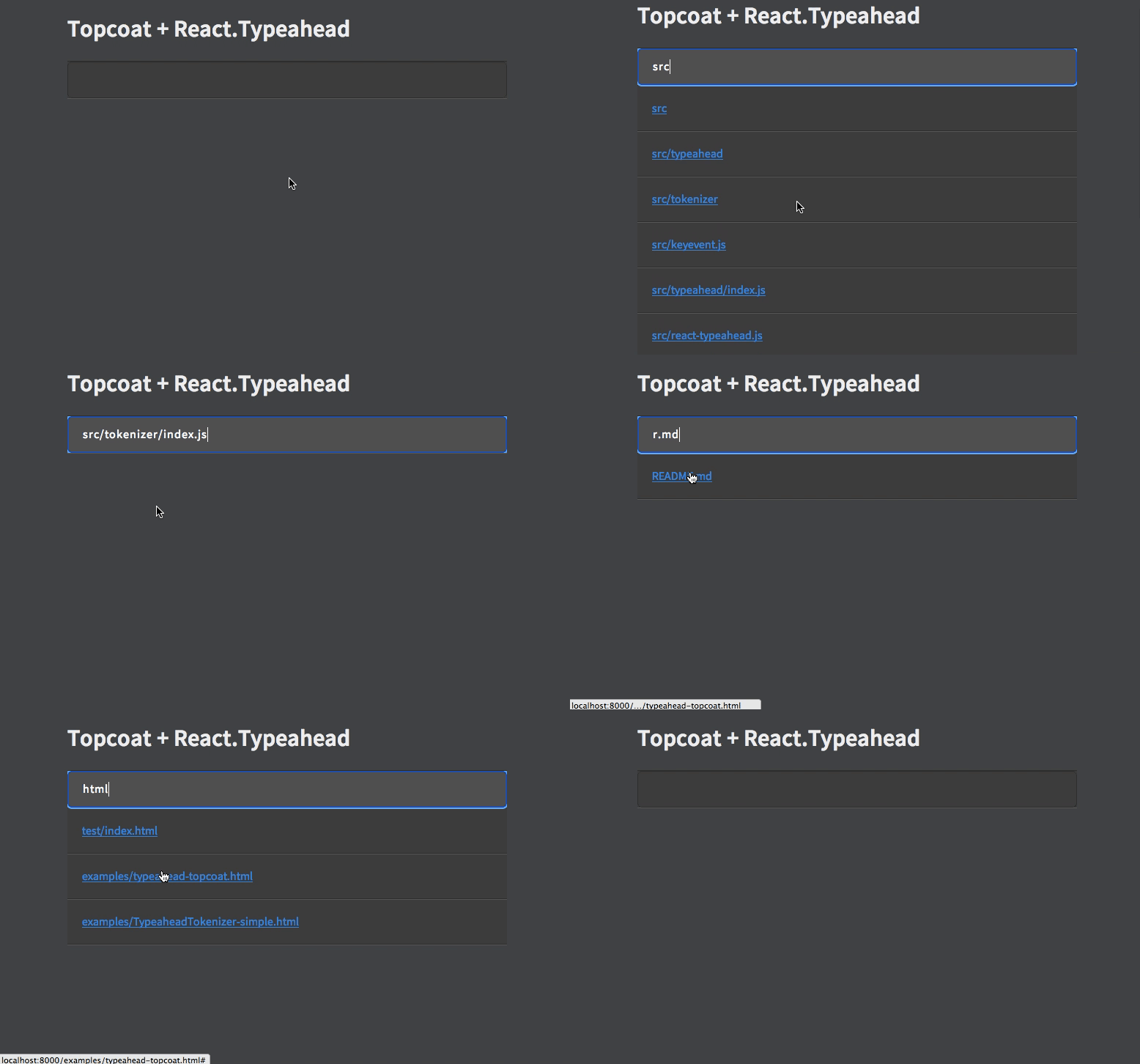
[1]: http://wookiehangover.github.com/react-typeahead/examples/typeahead-topcoat.html
[2]: http://wookiehangover.github.com/react-typeahead/examples/tokenizer-topcoat.html
[3]: http://wookiehangover.github.com/react-typeahead/examples/TypeaheadTokenizer-simple.html
[4]: http://blog.npmjs.org/post/85484771375/how-to-install-npm
## API
### Typeahead(props)
Type: React Component
Basic typeahead input and results list.
#### props.options
Type: `Array`
Default: []
An array supplied to the filtering function. Can be a list of strings or a list of arbitrary objects. In the latter case, `filterOption` and `displayOption` should be provided.
#### props.defaultValue
Type: `String`
A default value used when the component has no value. If it matches any options a option list will show.
#### props.value
Type: `String`
Specify a value for the text input.
#### props.maxVisible
Type: `Number`
Limit the number of options rendered in the results list.
#### props.resultsTruncatedMessage
Type: `String`
If `maxVisible` is set, display this custom message at the bottom of the list of results when the result are truncated.
#### props.customClasses
Type: `Object`
Allowed Keys: `input`, `results`, `listItem`, `listAnchor`, `hover`, `typeahead`, `resultsTruncated`
An object containing custom class names for child elements. Useful for
integrating with 3rd party UI kits.
#### props.placeholder
Type: `String`
Placeholder text for the typeahead input.
#### props.disabled
Type: `Boolean`
Set to `true` to add disable attribute in the `` or `