# NodeJsPackageManager
**Repository Path**: mirrors_JimLiu/NodeJsPackageManager
## Basic Information
- **Project Name**: NodeJsPackageManager
- **Description**: An organizer of your npm and bower packages
- **Primary Language**: Unknown
- **License**: MIT
- **Default Branch**: master
- **Homepage**: None
- **GVP Project**: No
## Statistics
- **Stars**: 0
- **Forks**: 0
- **Created**: 2020-08-09
- **Last Updated**: 2026-05-30
## Categories & Tags
**Categories**: Uncategorized
**Tags**: None
## README
NodeJs Package Manager
----------
 **NodeJs Package Manager is an organizer for your npm and Bower packages.** So we can call **npm package manager** and **bower package manager**
It's really easy to check, upgrade or downgrade packages, originally specified during in the one click.
You can access all **README.md** files, **Contributors**, **Dependencies** and **DevDependencies** of package based on their versions.
**NodeJs Package Manager is an organizer for your npm and Bower packages.** So we can call **npm package manager** and **bower package manager**
It's really easy to check, upgrade or downgrade packages, originally specified during in the one click.
You can access all **README.md** files, **Contributors**, **Dependencies** and **DevDependencies** of package based on their versions.
Screenshot
----------
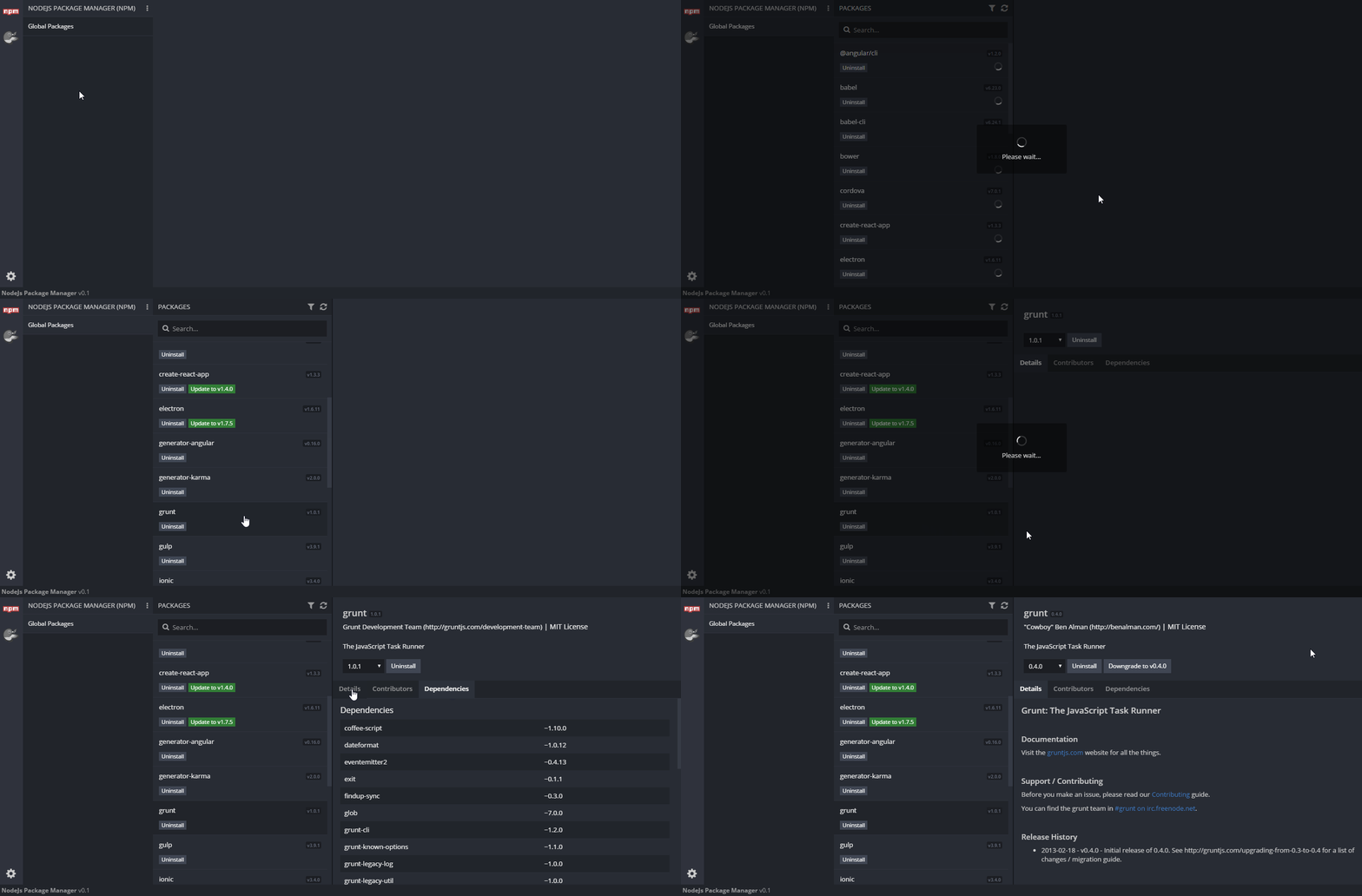
You can
----------
- [See all**Global Packages** installed on your computer](https://github.com/gurayyarar/NodeJsPackageManager/wiki/Global-Packages)
- [Import **npm(packages.json)** & **Bower(bower.json)** files and see packages inside of them](https://github.com/gurayyarar/NodeJsPackageManager/wiki/Open-Packages)
- [Search **npm and Bower** packages](https://github.com/gurayyarar/NodeJsPackageManager/wiki/Search-Mechanism)
- [**Create (Init)** new **npm or Bower json** file with an easy-to-fill form](https://github.com/gurayyarar/NodeJsPackageManager/wiki/Init-npm&bower-Json-File)
- [Access **README** files, **Contributors**, **Dependencies** and **DevDependencies** of package based on their version](https://github.com/gurayyarar/NodeJsPackageManager/wiki/Get-Package-Detail-According-To-Version)
- [Check if **any updates exist** for installed packages](https://github.com/gurayyarar/NodeJsPackageManager/wiki/Updates-of-Packages)
- [**Install** a new package](https://github.com/gurayyarar/NodeJsPackageManager/wiki/Installation)
- [**Uninstall** an already installed package](https://github.com/gurayyarar/NodeJsPackageManager/wiki/Uninstall-The-Package)
- [**Update** to last or specified version](https://github.com/gurayyarar/NodeJsPackageManager/wiki/Updates-of-Packages)
- [**Downgrade** to specified version](https://github.com/gurayyarar/NodeJsPackageManager/wiki/Downgrade-Package-Version)
Installation
----------
**Executable Files**
You can access all versions from [this link](https://github.com/gurayyarar/NodeJsPackageManager/releases)
**Note**
For now, this is only available on Windows Operation System.
*Linux and MacOS versions coming soon!*
**GitHub - For Developers**
[Please follow these instructions](https://github.com/gurayyarar/NodeJsPackageManager/wiki/Installation---For-Developers)
Documentation
----------
You can visit the [WIKI page.](https://github.com/gurayyarar/NodeJsPackageManager/wiki)
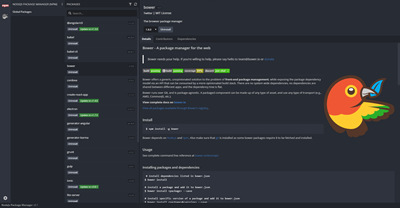
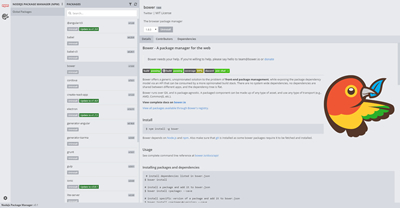
Theme Options
----------
|Dark Theme|Light Theme|
|---|---|
|||
Change Logs
----------
You can check logs from [this link](https://github.com/gurayyarar/NodeJsPackageManager/wiki/Changelogs)
License
----------
**NodeJs Package Manager** is an open source project that is licensed under the [MIT license](http://opensource.org/licenses/MIT).
Donations
----------
Donations are **greatly appreciated!**
**[BUY ME A COFFEE](http://bit.ly/2yEjtx5)**