# trame
**Repository Path**: mirrors_Kitware/trame
## Basic Information
- **Project Name**: trame
- **Description**: Trame lets you weave various components and technologies into a Web Application solely written in Python.
- **Primary Language**: Unknown
- **License**: Apache-2.0
- **Default Branch**: master
- **Homepage**: None
- **GVP Project**: No
## Statistics
- **Stars**: 1
- **Forks**: 0
- **Created**: 2021-10-22
- **Last Updated**: 2026-05-23
## Categories & Tags
**Categories**: Uncategorized
**Tags**: None
## README
# trame: simple, powerful, innovative
Trame is an easy-to-use, Python-based framework that let you create desktop like application which shows up in your web browser.
You can create buttons, dialogs, 3D scenes with VTK/ParaView, charts, maps and much more.
It is great for any micro apps, dashboards, or even replacing a PyQt app into a web app.
You can also use it in development, for example when tweaking/configuring 3D rendering, machine learning and more.
At the end your app can be used locally, remotely, in the cloud, in Jupyter or on HPC.
Trame is available as a PyPI package, on conda-forge and we provide docker images for cloud deployment.
If you need help don't hesitate [to reach out](https://www.kitware.com/trame/)





[](https://gurubase.io/g/trame)
**trame** - a web framework that weaves together open source components into customized visual analytics easily.
**trame** is French for
* the core that ties things together
* a guide providing the essence of a task
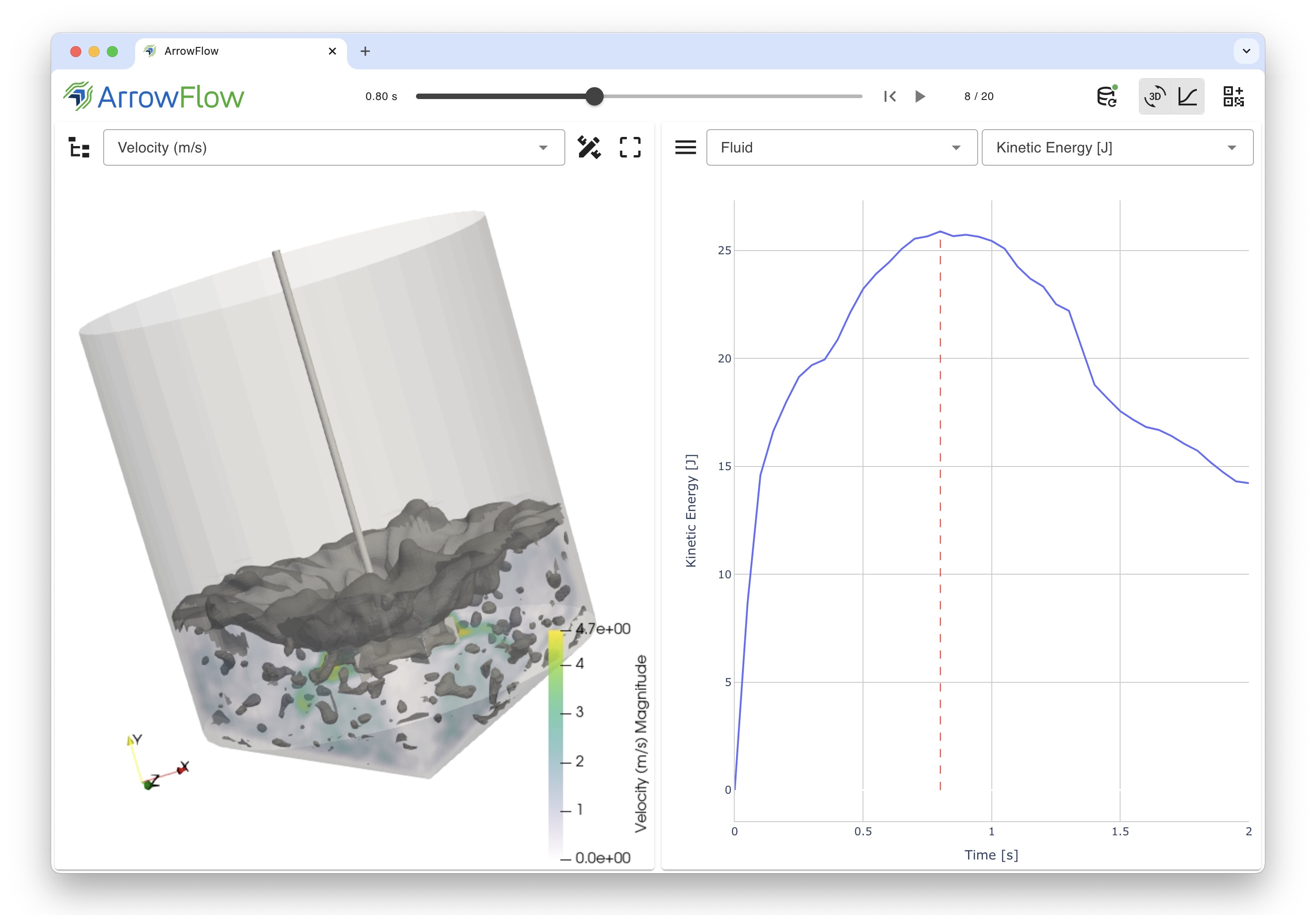
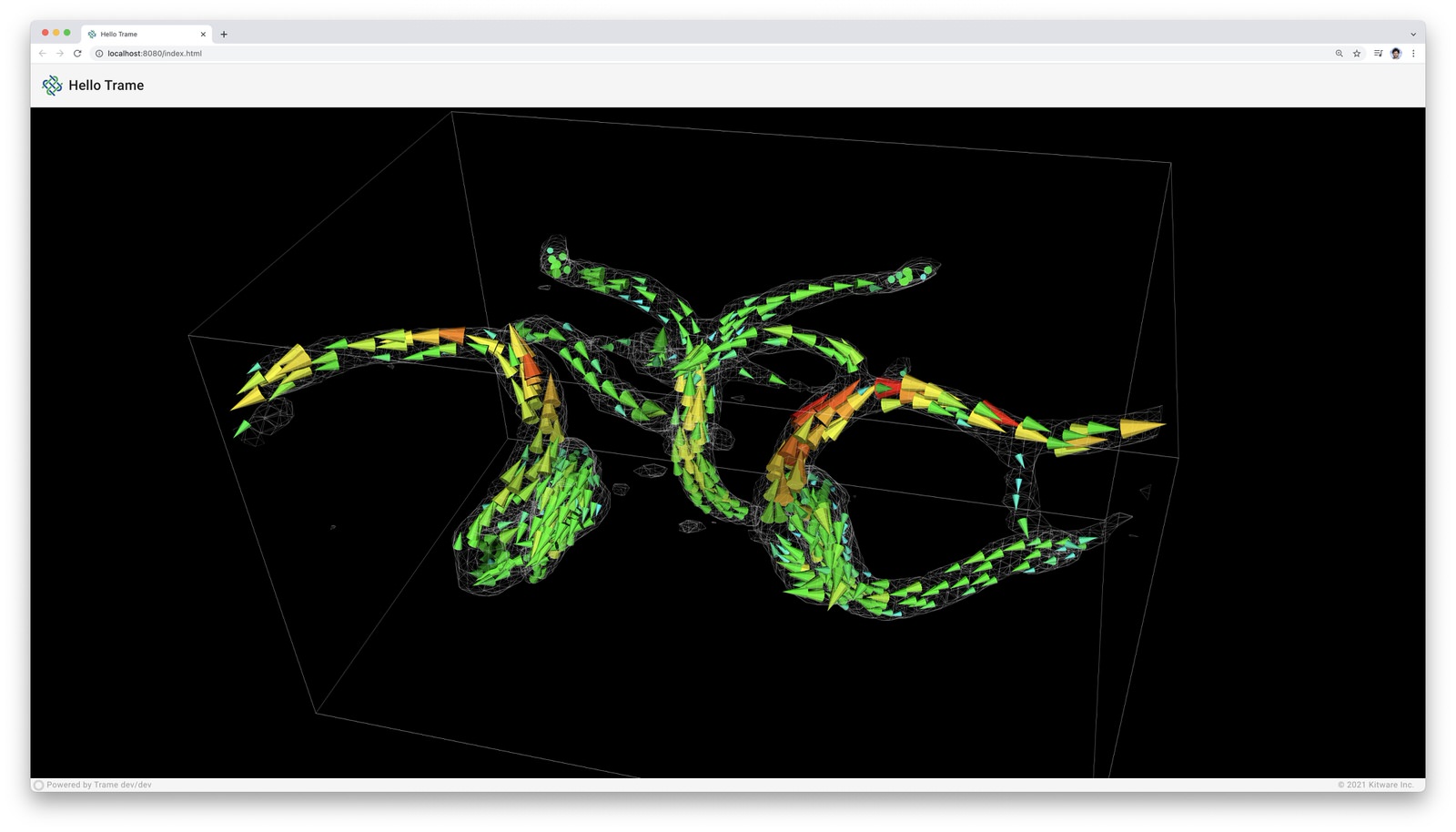
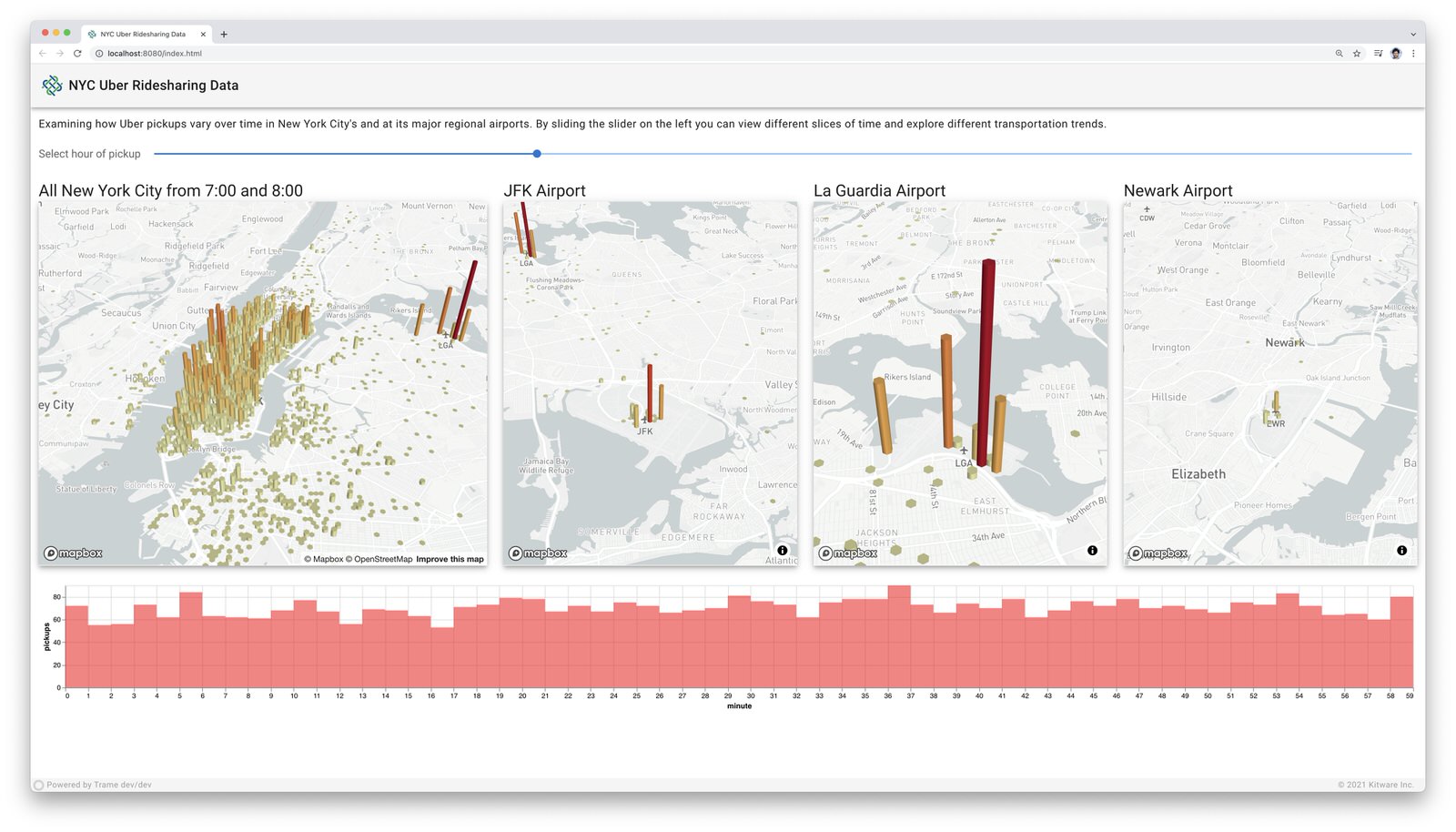
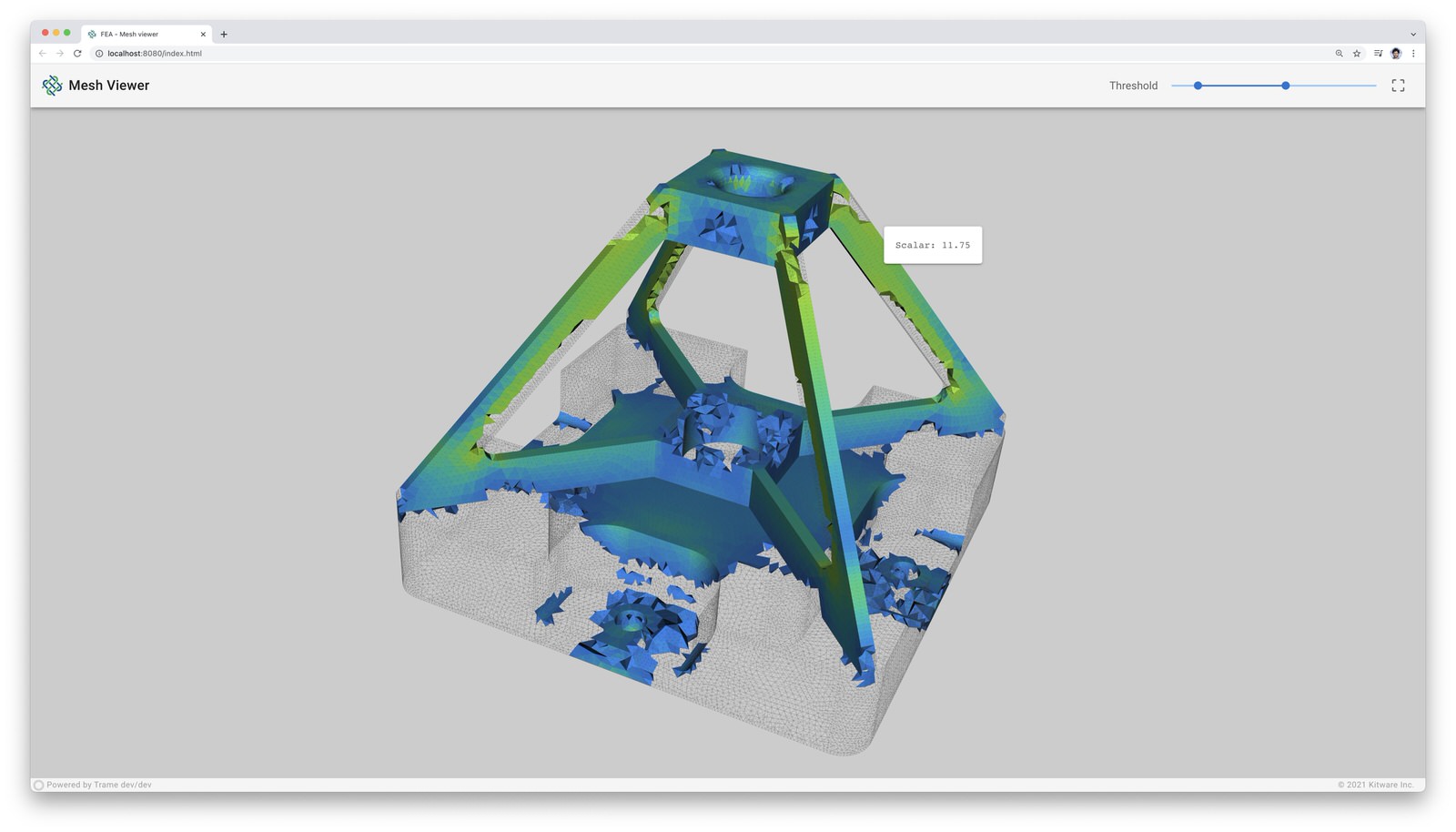
With **trame**, create stunning, interactive web applications compactly and intuitively.
## 3D Visualization
With best-in-class VTK and ParaView platforms at its core, **trame** provides complete control of 3D visualizations and data movements.
Developers benefit from a write-once environment while **trame** simply exposes both local and remote rendering through a single method.
## Rich Features
**trame** leverages existing libraries and tools such as Vuetify, Altair, Vega, deck.gl, VTK, ParaView, and more, to create vivid content for visual analytics applications.
## Problem Focused
By relying simply on Python, **trame** focuses on one's data and associated analysis and visualizations while hiding the complications of web app development.
## Desktop to cloud
The resulting **trame** applications can act as local desktop applications or remote cloud applications both accessed through a browser.
## Installing
trame can be installed with [pip](https://pypi.org/project/trame/):
```bash
pip install --upgrade trame
```
## Usage
The [Trame Tutorial](https://kitware.github.io/trame/guide/tutorial/) is the place to go to learn how to use the library and start building your own application.
The [API Reference](https://trame.readthedocs.io/en/latest/index.html) documentation provides API-level documentation.
## License
trame is made available under the Apache License, Version 2.0. For more details, see [LICENSE](https://github.com/Kitware/trame/blob/master/LICENSE)
## Community
[Trame](https://kitware.github.io/trame/) | [Discussions](https://github.com/Kitware/trame/discussions) | [Issues](https://github.com/Kitware/trame/issues) | [Contact Us](https://www.kitware.com/contact-us/)
__Citing options__
[](https://zenodo.org/badge/latestdoi/410108340)
```bibtex
@article{Trame,
author = {Jourdain, S. and O'Leary, P. and Schroeder, W.},
title = {Trame: Platform Ubiquitous, Scalable Integration Framework for Visual Analytics},
journal = {IEEE Computer Graphics and Applications},
month = {March},
year = {2025},
doi = {10.1109/MCG.2025.3540264},
}
```
## Enjoying trame?
Share your experience [with a testimonial](https://github.com/Kitware/trame/issues/18) or [with a brand approval](https://github.com/Kitware/trame/issues/19).
## Optional dependencies
When installing trame using pip (`pip install trame`) you will get the core infrastructure for any trame application to work but more advanced usage may require additional dependencies.
The list below captures what may need to add depending on your usage:
* **pywebview** : Needed for desktop usage (--app)
* **jupyterlab** : Needed to run inside jupyter-lab
* **notebook** : Needed to run inside jupyter-notebook
* **requests** : Needed when using remote assets such as GDrive files
## Environments variables
* **TRAME_LOG_NETWORK** : Path to log file for capturing network exchange. (default: None)
* **TRAME_WS_MAX_MSG_SIZE** : Maximum size in bytes of any ws message. (default: 10MB)
* **TRAME_WS_HEART_BEAT** : Time in second before assuming the server is non-responsive. (default: 30s)
## Life cycle callbacks
Life cycle events are directly managed on the application controller
and are prefixed with `on_*`.
* **on_server_start** : Executed at server.start() call while passing the server as argument.
* **on_server_bind** : WSLinkServer is getting bound to trame so you can attach your own routes. Its instance will be passed as argument to callback.
* **on_server_ready** : All protocols initialized and available for client to connect
* **on_client_connected** : Connection established to server
* **on_client_exited** : Linked to browser "beforeunload" event
* **on_server_exited** : Trame is exiting its event loop
* **on_error** : JS error forwarded (msg:str) on the python
* **on_exception** : Server exception occurred when interacting with the UI. The exception instance is provided as arg.
* **on_server_reload** : If callback registered it is used for reloading server side modules
## Reserved state entries
The shared state allow us to synchronize the server with the client.
Rather than creating another mechanism to handle similar needs throughout
the application we purposely reuse that state internally. To prevent any conflict with any user we are prefixing our internal
variable with `trame__*`. In general those state values should not be use
or changed by the user except for the one listed below:
Read/Write:
- **trame__favicon**: Update it to replace the displayed favicon in your
browser. The content needs to be an image encoded url.
- **trame__title**: Update it to replace your page title
(tab name / window name).
Read-only:
- **trame__busy**: Provide information if we have pending requests waiting
for the server to respond.
- **tts**: Template Time Stamp to regenerate sub elements when a template
gets updated. Usually used as `:key="tts"` to force some component
rebuild.
## Professional Support
Training
Learn how to confidently use trame from the expert developers at Kitware.