The package was moved to the main repository.
[](https://www.npmjs.com/package/@ckeditor/ckeditor5-build-inline) [](https://david-dm.org/ckeditor/ckeditor5-build-inline) [](https://david-dm.org/ckeditor/ckeditor5-build-inline?type=dev) The inline editor build for CKEditor 5. Read more about the [inline editor build](https://ckeditor.com/docs/ckeditor5/latest/builds/guides/overview.html#inline-editor) and see the [demo](https://ckeditor.com/docs/ckeditor5/latest/examples/builds/inline-editor.html). 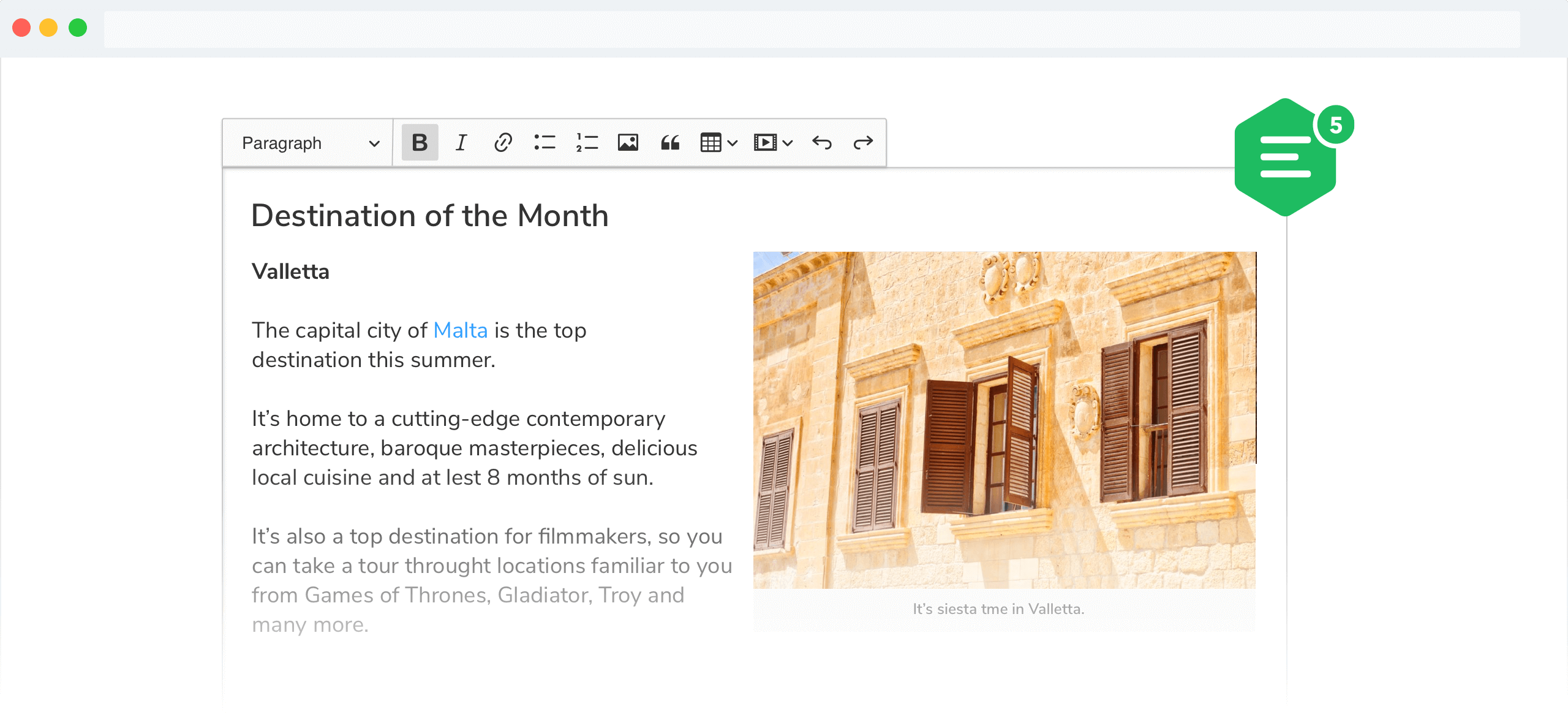 ## Documentation See: * [Installation](https://ckeditor.com/docs/ckeditor5/latest/builds/guides/integration/installation.html) for how to install this package and what it contains. * [Basic API](https://ckeditor.com/docs/ckeditor5/latest/builds/guides/integration/basic-api.html) for how to create an editor and interact with it. * [Configuration](https://ckeditor.com/docs/ckeditor5/latest/builds/guides/integration/configuration.html) for how to configure the editor. * [Creating custom builds](https://ckeditor.com/docs/ckeditor5/latest/builds/guides/development/custom-builds.html) for how to customize the build (configure and rebuild the editor bundle). ## Quick start First, install the build from npm: ```bash npm install --save @ckeditor/ckeditor5-build-inline ``` And use it in your website: ```htmlThis is the editor content.