# oidc-debugger
**Repository Path**: mirrors_nbarbettini/oidc-debugger
## Basic Information
- **Project Name**: oidc-debugger
- **Description**: OAuth 2.0 and OpenID Connect debugging tool
- **Primary Language**: Unknown
- **License**: MIT
- **Default Branch**: master
- **Homepage**: None
- **GVP Project**: No
## Statistics
- **Stars**: 0
- **Forks**: 0
- **Created**: 2023-02-25
- **Last Updated**: 2026-04-05
## Categories & Tags
**Categories**: Uncategorized
**Tags**: None
## README
# OAuth 2.0 and OpenID Connect Debugger
:earth_americas: Live here: https://oauthdebugger.com or https://oidcdebugger.com
## What is this?
Read the blog post: [Introducing the OpenID Connect Debugger](https://www.recaffeinate.co/post/introducing-openid-connect-debugger/)
Getting an OAuth or OpenID Connect flow working properly can be tricky. There's a bunch of parameters you need to get right, and it's not always easy to capture or parse errors. I wrote this little web tool to make the process easier.
## How to use the debugger
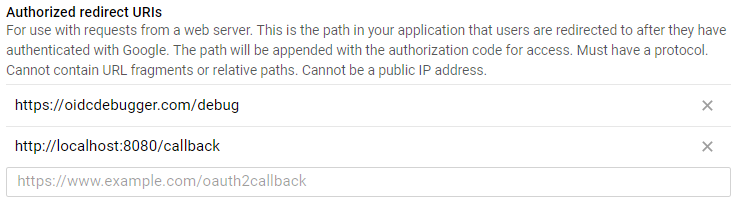
All you need to do is temporarily set your OAuth client redirect URI to `https://oidcdebugger.com/debug` (or `https://oauthdebugger.com/debug`):
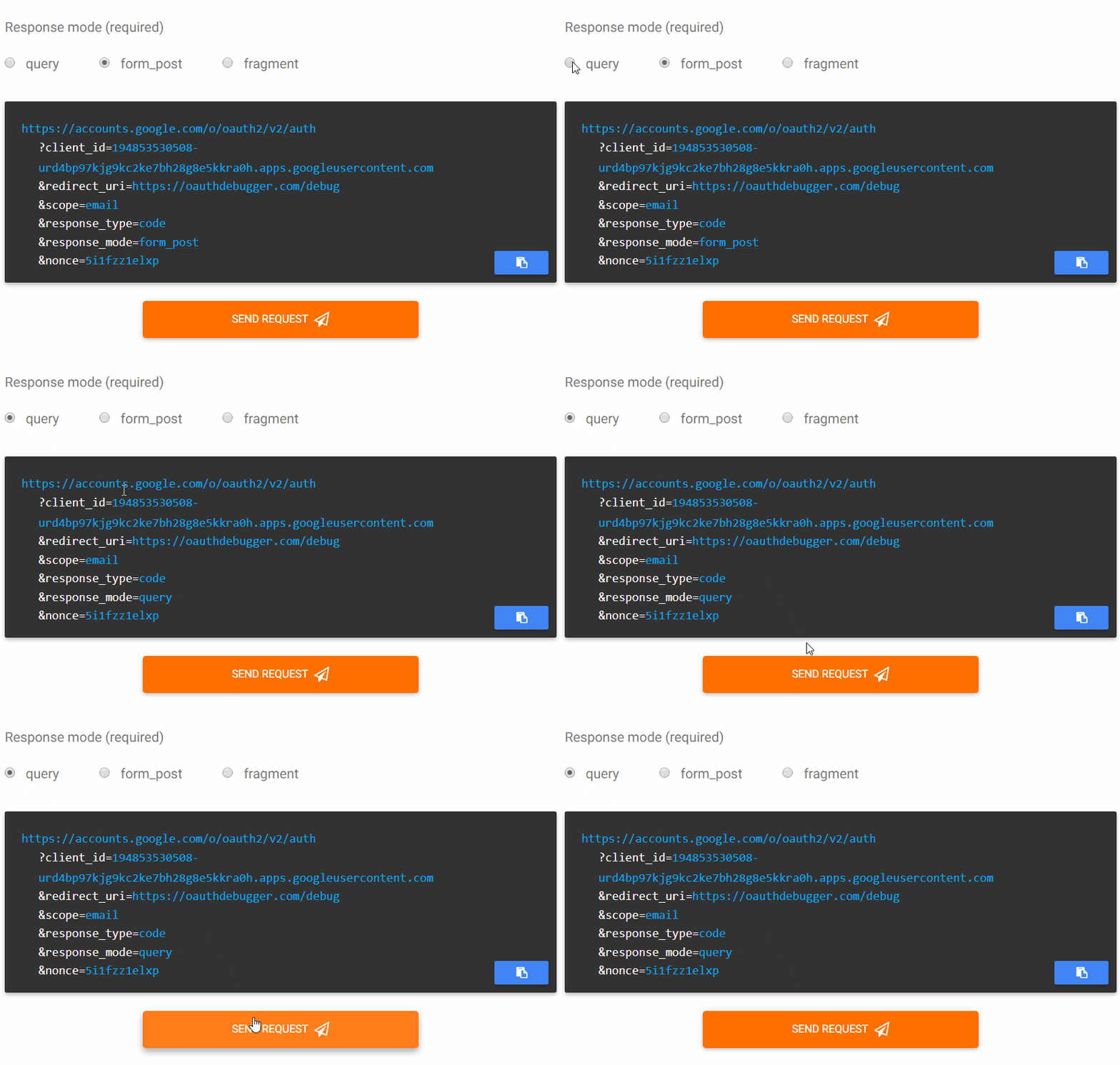
 Then, build a request to your authorization server using the debugger, and fire it off:
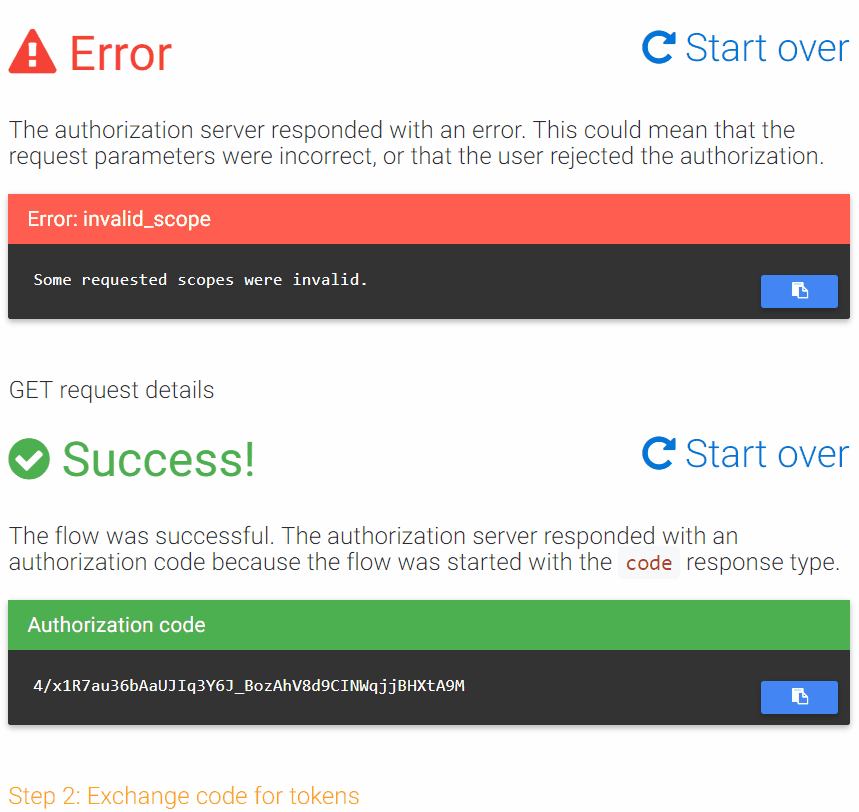
 The debugger will capture the callback and help you understand what happened (whether success or failure):
 ## Contributing
Issues and PRs are welcome! The project is built with ASP.NET Core and Vue.js.
To build and run locally,
```
git clone https://github.com/nbarbettini/oidc-debugger
cd oidc-debugger
dotnet build
dotnet run
```
## Contributing
Issues and PRs are welcome! The project is built with ASP.NET Core and Vue.js.
To build and run locally,
```
git clone https://github.com/nbarbettini/oidc-debugger
cd oidc-debugger
dotnet build
dotnet run
```