# leva
**Repository Path**: mirrors_pmndrs/leva
## Basic Information
- **Project Name**: leva
- **Description**: 🌋 React-first components GUI
- **Primary Language**: Unknown
- **License**: MIT
- **Default Branch**: main
- **Homepage**: None
- **GVP Project**: No
## Statistics
- **Stars**: 1
- **Forks**: 0
- **Created**: 2021-02-14
- **Last Updated**: 2026-02-08
## Categories & Tags
**Categories**: Uncategorized
**Tags**: None
## README
[](https://www.npmjs.com/package/leva) [](https://bundlephobia.com/result?p=leva)  [](https://discord.gg/poimandres)
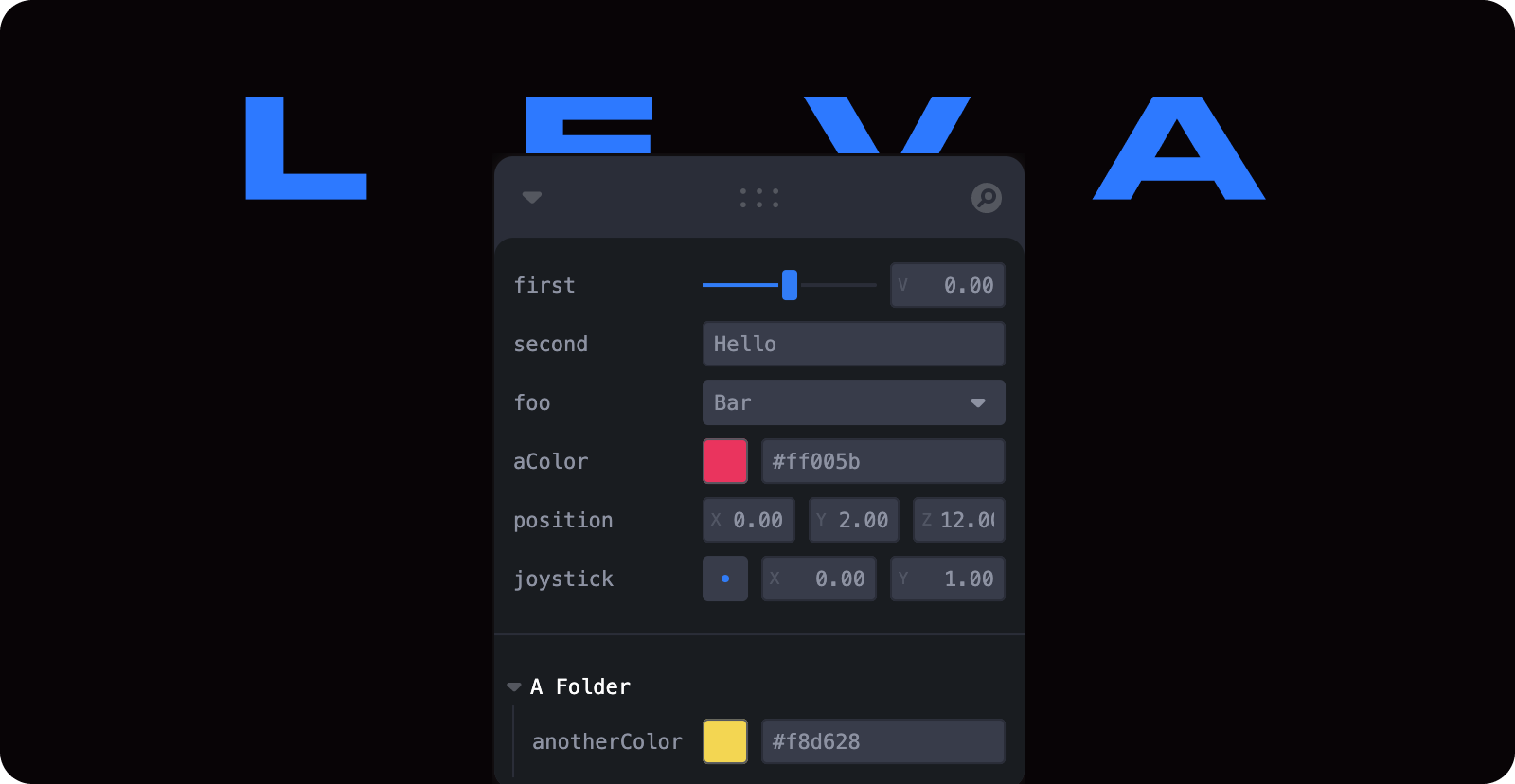
A GUI you are going to lava.
Customizable, extensible and beautiful by default.
## 🚧🚧 This repo is under heavy development 🚧🚧
## Features
- ⭐️ Beautiful by default
- 🎚 More than 12 different kinds of inputs available
- 🧐 Smart input type recognition
- 🔌 Easy-to-make plugins
- ✅ Keyboard accessible
- ⚡️ No setup necessary
### Installation
```bash
npm i leva
```
### Quick start
Simply call the `useControls` hook from anywhere in your app:
```jsx
import { useControls } from 'leva'
function MyComponent() {
const { name, aNumber } = useControls({ name: 'World', aNumber: 0 })
return (
Hey {name}, hello! {aNumber}
)
}
```
NOTE: Using Leva with React 18 will cause a console error about createRoot which you can safely ignore, or fix by following the instructions here: [discussion](https://github.com/pmndrs/leva/issues/358)
### Documentation
- [Getting Started](/docs/getting-started/introduction.md)
- [Inputs](/docs/getting-started/inputs.md)
- [Configuration](/docs/getting-started/configuration.md)
- [Styling](/docs/getting-started/styling.md)
- [Advanced: Controlled Inputs](/docs/advanced/controlled-inputs.md)
- [Advanced: Creating Plugins](/docs/advanced/creating-plugins.md)
## Contributors ✨
Thanks goes to these wonderful people ([emoji key](https://allcontributors.org/docs/en/emoji-key)):
This project follows the [all-contributors](https://github.com/all-contributors/all-contributors) specification. Contributions of any kind welcome! 


