# themes
**Repository Path**: mirrors_wesbos/themes
## Basic Information
- **Project Name**: themes
- **Description**: No description available
- **Primary Language**: Unknown
- **License**: Not specified
- **Default Branch**: main
- **Homepage**: None
- **GVP Project**: No
## Statistics
- **Stars**: 0
- **Forks**: 0
- **Created**: 2021-10-22
- **Last Updated**: 2026-05-24
## Categories & Tags
**Categories**: Uncategorized
**Tags**: None
## README

---

[](https://fig.io?ref=github_themes)
[](#Contributors)

[](https://twitter.com/intent/follow?screen_name=fig)
**[Fig](https://fig.io?ref=github_autocomplete) adds autocomplete to your terminal.**
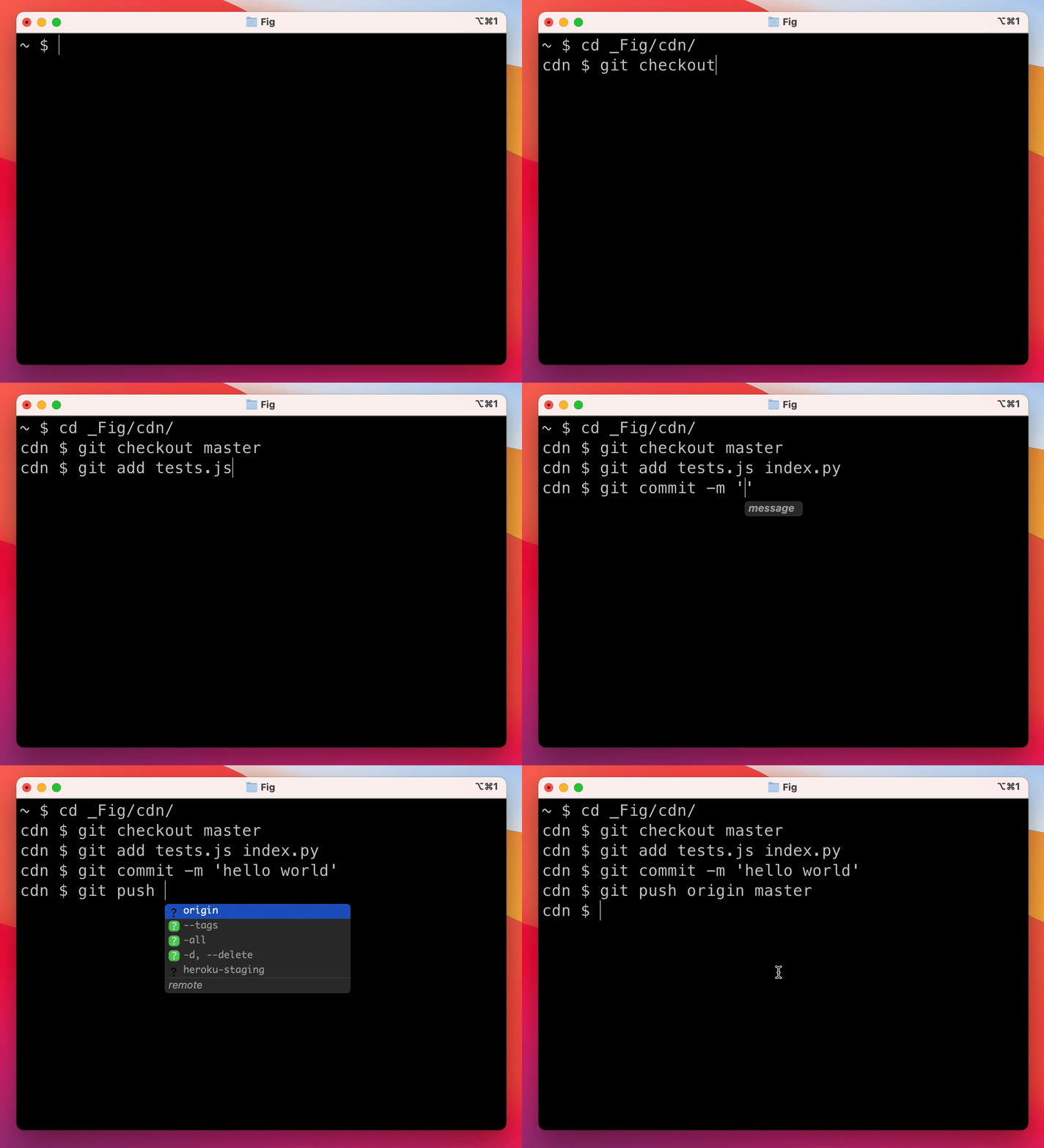
As you type, Fig pops up subcommands, options, and contextually relevant arguments in your existing terminal on macOS.
## 😎 Get Started
**Setup:**
1. Click [here](https://GitHub.com/withfig/themes/fork/) to fork this repo.
2. Clone your forked repo and create an example spec
```bash
# Replace `YOUR_GITHUB_USERNAME` with your own github username
git clone https://github.com/YOUR_GITHUB_USERNAME/themes.git fig-themes
cd fig-themes
# Add withfig/themes as a remote
git remote add upstream https://github.com/withfig/themes.git
```
3. Now run `cp template.json themes/.json` and start editing your new theme 😊
4. If you want to try out your theme locally you will need to first copy the theme to your local `.fig/themes` folder using
```
cp themes/.json ~/.fig/themes
fig settings autocomplete.theme
```
## 😊 Need Help?
Join our community

## ✨ Contributors
