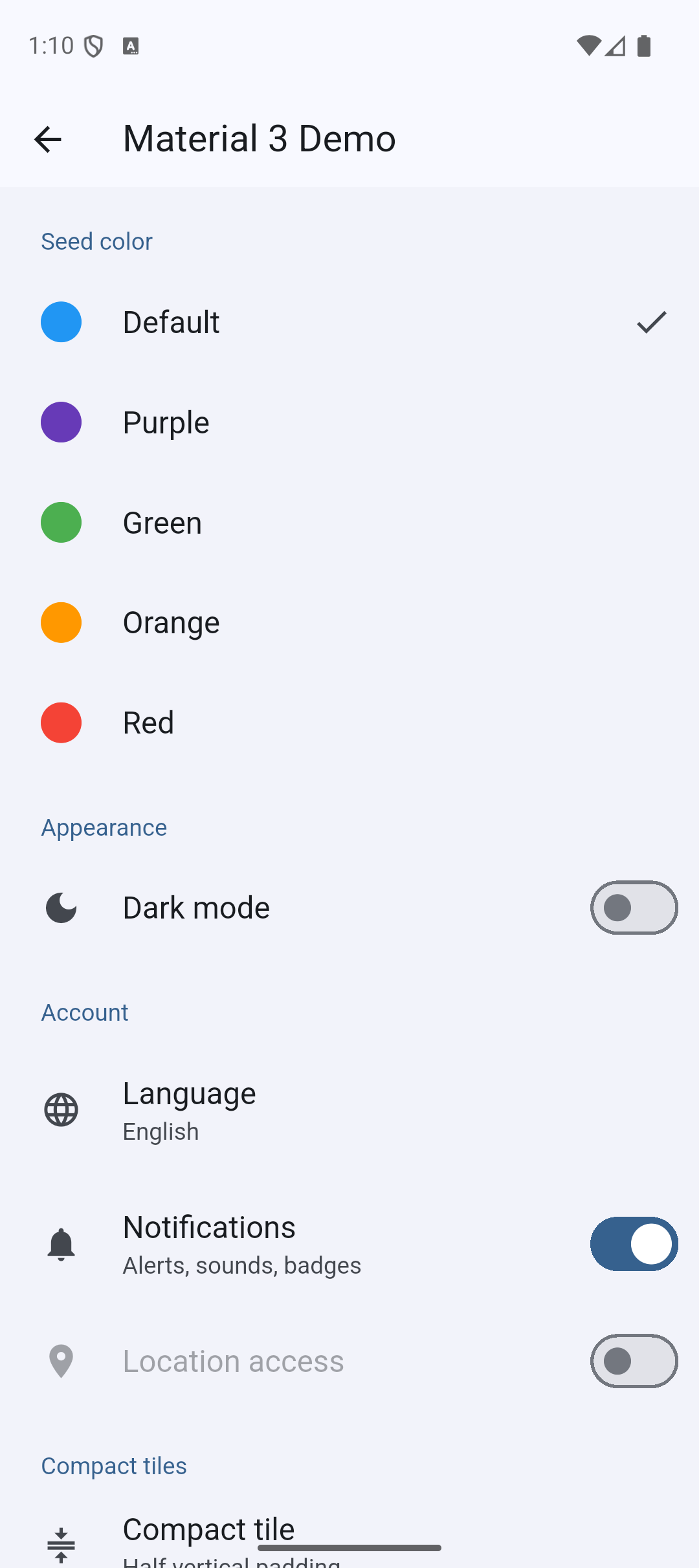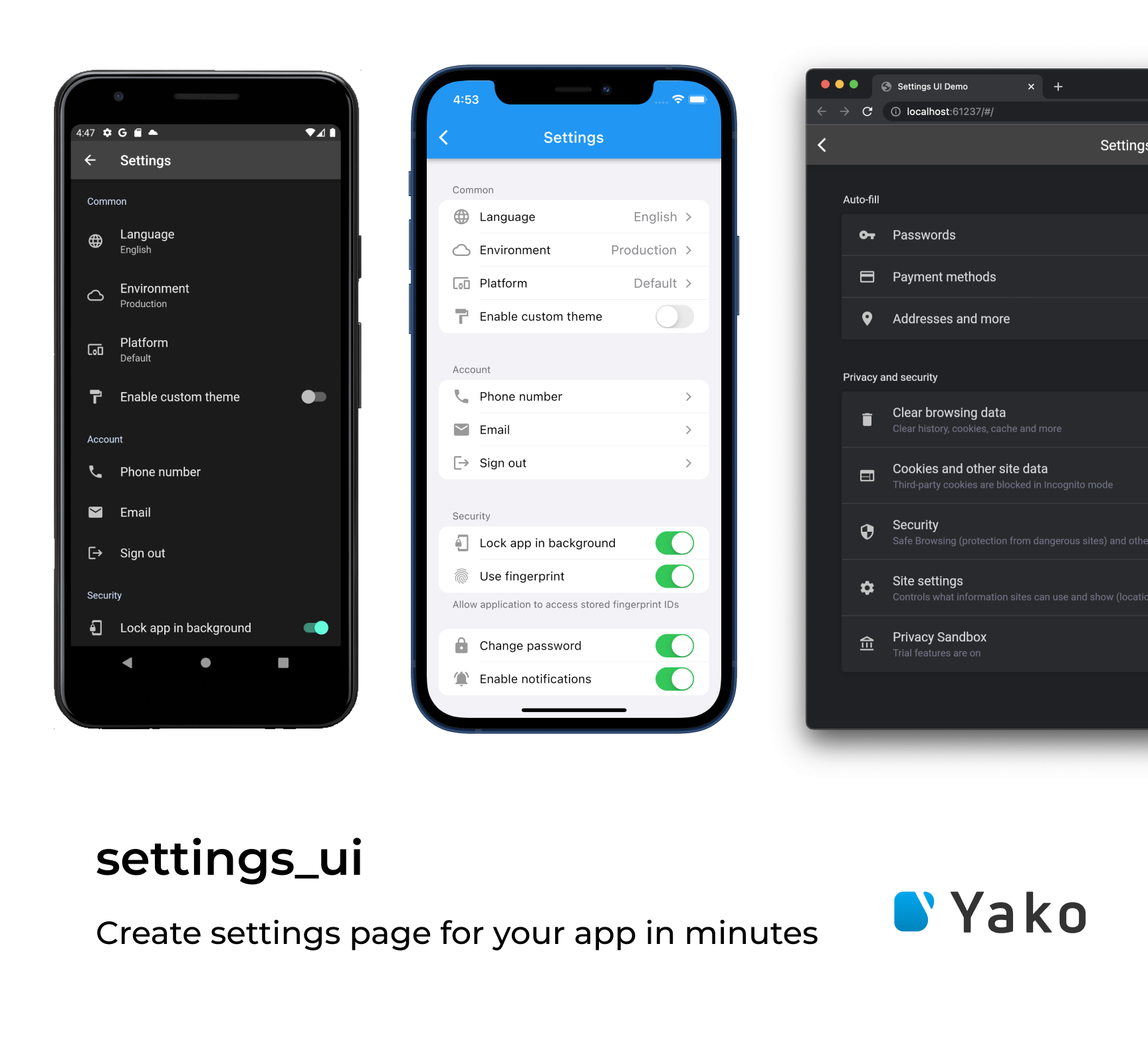
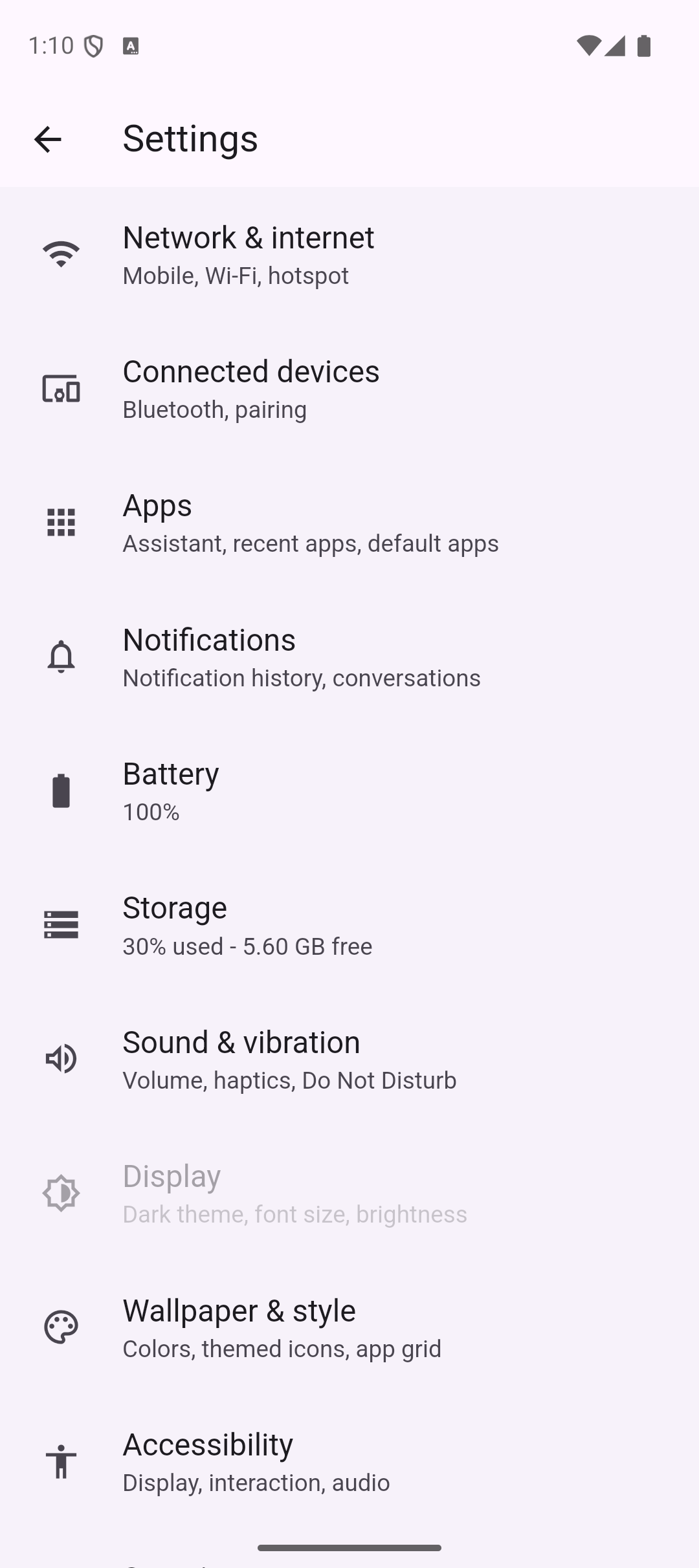
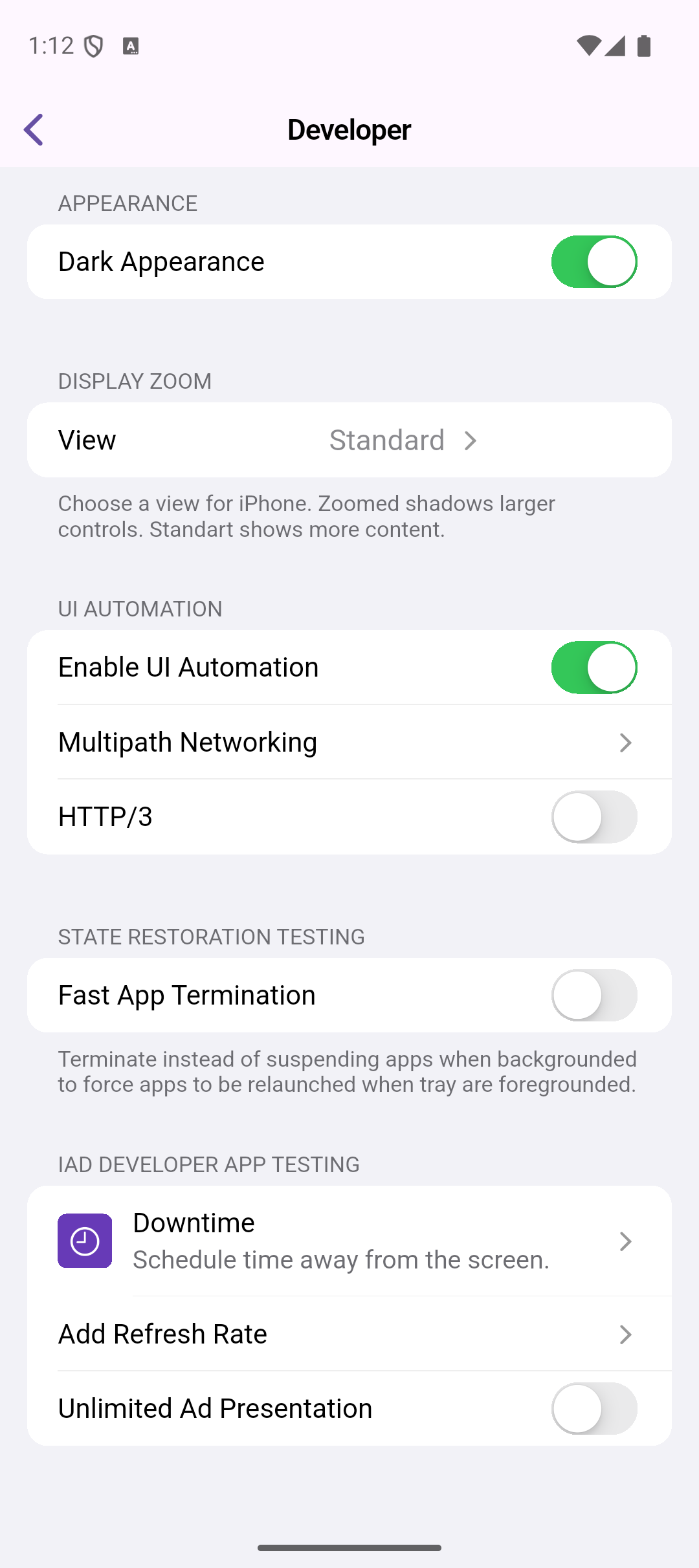
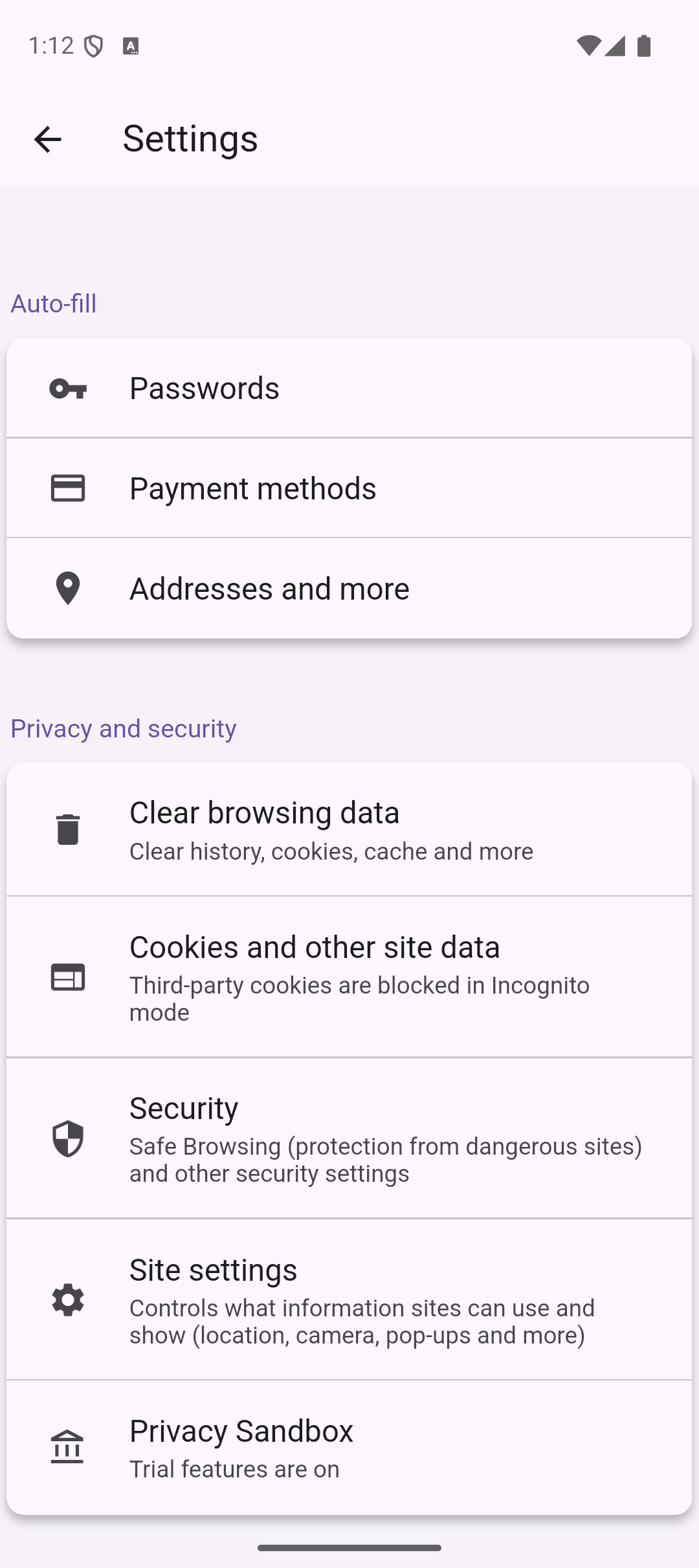
# flutter-settings-ui **Repository Path**: mirrors_yako-dev/flutter-settings-ui ## Basic Information - **Project Name**: flutter-settings-ui - **Description**: Create native settings for Flutter app in a minutes. - **Primary Language**: Unknown - **License**: Apache-2.0 - **Default Branch**: master - **Homepage**: None - **GVP Project**: No ## Statistics - **Stars**: 0 - **Forks**: 0 - **Created**: 2022-01-06 - **Last Updated**: 2025-12-07 ## Categories & Tags **Categories**: Uncategorized **Tags**: None ## README # Settings UI for Flutter [![Pub Version](https://img.shields.io/pub/v/settings_ui?color=blueviolet)](https://pub.dev/packages/settings_ui) ## Overview: Build the beautiful settings screen UI in one moment with `Settings UI for Flutter`


## Installing: 1. Add the dependency in your `pubspec.yaml` file. ```yaml dependencies: settings_ui: ``` 2. Import the `settings_ui` package. ```dart import 'package:settings_ui/settings_ui.dart'; ```

## Basic Usage: ```dart SettingsList( sections: [ SettingsSection( title: Text('Common'), tiles: [ SettingsTile.navigation( leading: Icon(Icons.language), title: Text('Language'), value: Text('English'), ), SettingsTile.switchTile( onToggle: (value) {}, initialValue: true, leading: Icon(Icons.format_paint), title: Text('Enable custom theme'), ), ], ), ], ), ```


## Settings List Settings list it's a wrapper for your settings UI. ### Parameters | Parameter | Description | Required | |--|--|--| | List\ sections | The list of your settings sections | + | bool shrinkWrap | Enable/disable the shrink wrap for the list | - | ScrollPhysics physics | Setup your custom scroll physics | - | DevicePlatform platform | Chose the platform view you prefer | - | SettingsThemeData lightTheme | Setup your light theme | - | SettingsThemeData darkTheme | Setup your dark theme | - | Brightness brightness | Overwrite the brightness you want | - | EdgeInsetsGeometry contentPadding | Set custom paddings | - | ApplicationType applicationType | Setup the application type you use: the material for MaterialApp, the cupertino for CupertinoApp, and the `both`, if you running the MaterialApp and the CupertinoApp depending on the device's OC | -


## Settings Section The Setting section is the block of your settings tiles located in your `SettingsList`. ### Implementations | Type | Description | |--|--| | AbstractSettingsSection | An abstract entity. Just an OOP's thing (so you can expand it yourself) | | CustomSettingsSection | You asked a lot. We implemented this for you. Now you can put anything you want as a child inside this custom section. Just paste the image of your cat or the weather widget inside the `SettingsList`. Feel free and enjoy | | SettingsSection | The default section widget, contains `Widget title`, `EdgeInsetsDirectional margin` and the required list of `AbstractSettingsTile` we called `tiles` |


## Settings Tile Here it is. The section tile. It displays the elements you want to show. | Type | Description | |--|--| | AbstractSettingsTile | One more OOP's thing (so you can expand it yourself) | | CustomSettingsTile | The main idea is the same as for the `CustomSettingsSection`. You can put anything as a child inside your `SettingsSection`. | SettingsTile | I think that we need to discuss this deeper. See below for the details.

### Settings tile The implementation of `AbstractSettingsTile`. It has a lot of fabric methods and parameters. Let's take a look. | Constructor / Fabric method | Description | |--|--| | SettingsTile | Displays the default setting tile. Nothing special. | | SettingsTile.navigation | Created to indicate this tile as a navigation tile. It adds a right-located arrow for the iOS design as an example. | SettingsTile.switchTile | Creates a switch tile. Do you want some switch? Just use this one. |

#### Now let's deal with all these parameters. | Parameter | Description | |--|--| | Widget leading | Adds some leading for your tile. Just like with the `ListTile`. | | Widget trailing | Adds some trailing for your tile. Just like with the `ListTile`. | | Widget title | The title of your tile.| | Widget description | Additional info about this tile. Displays different ways according to the platform | Function(BuildContext context) onPressed | More interactivity for your tiles. Just tap it. | Color activeSwitchColor | Set the switch color for your `SettingsTile.switchTile` | Widget value | Just like the `description` but more declarative. You can compare and choose which exactly you want to use. | Function(bool value) onToggle | Override the on switch event in your `SettingsTile.switchTile` | bool initialValue | Choose the initial value for your `SettingsTile.switchTile` | bool enabled | Mark your tile as disabled. It's pretty easy!


## License This project is licensed under the Apache License 2.0 - see the [LICENSE](LICENSE) file for details