
A feature-rich Rust keyboard firmware.




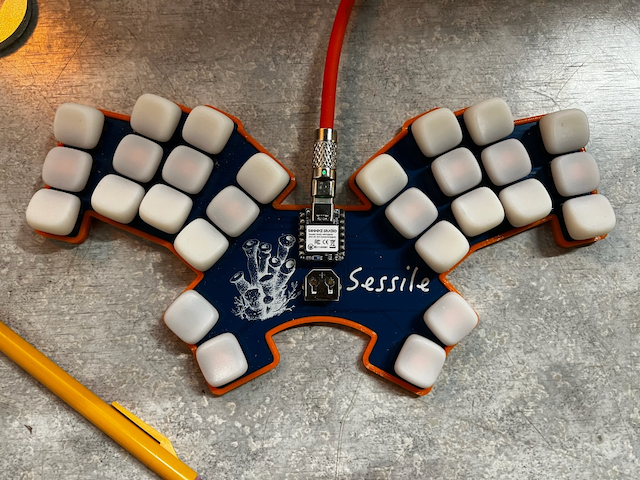
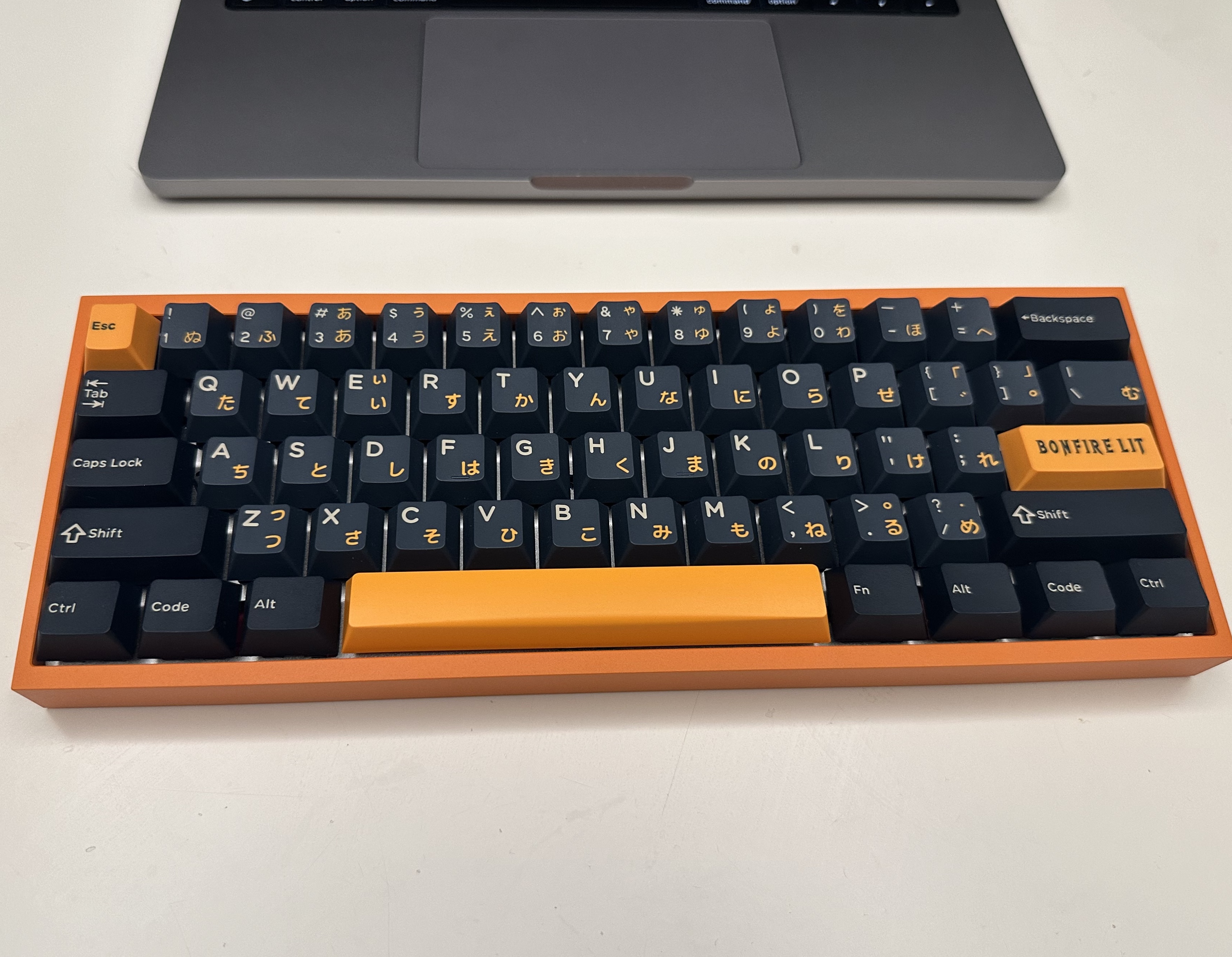 ### [sessile](https://github.com/willpuckett/sessile)
 ## 使用 RMK
### 选项 1:从模板初始化
你可以使用[rmkit](https://github.com/HaoboGu/rmkit) 来从RMK的项目模版初始化你的固件工程
```shell
cargo install rmkit flip-link
# 如果你在Windows下安装rmkit报错,那么可以尝试改用下面的命令安装:
# powershell -ExecutionPolicy ByPass -c "irm https://github.com/haobogu/rmkit/releases/download/v0.0.20/rmkit-installer.ps1 | iex"
rmkit init
```
详细步骤介绍,请查看 RMK 的 [用户指南](https://rmk.rs/docs/user_guide/guide_overview)。
### 选项 2:尝试内置的例子
RMK 内置了一些常见 MCU 的示例,这些示例可以在 [`examples`](https://github.com/HaoboGu/rmk/tree/main/examples) 中找到。下面是 rp2040 的示例的简单说明:
#### rp2040
1. 安装 [probe-rs](https://github.com/probe-rs/probe-rs)
```shell
curl --proto '=https' --tlsv1.2 -LsSf https://github.com/probe-rs/probe-rs/releases/latest/download/probe-rs-tools-installer.sh | sh
```
2. 构建固件
```shell
cd examples/use_rust/rp2040
cargo build --release
```
3. 烧录固件
如果你的 rp2040 已经通过调试器连接,那么可以使用下面的命令把 RMK 固件烧录到开发板上:
```shell
cd examples/use_rust/rp2040
cargo run --release
```
4. 通过USB烧录
如果你没有调试器,那么可以使用 `elf2uf2-rs` 通过 USB 为 rp2040 烧录固件,但是这种方式需要一些额外的步骤:
1. 安装 `elf2uf2-rs`: `cargo install elf2uf2-rs`
2. 更新 `examples/use_rust/rp2040/.cargo/config.toml` 文件,使用 `elf2uf2` 作为默认的烧录命令
```diff
- runner = "probe-rs run --chip RP2040"
+ runner = "elf2uf2-rs -d"
```
3. 按住 BOOTSEL 的同时插上你的 rp2040 开发板的 USB 线,然后应该有一个叫 `rp` 的U盘出现
4. 执行下面的命令烧录
```shell
cd examples/use_rust/rp2040
cargo run --release
```
如果你看到下面这样的日志,那说明烧录成功了
```shell
Finished release [optimized + debuginfo] target(s) in 0.21s
Running `elf2uf2-rs -d 'target\thumbv6m-none-eabi\release\rmk-rp2040'`
Found pico uf2 disk G:\
Transfering program to pico
173.00 KB / 173.00 KB [=======================] 100.00 % 193.64 KB/s
```
## [Roadmap](https://rmk.rs/docs/development/roadmap)
RMK 现在的 roadmap 在[这里](https://rmk.rs/docs/development/roadmap)。
## 最小支持的 Rust 版本(MSRV)
RMK 默认使用最新的稳定版本 Rust。其他版本也应该可以使用,但是未经测试。
## 许可证
RMK 根据以下任一许可证许可:
- Apache License, Version 2.0 (LICENSE-APACHE or
## 使用 RMK
### 选项 1:从模板初始化
你可以使用[rmkit](https://github.com/HaoboGu/rmkit) 来从RMK的项目模版初始化你的固件工程
```shell
cargo install rmkit flip-link
# 如果你在Windows下安装rmkit报错,那么可以尝试改用下面的命令安装:
# powershell -ExecutionPolicy ByPass -c "irm https://github.com/haobogu/rmkit/releases/download/v0.0.20/rmkit-installer.ps1 | iex"
rmkit init
```
详细步骤介绍,请查看 RMK 的 [用户指南](https://rmk.rs/docs/user_guide/guide_overview)。
### 选项 2:尝试内置的例子
RMK 内置了一些常见 MCU 的示例,这些示例可以在 [`examples`](https://github.com/HaoboGu/rmk/tree/main/examples) 中找到。下面是 rp2040 的示例的简单说明:
#### rp2040
1. 安装 [probe-rs](https://github.com/probe-rs/probe-rs)
```shell
curl --proto '=https' --tlsv1.2 -LsSf https://github.com/probe-rs/probe-rs/releases/latest/download/probe-rs-tools-installer.sh | sh
```
2. 构建固件
```shell
cd examples/use_rust/rp2040
cargo build --release
```
3. 烧录固件
如果你的 rp2040 已经通过调试器连接,那么可以使用下面的命令把 RMK 固件烧录到开发板上:
```shell
cd examples/use_rust/rp2040
cargo run --release
```
4. 通过USB烧录
如果你没有调试器,那么可以使用 `elf2uf2-rs` 通过 USB 为 rp2040 烧录固件,但是这种方式需要一些额外的步骤:
1. 安装 `elf2uf2-rs`: `cargo install elf2uf2-rs`
2. 更新 `examples/use_rust/rp2040/.cargo/config.toml` 文件,使用 `elf2uf2` 作为默认的烧录命令
```diff
- runner = "probe-rs run --chip RP2040"
+ runner = "elf2uf2-rs -d"
```
3. 按住 BOOTSEL 的同时插上你的 rp2040 开发板的 USB 线,然后应该有一个叫 `rp` 的U盘出现
4. 执行下面的命令烧录
```shell
cd examples/use_rust/rp2040
cargo run --release
```
如果你看到下面这样的日志,那说明烧录成功了
```shell
Finished release [optimized + debuginfo] target(s) in 0.21s
Running `elf2uf2-rs -d 'target\thumbv6m-none-eabi\release\rmk-rp2040'`
Found pico uf2 disk G:\
Transfering program to pico
173.00 KB / 173.00 KB [=======================] 100.00 % 193.64 KB/s
```
## [Roadmap](https://rmk.rs/docs/development/roadmap)
RMK 现在的 roadmap 在[这里](https://rmk.rs/docs/development/roadmap)。
## 最小支持的 Rust 版本(MSRV)
RMK 默认使用最新的稳定版本 Rust。其他版本也应该可以使用,但是未经测试。
## 许可证
RMK 根据以下任一许可证许可:
- Apache License, Version 2.0 (LICENSE-APACHE or