






Contributing • What's new • Documentation • Report Issues
--- - [Features](#features) - [Why mubeng?](#why-mubeng) - [Installation](#installation) - [Binary](#binary) - [Docker](#docker) - [Source](#source) - [Usage](#usage) - [Basic](#basic) - [Options](#options) - [Notes](#notes) - [Examples](#examples) - [Proxy checker](#proxy-checker) - [Proxy IP rotator](#proxy-ip-rotator) - [Burp Suite Upstream Proxy](#burp-suite-upstream-proxy) - [OWASP ZAP Proxy Chain](#owasp-zap-proxy-chain) - [Limitations](#limitations) - [Known Bugs](#known-bugs) - [Contributors](#contributors) - [Pronunciation](#pronunciation) - [Changes](#changes) - [License](#license) --- # Features - **Proxy IP rotator**: Rotates your IP address for every specific request. - **Proxy checker**: Check your proxy IP which is still alive. - **All HTTP/S methods** are supported. - **HTTP & SOCKSv5** proxy protocols apply. - **All parameters & URIs are passed**. - **Easy to use**: You can just run it against your proxy file, and choose the action you want! - **Cross-platform**: whether you are Windows, Linux, Mac, or even Raspberry Pi, you can run it very well. # Why mubeng? It's fairly simple, there is no need for additional configuration. `mubeng` has 2 core functionality: ### 1. Run proxy server as proxy IP rotation This is useful to avoid different kinds of IP ban, i.e. bruteforce protection, API rate-limiting or WAF blocking based on IP. We also leave it entirely up to user to use proxy pool resources from anywhere. ### 2. Perform proxy checks So, you don't need any extra proxy checking tools out there if you want to check your proxy pool. # Installation ## Binary Simply, download a pre-built binary from [releases page](https://github.com/kitabisa/mubeng/releases) and run! ## Docker Pull the [Docker](https://docs.docker.com/get-docker/) image by running: ```bash ▶ docker pull kitabisa/mubeng ``` ## Source Using [Go _(v1.15+)_](https://golang.org/doc/install) compiler: ```bash ▶ GO111MODULE=on go get -u ktbs.dev/mubeng/cmd/mubeng ```| NOTE: The same command above also works for updating. |
NOTES:
|
http://127.0.0.1:8080 https://127.0.0.1:3128 socks5://127.0.0.1:2121 ... ... |
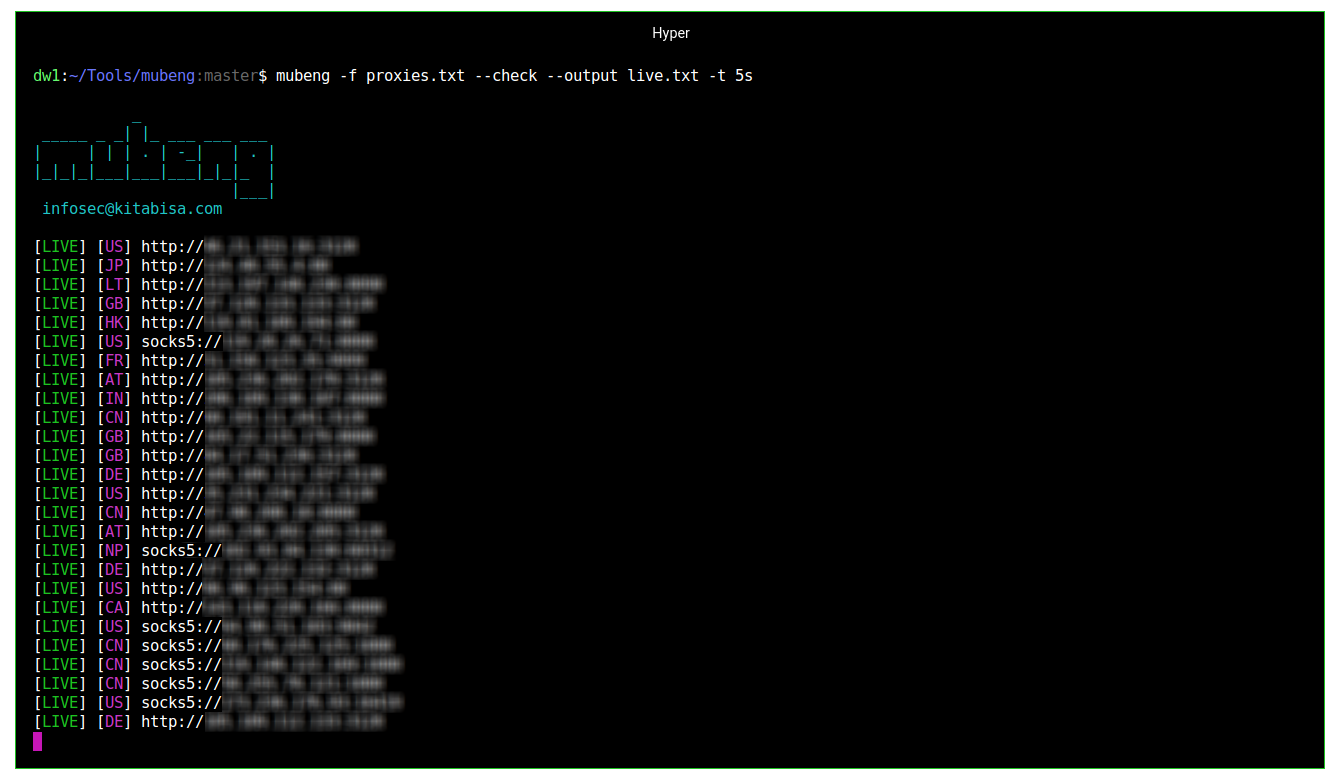 (Figure: Checking proxies mubeng with max. 5s timeout)
 (Figure: Running mubeng as proxy IP rotator with verbose mode)
 (Figure: Settings Burp Suite Upstream Proxy to mubeng)
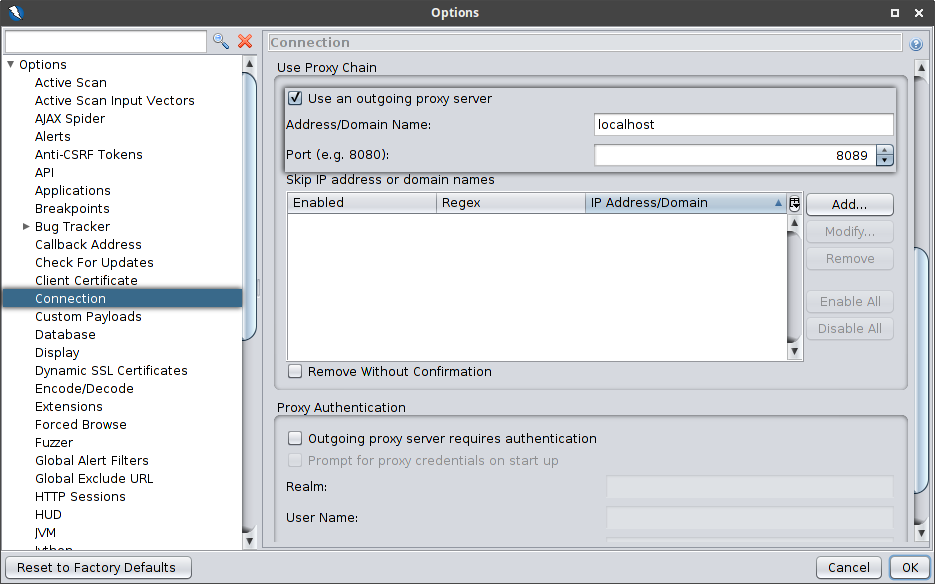 (Figure: Settings proxy chain connection in OWASP ZAP to mubeng)
 # Pronunciation
[`jv_ID`](https://www.localeplanet.com/java/jv-ID/index.html) • **/mo͞oˌbēNG/** — mubeng-mubeng nganti mumet. (ꦩꦸꦧꦺꦁꦔꦤ꧀ꦠꦶꦩꦸꦩꦺꦠ꧀)
# Changes
For changes, see [CHANGELOG.md](https://github.com/kitabisa/mubeng/blob/master/CHANGELOG.md).
# License
This program is free software: you can redistribute it and/or modify it under the terms of the [Apache license](https://github.com/kitabisa/mubeng/blob/master/LICENSE). Kitabisa mubeng and any contributions are Copyright © by Dwi Siswanto 2021.