RealSense SDK 2.0 is a cross-platform library for RealSense depth cameras. The SDK allows depth and color streaming, and provides intrinsic and extrinsic calibration information.






 |
|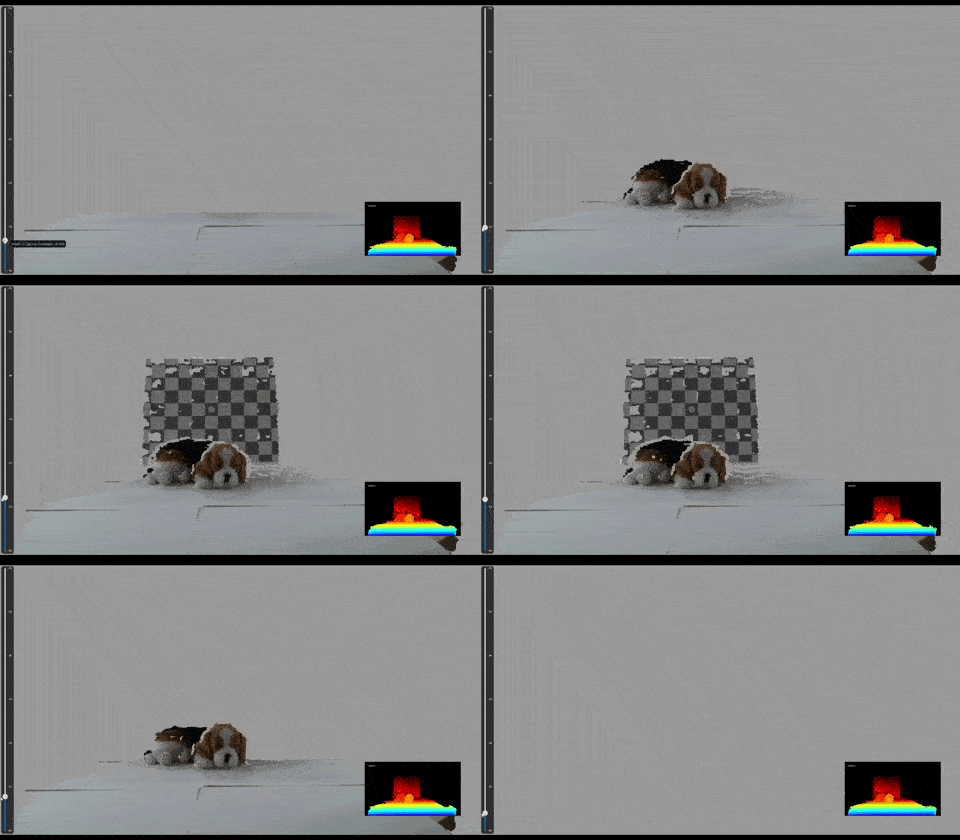 |
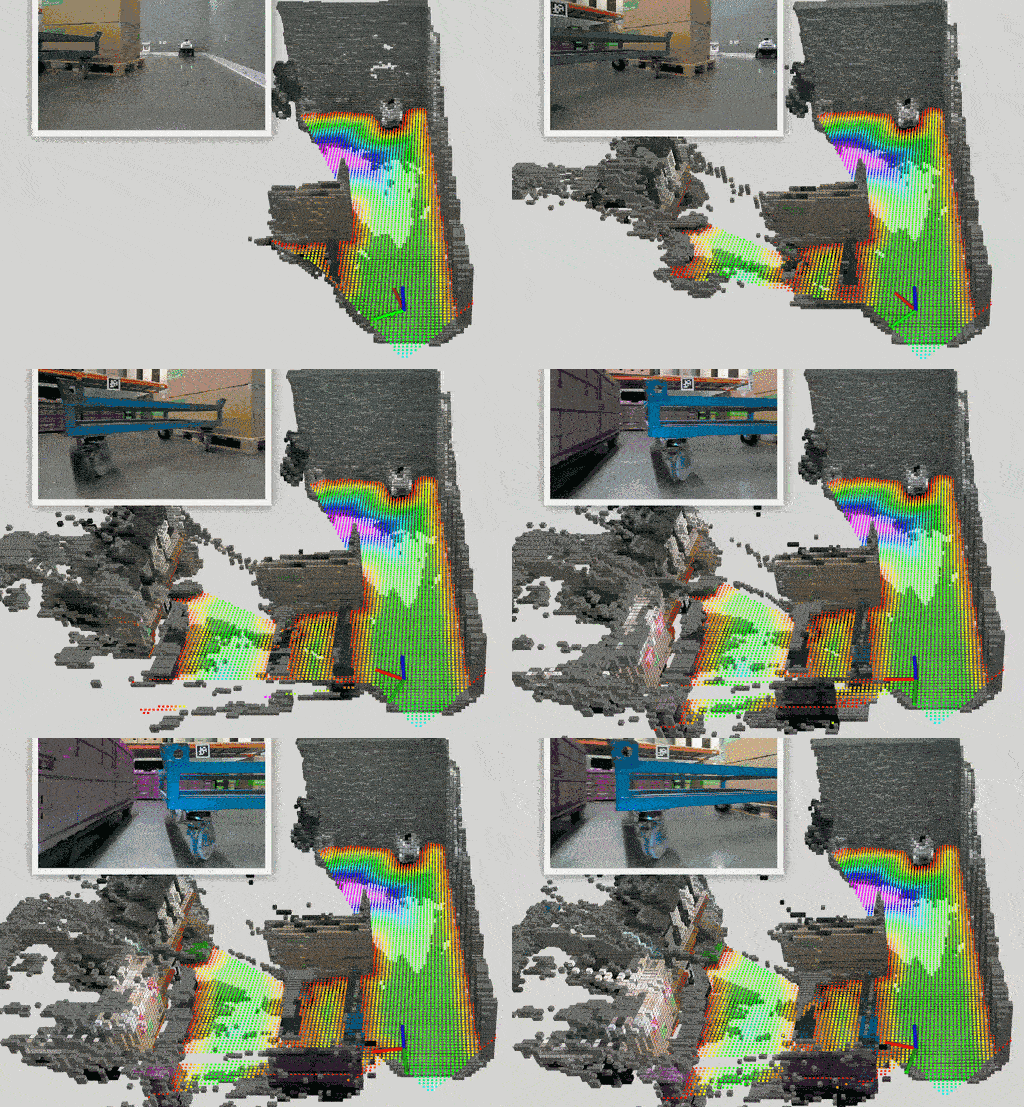
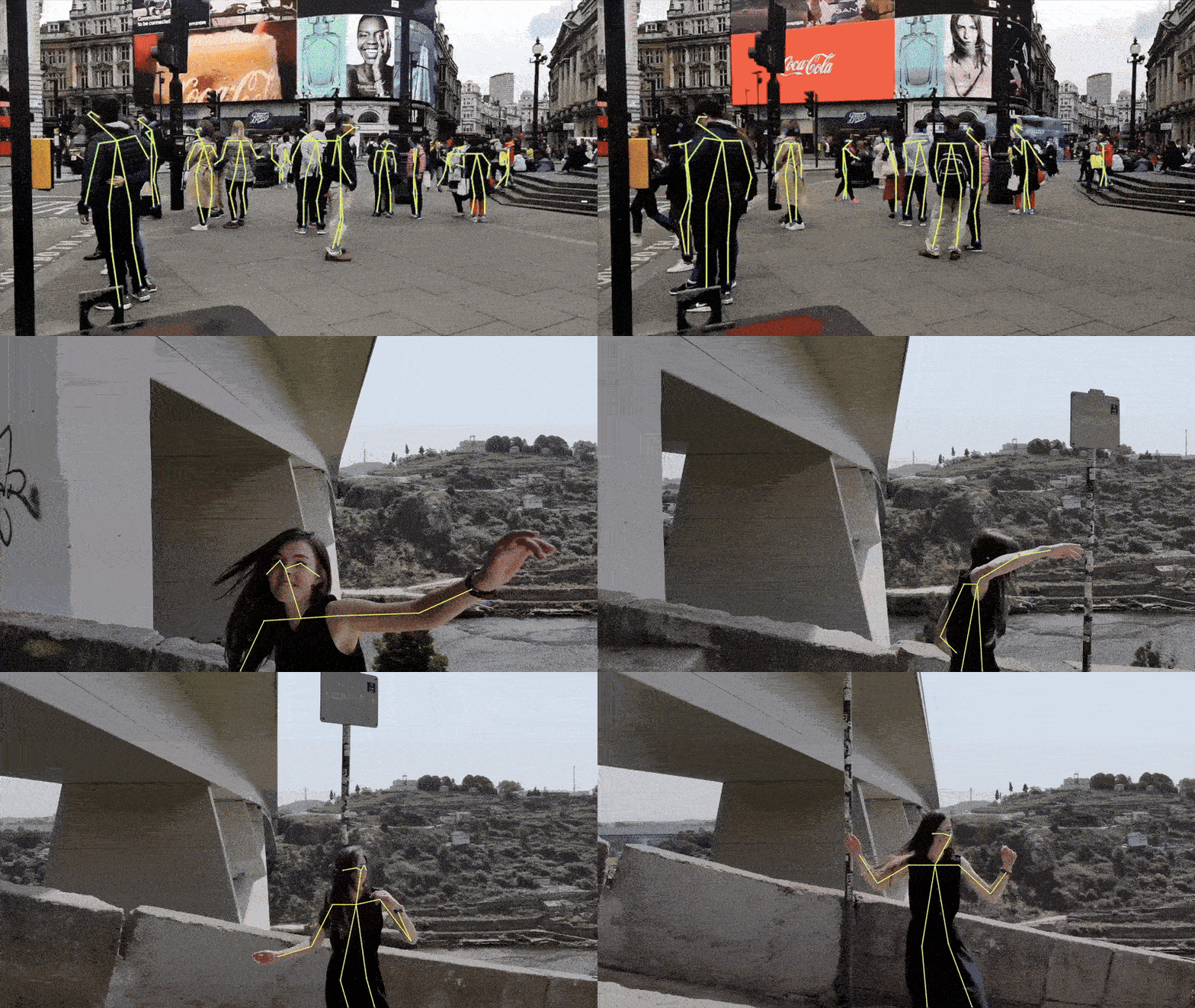
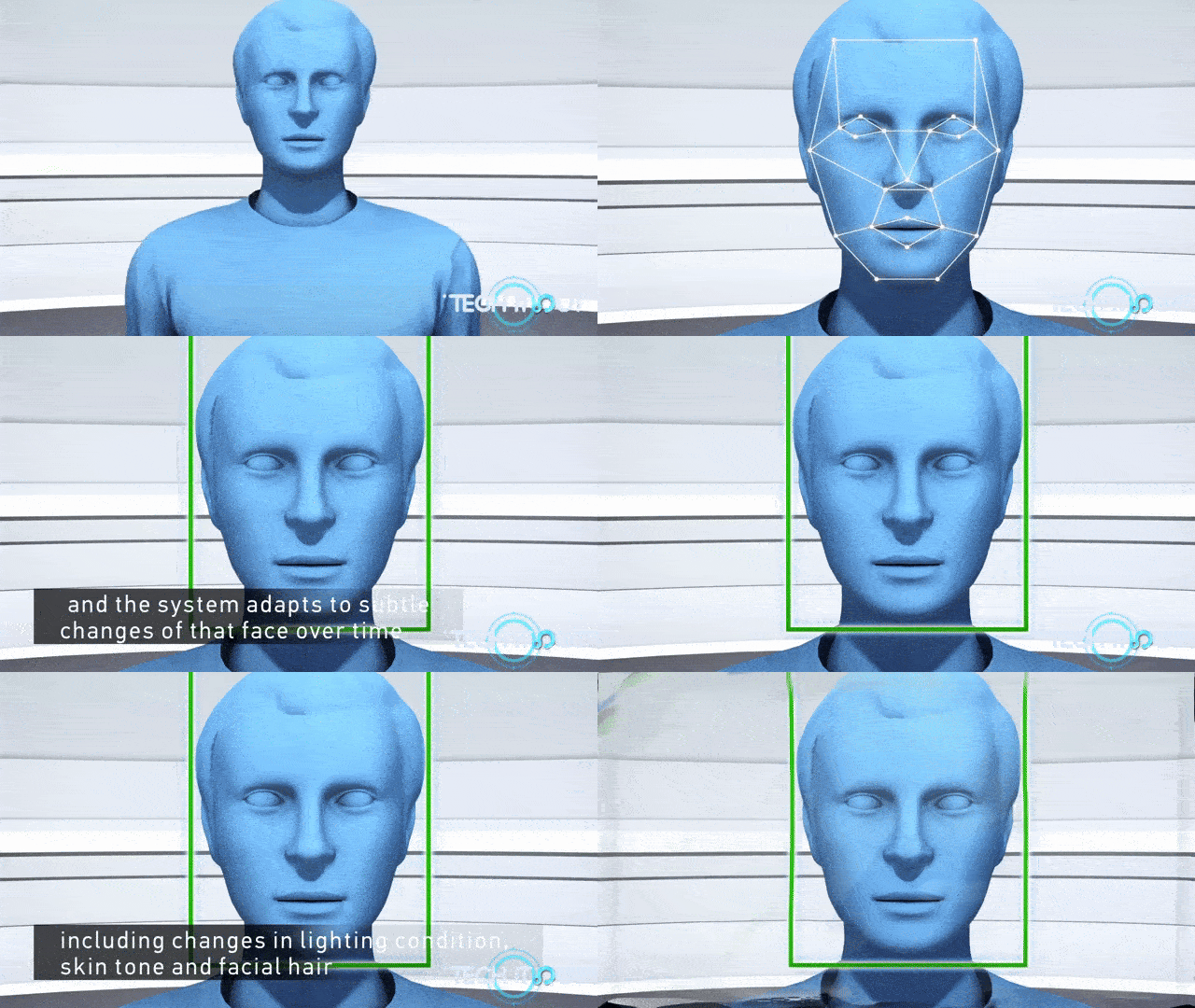
| 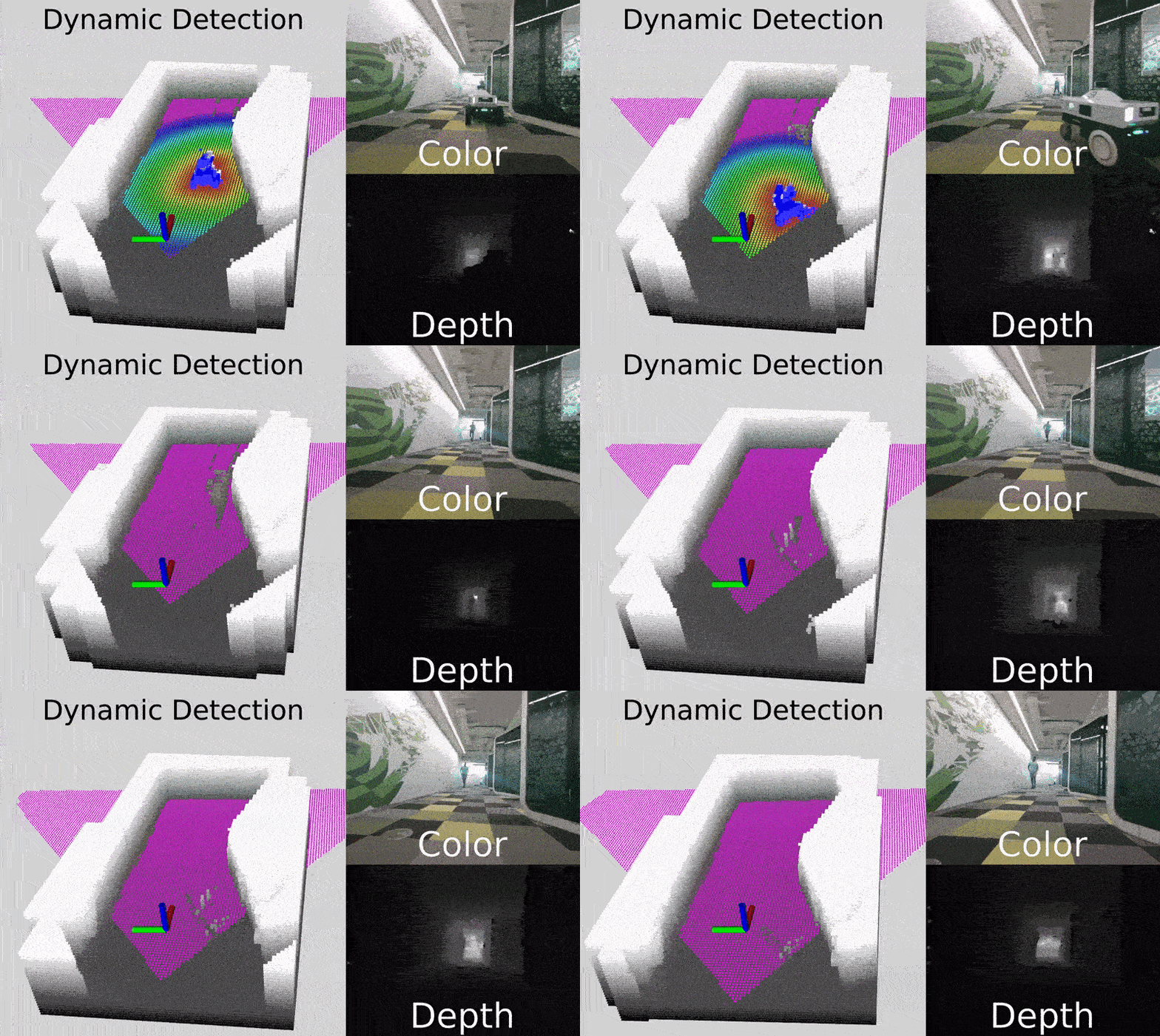 Drones | Skeletal and People Tracking | Facial Authentication |
:--------------------------: | :-----: | :----------------------: |
Drones | Skeletal and People Tracking | Facial Authentication |
:--------------------------: | :-----: | :----------------------: |
 |
| |
|  ## Why RealSense?
- **High-resolution color and depth** at close and long ranges
- **Open source SDK** with rich examples and wrappers (Python, ROS, C#, Unity and [more...](https://github.com/realsenseai/librealsense/tree/master/wrappers))
- **Active developer community and defacto-standard 3D stereo camera for robotics**
- **Cross-platform** support: Windows, Linux, macOS, Android, and Docker
## Product Line
RealSense stereo depth products use stereo vision to calculate depth, providing high-quality performance in various lighting and environmental conditions.
Here are some examples of the supported models:
| Product | Image | Description |
|---------|-------|-------------|
| [**D555 PoE**](https://realsenseai.com/ruggedized-industrial-stereo-depth/d555-poe/) |
## Why RealSense?
- **High-resolution color and depth** at close and long ranges
- **Open source SDK** with rich examples and wrappers (Python, ROS, C#, Unity and [more...](https://github.com/realsenseai/librealsense/tree/master/wrappers))
- **Active developer community and defacto-standard 3D stereo camera for robotics**
- **Cross-platform** support: Windows, Linux, macOS, Android, and Docker
## Product Line
RealSense stereo depth products use stereo vision to calculate depth, providing high-quality performance in various lighting and environmental conditions.
Here are some examples of the supported models:
| Product | Image | Description |
|---------|-------|-------------|
| [**D555 PoE**](https://realsenseai.com/ruggedized-industrial-stereo-depth/d555-poe/) | 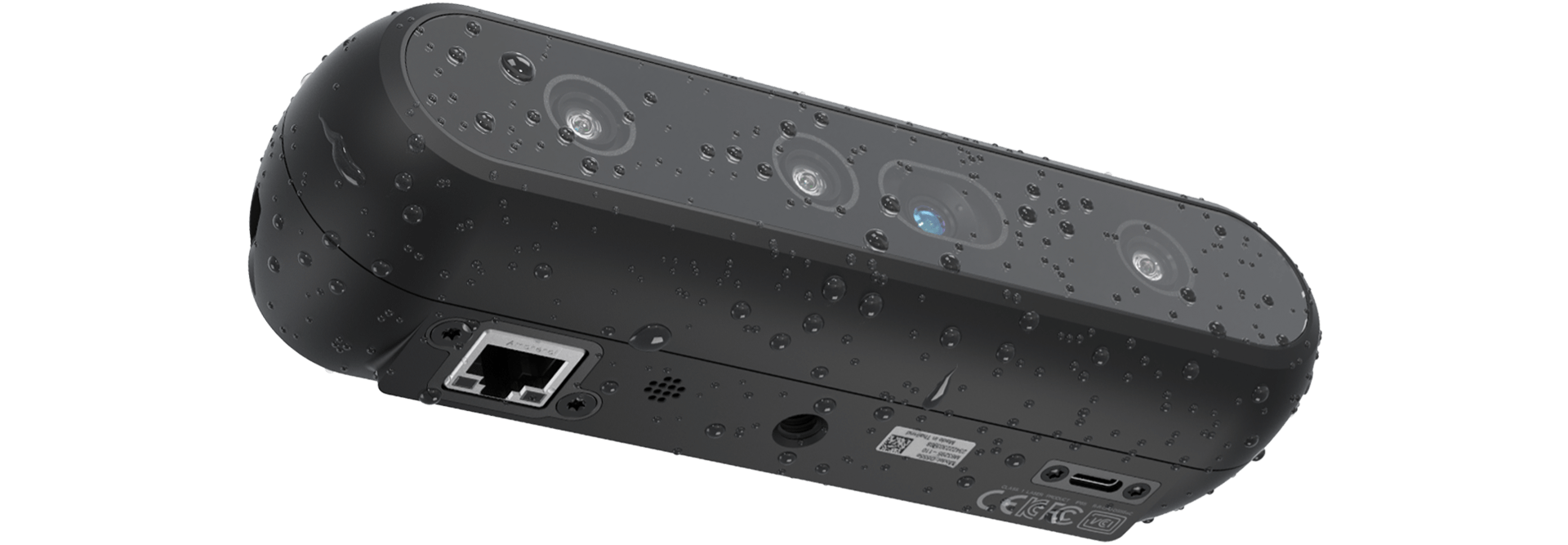 | The RealSense™ Depth Camera D555 introduces Power over Ethernet (PoE) interface on chip, expanding our portfolio of USB and GMSL/FAKRA products. |
| [**D457 GMSL/FAKRA**](https://realsenseai.com/ruggedized-industrial-stereo-depth/d457-gmsl-fakra/) |
| The RealSense™ Depth Camera D555 introduces Power over Ethernet (PoE) interface on chip, expanding our portfolio of USB and GMSL/FAKRA products. |
| [**D457 GMSL/FAKRA**](https://realsenseai.com/ruggedized-industrial-stereo-depth/d457-gmsl-fakra/) | 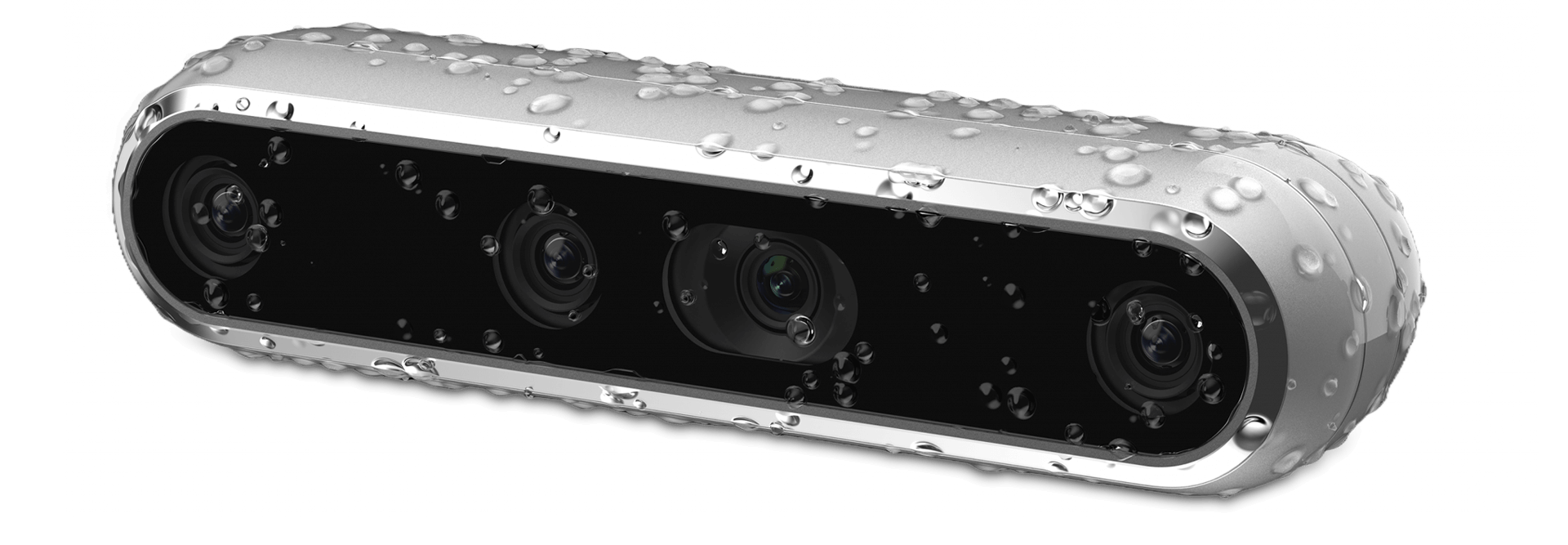 | The RealSense™ Depth Camera D457 is our first GMSL/FAKRA high bandwidth stereo camera. The D457 has an IP65 grade enclosure protecting it from dust ingress and projected water. |
| [**D455**](https://realsenseai.com/stereo-depth-cameras/real-sense-depth-camera-d455/) |
| The RealSense™ Depth Camera D457 is our first GMSL/FAKRA high bandwidth stereo camera. The D457 has an IP65 grade enclosure protecting it from dust ingress and projected water. |
| [**D455**](https://realsenseai.com/stereo-depth-cameras/real-sense-depth-camera-d455/) |  | The RealSense D455 is a long-range stereo depth camera with a 95 mm baseline, global-shutter depth sensors, an RGB sensor, and a built-in IMU, delivering accurate depth at distances up to 10 m.. |
| [**D435if**](https://realsenseai.com/stereo-depth-cameras/depth-camera-d435i/) |
| The RealSense D455 is a long-range stereo depth camera with a 95 mm baseline, global-shutter depth sensors, an RGB sensor, and a built-in IMU, delivering accurate depth at distances up to 10 m.. |
| [**D435if**](https://realsenseai.com/stereo-depth-cameras/depth-camera-d435i/) | 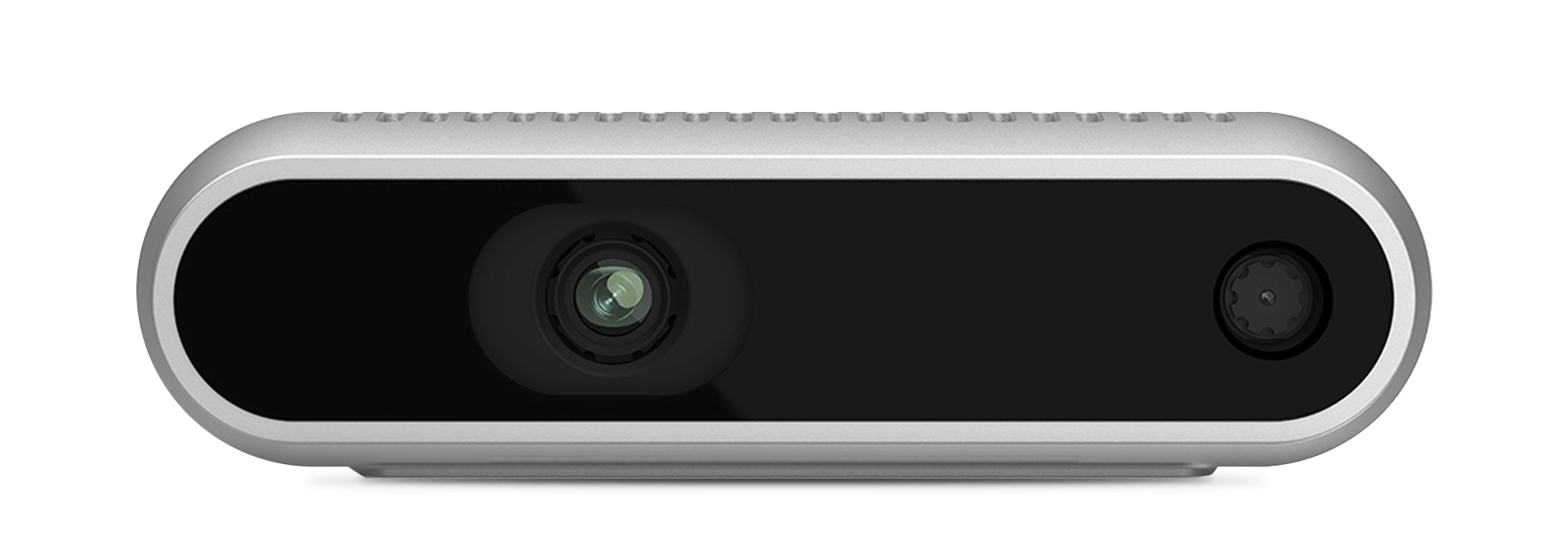 | The D435if is one of [RealSense™ Depth Camera with IR pass filter family](https://realsenseai.com/stereo-depth-with-ir-pass-filter/) expanding our portfolio targeting the growing robotic market. The D400f family utilizes an IR pass filter to enhance depth quality and performance range in many robotic environments.|
| [**D405**](https://realsenseai.com/stereo-depth-cameras/stereo-depth-camera-d405/) |
| The D435if is one of [RealSense™ Depth Camera with IR pass filter family](https://realsenseai.com/stereo-depth-with-ir-pass-filter/) expanding our portfolio targeting the growing robotic market. The D400f family utilizes an IR pass filter to enhance depth quality and performance range in many robotic environments.|
| [**D405**](https://realsenseai.com/stereo-depth-cameras/stereo-depth-camera-d405/) | 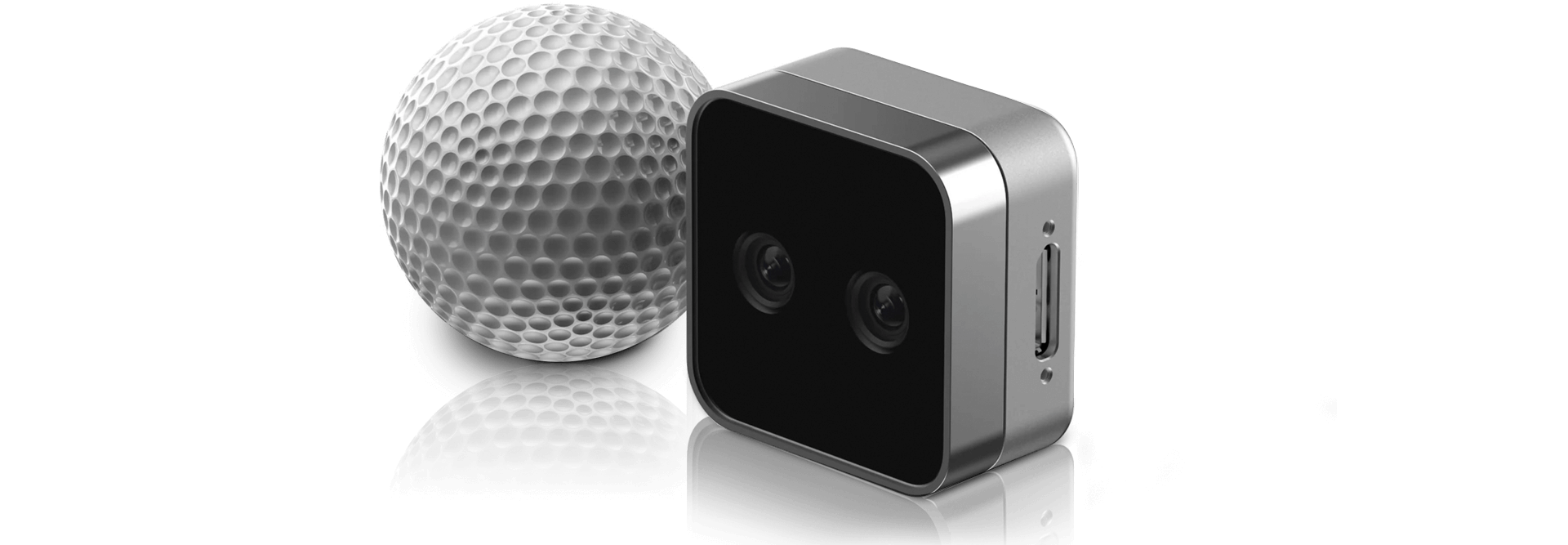 | The RealSense™ Depth Camera D405 is a short-range stereo camera providing sub-millimeter accuracy for your close-range computer vision needs. |
> 🛍️ [Explore more stereo products](https://store.realsenseai.com/)
## Getting Started
Start developing with RealSense in minutes using either method below.
### 1️. Precompiled SDK
This is the best option if you want to plug in your camera and get started right away.
1. Download the latest SDK bundle from the [Releases page](https://github.com/realsenseai/librealsense/releases).
2. Connect your RealSense camera.
3. Run the included tools:
- [RealSense Viewer](./tools/realsense-viewer/): View streams, tune settings, record and playback.
- [Depth Quality Tool](./tools/depth-quality/): Measure accuracy and fill rate.
### Setup Guides - precompiled SDK
| The RealSense™ Depth Camera D405 is a short-range stereo camera providing sub-millimeter accuracy for your close-range computer vision needs. |
> 🛍️ [Explore more stereo products](https://store.realsenseai.com/)
## Getting Started
Start developing with RealSense in minutes using either method below.
### 1️. Precompiled SDK
This is the best option if you want to plug in your camera and get started right away.
1. Download the latest SDK bundle from the [Releases page](https://github.com/realsenseai/librealsense/releases).
2. Connect your RealSense camera.
3. Run the included tools:
- [RealSense Viewer](./tools/realsense-viewer/): View streams, tune settings, record and playback.
- [Depth Quality Tool](./tools/depth-quality/): Measure accuracy and fill rate.
### Setup Guides - precompiled SDK


 ## Python Packages
[](https://pypi.org/project/pyrealsense2/)
[](https://pypi.org/project/pyrealsense2-beta/)
**Which should I use?**
- **Stable:** `pyrealsense2` — validated releases aligned with SDK tags (Recommended for most users).
- **Beta:** `pyrealsense2-beta` — fresher builds for early access and testing. Expect faster updates.
### Install
```bash
pip install pyrealsense2 # Stable
pip install pyrealsense2-beta # Beta
```
> Both packages import as `pyrealsense2`. Install **only one** at a time.
## Ready to Hack!
Our library offers a high level API for using RealSense depth cameras (in addition to lower level ones).
The following snippets show how to start streaming frames and extracting the depth value of a pixel:
**C++**
```cpp
#include
## Python Packages
[](https://pypi.org/project/pyrealsense2/)
[](https://pypi.org/project/pyrealsense2-beta/)
**Which should I use?**
- **Stable:** `pyrealsense2` — validated releases aligned with SDK tags (Recommended for most users).
- **Beta:** `pyrealsense2-beta` — fresher builds for early access and testing. Expect faster updates.
### Install
```bash
pip install pyrealsense2 # Stable
pip install pyrealsense2-beta # Beta
```
> Both packages import as `pyrealsense2`. Install **only one** at a time.
## Ready to Hack!
Our library offers a high level API for using RealSense depth cameras (in addition to lower level ones).
The following snippets show how to start streaming frames and extracting the depth value of a pixel:
**C++**
```cpp
#include 









You can find us at