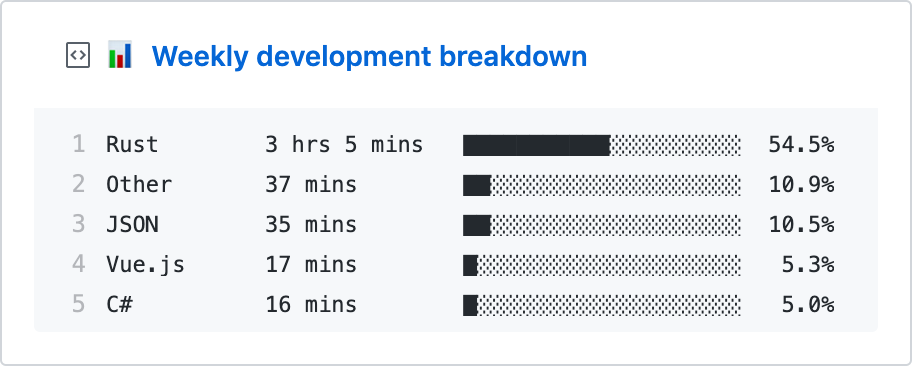
Update a pinned gist to contain your weekly WakaTime stats
--- > 📌✨ For more pinned-gist projects like this one, check out: https://github.com/matchai/awesome-pinned-gists ## Setup ### Prep work 1. Create a new public GitHub Gist (https://gist.github.com/) 1. Create a token with the `gist` scope and copy it. (https://github.com/settings/tokens/new) 1. Create a WakaTime account (https://wakatime.com/signup) 1. In your WakaTime profile settings (https://wakatime.com/settings/profile) ensure `Display coding activity publicly` and `Display languages, editors, operating systems publicly` are checked. 1. In your account settings, copy the existing WakaTime API Key (https://wakatime.com/settings/api-key) ### Project setup 1. Fork this repo 1. Edit the [environment variable](https://github.com/matchai/waka-box/blob/master/.github/workflows/schedule.yml#L13-L15) in `.github/workflows/schedule.yml`: - **GIST_ID:** The ID portion from your gist url: `https://gist.github.com/matchai/`**`6d5f84419863089a167387da62dd7081`**. 1. Go to the repo **Settings > Secrets** 1. Add the following environment variables: - **GH_TOKEN:** The GitHub token generated above. - **WAKATIME_API_KEY:** The API key for your WakaTime account.