# EFMarkdown
**Repository Path**: suxinde2009/EFMarkdown
## Basic Information
- **Project Name**: EFMarkdown
- **Description**: No description available
- **Primary Language**: Unknown
- **License**: WTFPL
- **Default Branch**: master
- **Homepage**: None
- **GVP Project**: No
## Statistics
- **Stars**: 0
- **Forks**: 0
- **Created**: 2024-11-05
- **Last Updated**: 2024-11-05
## Categories & Tags
**Categories**: Uncategorized
**Tags**: None
## README






EFMarkdown is a lightweight Markdown library in Swift, based on [EFCMark](https://github.com/EFPrefix/EFCMark), inspired by [markdown](https://github.com/vapor-community/markdown) and [Markoff](https://github.com/thoughtbot/Markoff).
> [中文介绍](https://github.com/EFPrefix/EFMarkdown/blob/master/README_CN.md)
## Overview
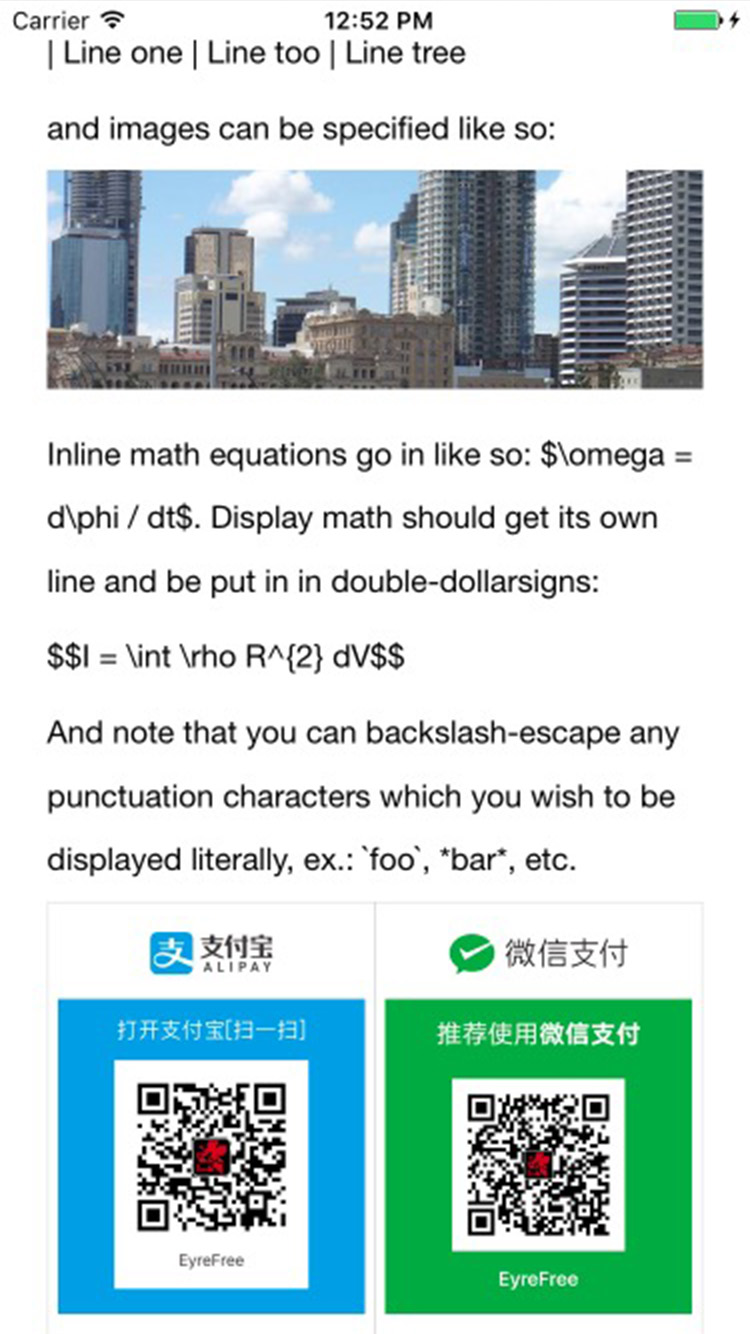
sample1|sample2|sample3|sample4
:---------------------:|:---------------------:|:---------------------:|:---------------------:
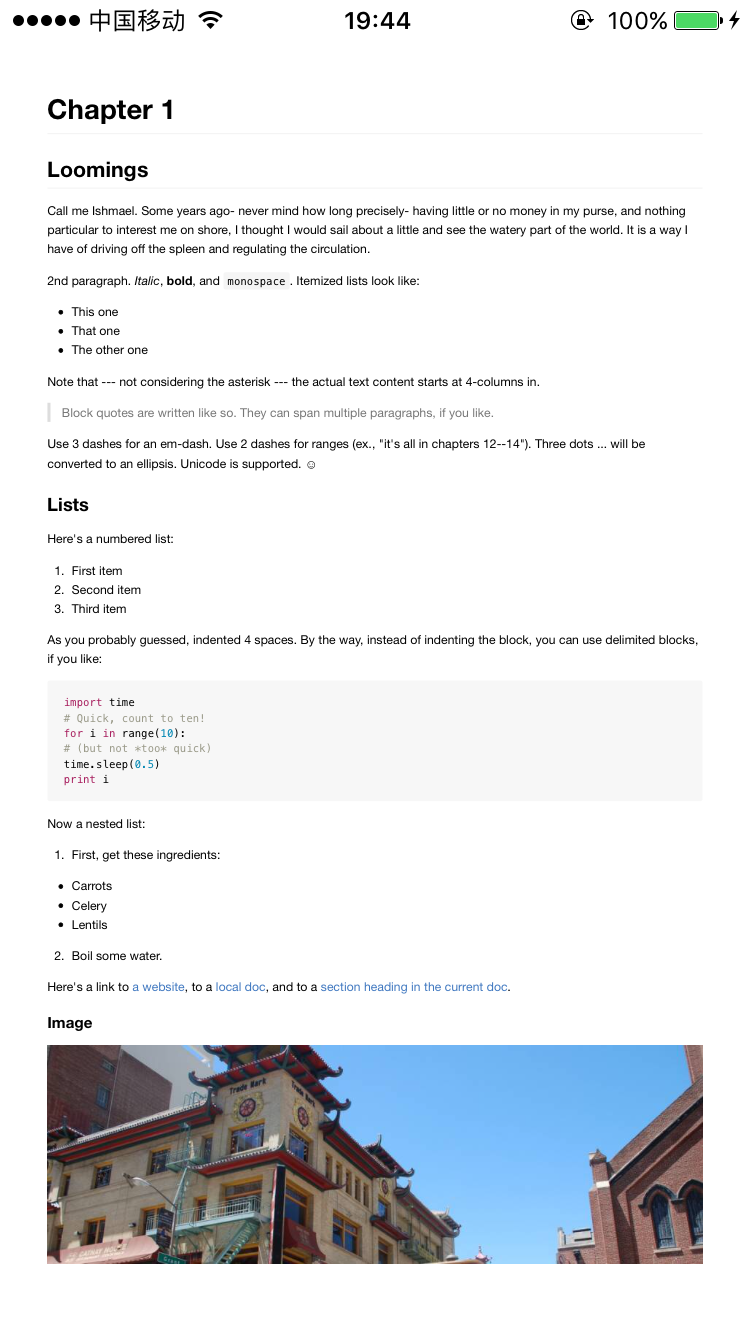||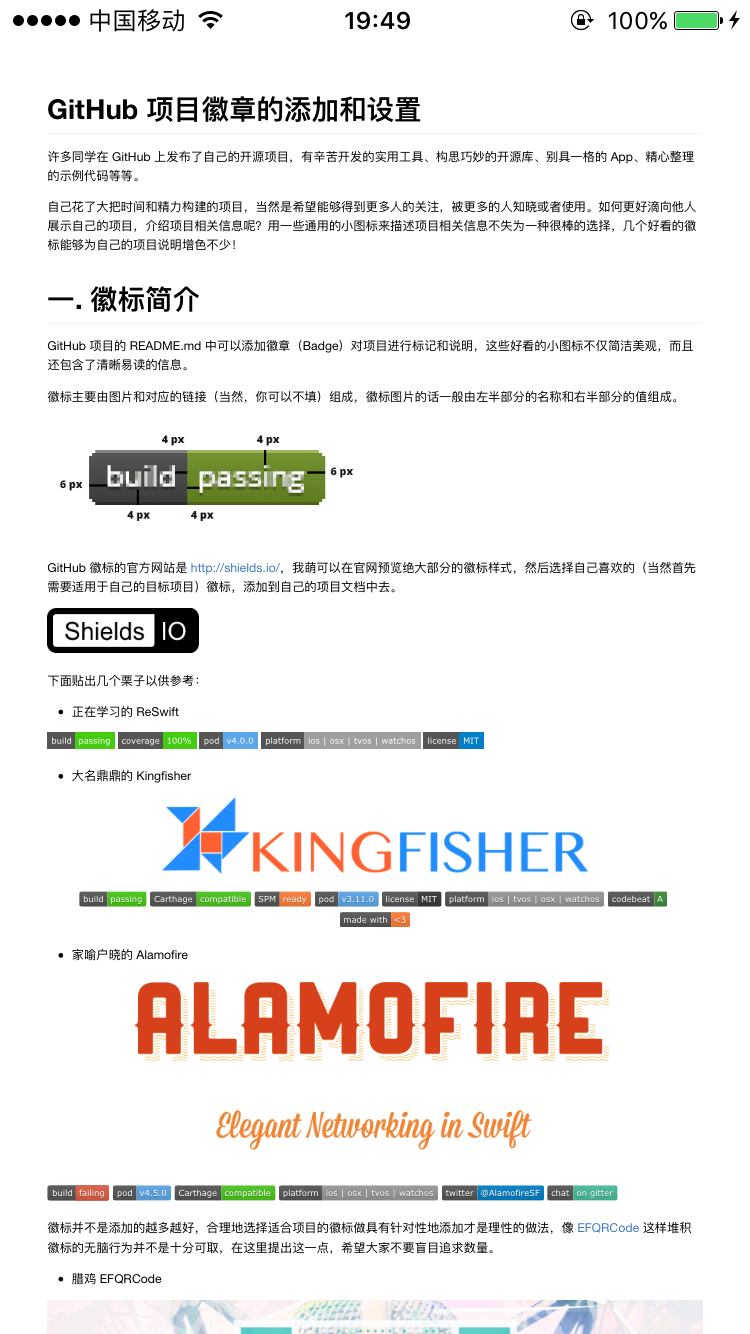|
## Example
To run the example project, clone the repo, and run `pod install` from the Example directory first.
## Requirements
| Version | Needs |
|:---------|:------------------------------------------------|
| 0.x | XCode 8.0+
Swift 3.0+
iOS 8.0+ |
| 4.x | XCode 9.0+
Swift 4.0+
iOS 8.0+ |
| 5.x | XCode 10.2+
Swift 5.0+
iOS 8.0+ |
## Installation
EFMarkdown is available through [CocoaPods](http://cocoapods.org). To install
it, simply add the following line to your Podfile:
```ruby
pod "EFMarkdown"
```
## Usage
### 1. Markdown to HTML
You can use `EFMarkdown` to make Markdown string to HTML string easily:
```swift
let markdown = "# Hello"
var html = ""
do {
html = try EFMarkdown().markdownToHTML(markdown, options: EFMarkdownOptions.safe)
print(html) // This will return "Hello
\n"
} catch let error as NSError {
print ("Error: \(error.domain)")
}
```
### 2. View Markdown
You can use `EFMarkdownView` to make a preview of Markdown:
```swift
let screenSize = UIScreen.main.bounds
let markView = EFMarkdownView()
markView.frame = CGRect(x: 0, y: 20, width: screenSize.width, height: screenSize.height - 20)
markView.onRendered = {
[weak self] (height) in
if let _ = self {
// Optional: you can know the change of height in this block
print("onRendered height: \(height ?? 0)")
}
}
self.view.addSubview(markView)
markView.load(markdown: testMarkdownFileContent(), options: [.default]) {
[weak self] (_, _) in
if let _ = self {
// Optional: you can change font-size with a value of percent here
markView.setFontSize(percent: 128)
printLog("load finish!")
}
}
```
### 3. Options
You can pass different options to the underlying `cmark` library. By default `safe` is passed.
The available options are:
* default
* sourcePos
* hardBreaks
* safe
* noBreaks
* validateUTF8
* smart
* githubPreLang
* liberalHtmlTag
For more information on the available options, see [`cmark`](https://github.com/github/cmark).
## Author
EyreFree, eyrefree@eyrefree.org
## License
 EFMarkdown is available under the WTFPL license. See the LICENSE file for more info.