# TizenTVApps
**Repository Path**: ulia/TizenTVApps
## Basic Information
- **Project Name**: TizenTVApps
- **Description**: Tutorial and Sample apps for the Tizen TV web platform
- **Primary Language**: JavaScript
- **License**: Not specified
- **Default Branch**: master
- **Homepage**: None
- **GVP Project**: No
## Statistics
- **Stars**: 0
- **Forks**: 0
- **Created**: 2020-06-09
- **Last Updated**: 2020-12-19
## Categories & Tags
**Categories**: Uncategorized
**Tags**: None
## README
TizenTVApps
===========
This repository hosts applications for the Tizen TV Web Platform. Tizen TV apps are HTML5/JS/CSS applications and can be run in the Tizen TV Web Simulator. You can find the Tizen TV SDK 1.4 (with Web Simulator) here:
http://www.samsungdforum.com/TizenDevtools/SdkDownload
App Overview
------------
**May 28, 2015**
We added 2 video apps (HTML5 and AVPlayer) and a simple image slideshow:
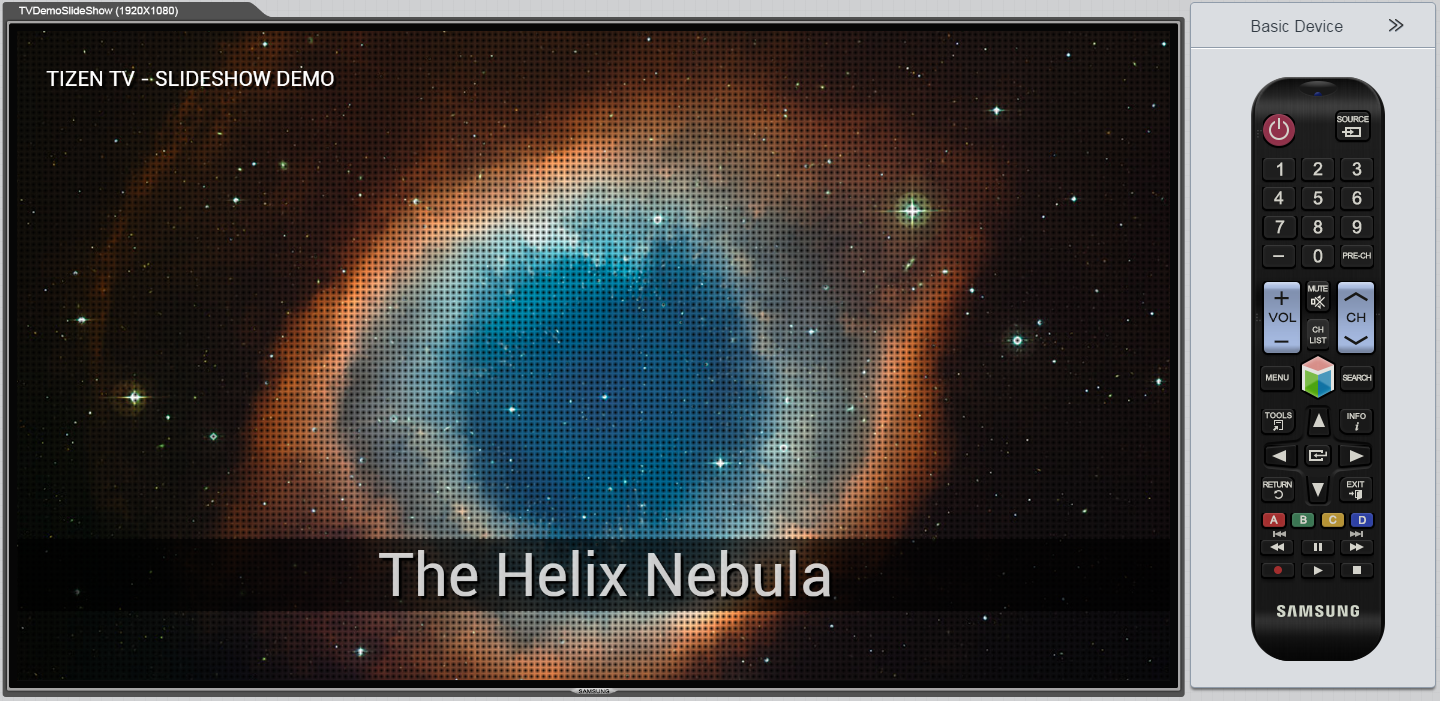
**TVDemoSlideShow** A simple HTML5/CSS3 image slide show:
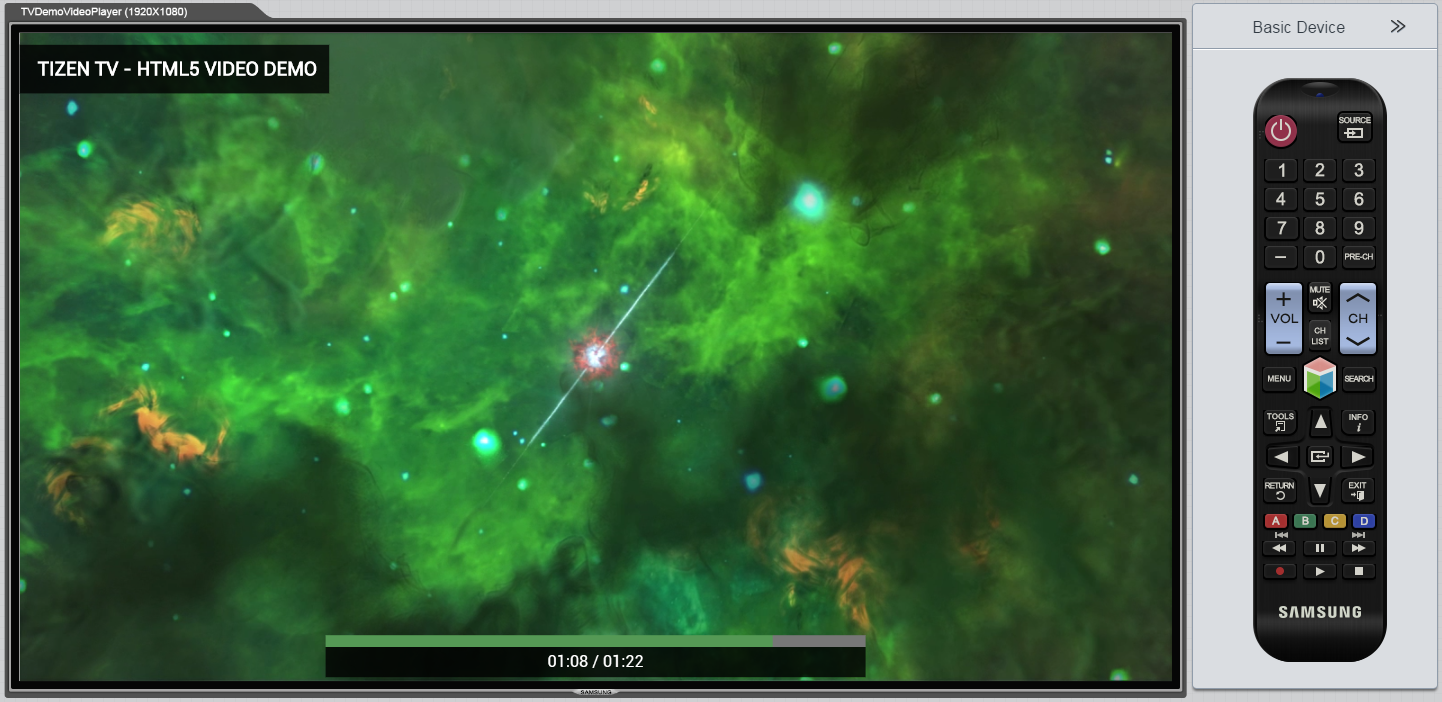
 **TVDemoVideoPlayer** A simple video player app, it uses HTML5 tag video:
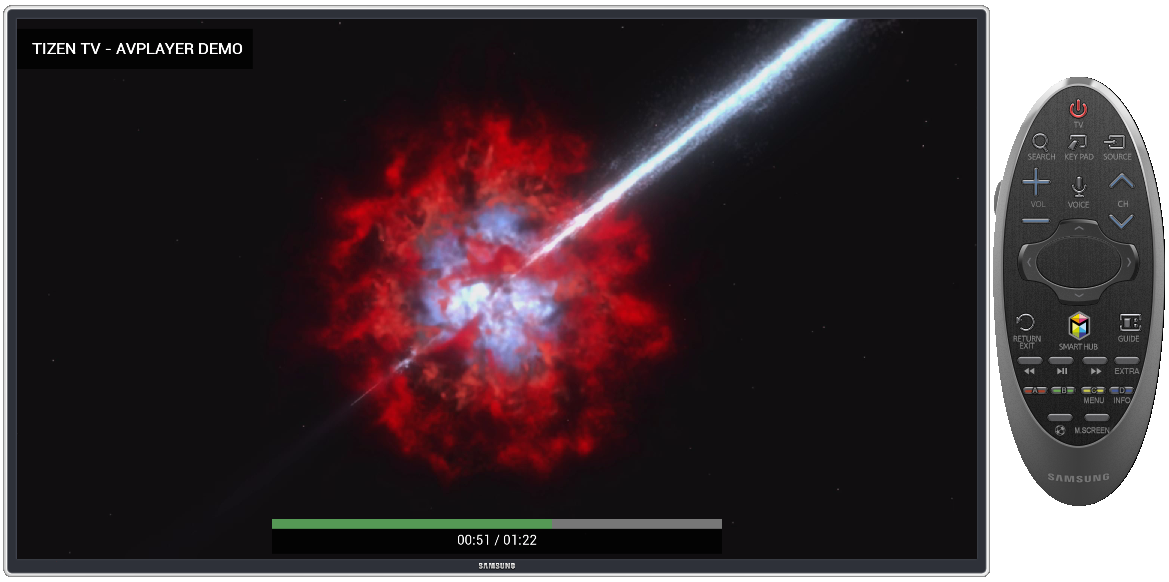
 **TVDemoAvPlay** A simple video player using Tizen WebAPI for AVPlay component (It supports DRMs and streaming engines like DASH, HAS, HLS and SmoothStreaming) Must be tested on TV Tizen Emulator:
 **October 24, 2014**
We are happy to add 2 new apps that use the [Phaser](http://phaser.io/) game library:
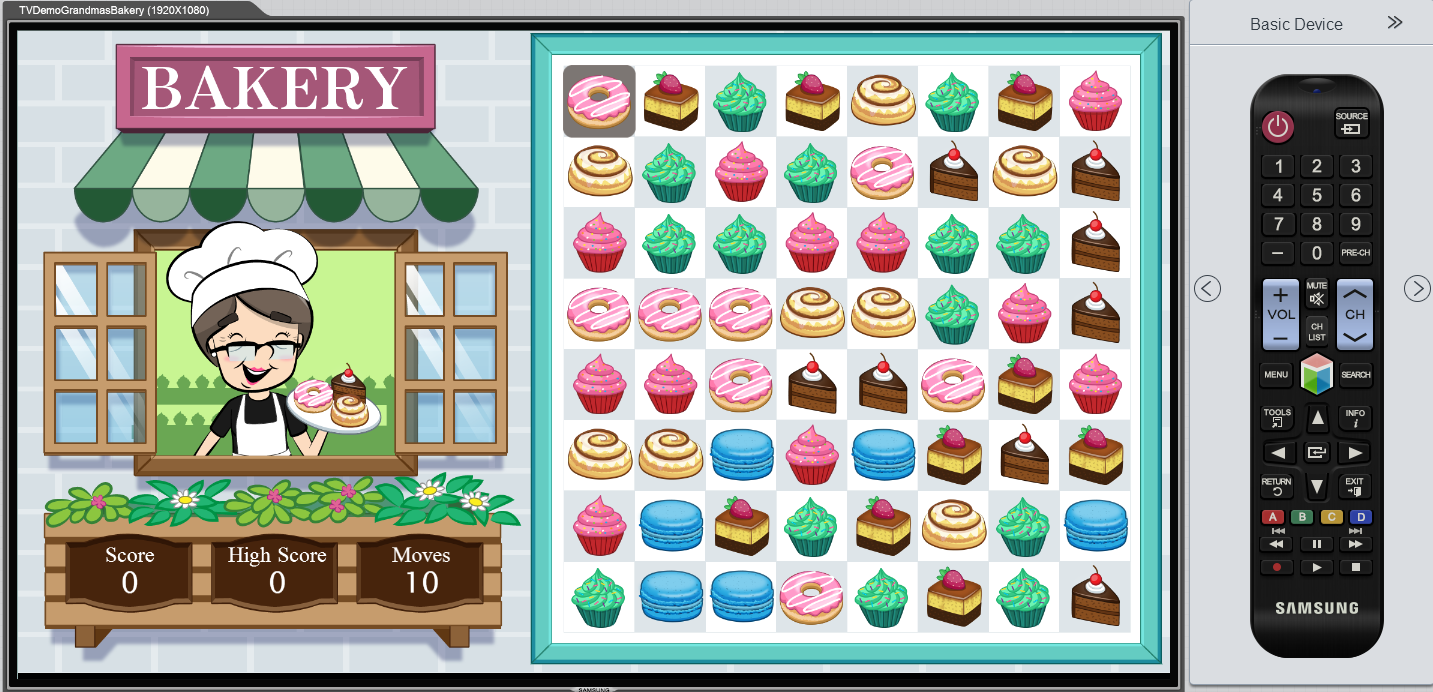
**TVDemoGrandmasBakery** : A match-3 games using the Phaser game library.
**October 24, 2014**
We are happy to add 2 new apps that use the [Phaser](http://phaser.io/) game library:
**TVDemoGrandmasBakery** : A match-3 games using the Phaser game library.
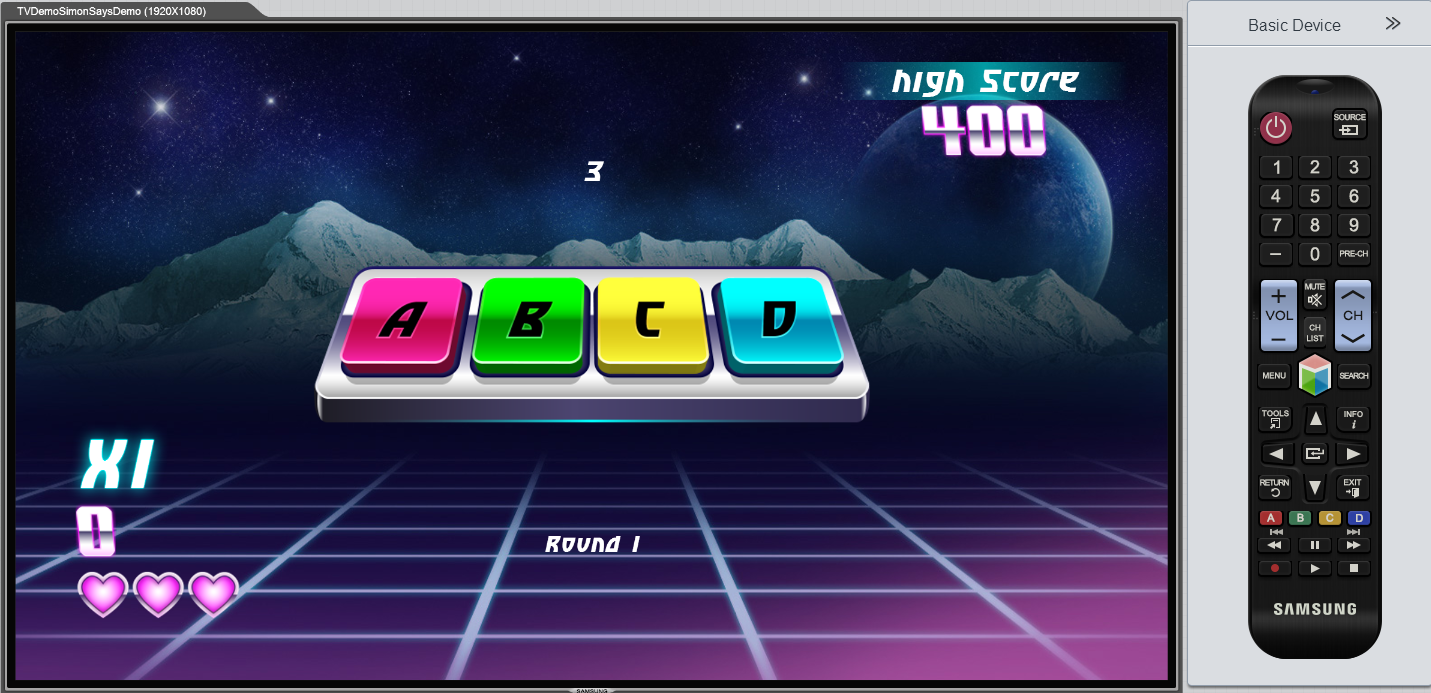
 **TVDemoSimonSaysDemo** : A "Simon Says" games using the Phaser game library.
 **August 12, 2014**
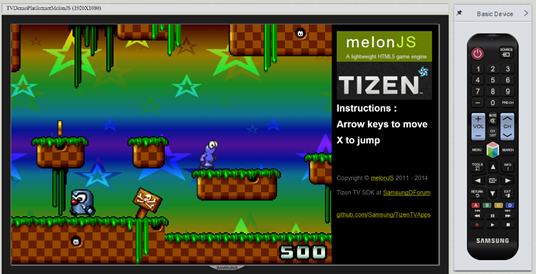
**TVDemoPlatformerMelonJS** : A port of the MelonJS game demo application.
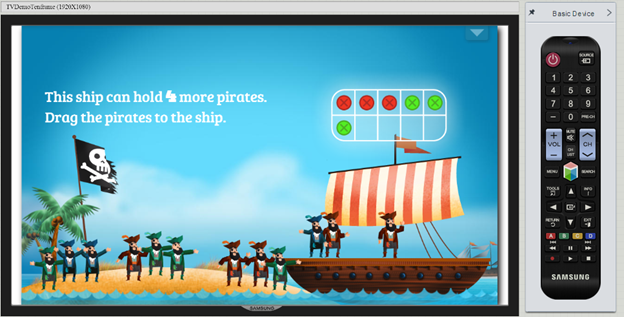
**TVDemoTenframe** : A port of a Tizen demo showing an educational application.
How to Run
------------
- Clone this repository to your desktop
- Install the Tizen TV Web SDK 1.5 (available here: http://www.samsungdforum.com/TizenDevtools/SdkDownload )
- Launch the Tizen IDE and import each app's folder into your workspace
- After important, right-click on the app's folder and choose
Run As > Tizen TV Web Simulator Application (Samsung TV)
- NOTE: If you are running latest Tizen IDE and try running these projects, you might get following error.
{code}
Cannot run program "tizen-sdk/tools/sec_tv_websimulator/node-webkit.app/Contents/MacOS/node-webkit": error=2, No such file or directory.
{code}
- Default IDE settings look like this:
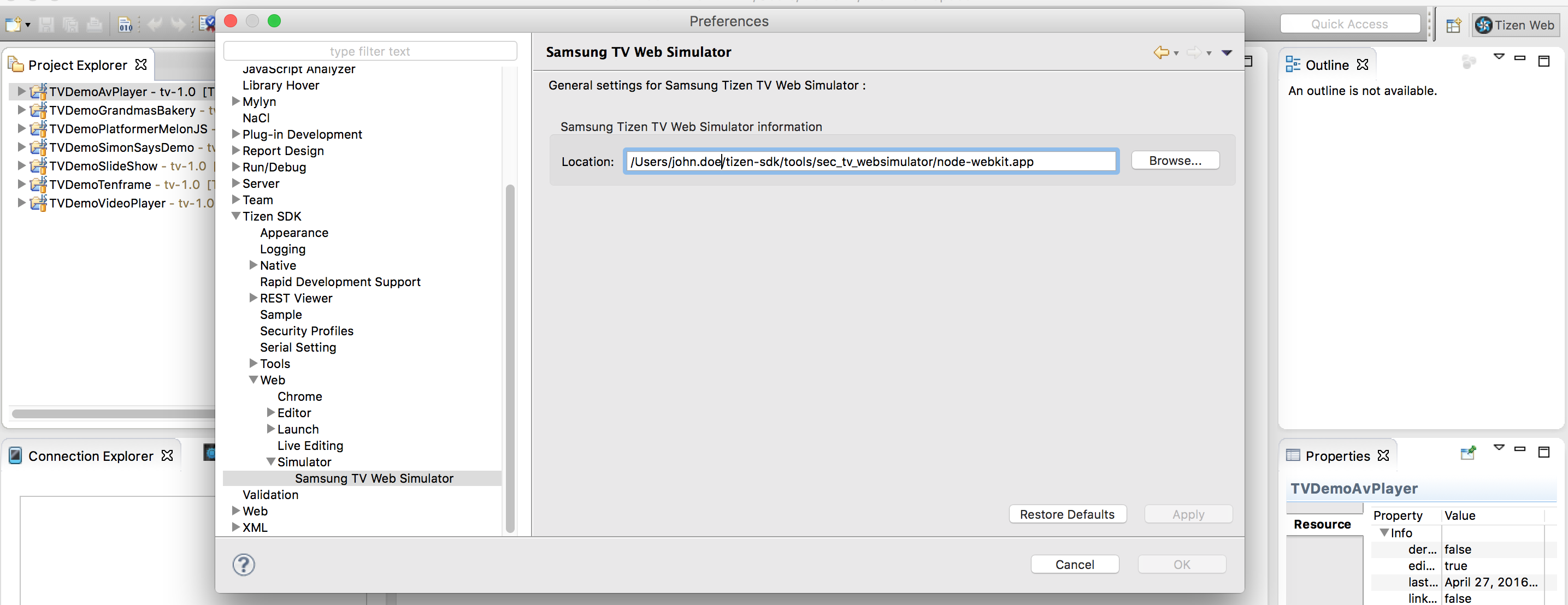
- Make following changes to your IDE configuration in order to make it work.
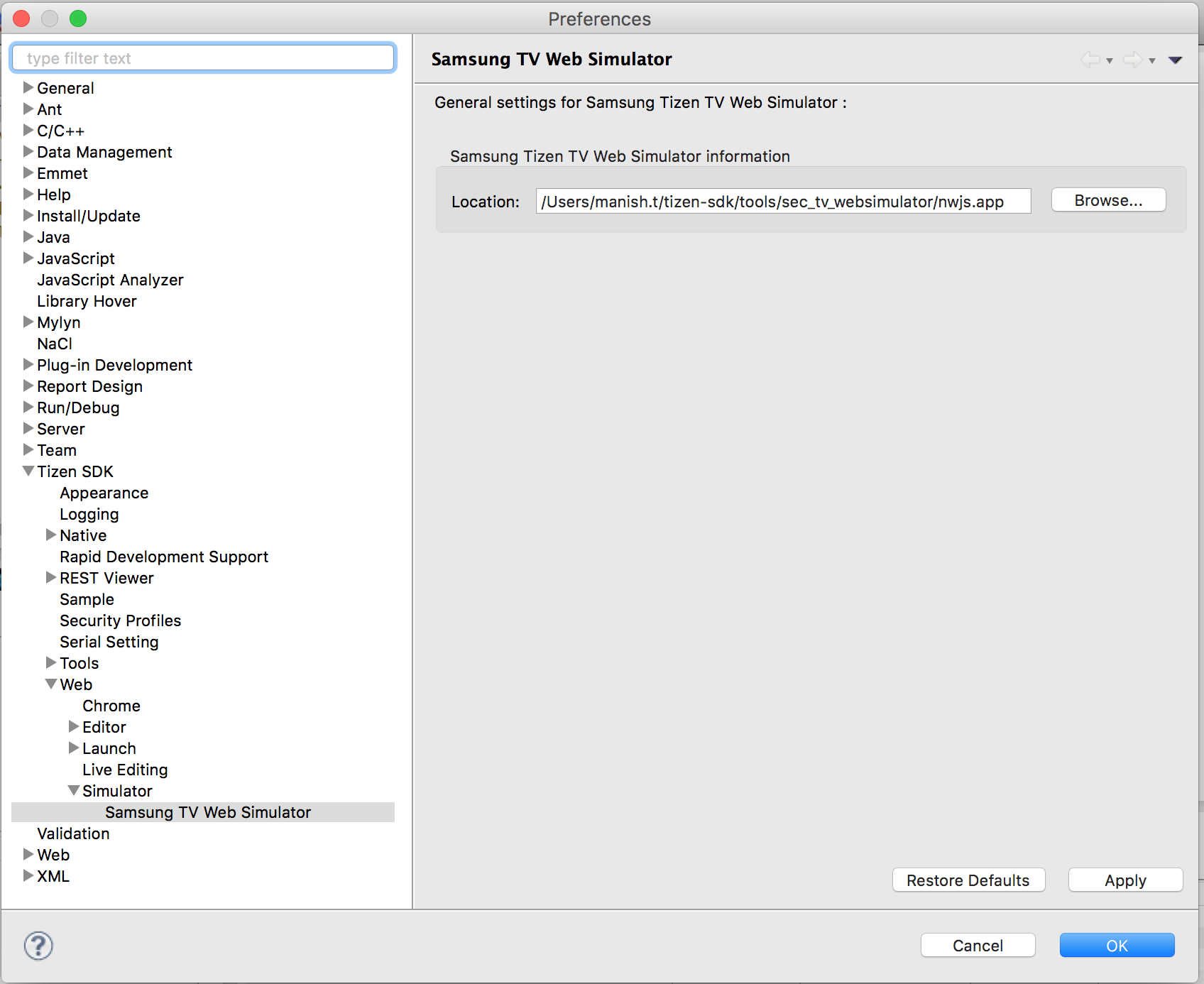
- Go to Tizen SDK directory and navigate to tools/sec_tv_websimulator/nwjs.app/Contents/MacOS/
- rename the file nwjs to node-webkit
Current Issues
------------
* Remote Control events are not working properly. Please use keyboard and/or mouse.
Credits
------------
Original MelonJS Demo App: http://melonjs.github.io/tutorial-platformer/
Additional Tizen HTML5 Apps: https://developer.tizen.org/downloads/sample-web-applications
Phaser homepage: http://phaser.io/
**August 12, 2014**
**TVDemoPlatformerMelonJS** : A port of the MelonJS game demo application.

**TVDemoTenframe** : A port of a Tizen demo showing an educational application.

How to Run
------------
- Clone this repository to your desktop
- Install the Tizen TV Web SDK 1.5 (available here: http://www.samsungdforum.com/TizenDevtools/SdkDownload )
- Launch the Tizen IDE and import each app's folder into your workspace
- After important, right-click on the app's folder and choose
Run As > Tizen TV Web Simulator Application (Samsung TV)
- NOTE: If you are running latest Tizen IDE and try running these projects, you might get following error.
{code}
Cannot run program "tizen-sdk/tools/sec_tv_websimulator/node-webkit.app/Contents/MacOS/node-webkit": error=2, No such file or directory.
{code}
- Default IDE settings look like this:

- Make following changes to your IDE configuration in order to make it work.

- Go to Tizen SDK directory and navigate to tools/sec_tv_websimulator/nwjs.app/Contents/MacOS/
- rename the file nwjs to node-webkit
Current Issues
------------
* Remote Control events are not working properly. Please use keyboard and/or mouse.
Credits
------------
Original MelonJS Demo App: http://melonjs.github.io/tutorial-platformer/
Additional Tizen HTML5 Apps: https://developer.tizen.org/downloads/sample-web-applications
Phaser homepage: http://phaser.io/