# Asciin.py
**Repository Path**: wangeek/Asciin.py
## Basic Information
- **Project Name**: Asciin.py
- **Description**: No description available
- **Primary Language**: Unknown
- **License**: MIT
- **Default Branch**: main
- **Homepage**: None
- **GVP Project**: No
## Statistics
- **Stars**: 0
- **Forks**: 0
- **Created**: 2026-04-21
- **Last Updated**: 2026-05-06
## Categories & Tags
**Categories**: Uncategorized
**Tags**: None
## README
[](https://www.python.org/)
[](https://discord.gg/UmnzdPgn6g)
[](https://pypi.org/project/Asciin.py/)

[](https://asciinpy.readthedocs.io/en/latest/?badge=latest)
A 2D and 3D Ascii Game Engine written purely in Python from ground up with zero external dependencies.
Supports Python versions starting from 3.5.3.
### Status Demo
1. **Matrix Patterns**
Uses `PixelPainters` and `Matrix`.
**[code](https://github.com/Rickaym/Asciin.py/tree/main/examples/matrix_patterns.py)**
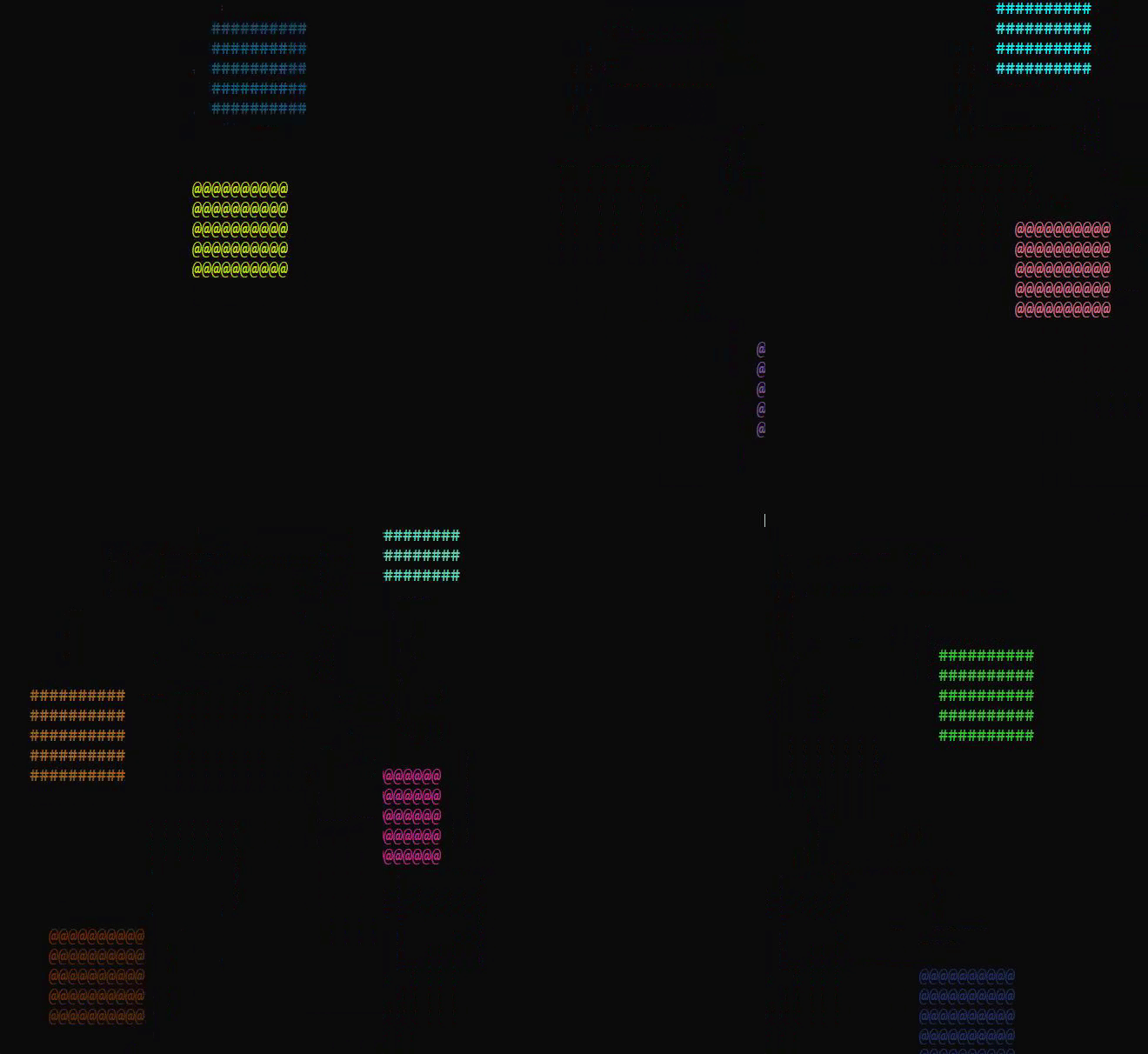
 2. **Colors and Collisions** *NEW in 0.2.0 unreleased*
Uses `Color`, `Square` and `collides_with` for basic 2D planes.
**[code](https://github.com/Rickaym/Asciin.py/tree/main/examples/colors_and_collisions.py)**
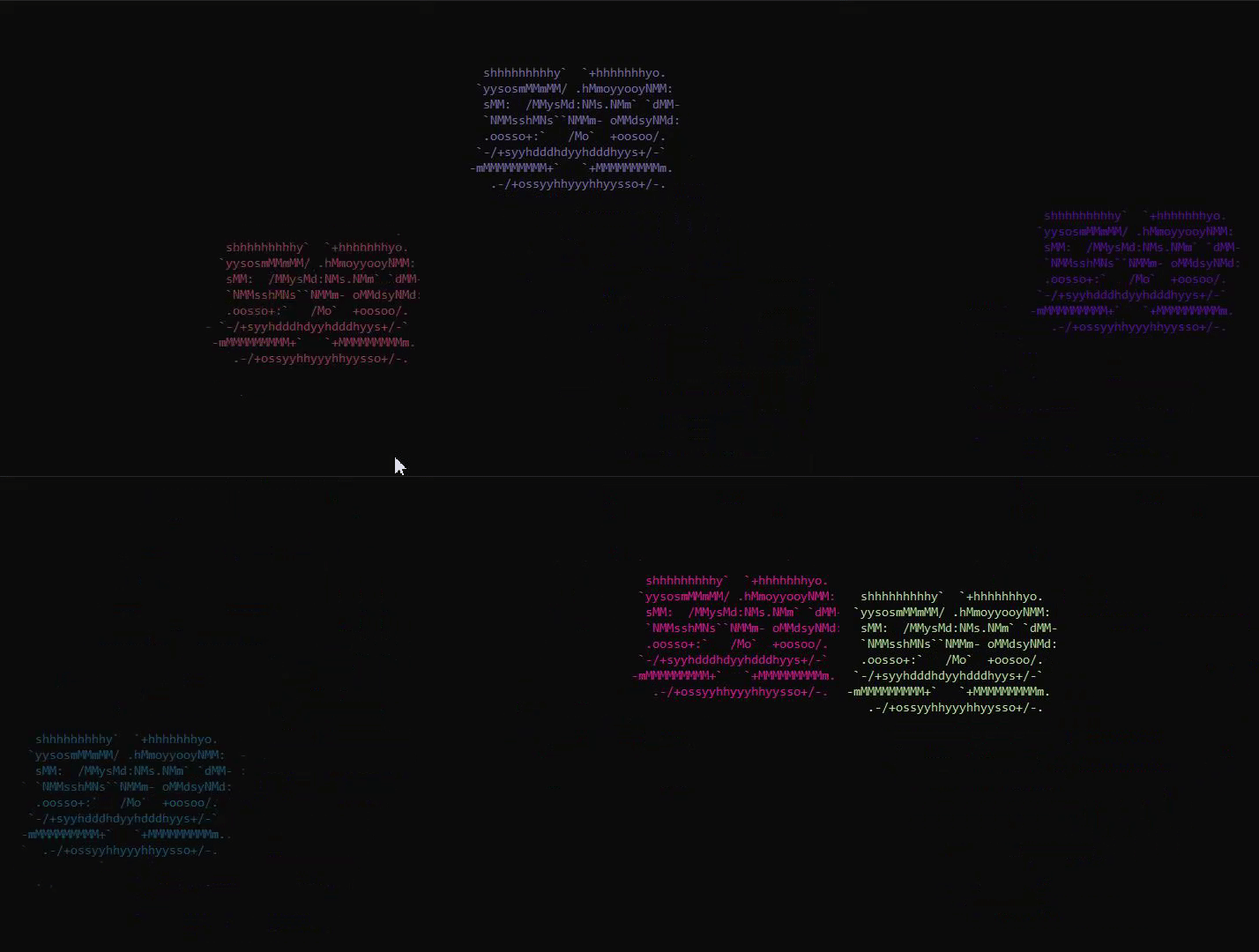
 3. **Screen Saver** *NEW in 0.2.0 unreleased*
Makes a DVD Logo model from scratch and uses `Color`.
**[code](https://github.com/Rickaym/Asciin.py/tree/main/examples/screen_saver.py)**
 ### Installing
I highly discourage using version `0.1.7`, please wait for `0.2.0`!
**Python 3.5.3 or higher is required**
```js
// Windows
py -m pip install -U asciin.py
// Linux/macOS
python -m pip install -U asciin.py
```
### Quick Start
1. Instantiate a `Asciinpy.Window` class with the desired values.
2. Define your game loop and decorate it with the `Asciinpy.Window.loop` decorator that should accept one parameter of type `Screen`.
3. Write some fancy code with or without built-in models to render.
4. Call the `Asciinpy.Window.run` method!
```py
from Asciinpy.screen import Screen, Window
from Asciinpy.values import Resolutions
from Asciinpy._2D import Square
# Define a window
window = Window(resolution=Resolutions.Basic)
@window.loop()
def game_loop(screen: Screen) -> None:
square = Square(coordinate=(0, 0), length=8, texture="%")
while True:
screen.blit(square)
screen.refresh()
if __name__ == "__main__":
window.run()
```
### Installing
I highly discourage using version `0.1.7`, please wait for `0.2.0`!
**Python 3.5.3 or higher is required**
```js
// Windows
py -m pip install -U asciin.py
// Linux/macOS
python -m pip install -U asciin.py
```
### Quick Start
1. Instantiate a `Asciinpy.Window` class with the desired values.
2. Define your game loop and decorate it with the `Asciinpy.Window.loop` decorator that should accept one parameter of type `Screen`.
3. Write some fancy code with or without built-in models to render.
4. Call the `Asciinpy.Window.run` method!
```py
from Asciinpy.screen import Screen, Window
from Asciinpy.values import Resolutions
from Asciinpy._2D import Square
# Define a window
window = Window(resolution=Resolutions.Basic)
@window.loop()
def game_loop(screen: Screen) -> None:
square = Square(coordinate=(0, 0), length=8, texture="%")
while True:
screen.blit(square)
screen.refresh()
if __name__ == "__main__":
window.run()
```