# diffusionbee-stable-diffusion-ui1
**Repository Path**: warera/diffusionbee-stable-diffusion-ui1
## Basic Information
- **Project Name**: diffusionbee-stable-diffusion-ui1
- **Description**: No description available
- **Primary Language**: Unknown
- **License**: AGPL-3.0
- **Default Branch**: master
- **Homepage**: None
- **GVP Project**: No
## Statistics
- **Stars**: 0
- **Forks**: 0
- **Created**: 2024-01-31
- **Last Updated**: 2024-01-31
## Categories & Tags
**Categories**: Uncategorized
**Tags**: None
## README
# Diffusion Bee - Stable Diffusion GUI App for MacOS
[](https://twitter.com/divamgupta)
### Diffusion Bee is the easiest way to run Stable Diffusion locally on your Intel / M1 Mac. Comes with a one-click installer. No dependencies or technical knowledge needed.
* Runs locally on your computer no data is sent to the cloud ( other than request to download the weights or unless you chose to upload an image ).
* *If you like Diffusion Bee, consider checking https://Liner.ai , a one-click tool to train machine learning models*
[](https://diffusionbee.com/)
Download at https://diffusionbee.com/
For prompt ideas visit https://arthub.ai
Join discord server : https://discord.gg/t6rC5RaJQn
## Features
* Full data privacy - nothing is sent to the cloud ( unless you chose to upload an image )
* Clean and easy to use UI with one-click installer
* Image to image
* Supported models : - SD 1.x, SD 2.x, SD XL, Inpainting, ControlNet, LoRA
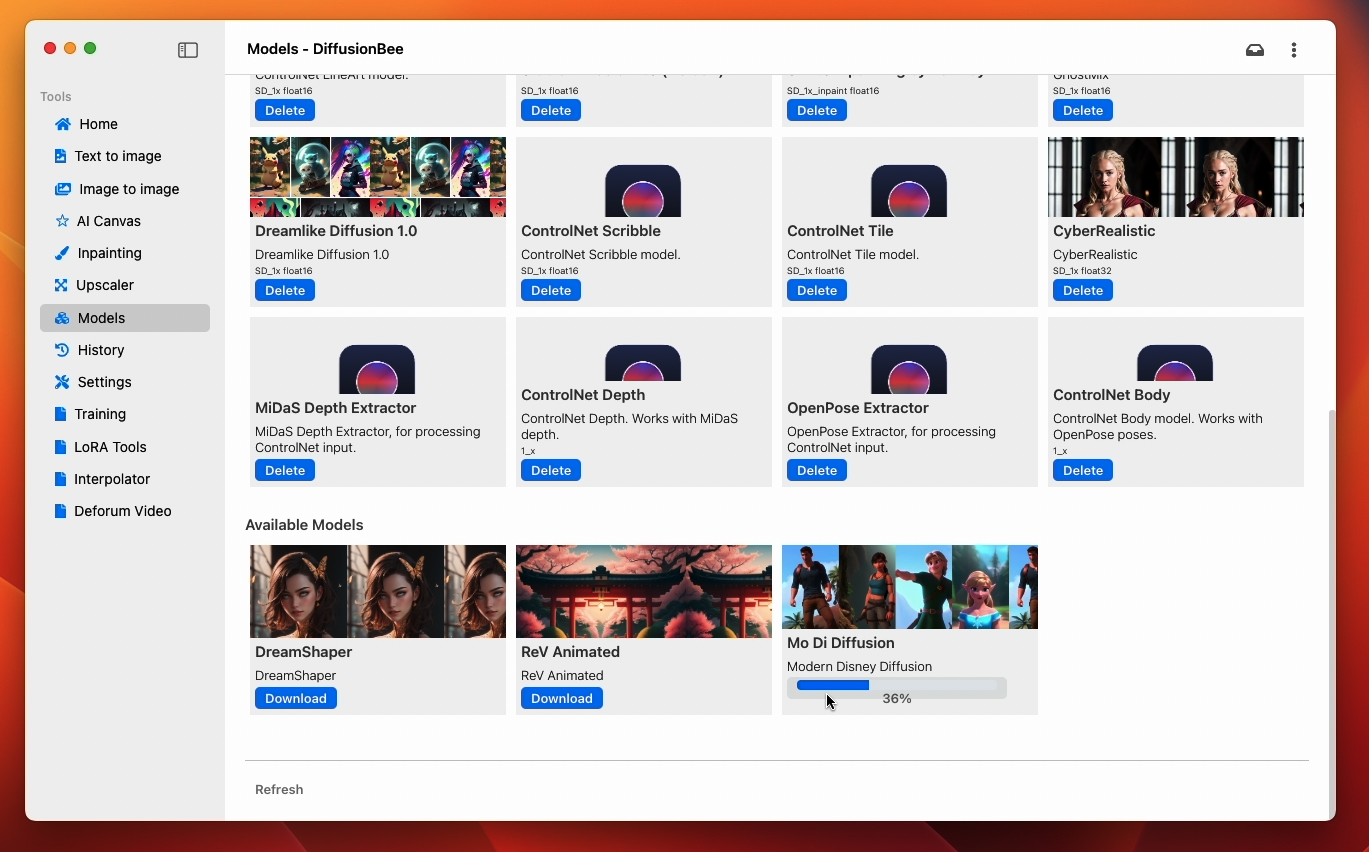
* Download models from the app
* In-painting
* Out-painting
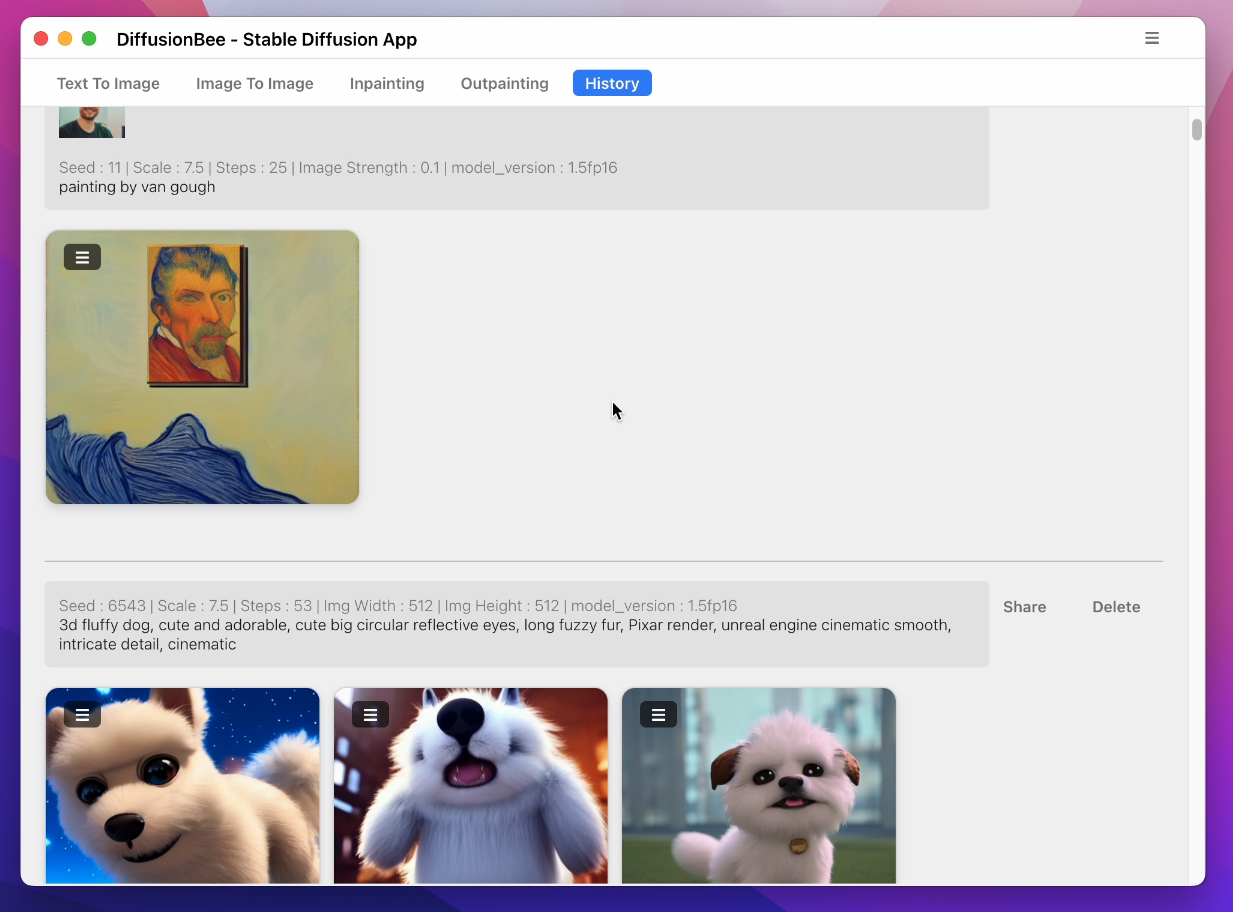
* Generation history
* Upscaling images
* Multiple image sizes
* Optimized for M1/M2 Chips
* Runs locally on your computer
* Negative prompts
* Advanced prompt options
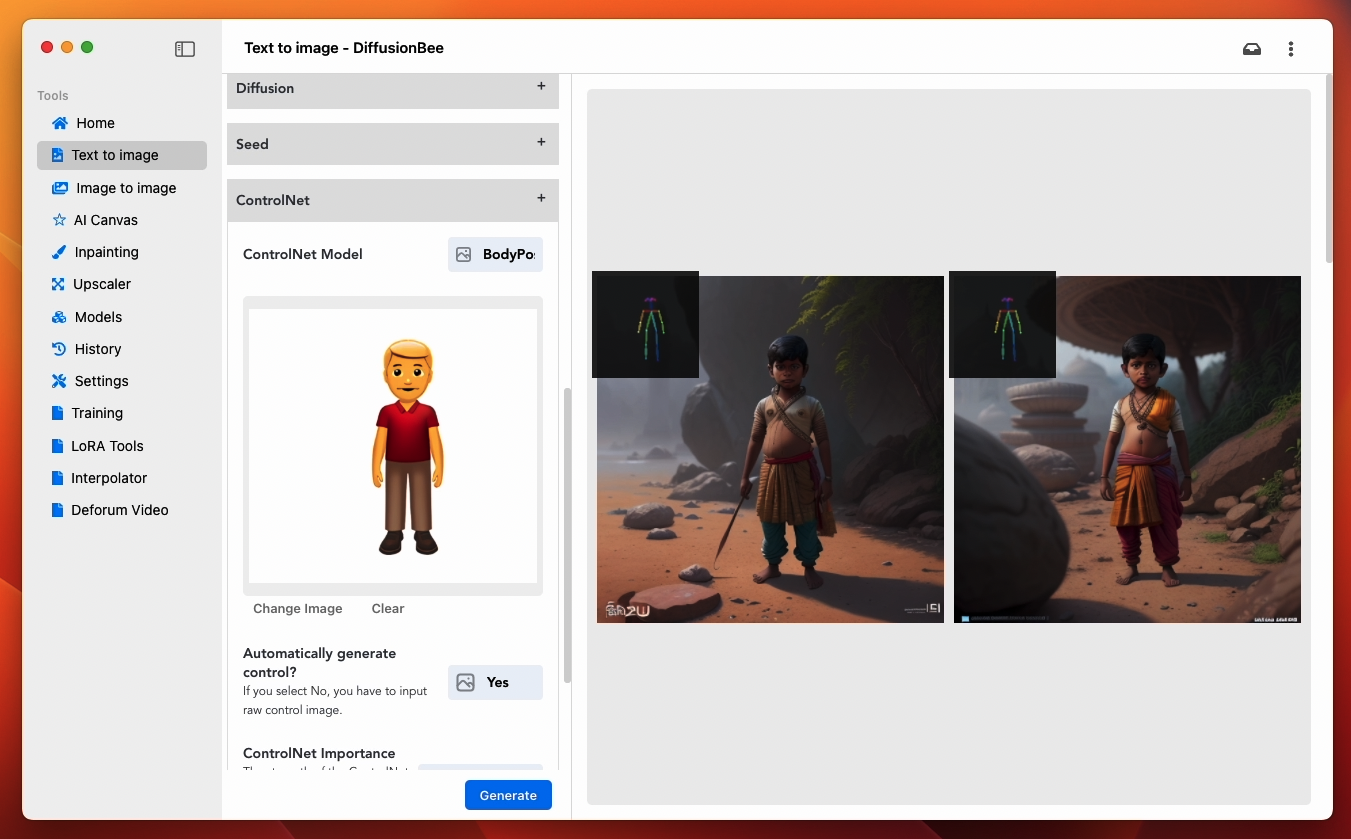
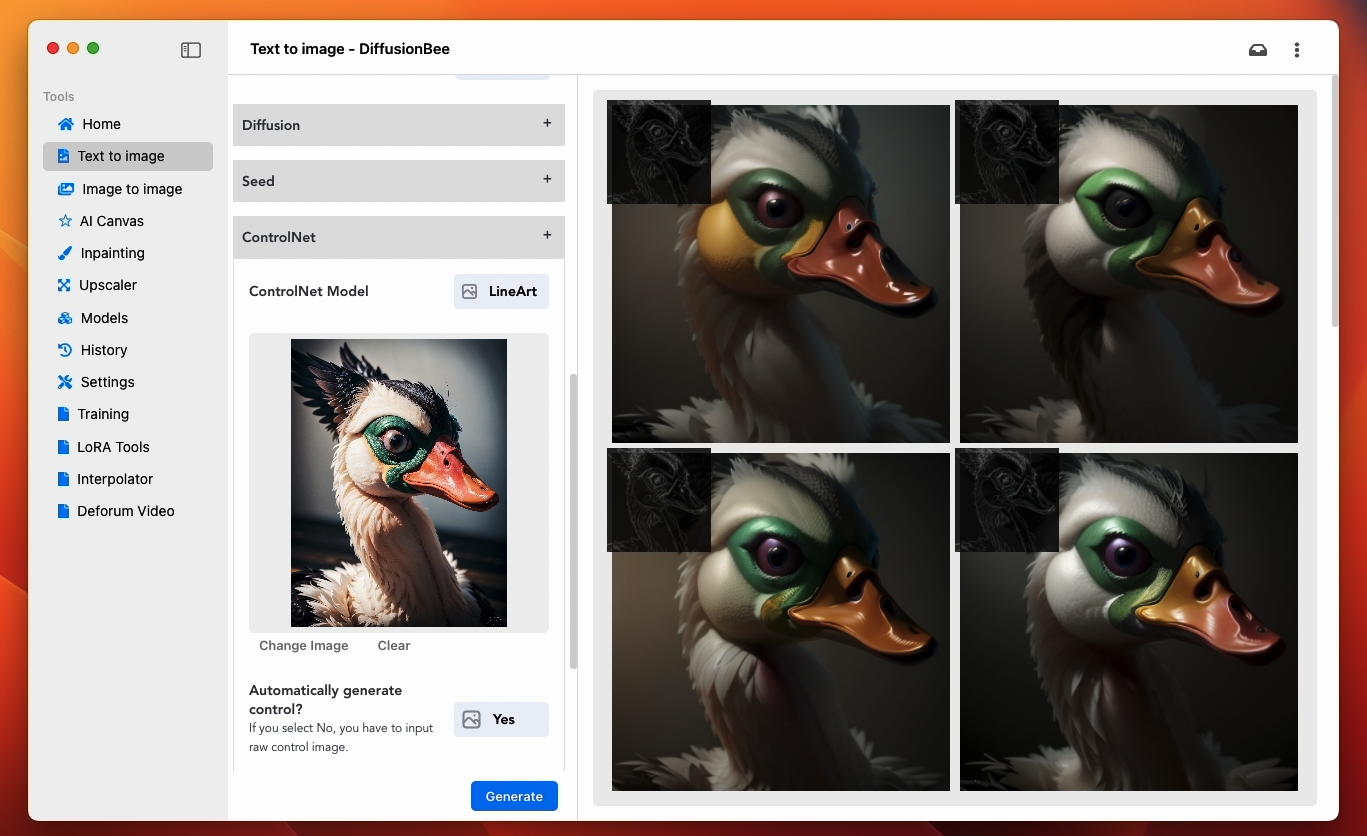
* ControlNet
## How to use
1) Download and start the application

2) Enter a prompt and click generate
Text to image:
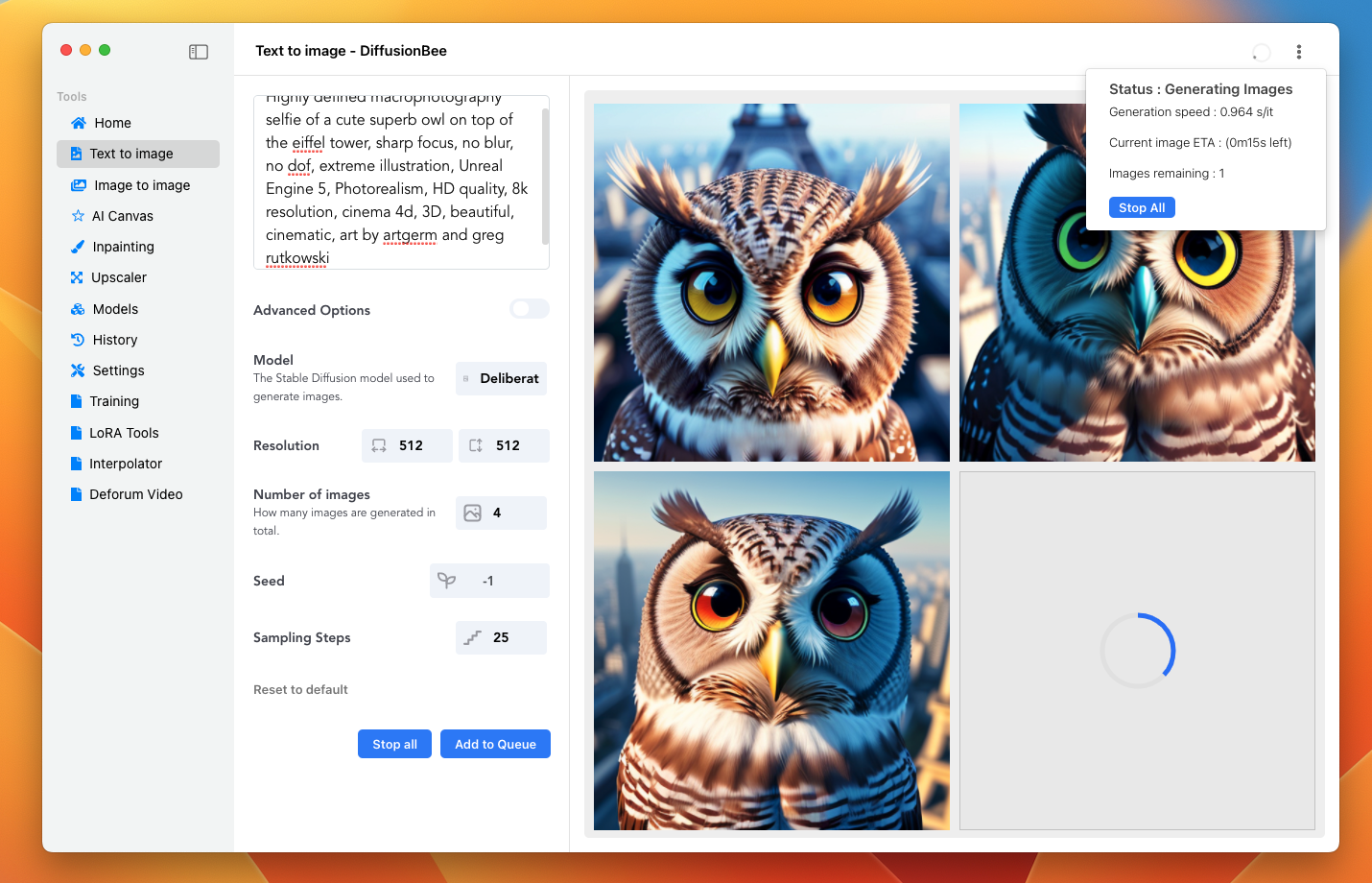
Image to image:

Multiple Apps:
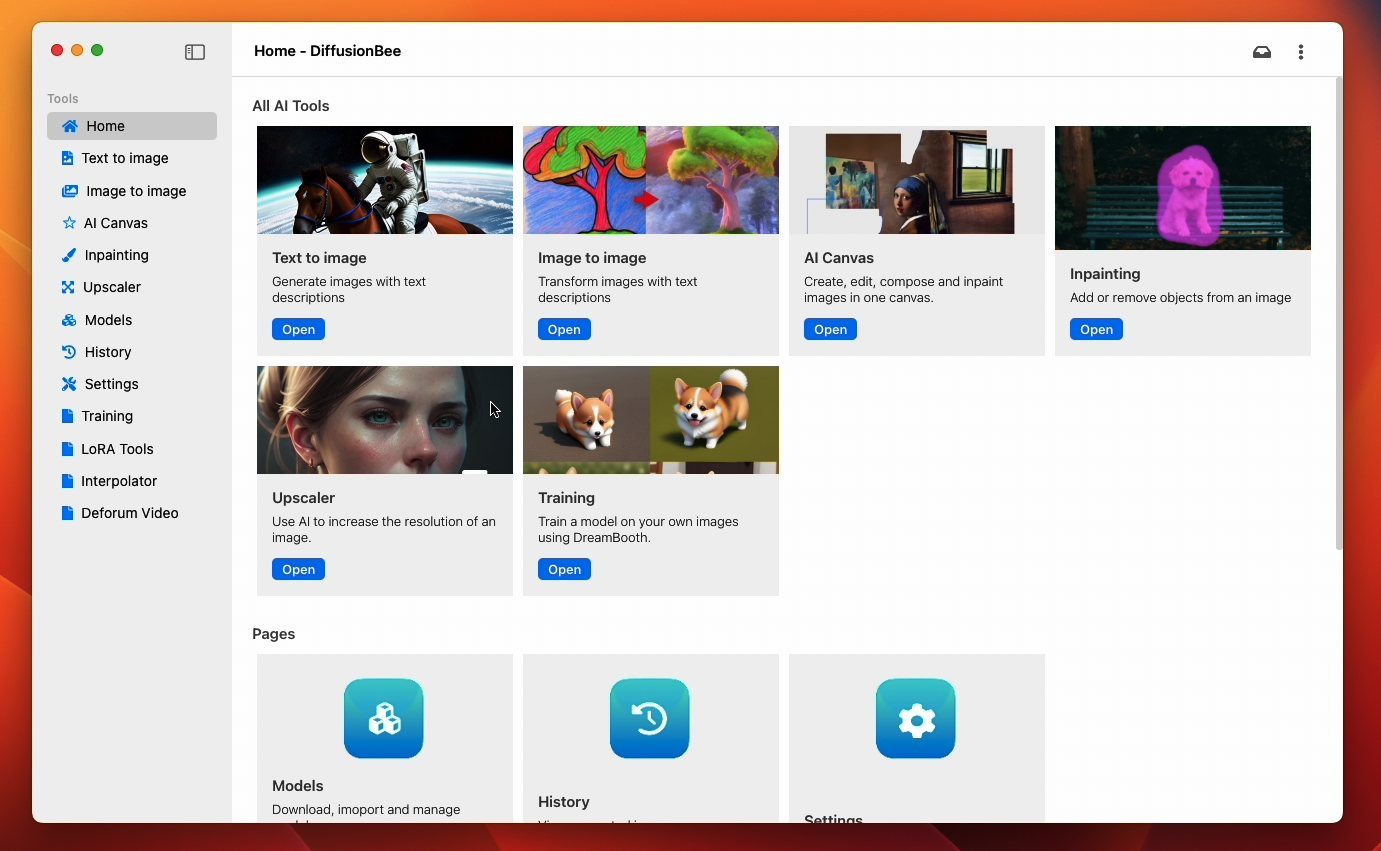
Image to image with mask:

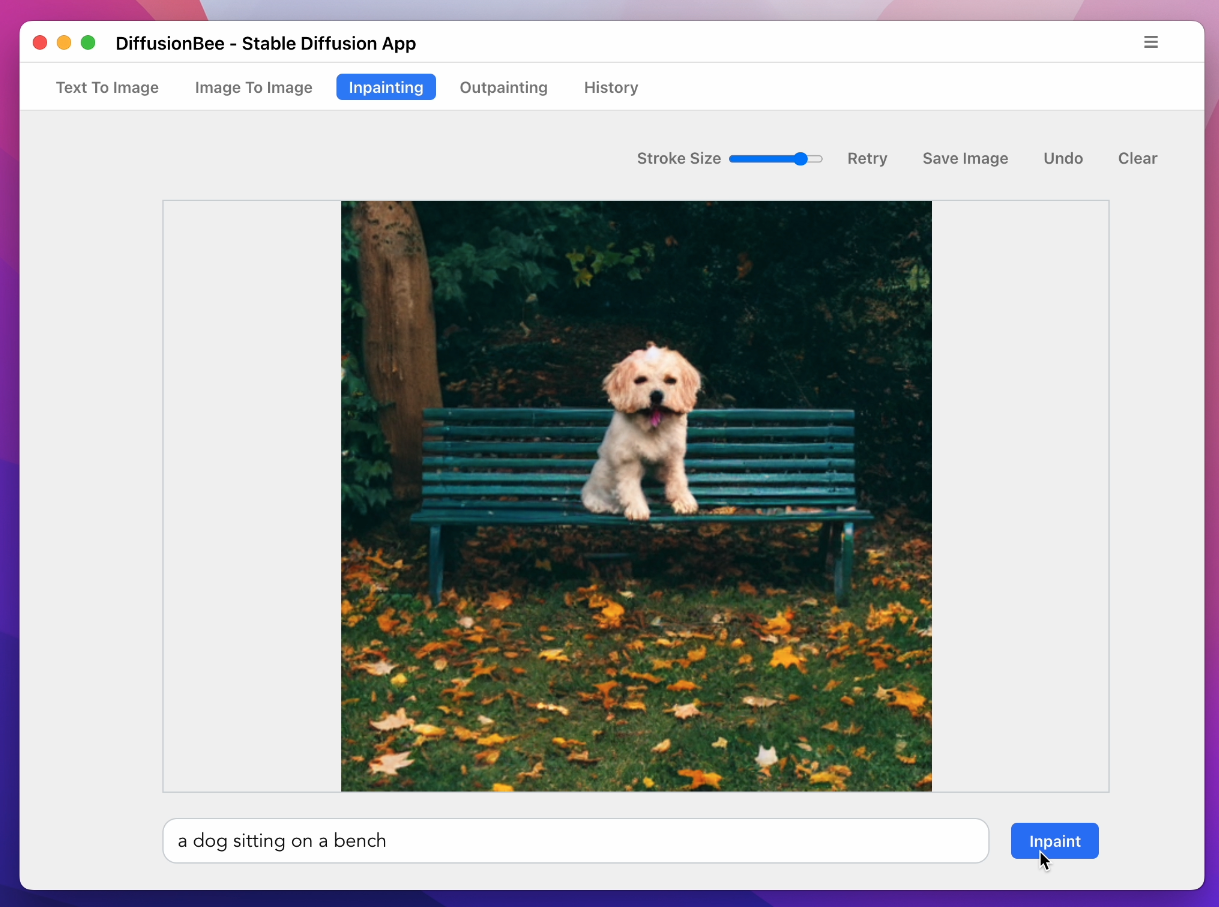
Inpainting:

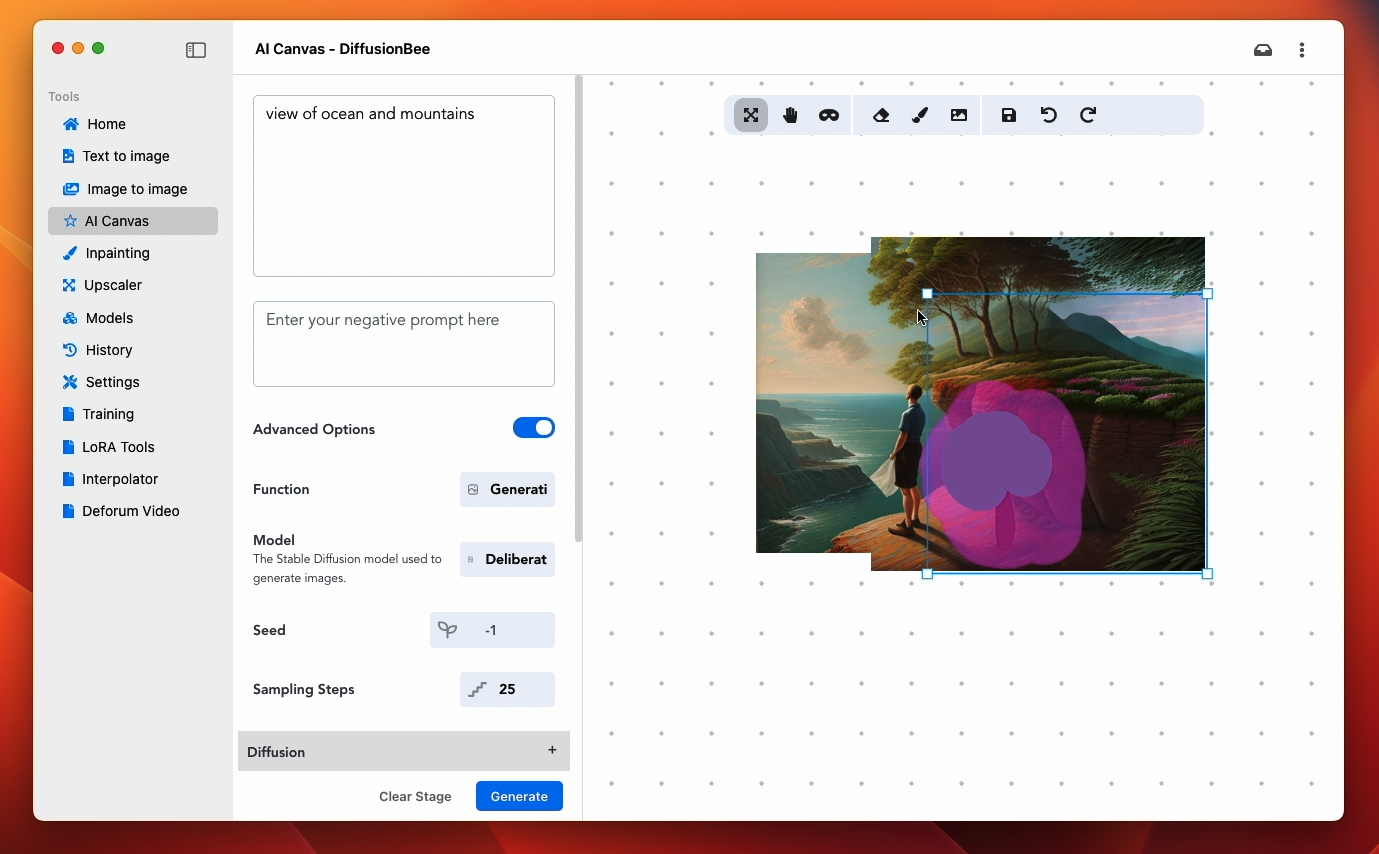
Advanced AI Canvas:

ControlNet:
Download Models:
History:
### To learn more, visit the [documentation](https://github.com/divamgupta/diffusionbee-stable-diffusion-ui/blob/master/docs/DOCUMENTATION.md).
## Requirements
* Mac with Intel or M1/M2 CPU
* For Intel : MacOS 12.3.1 or later
* For M1/M2 : MacOS 11.0.0 or later
License : Stable Diffusion is released under the CreativeML OpenRAIL M license : https://github.com/CompVis/stable-diffusion/blob/main/LICENSE
Diffusion Bee is just a GUI wrapper on top of Stable Diffusion, so all the term of Stable Diffusion are applied on the outputs.
References
1) https://github.com/CompVis/stable-diffusion
2) https://github.com/madebyollin/maple-diffusion
3) https://github.com/divamgupta/stable-diffusion-tensorflow
4) https://github.com/liuliu/swift-diffusion (big thanks to Liu Liu)
5) https://github.com/huggingface/diffusers