# frappe_alerts
**Repository Path**: webvip/frappe_alerts
## Basic Information
- **Project Name**: frappe_alerts
- **Description**: 系统通知应用
- **Primary Language**: Unknown
- **License**: MIT
- **Default Branch**: main
- **Homepage**: None
- **GVP Project**: No
## Statistics
- **Stars**: 0
- **Forks**: 1
- **Created**: 2025-12-10
- **Last Updated**: 2026-04-19
## Categories & Tags
**Categories**: Uncategorized
**Tags**: None
## README
# Frappe Alerts
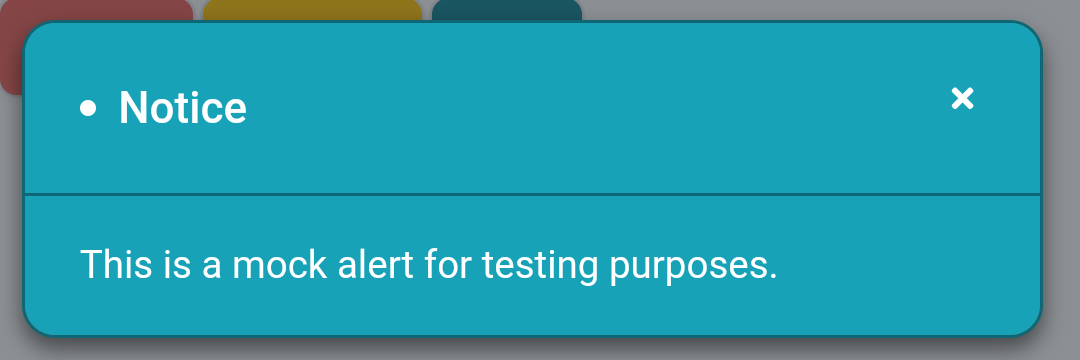
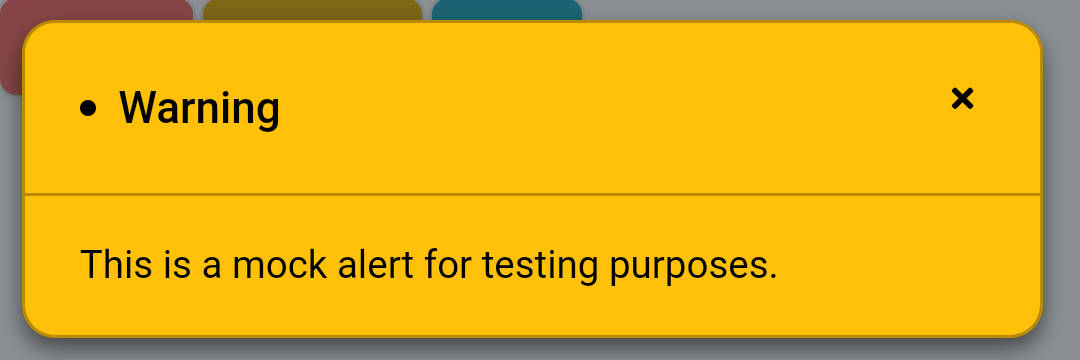
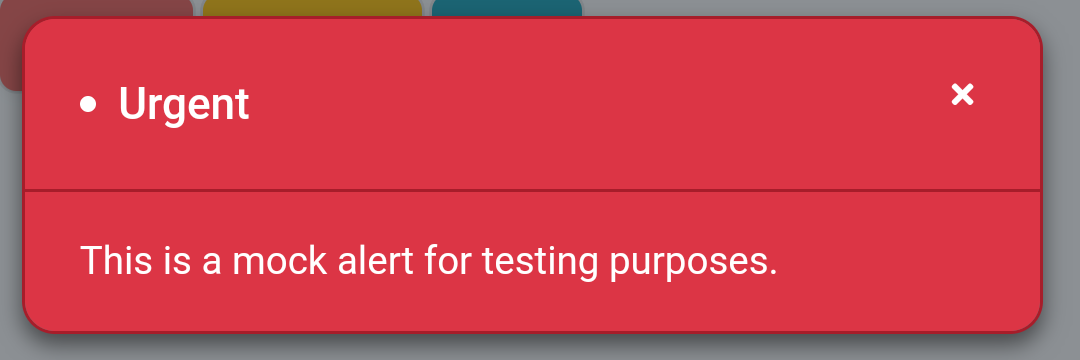
A small **Frappe** module that displays custom alerts to specific recipients after login.

**Apologies in advance for any problem or bug you face with this module.**
**Please report any problem or bug you face so it can be fixed.**
---
---
### Contributors
**The list of people who deserves more than a simple "Thank You".**
- [](https://github.com/git-avc)
- [](https://github.com/lan9635)
- [](https://github.com/satishkakani)
- [](https://github.com/neomrx)
- [](https://github.com/rahulrajeevihg)
---
### Table of Contents
- [Requirements](#requirements)
- [Setup](#setup)
- [Install](#install)
- [Update](#update)
- [Uninstall](#uninstall)
- [Usage](#usage)
- [Issues](#issues)
- [License](#license)
---
### Requirements
- Frappe >= v12.0.0
---
### Setup
⚠️ *Important* ⚠️
*Do not forget to replace [sitename] with the name of your site in all commands.*
#### Install
1. Go to bench directory
```
cd ~/frappe-bench
```
2. Get plugin from Github
```
bench get-app https://github.com/kid1194/frappe_alerts
```
3. Build plugin files
```
bench build --app alerts
```
4. Install plugin on a specific site
```
bench --site [sitename] install-app alerts
```
5. Restart bench to clear cache
```
bench restart
```
#### Update
1. Go to app directory
```
cd ~/frappe-bench/apps/alerts
```
2. Get updates from Github
```
git pull
```
3. Go back to bench directory
```
cd ~/frappe-bench
```
4. Build plugin files
```
bench build --app alerts
```
5. Update a specific site
```
bench --site [sitename] migrate
```
6. Restart bench to clear cache
```
bench restart
```
#### Uninstall
1. Go to bench directory
```
cd ~/frappe-bench
```
2. Uninstall plugin from a specific site
```
bench --site [sitename] uninstall-app alerts
```
3. Remove plugin from bench
```
bench remove-app alerts
```
4. Restart bench to clear cache
```
bench restart
```
---
### Usage
### Alert Type
- Go to `Alert Type` then create a new type
- Enter the type name
- Set the `Display Priority` if needed
- To make alerts of this type close automatically:
- Set the `Display Timeout (Seconds)` or keep as `0` to disable the automatic close
- Fraction numbers can also be used, like `1.5`, to set a more specific timeout
- To customize the alert sound:
- Select the `Display Sound` that you prefer
- Select `Custom` option to be able to upload a `Custom Display Sound`
- Select `None` to disable the `Display Sound`
- To customize the look of the alert:
- Change the `Background Color`, `Border Color`, `Title Color` and `Content Color` for both, **Light** and **Dark** themes
- After saving form, click on `Preview` to see how the custom style will look
### Alert
- Go to `Alert` and create new entry
- Select an `Alert Type` and change the alert `Title`, if needed
- Set the `From Date` and `Until Date` to specify the alert duration
- Enter and format the `Message` of alert
- Set the `For Roles` and/or the `For Users` to specify the alert recipients
- Check `Is Repeatable` to display the alert more than once, and set the `Number of Repeats`
- After submitting the alert:
- The `Seen By` table will be visible and will include all the reached users and datetime of reach
- In list view, check the total number of unique users the alert has `Reached`
### Alerts Settings
- Go to `Alerts Settings` to enable or disable the module
- If realtime events isn't working for some reason:
- Check `Use Fallback Sync Method` field to enable using the fallback method
- Set the `Fallback Sync Delay` field with the number of minutes to wait between sync requests
⚠️ *Note:* When using the fallback sync method, the lower the `Fallback Sync Delay`, the more sync requests sent to server.
---
### Issues
If you find bug in the plugin, please create a [bug report](https://github.com/kid1194/frappe_alerts/issues/new?assignees=kid1194&labels=bug&template=bug_report.md&title=%5BBUG%5D) and let us know about it.
---
### License
This repository has been released under the [MIT License](https://github.com/kid1194/frappe_alerts/blob/main/LICENSE).