# vue图片上传插件
**Repository Path**: weloves/vue_picture_upload_plugin
## Basic Information
- **Project Name**: vue图片上传插件
- **Description**: No description available
- **Primary Language**: Unknown
- **License**: Not specified
- **Default Branch**: master
- **Homepage**: None
- **GVP Project**: No
## Statistics
- **Stars**: 0
- **Forks**: 0
- **Created**: 2018-06-08
- **Last Updated**: 2021-05-28
## Categories & Tags
**Categories**: Uncategorized
**Tags**: None
## README
# vue-easy-uploader


> 一个基于Vue的移动端多文件上传插件,支持常见图片的上传。


### 特性
- 多文件上传
- 上传图片预览
- 上传状态监测
- 删除指定图片
- 清空图片
- 重新上传
### 安装
```bash
npm i vue-easy-uploader --save
```
### 使用
在入口文件`main.js`中加入以下代码:
```js
import Vue from 'vue'
import Vuex from 'vuex'
import uploader from 'vue-easy-uploader'
let store = new Vuex.Store({})
Vue.use(uploader, store)
```
插件内部设置了状态管理,因此需要vuex的支持。
### 在Vue组件中使用
```html
```
#### 参数说明
```
url: 上传接口路径
```
需要与后端约定上传格式,使用表单提交方式,后端需获取`input[type='file']`的`name`属性,默认为`name="imgFiles[0]"`、`name="imgFiles[1]"` ...数组序号从0递增。
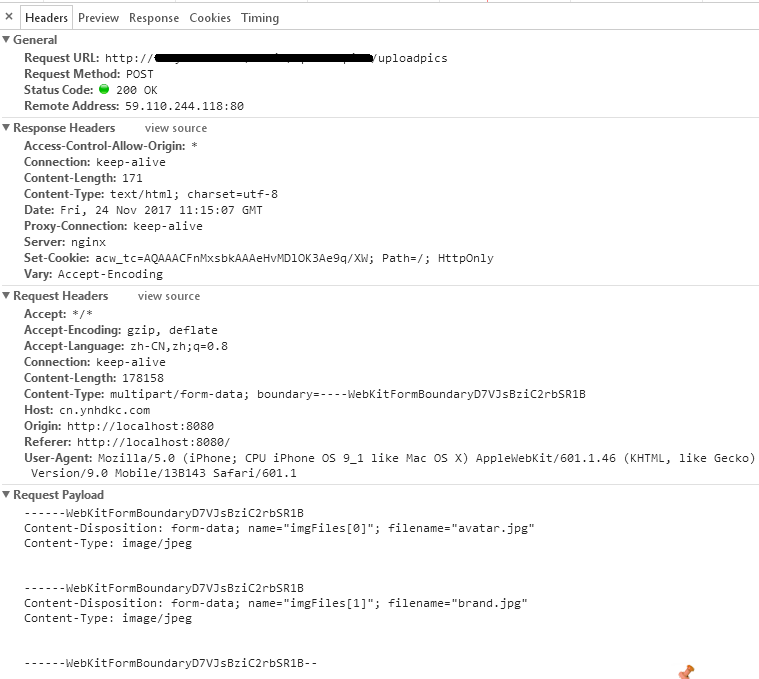
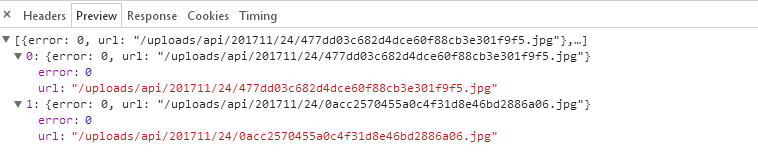
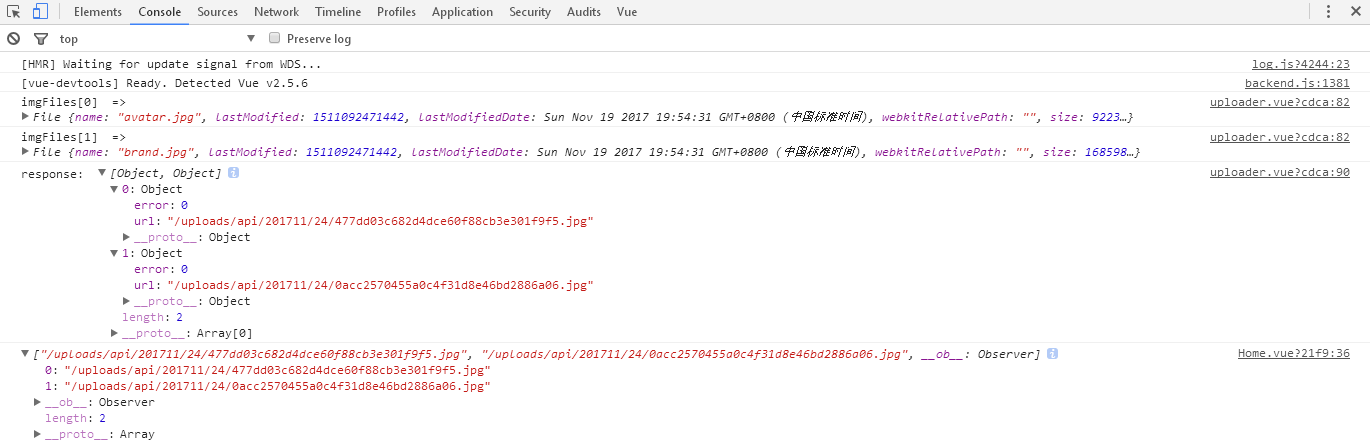
上传成功时返回的数据如下:
### 示例代码
```vue
```
#### 状态管理
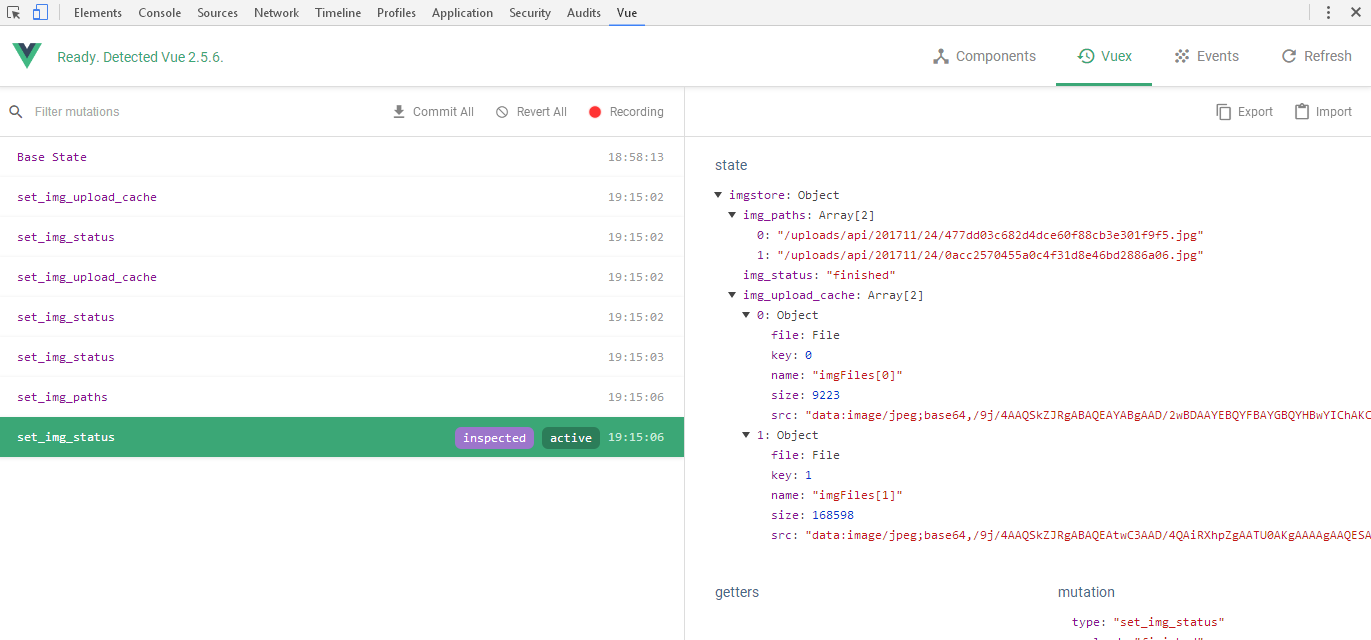
状态管理存储在state.imgstore中,包括:
```json
state.imgstore.img_upload_cache # 上传文件缓存
state.imgstore.img_status # 上传状态,包括 ready selected uploading finished
state.imgstore.img_paths # 上传后的路径反馈数组(数据结构为Set集合)
```
#### img_status
整个上传过程都通过`img_status`判断,包括以下几个状态:
```bash
ready # 上传开始前的准备状态
selected # 已选择上传文件
uploading # 开始上传
finished # 上传完毕
```
#### 开始上传
```js
this.$store.commit('set_img_status', 'uploading')
```
只需要改变状态管理中的`img_status`为`uploading`即可。
#### 上传完成
```js
methods: {
submit () {
// some code
}
}
computed: {
...mapState({
imgStatus: state => state.imgstore.img_status
})
},
watch: {
imgStatus () {
if (this.imgStatus === 'finished') {
this.submit()
}
}
}
```
监视`state.imgstore.img_status`,当状态变为`finished`时,执行文件上传完成后的回调。
详细的示例可访问本项目的 [GitHub地址](https://github.com/quanzaiyu/vue-easy-uploader) 。